
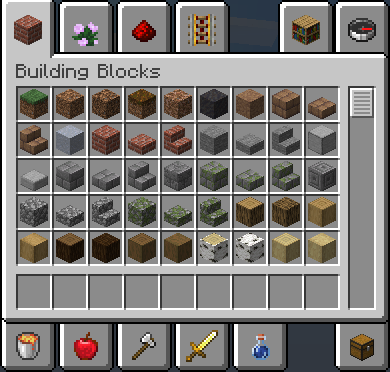
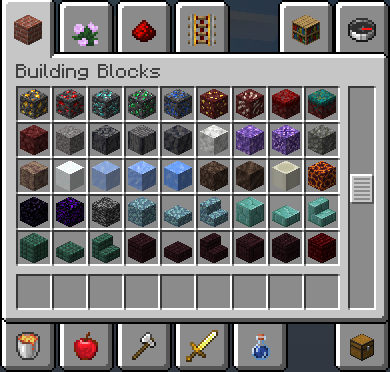
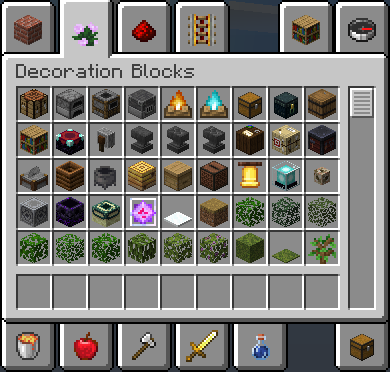
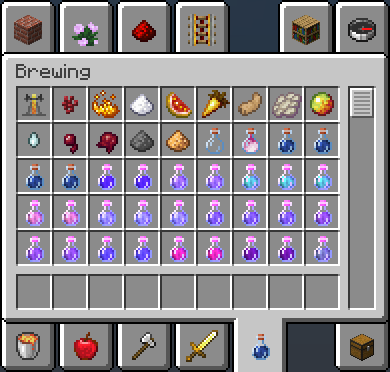
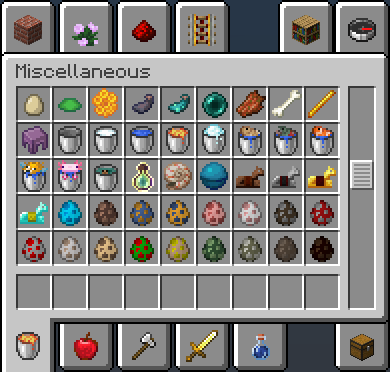
Organized Tabs is a lightweight mod that reorganizes the creative inventory by moving items to more fitting tabs and grouping related items together.
Other changes include:
Spawn Eggs are now ordered by mob category, rather than alphabetical
Dragon Eggs and Spawners are now available in Decoration Blocks
NOTE: The Fabric API, while compatible, is not needed to use this mod!
Quick facts
- Edition: Minecraft Java
- File type: .jar
- Minecraft version listed: 1.19
- How to install: Install the matching mod loader (Forge, Fabric or NeoForge) for your Minecraft version. → Download the .jar. → Put it in the .minecraft/mods folder and launch that loader profile.
- Where to get it: Opens on Modrinth — not every file is mirrored on our own servers.
Install steps are the general flow for this file type — How to install Minecraft Java mods & modpacks walks through it step by step.
Verified by MCModsHub
- Ships as organized-tabs-1.0.1_1.19.jar — drop this file into the mods folder
- Download size: 29 KB
- Download link checked 31 Aug 2026 — working
These come from our own check of the pack file, not from the source page.