
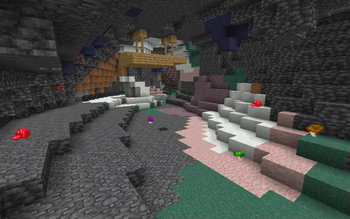
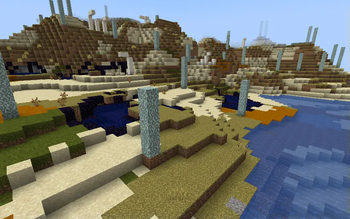
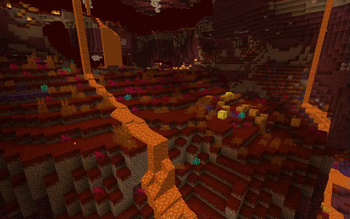
While it is a magic mod centered around flowers and nature, Botania doesn't have much of an impact on Minecraft's natural environment. This mod aims to fix that by adding some biomes that make use of Botania's blocks:
Mystical Forest
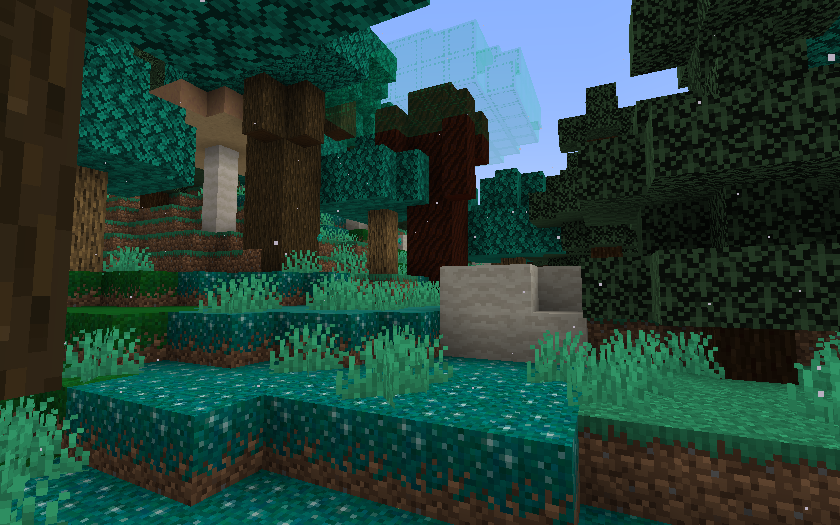 The Mystical Forest is an overworld biome characterized by its blue-ish foliage. It is made up of a mixture of tree species, including oak, dark oak, birch, and spruce, but most notably the large Livingwood Trees with their Bifrost leaves. The ground is scattered with Livingrock clumps and white magical particles float through the air.
Petal Pastures
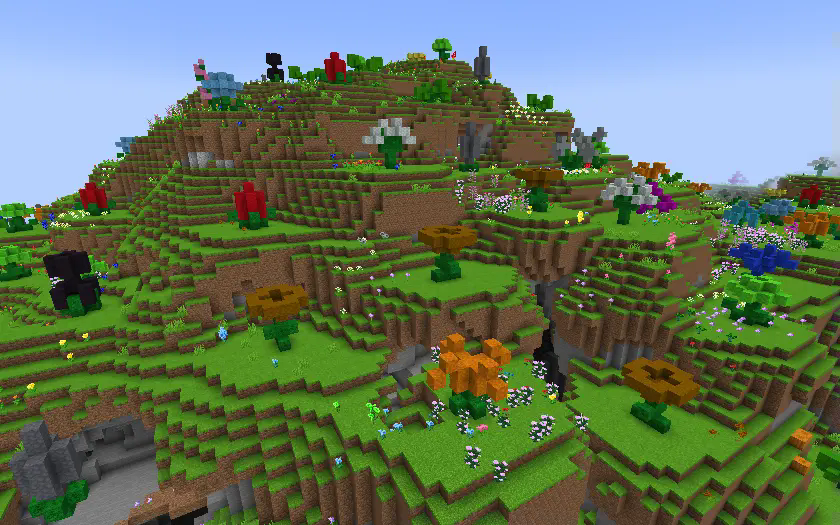 The Petal Pastures is an overworld biome filled with both normal flowers and Giant Mystical Flowers made of petal blocks. Brightly colored grass and an abundant supply of petals makes this an ideal spot for starting a Botania-powered base.
Shattered Wastes
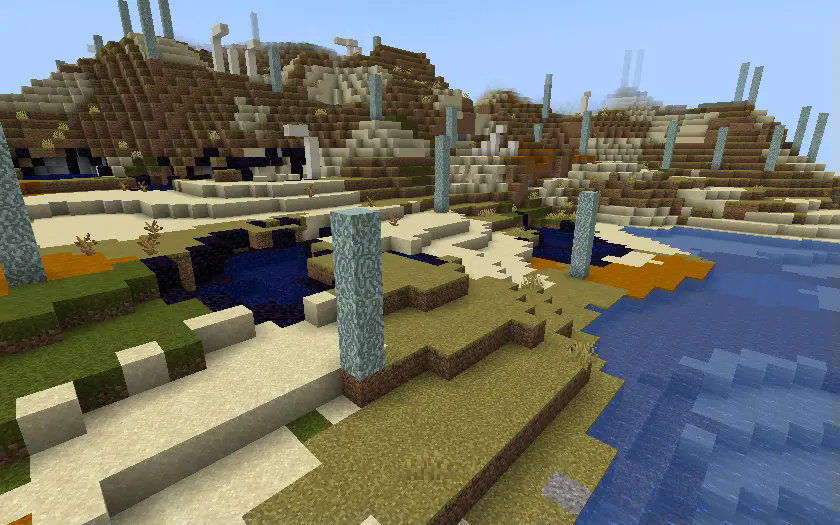 The Shattered Wastes is an overworld biome ruined by the Shattering that seperated the Overworld from Alfheim. This area is now home only to the remains of a few old Dreamwood Trees, some pools of Bifrost, a smattering of Obsidian, and the skeletons of the creatures that once roamed these lands.
Metamorphic Caves
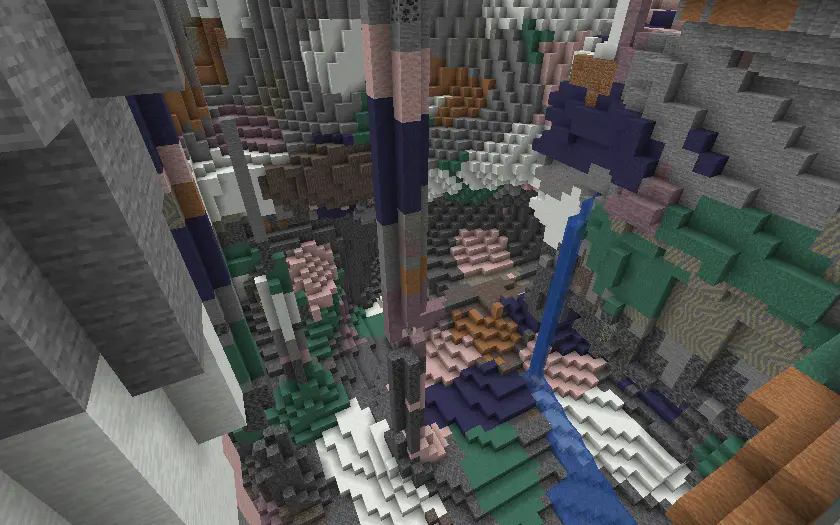 The Metamorphic Caves is a cave biome where an anomaly in the world's mana field has caused much of the stone to transform into the types of metamorphic rocks typically only obtained from the Marimorphosis.
Fel Fields
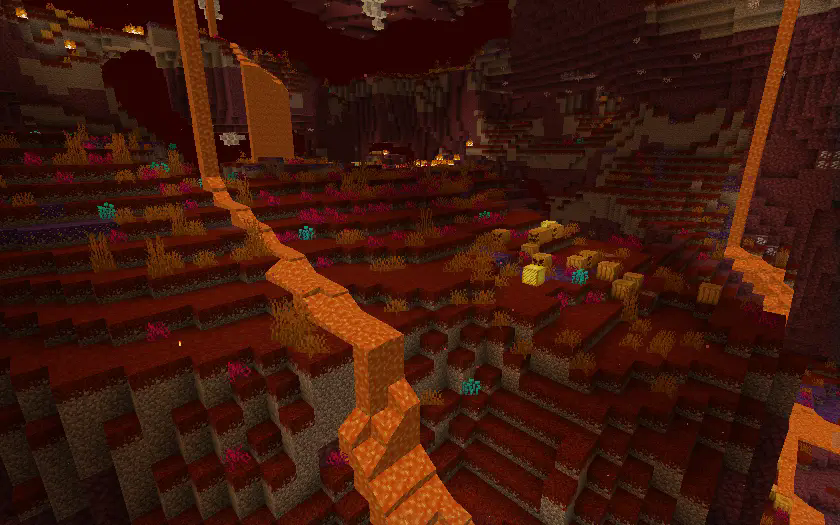 The Fel Fields is a nether biome covered in red Scorched Grass and patches of evil-eyed Fel Pumpkins. The open terrain makes traversal easy, but also making aiming easy for its inhabitant: the Blaze. This biome is also home to the Fel Fountain, a structure serving as a rare source of water in the Nether.
Configuration
This mod has a server side JSON configuration file that allows you to individually enable and disable the generation of each biome. Further details can be customized using data packs.
- Edition: Minecraft Java
- File type: .jar
- Minecraft version listed: 1.20.1
- How to install: Install the matching mod loader (Forge, Fabric or NeoForge) for your Minecraft version. → Download the .jar. → Put it in the .minecraft/mods folder and launch that loader profile.
- Where to get it: Opens on Modrinth — not every file is mirrored on our own servers.
Install steps are the general flow for this file type — How to install Minecraft Java mods & modpacks walks through it step by step.
- Ships as biotania-1.0.1.jar — drop this file into the mods folder
- Download size: 243 KB
- Download link checked 31 Aug 2026 — working
These come from our own check of the pack file, not from the source page.