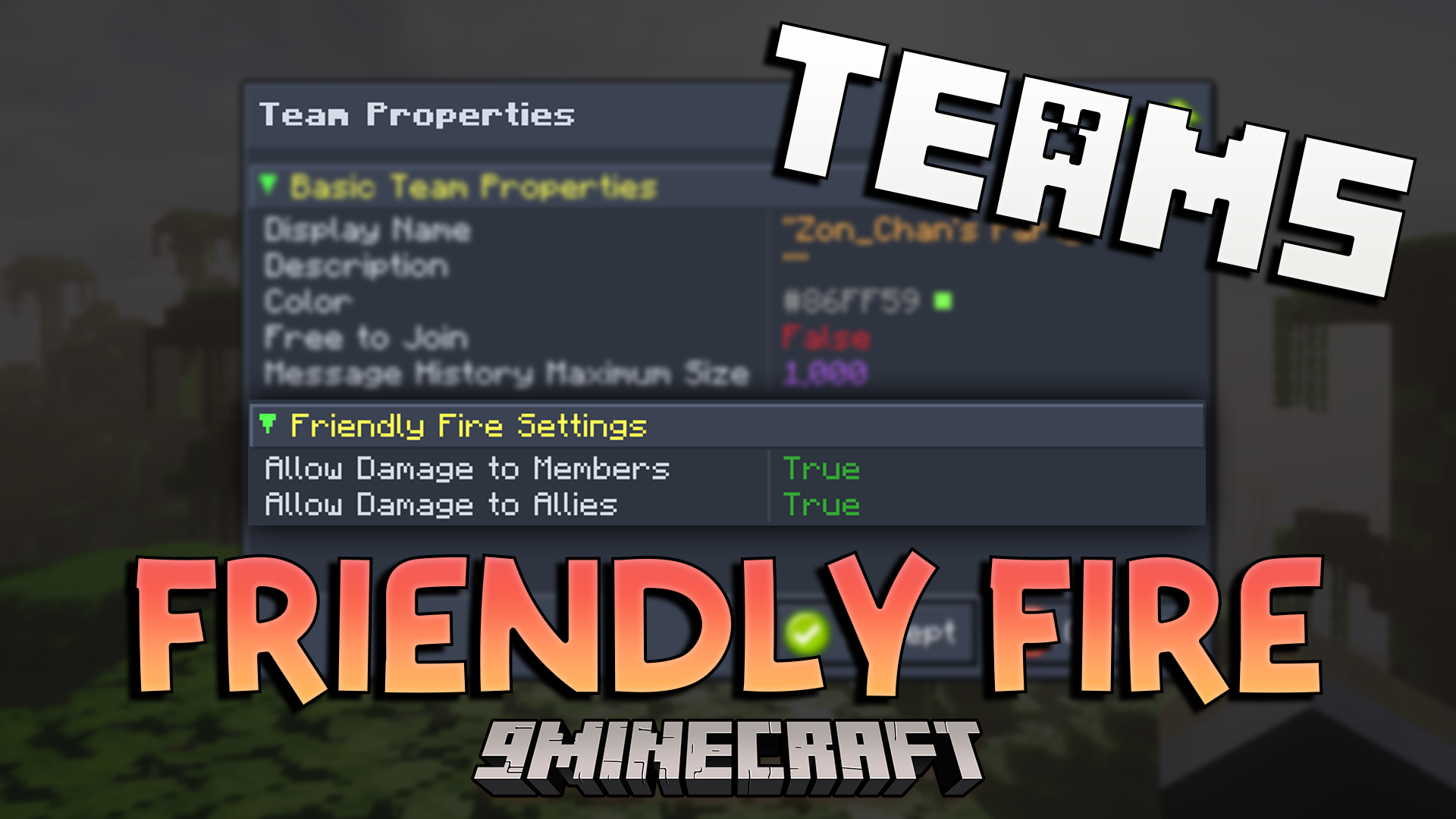
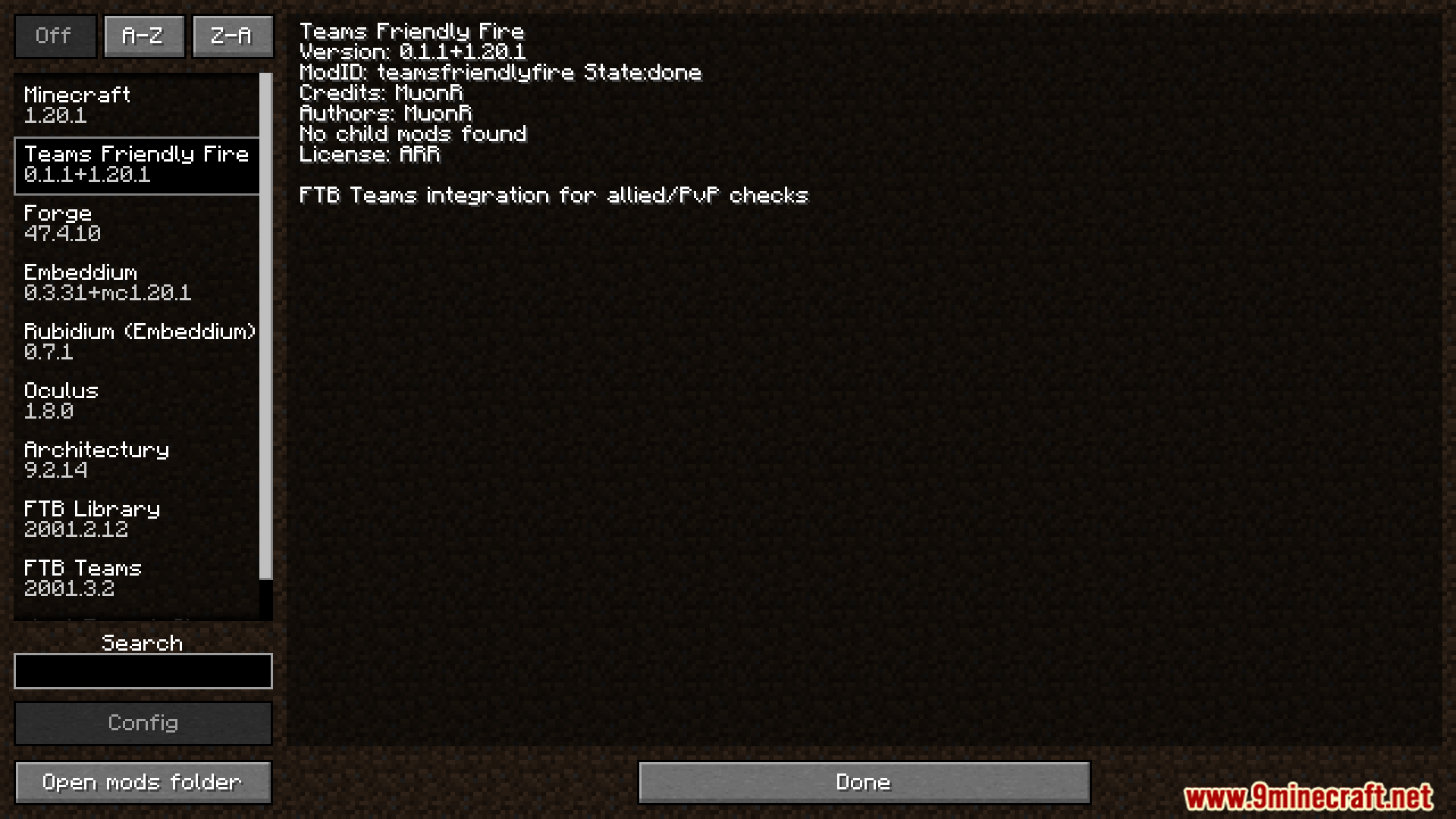
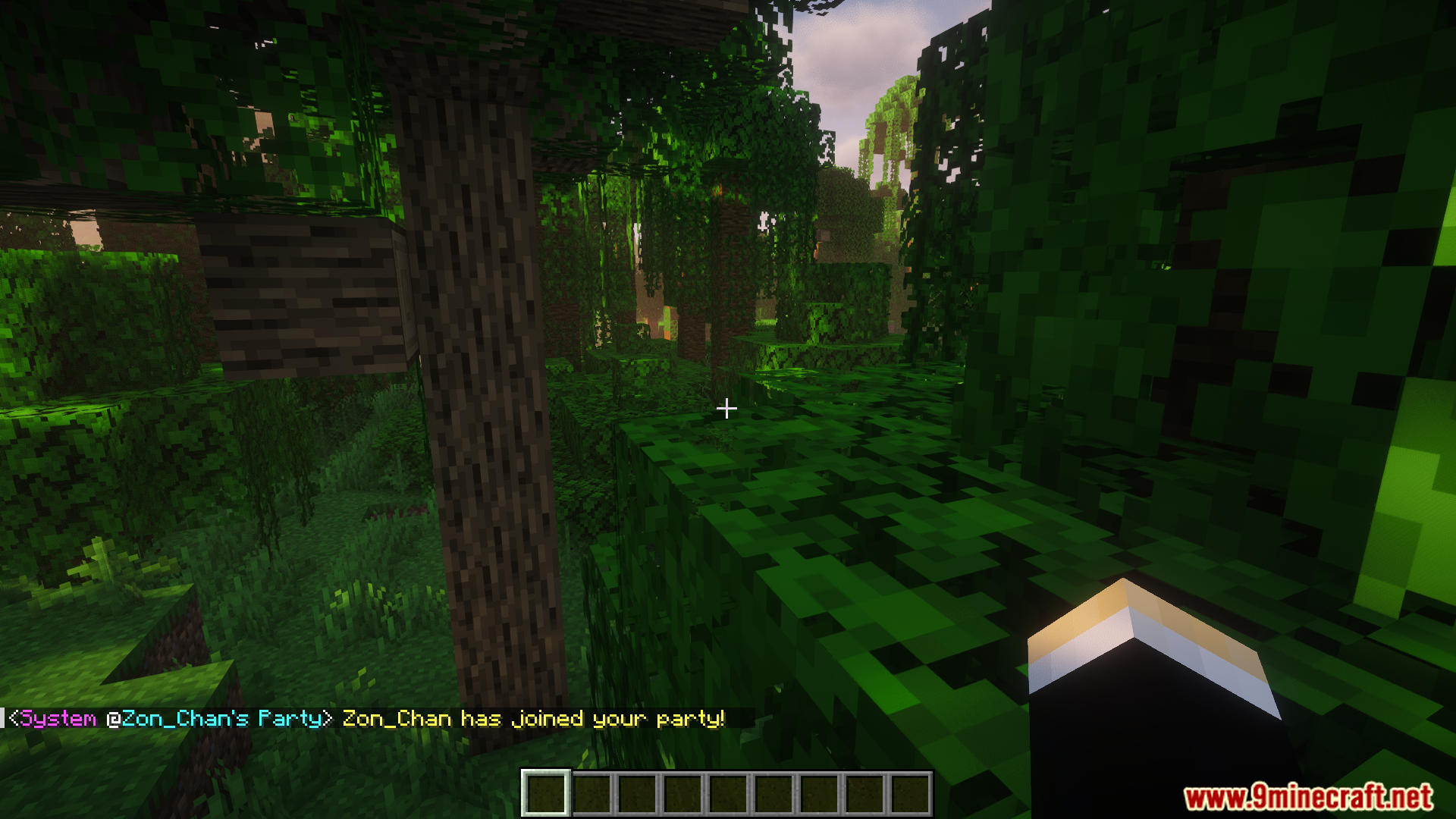
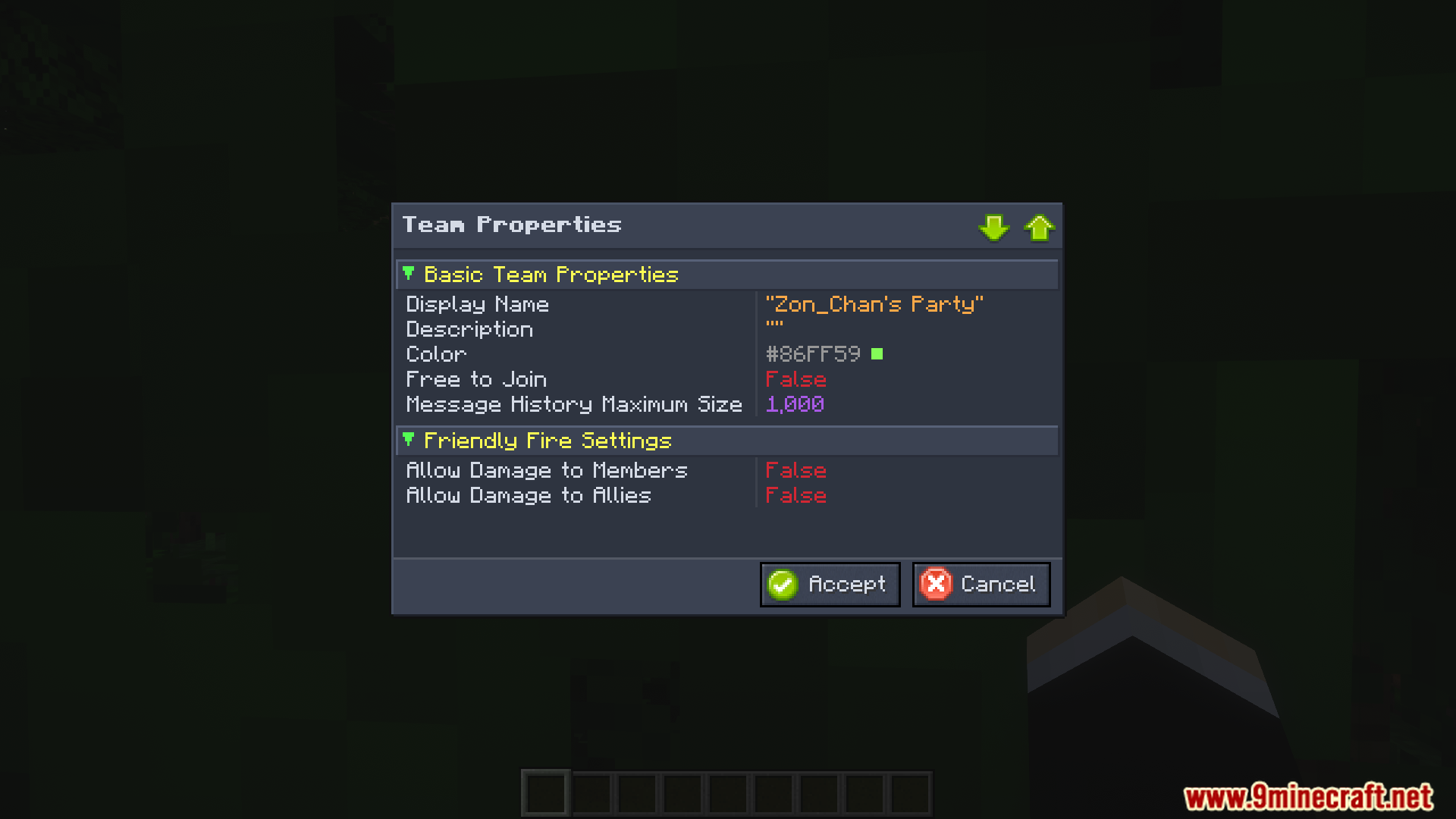
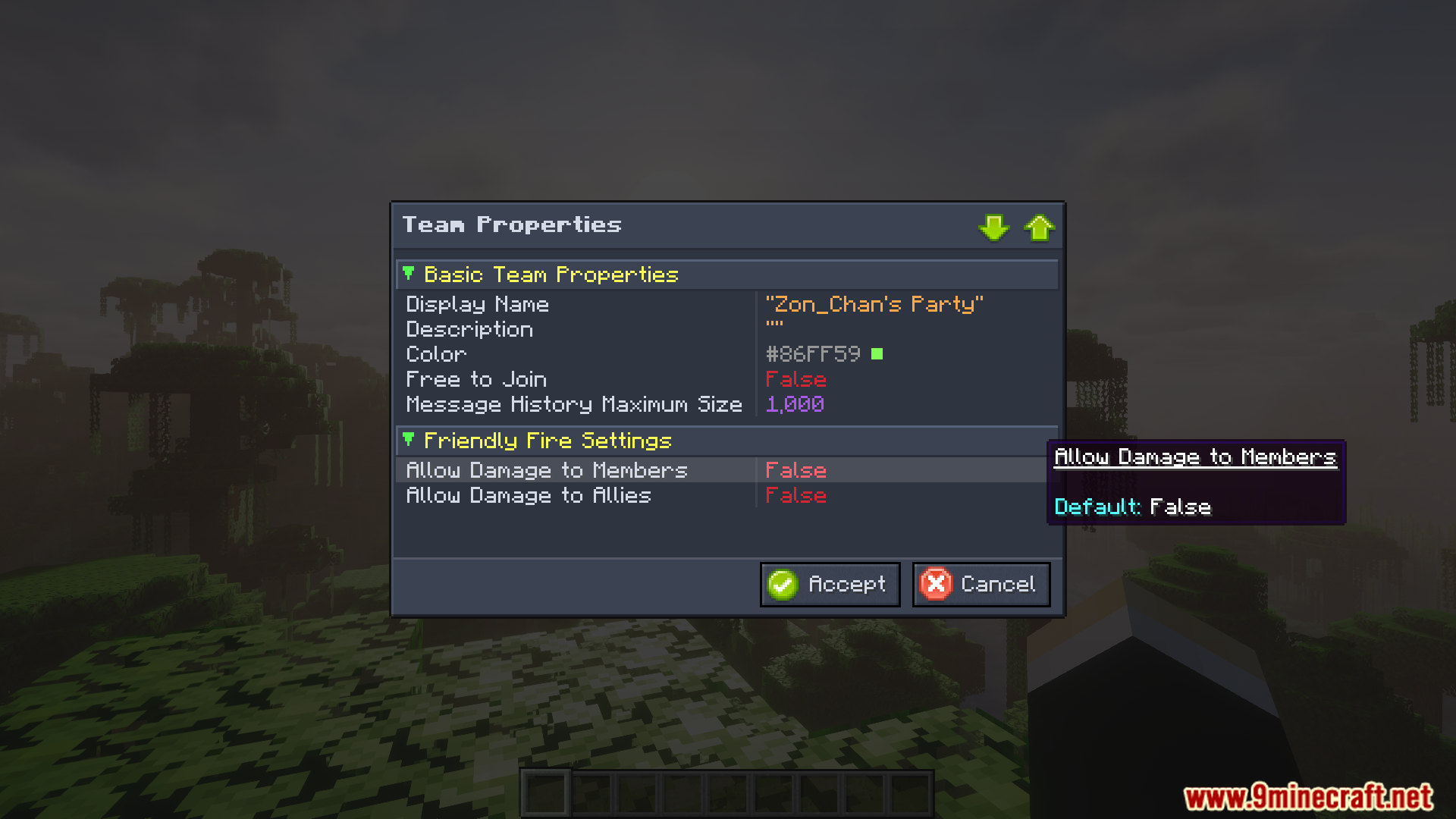
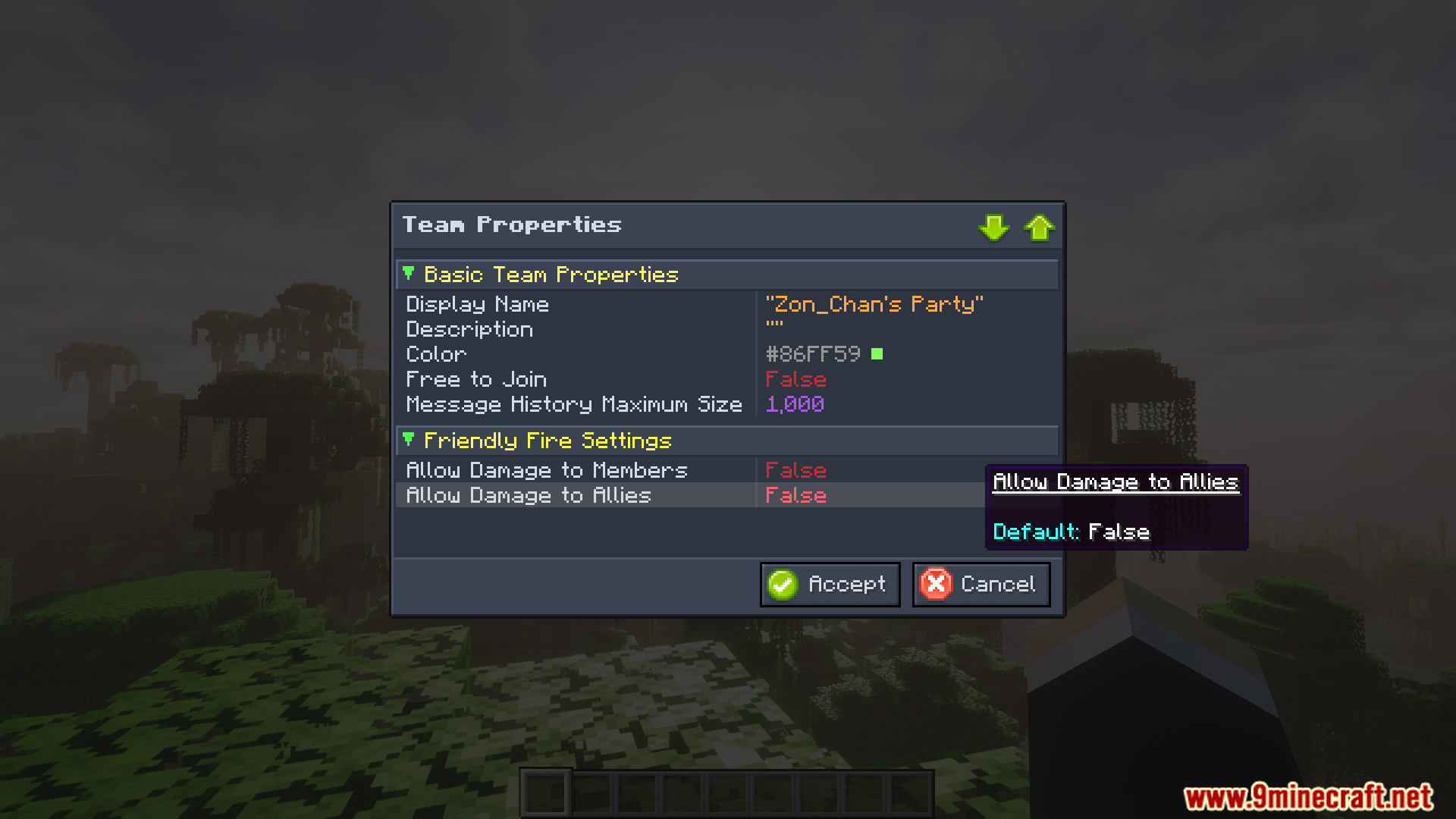
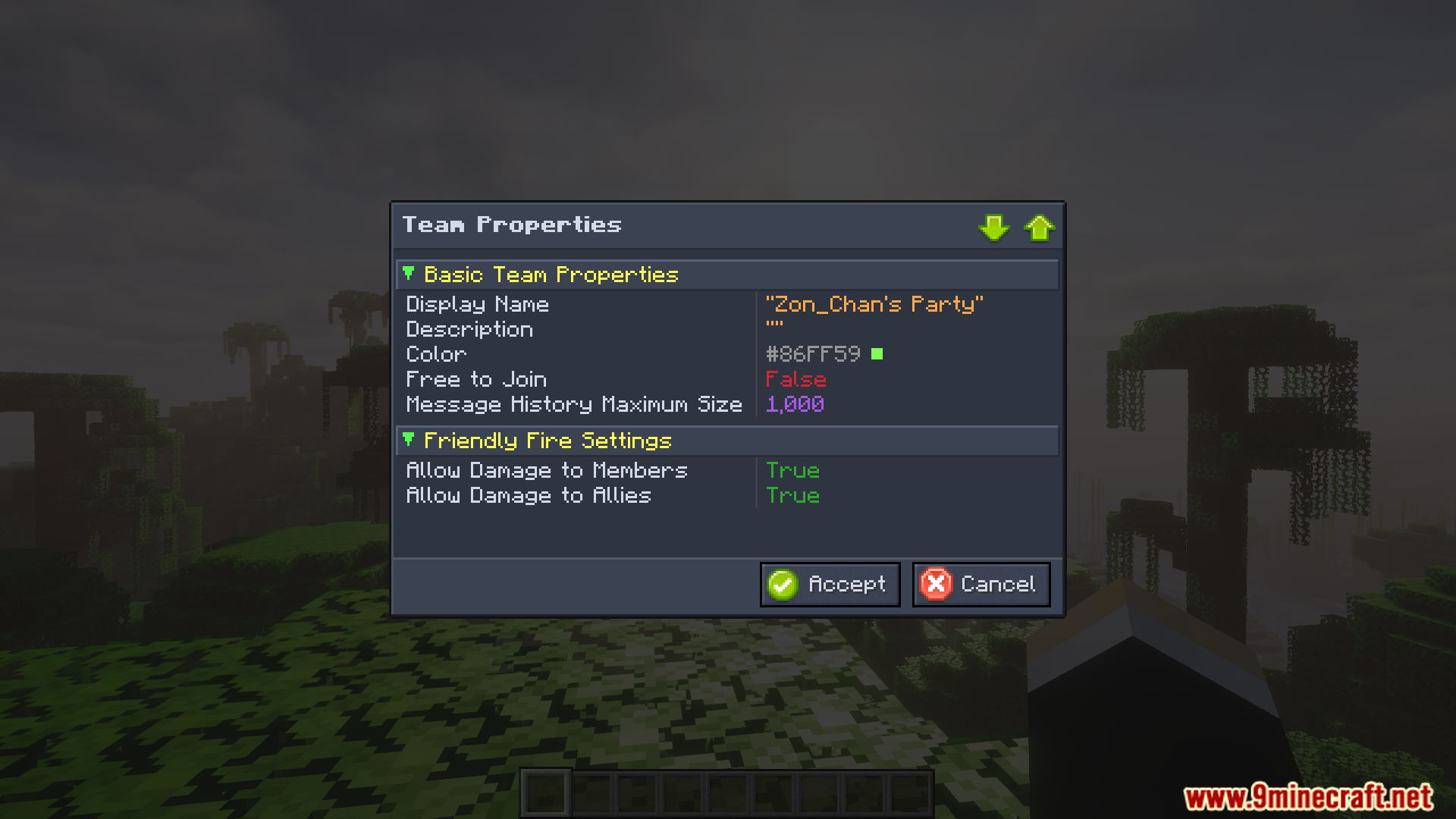
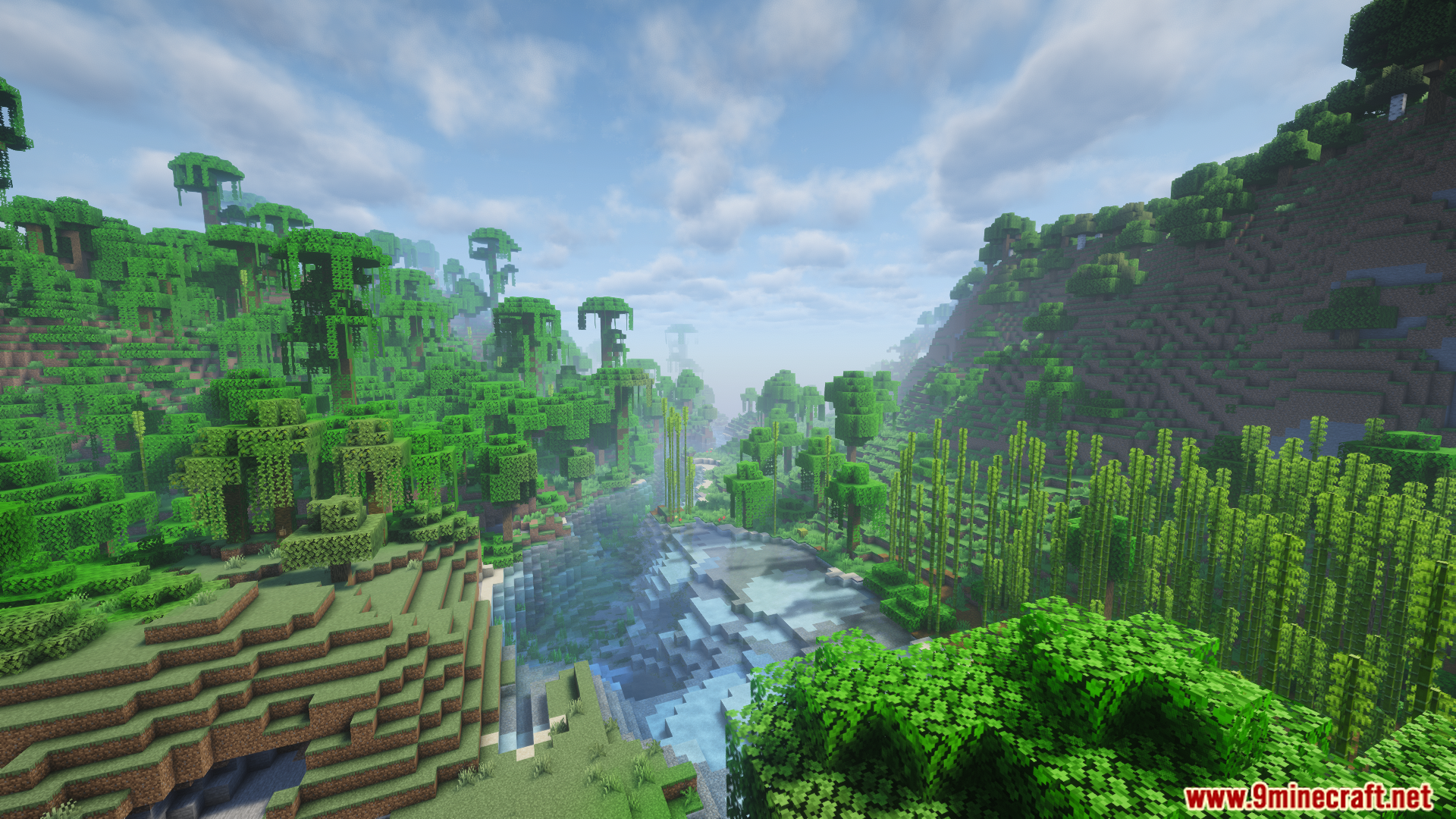
Teams Friendly Fire Addon Mod adds new player-versus-player controls for FTB Teams. It gives you the choice to turn off damage between players who are on the same team. This mod also stops you from accidentally hitting your team’s allies during big fights. It changes how the game reads targets, so your tamed wolves or spawned pets will not attack your friends. This system works everywhere in your world, unlike other land claim systems that only stop fights inside a specific area. It runs quietly in the background without slowing down your game or server.
Features:
- Team Member Protection: You can turn off damage so teammates cannot hurt each other during battles.
- Ally Protection: You get a setting to stop players from hitting their marked allies.
- Smart Pet Targeting: Your tamed animals and spawned creatures know who your friends are and will not attack them.
- Safe Pets: You cannot accidentally hit or damage your teammates’ pets.
- Global Rules: This system protects your team anywhere in the world, not just inside claimed chunks.
- Server Friendly: It runs smoothly without causing lag on your multiplayer server.
Screenshots:
Teams Friendly Fire Addon Mod Download Links
- Edition: Minecraft Java
- File type: .jar
- Minecraft version listed: 1.20.1
- How to install: Install the matching mod loader (Forge, Fabric or NeoForge) for your Minecraft version. → Download the .jar. → Put it in the .minecraft/mods folder and launch that loader profile.
- Where to get it: Opens on the file's original source — not every file is mirrored on our own servers.
Install steps are the general flow for this file type — How to install Minecraft Java mods & modpacks walks through it step by step.
Teams Friendly Fire Addon Mod (26.1.2, 1.20.1) – Never Hit Teammates or Pets is a free Minecraft Java mod. Compatible with Minecraft 1.20.1. Download it and open it directly in the game.