Home›Java›Mods›Colorful Skies Mod (26.1.2, 1.20.1) – Change Color Of Sun, Sunset, Moon, Clouds & Sky
ModsJava
Colorful Skies Mod (26.1.2, 1.20.1) – Change Color Of Sun, Sunset, Moon, Clouds & Sky
Java mod listed for Minecraft 1.20. Downloads from the MC Java Mods app on Android.
⬇ Download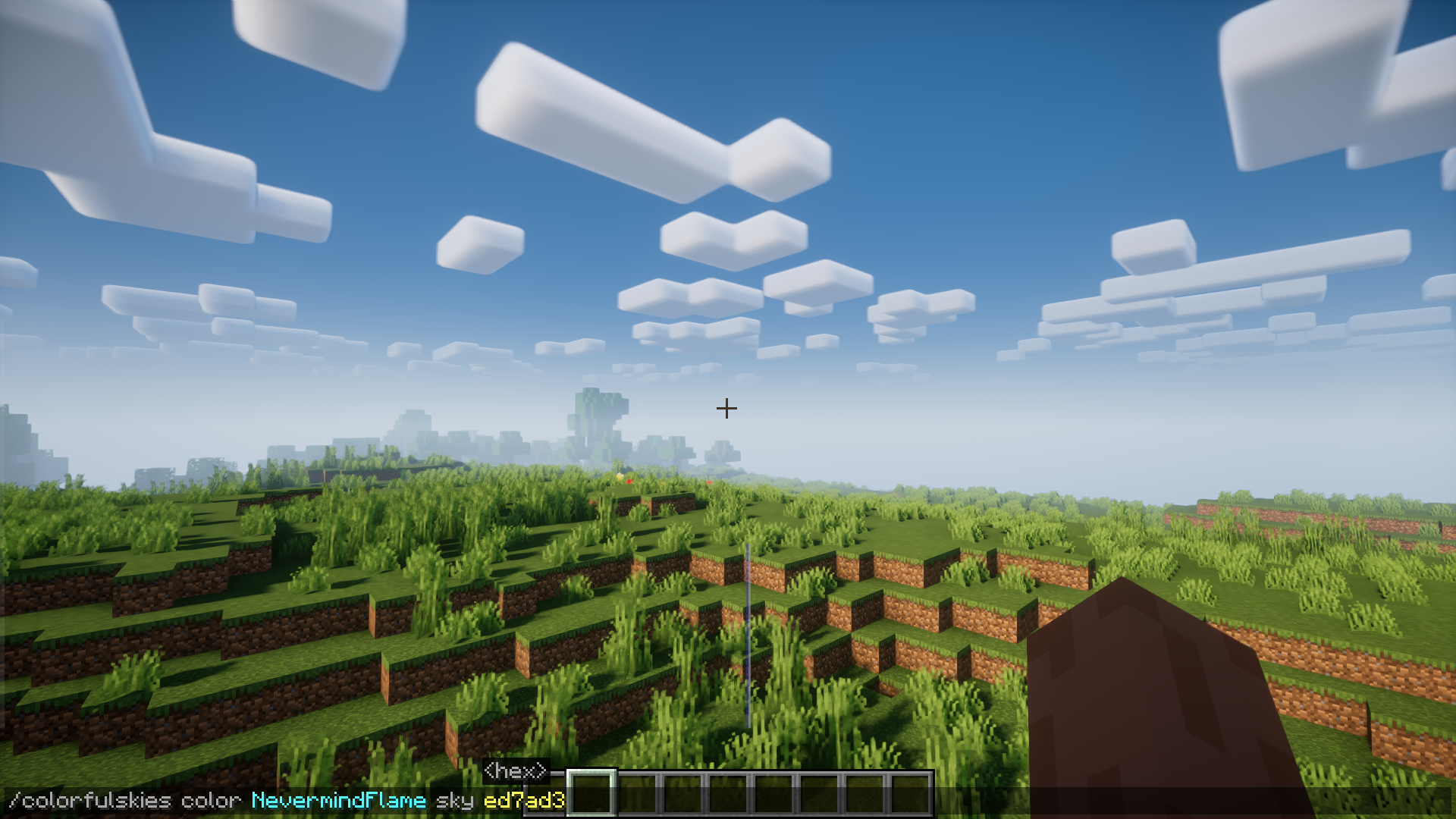
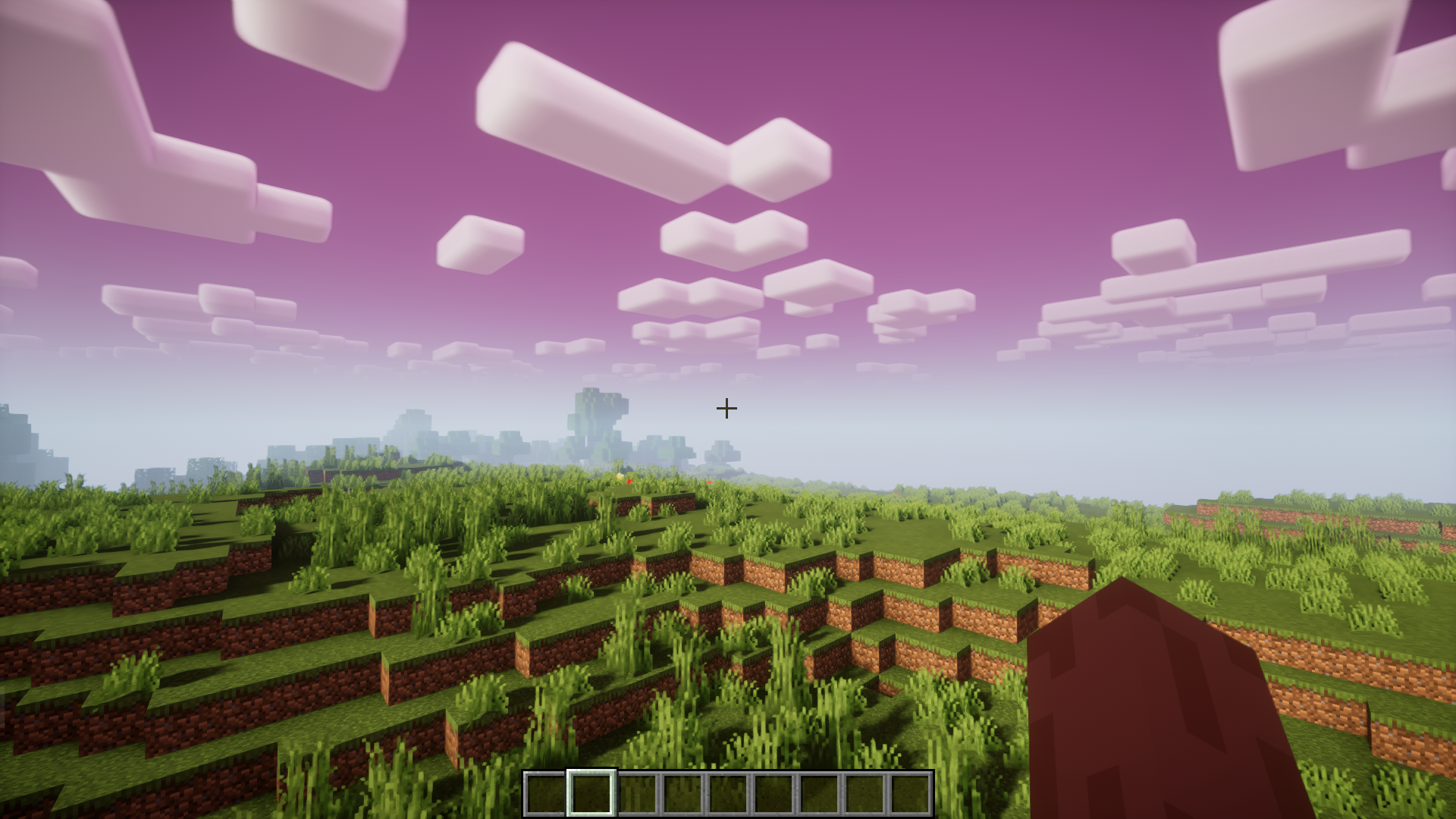
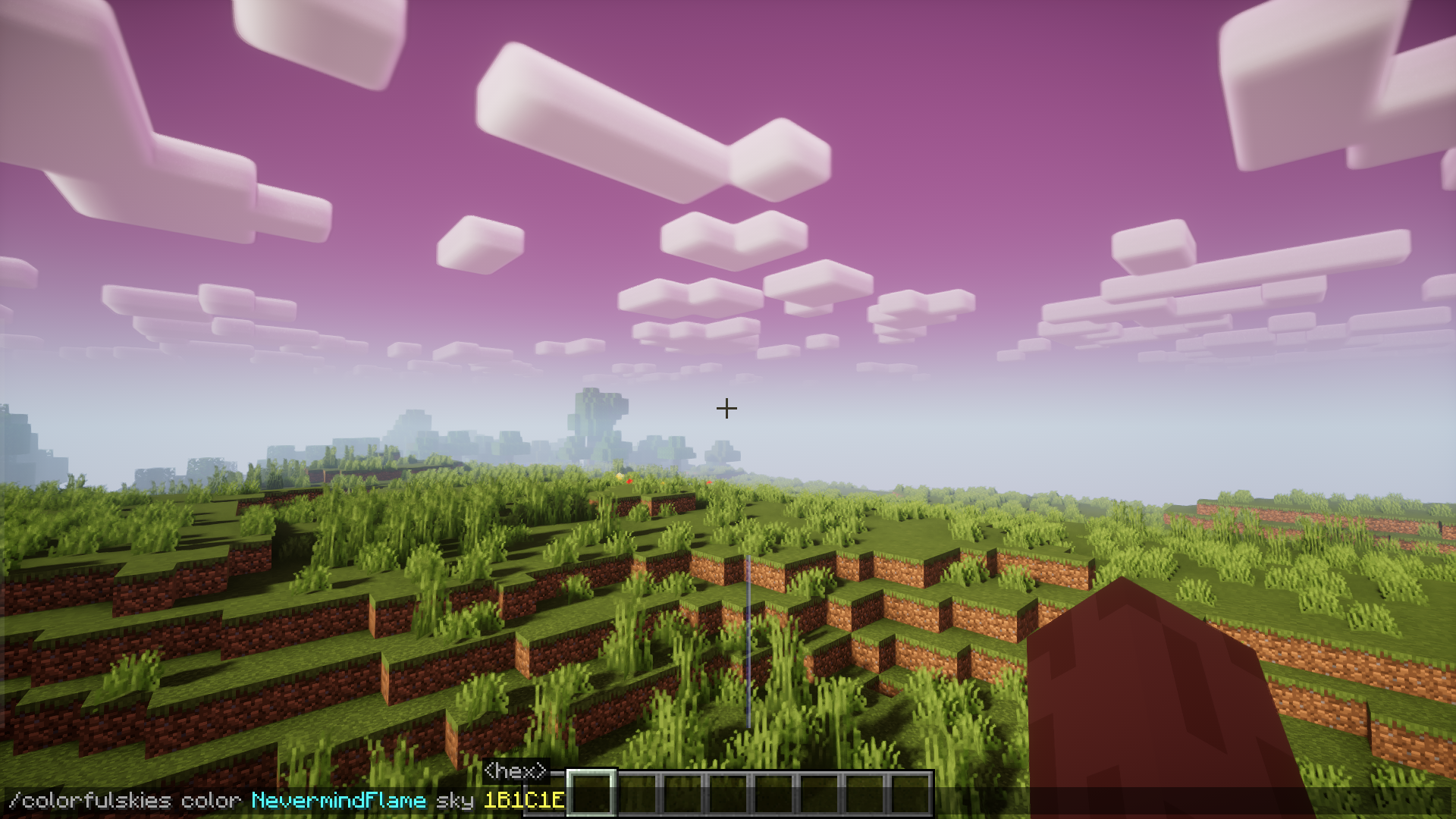
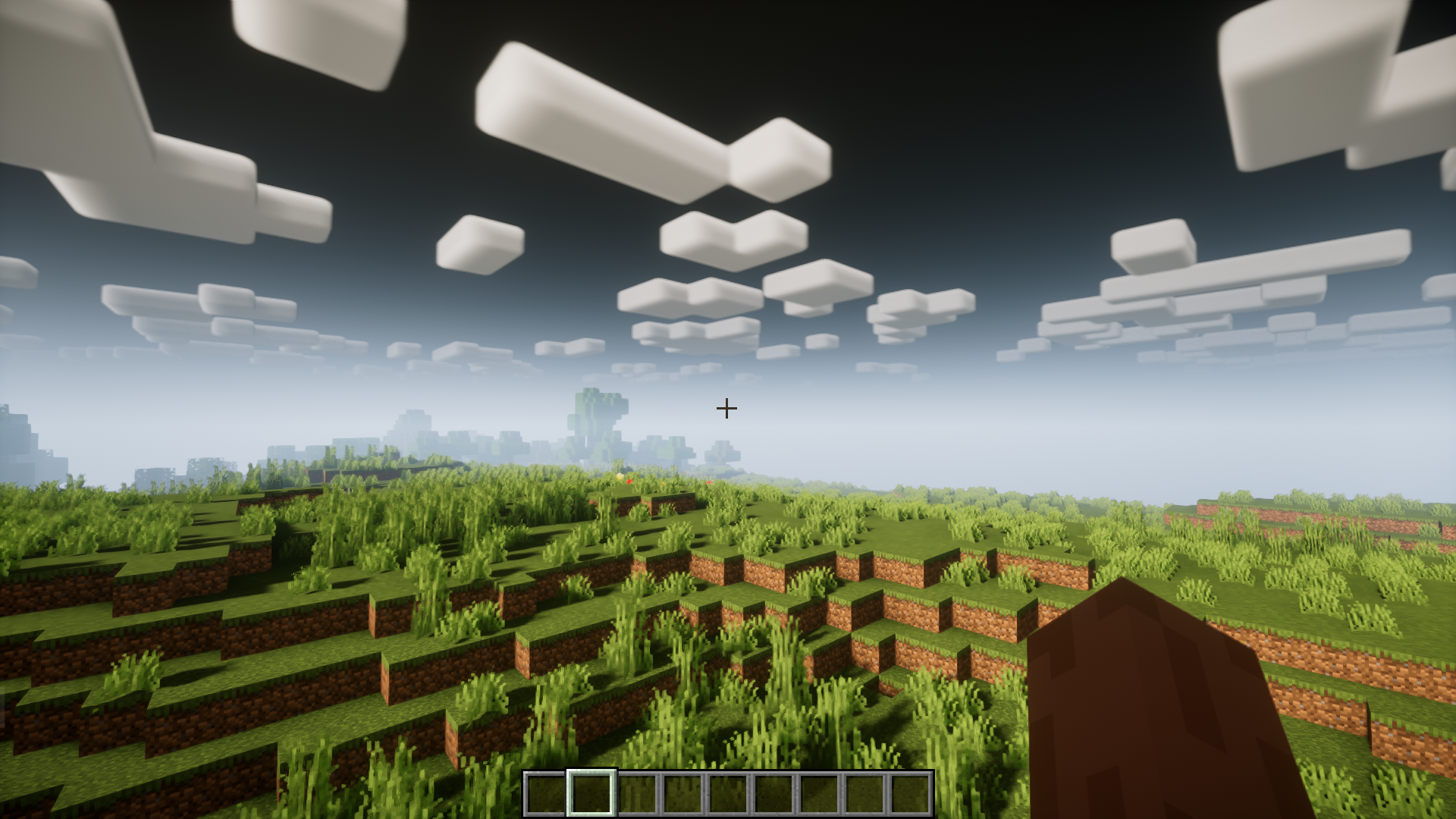
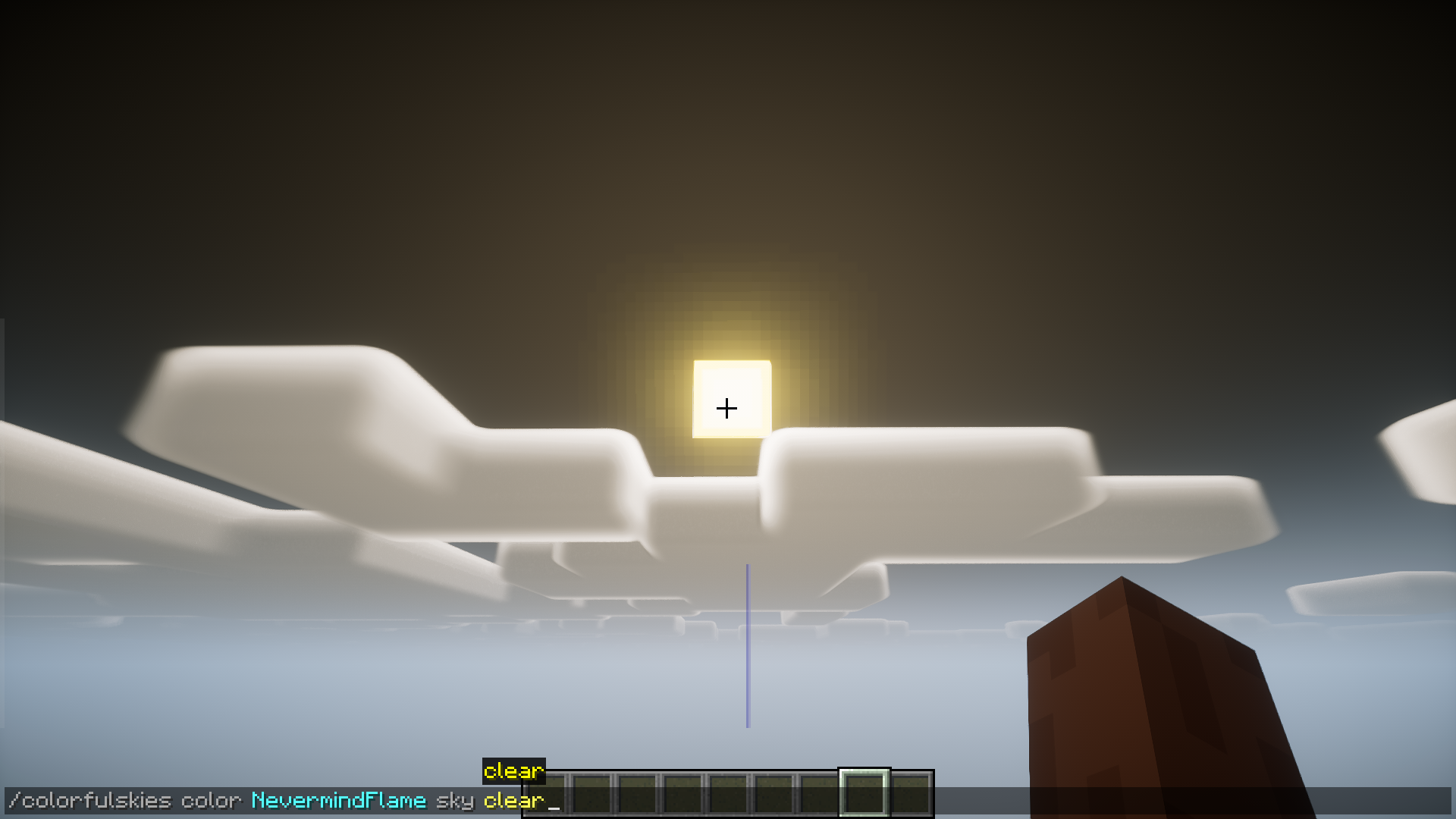
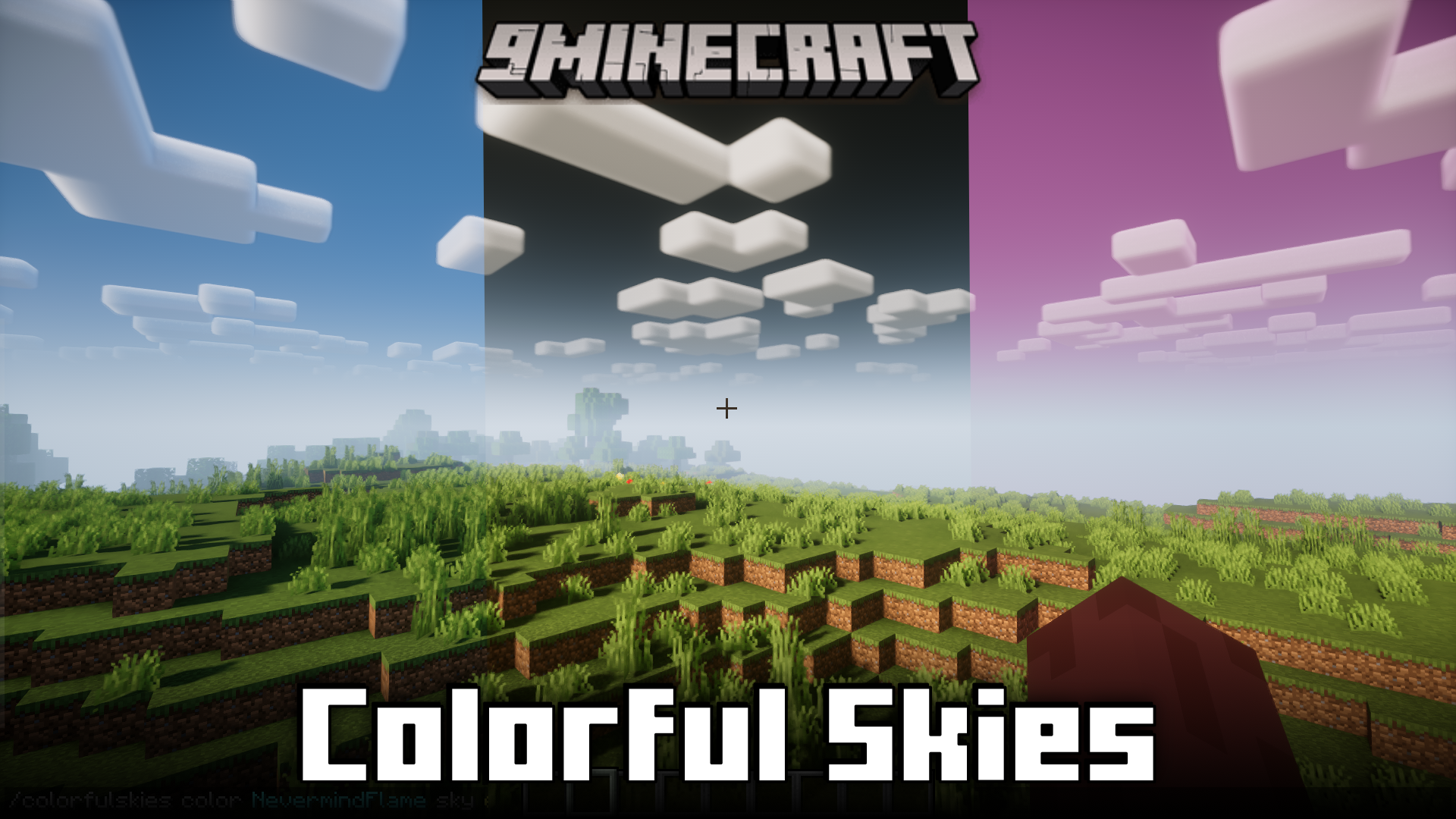
Colorful Skies Mod allows you to change the color of world elements like the sky, sun, moon, sunset and clouds using some newly introduced commands. Using the command, you can give custom colors to these elements by using that colors hex code. The commands and their correct format are listed below.
Features:
Control sunrise visibility:
- /colorfulskies disablesunrise <players> <true/false>
Adjust the color for the sky elements:
- /colorfulskies color <players> <moon|cloud|sun|sunrise> <hex|clear>
Screenshots:
Colorful Skies Mod Download Links
Quick facts
- Edition: Minecraft Java
- File type: .jar
- Minecraft version listed: 1.20.1
- How to install: Install the matching mod loader (Forge, Fabric or NeoForge) for your Minecraft version. → Download the .jar. → Put it in the .minecraft/mods folder and launch that loader profile.
- Where to get it: In MC Java Mods, or directly above on this page.
Install steps are the general flow for this file type — How to install Minecraft Java mods & modpacks walks through it step by step.
File checked by MCModsHub
- Downloads as 26874.mcaddon
- Download size: 38 KB
- Download link checked 26 Sept 2026 — working
- Mirrored on our own servers — the download does not depend on the original host
These come from our own check of the pack file, not from the source page.