ModsJava
Overpacked Mod (1.21.1, 1.20.1) – Carry Four Chests of Loot on Your Back
Java mod listed for Minecraft 1.20–1.21. Downloads from the MC Java Mods app on Android.
⬇ Download
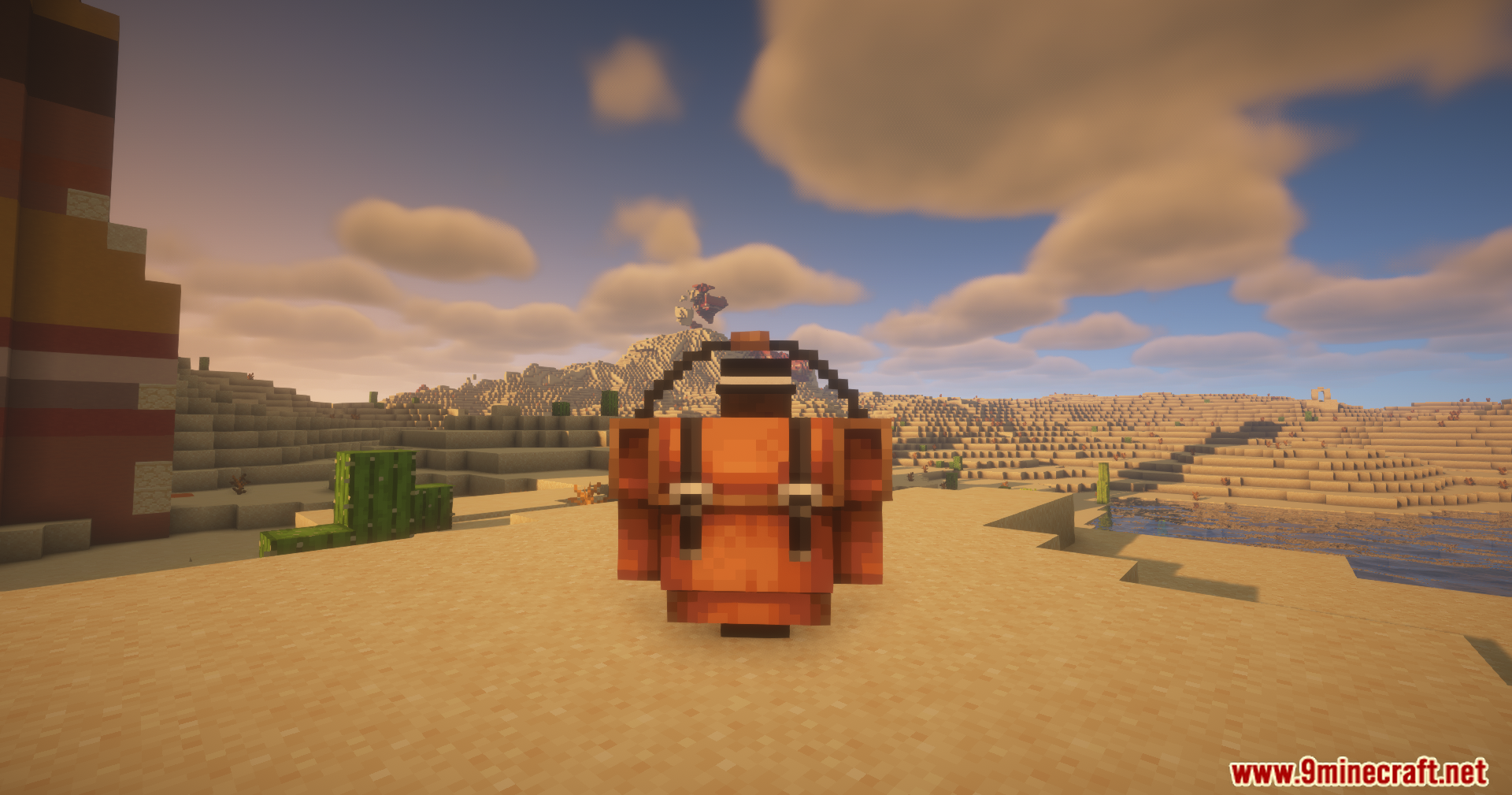
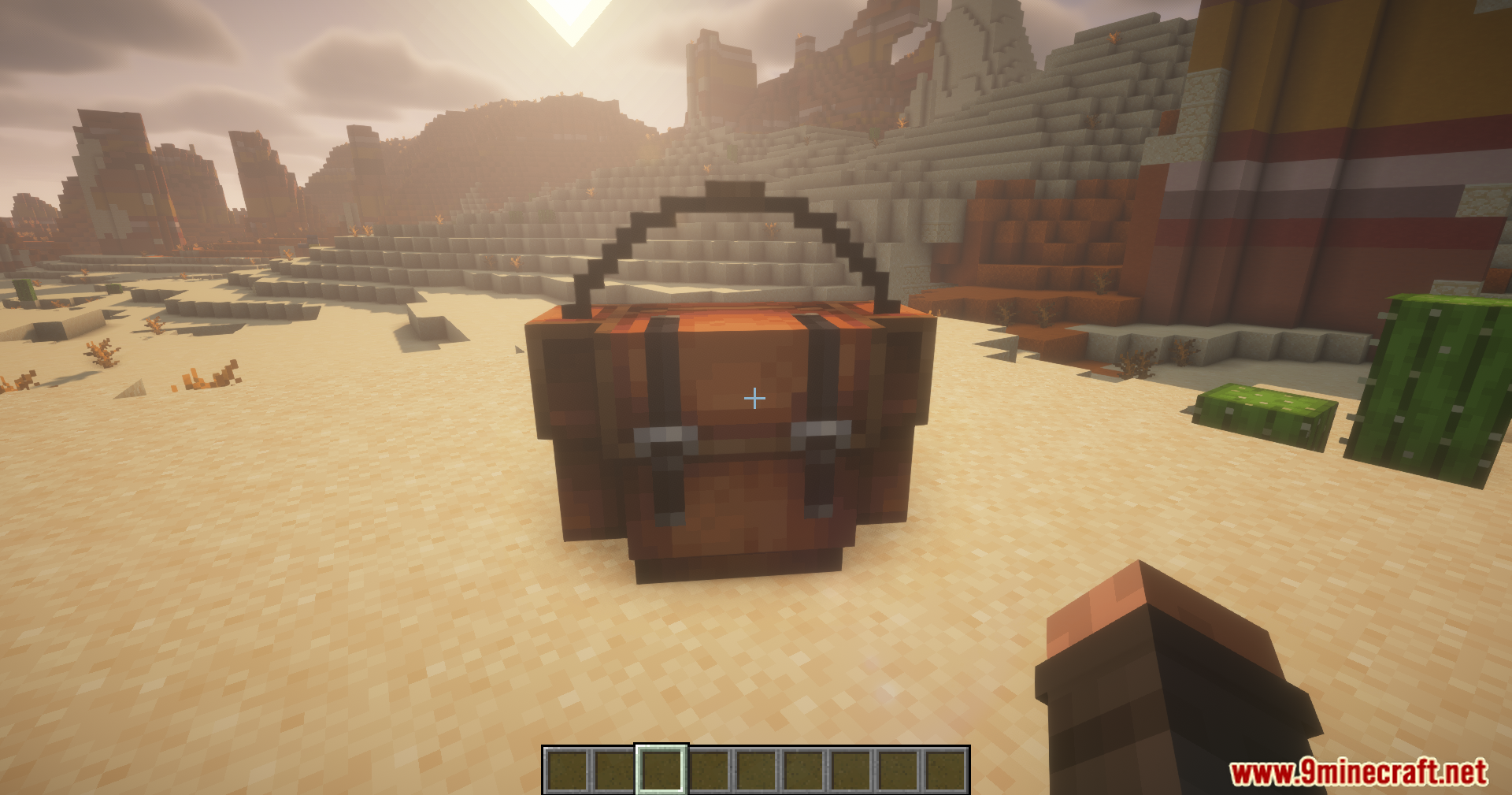
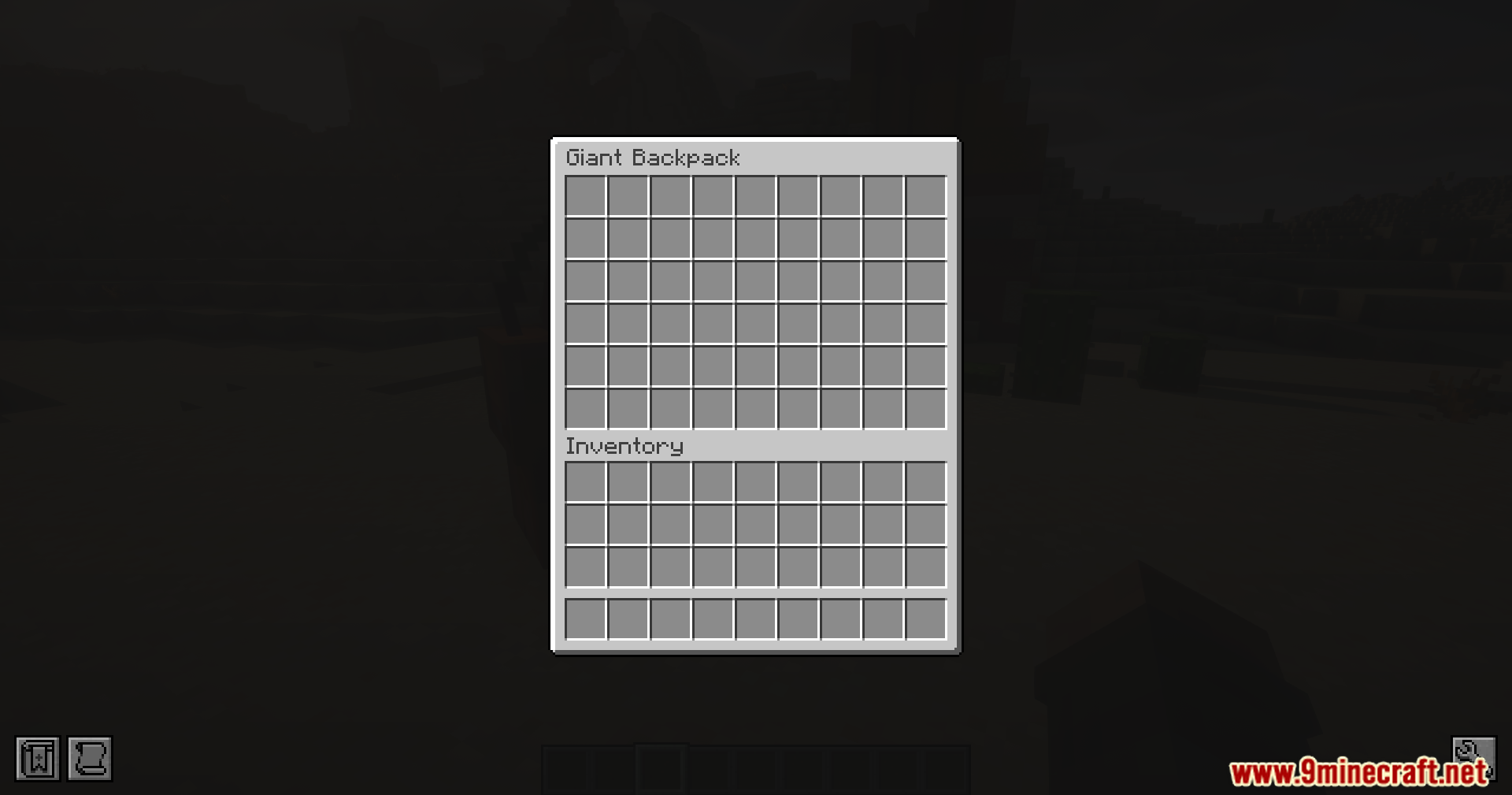
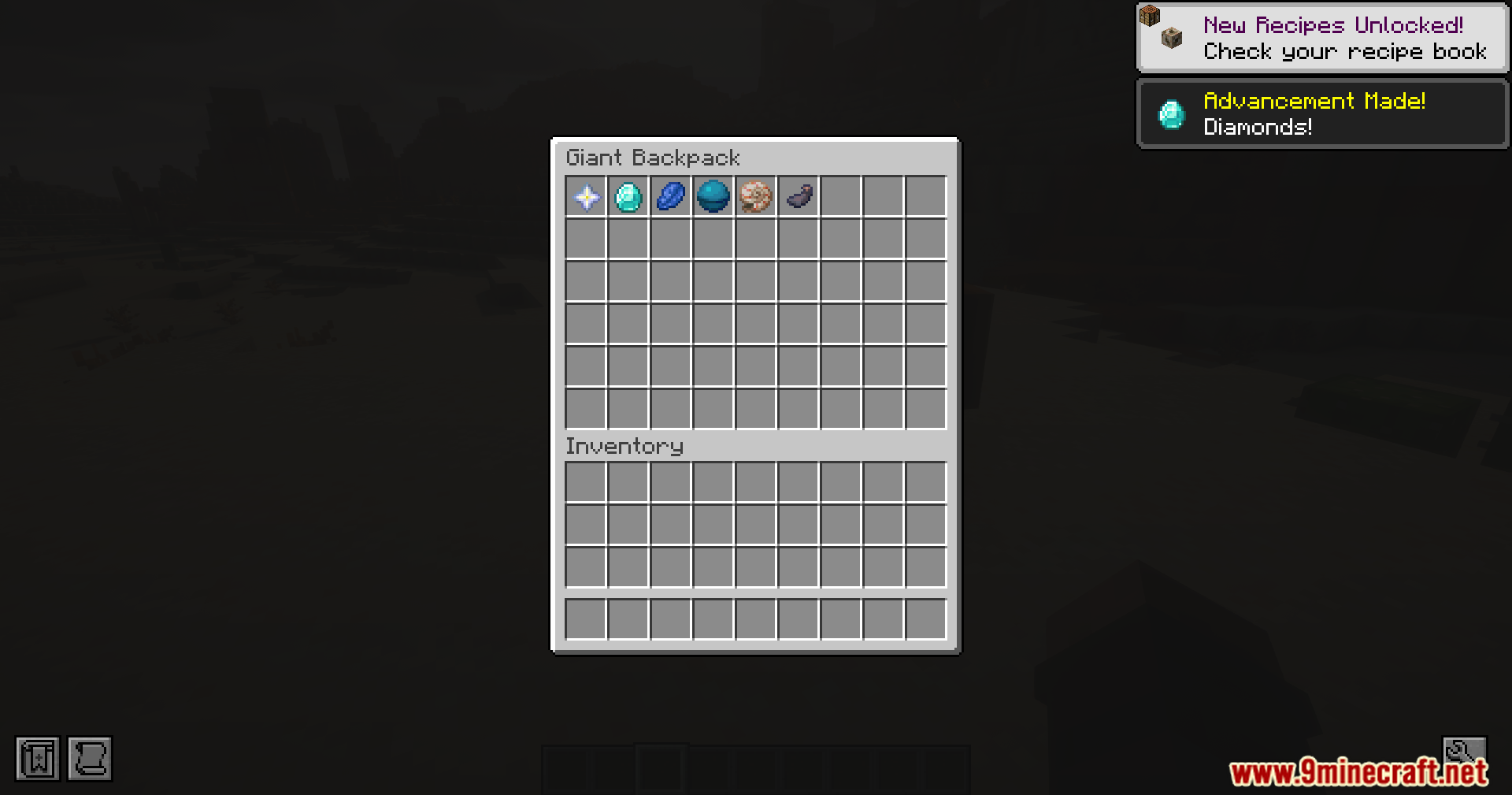
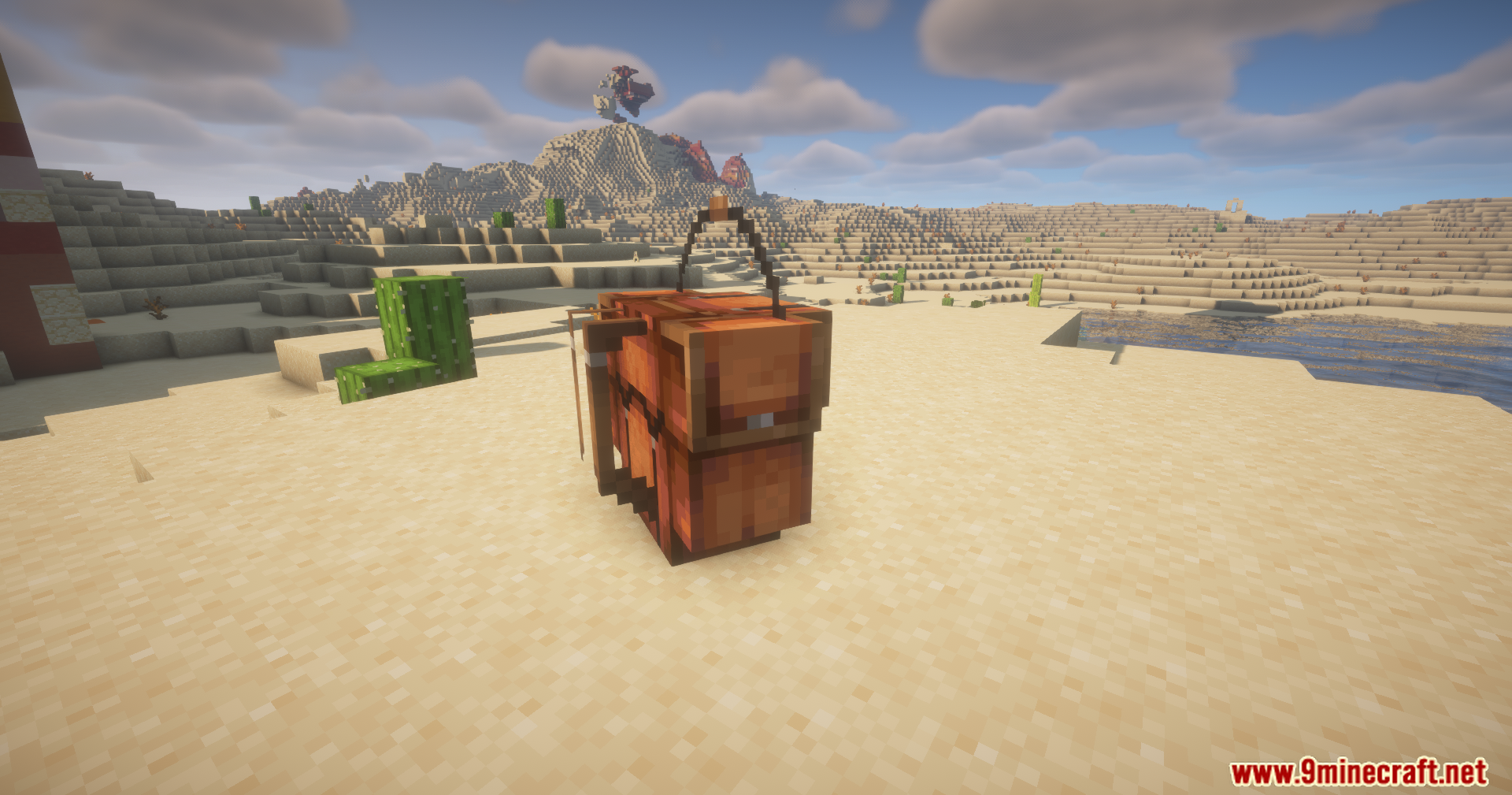
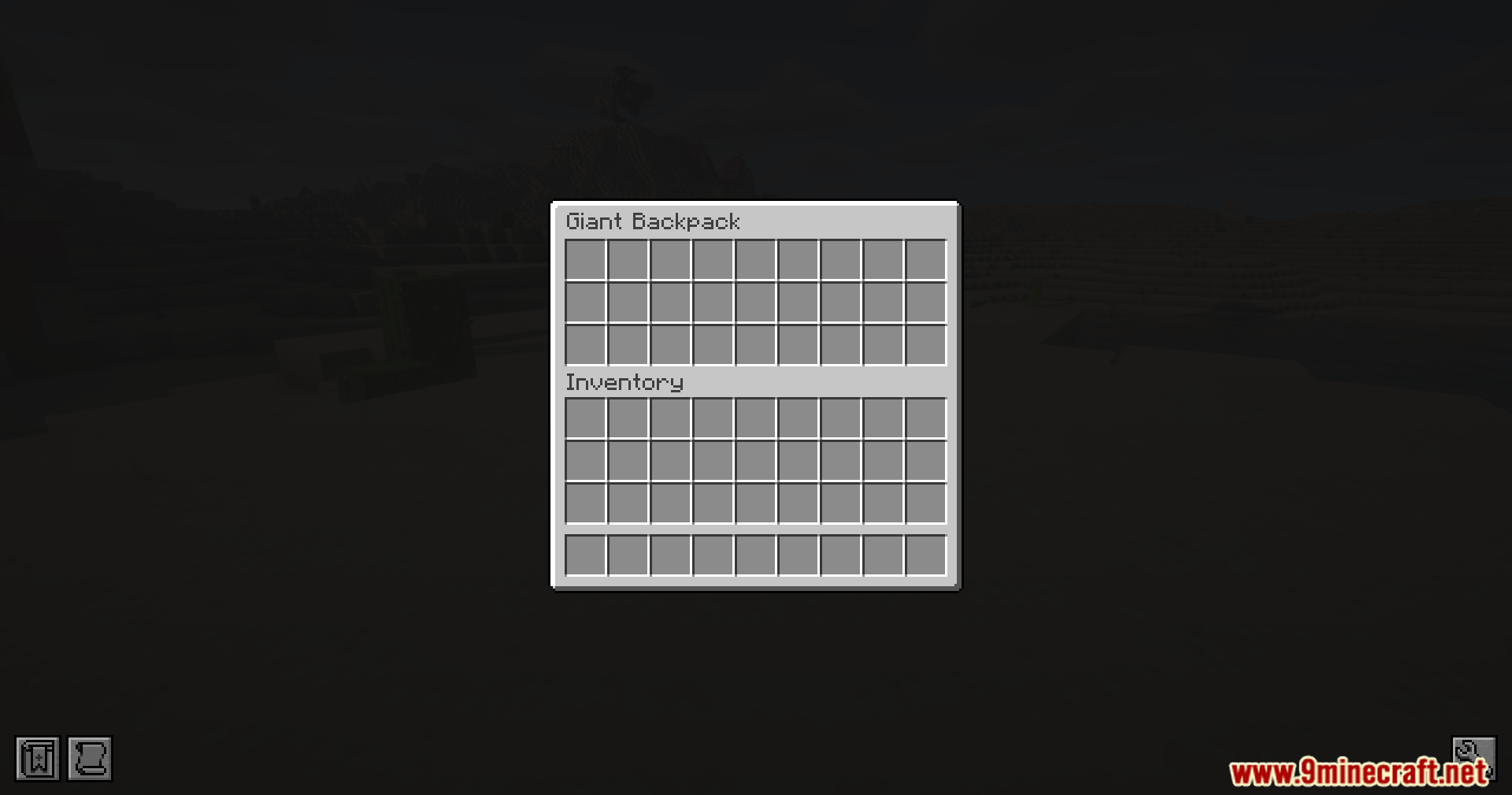
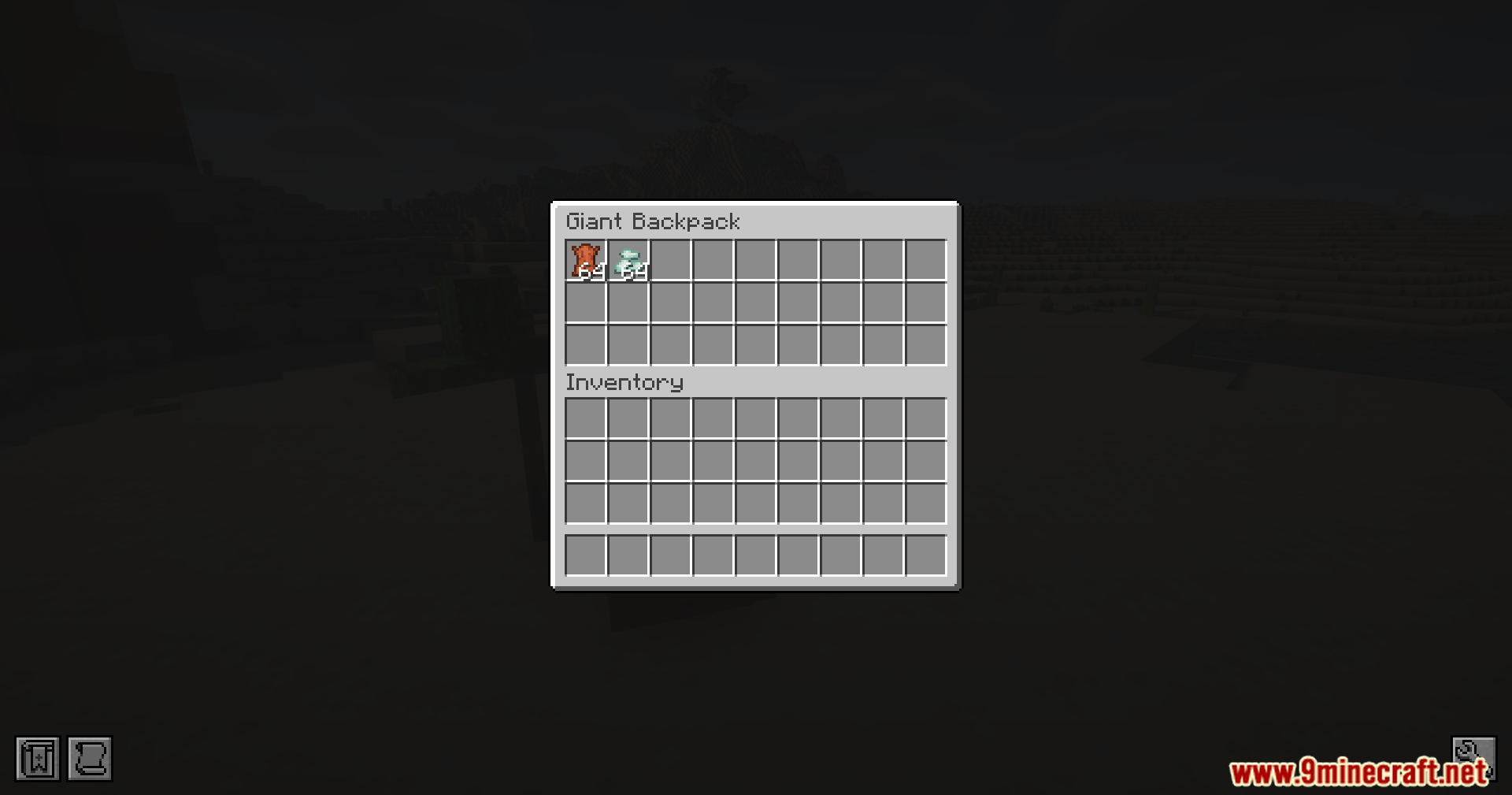
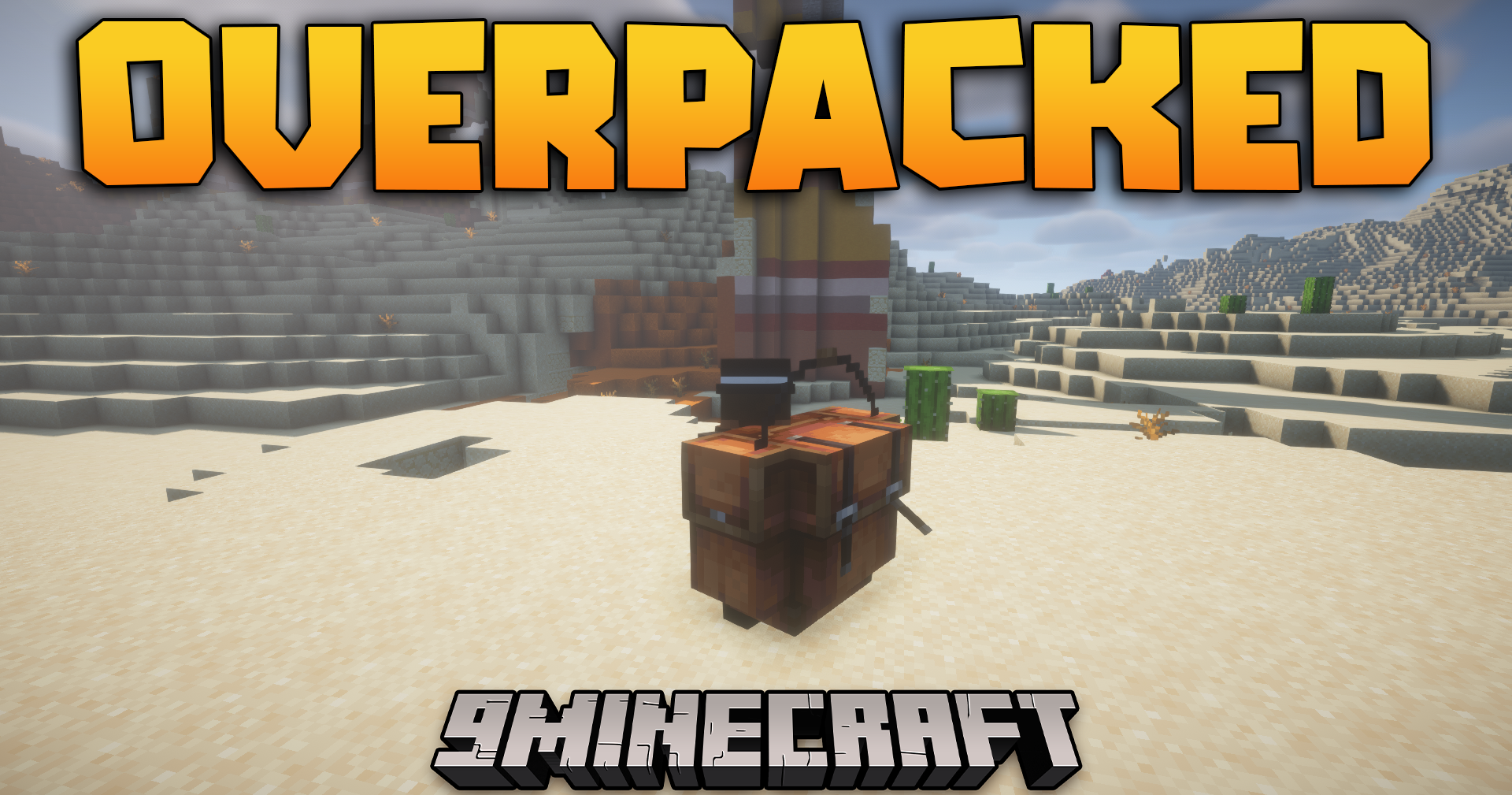
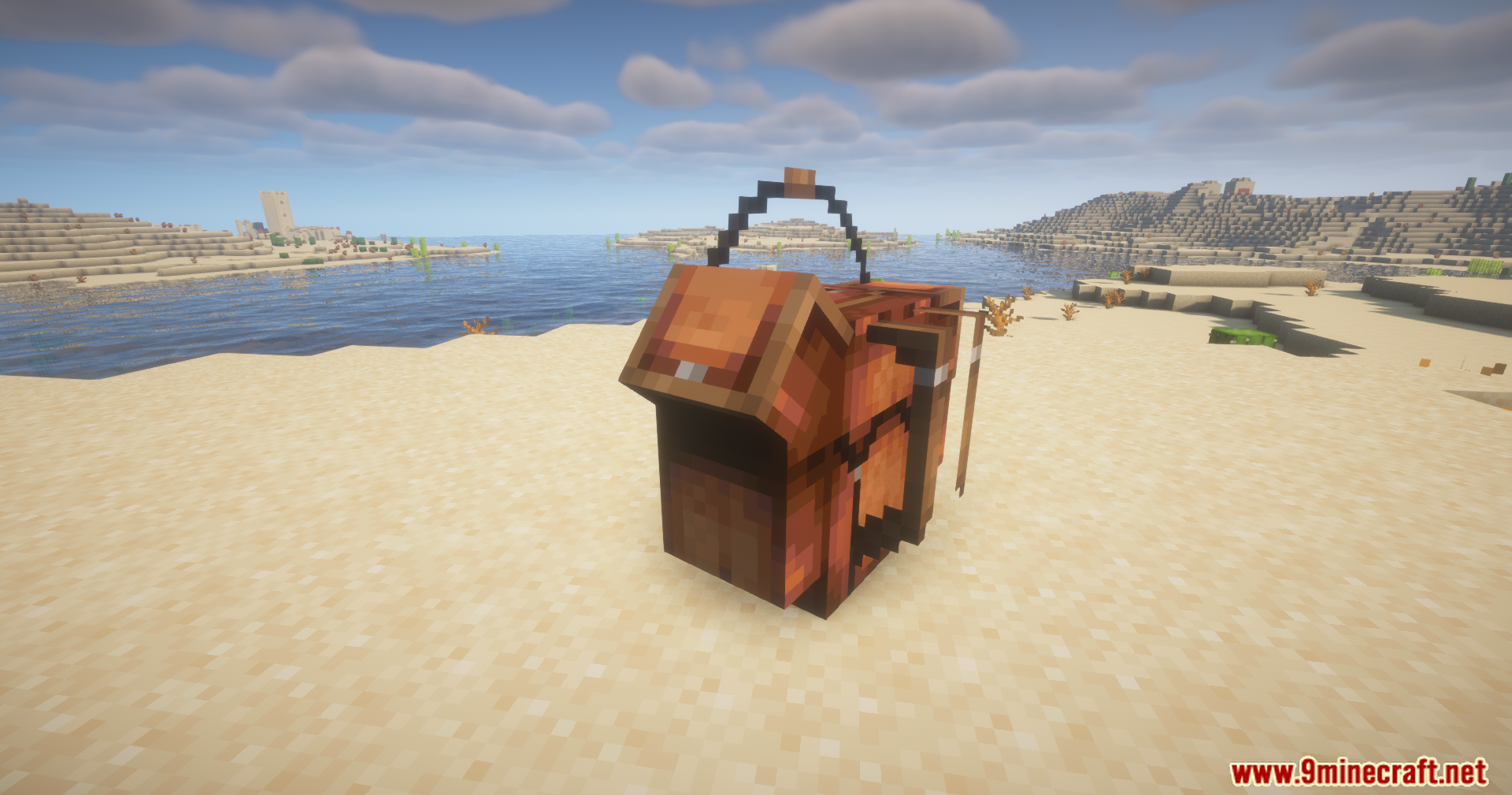
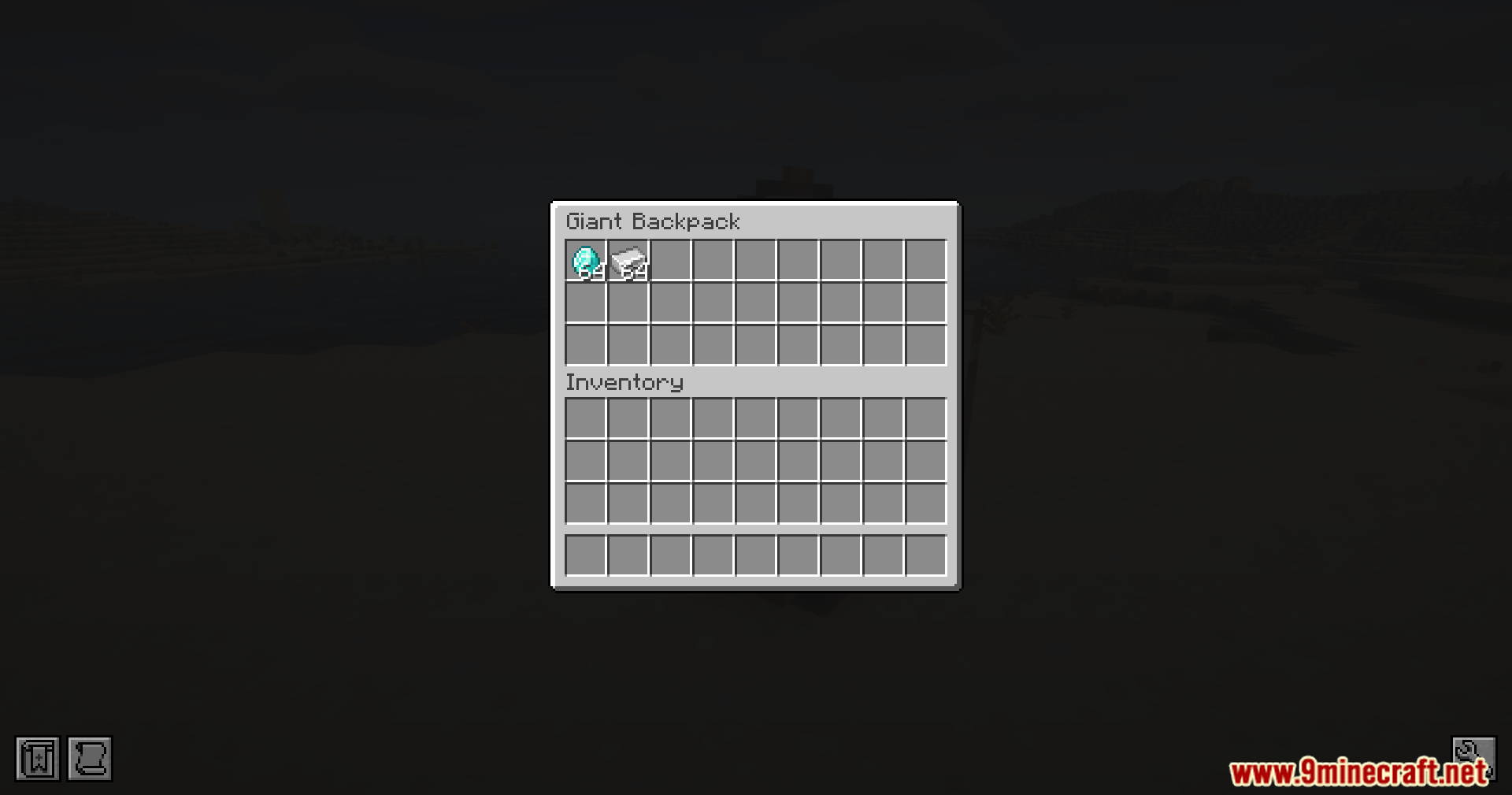
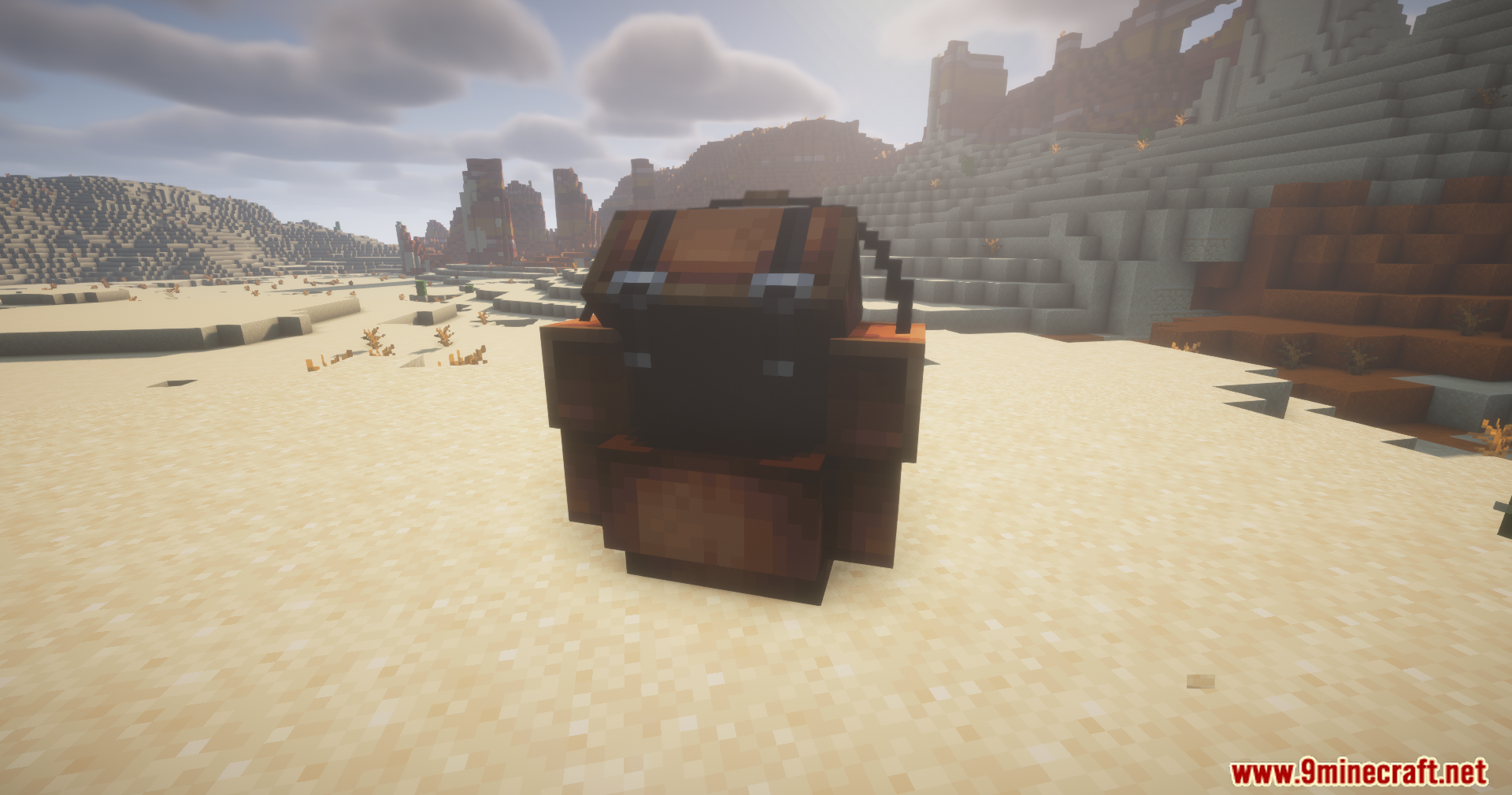
Overpacked Mod adds giant travel backpacks to your game. This mod gives you a large storage space equal to four regular chests. You can carry all your loot without running out of room during long trips. The backpack has three separate sections to help you sort your items. If you put too many heavy things inside, your walking speed slows down. You can buy this huge bag from a Wandering Trader instead of crafting it.
Features:
- Huge Storage Space: The Overpacked Mod bag holds as many items as four standard chests.
- Three Separate Sections: One large area has 54 slots, and two smaller areas have 27 slots each.
- Weight System: Your character walks slower when the bag gets full.
- Speed Penalty: You lose 10% of your walking speed for every 27 slots you fill.
- Custom Colors: You can change the color of your bag using normal dyes.
- Sleeping Bag Decoration: You can attach a bed or sleeping bag to the outside of your pack.
- Movement Animations: The bag moves nicely when you walk and opens up when you look inside.
- Wandering Trader Shop: You buy this item directly from a trader instead of making it yourself.
- Boat Trick: Putting the bag on while sitting in a boat pushes other animals out of the boat.
- Stand on It: You can place the bag down and stand on top of it.
How to Use:
- Find a Wandering Trader walking around your world.
- Trade with them to buy your Overpacked Mod backpack.
- Put items in the different sections to organize your loot.
- Hold a dye and click on the bag to change its color.
- Hold a bed or sleeping bag and click the pack to attach it as a decoration.
Screenshots:
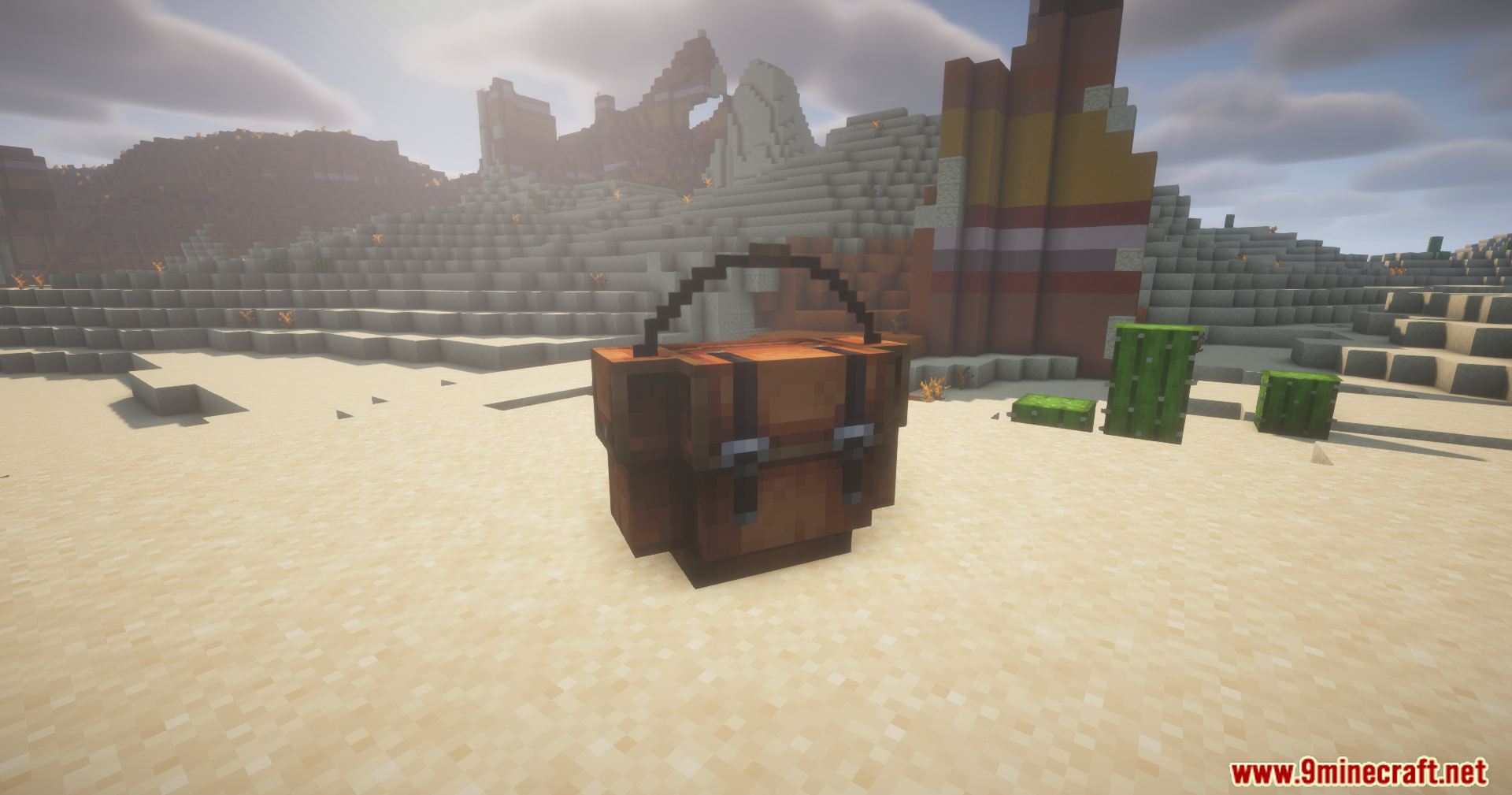
Overpacked Mod Download Links
Quick facts
- Edition: Minecraft Java
- File type: .jar
- Minecraft versions listed: 1.21.1, 1.20.1
- How to install: Install the matching mod loader (Forge, Fabric or NeoForge) for your Minecraft version. → Download the .jar. → Put it in the .minecraft/mods folder and launch that loader profile.
- Where to get it: In MC Java Mods, or directly above on this page.
Install steps are the general flow for this file type — How to install Minecraft Java mods & modpacks walks through it step by step.
File checked by MCModsHub
- Downloads as 26876.mcaddon
- Download size: 252 KB
- Download link checked 22 Sept 2026 — working
- Mirrored on our own servers — the download does not depend on the original host
These come from our own check of the pack file, not from the source page.