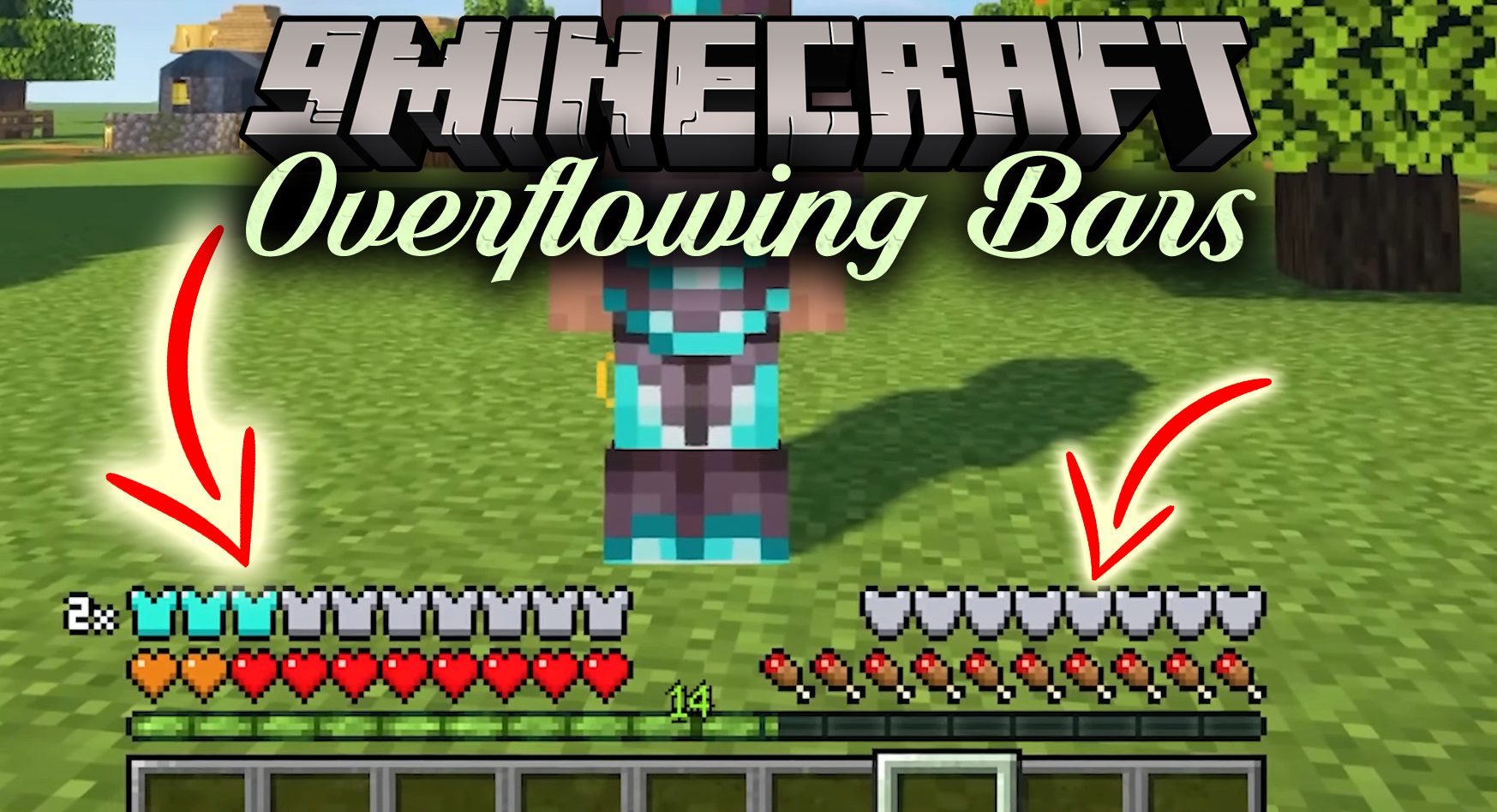
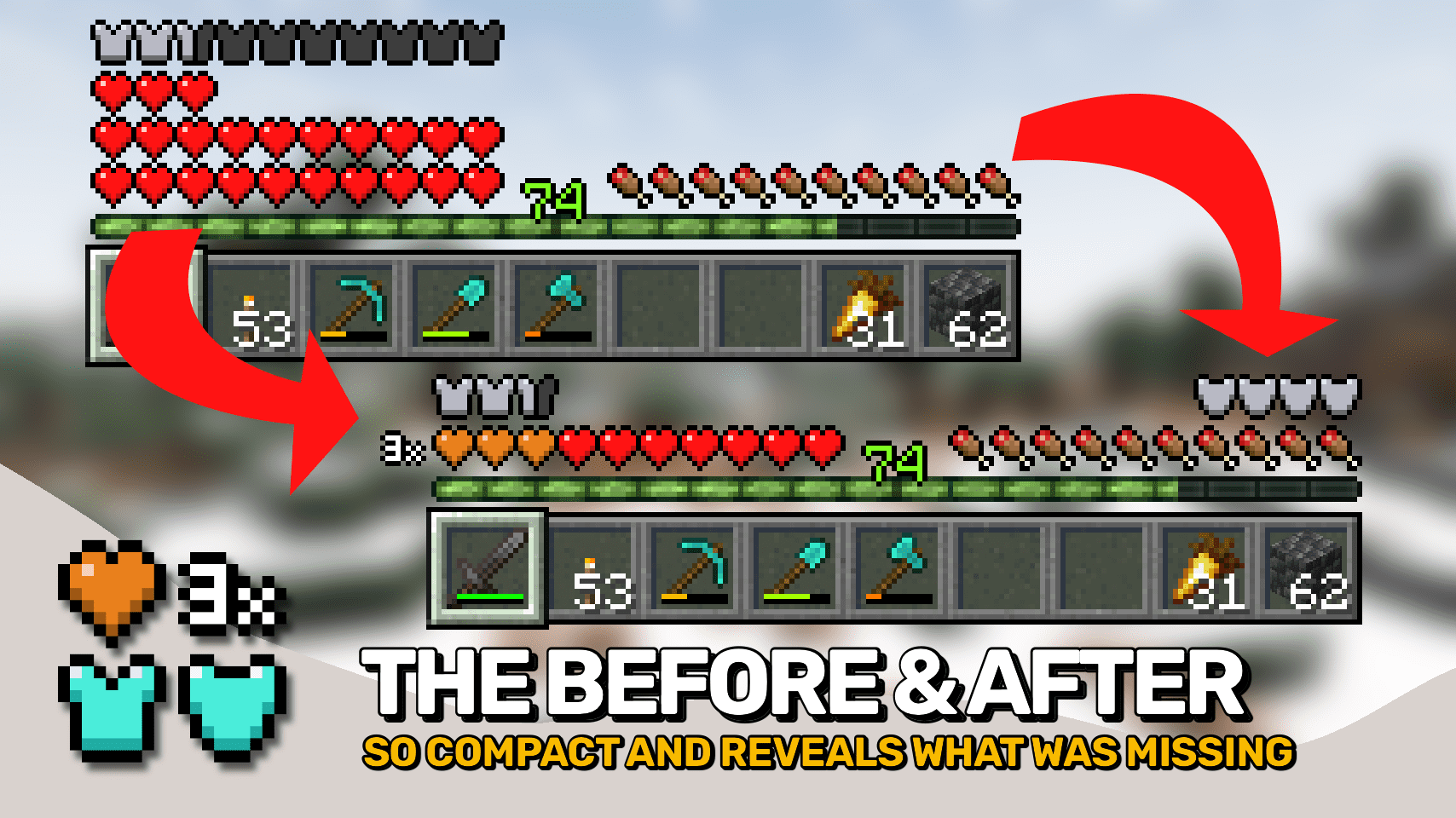
Overflowing Bars Mod is here to bring an end to all health / armor / toughness overlay / extension mods. Get proper, nice and compact health, armor and armor toughness bars in just this single mod.
Expand health, armor and armor toughness bars beyond vanilla. Nice and compact without confusing colors.
Features:
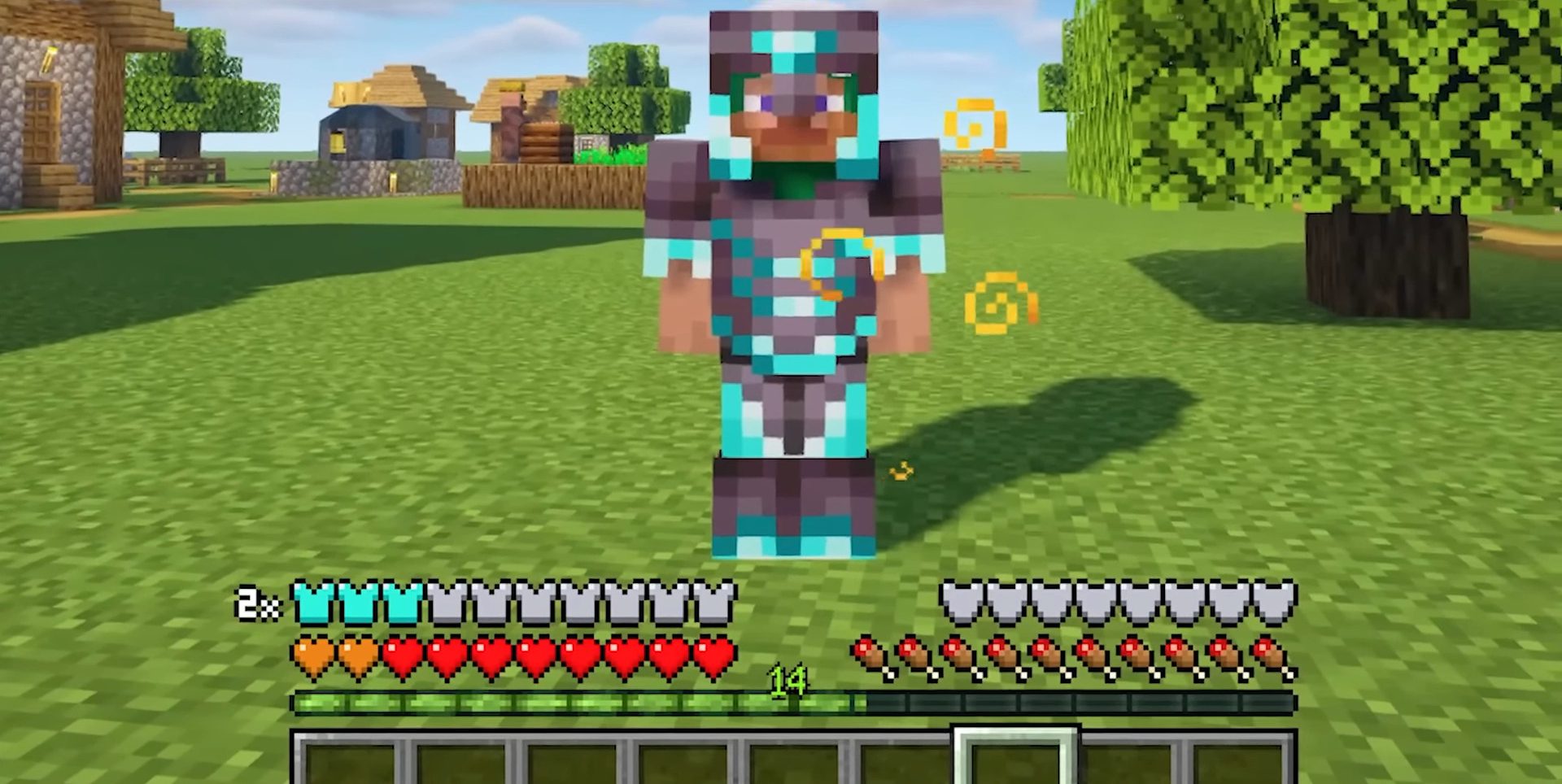
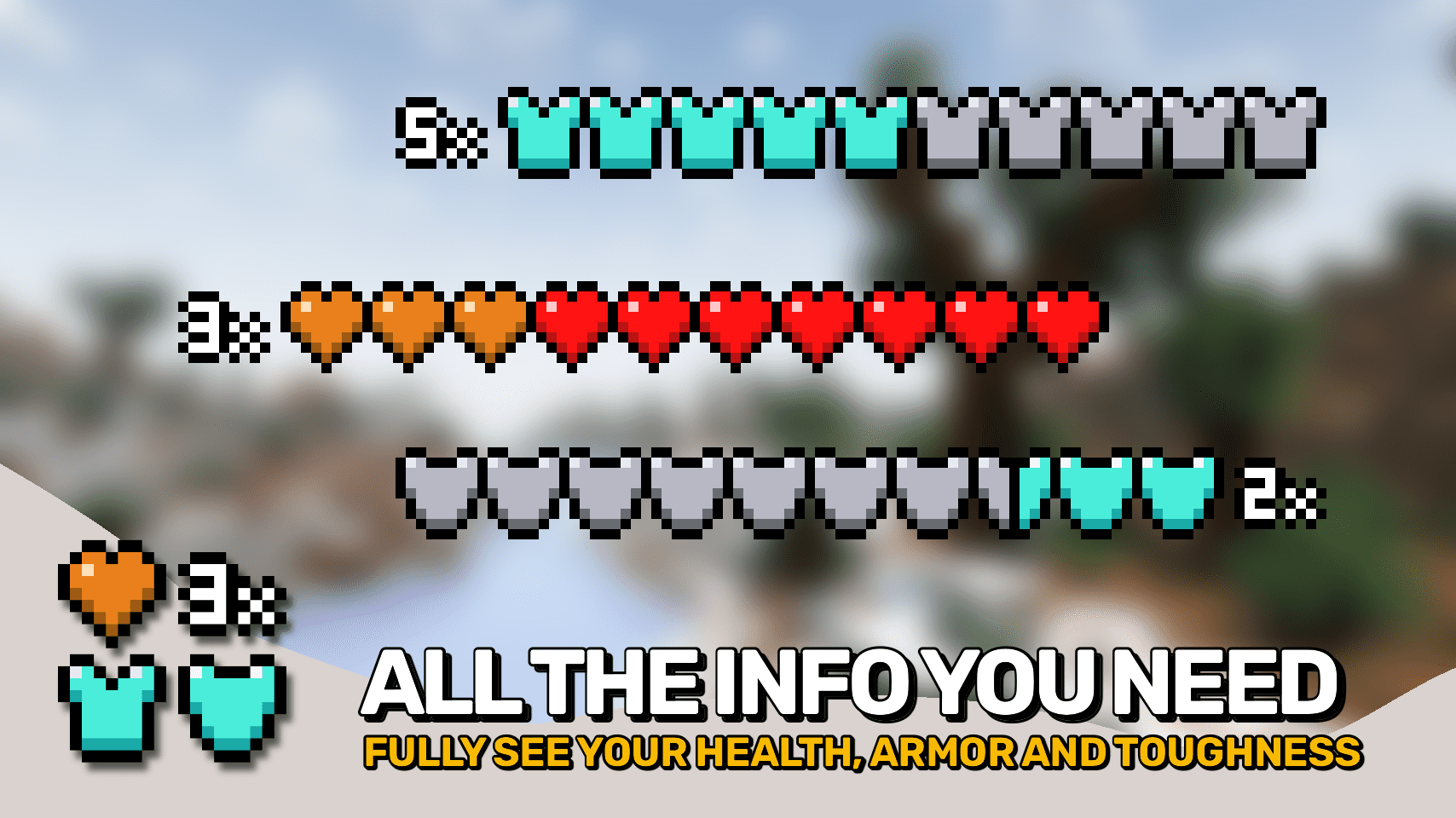
- Only ever uses two colors: the vanilla base color + orange / light blue. A tiny number to the side tells you how many layers are stacked on top instead of making you guess from the current color.
- Stacks hearts on top of each other when you have more than 10 hearts. The stacked layer will always show as orange.
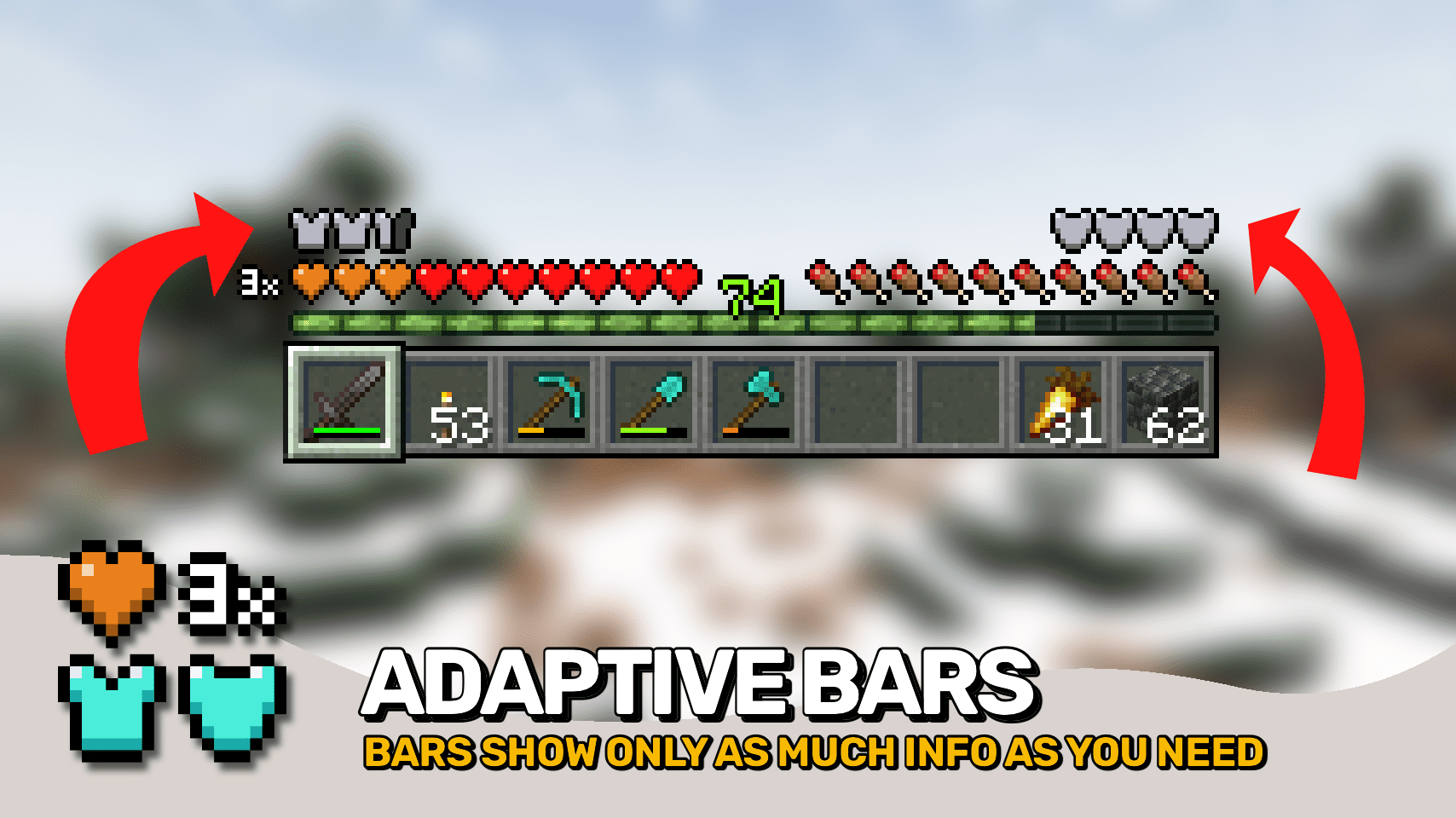
- Stack armor points on top of each other when you have more than 20 points. The stacked layer shows light blue. Only as many armor icons as necessary are shown.
- Adds a display for armor toughness right above the food bar, behaves just like the armor bar (can be moved left if you prefer).
- Also fixes incoming chat messages to no longer hide the armor bar.
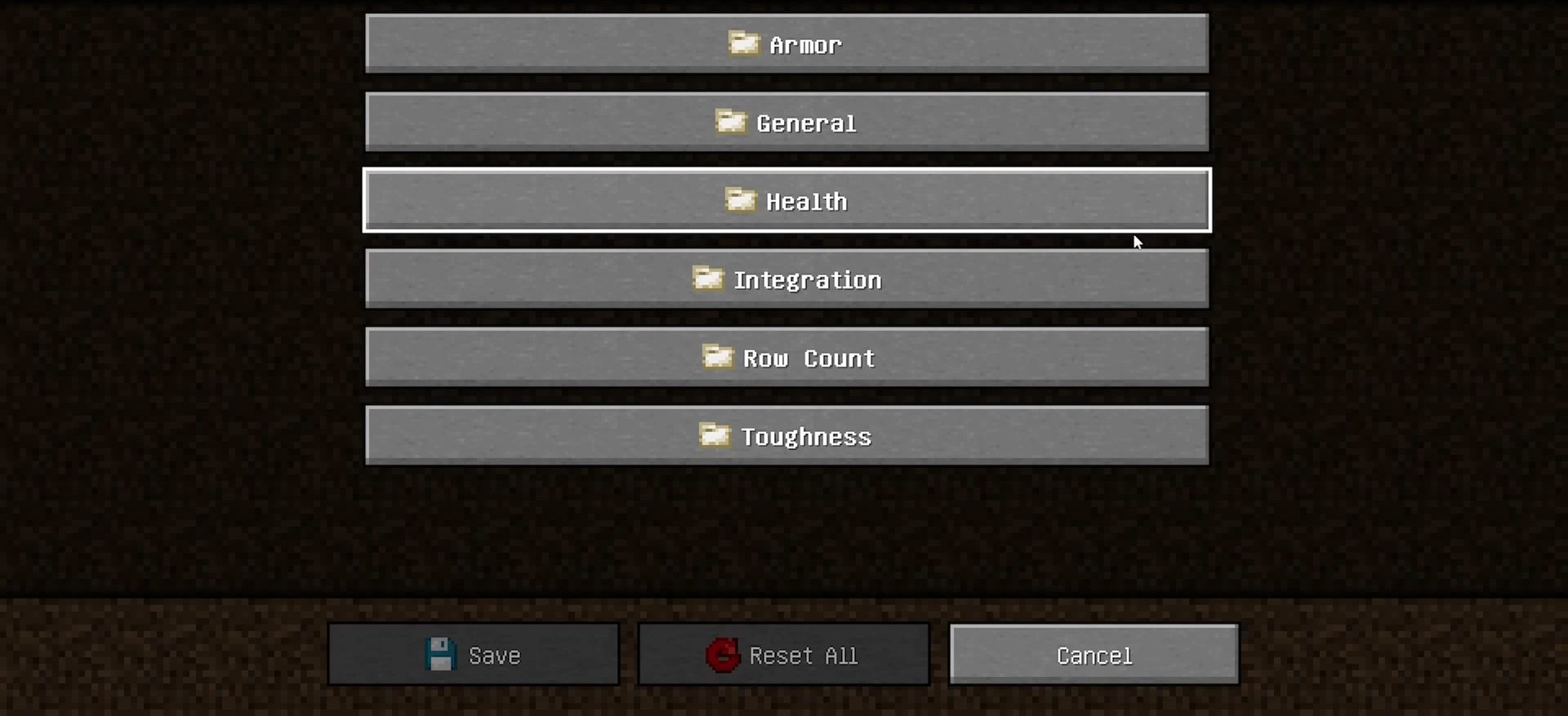
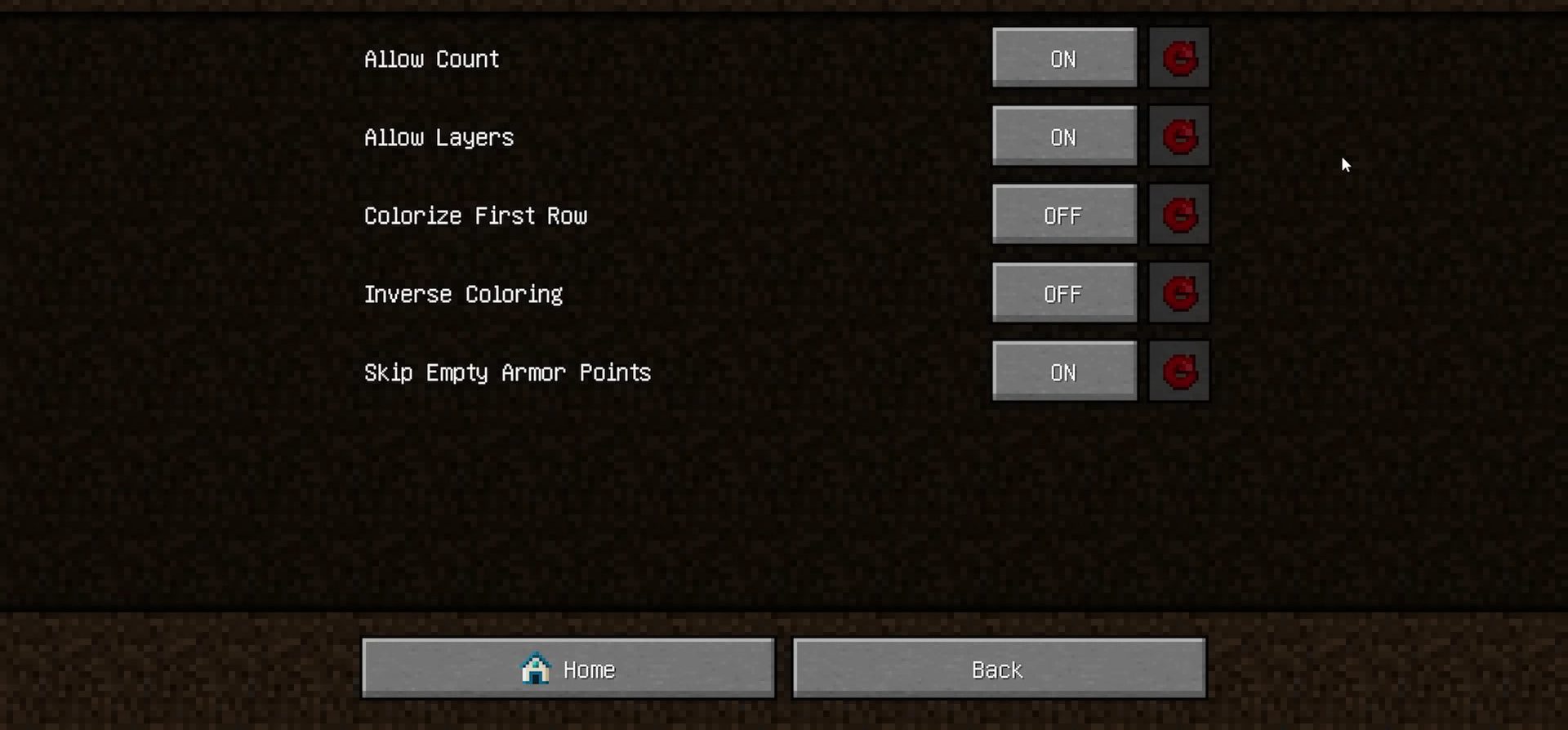
- Fully configurable! Change stacking behavior, number display and so much more!
- Install AttributeFix Mod to properly support armor and toughness values above 20.
Screenshots:
Overflowing Bars Mod Download Links
Quick facts
- Edition: Minecraft Java
- File type: .jar
- Minecraft version listed: 1.20.1
- How to install: Install the matching mod loader (Forge, Fabric or NeoForge) for your Minecraft version. → Download the .jar. → Put it in the .minecraft/mods folder and launch that loader profile.
- Where to get it: In MC Java Mods, or directly above on this page.
Install steps are the general flow for this file type — How to install Minecraft Java mods & modpacks walks through it step by step.
Verified by MCModsHub
- Downloads as 26888.mcaddon
- Download size: 84 KB
- Download link checked 25 Sept 2026 — working
- Mirrored on our own servers — the download does not depend on the original host
These come from our own check of the pack file, not from the source page.