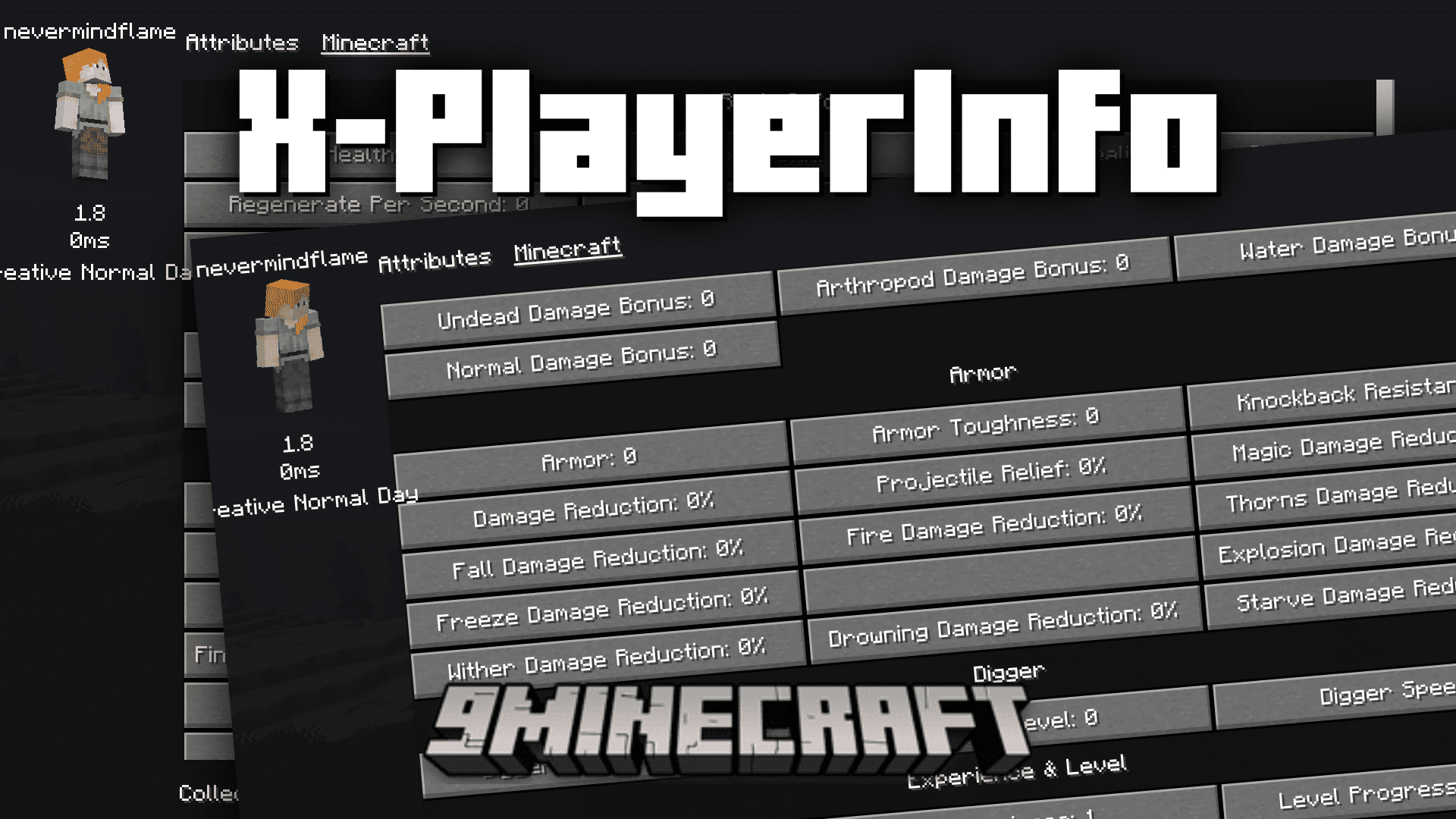
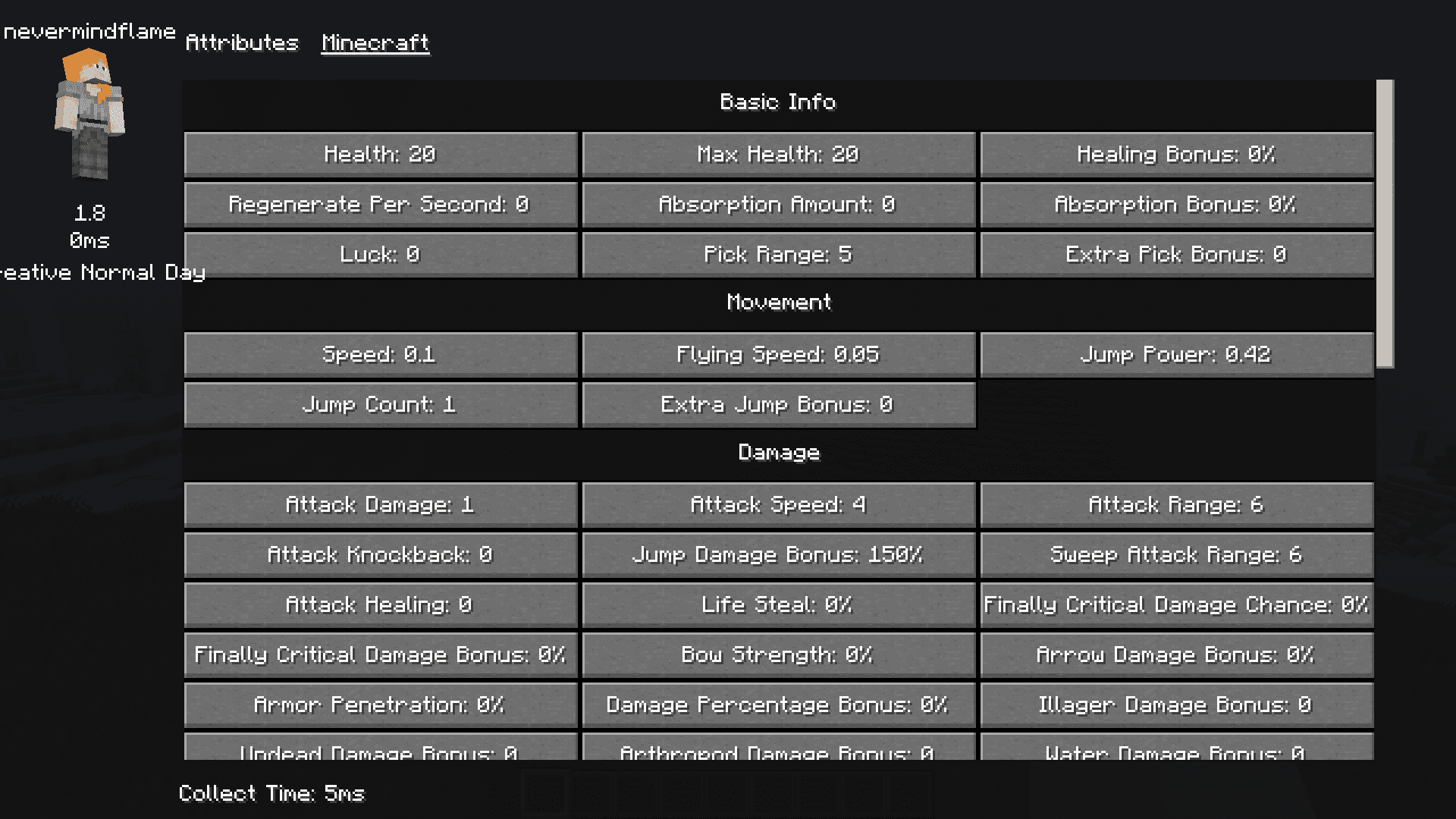
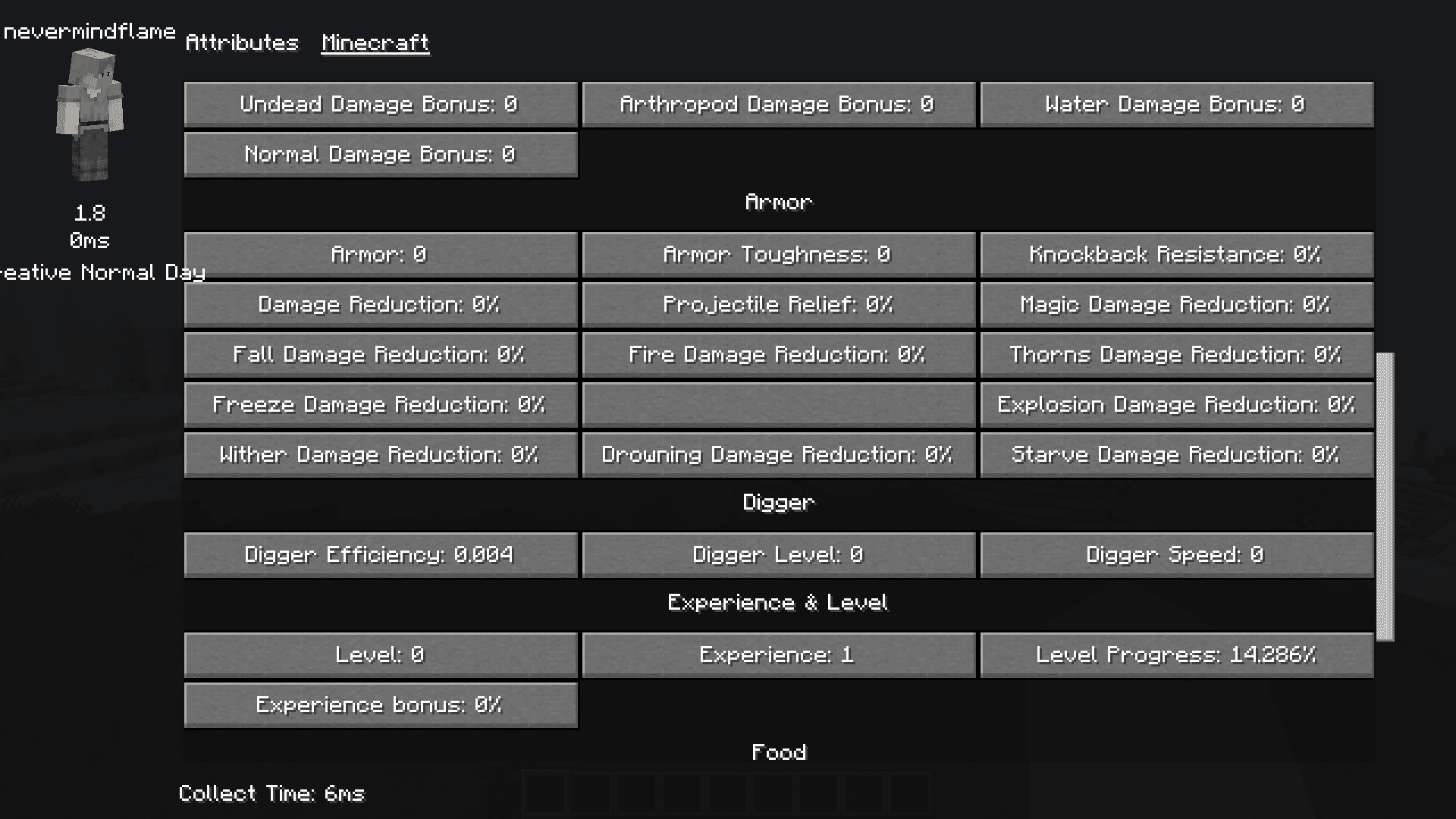
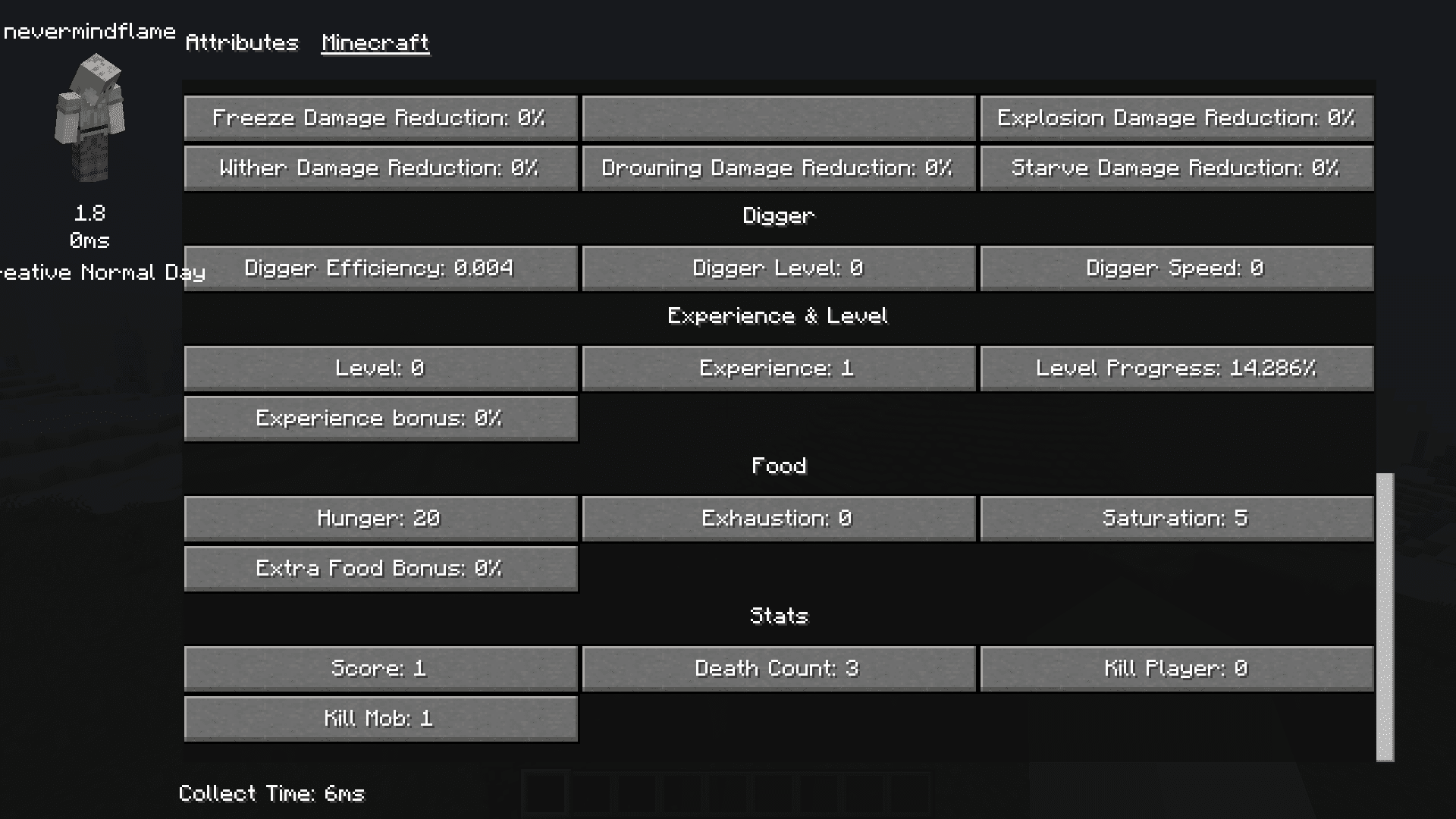
Ever been curious about stats regarding your in-game character? Do you want to know detailed info regarding your armor strength, durability, damage, XP, movement, etc? X-PlayerInfo Mod is here to assist you. With this mod installed, simply pressing the TAB key will open up a full screen display that shows you various different stats and attributes regarding your in-game character.
Features:
- Real-time Player Information: X-PlayerInfo is a Minecraft mod that provides essential real-time player information, including damage, armor, speed, XP, and movement stats.
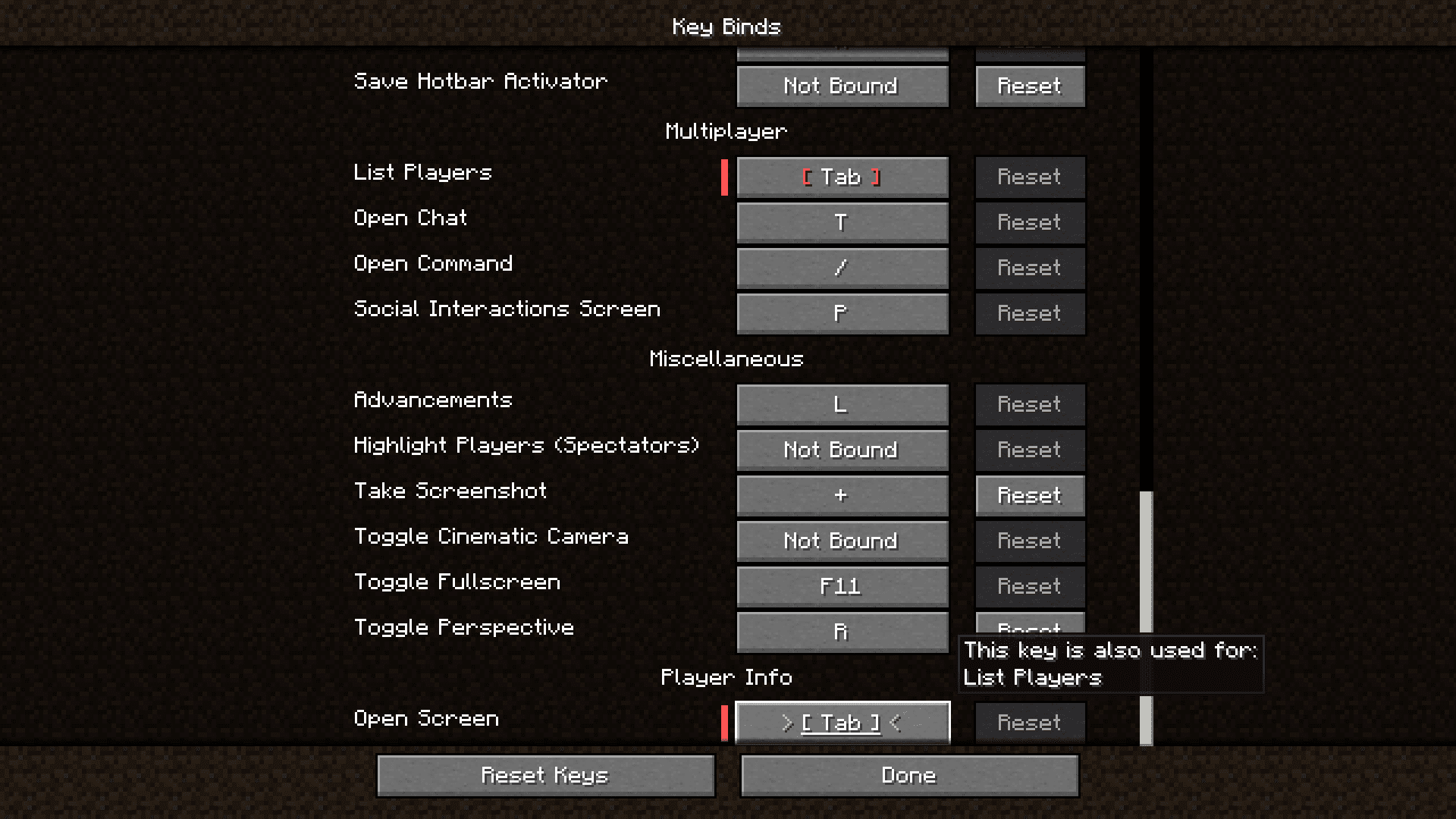
- Convenient Display: Players can easily access this information by pressing the [TAB] key whenever they need it, making it a seamless addition to their gameplay experience.
- Customizability: X-PlayerInfo offers customization options through its configuration file, located at ‘config/X-PlayerInfo.json’. Users can tailor their experience to their preferences.
- mockTest Option: The mod includes a ‘mockTest’ option, which can be set to ‘true’ or ‘false’. When set to ‘true’, it enables mock attacks on players. While this can provide more precise data, it may occasionally result in conflicts with other mods, especially those involving actions like using waystones or interruptible actions, so users should choose this option carefully to suit their needs.
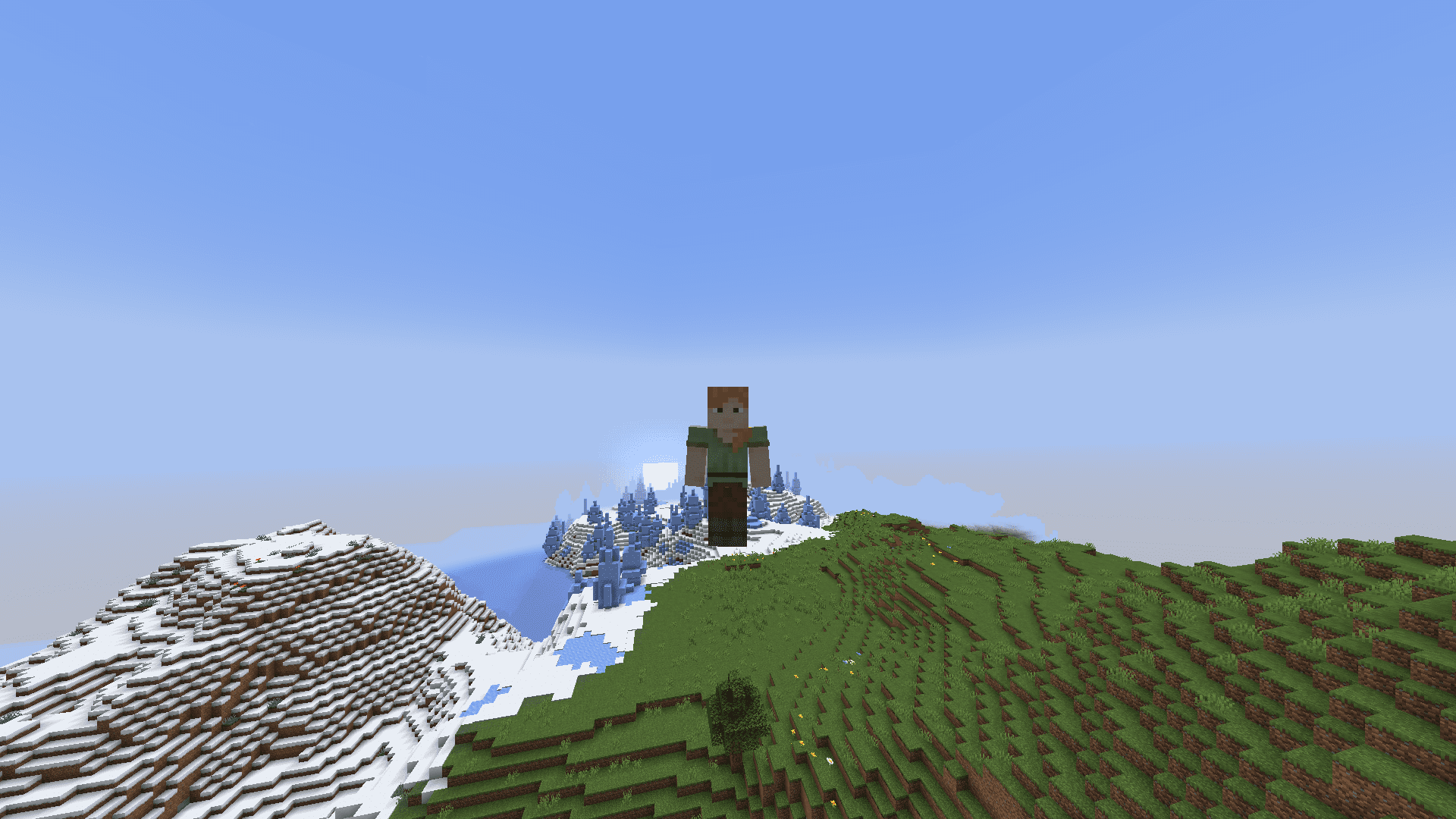
Screenshots:
X-PlayerInfo Mod Download Links
Quick facts
- Edition: Minecraft Java
- File type: .jar
- Minecraft version listed: 1.20.1
- How to install: Install the matching mod loader (Forge, Fabric or NeoForge) for your Minecraft version. → Download the .jar. → Put it in the .minecraft/mods folder and launch that loader profile.
- Where to get it: Opens on the file's original source — not every file is mirrored on our own servers.
Install steps are the general flow for this file type — How to install Minecraft Java mods & modpacks walks through it step by step.
X-PlayerInfo Mod (1.20.1) – Player Statistics Screen is a free Minecraft Java mod. Compatible with Minecraft 1.20.1. Download it and open it directly in the game.