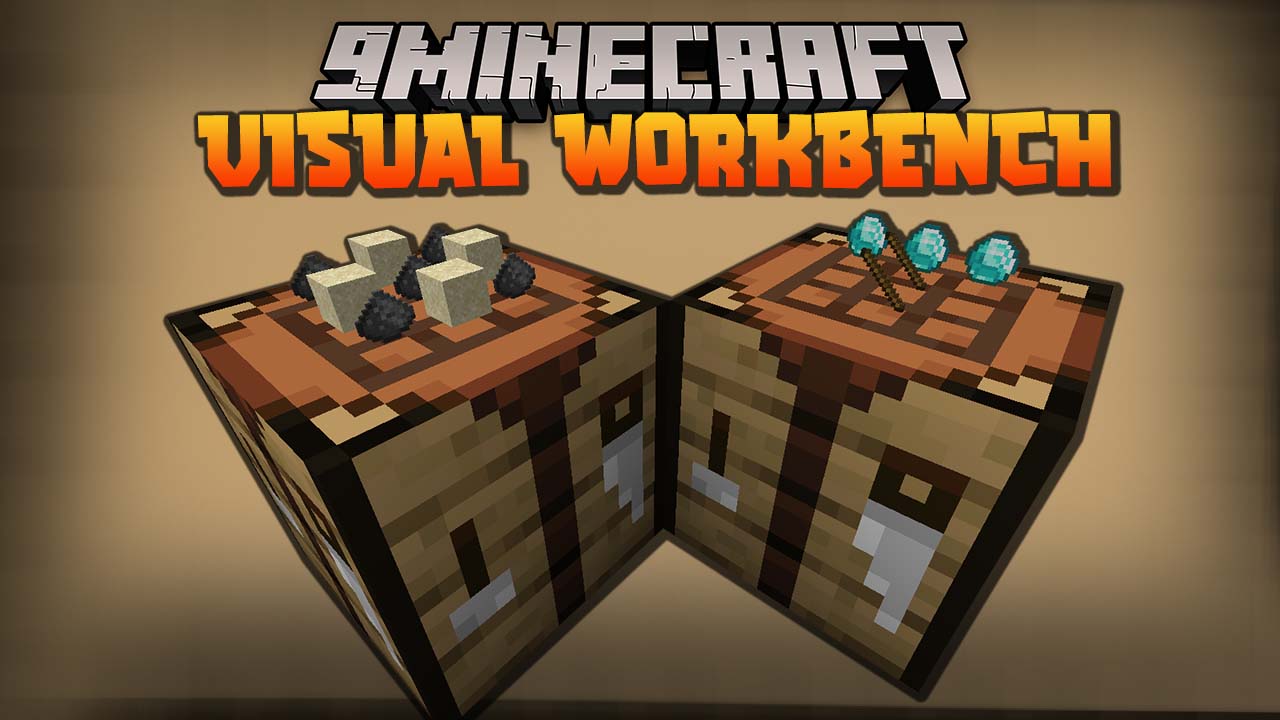

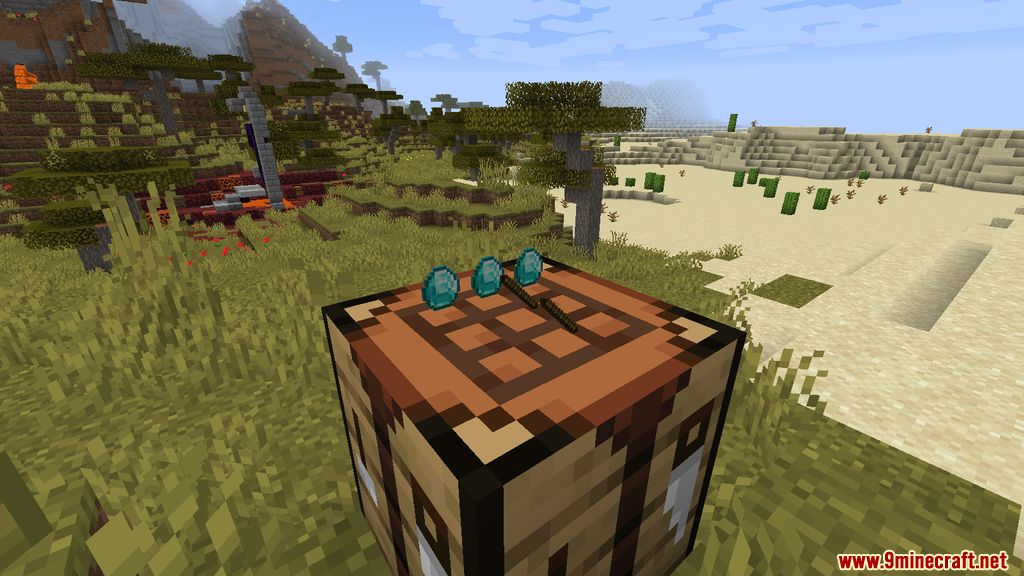
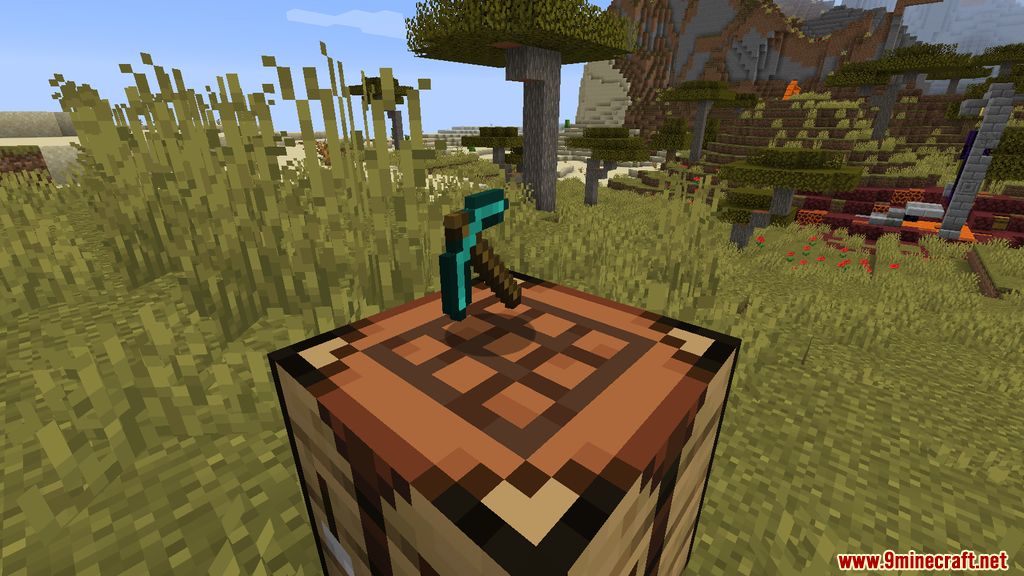
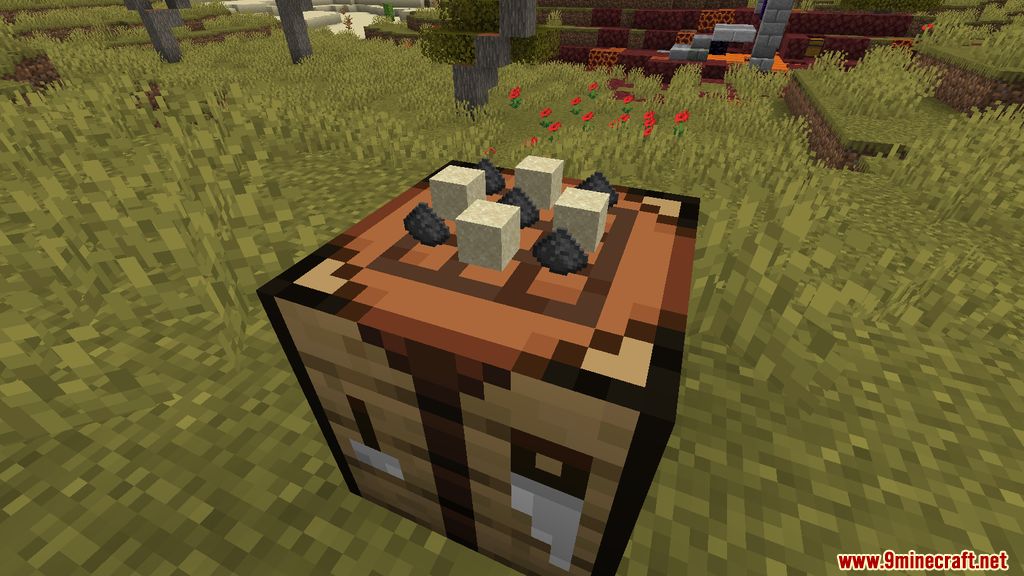
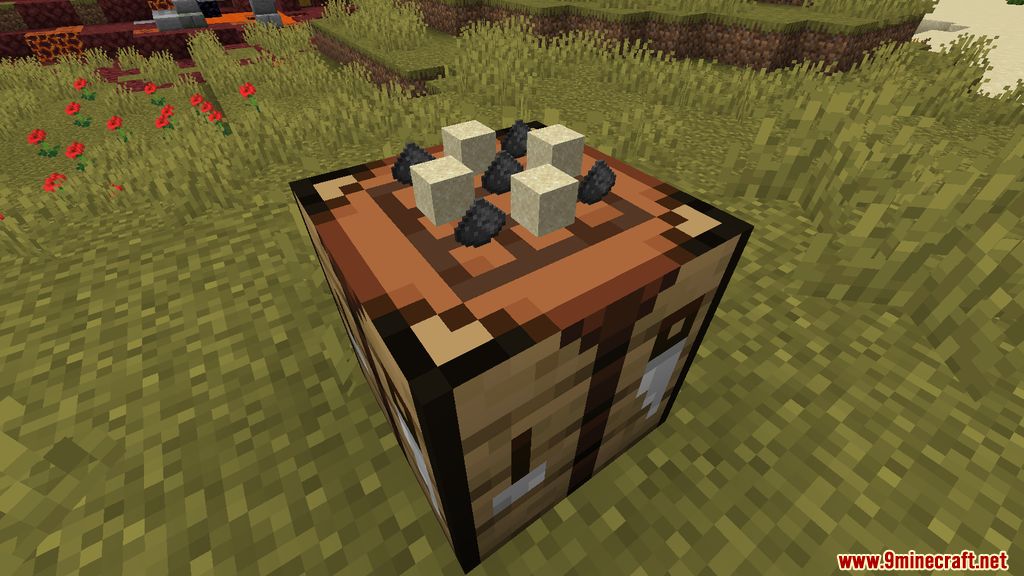
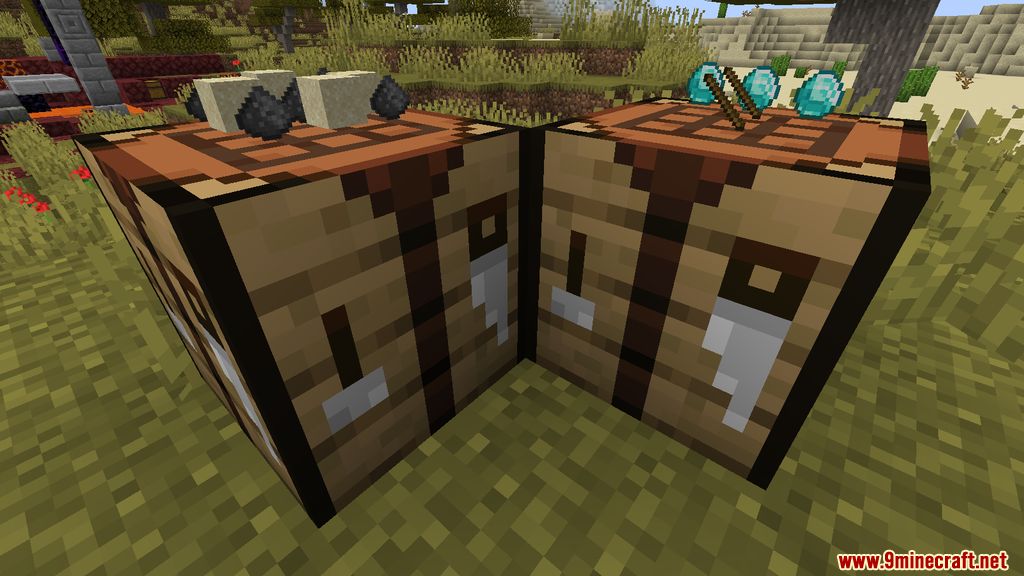
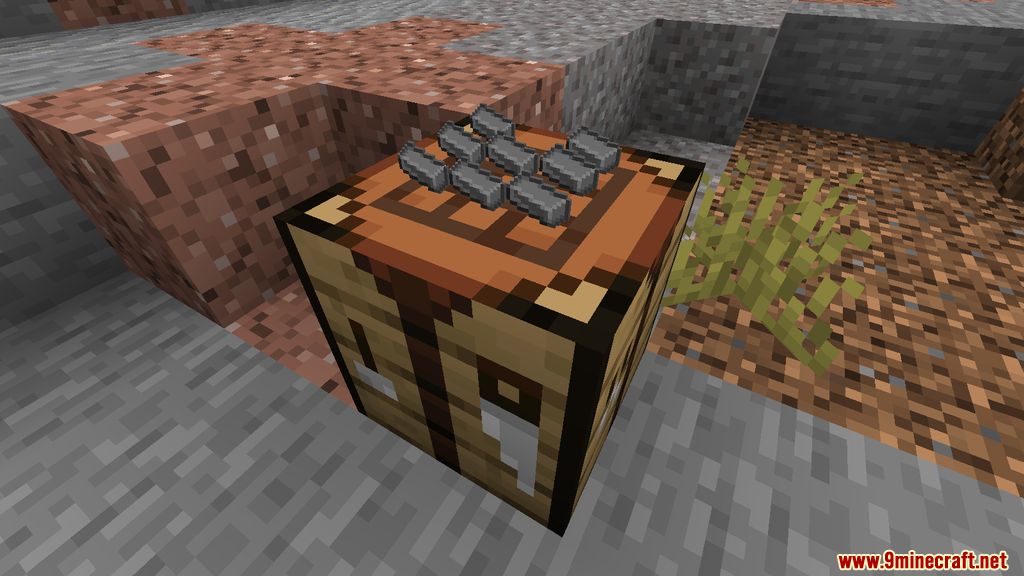
Visual Workbench Mod adds a functional 3D workbench to Minecraft. Essentially, it doesn’t bring anything particularly revolutionary – it simply allows items placed in the crafting slots on the block itself to be visible, which looks quite aesthetically pleasing. Items in the slots won’t disappear; they can be left there and seen. It’s a great fit for servers – visually, it looks cool.
Features:
- Items placed in the crafting grid remain in place even after closing the interface, making crafting more convenient.
- Items in the crafting grid are displayed on the workbench block itself, adding a visually appealing touch.
- If the workbench block is broken, all items in the crafting grid are dropped, ensuring nothing is lost.
Screenshots:
Visual Workbench Mod Download Links
Quick facts
- Edition: Minecraft Java
- File type: .jar
- Minecraft version listed: 1.20.1
- How to install: Install the matching mod loader (Forge, Fabric or NeoForge) for your Minecraft version. → Download the .jar. → Put it in the .minecraft/mods folder and launch that loader profile.
- Where to get it: In MC Java Mods, or directly above on this page.
Install steps are the general flow for this file type — How to install Minecraft Java mods & modpacks walks through it step by step.
Verified by MCModsHub
- Downloads as 26895.mcaddon
- Download size: 63 KB
- Download link checked 24 Sept 2026 — working
- Mirrored on our own servers — the download does not depend on the original host
These come from our own check of the pack file, not from the source page.