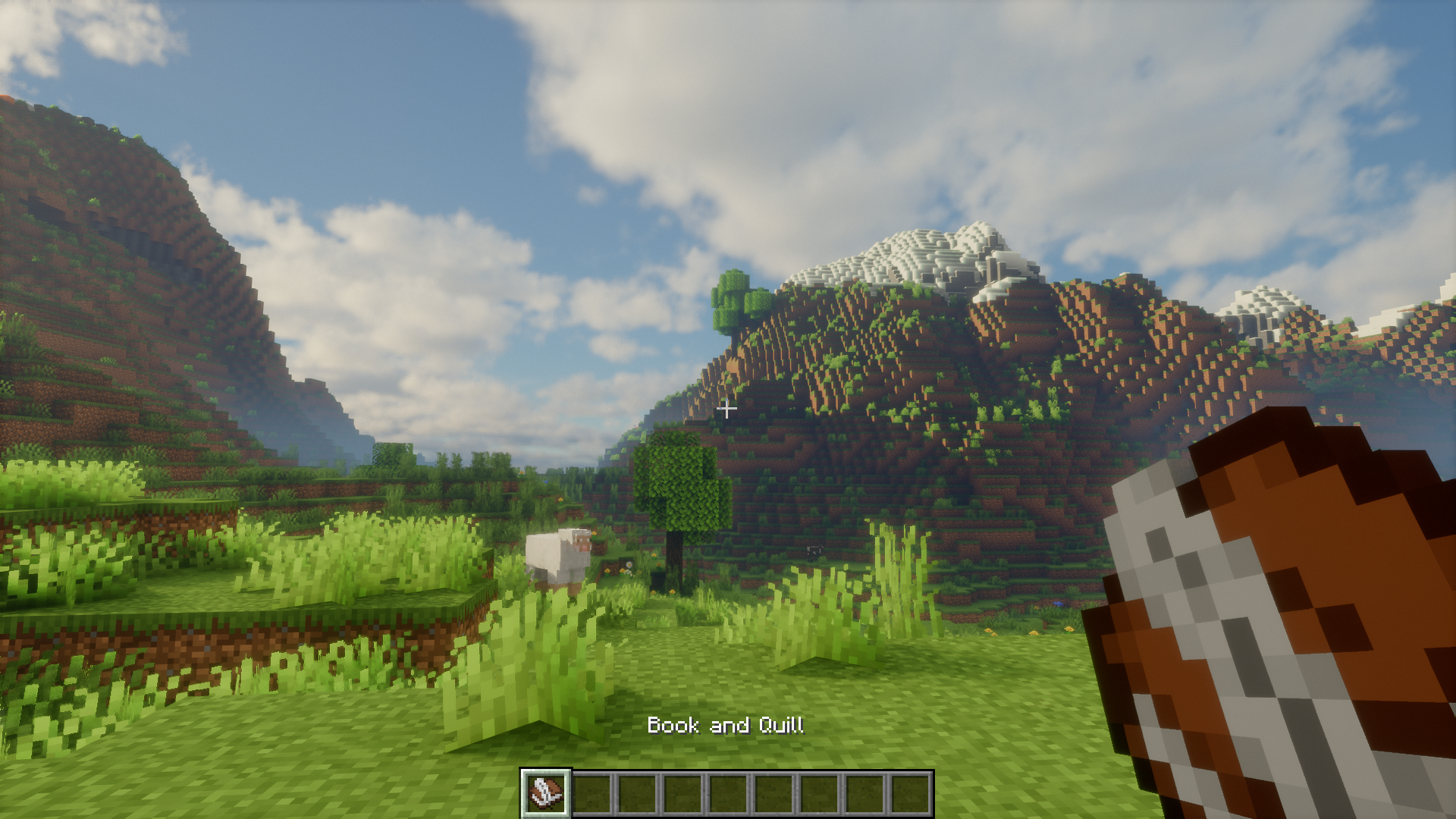
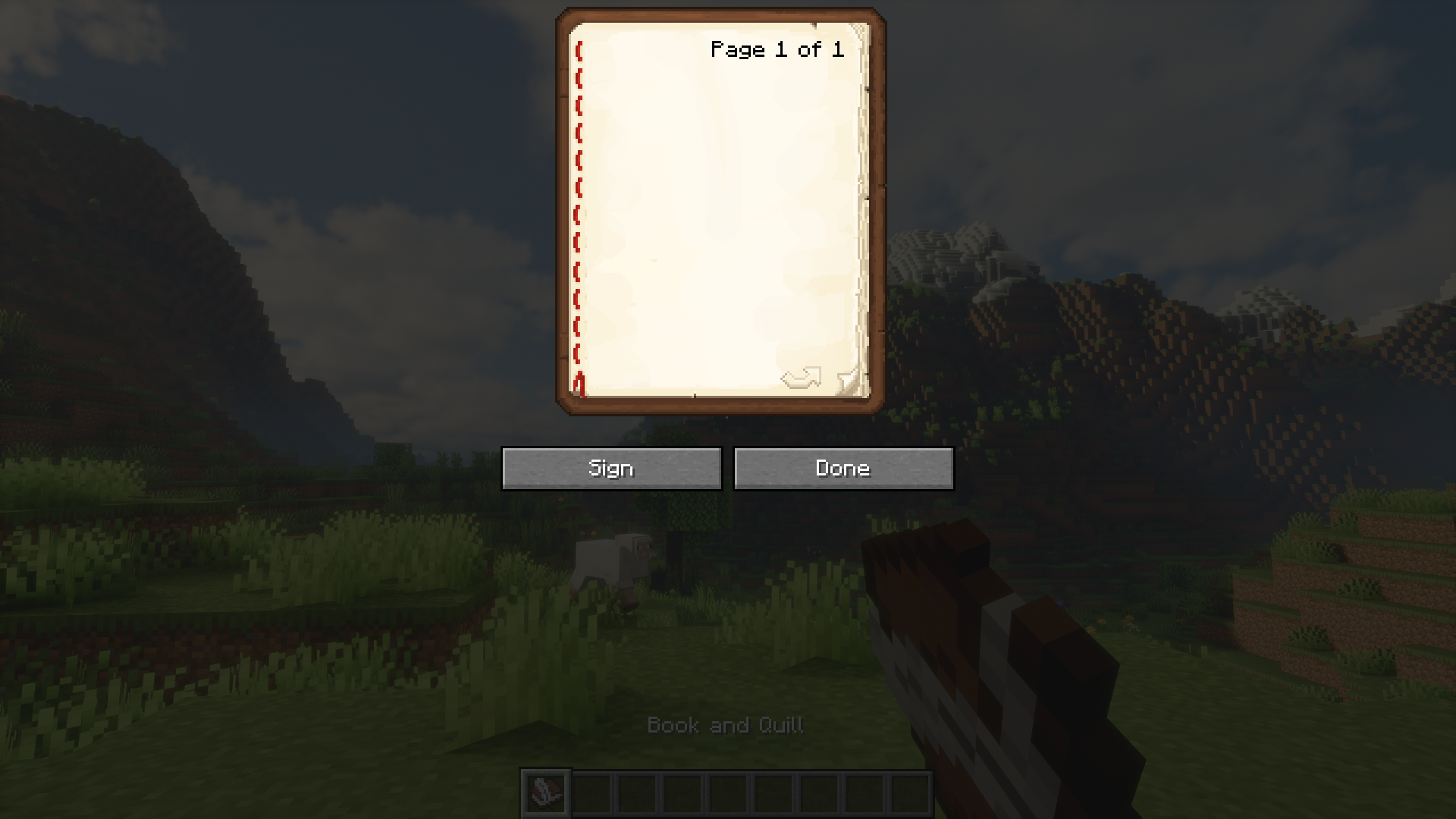
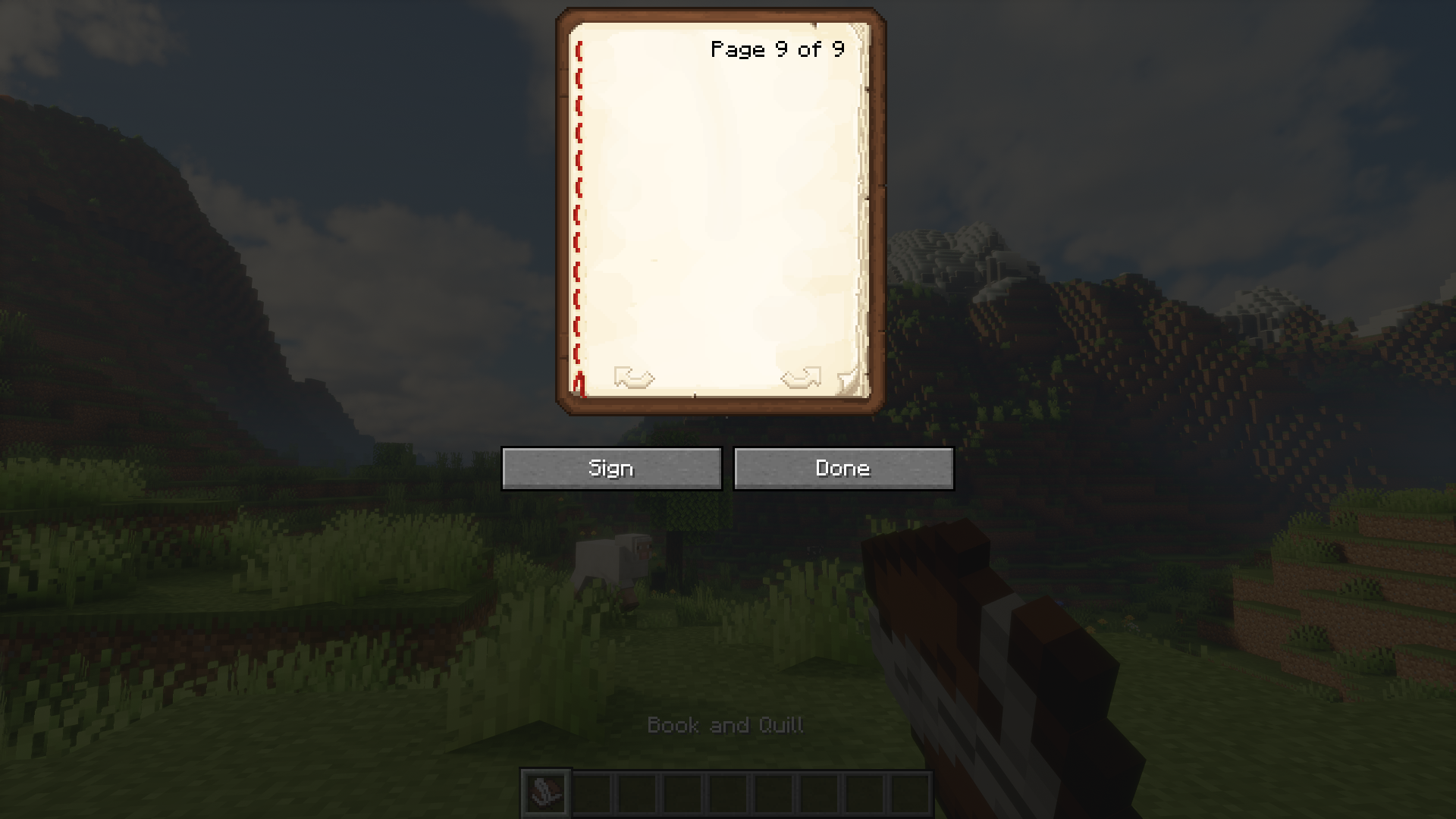
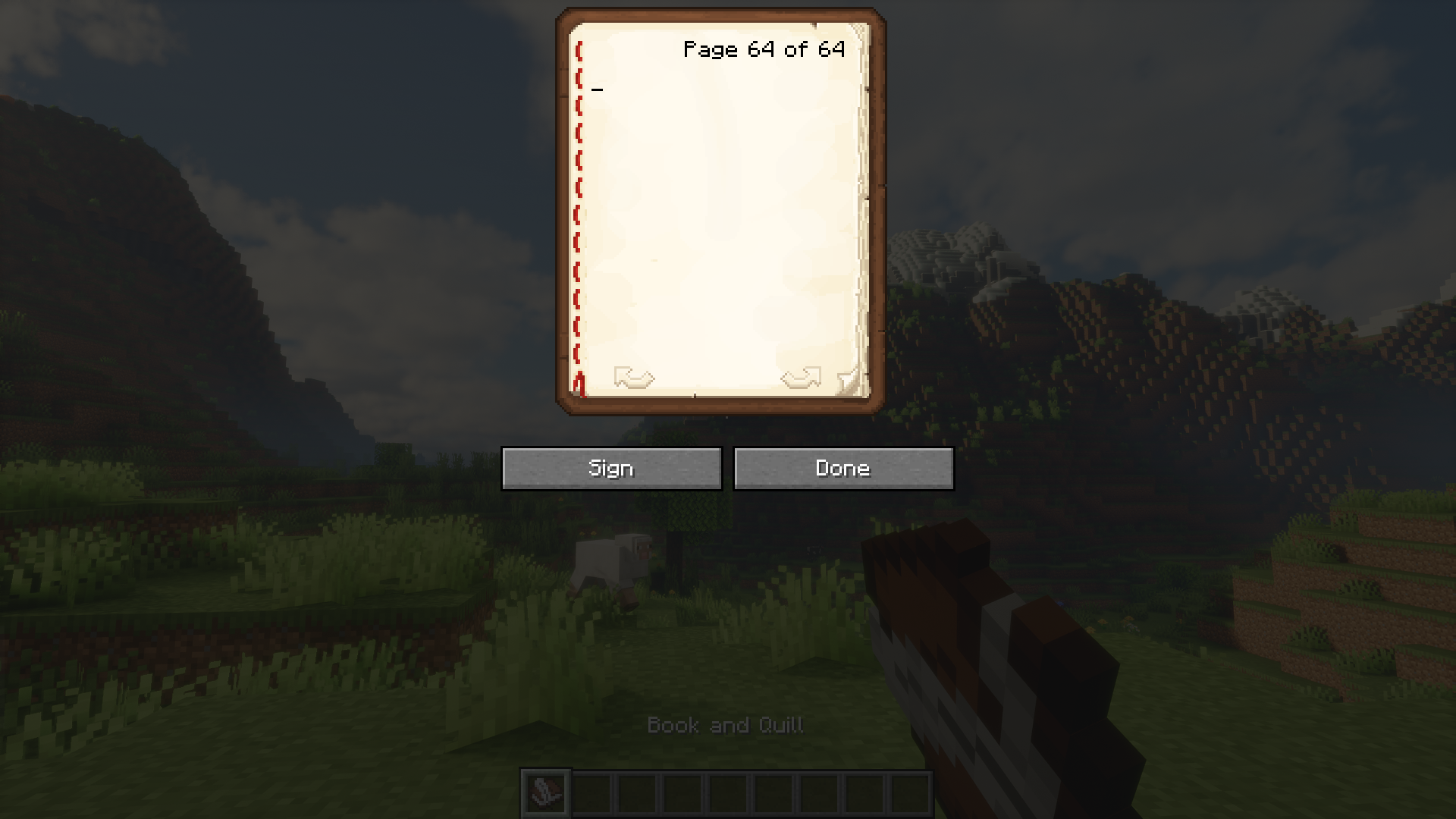
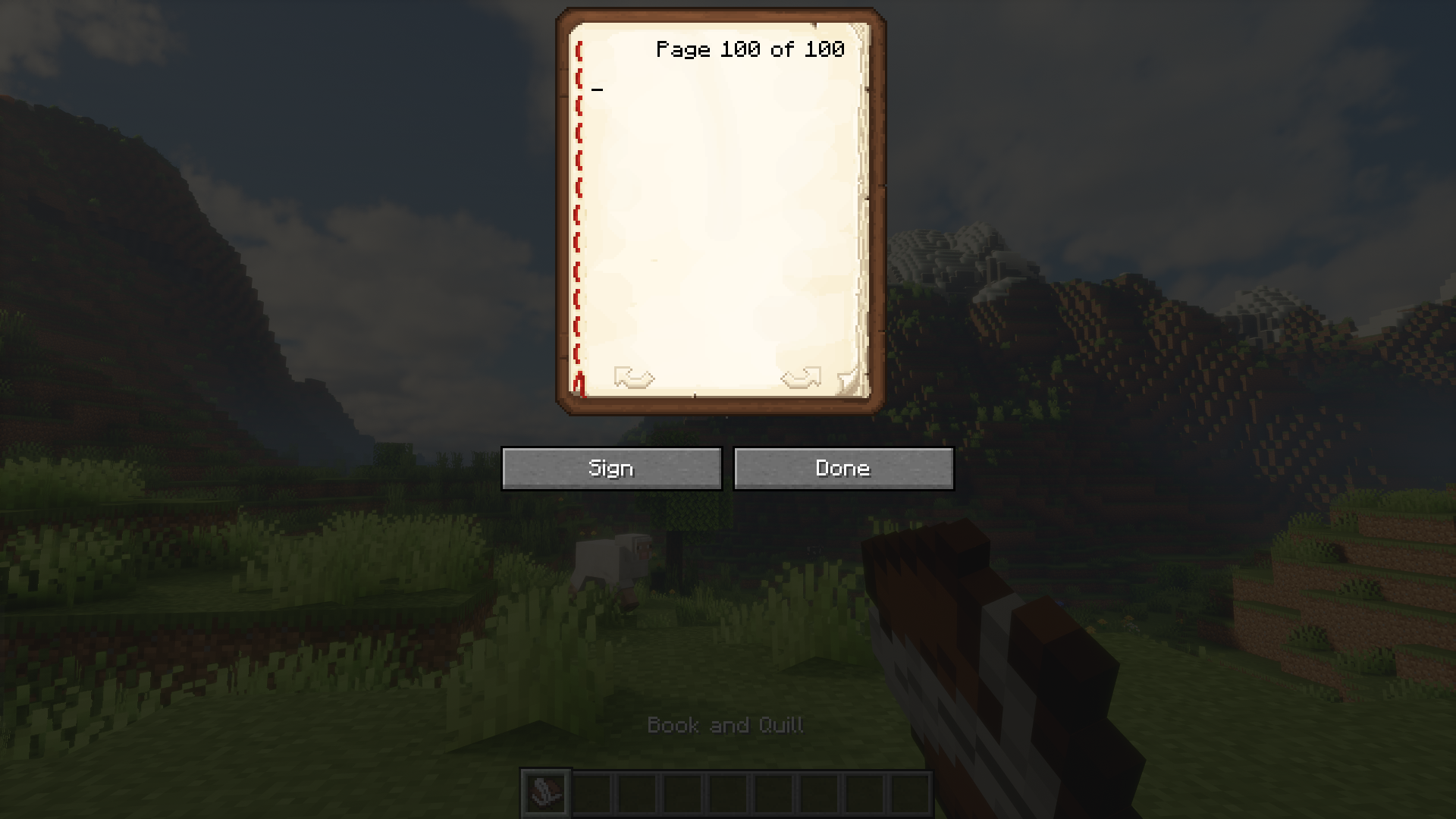
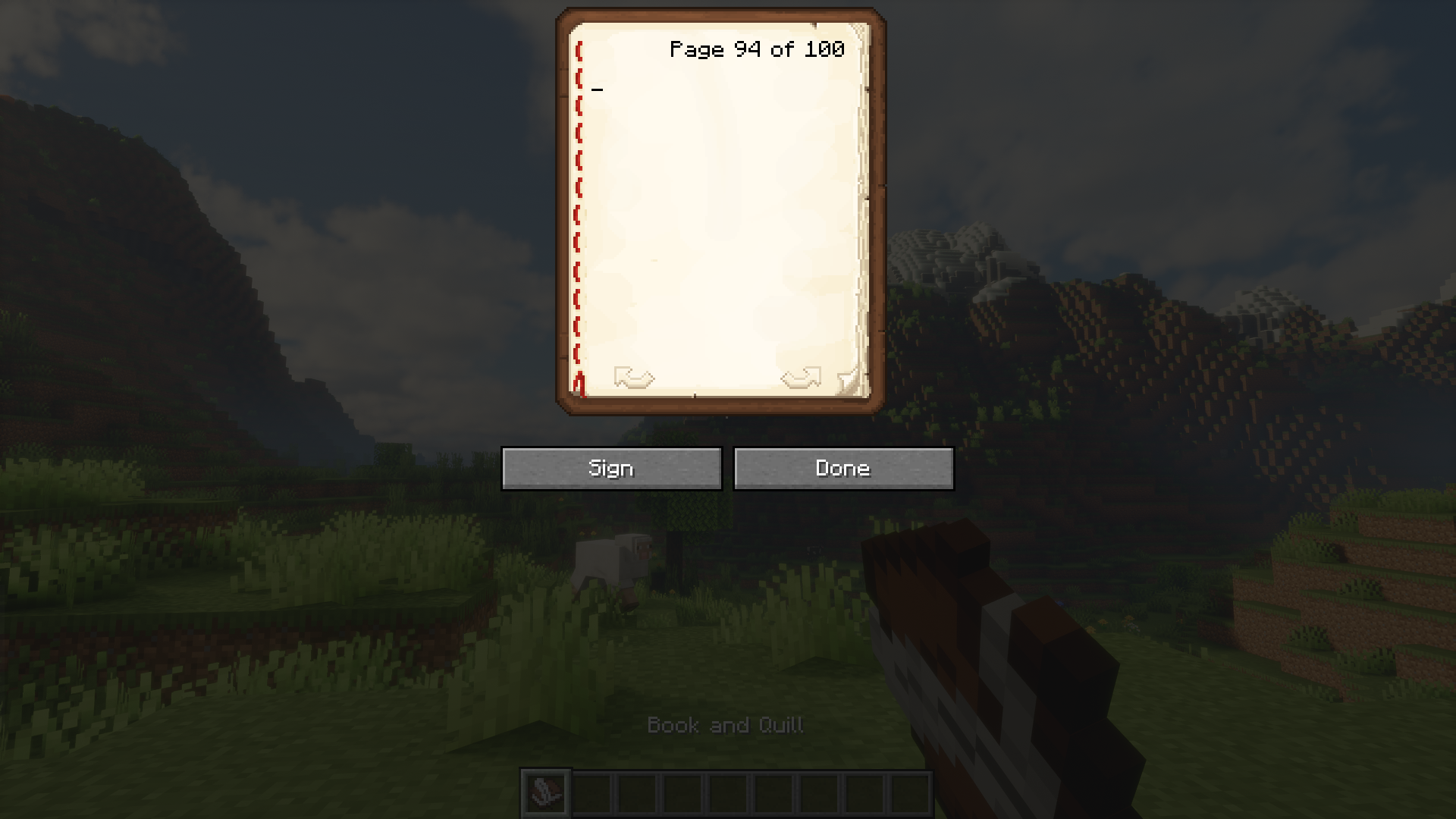
In Minecraft, you can use the book and quill item to write books that are upto one hundred pages long. To navigate through the pages of a book, you have to use the arrow keys provided at the bottom of the book GUI. If your book is very long, you may have to click on the arrow bottom multiple times to navigate to your required page. This can be an inconvenience at times. Book Scroll Mod is here to make navigating through the pages of Minecraft books a lot easier. With this installed, you can use the mouse scroll wheel to turn the pages of the book. Slower scrolling means slower page turning, and you can scroll faster to go through more pages in seconds.
Features:
- Makes navigating through the pages of books a lot easier.
- Use the mouse scroll wheel to turn the pages of books.
- Navigation speeds depend on the speed of the scroll.
Screenshots:
Book Scroll Mod Download Links
- Edition: Minecraft Java
- File type: .jar
- Minecraft version listed: 1.21.1
- How to install: Install the matching mod loader (Forge, Fabric or NeoForge) for your Minecraft version. → Download the .jar. → Put it in the .minecraft/mods folder and launch that loader profile.
- Where to get it: In MC Java Mods, or directly above on this page.
Install steps are the general flow for this file type — How to install Minecraft Java mods & modpacks walks through it step by step.
- Downloads as 26903.mcaddon
- Download size: 27 KB
- Download link checked 23 Sept 2026 — working
- Mirrored on our own servers — the download does not depend on the original host
These come from our own check of the pack file, not from the source page.