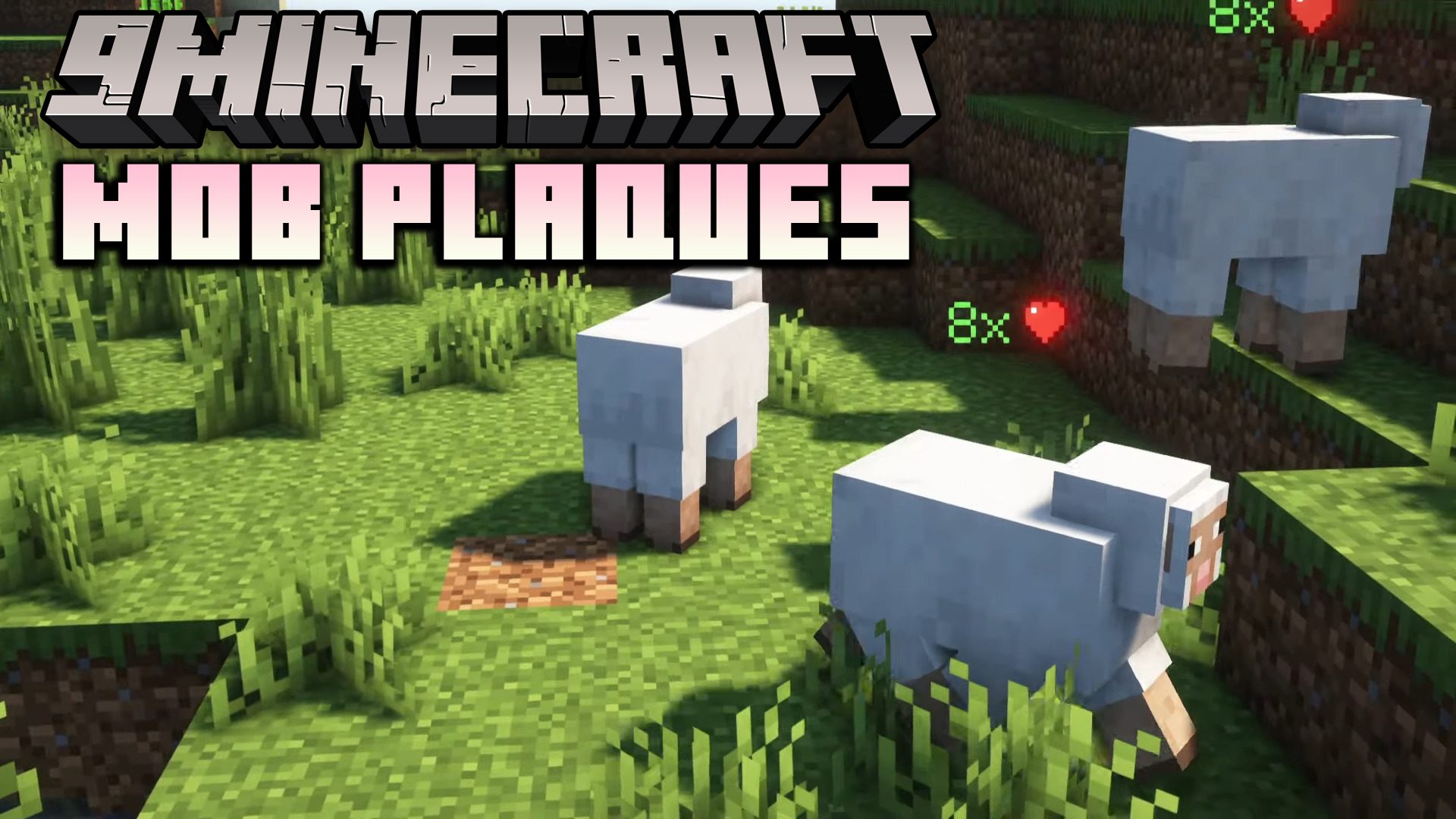
Mob Plaques Mod (26.2, 1.20.1) – Neat, Tiny Attribute Displays for Mobs
Java mod listed for Minecraft 1.20. Downloads from the MC Java Mods app on Android.
Mob Plaques Mod adds very tiny displays above a mob's name tag to show it's current health. Armor points, armor toughness points and air supply are also…
⬇ Download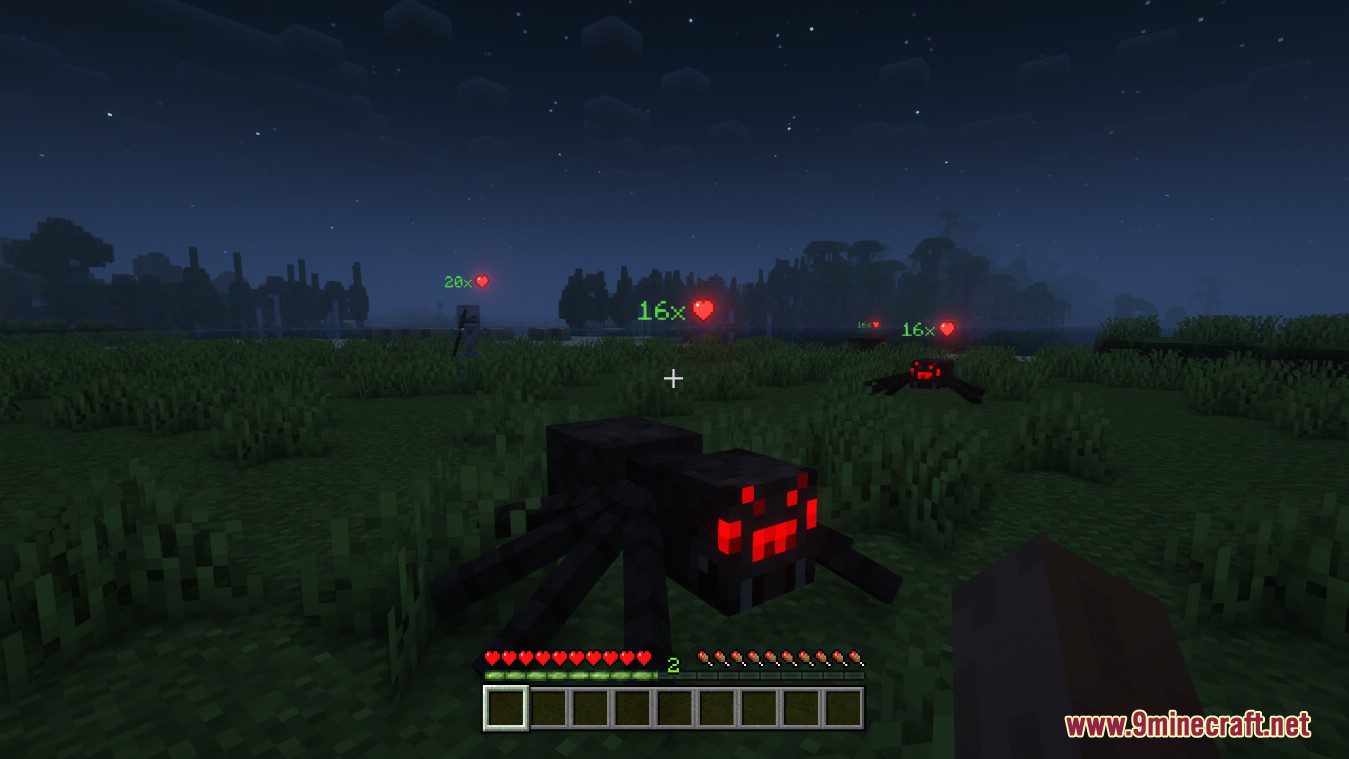

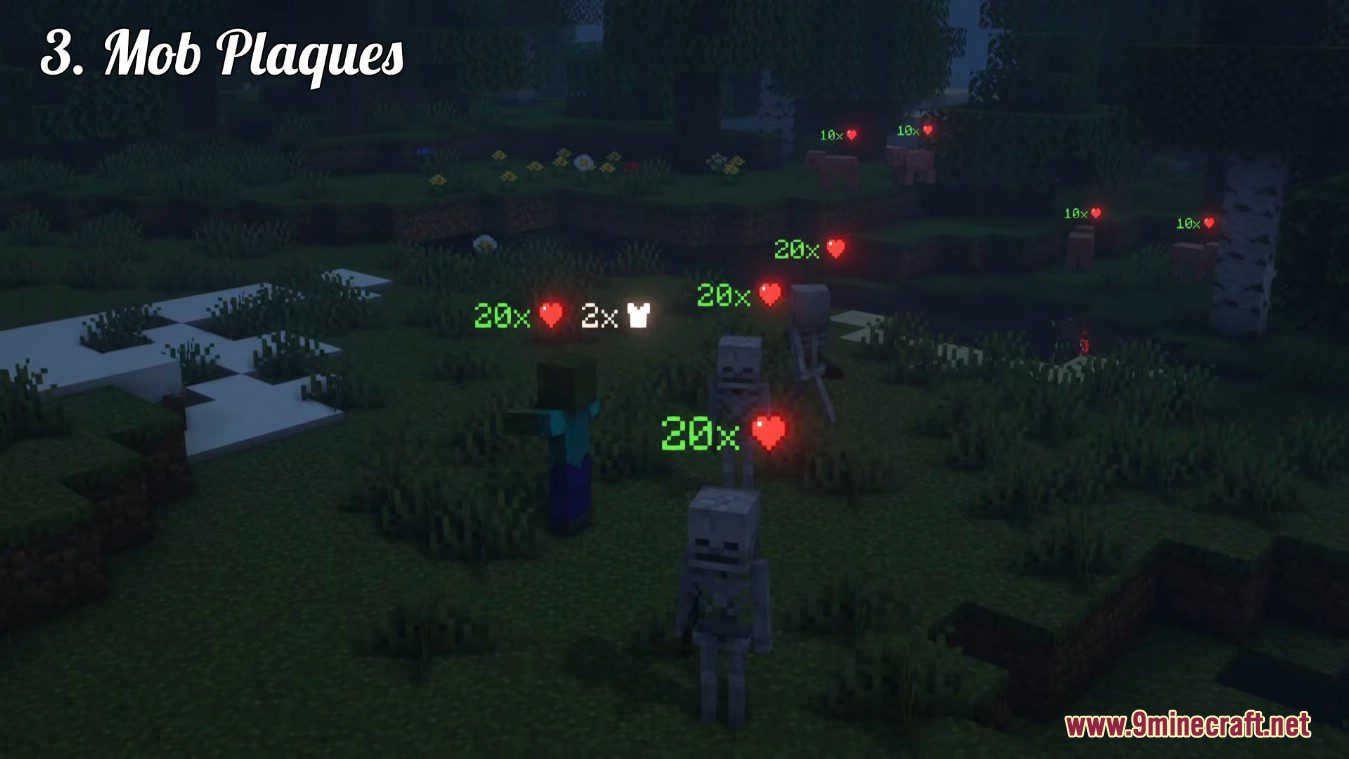
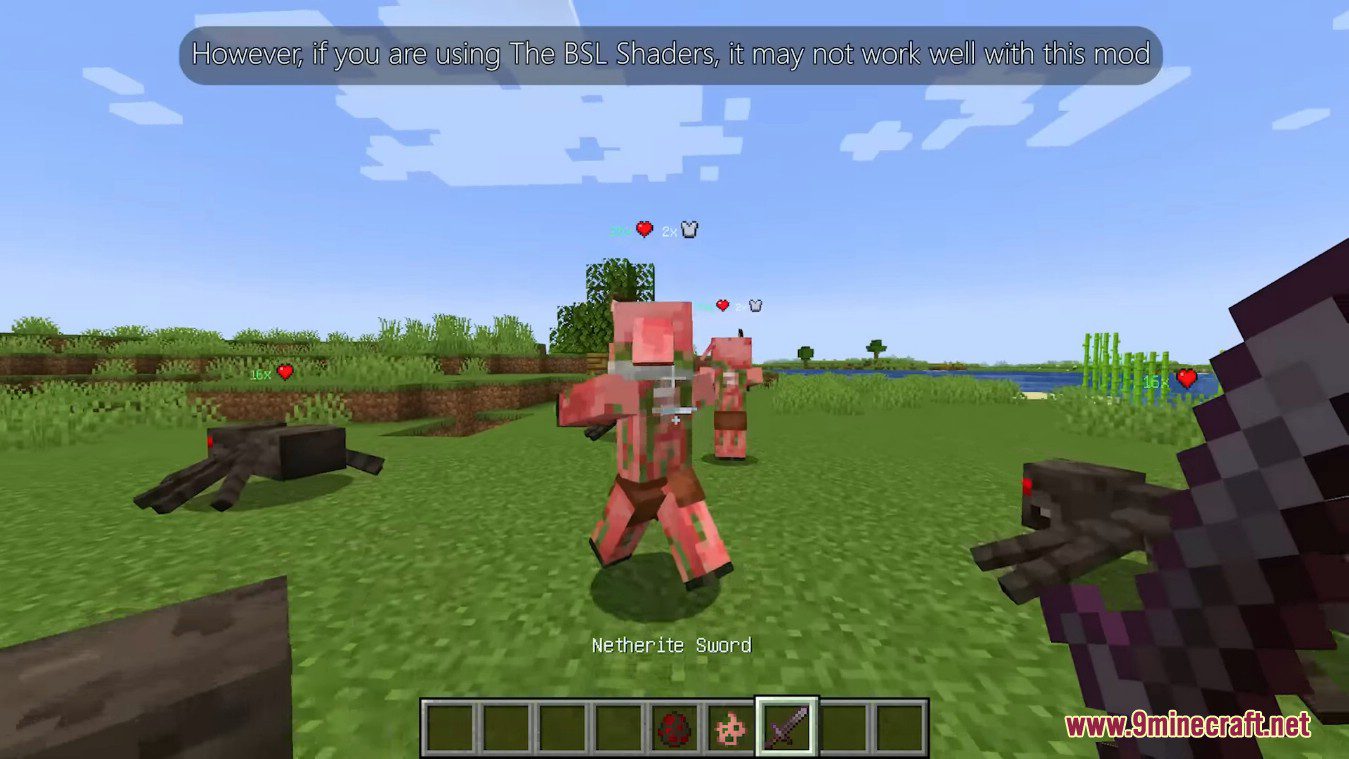
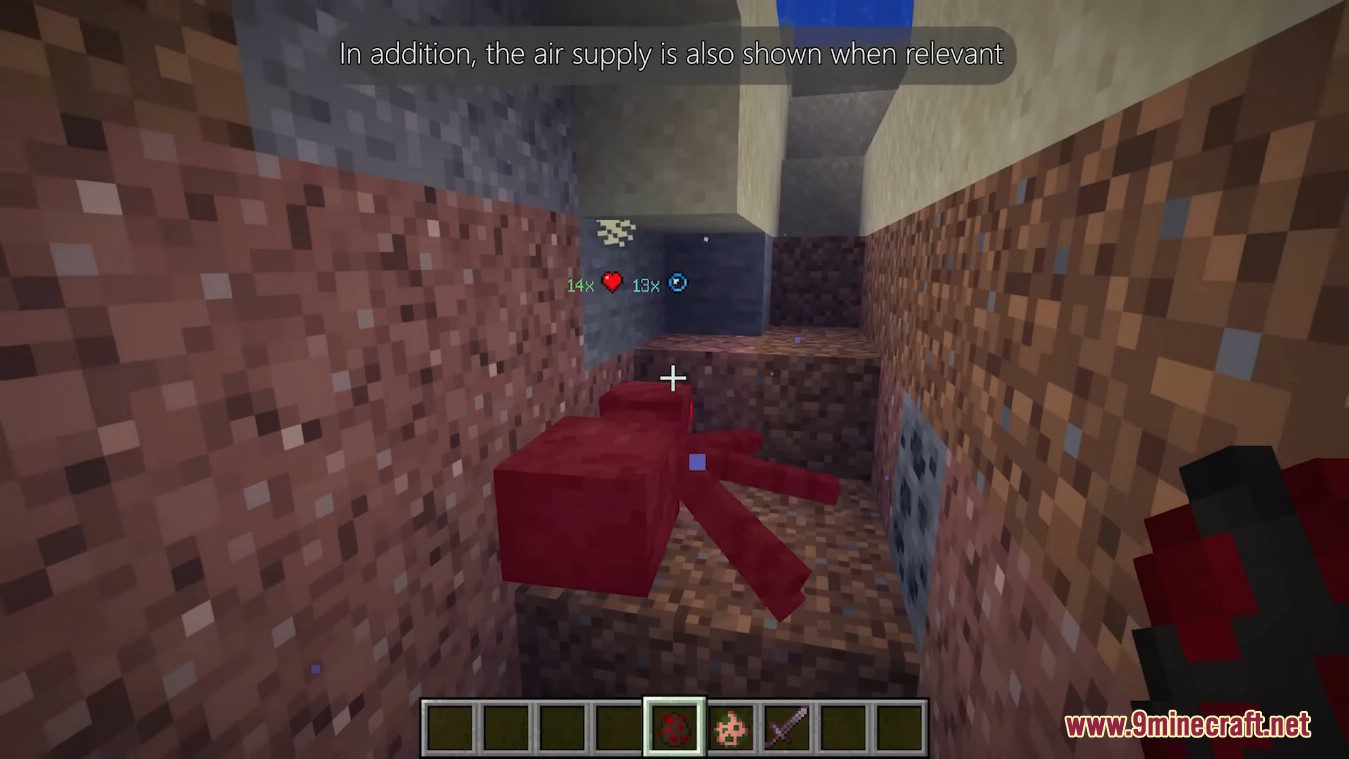

Mob Plaques Mod adds very tiny displays above a mob’s name tag to show it’s current health. Armor points, armor toughness points and air supply are also shown when relevant. However, if you are using The BSL Shaders, it may not work well with this mod. In addition, the air supply is also shown when relevant. The mod has a bunch of config options to customize the plaques as you wish.
Screenshots:
See the health of all mobs around you
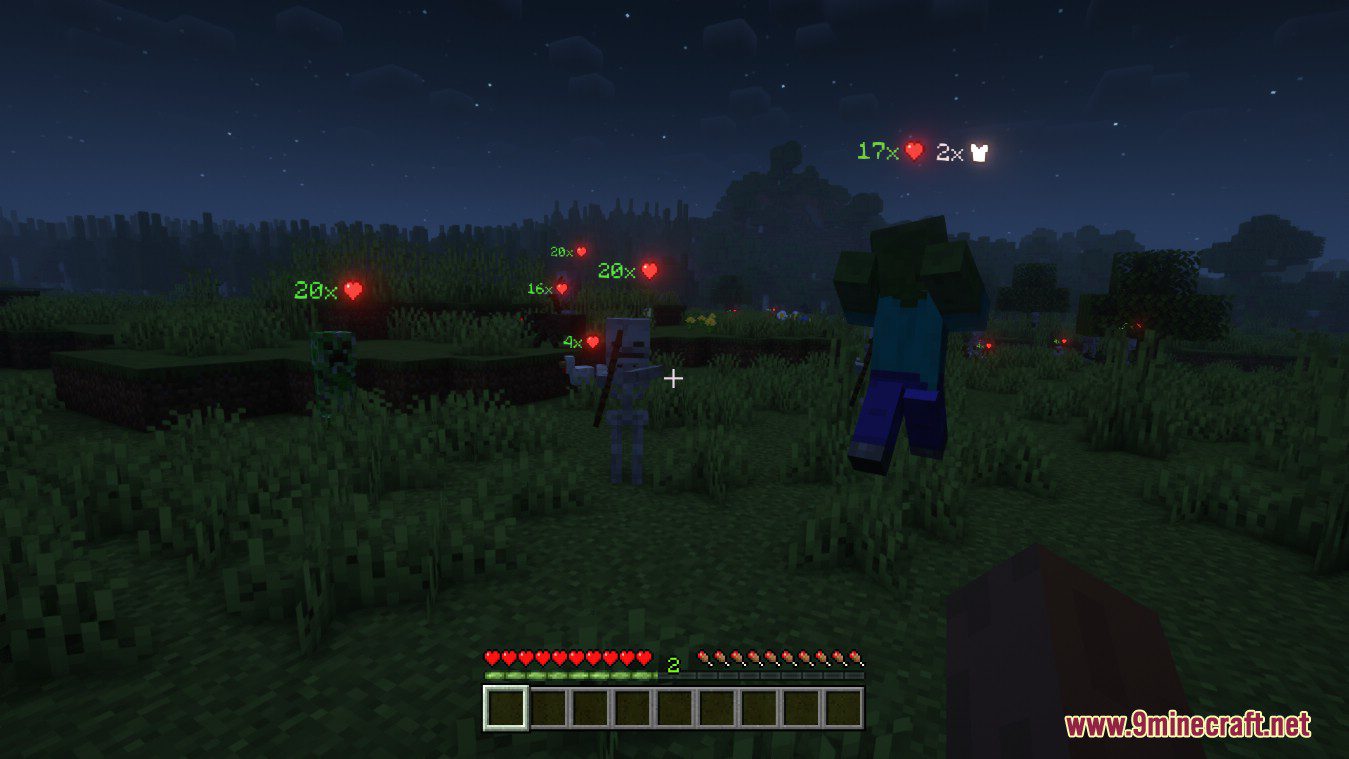
Also shows other stats such as armor points
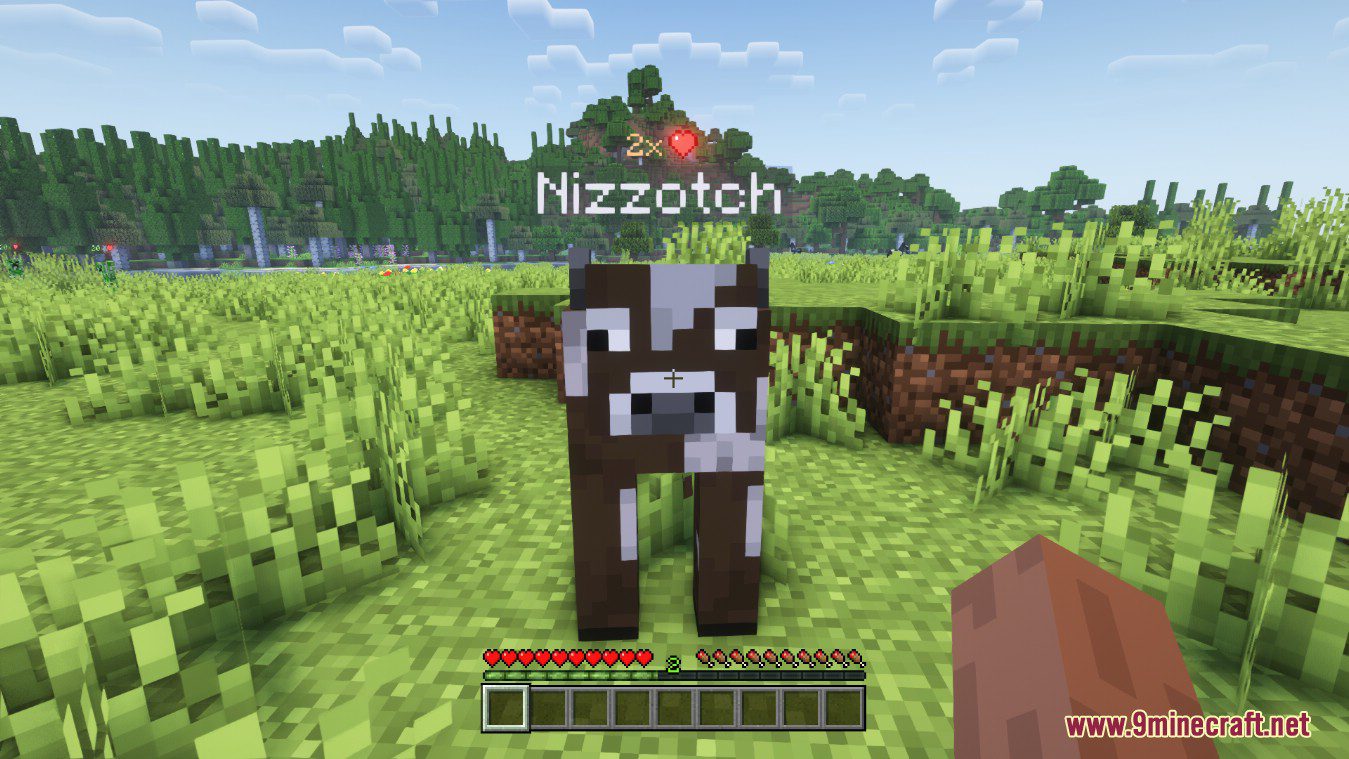
Text color adapts; positions nicely above or below name tag
Bigger plaques for mobs further away
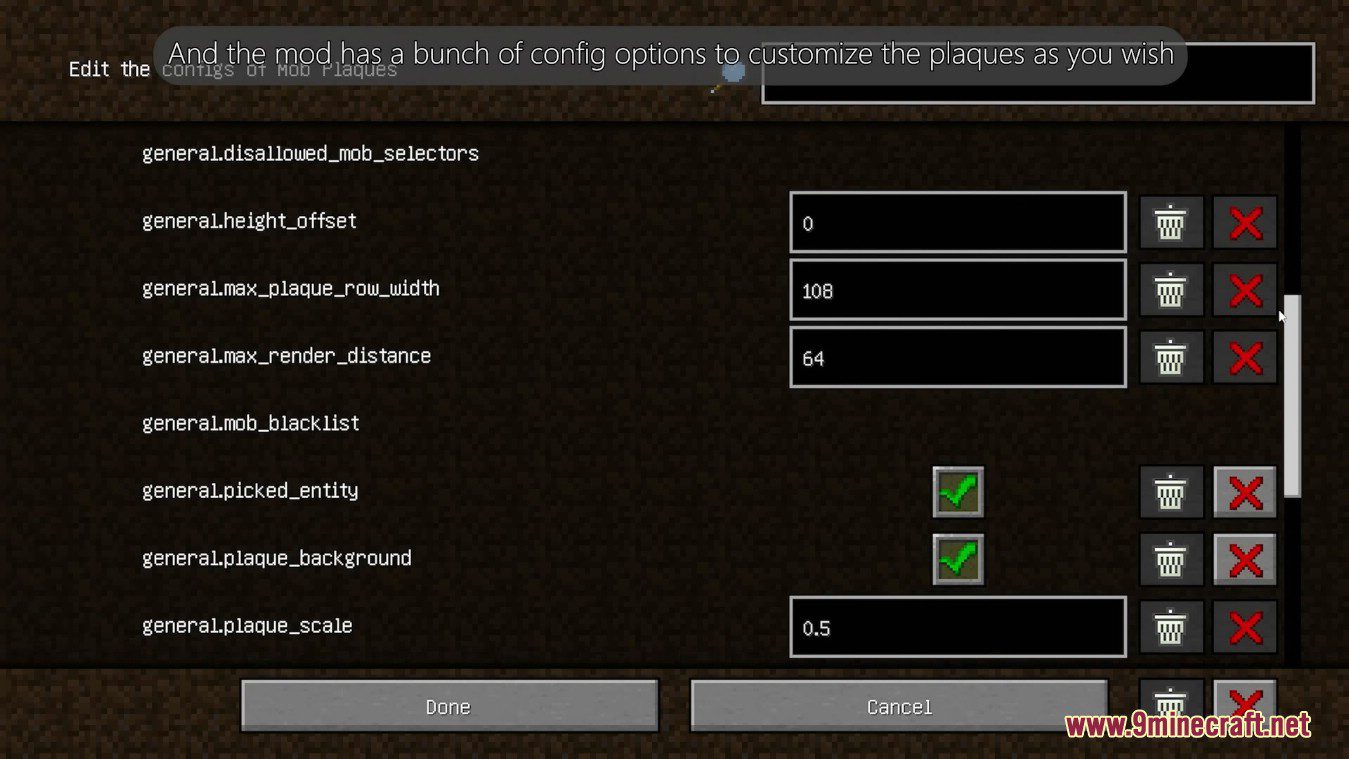
Configs:
Client and Common configs are found in /.minecraft/config/, named as <modId>-client.toml and <modId>-common.toml, respectively.
Server configs though are applied per world, therefore you’ll find those in /.minecraft/saves/<world>/serverconfig/<modId>-server.toml for local singeplayer worlds, and in /<world>/serverconfig/<modId>-server.toml for you Minecraft server. Changes made to a server config only apply to that one world. Setting default values in server configs for all newly created worlds is possible by copying the modified server config to /.minecraft/defaultconfigs/.
In a local singleplayer world you can quickly find config files by running the /config showfile <modid> command and by choosing CLIENT, COMMON or SERVER. Then click the file name (ending with .toml) that appears in chat to open the file in a text editor. After saving the file, the config will automatically reload in-game after a couple of seconds, so no game restart required.
On some mod loaders editing configs is also supported in-game via the Mods menu option. On some Minecraft versions you can also install my Config Menus for Forge mod for editing configs directly in-game.
Mob Plaques Mod Download Links
- Edition: Minecraft Java
- File type: .jar
- Minecraft version listed: 1.20.1
- How to install: Install the matching mod loader (Forge, Fabric or NeoForge) for your Minecraft version. → Download the .jar. → Put it in the .minecraft/mods folder and launch that loader profile.
- Where to get it: In MC Java Mods, or directly above on this page.
Install steps are the general flow for this file type — How to install Minecraft Java mods & modpacks walks through it step by step.
- Downloads as 26907.mcaddon
- Download size: 74 KB
- Download link checked 24 Sept 2026 — working
- Mirrored on our own servers — the download does not depend on the original host
These come from our own check of the pack file, not from the source page.