ModsJava
World Corruption Fixer Mod (1.20.1) – Save Corrupted Worlds with One Click
Java mod listed for Minecraft 1.20. Downloads from the MC Java Mods app on Android.
⬇ Download
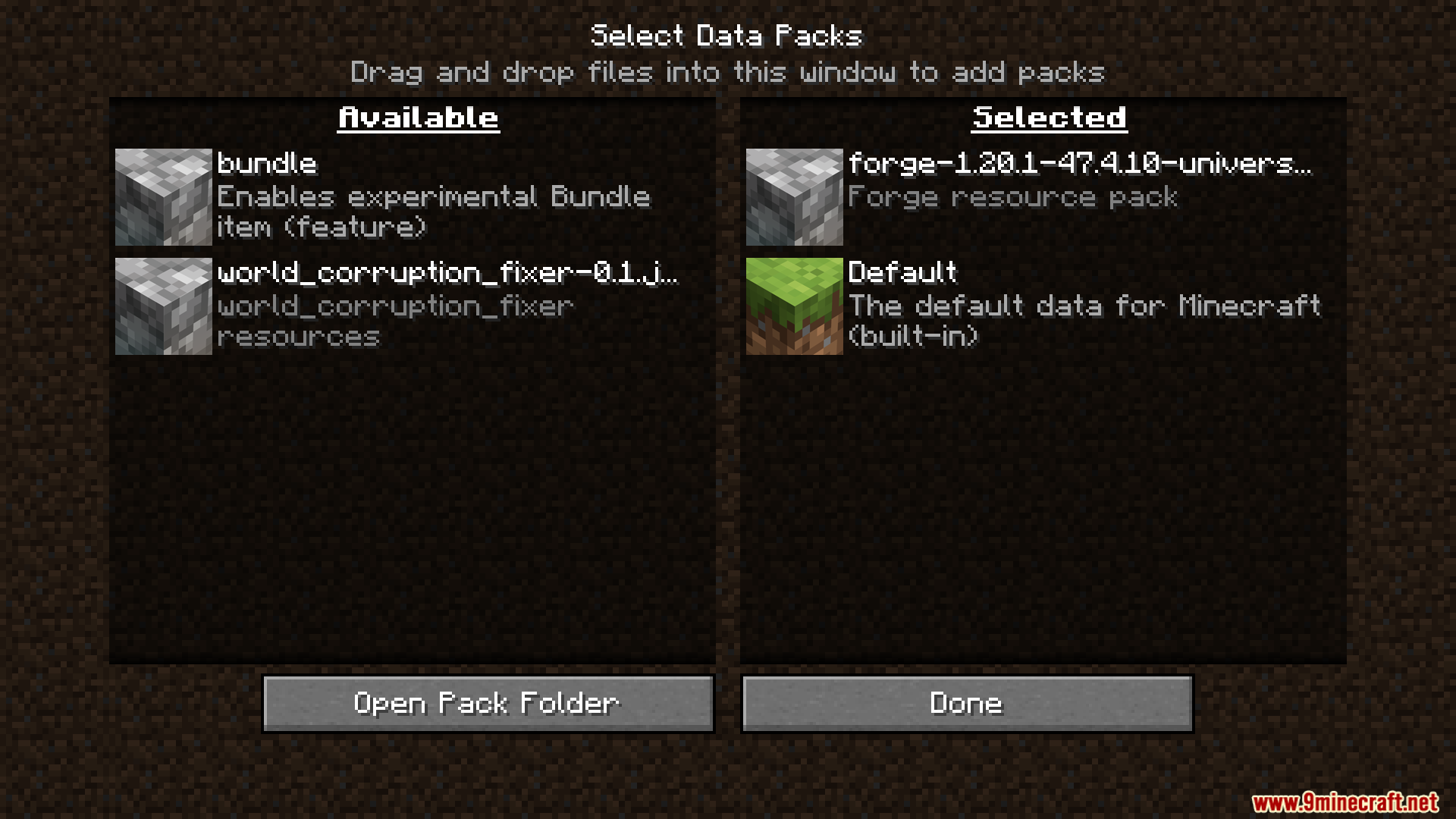
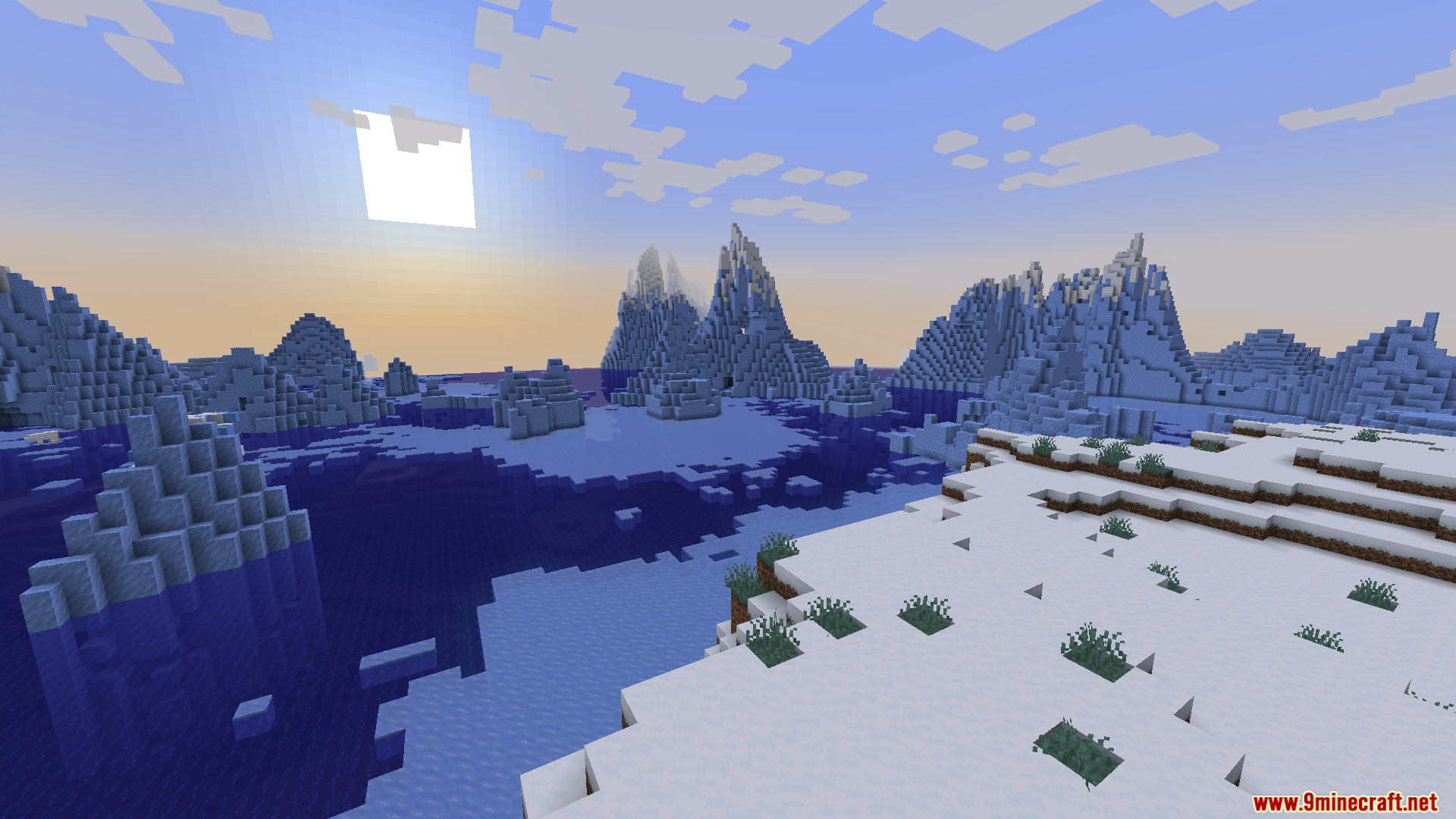
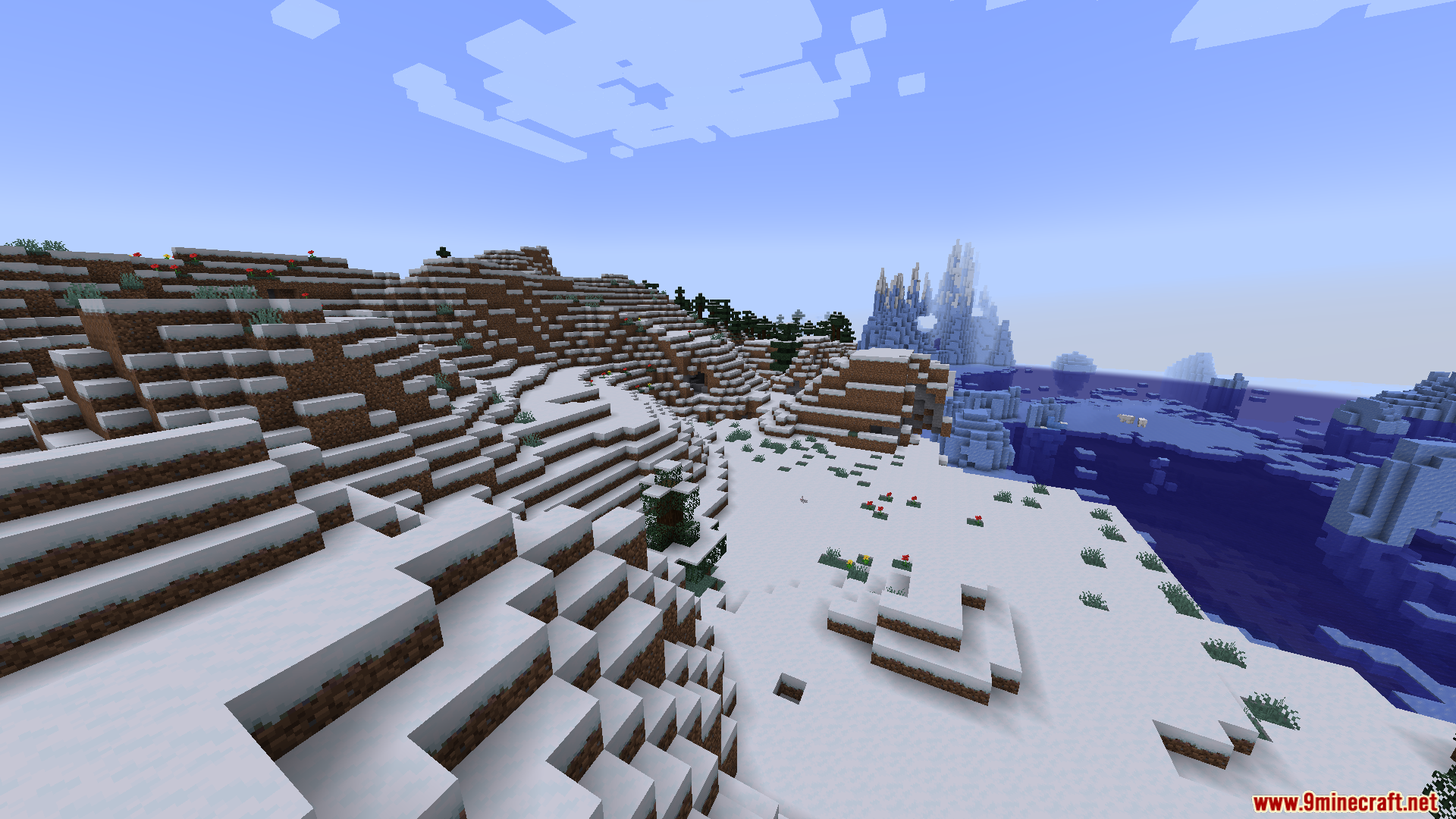
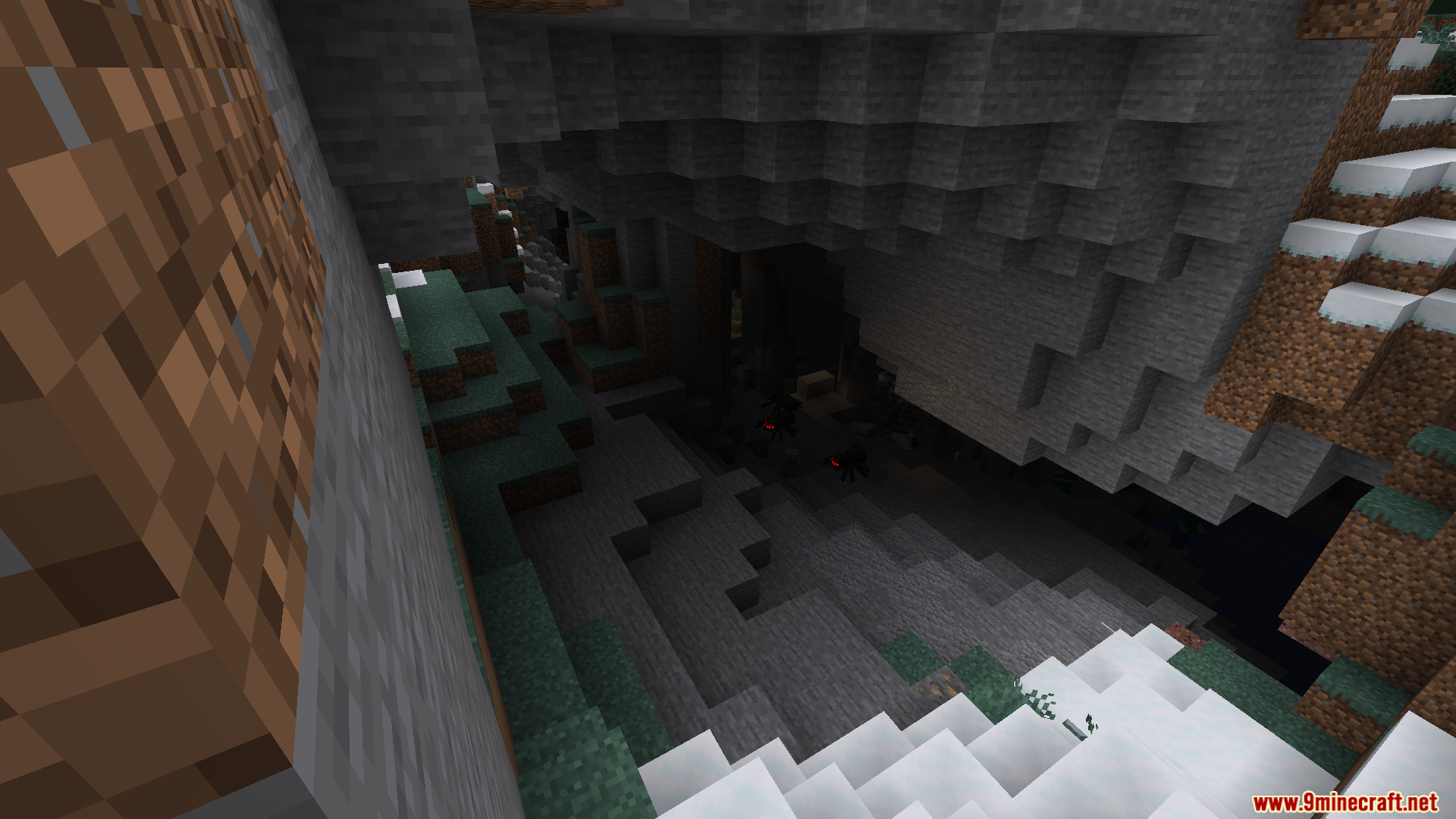
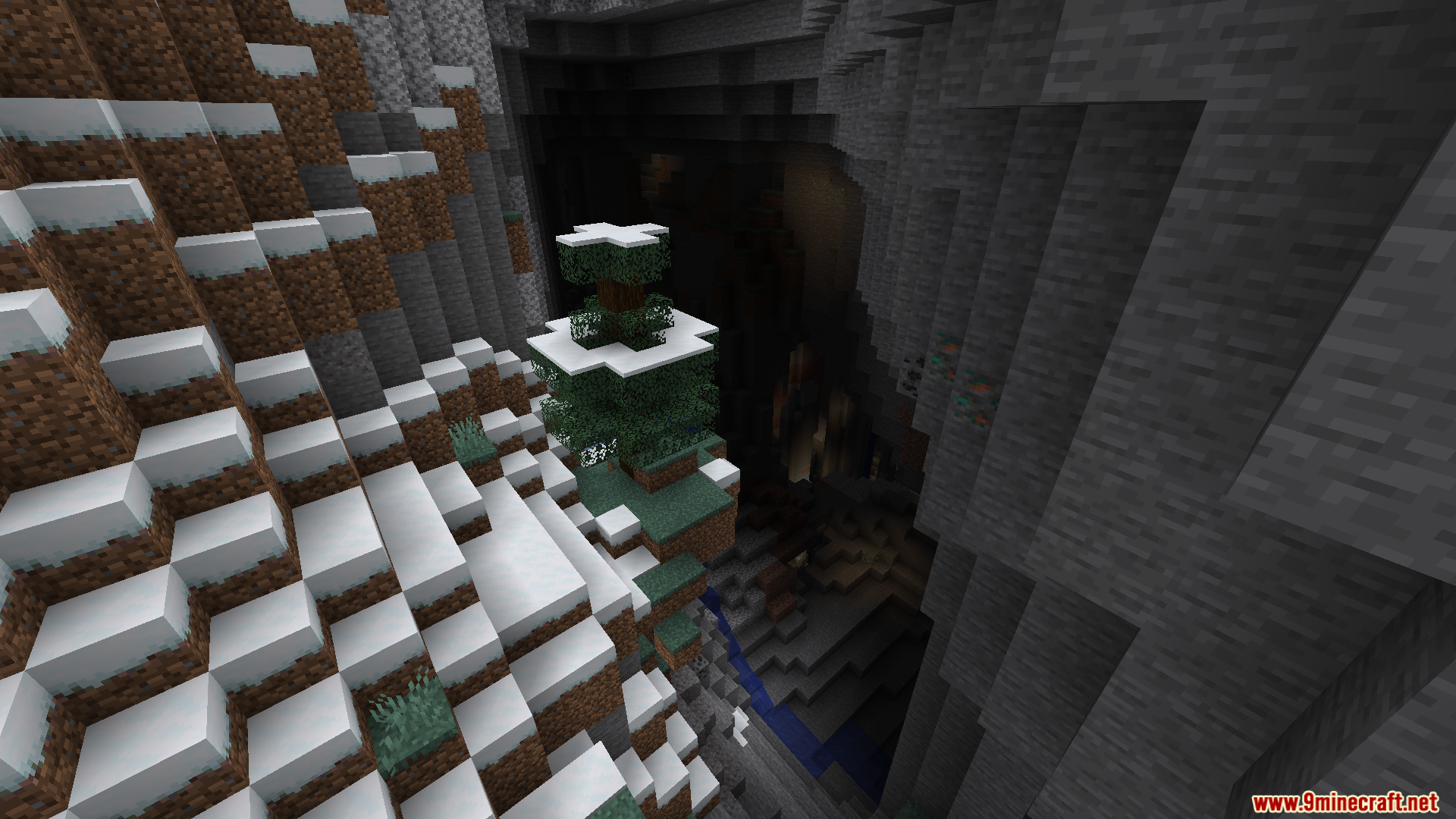
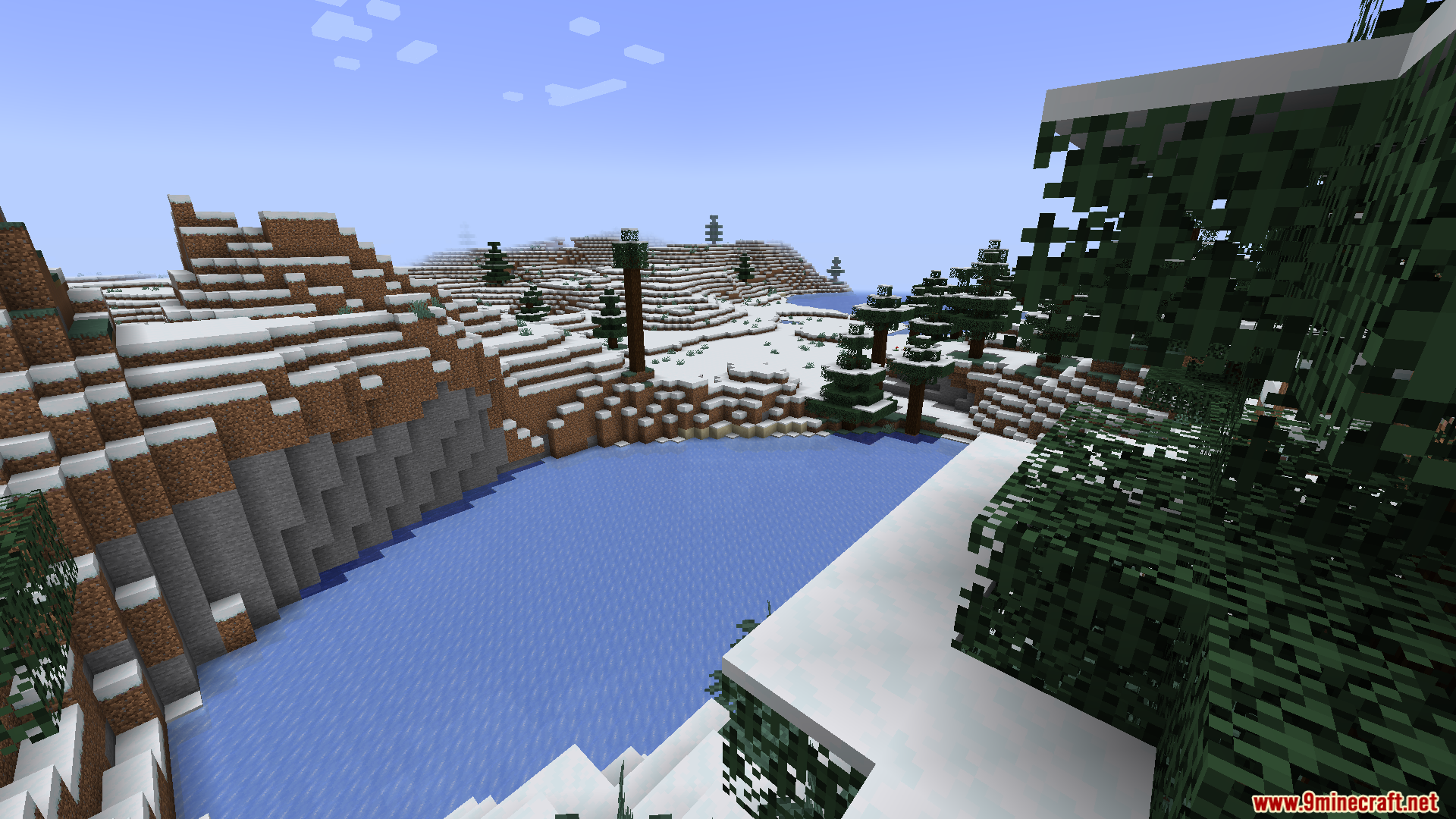
World Corruption Fixer Mod fixes broken save files when you remove a world generation mod. Normally, taking out a terrain mod stops your world from loading at all. This mod adds a simple button to repair the damage automatically. You do not need to read long guides or edit game files yourself. It keeps your old chunks safe while letting the game build new areas. This tool protects your hard work when you want to change the mods you play with.
Features:
- One-Click Repair: Adds a “Fix World Corruption” button to the menu to heal broken saves.
- Automatic process: Stops the need for manual file editing or following complex recovery steps.
- Modpack safety: Protects player progress when adding or removing terrain generation mods.
- Safe Mode alternative: Works when the standard Minecraft “Safe Mode” fails to load a world.
- Chunk preservation: Keeps your previously built and explored areas safe during the fix.
- Seed reset: Forces the game to make a new world seed for unmapped areas.
- Item restoration: Uses backup data files to bring back your items.
- NBT warning: Focuses on world generation issues and might not fix deep item data problems.
How to Use:
- Select your broken world in the singleplayer menu.
- Click the new “Fix World Corruption” button on the screen.
- Wait for the game to repair the files and load the world.
Screenshots:
World Corruption Fixer Mod Download Links
Quick facts
- Edition: Minecraft Java
- File type: .jar
- Minecraft version listed: 1.20.1
- How to install: Install the matching mod loader (Forge, Fabric or NeoForge) for your Minecraft version. → Download the .jar. → Put it in the .minecraft/mods folder and launch that loader profile.
- Where to get it: In MC Java Mods, or directly above on this page.
Install steps are the general flow for this file type — How to install Minecraft Java mods & modpacks walks through it step by step.
File checked by MCModsHub
- Downloads as 26909.mcaddon
- Download size: 18 KB
- Download link checked 25 Sept 2026 — working
- Mirrored on our own servers — the download does not depend on the original host
These come from our own check of the pack file, not from the source page.