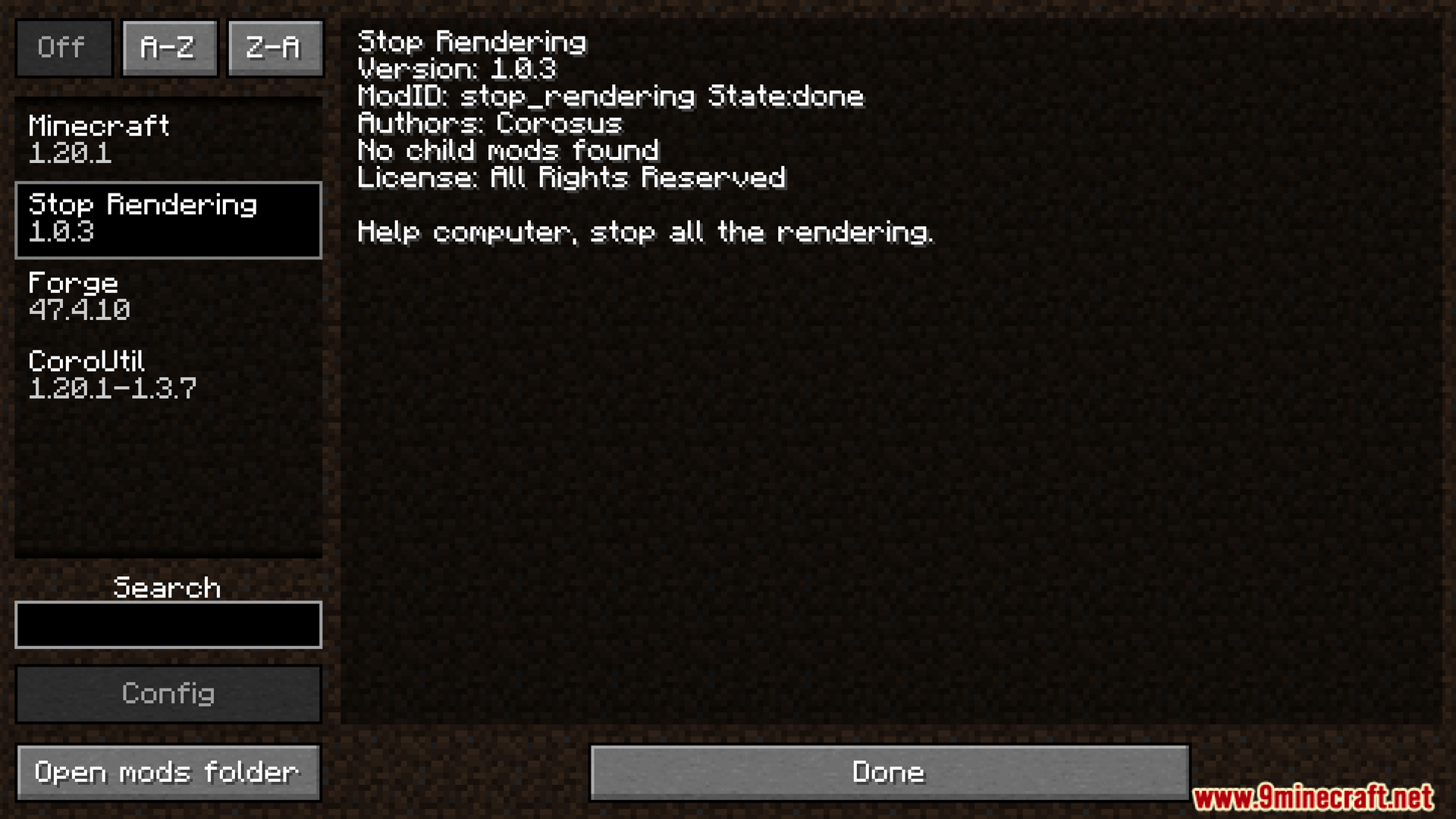
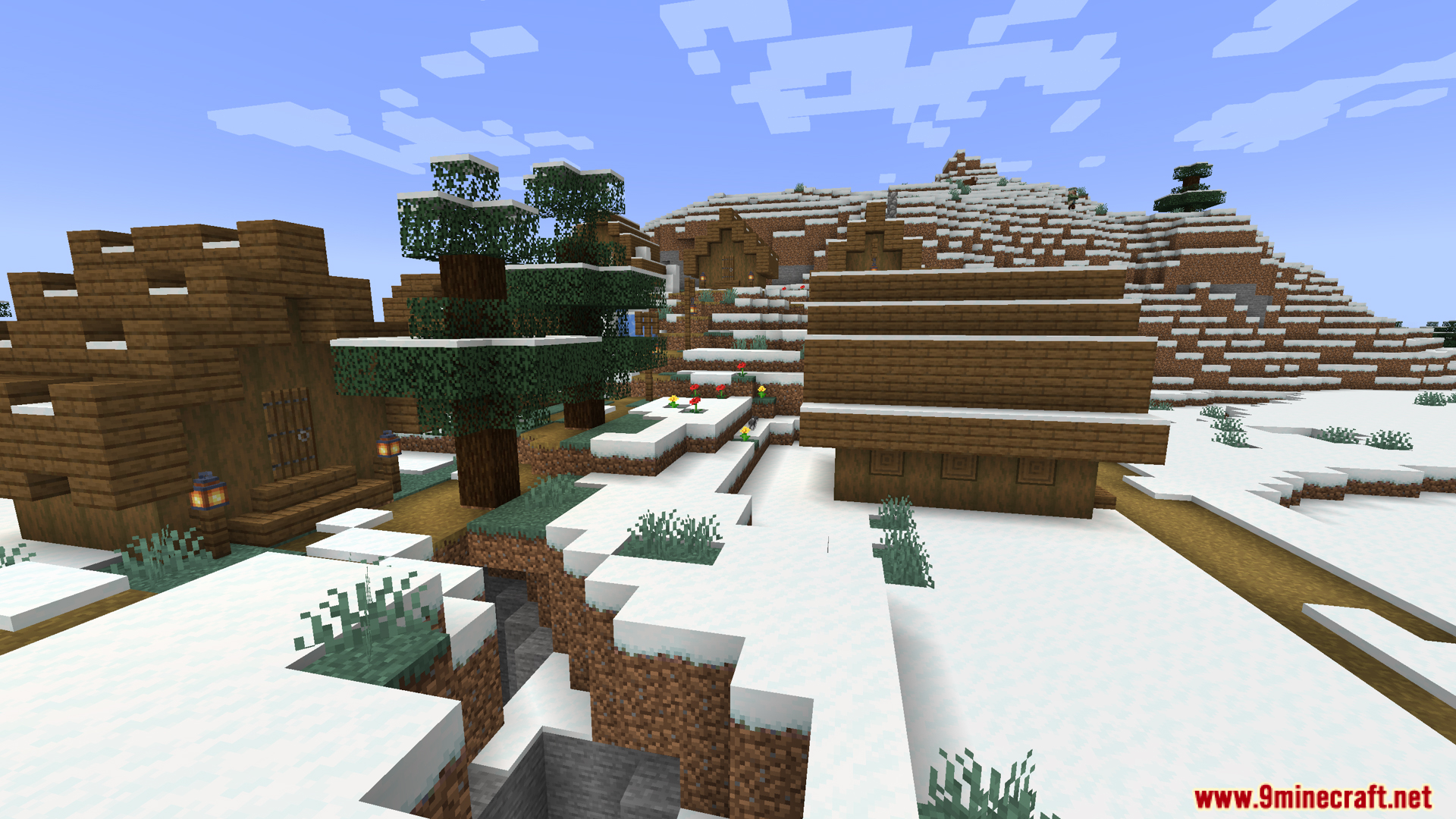
Stoprendering Mod patches lag and tiny screen freezes in other mods like Curios and Artifacts. It stops these mods from doing extra background work on your screen. You notice the biggest difference when there are hundreds of monsters or animals near you. The game normally checks every single mob many times a second, which causes the screen to stutter. This mod blocks those extra checks to keep your game running well. It simply turns off useless visual updates on non-player characters.
Features:
- ArmorSetBonuses Fix: Stops the game from calculating armor rules for monsters every single second.
- Curios Visuals: Blocks extra accessory items from showing up on regular mobs.
- Curios Ticking: Stops the game from constantly checking if monsters have accessories equipped.
- Artifacts Ticking: Prevents the game from checking special artifact items on non-players.
- Enhanced Hordes Fix: Stops expensive background scanning when large groups of monsters spawn.
- Zombie Render Layers: Turns off extra visual layers on zombies, keeping only their basic armor and heads.
- Toggle Options: Lets you turn any Stoprendering Mod feature on or off whenever you want.
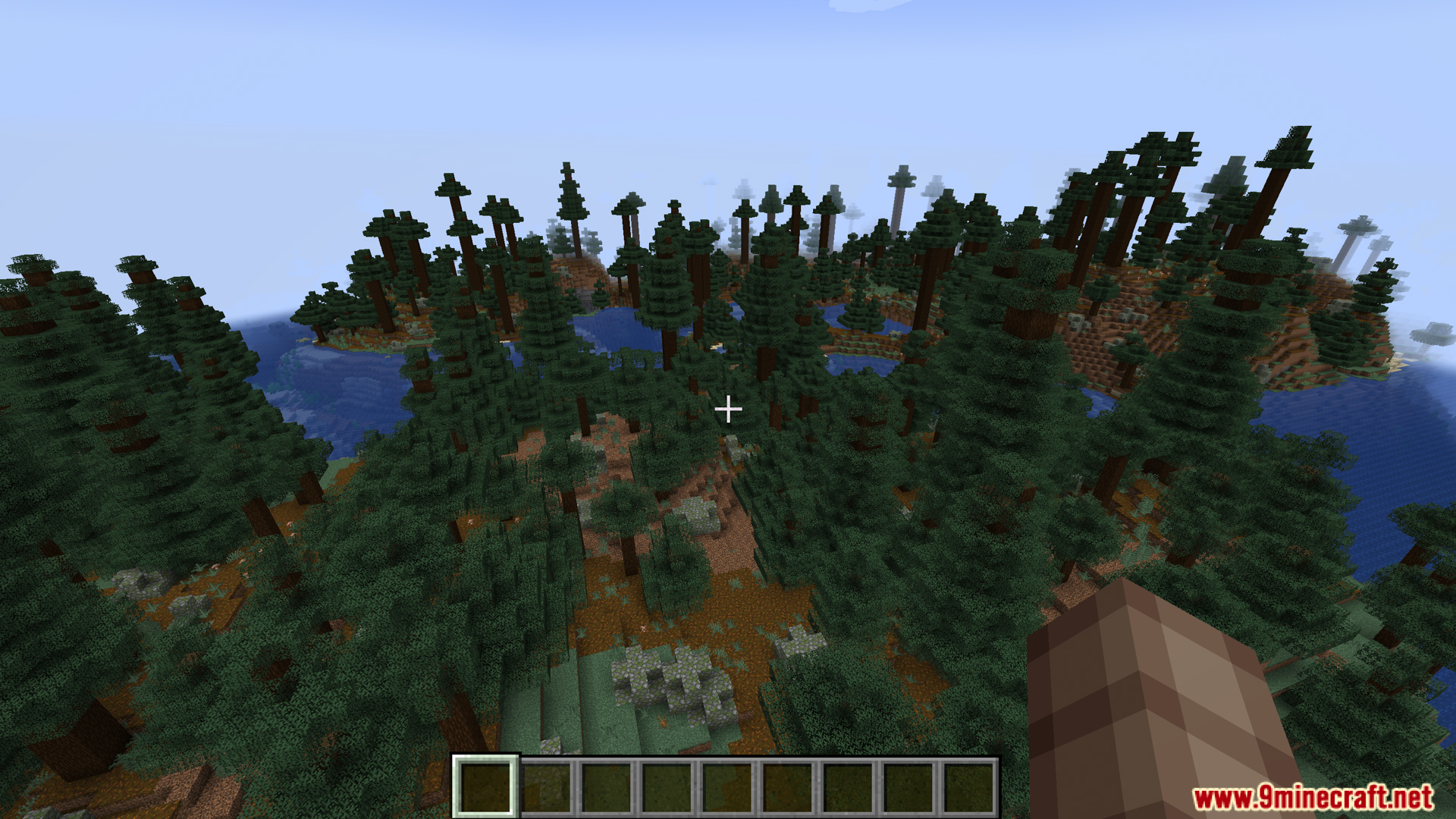
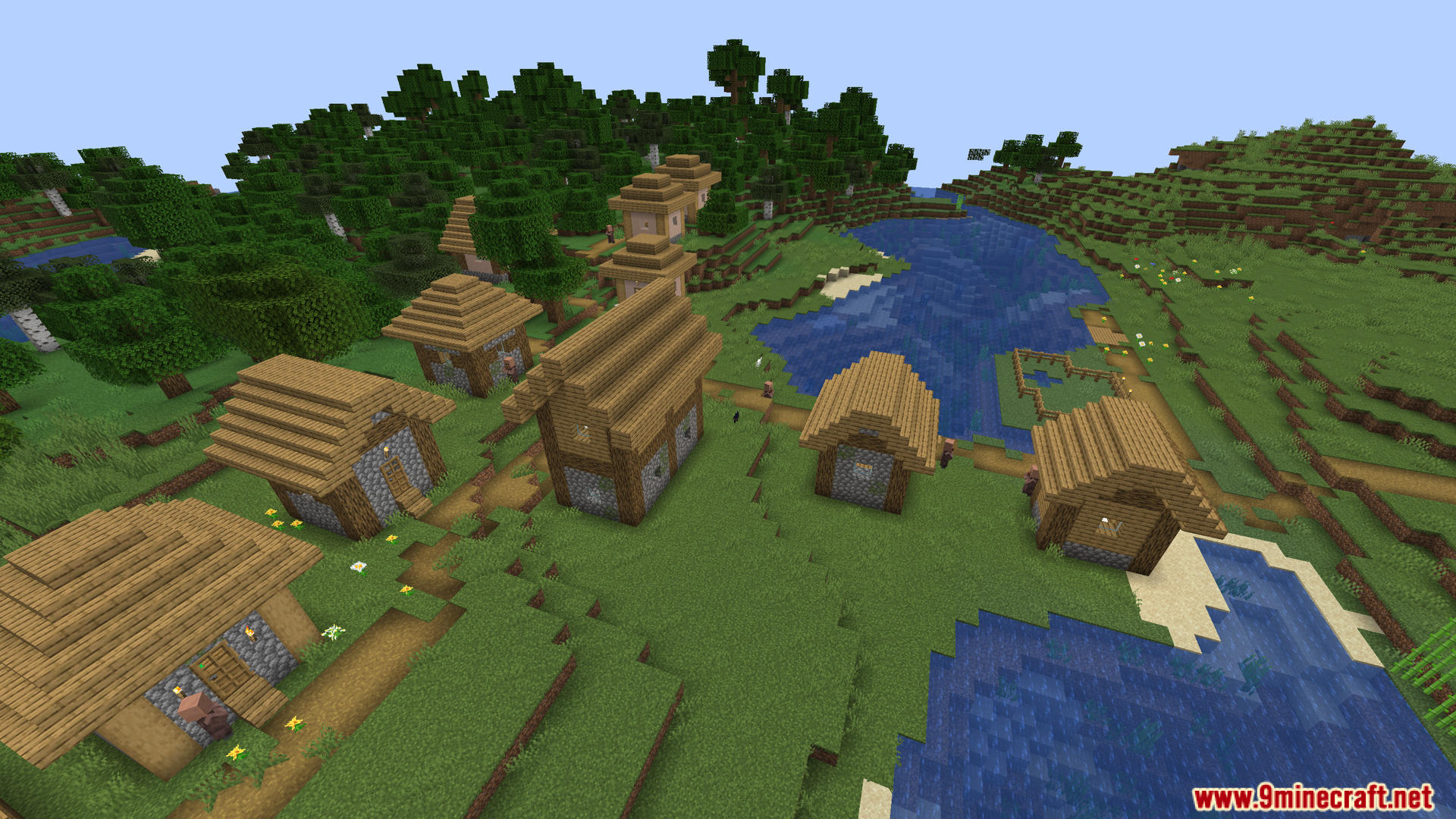
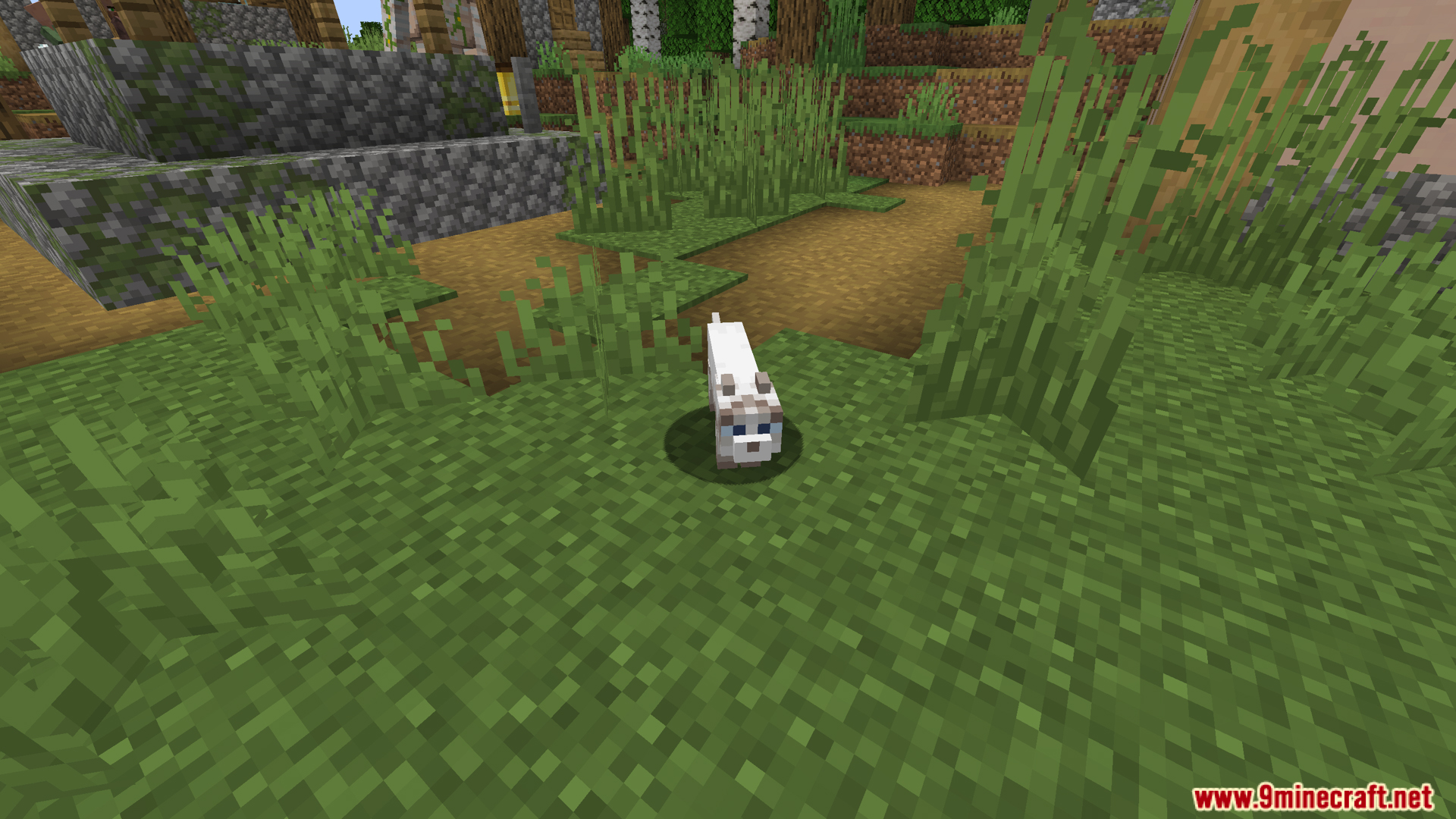
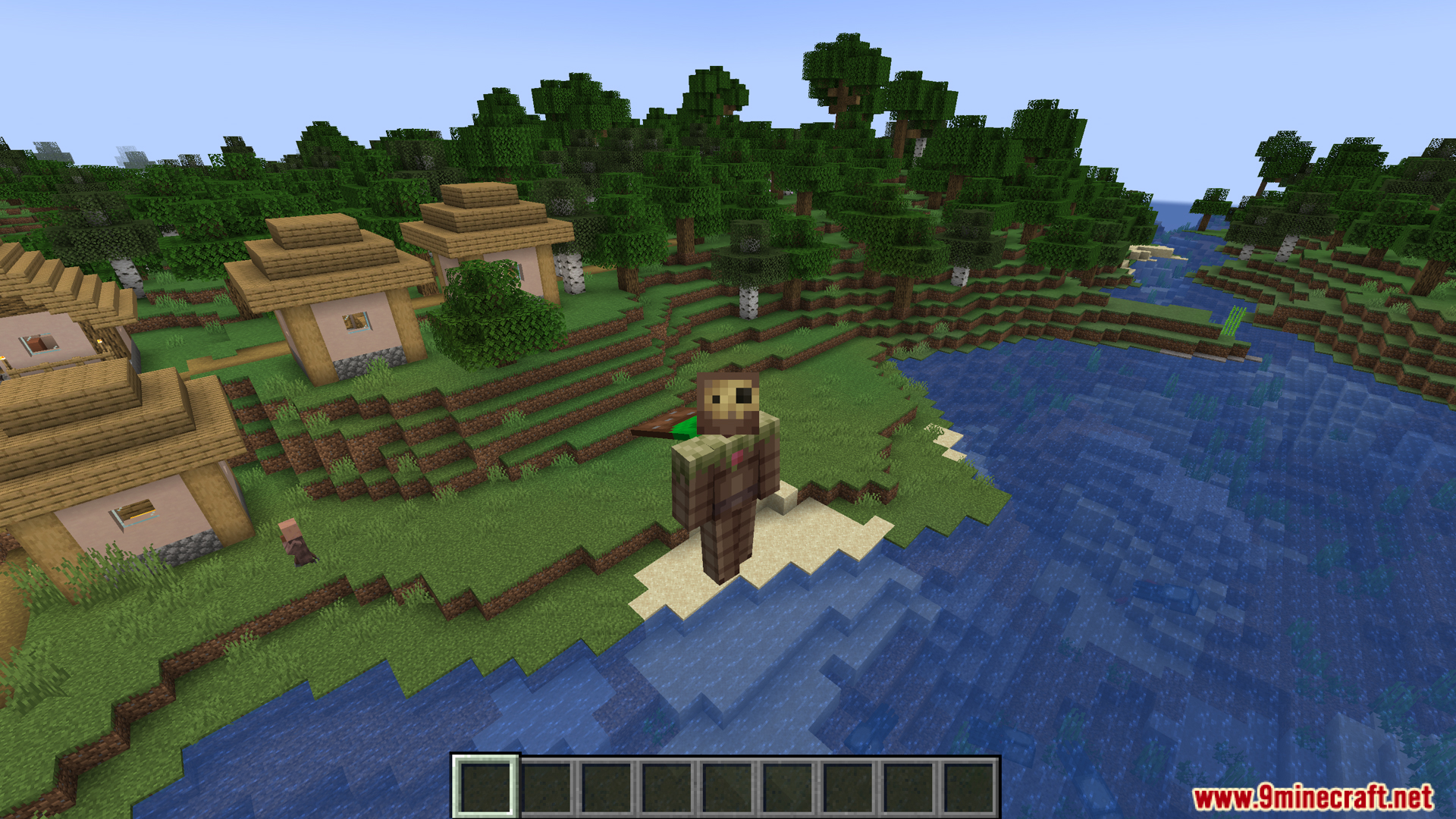
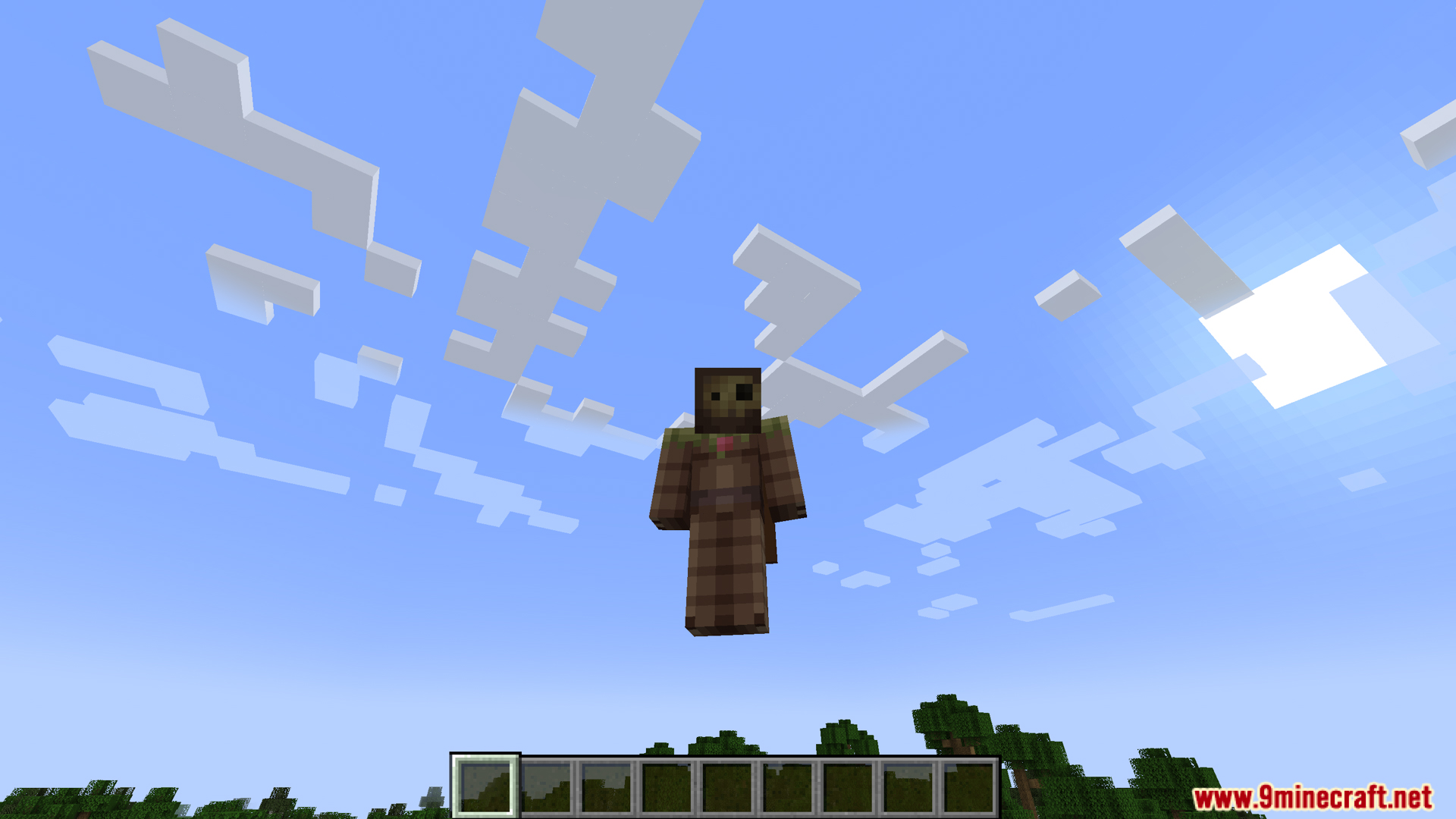
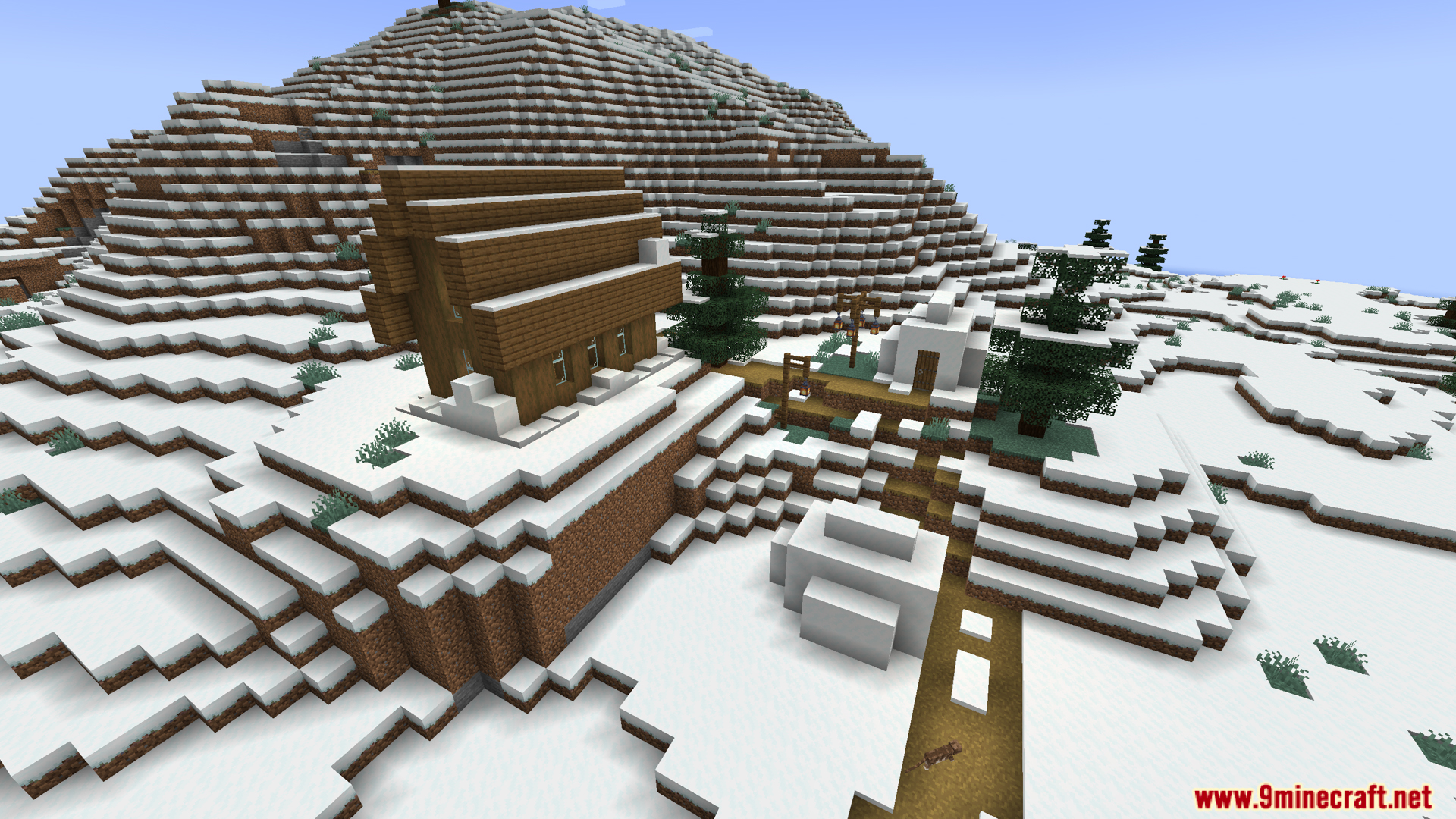
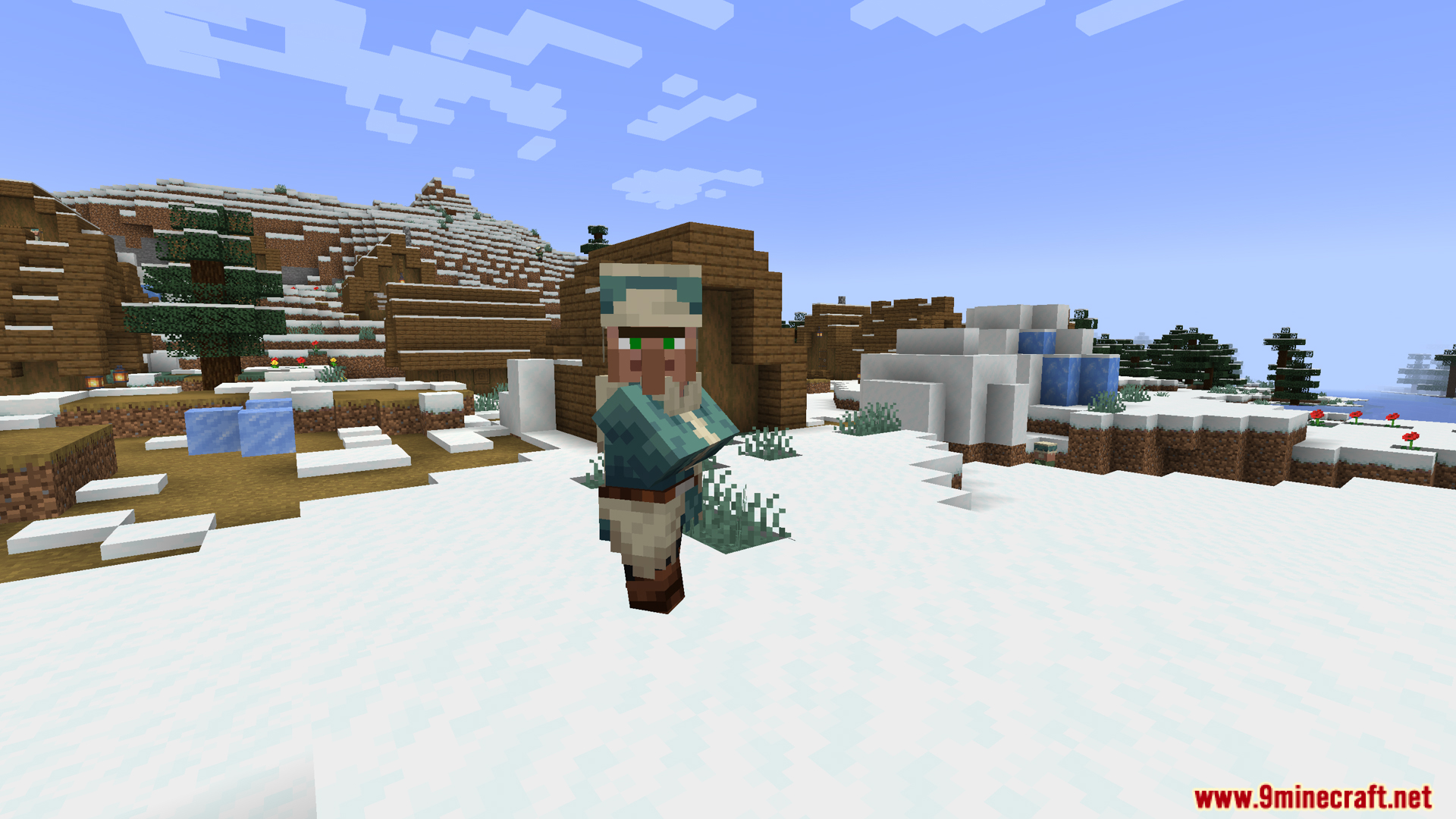
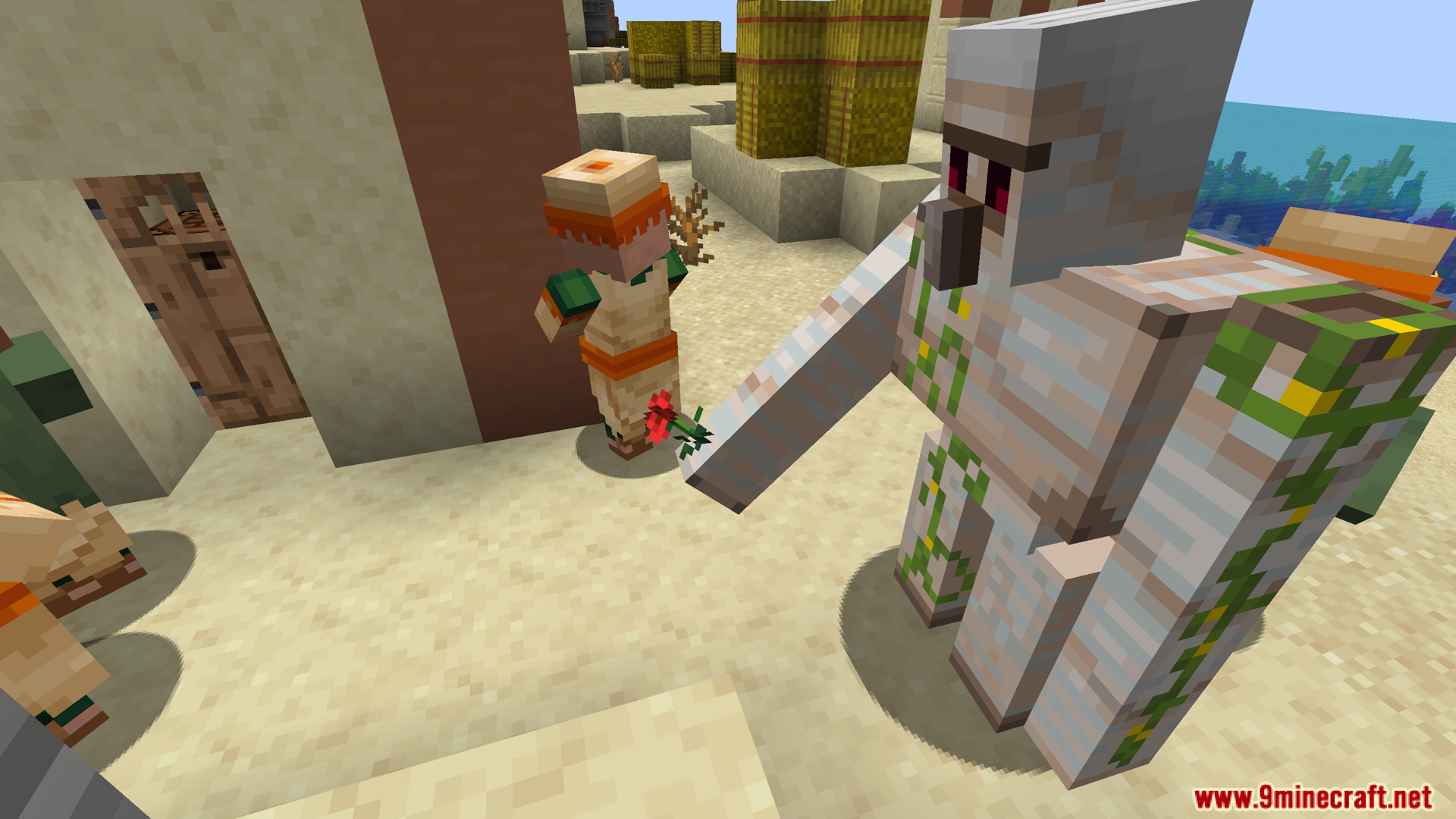
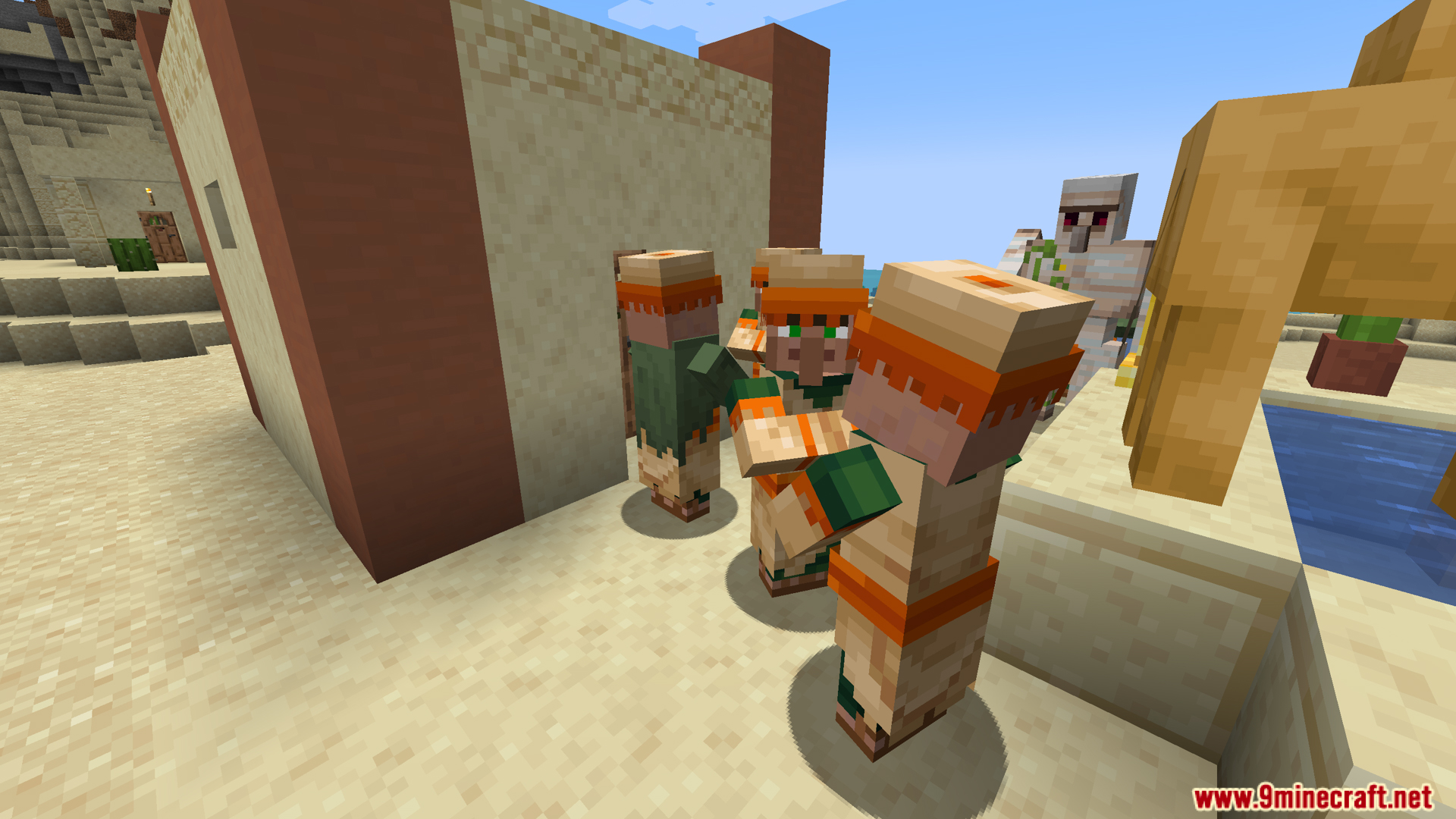
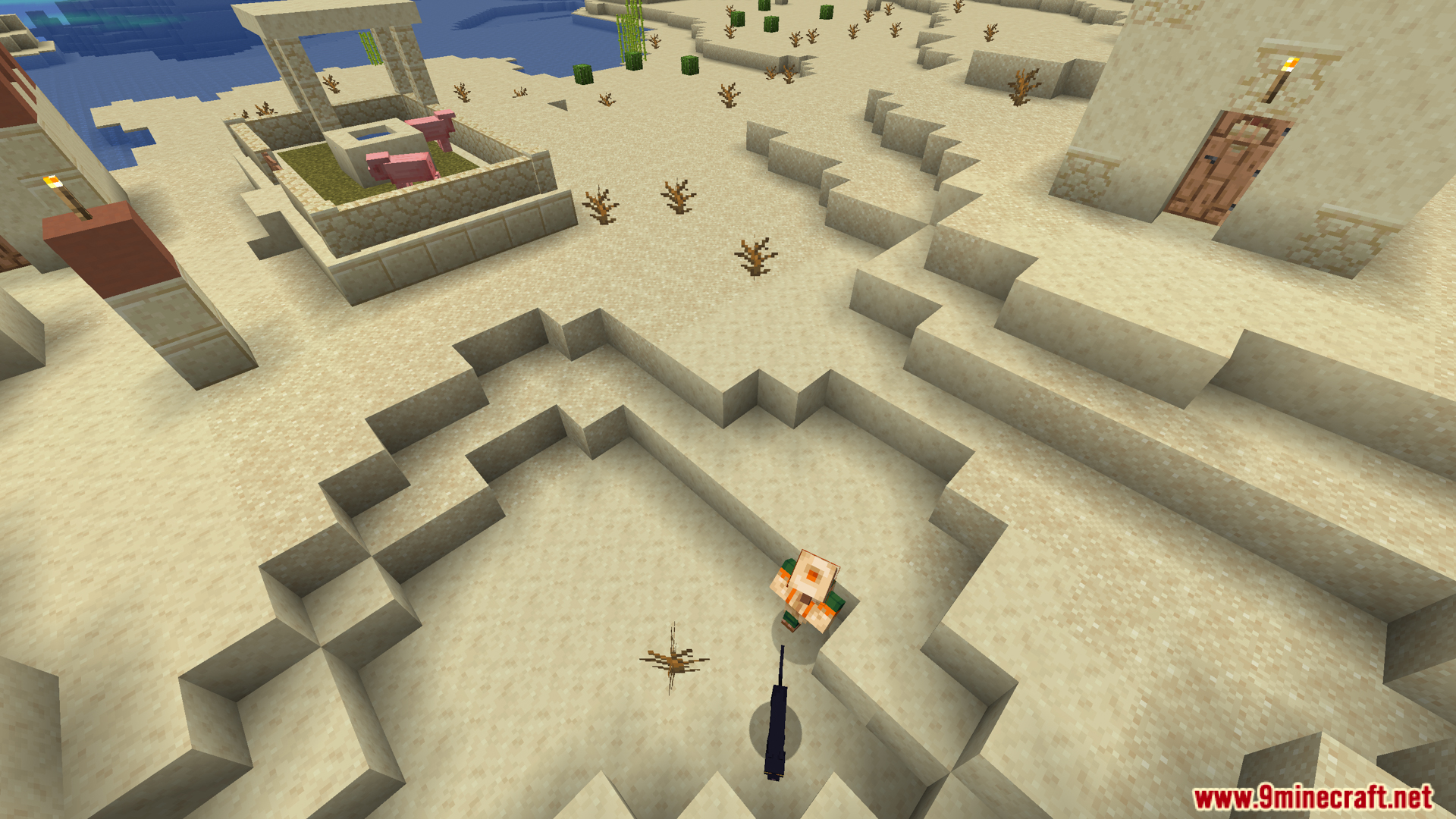
Screenshots:
Stoprendering Mod Download Links
- Edition: Minecraft Java
- File type: .jar
- Minecraft version listed: 1.20.1
- How to install: Install the matching mod loader (Forge, Fabric or NeoForge) for your Minecraft version. → Download the .jar. → Put it in the .minecraft/mods folder and launch that loader profile.
- Where to get it: Opens on the file's original source — not every file is mirrored on our own servers.
Install steps are the general flow for this file type — How to install Minecraft Java mods & modpacks walks through it step by step.
Stoprendering Mod (1.20.1) – Fight Massive Mob Hordes Without FPS Lag is a free Minecraft Java mod. Compatible with Minecraft 1.20.1. Download it and open it directly in the game.