

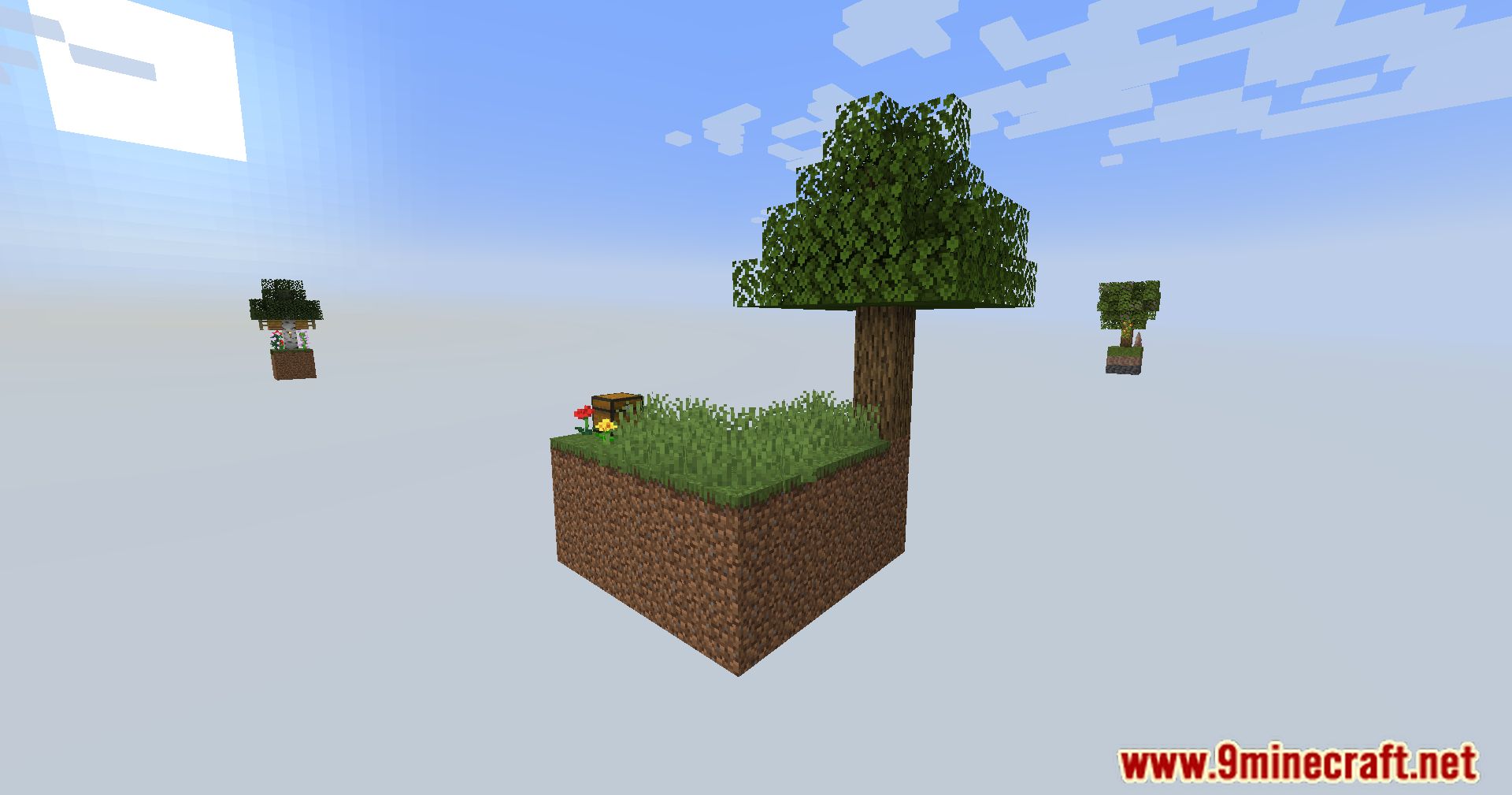






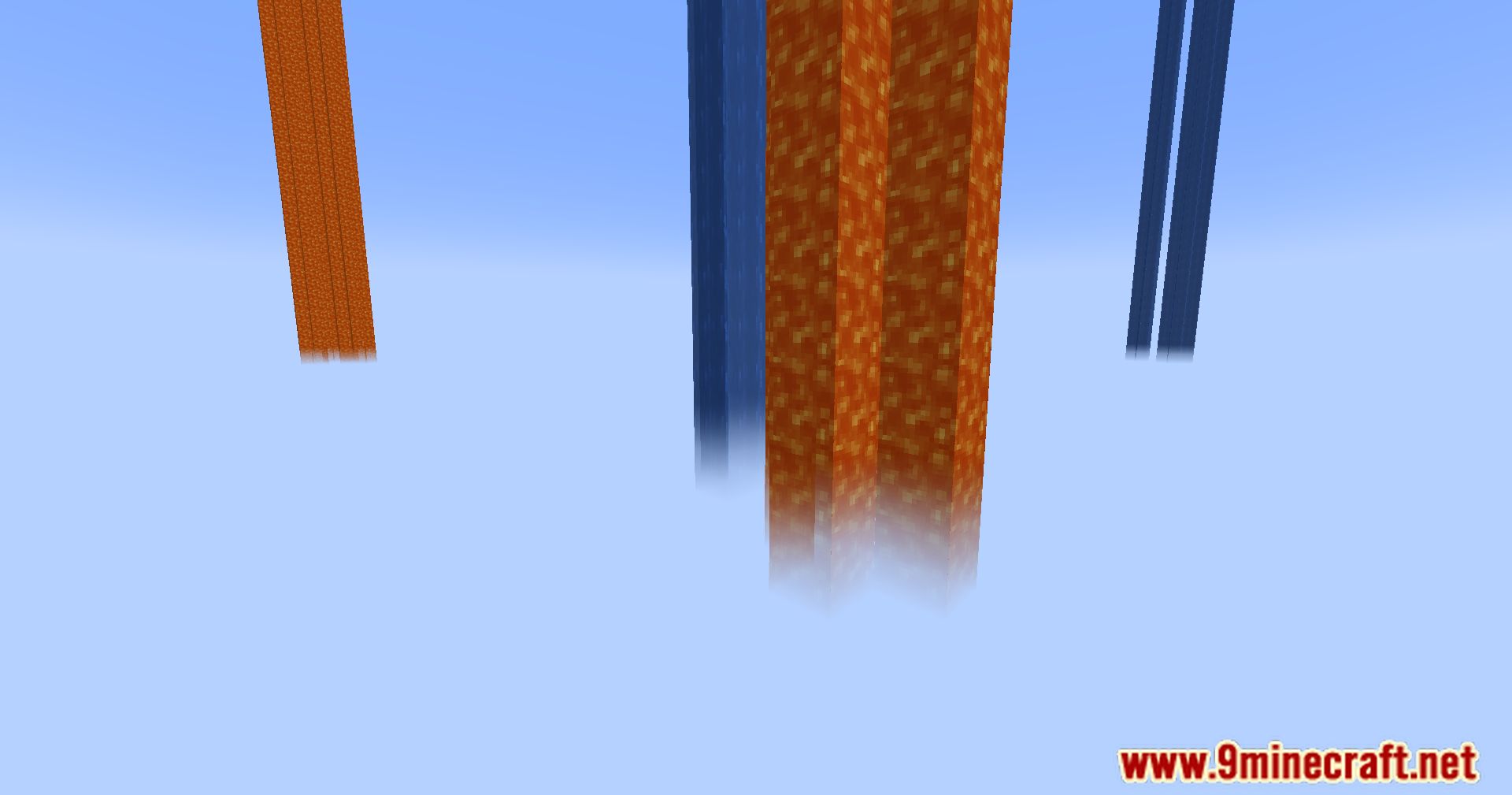
Fluid Void Fading Mod enhances the visual aesthetics of Minecraft by rendering fluids flowing seamlessly into the void. This mod ensures that when fluids like water or lava flow off the edge of the world, they do so in a visually pleasing manner.
Features:
- Client-side only, no server installation required
- Automatically compatible with all modded fluids
Visual Comparison:
- Without Fluid Void Fading: Fluids are cut abruptly at the bottom of the world, leaving floating blocks.
- With Fluid Void Fading: Fluids form a transparent tail and blend smoothly into nothingness.
Troubleshooting:
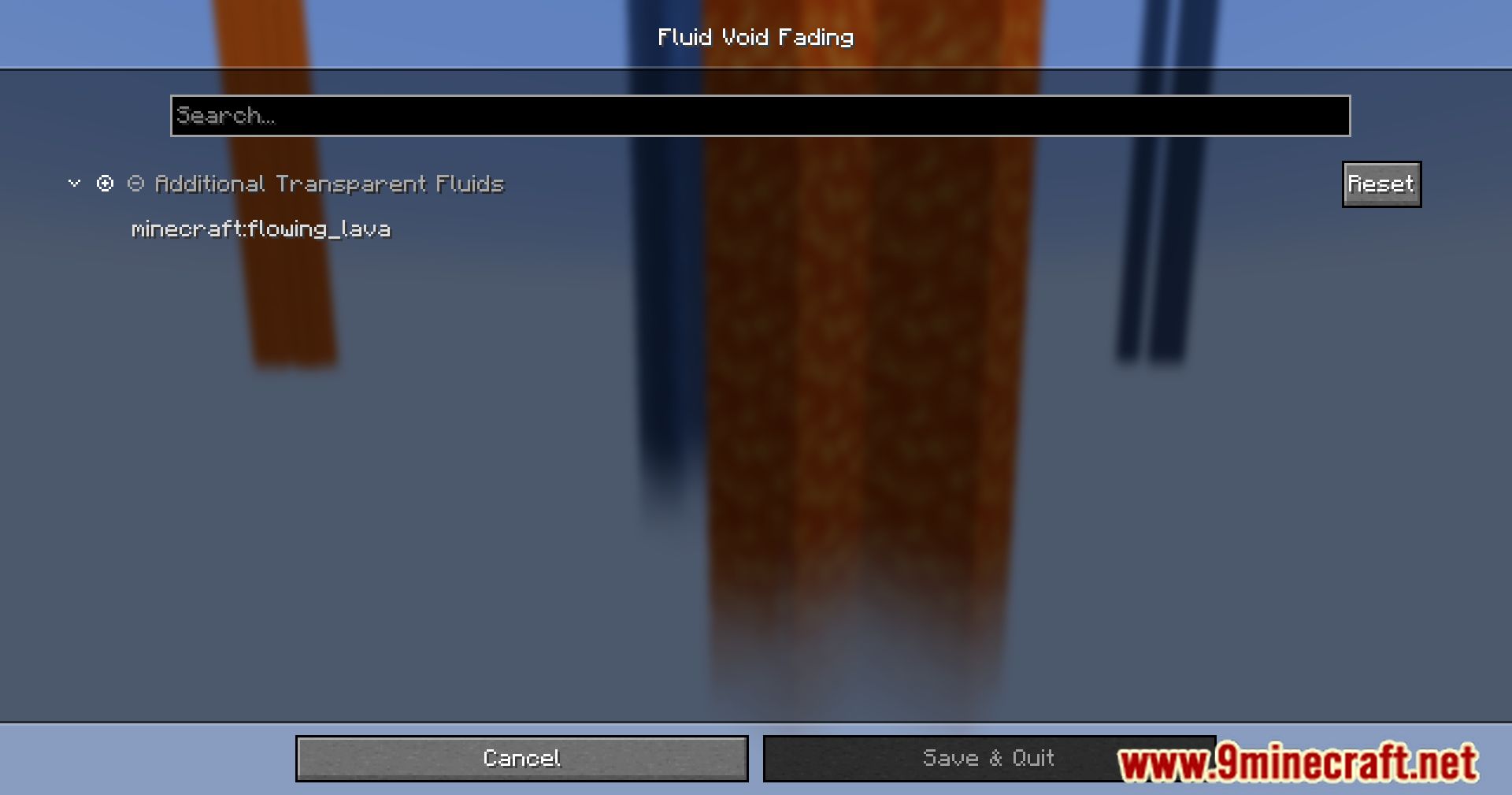
- If a fluid does not render transparently (e.g., lava), add its name to the configuration file.
- Currently incompatible with Sodium.
Screenshots:
Fluid Void Fading Mod Download Links
Quick facts
- Edition: Minecraft Java
- File type: .jar
- Minecraft version listed: 1.20.1
- How to install: Install the matching mod loader (Forge, Fabric or NeoForge) for your Minecraft version. → Download the .jar. → Put it in the .minecraft/mods folder and launch that loader profile.
- Where to get it: In MC Java Mods, or directly above on this page.
Install steps are the general flow for this file type — How to install Minecraft Java mods & modpacks walks through it step by step.
Verified by MCModsHub
- Downloads as 26919.mcaddon
- Download size: 113 KB
- Download link checked 24 Sept 2026 — working
- Mirrored on our own servers — the download does not depend on the original host
These come from our own check of the pack file, not from the source page.