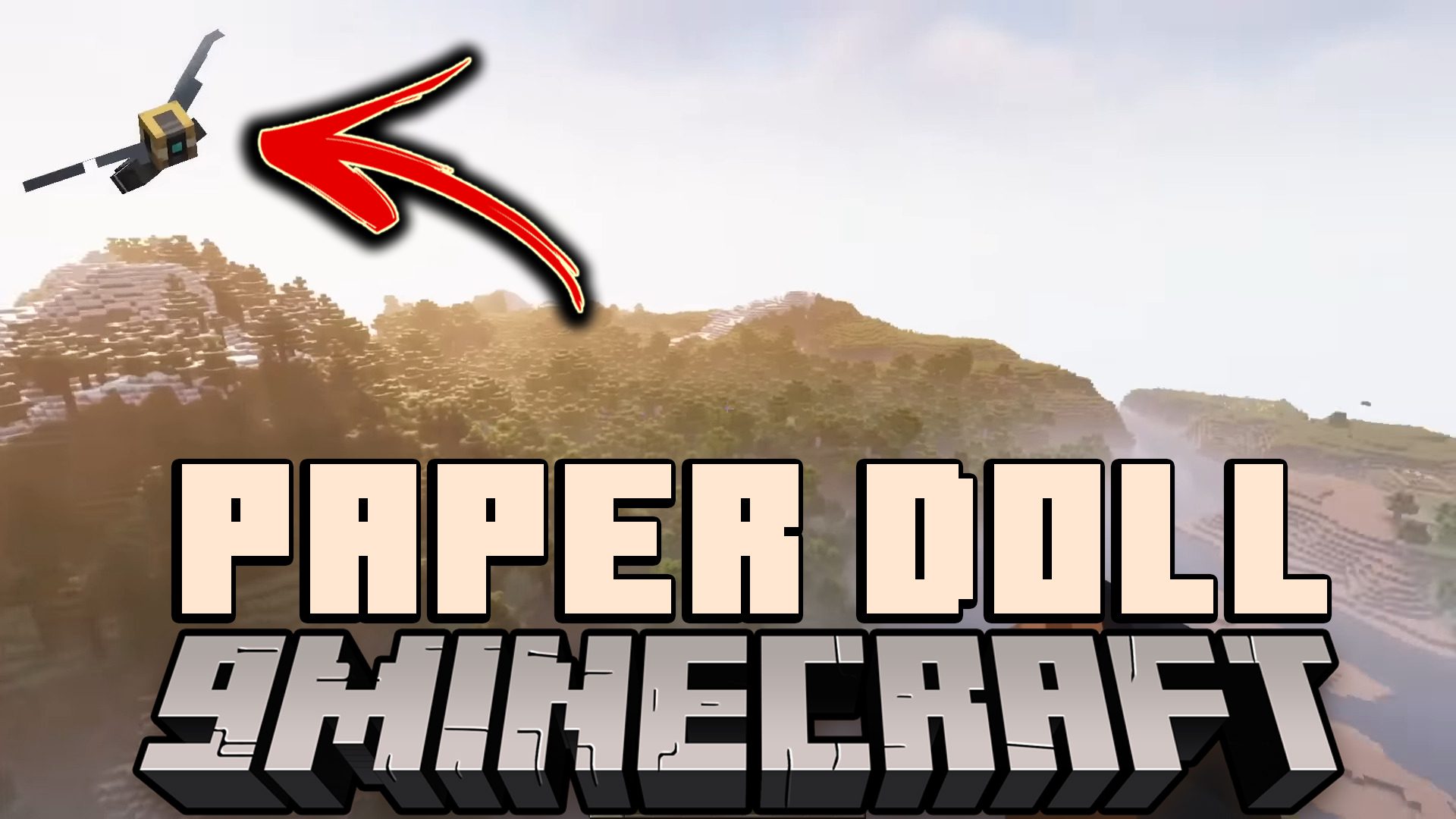
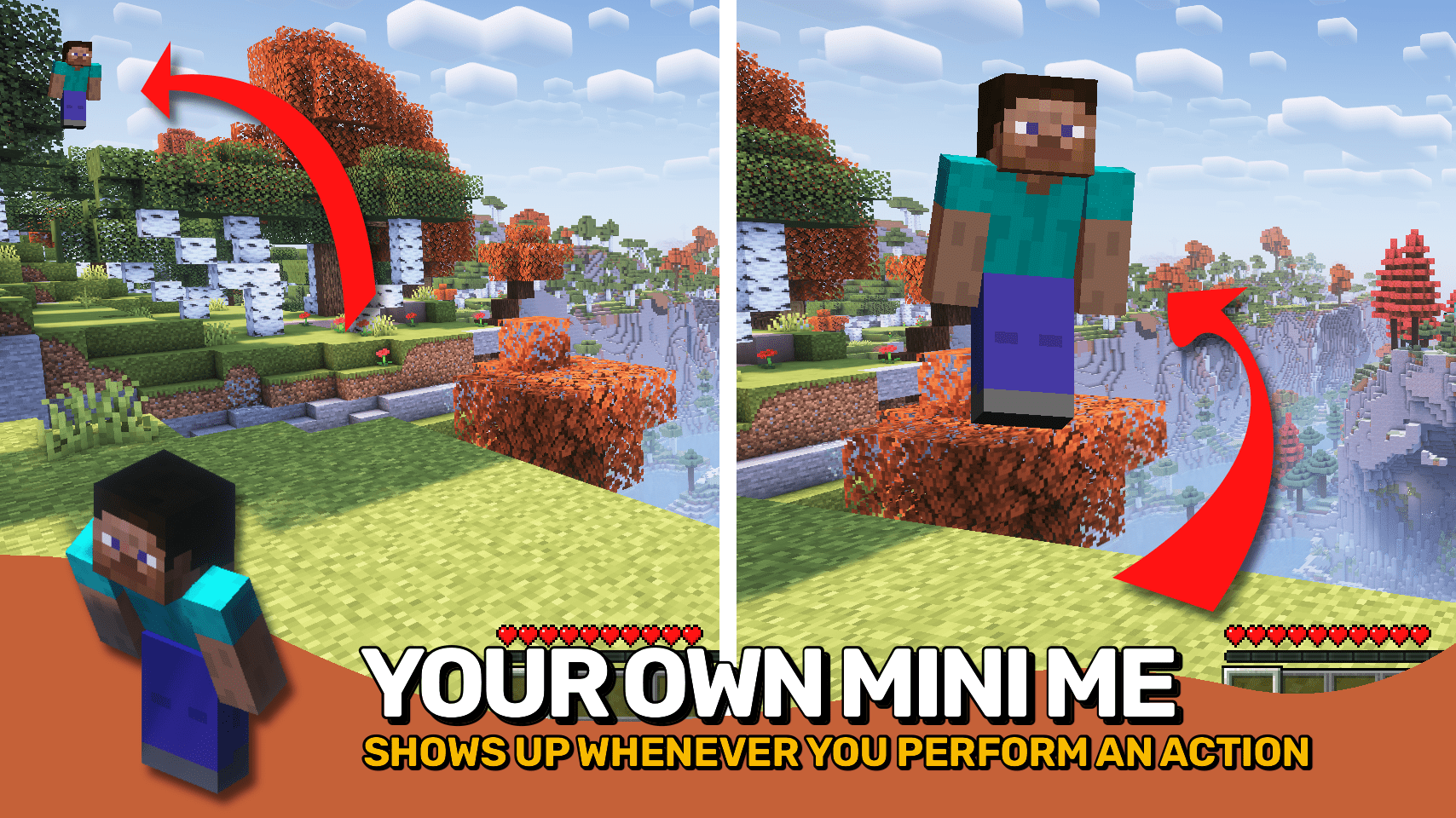
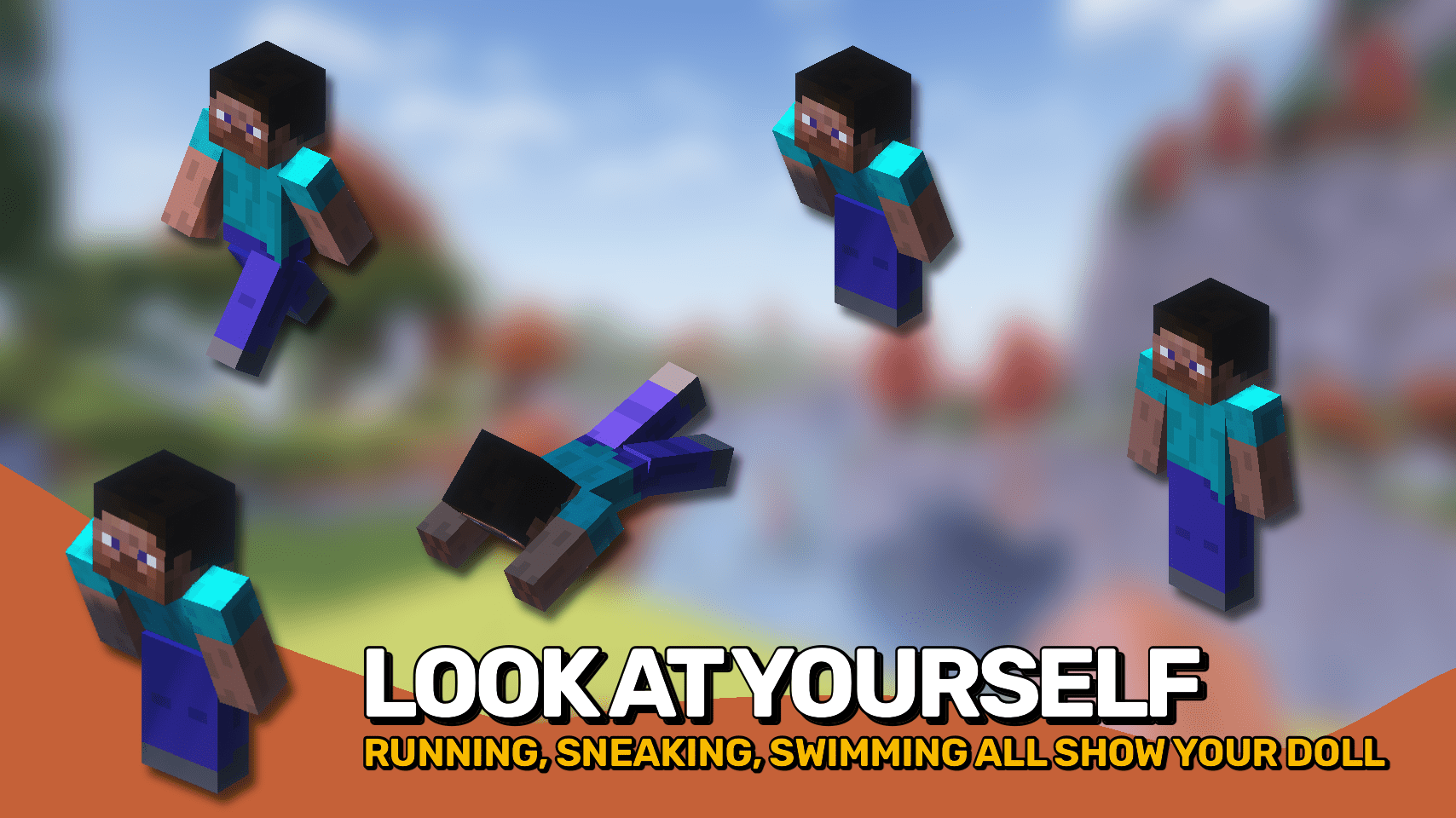
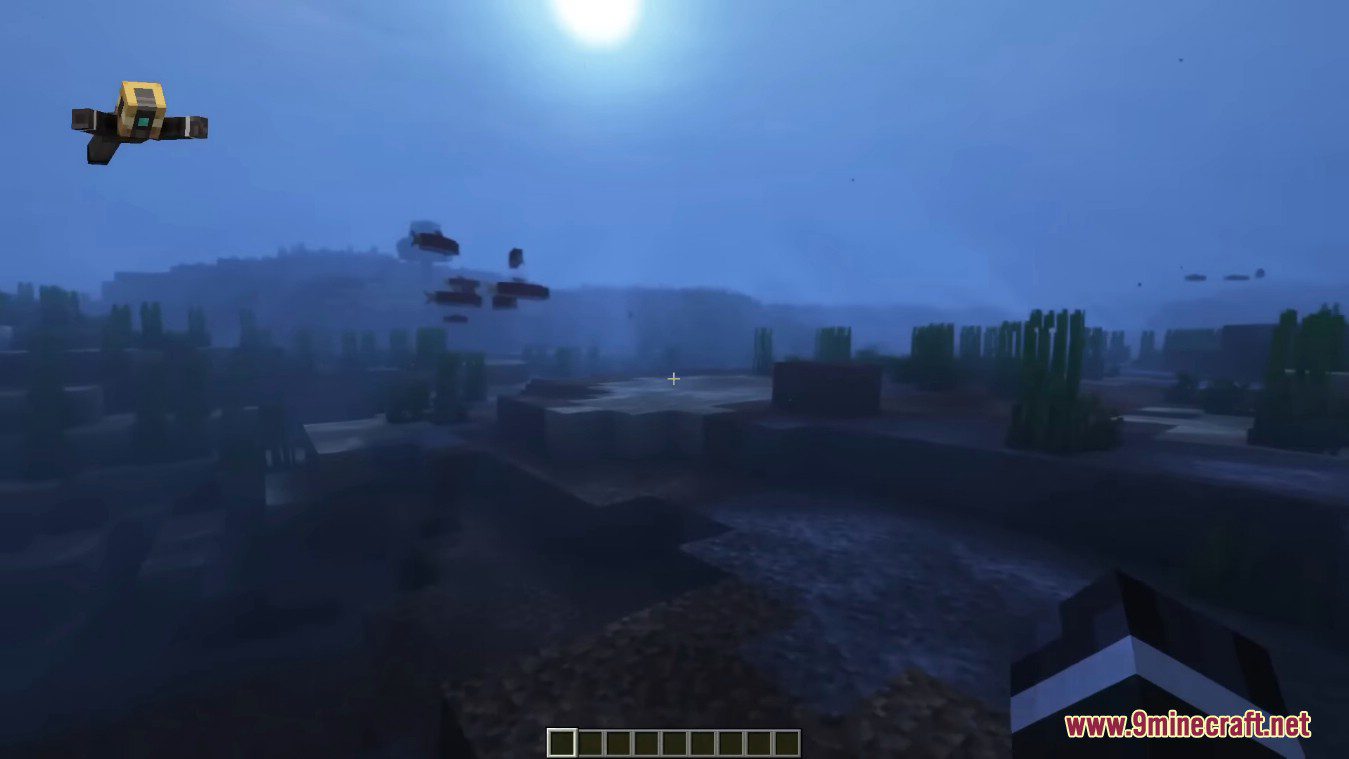
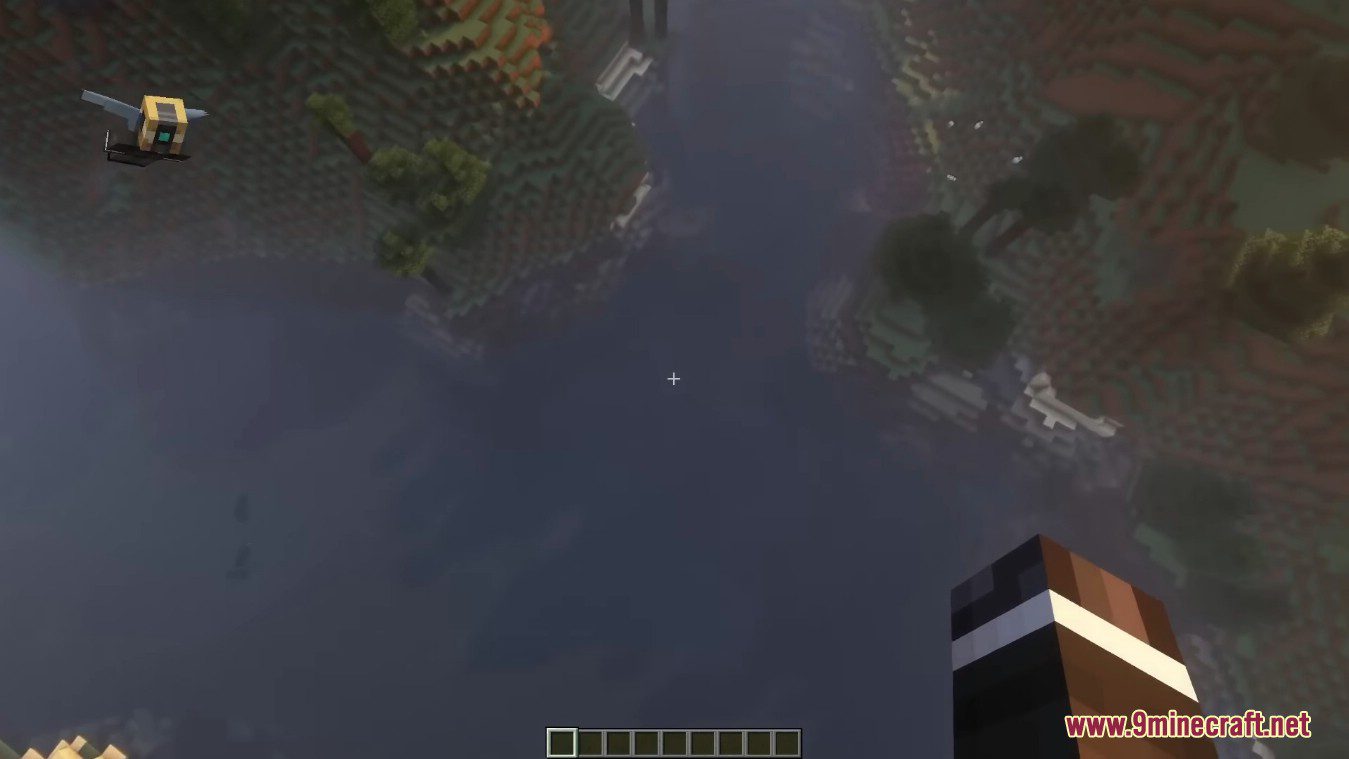
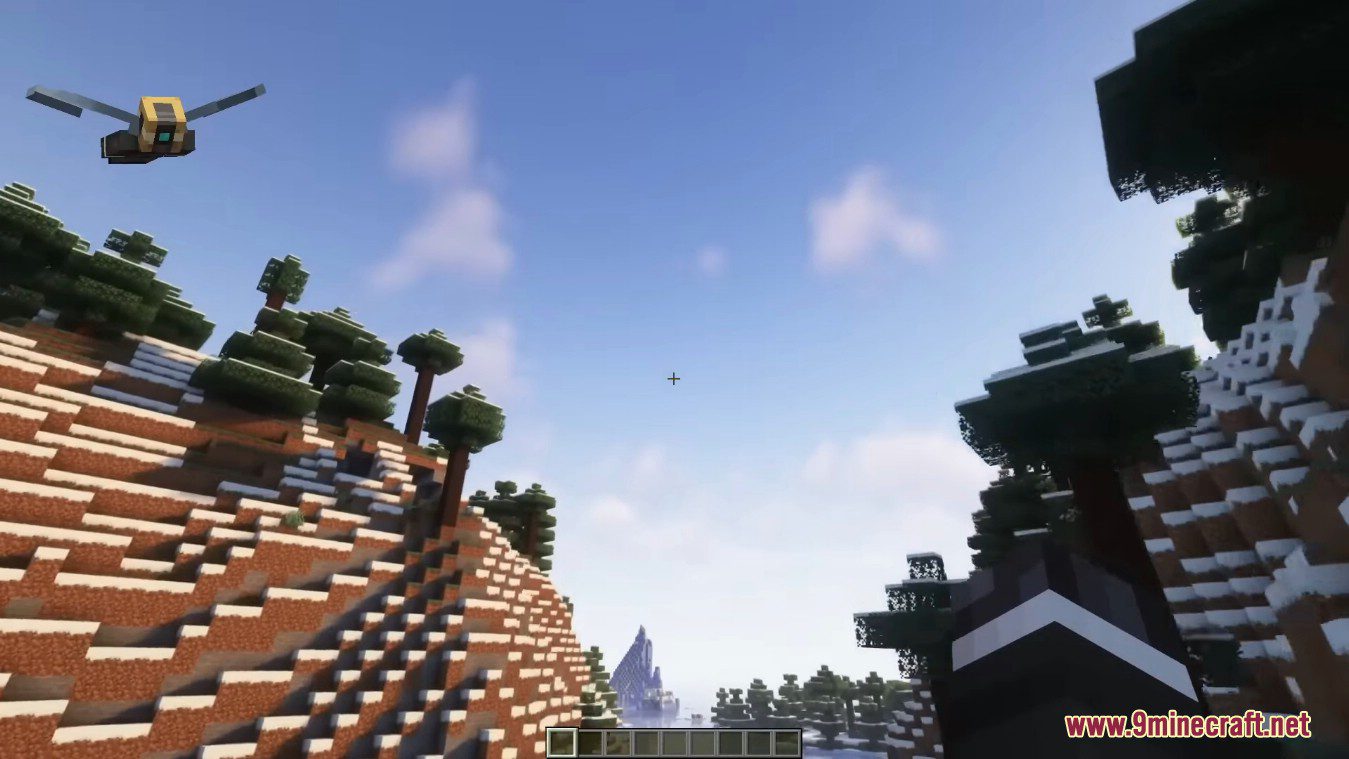
Paper Doll Mod shows a small little display of yourself in a corner of the screen while you are performing certain actions, just like on the Bedrock Edition of Minecraft. The doll is shown for actions such as: sprinting, swimming, crouching, crawling, flying, and gliding. Many more actions are available in the config along with many display setting for the paper doll.
This mod adds a mini version of yourself so you can see what your character is doing. The paper doll is a side-view of the player displayed in the top-left corner of the screen. It shows the player’s skin and any armor worn. If the player is walking, the paper doll shows the player’s legs moving. If the player is sneaking, sprint-swimming, or flying with elytra, this can also be seen.
Screenshots:
Paper Doll Mod Download Links
- Edition: Minecraft Java
- File type: .jar
- Minecraft version listed: 1.20.1
- How to install: Install the matching mod loader (Forge, Fabric or NeoForge) for your Minecraft version. → Download the .jar. → Put it in the .minecraft/mods folder and launch that loader profile.
- Where to get it: In MC Java Mods, or directly above on this page.
Install steps are the general flow for this file type — How to install Minecraft Java mods & modpacks walks through it step by step.
- Downloads as 26930.mcaddon
- Download size: 40 KB
- Download link checked 26 Sept 2026 — working
- Mirrored on our own servers — the download does not depend on the original host
These come from our own check of the pack file, not from the source page.