Pick Up Notifier Mod (26.2, 1.20.1) – Display for the Items Picked
Look, you've just picked up an item! And another one! And one more! Way too many to keep track of though… But not anymore! Just check the pick-up log, it…
⬇ Download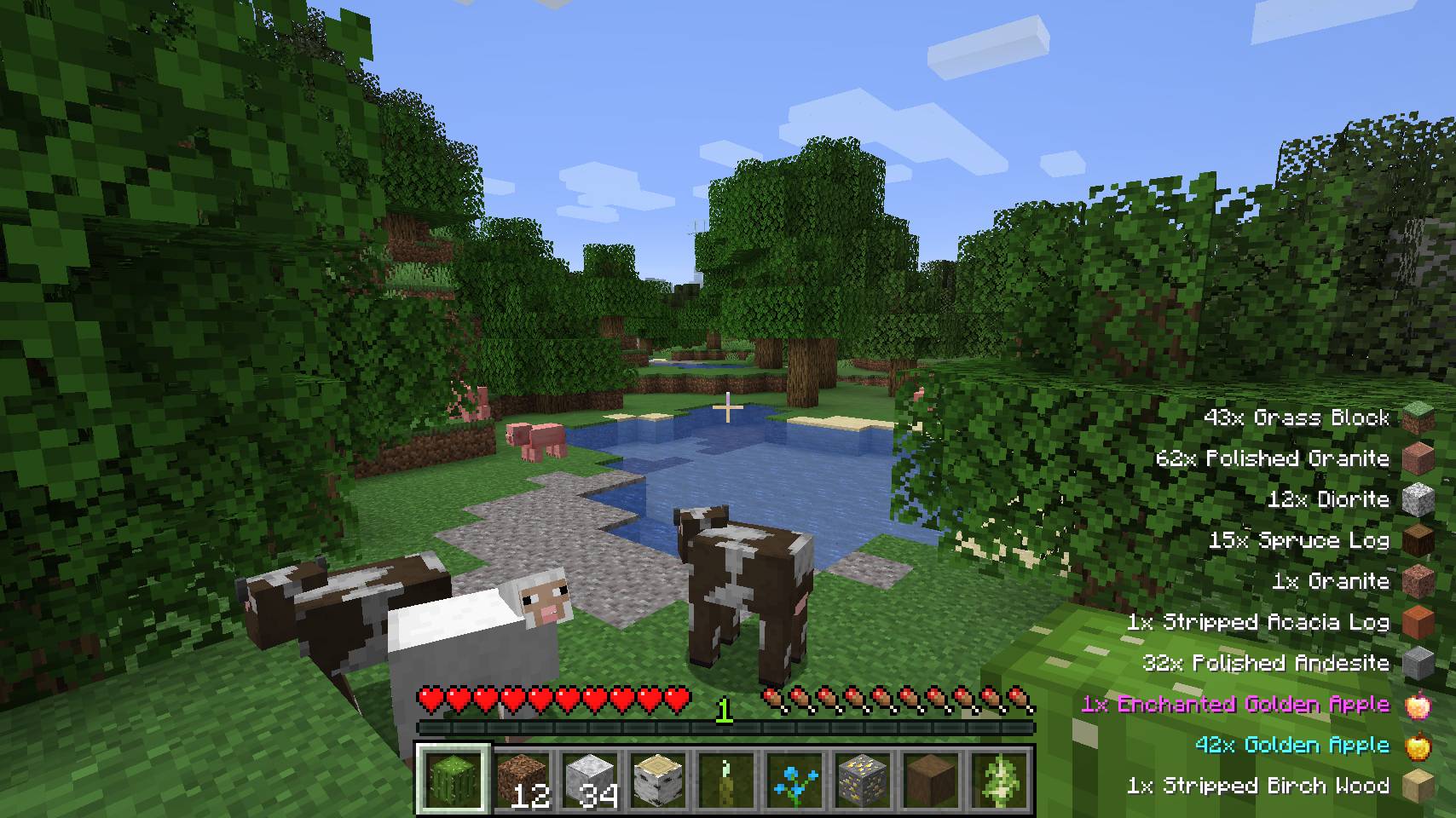
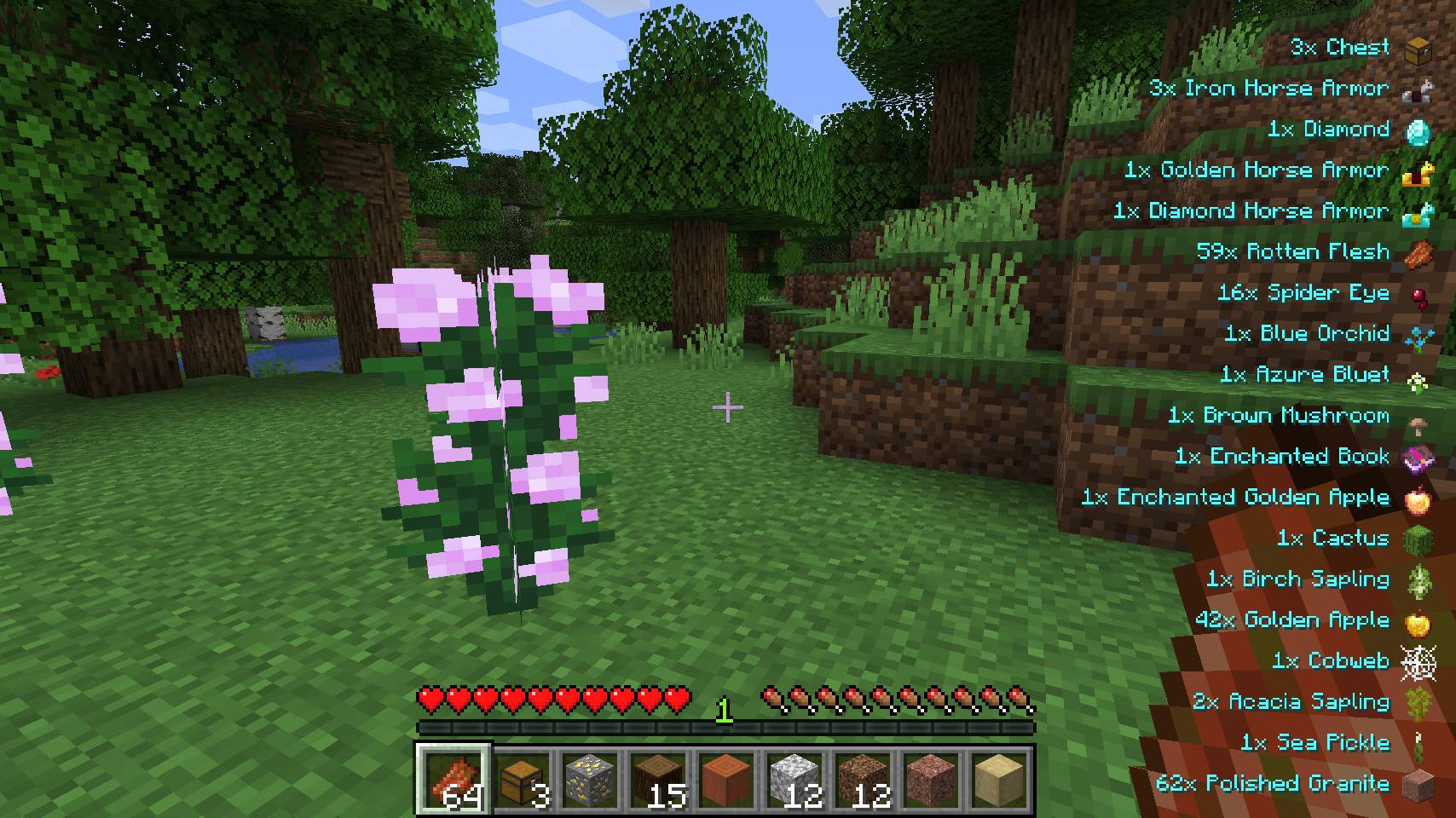
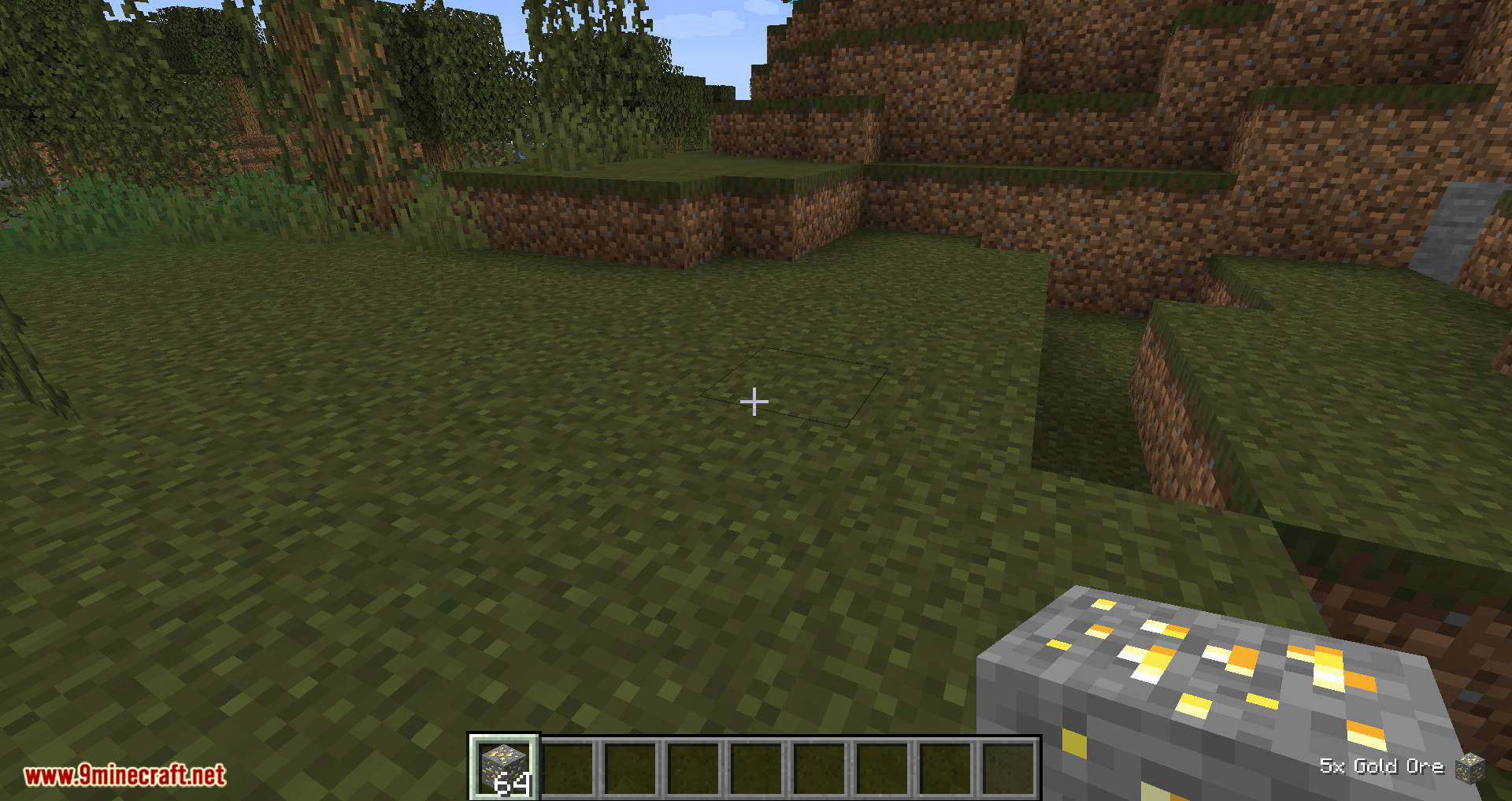
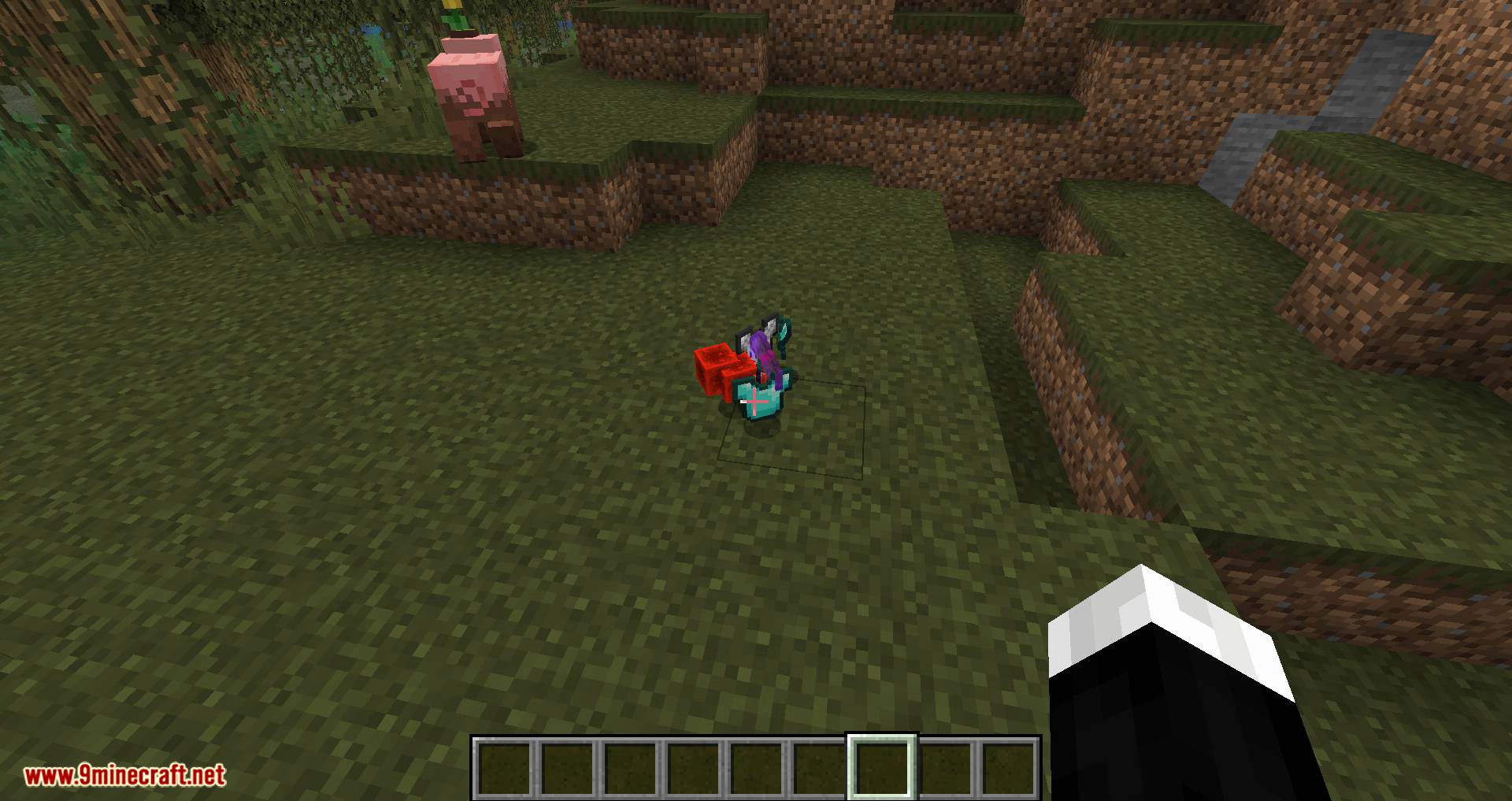
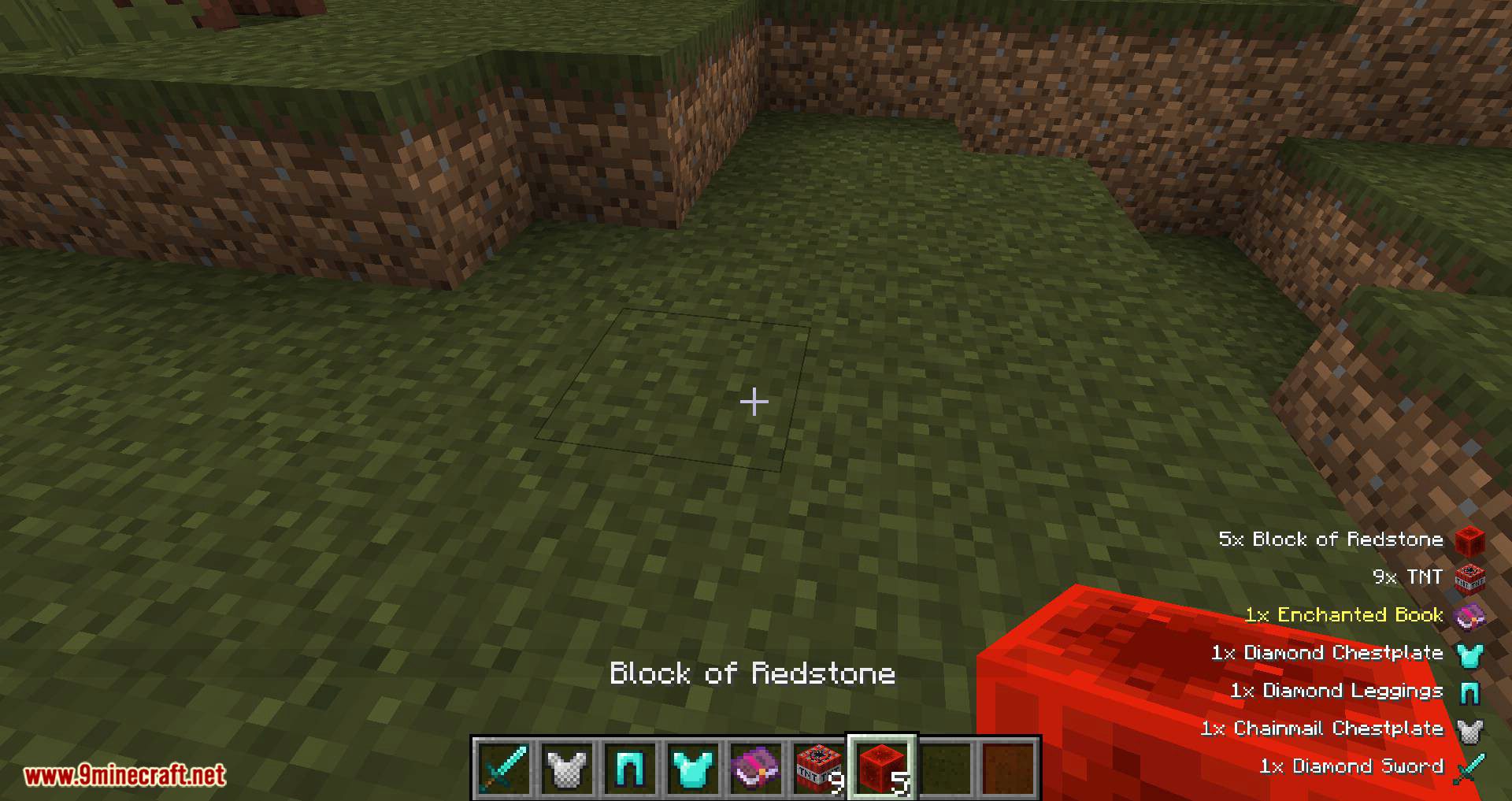
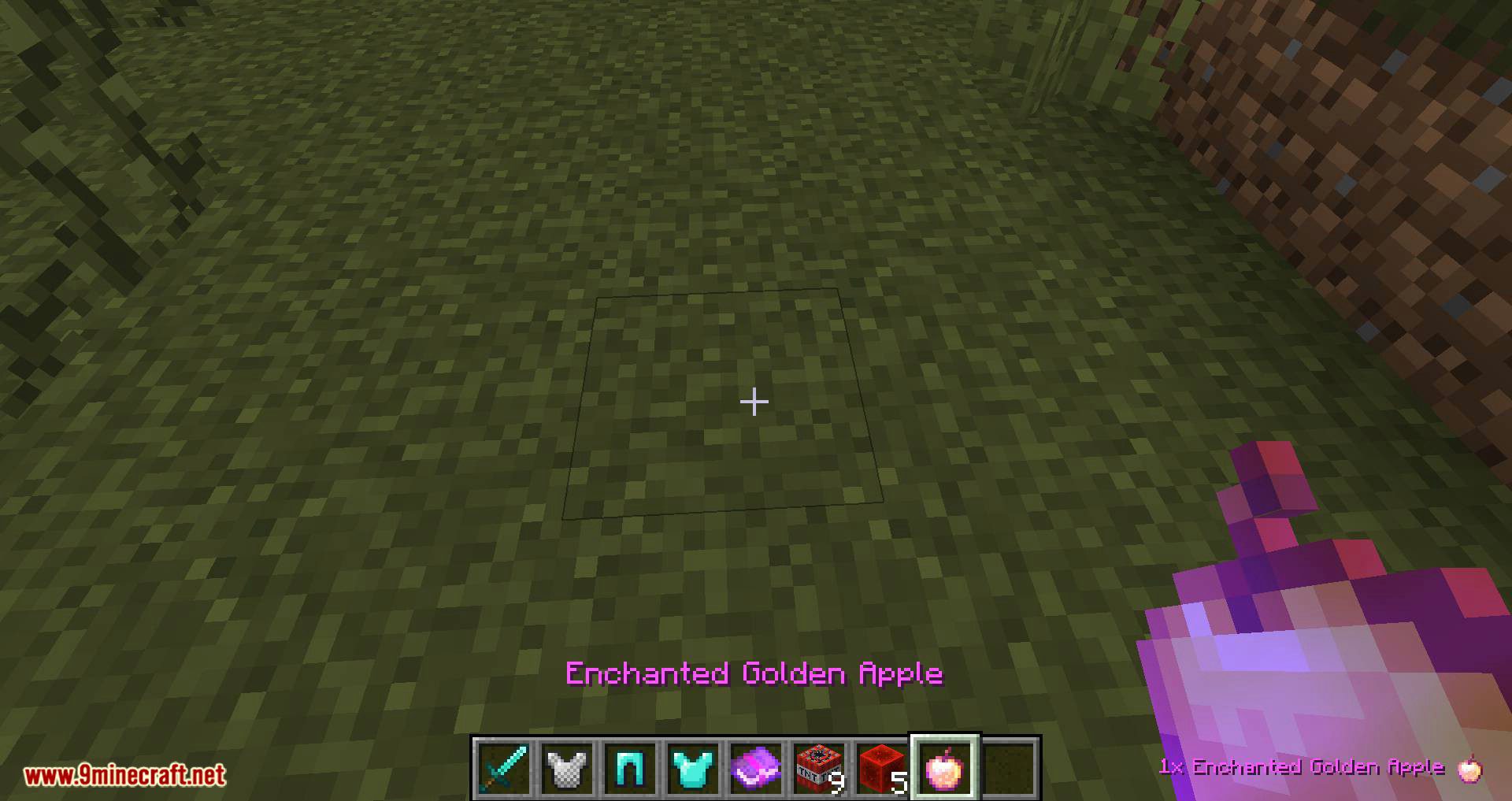
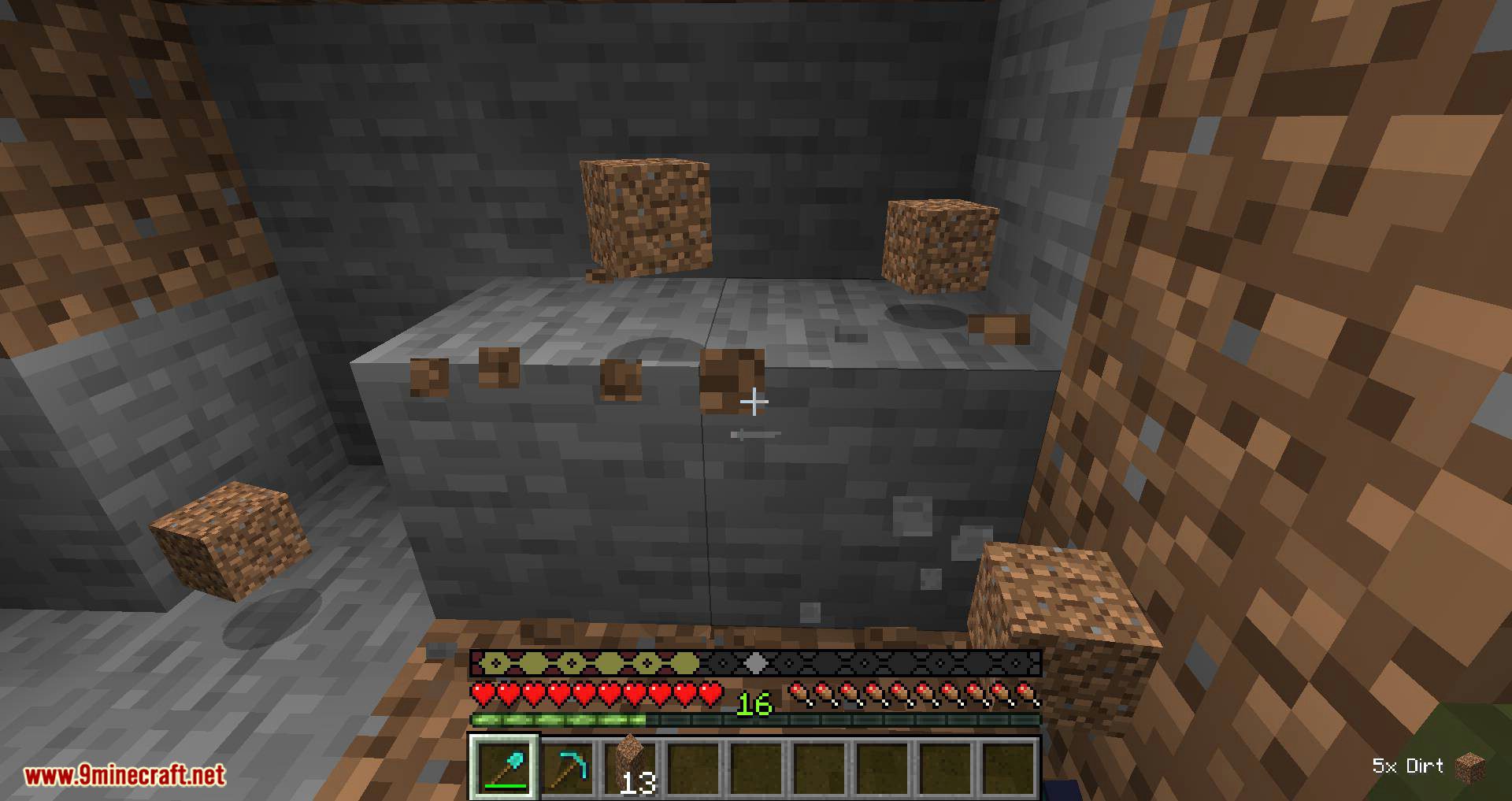
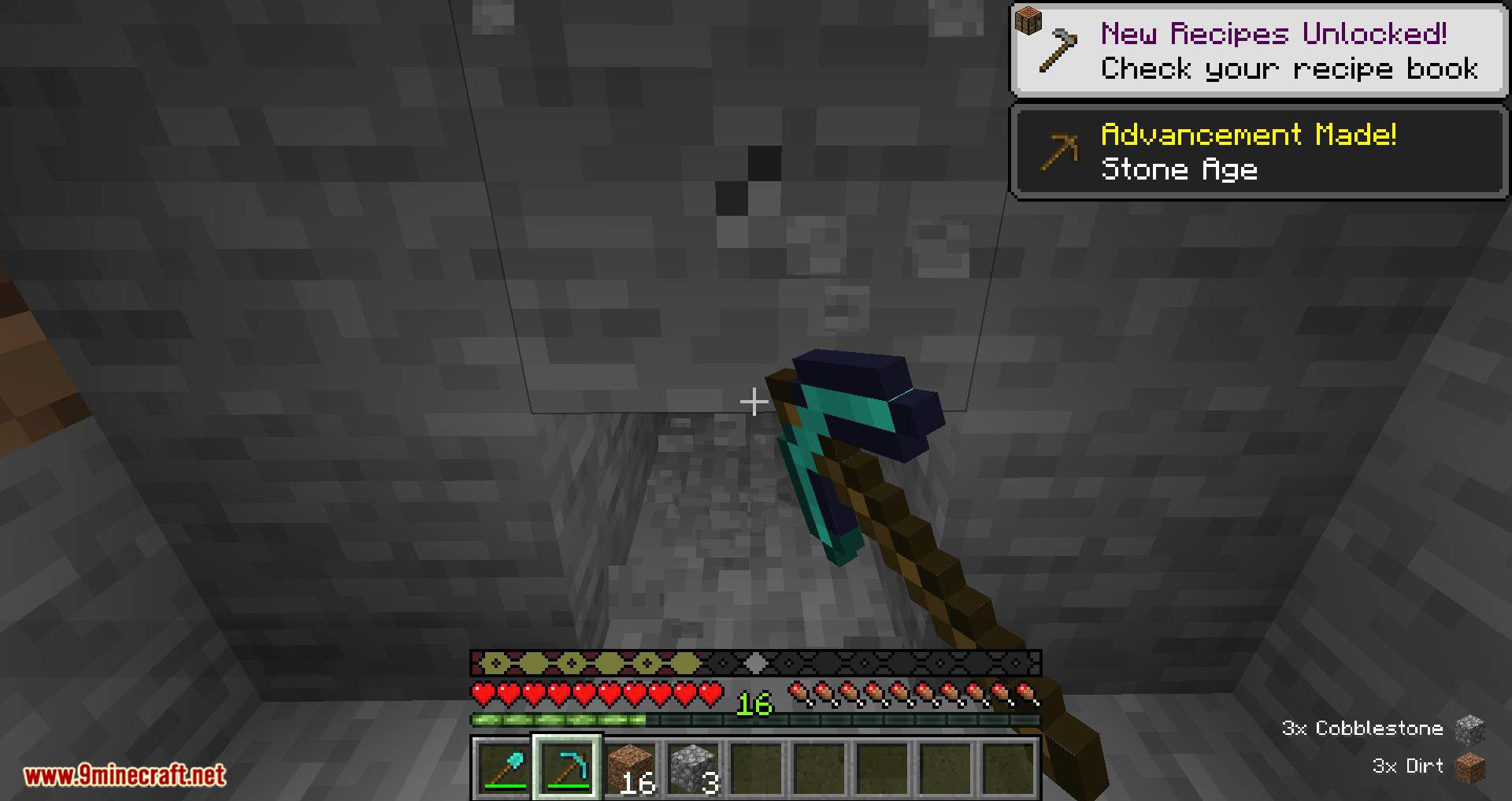
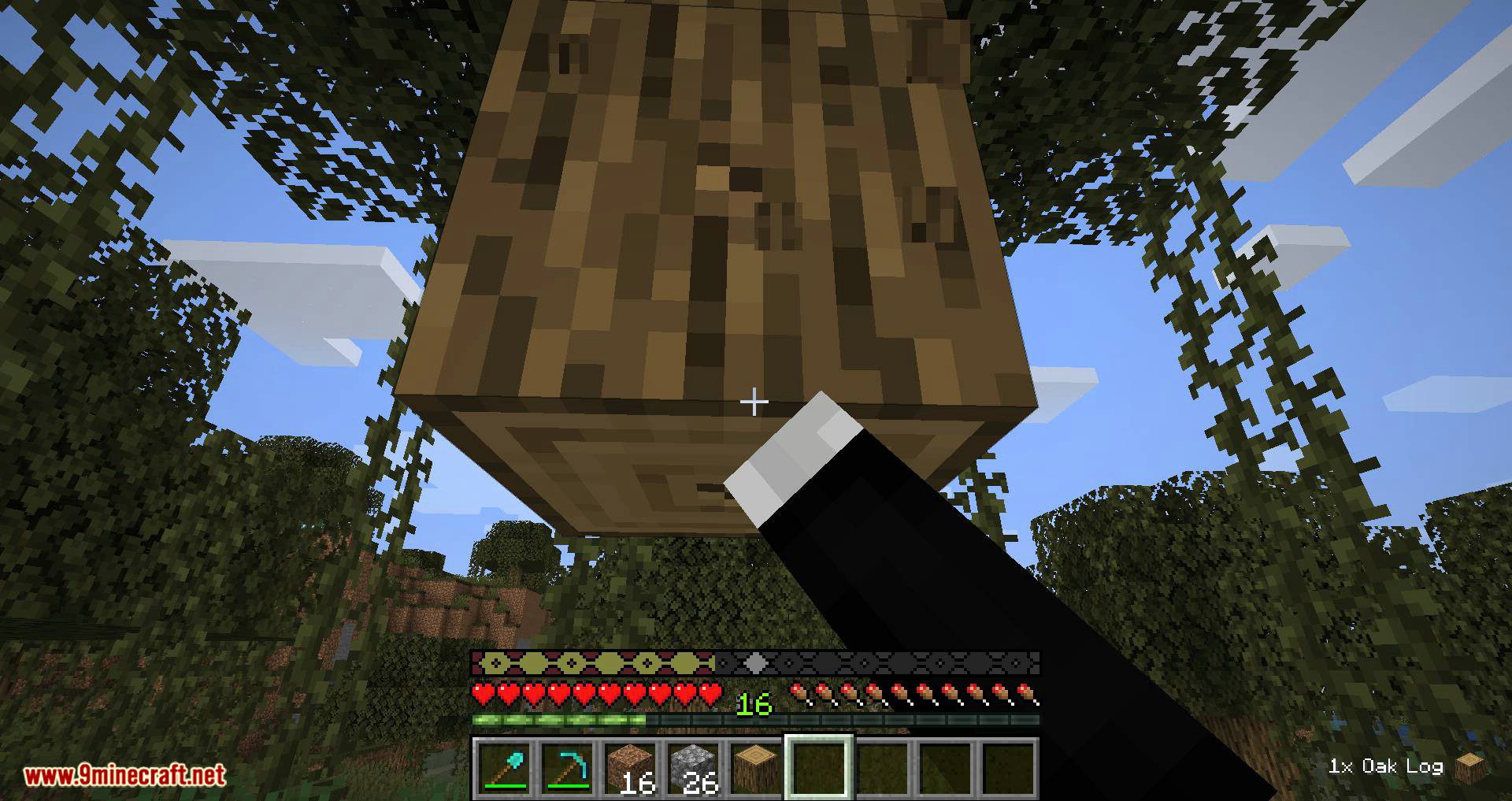
Look, you’ve just picked up an item! And another one! And one more! Way too many to keep track of though… But not anymore! Just check the pick-up log, it shows all the items you’ve collected in a neat little list in the corner of your screen with some fancy item sprites and even the amount. Pick Up Notifier Mod will notify you about all the items you’ve just collected.
Features:
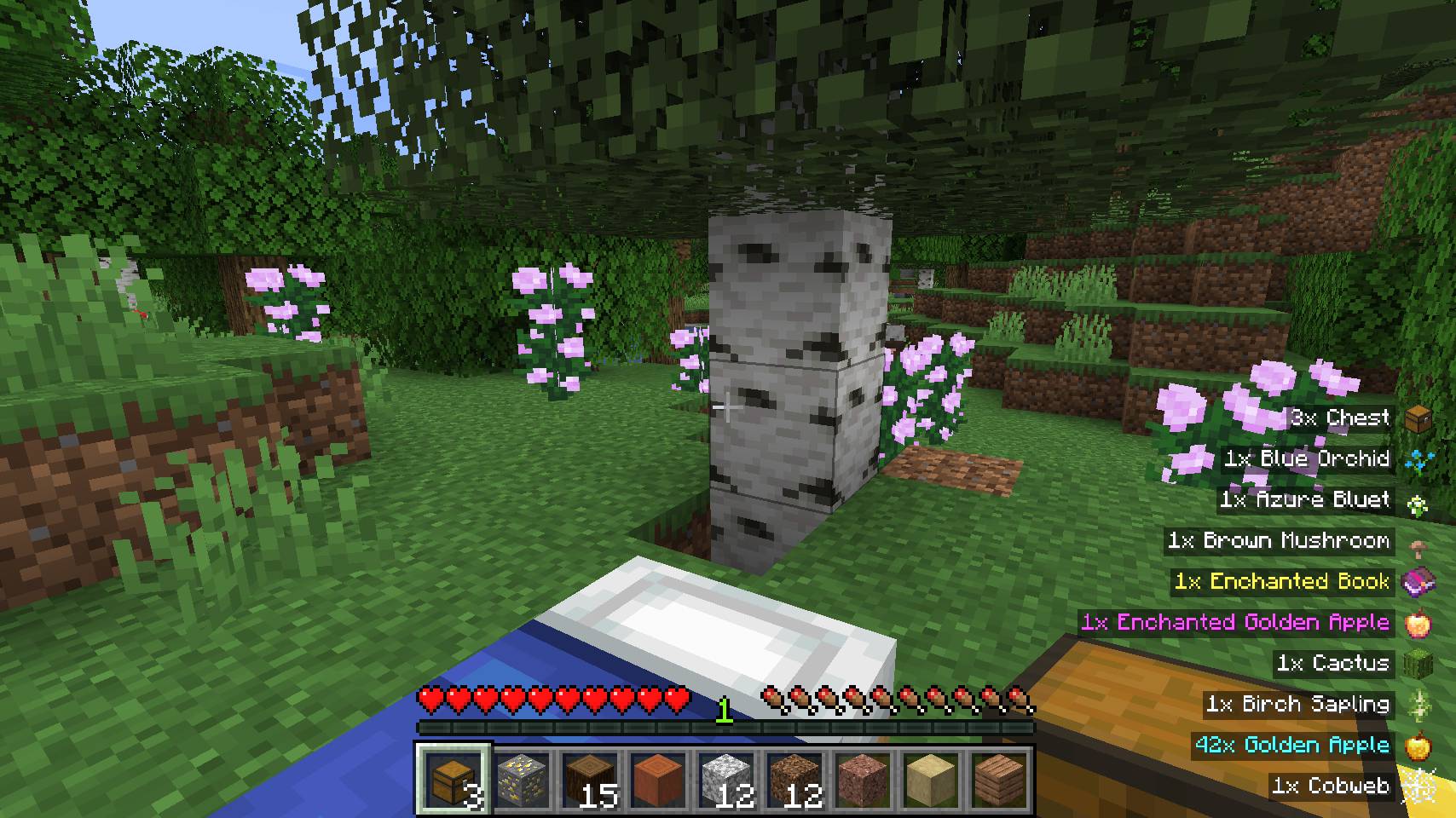
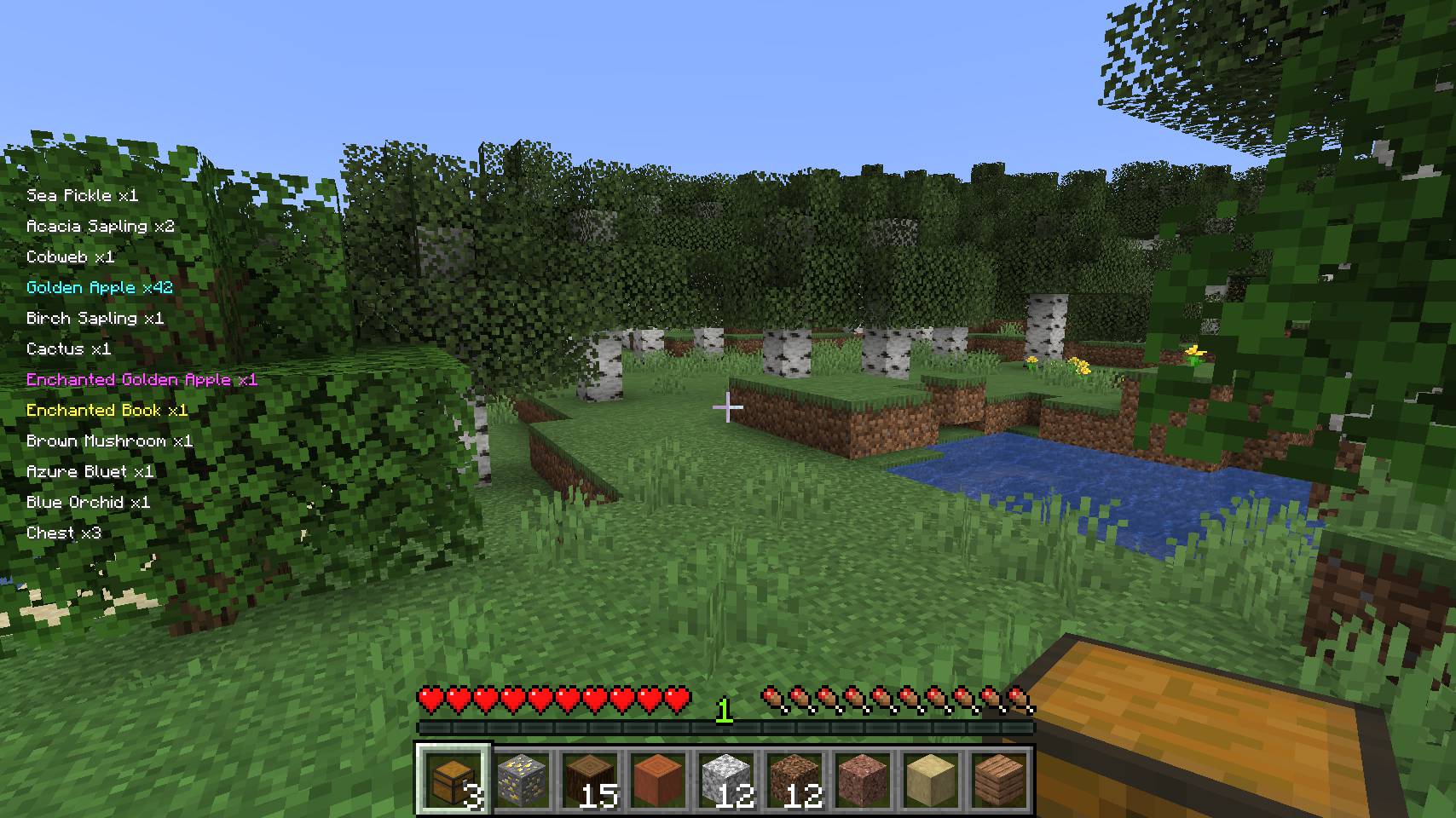
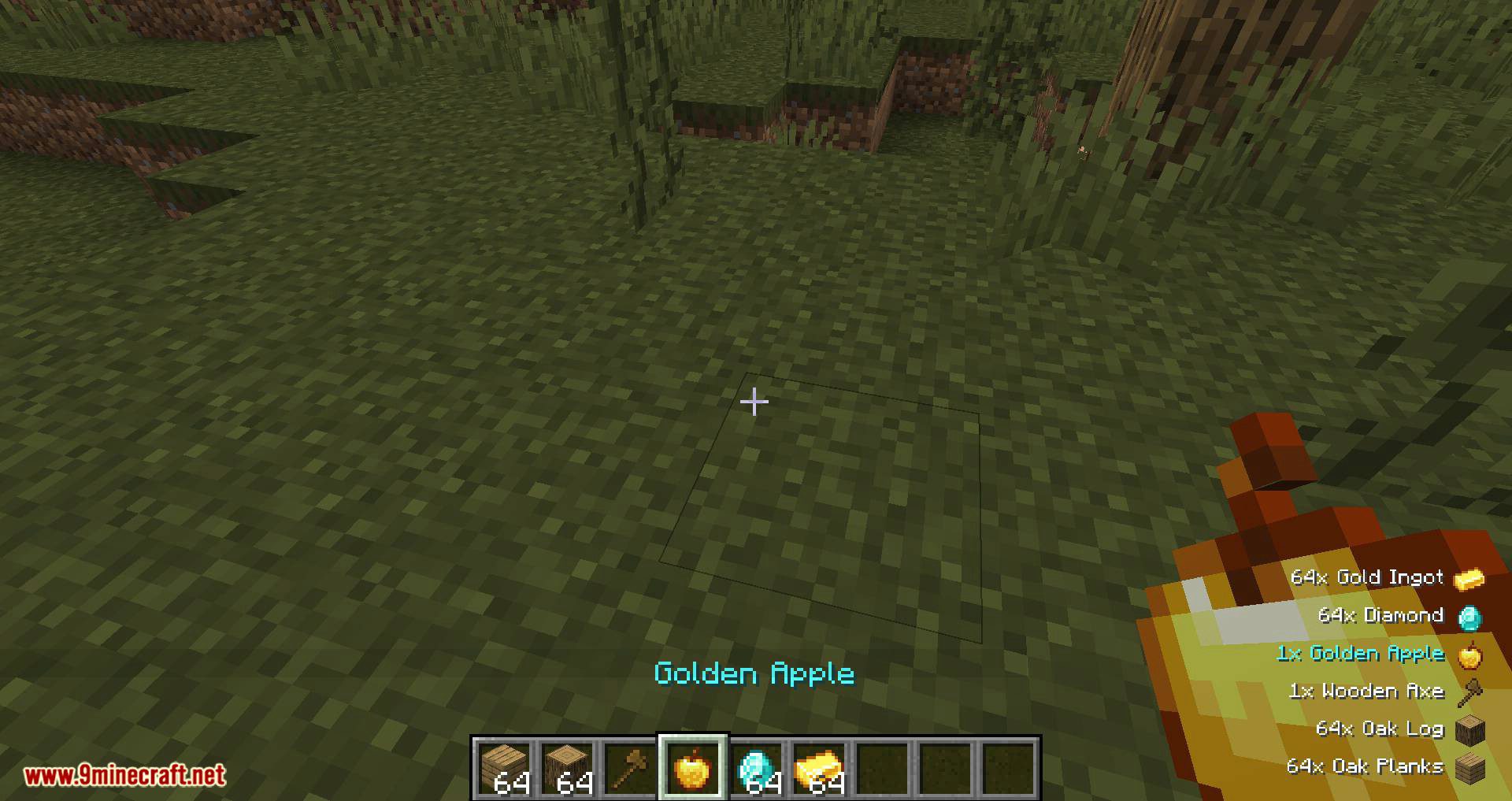
This mod adds a display for all the items you’ve just picked up. Outdated entries will slowly move out of the screen. By default the display is shown in the bottom right corner of the screen, but like everything in the mod, this is highly customisable. Customisation options include:
- Screen corner for the display to show in
- X and Y offset from default position
- Amount of ticks an entry will be shown for
- Amount if ticks it takes for an entry to move out of the screen after it should no longer be shown
- Whether item sprites should be drawn or not
- Text color for item names
- Height percentage the whole display is allowed to take-up
- Custom scale, also depends on GUI Scale option
This mod currently only works in singeplayer mode.
Screenshots:
Many picked up items being displayed; rare items show using their appropriate color
The pick up display respects the vanilla accessibility setting for enabling text backgrounds everywhere
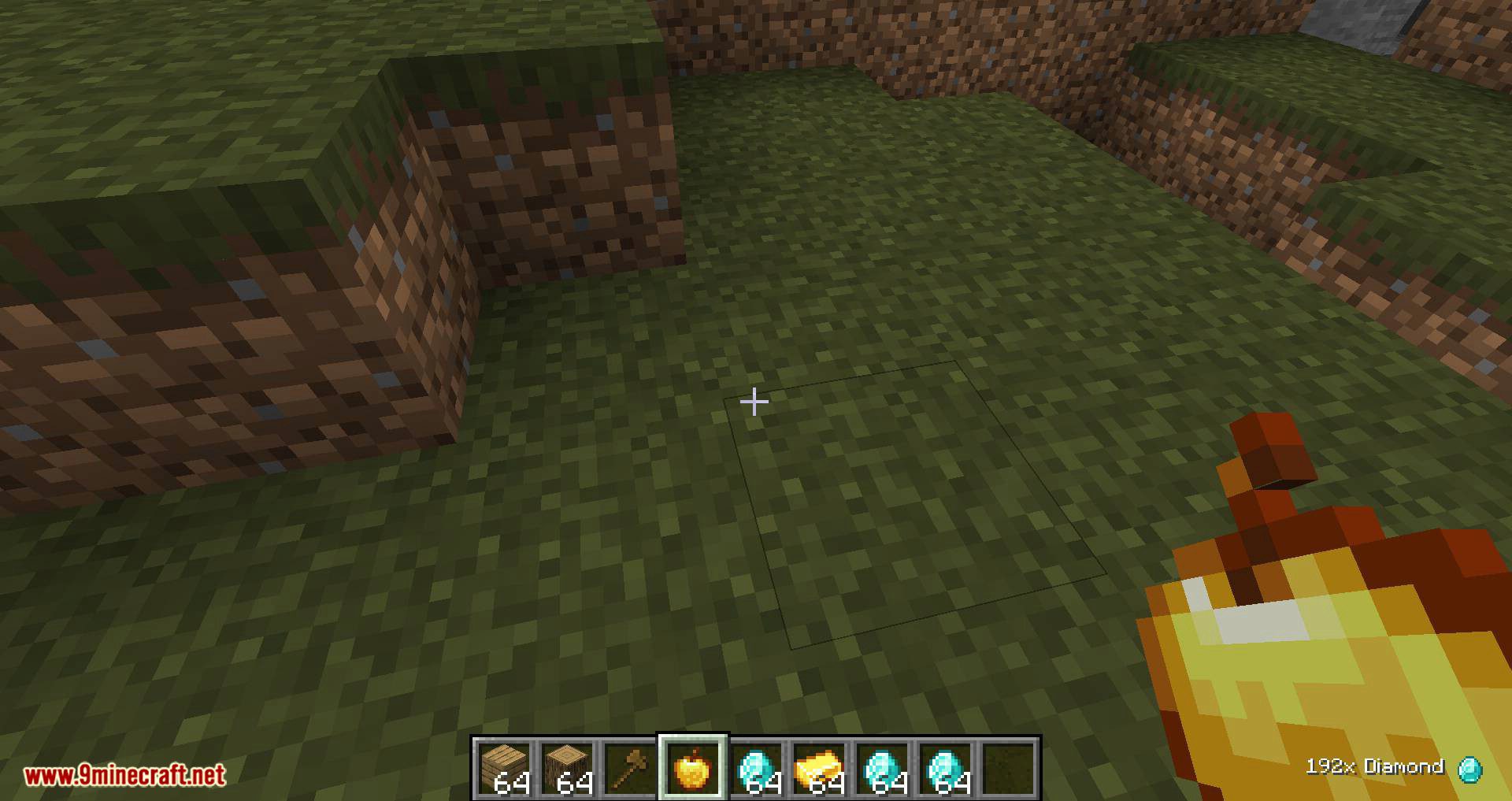
Item sprites can be hidden, the whole display is freely movable and a custom scale can be set
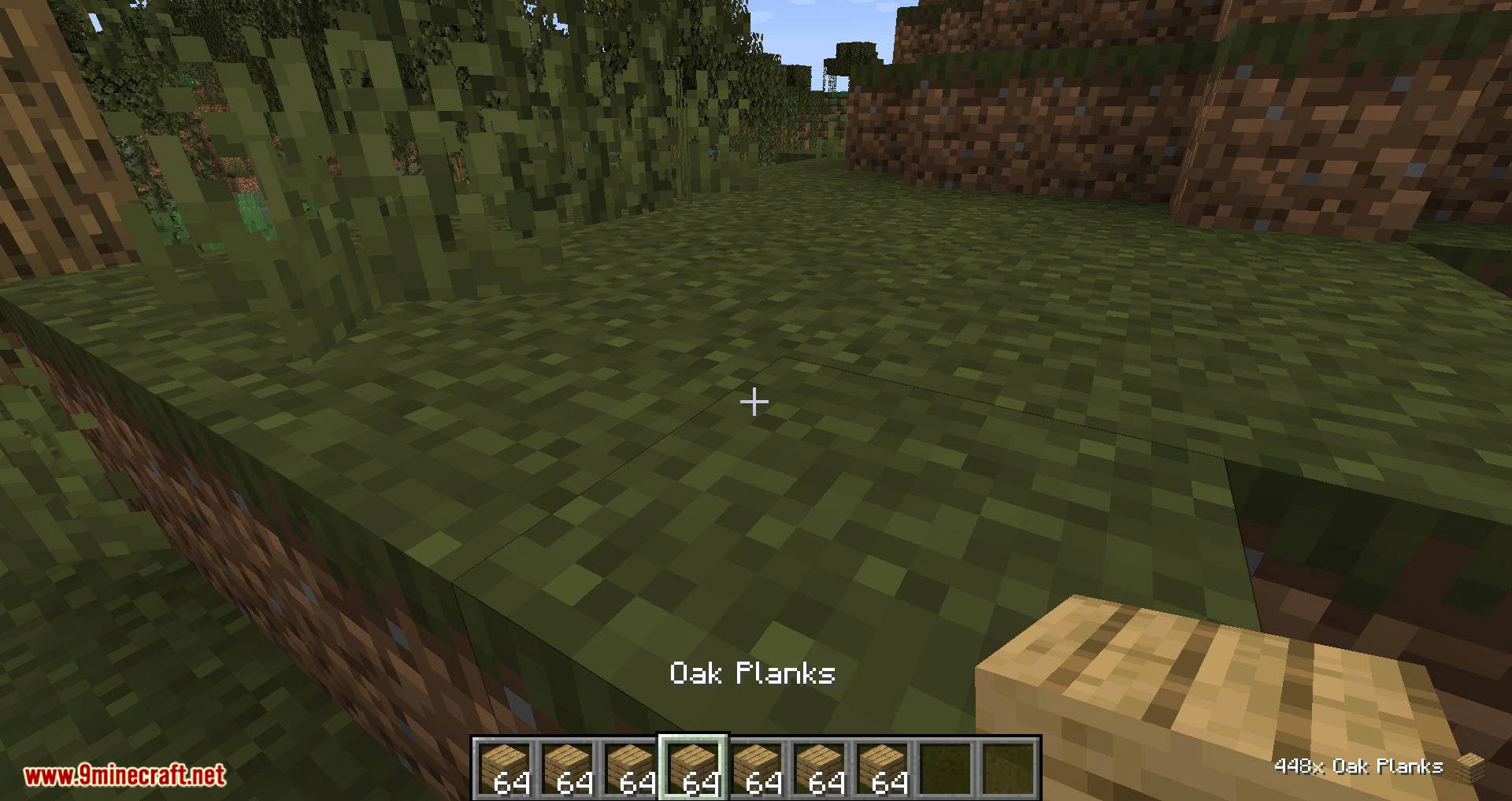
Height for the display can be fully configured, as well as the text color
Pick Up Notifier Mod Download Links
- Edition: Minecraft Java
- File type: .jar
- Minecraft version listed: 1.20.1
- How to install: Install the matching mod loader (Forge, Fabric or NeoForge) for your Minecraft version. → Download the .jar. → Put it in the .minecraft/mods folder and launch that loader profile.
- Where to get it: In MC Java Mods, or directly above on this page.
Install steps are the general flow for this file type — How to install Minecraft Java mods & modpacks walks through it step by step.
- Downloads as 26934.mcaddon
- Download size: 71 KB
- Download link checked 25 Sept 2026 — working
- Mirrored on our own servers — the download does not depend on the original host
These come from our own check of the pack file, not from the source page.