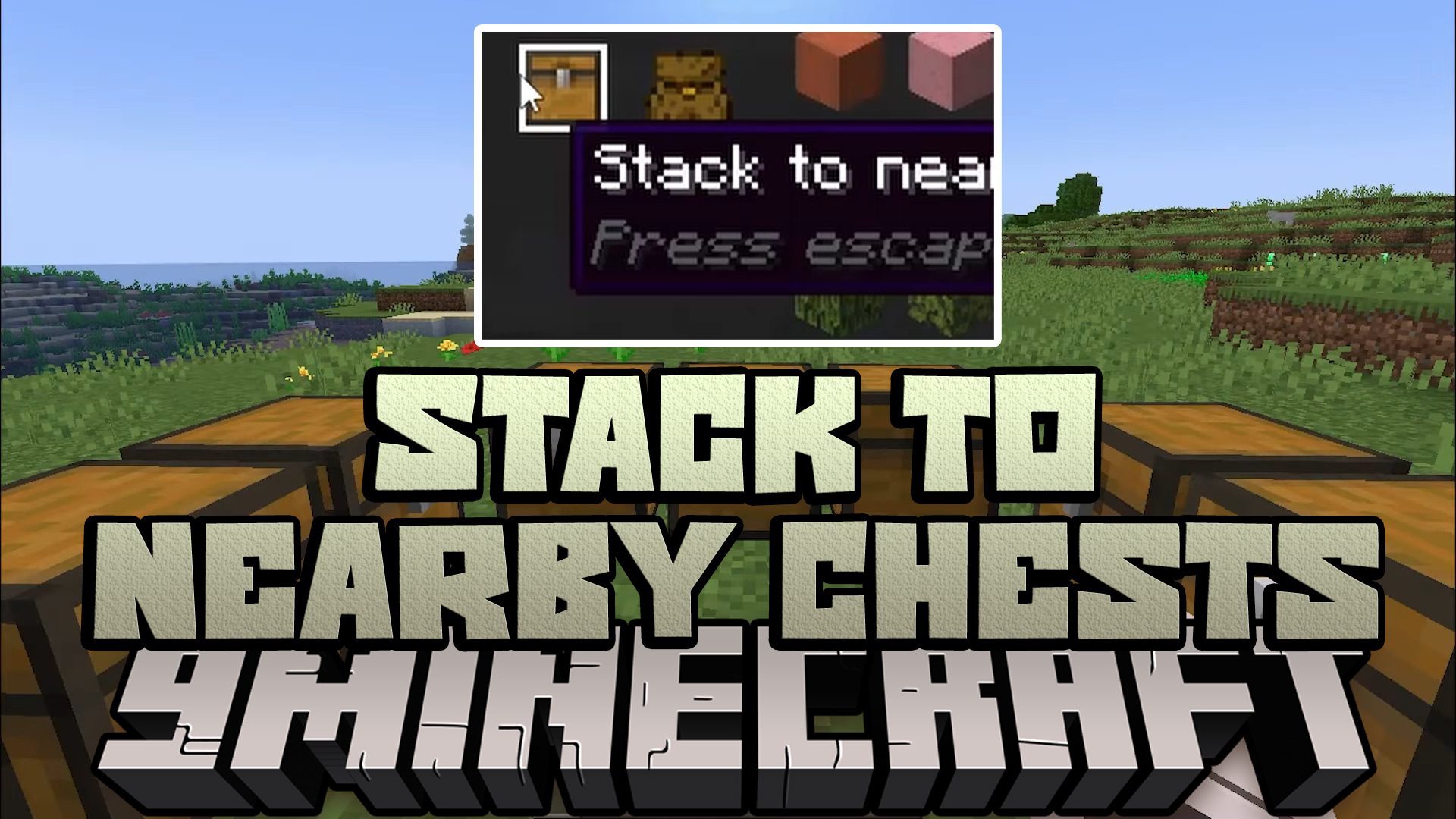
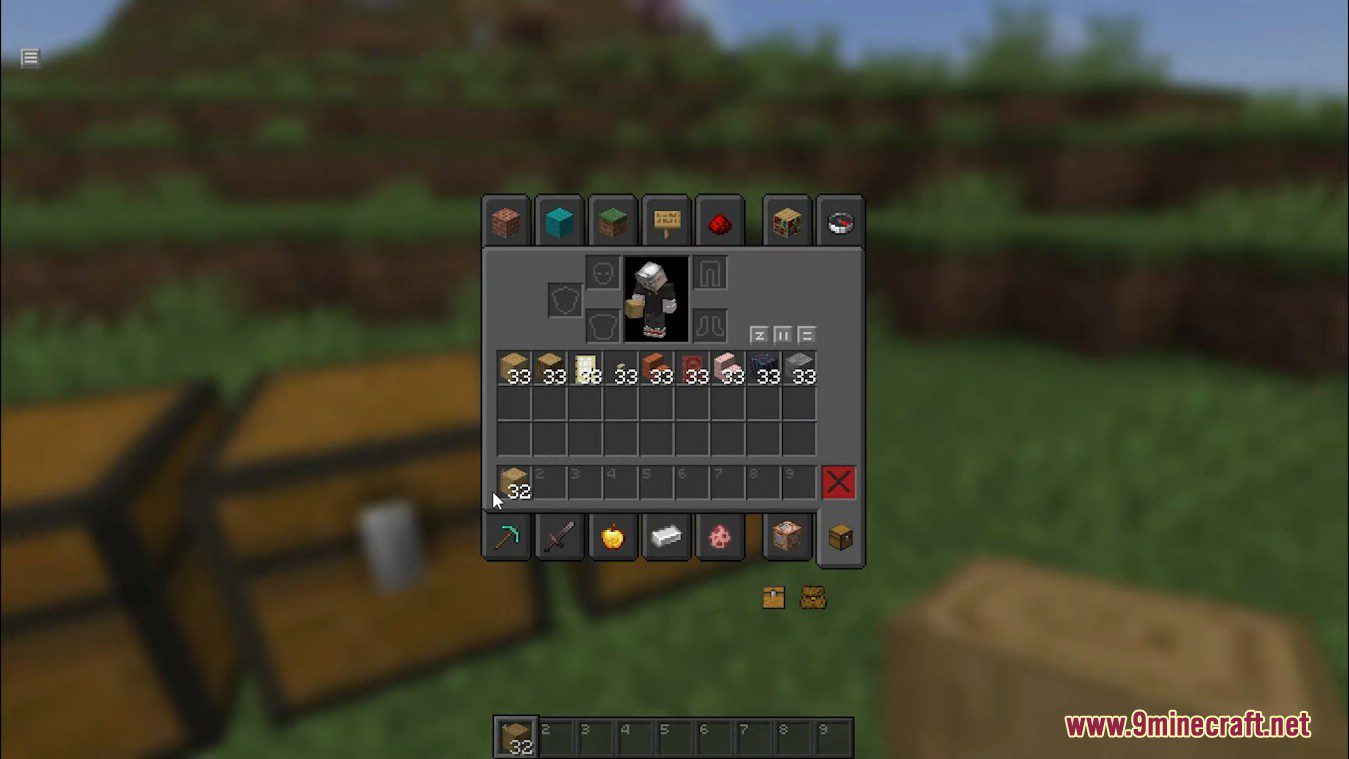
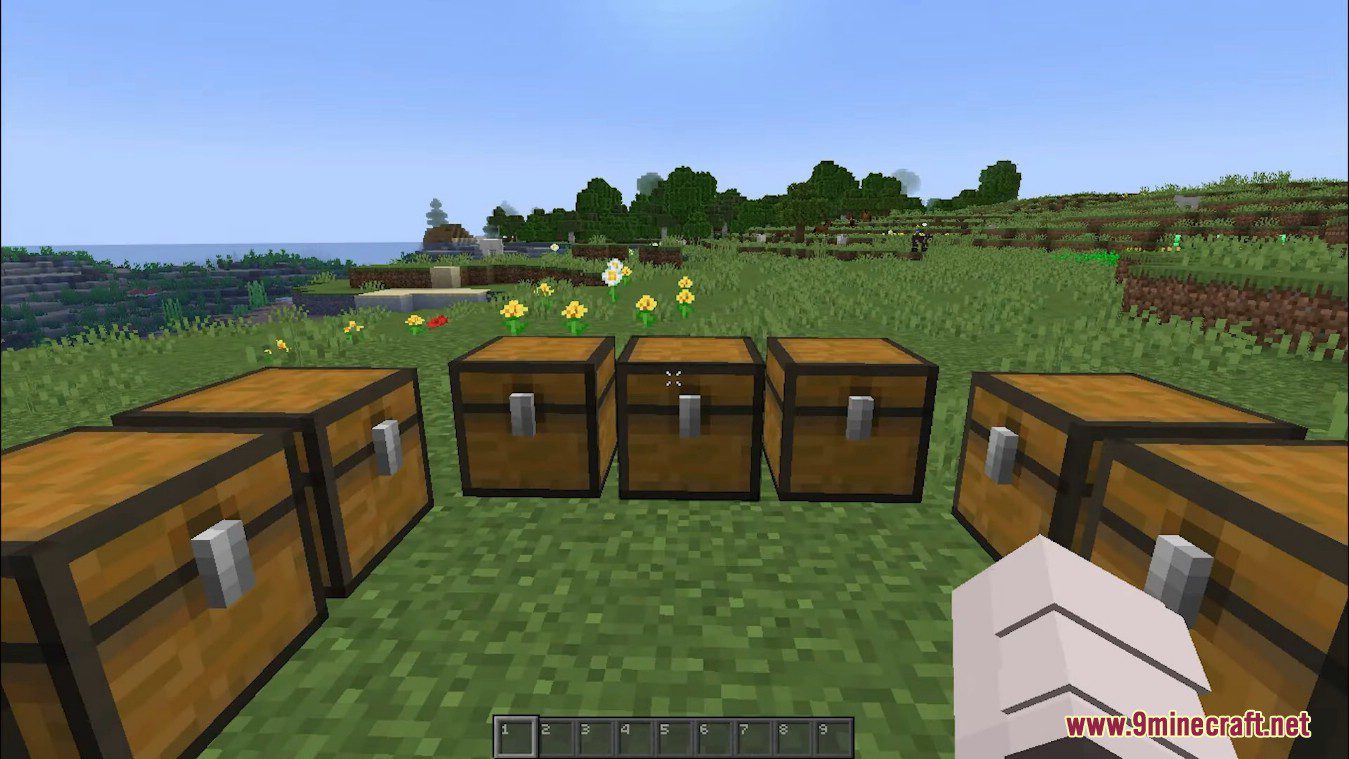
Stack to Nearby Chests Mod is a client-side only mod, adds the quick stacking and restocking features from Terraria into Minecraft.
Features:
- Press Left Ctrl + S + C to open the mod options screen, configure the mod’s appearance, behavior and key mapping
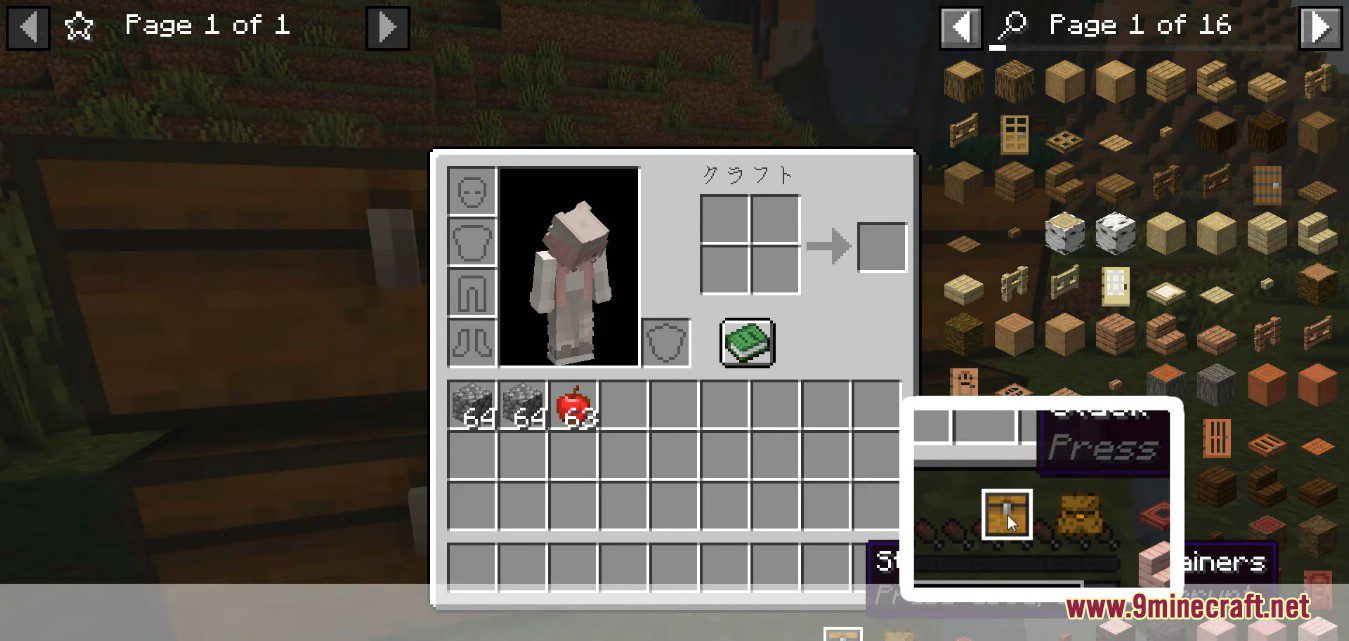
- Quick stack If the container contains at least one of an item, move the same item from player inventory into the container.
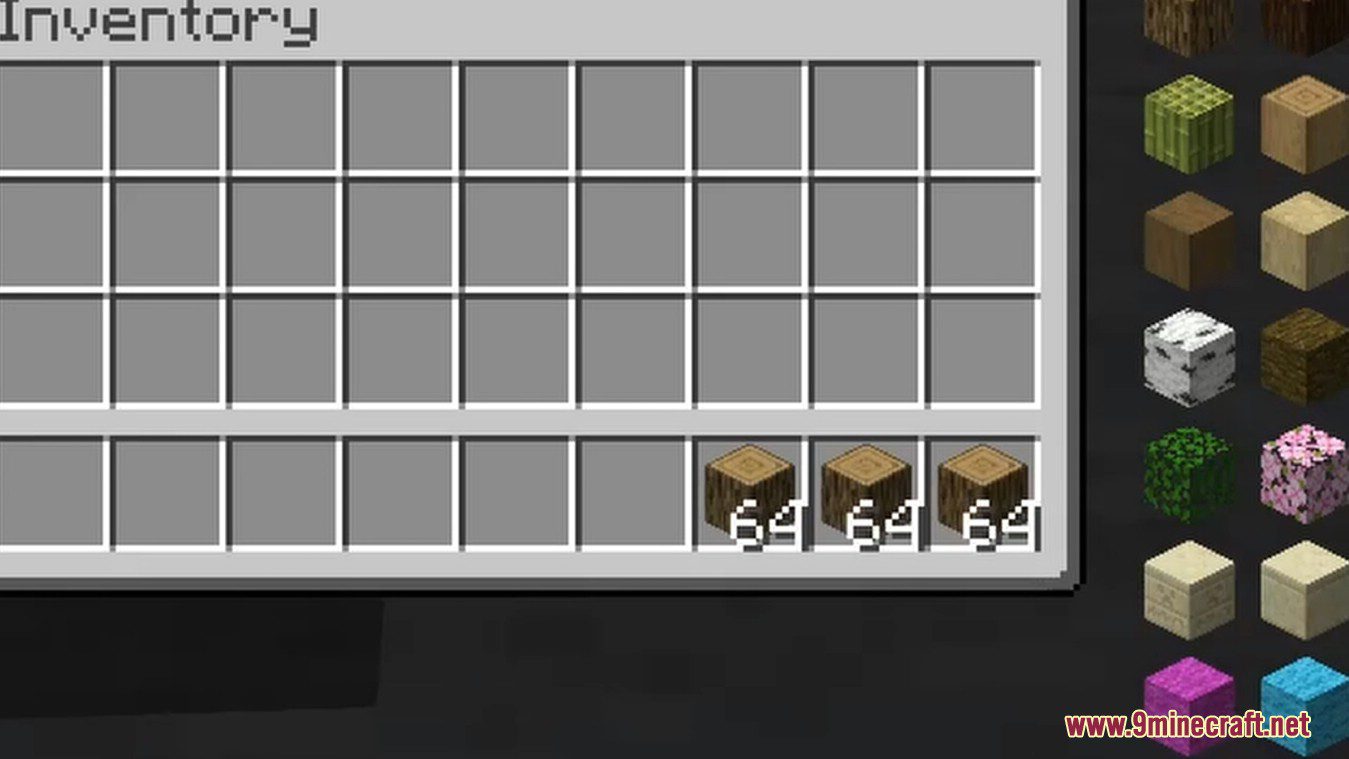
- Restock Refills the stackable items in player inventory to a full stack using items from the container.
- The above two operations can be performed using buttons or shortcut keys in the container screen. Items that will not be stacked and items that will not be restocked can be specified in the mod options (default: shulker box items).
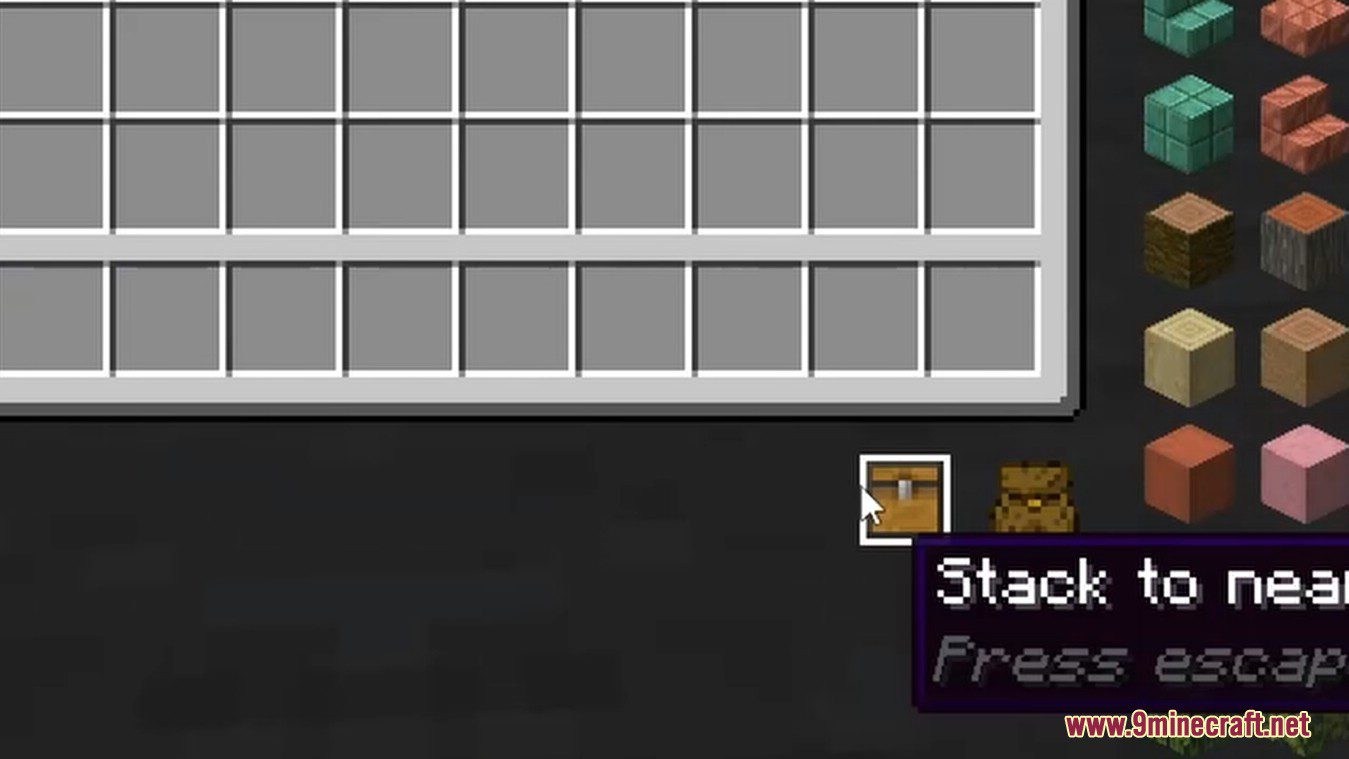
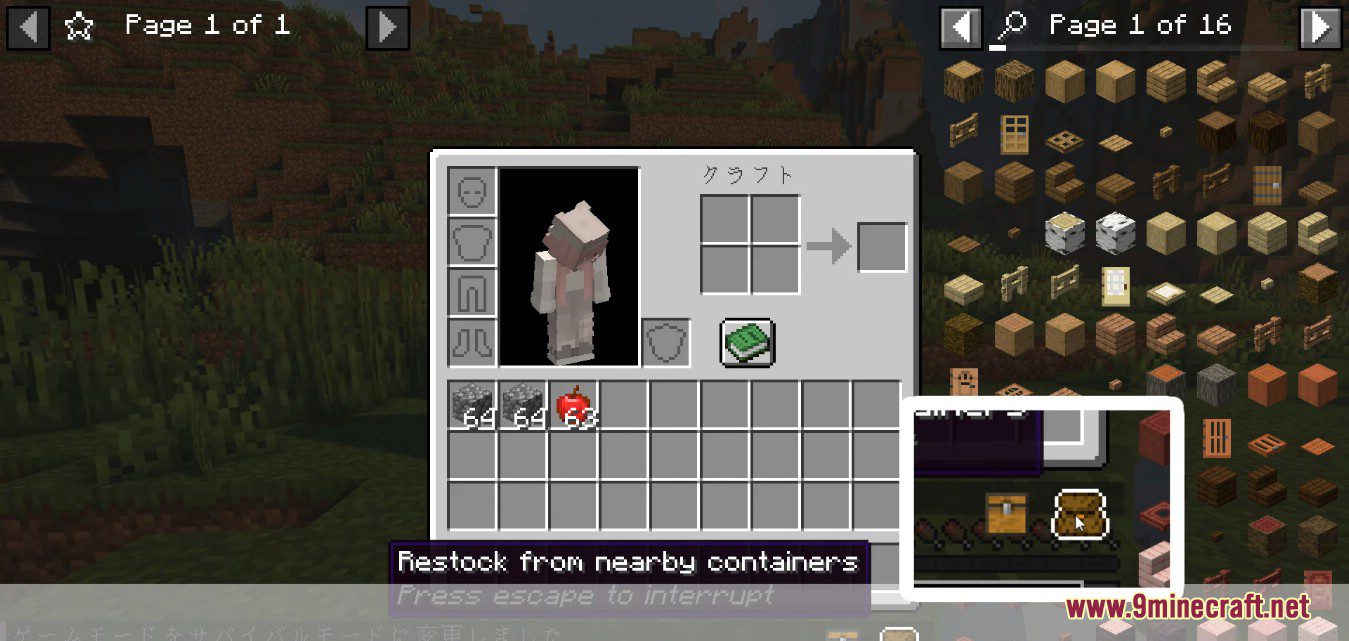
- Quick stack to nearby containers Perform Quick Stack on all openable containers within the player’s reach.
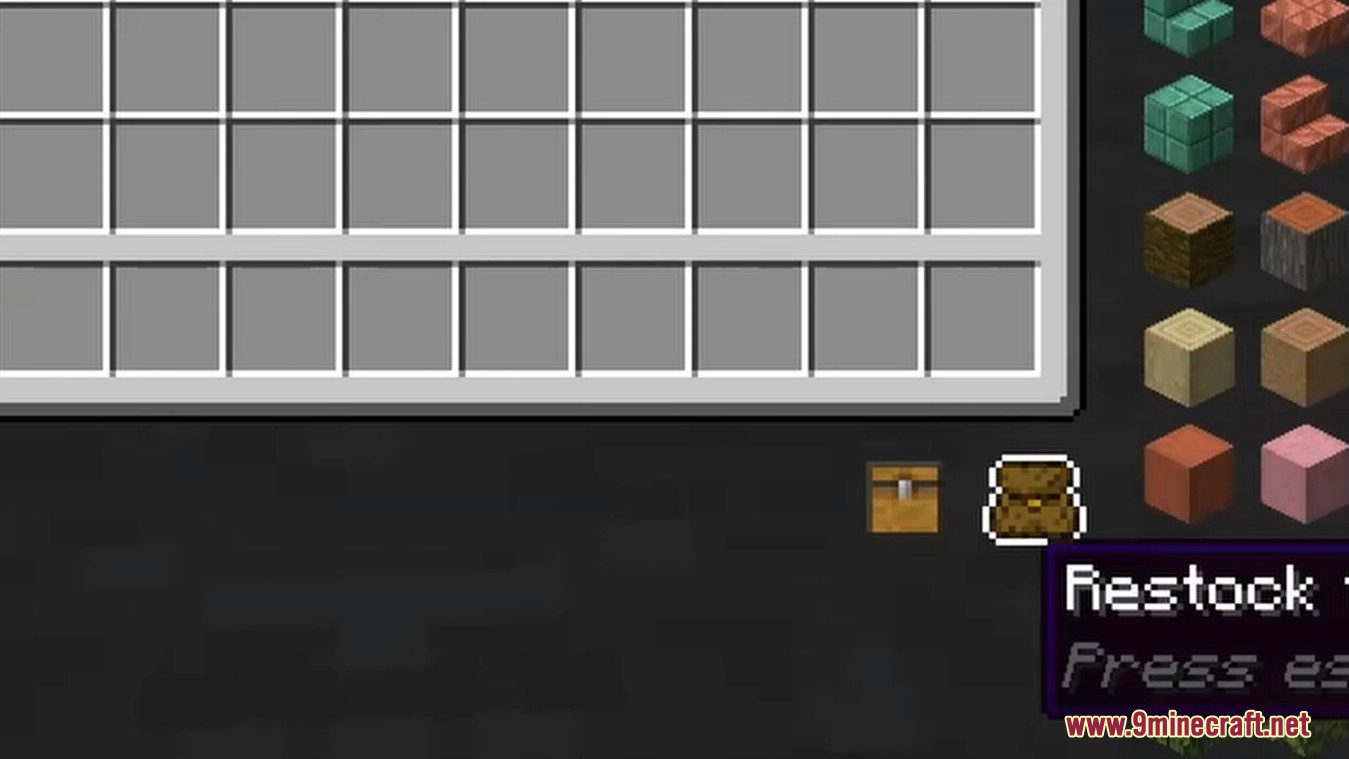
- Restock from nearby containers Restock with all openable containers within the player’s reach.
- The above two operations can be performed using buttons or shortcut keys in the player inventory screen, or using shortcut keys when no screen is open. Containers as stacking targets and restocking sources can be specified in the mod options (default: chests, trapped chests, barrels, shulker boxes, ender chests).
- Quick stack all items of one type to nearby containers via shortcut keys or by dragging and dropping items to the “Quick stack to nearby containers” button.
- Favorite items Hold Left Alt down right-clicking the item to favorite it. Favorite items cannot be Quick Stacked, otherwise behave like normal items. Throw with Q key, pick up, quick-move and swap can be disabled separately for favorite items in the mod options. Items will be unfavorited after being removed from the player inventory. This feature is not available in creative mode, switching to creative mode from another mode will clear the flags of all favorite items.
Screenshots:
Stack to Nearby Chests Mod Download Links
Quick facts
- Edition: Minecraft Java
- File type: .jar
- Minecraft version listed: 1.20.1
- How to install: Install the matching mod loader (Forge, Fabric or NeoForge) for your Minecraft version. → Download the .jar. → Put it in the .minecraft/mods folder and launch that loader profile.
- Where to get it: In MC Java Mods, or directly above on this page.
Install steps are the general flow for this file type — How to install Minecraft Java mods & modpacks walks through it step by step.
Verified by MCModsHub
- Downloads as 26936.mcaddon
- Download size: 572 KB
- Download link checked 22 Sept 2026 — working
- Mirrored on our own servers — the download does not depend on the original host
These come from our own check of the pack file, not from the source page.