
Litematica Companion
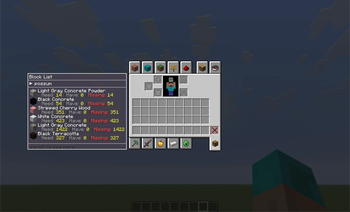
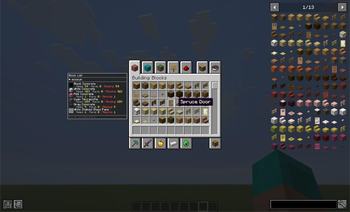
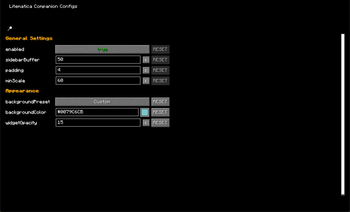
Companion mod for Litematica to show a scrollable blocklist and other things in the inventory screen about the loaded schematic.
⬇ Download on Modrinth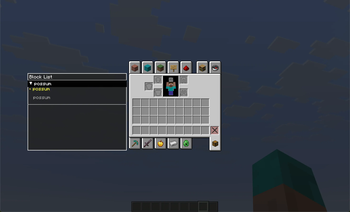
Litematica Companion
Simple companion mod for Litematica to show a scrollable blocklist and other things in the inventory screen about the loaded schematic.
Note: Ill fix this but you have to, for now at least, first open the material list, by default the keybind is M+L, to load the blocks. After that theyll show up on the inventory list. I fixed this
For any issues or suggestions you can add them here: Issues or you can dm me on discord/qinx___
Versions:
- 26.1+
- 1.21.11
- 1.21.10
- 1.21.9
- 1.21.8
- 1.21.7
- 1.21.6
- 1.21.5
- 1.21.4
- 1.21.3
- 1.21.2
- 1.21
- Edition: Minecraft Java
- File type: .jar
- Minecraft version listed: 1.21
- How to install: Install the matching mod loader (Forge, Fabric or NeoForge) for your Minecraft version. → Download the .jar. → Put it in the .minecraft/mods folder and launch that loader profile.
- Where to get it: Opens on Modrinth — not every file is mirrored on our own servers.
Install steps are the general flow for this file type — How to install Minecraft Java mods & modpacks walks through it step by step.
- Ships as litematica-companion-1.0.0.jar — drop this file into the mods folder
- Download size: 77 KB
- Download link checked 31 Aug 2026 — working
These come from our own check of the pack file, not from the source page.