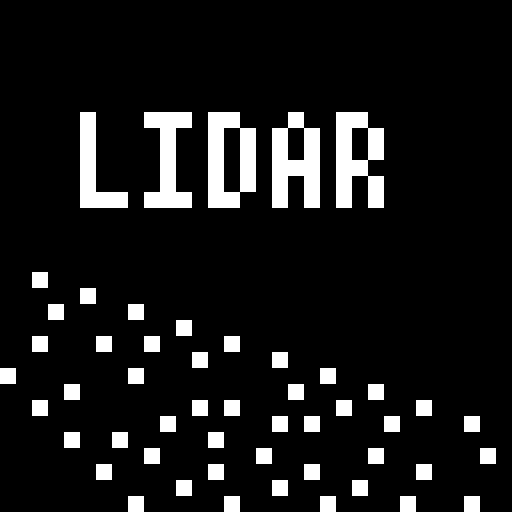
Lidar
Replaces the game renderer with projected particles that are cast onto surfaces from the player's line of sight.
⬇ Download on Modrinth
LIDAR is a mod that dramatically transforms Minecraft's visibility into an environment of dots and particles projected from the player onto surfaces around them. This makes the game super difficult to play! And also pretty spooky.
This mod is inspired from the game "Lidar.exe" by KenForest - if you enjoy this mod, be sure to check out the original game!
Music
This mod additionally customizes the in-game music - most of the included tracks can be found at soundcloud.com/fennifith or fennifith.bandcamp.com :)
Configuration
For now, the mod's configuration can be edited manually in config/lidar-lidarconfig.json. Be aware that invalid values in this file can crash the game. An in-game config menu should be added to address this in a future update.
{
    // whether the mod rendering is enabled
    "isActive": true,
    // a mapping of block identifier -> particle color
    "blockColorMap": {
        "default": "#FFFFFF",
        "minecraft:water": "#0000FF",
        "minecraft:seagrass": "#0000FF"
    },
    // a mapping of entity identifier -> particle color
    "entityColorMap": {
        "default": "#ff7e7e",
        "peaceful": "#61cf66",
        "hostile": "#ff7e7e",
        "minecraft:enderman": "#7e009e",
        "minecraft:creeper": "#008f07"
    },
    // entities that are excluded from the particle system, and should be rendered normally
    "entityRender": [
        "minecraft:item",
        "minecraft:item_frame",
        "minecraft:glow_item_frame",
        // if you remove the ender dragon from this list, it will actually crash the game when it renders - so don't do this :)
        "minecraft:ender_dragon"
    ],
    // whether particles should follow entities as they move (looks super cheesy, turned off by default)
    "entityParticleFollow": false,
    // if enabled, particles project onto entity models more accurately, at the cost of performance
    "entityParticleModel": true,
    // if enabled, particles from other entities will render on the current player (blocks the player's view, turned off by default)
    "entityParticlesOnSelf": false,
    // amount of lidar projections created by non-player entities, per tick
    "entityLidarCount": 20,
    // distance (blocks) that lidar particles should be cast
    "lidarDistance": 10.0,
    // radius/spread of particles, in degrees
    "lidarSpread": 30.0,
    // amount of lidar projections created for player entities, per tick
    "lidarCount": 100,
    // amount of ticks that particles cast onto blocks should remain
    "lidarDurationBlock": 100,
    // amount of ticks that particles cast onto entities should remain
    "lidarDurationEntity": 20,
    // whether a bloom effect should be rendered for the lidar particles
    "lidarBloom": true
}
Keybinds
This mod has one keybind to toggle between particle/normal rendering modes, which is bound to K by default. You can change this in "options > controls > key binds".
Mod Compatibility
This mod is likely incompatible with most other fabric mods due to how it modifies the rendering logic. It is known to be incompatible with Sodium/Iris/etc. Use at your own risk.
License
Copyright (c) 2023 James Fenn

This Source Code Form is subject to the terms of the Mozilla Public
License, v. 2.0. If a copy of the MPL was not distributed with this
file, You can obtain one at https://mozilla.org/MPL/2.0/.
- Edition: Minecraft Java
- File type: .jar
- Minecraft version listed: 1.19
- How to install: Install the matching mod loader (Forge, Fabric or NeoForge) for your Minecraft version. → Download the .jar. → Put it in the .minecraft/mods folder and launch that loader profile.
- Where to get it: Opens on Modrinth — not every file is mirrored on our own servers.
Install steps are the general flow for this file type — How to install Minecraft Java mods & modpacks walks through it step by step.
- Ships as lidar-1.0.1.jar — drop this file into the mods folder
- Download size: 29.7 MB
- Download link checked 31 Aug 2026 — working
These come from our own check of the pack file, not from the source page.