
RPG Camera and Controls
RPG Camera and Controls completely reimagines Minecraft’s third-person camera. Inspired by classic MMORPG controls, it replaces the vanilla camera system…
⬇ Download on Modrinth
⚔️🧙♂️ RPG Camera and Controls
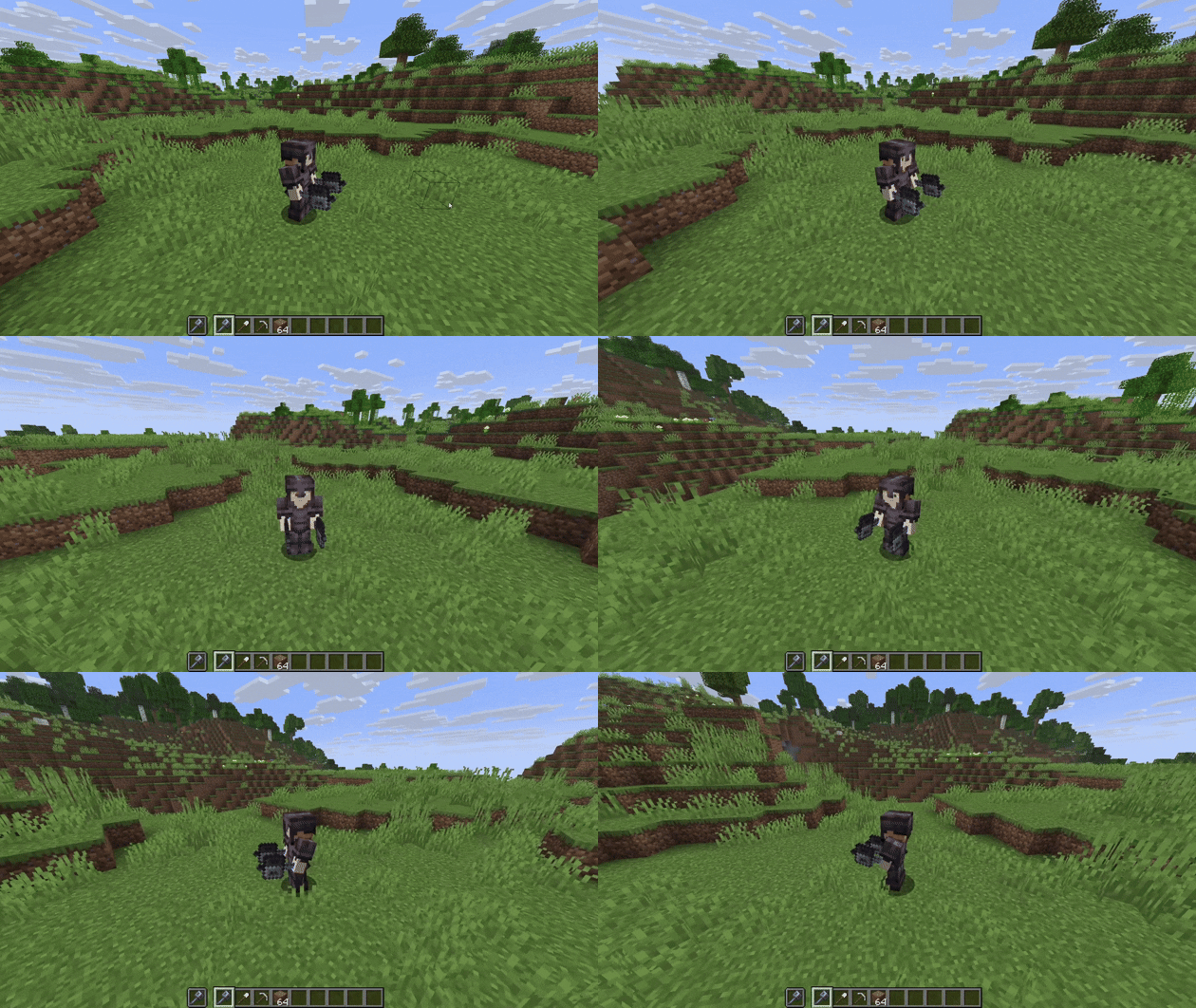
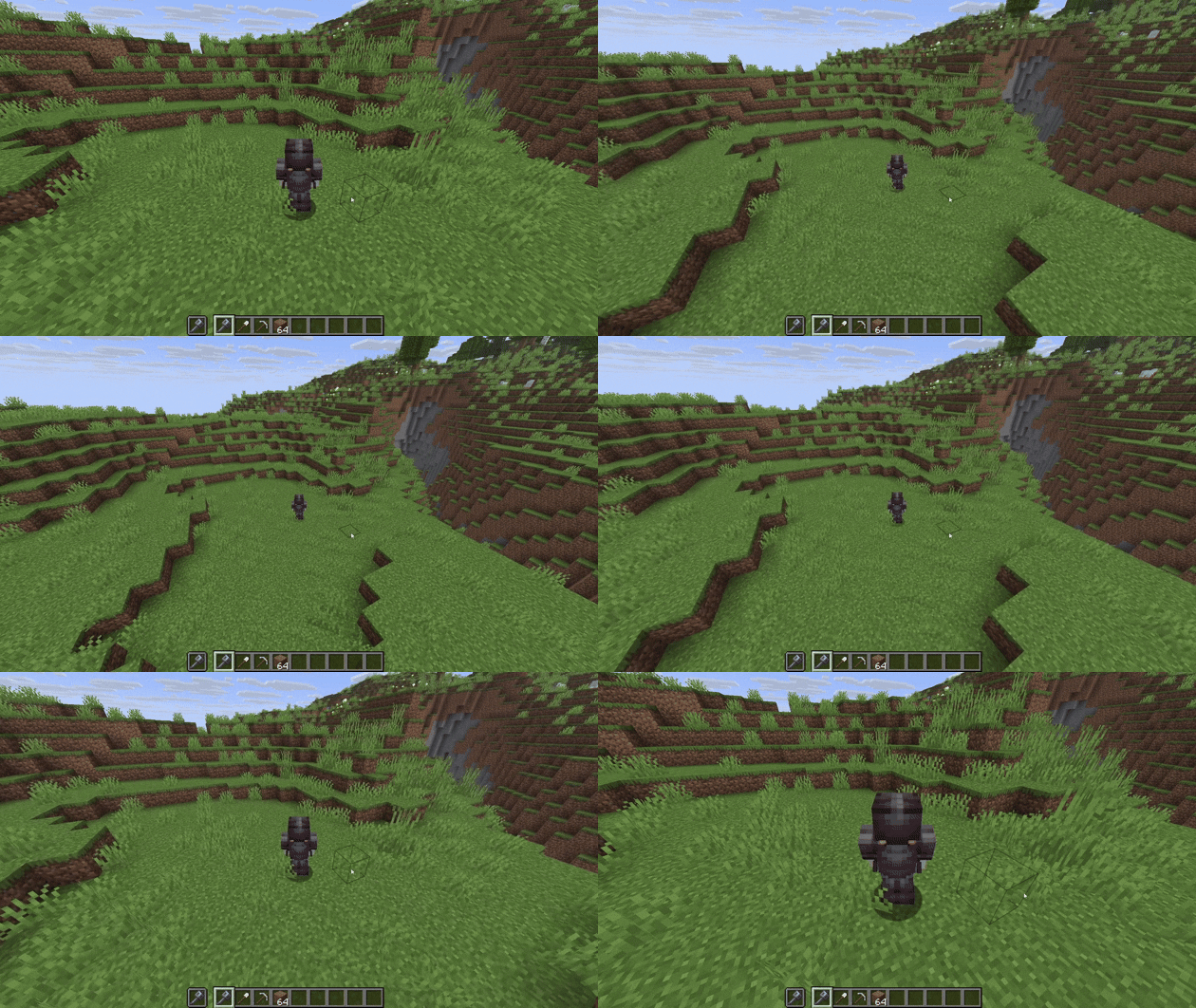
Hello everybody and welcome to my first Minecraft mod! RPG Camera and Controls is a mod that transforms the third-person camera into a true RPG-style experience. Inspired by classic MMORPGs like World of Warcraft, RPG Camera introduces smooth third-person controls, dynamic camera behavior, and a more immersive player perspective - perfect for role-playing and MMO-style gameplay in Minecraft.
You can hold right-click and move your mouse to use orbit control. As long as your mouse cursor is visible, you will place a block when your “use item” key is bound to right-click. Once you move far enough, the cursor fades out and you can freely rotate the camera around your character. After releasing right-click, no block will be placed.
The default way to zoom in and out is to hold Left Alt while scrolling your mouse wheel.
You can customize all controls in the settings under RPG Camera & Controls. Don’t be confused by duplicated keybinds like Q and E for strafing - when you are in RPG third-person mode, Minecraft uses the RPG Camera keybinds. When you are in first-person, it uses the vanilla keybinds.
You can also move your mouse freely and break or place blocks without directly looking at them. You can still interact with blocks such as furnaces and other containers.
📷📹 Screenshots and Videos


- Edition: Minecraft Java
- File type: .jar
- Minecraft version listed: 1.21.11
- How to install: Install the matching mod loader (Forge, Fabric or NeoForge) for your Minecraft version. → Download the .jar. → Put it in the .minecraft/mods folder and launch that loader profile.
- Where to get it: Opens on Modrinth — not every file is mirrored on our own servers.
Install steps are the general flow for this file type — How to install Minecraft Java mods & modpacks walks through it step by step.
- Ships as rpg-camera-and-controls-1.0.2.jar — drop this file into the mods folder
- Download size: 51 KB
- Download link checked 31 Aug 2026 — working
These come from our own check of the pack file, not from the source page.