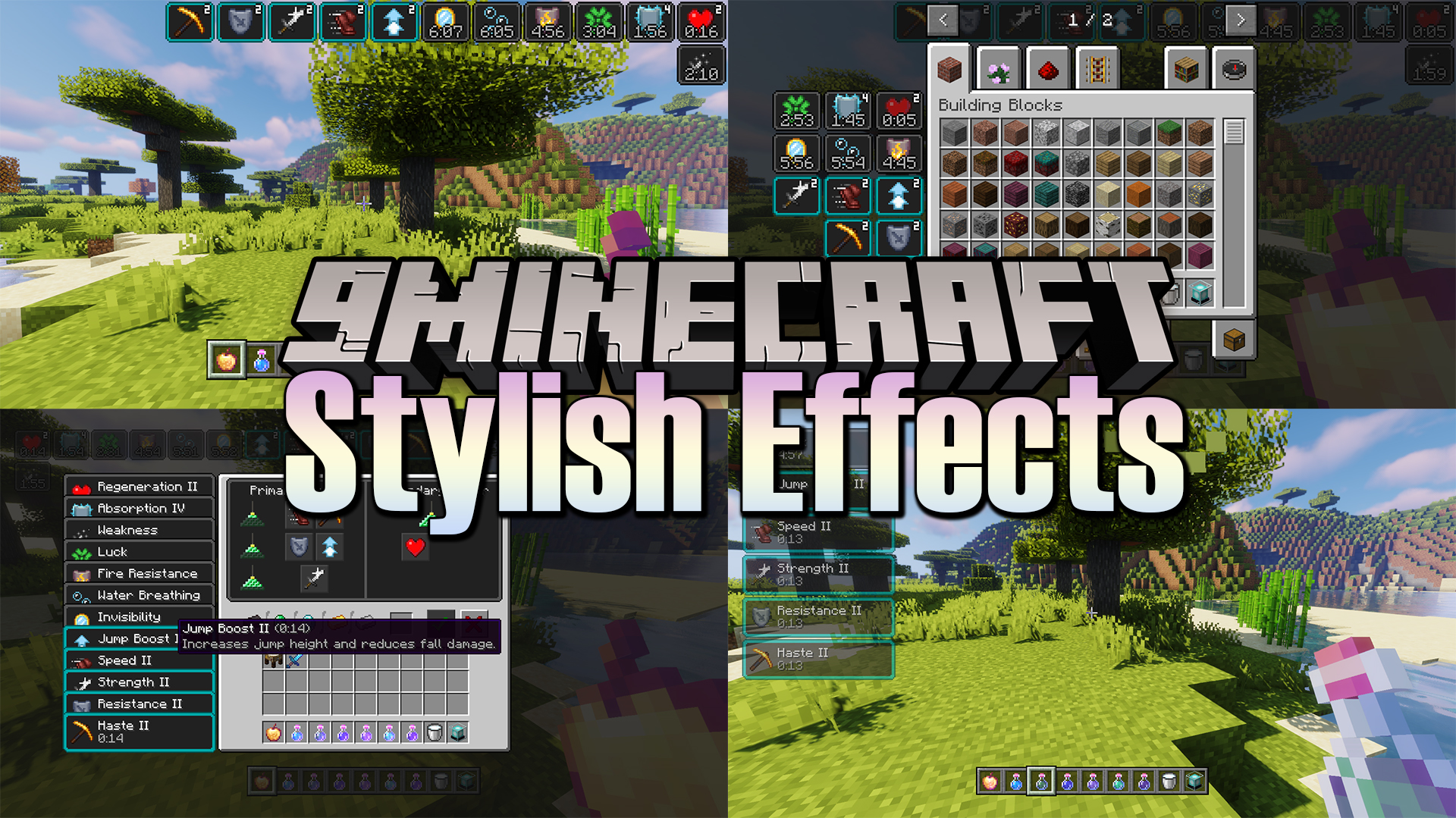
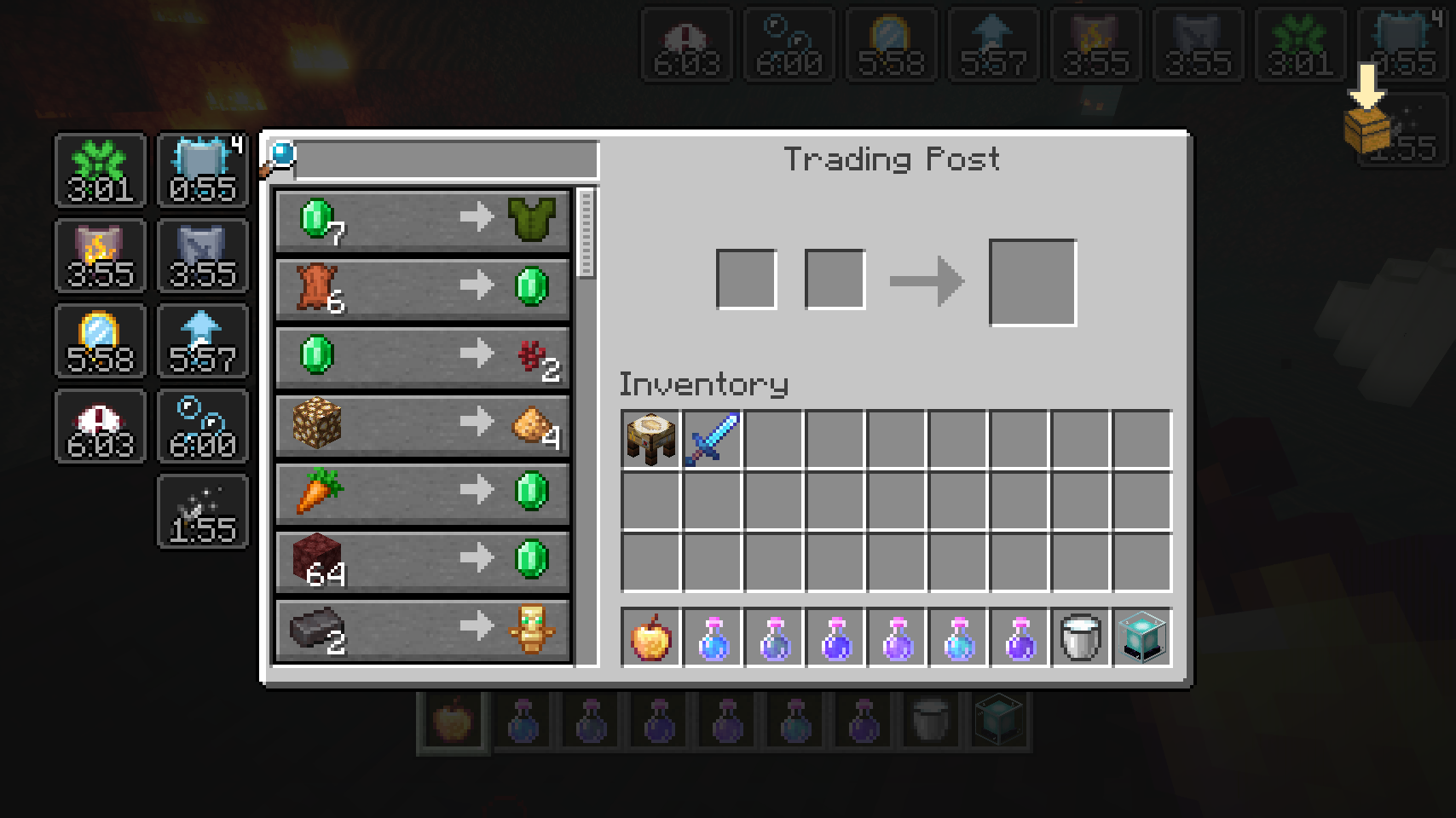
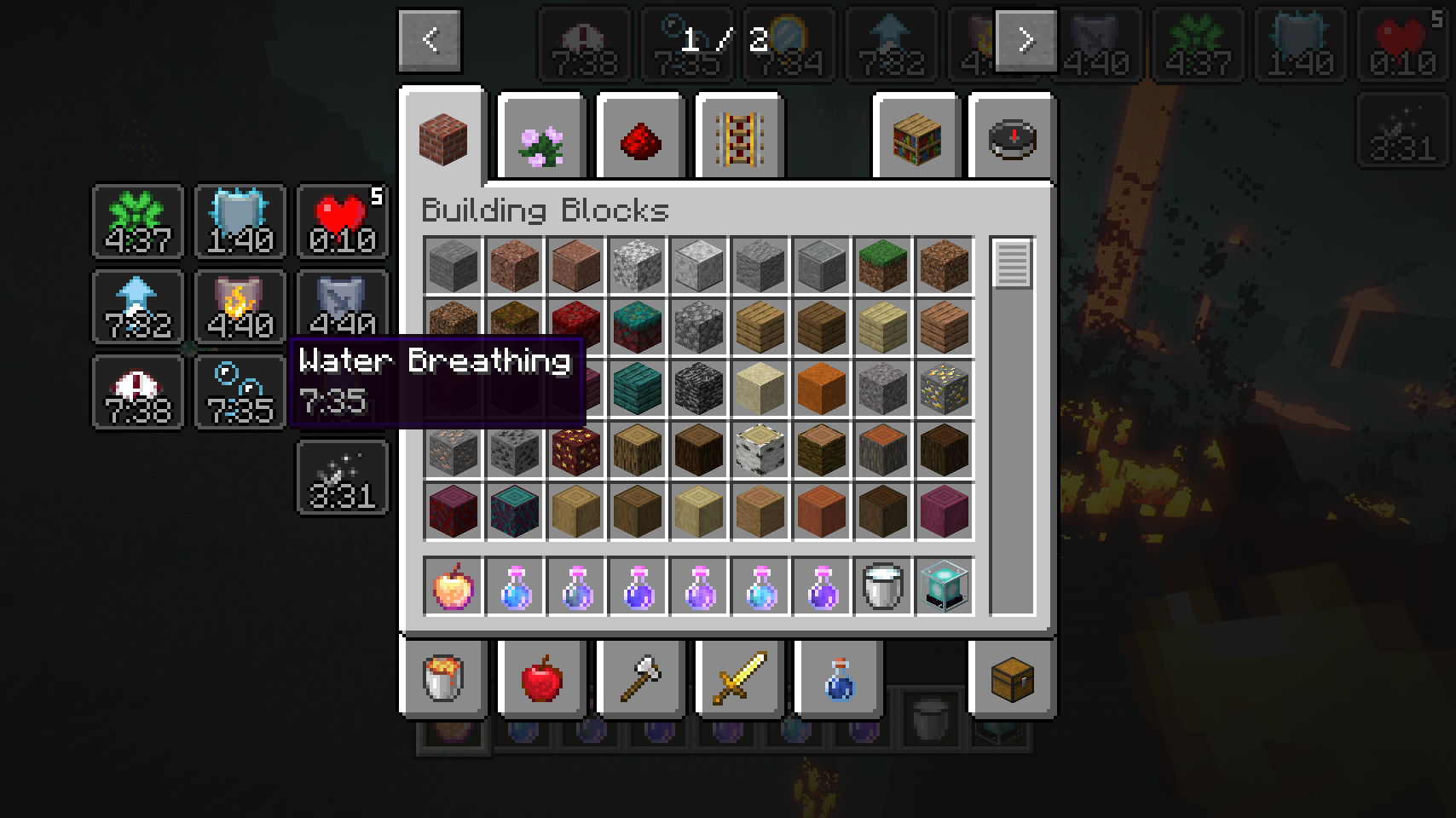
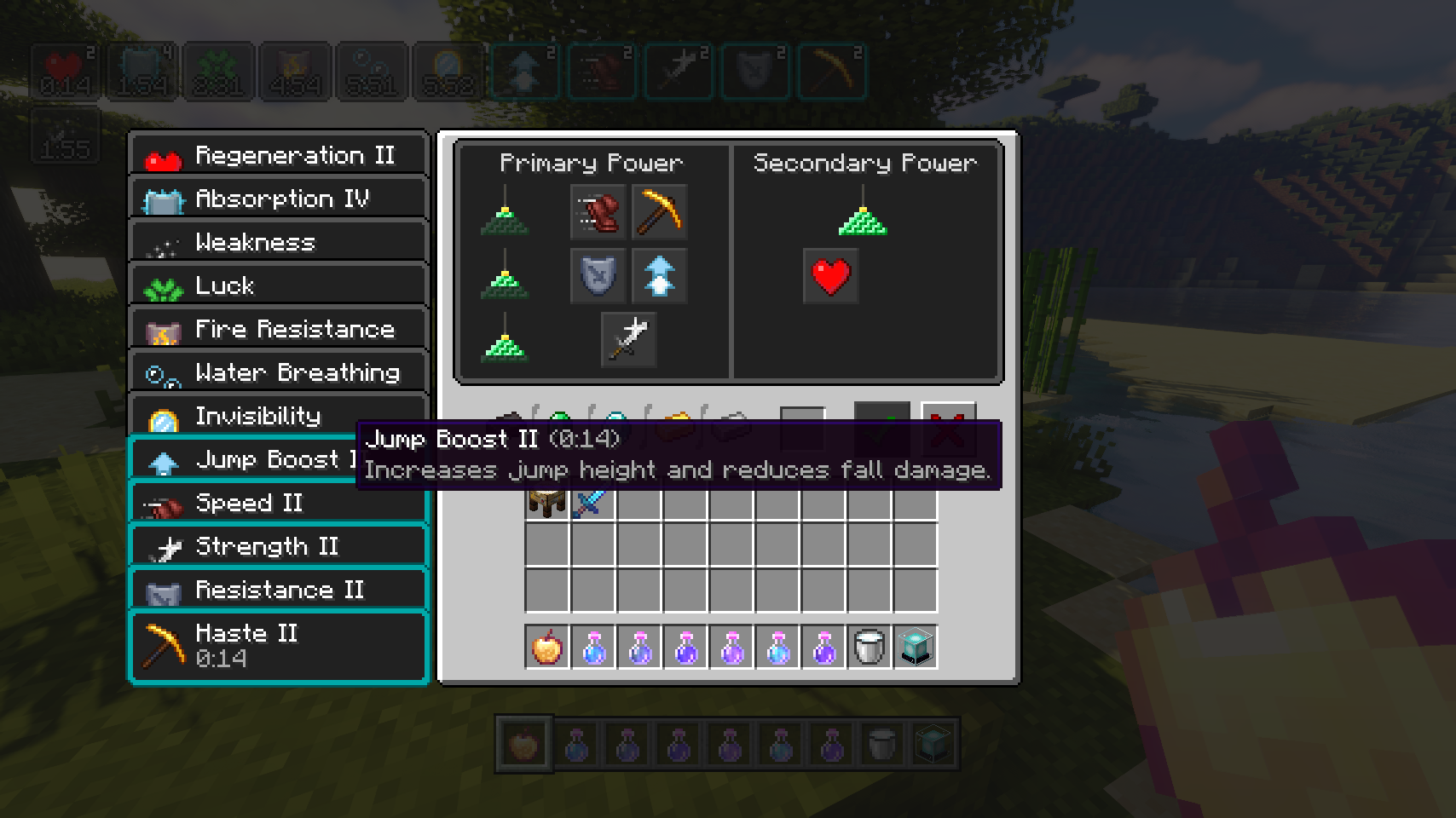
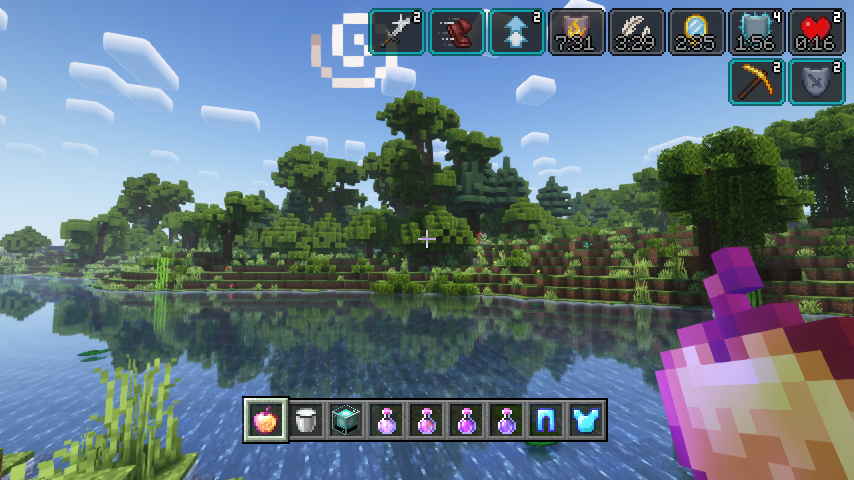
Stylish Effects Mod completely overhauls how status effects are displayed. There are multiple modes to choose and countless configuration options available to create the effects display of your dreams. First of all, the crummy little vanilla hud effects display is replaced with a fancier version which includes an effect timer as well as the current effect amplifier. This display is also now used in the inventory, as it’s way more compact and allows for many more effects to be shown before they start to overlap. And this new inventory display is no longer limited to the player inventory, now you can see your active effects in every container.
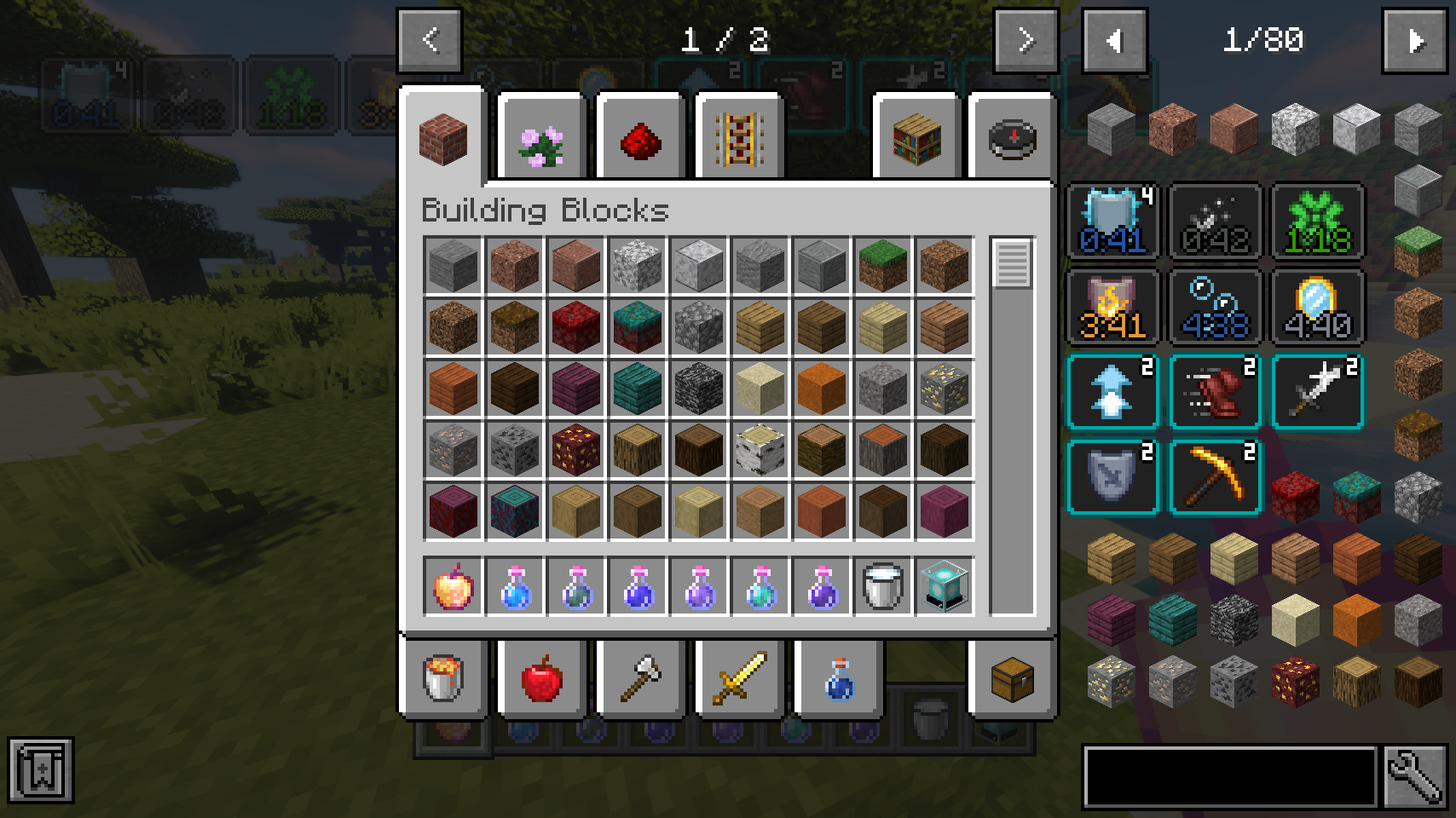
You like the vanilla inventory status effect display and want to keep it or even use it on the hud as well? No problem! You can choose any widget mode you want, or even none. Alongside that there are many configurable settings, such as the screen side for effects, amount of rows and columns, a custom alpha value, text colors, custom screen positions, and much, much more.
Screenshots:
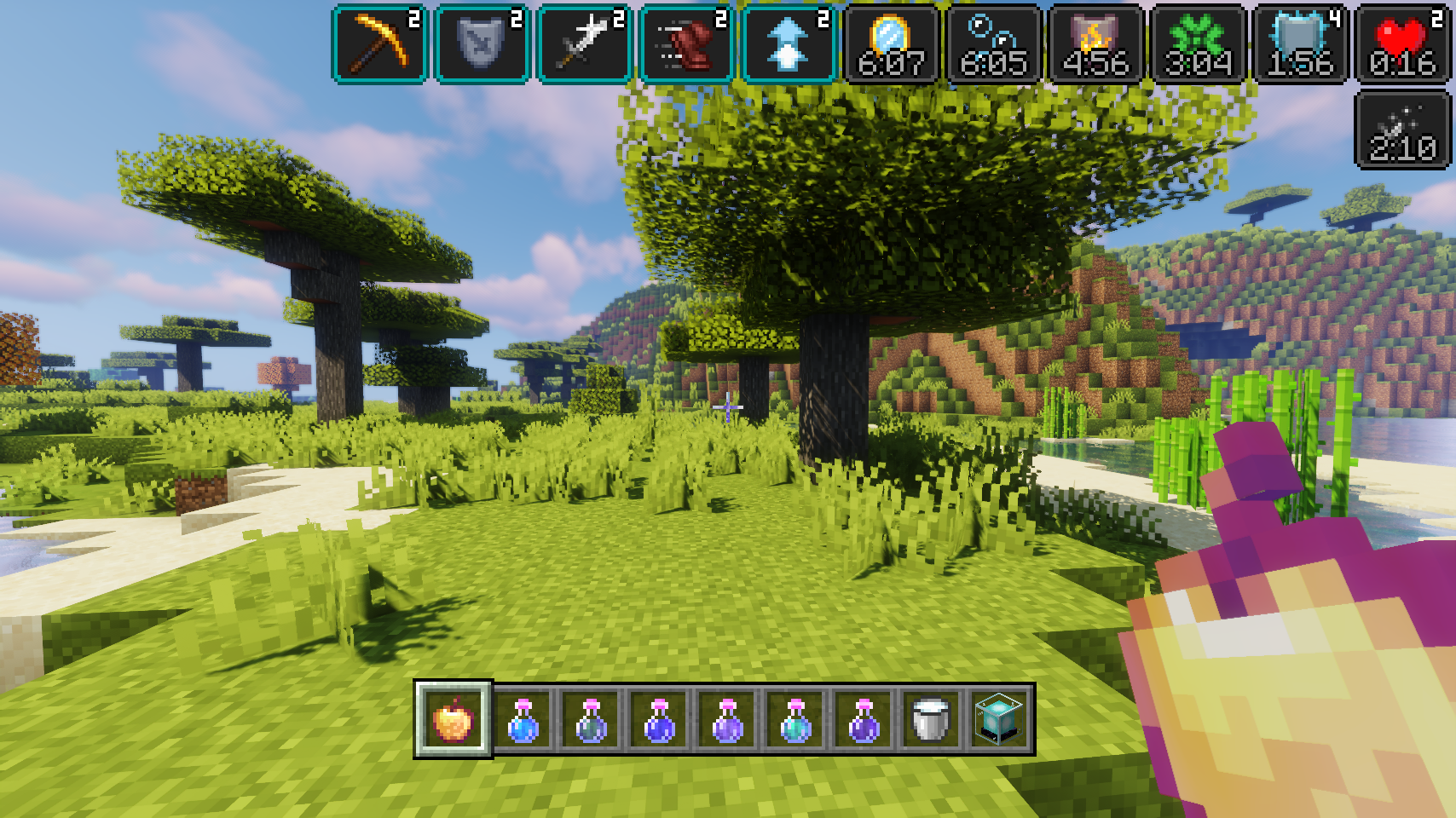
Stylish effects in action being very stylish
Various effect render types can be chosen and configured
Compact effects replace the vanilla display inside of the inventory
The effects display is shown in every container, not just the inventory
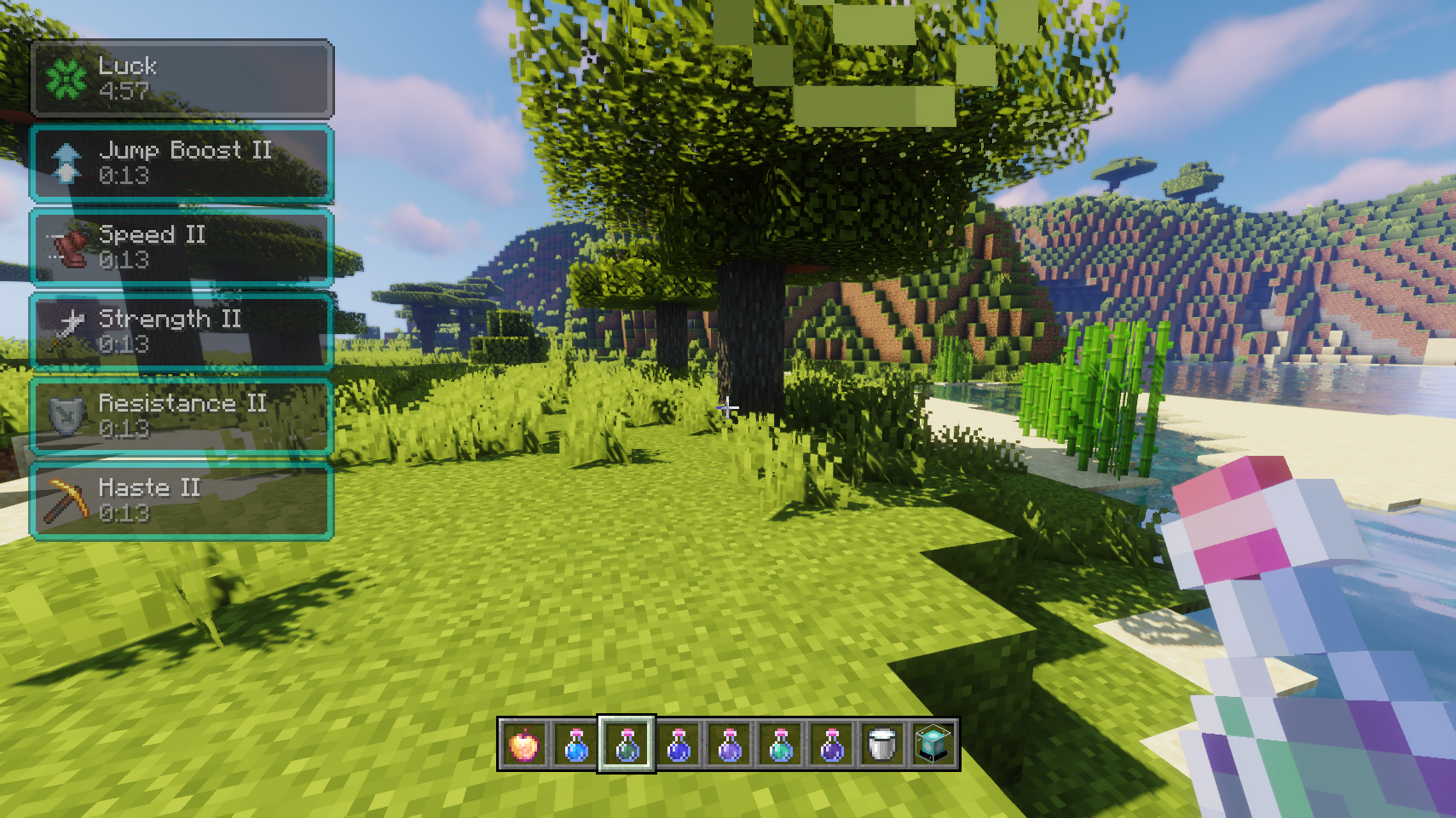
Useful tooltips will appear when effect widgets are hovered
Tooltips are great for retaining information while also adding even more
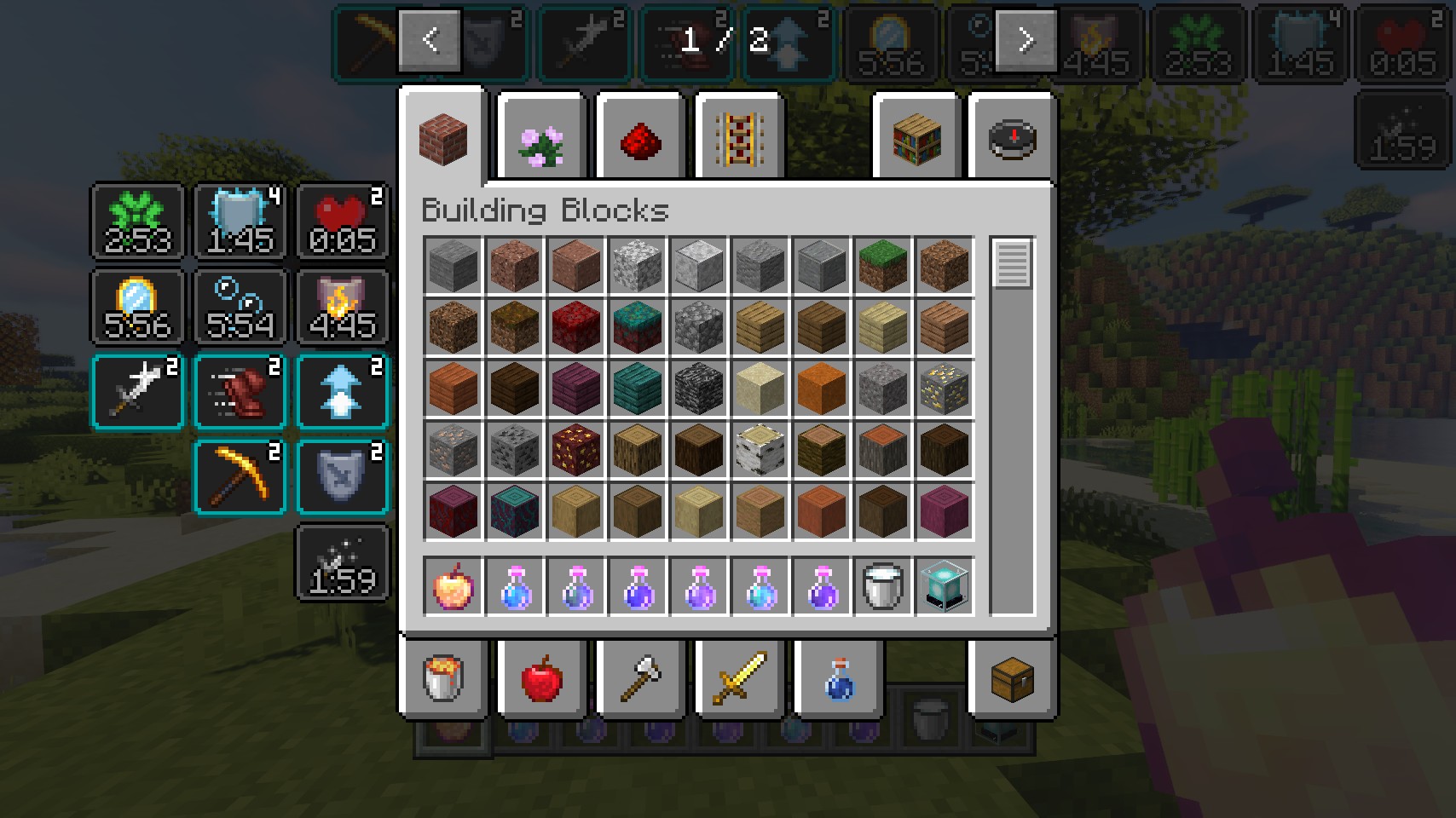
So many possible settings, and great JEI compatibility
Stylish effects in action being very stylish
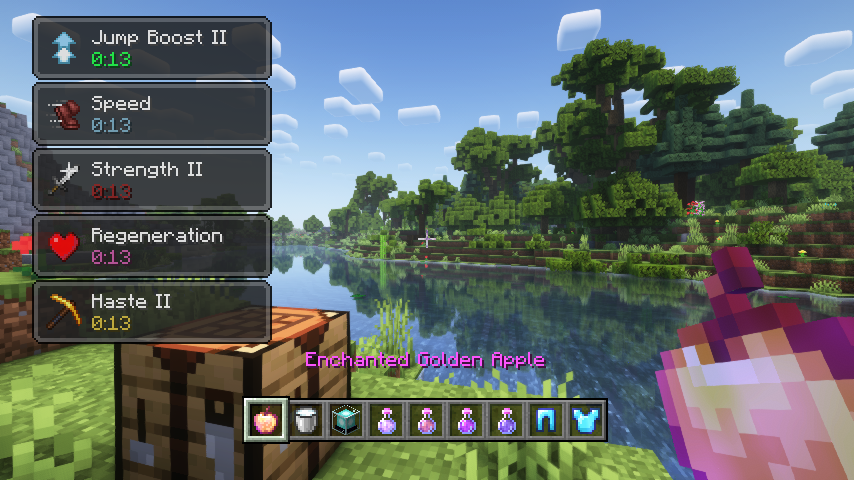
Various effect render types can be chosen and configured
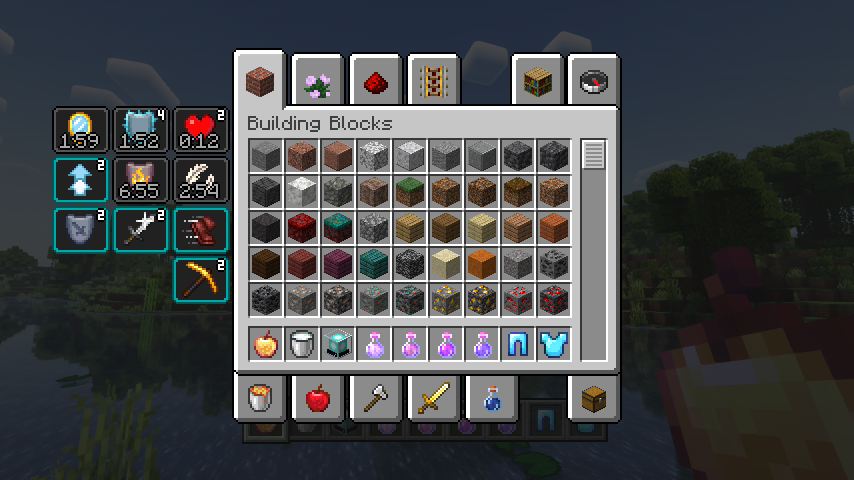
Compact effects replace the vanilla display inside of the inventory
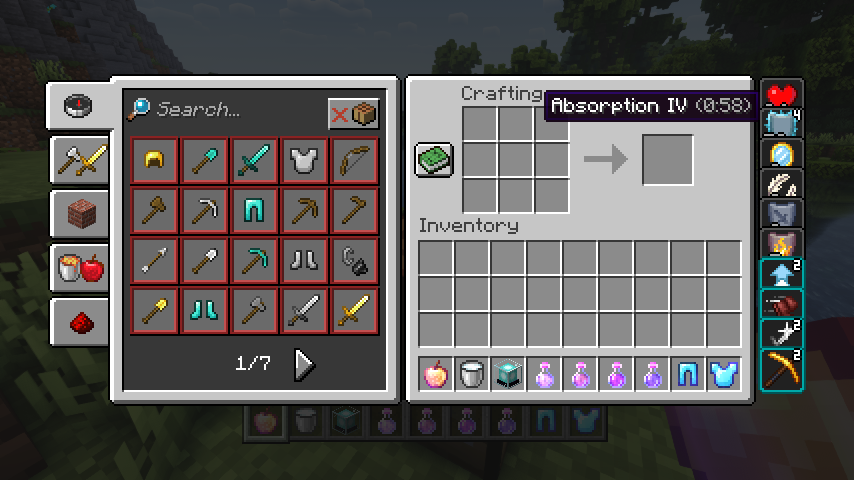
The effects display is shown in every container, not just the inventory
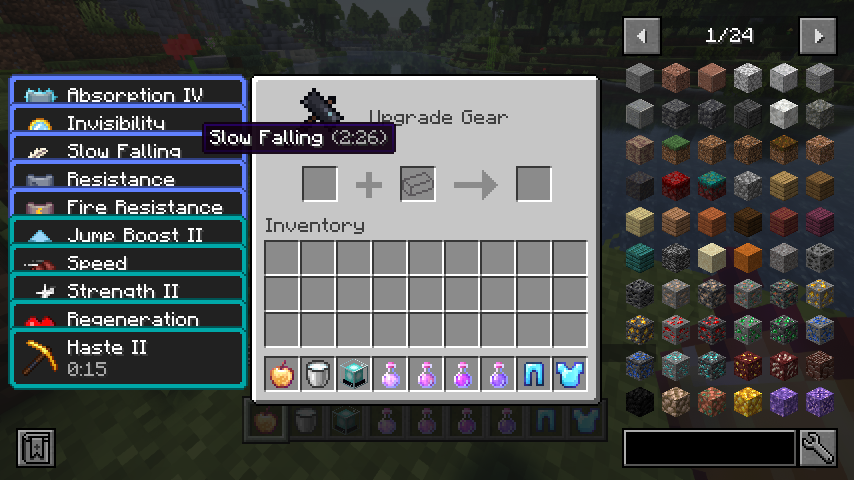
Useful tooltips will appear when effect widgets are hovered
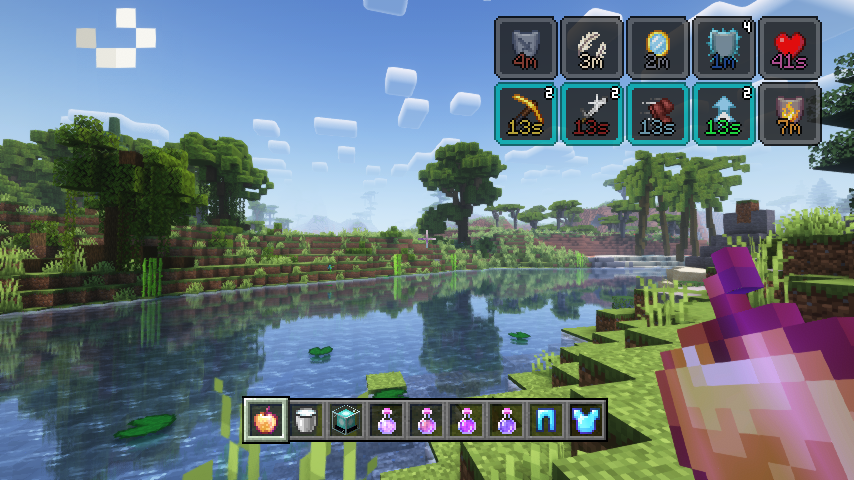
So many possible settings, create your very own effect display
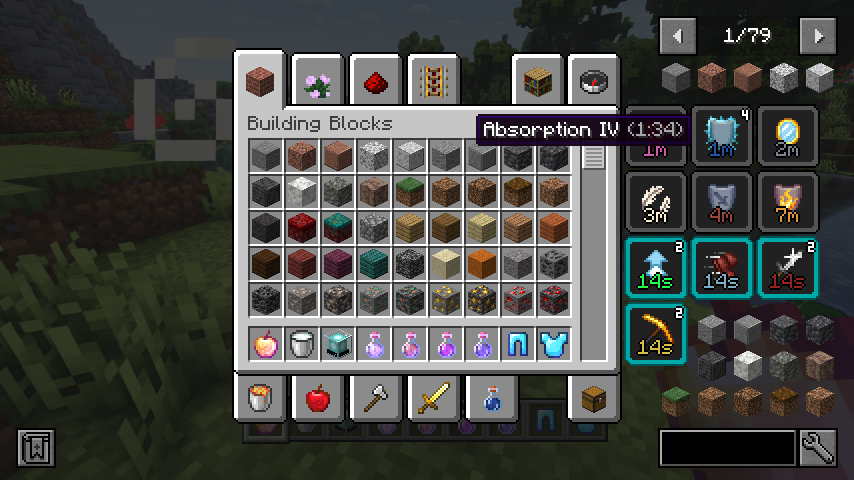
Great JEI and REI compatibility
Stylish Effects Mod Download Links
- Edition: Minecraft Java
- File type: .jar
- Minecraft version listed: 1.20.1
- How to install: Install the matching mod loader (Forge, Fabric or NeoForge) for your Minecraft version. → Download the .jar. → Put it in the .minecraft/mods folder and launch that loader profile.
- Where to get it: In MC Java Mods, or directly above on this page.
Install steps are the general flow for this file type — How to install Minecraft Java mods & modpacks walks through it step by step.
- Downloads as 27030.mcaddon
- Download size: 109 KB
- Download link checked 26 Sept 2026 — working
- Mirrored on our own servers — the download does not depend on the original host
These come from our own check of the pack file, not from the source page.