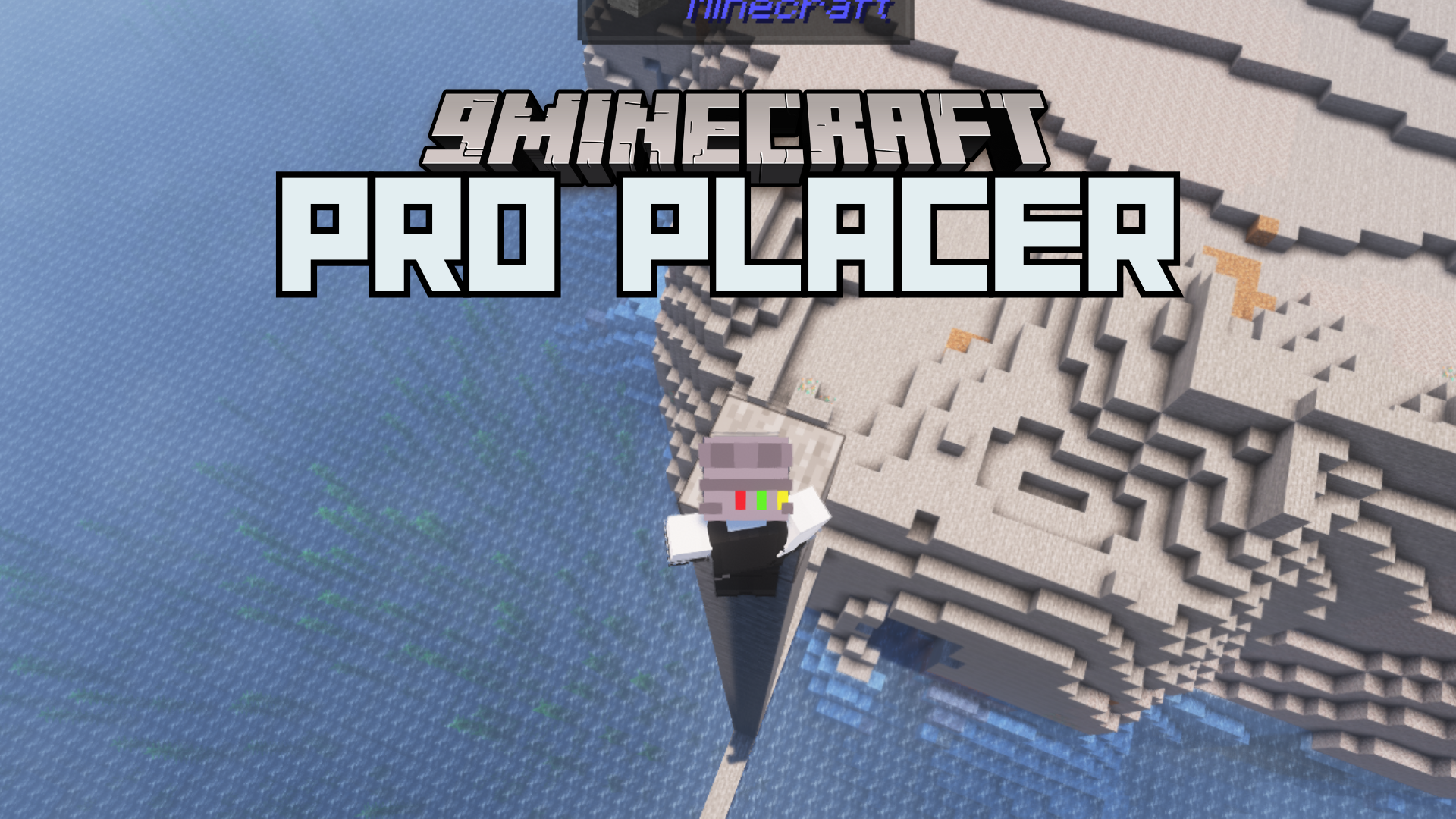
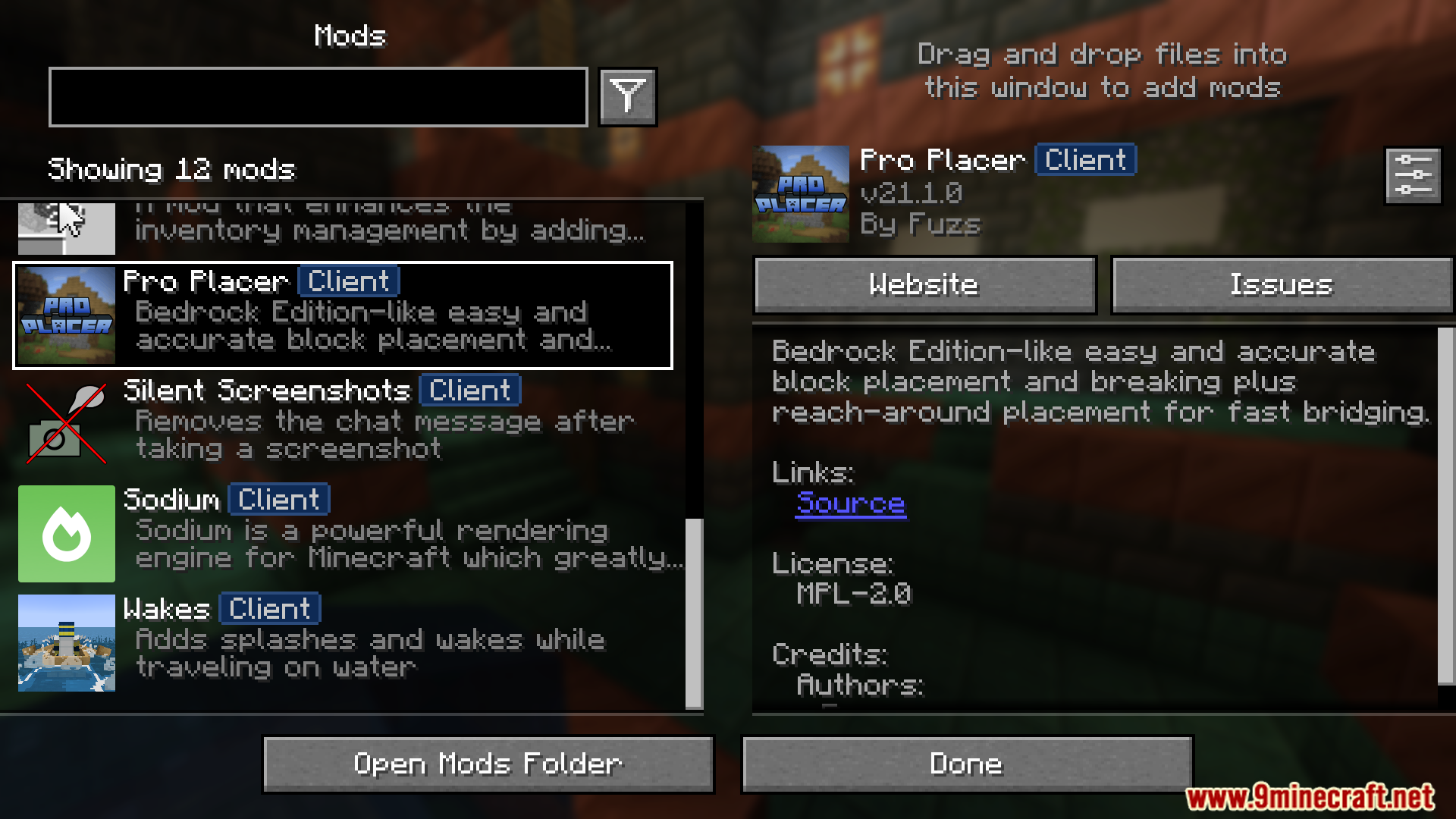
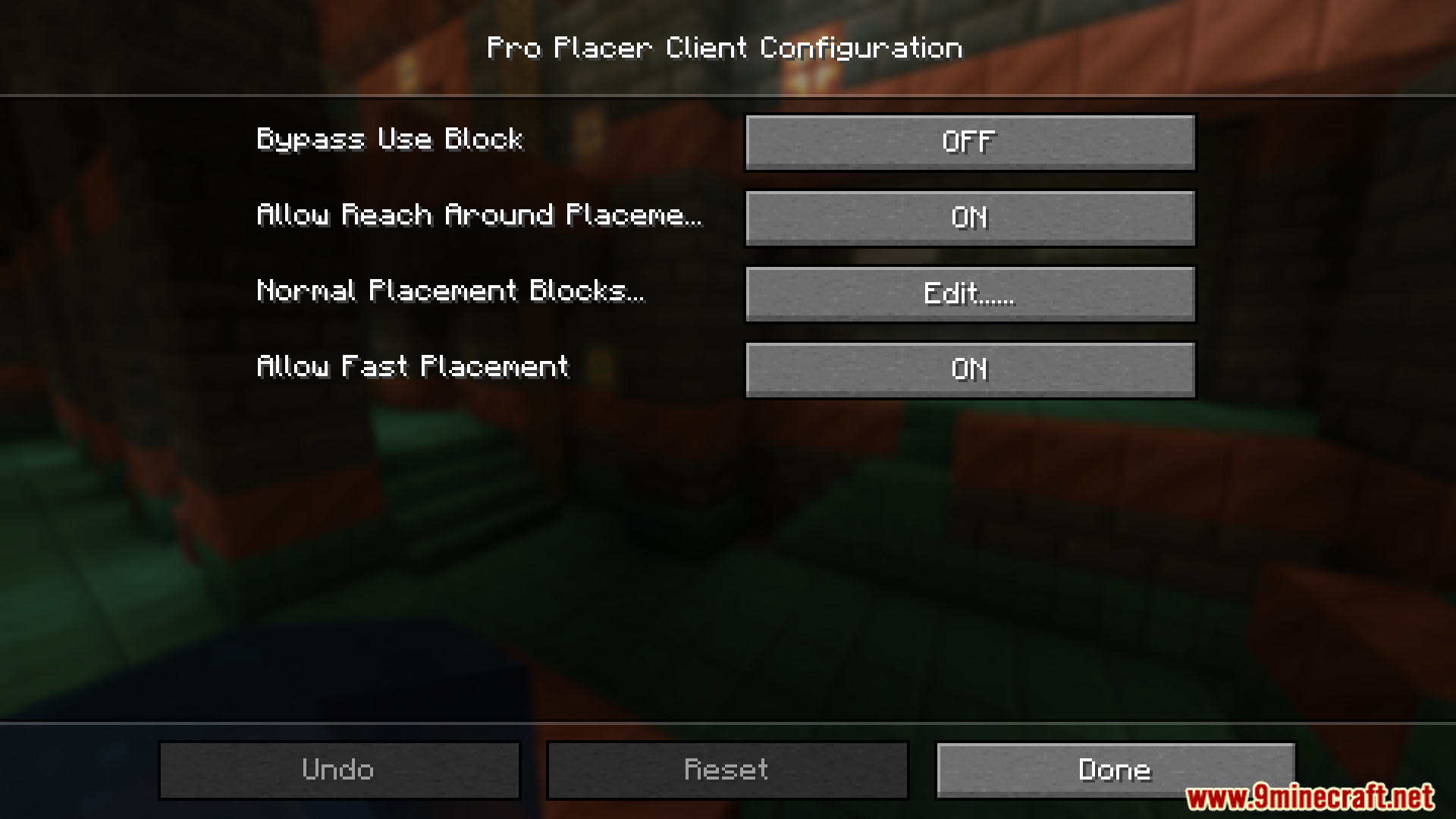
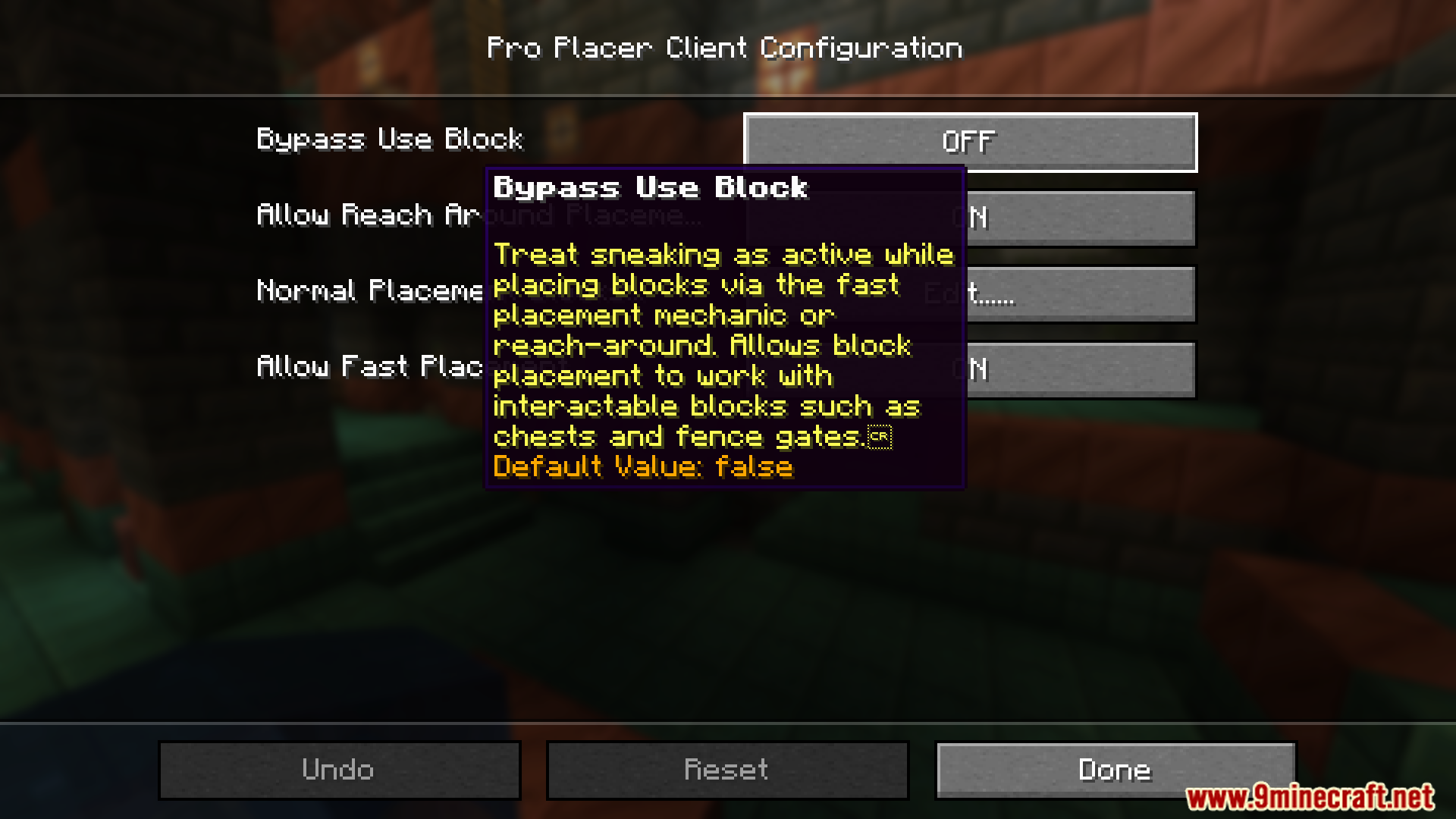
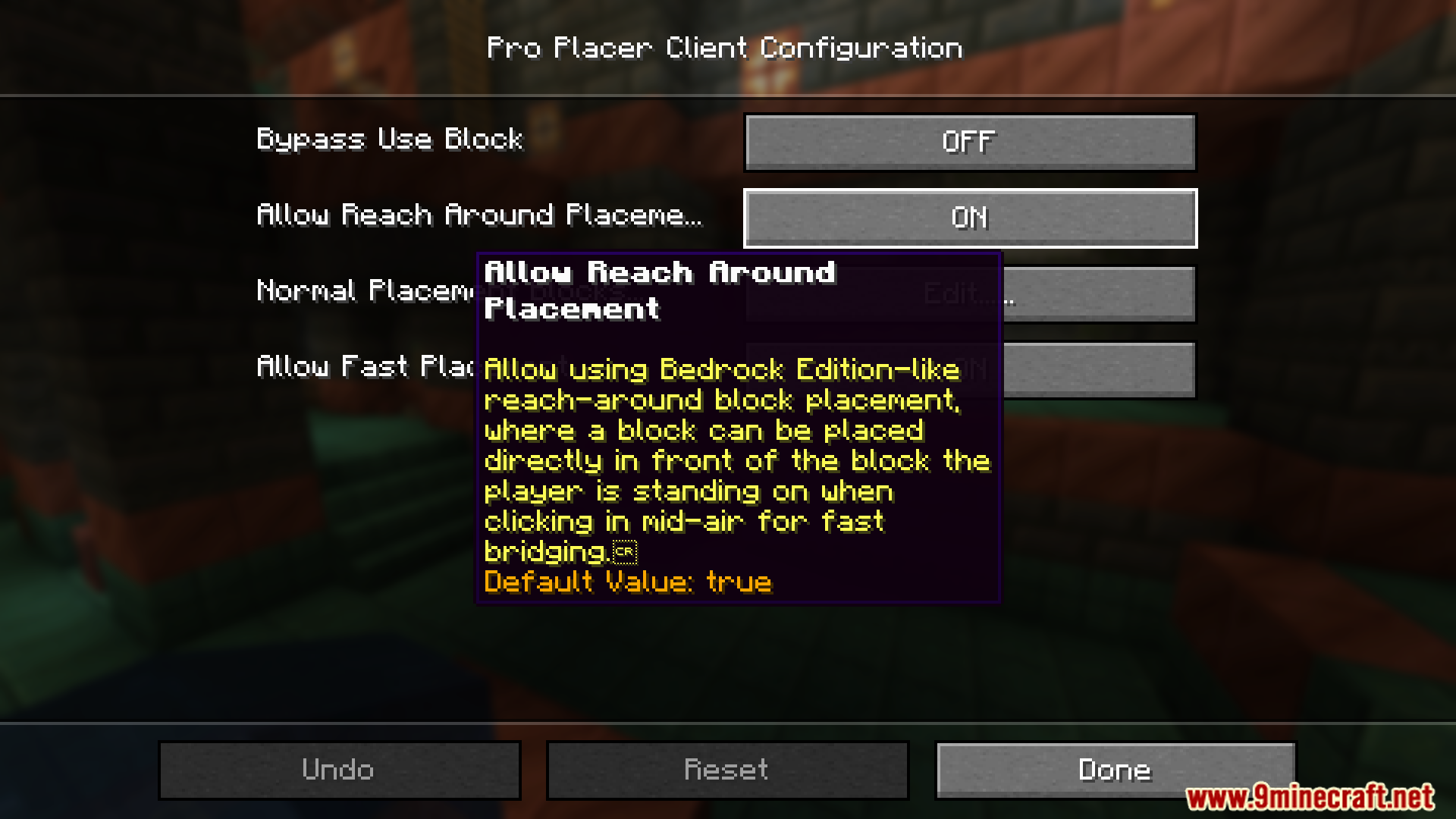
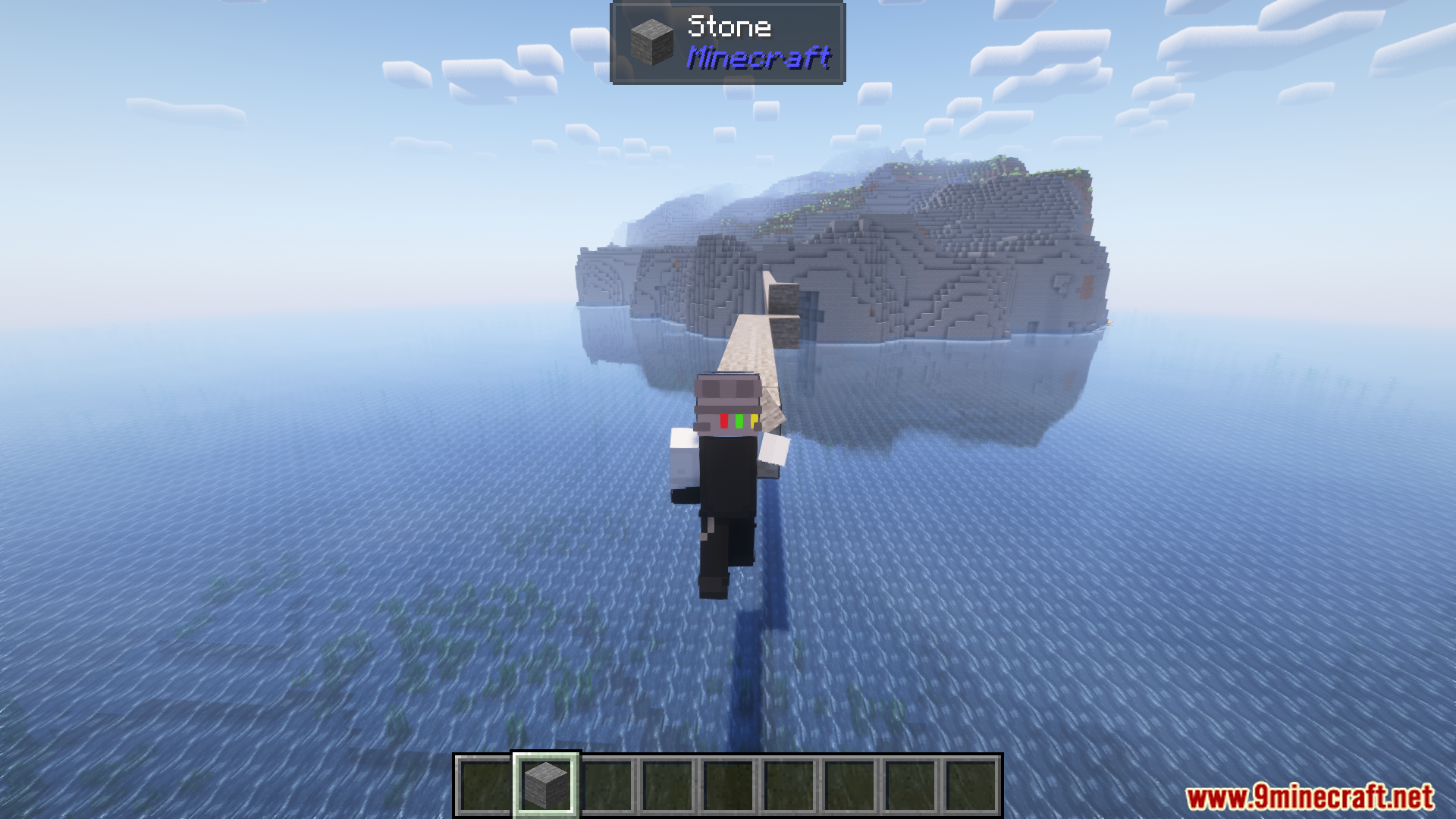
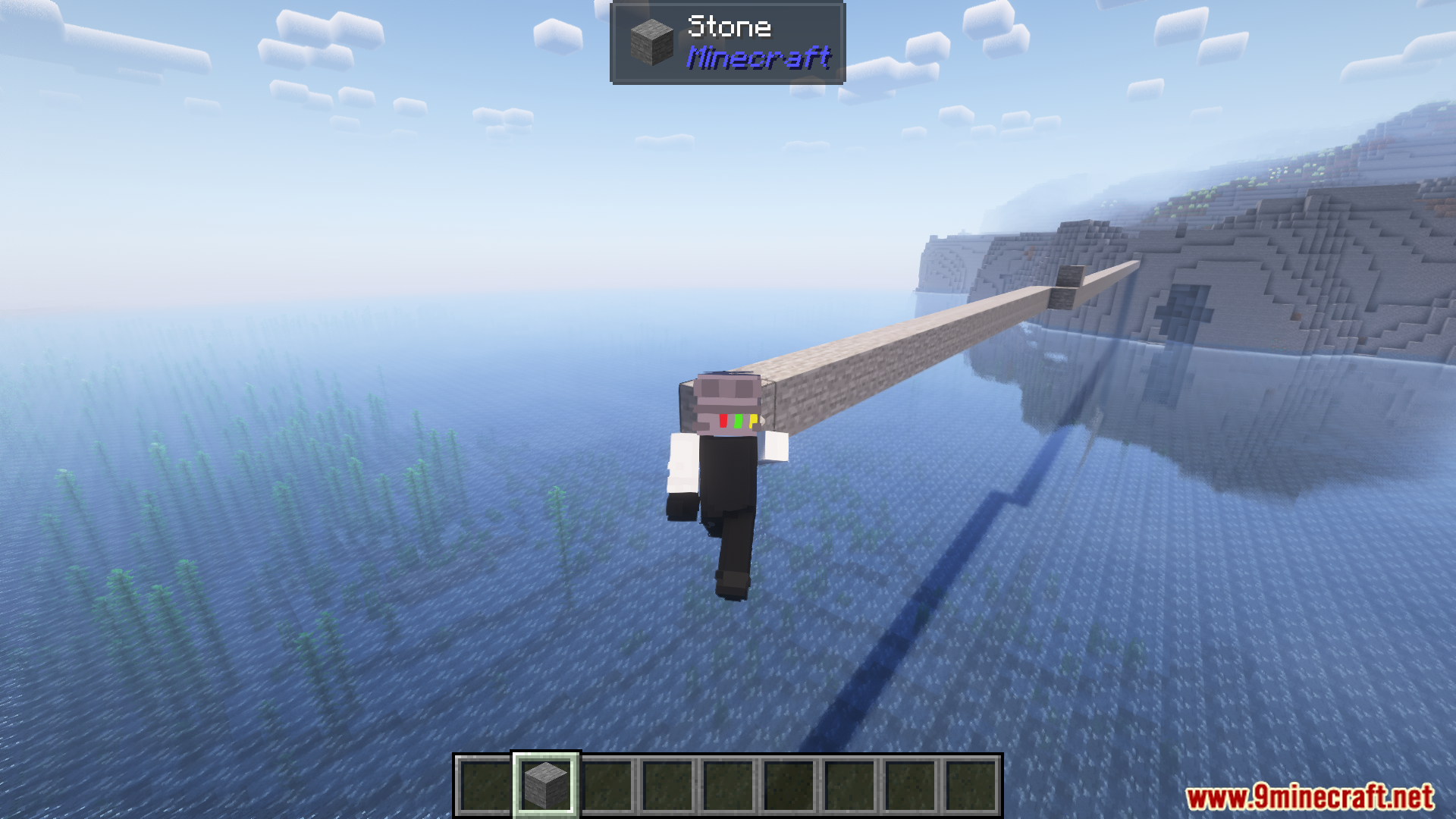
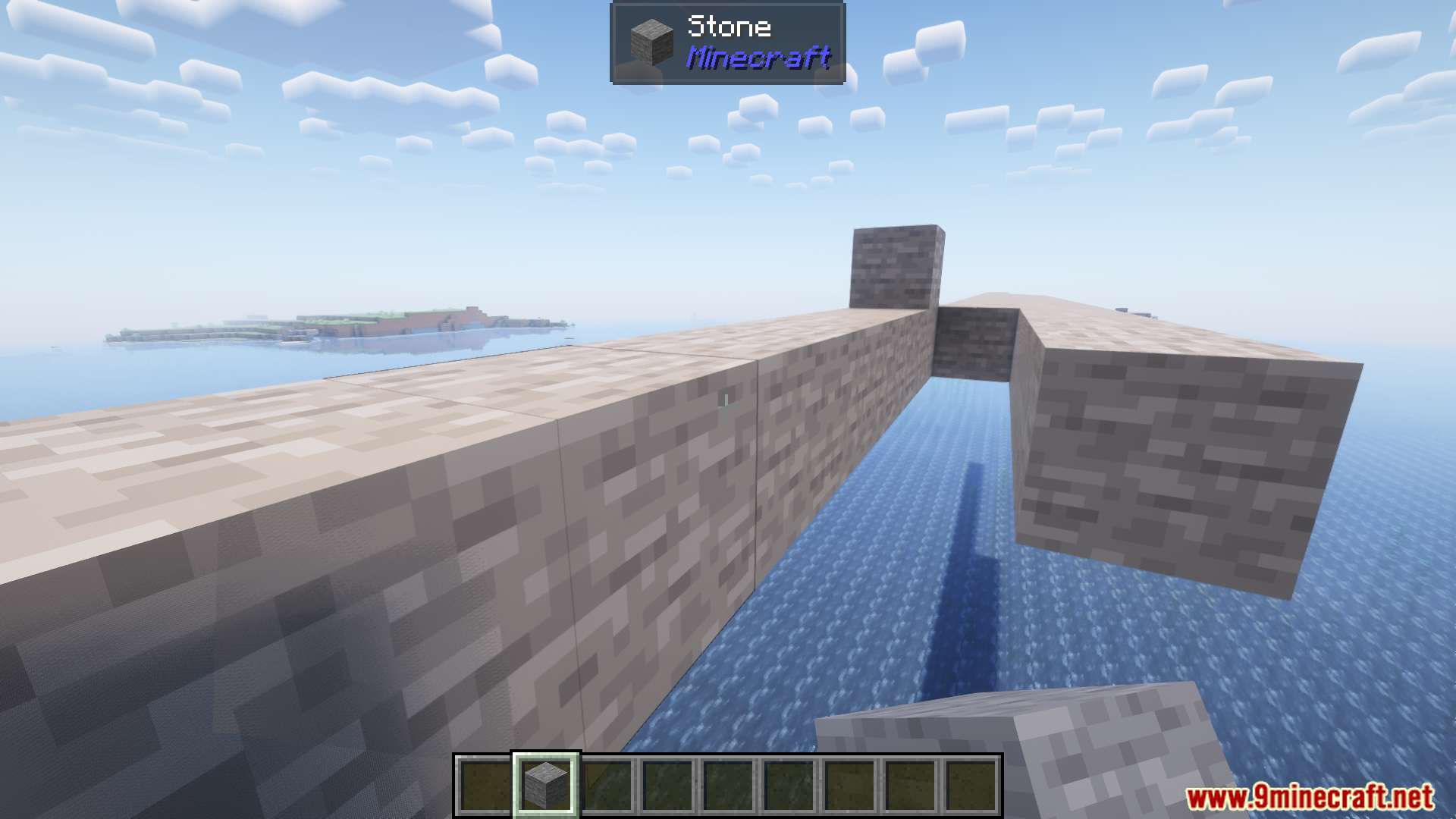
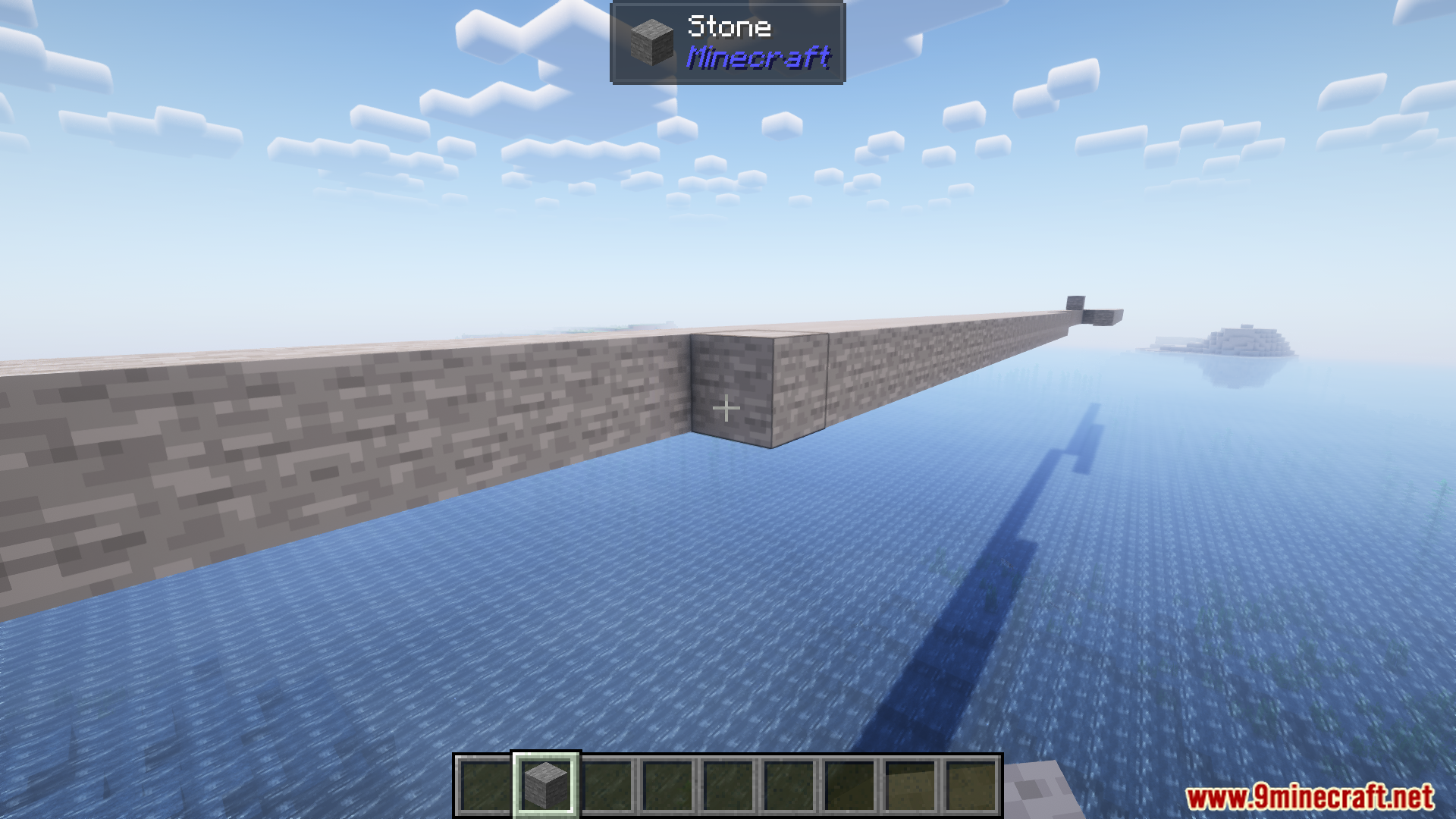
Pro Placer Mod improves block placement by mimicking Bedrock Edition mechanics, making building faster and more efficient. The default delay between block placements is removed, allowing continuous placement without gaps or double placement issues. Block placement direction is locked while holding the button, preventing accidental placement in unintended locations. Additionally, blocks can be placed by clicking on air blocks in the intended direction, simplifying construction in creative mode and while building roofs.
Features:
- Removes the default four-tick delay when placing blocks.
- Ensures continuous block placement without gaps or double placements.
- Locks the placement direction to prevent accidental misplacement.
- Allows block placement by clicking air blocks in the intended direction.
- Enhances building efficiency, especially in creative mode and roof construction.
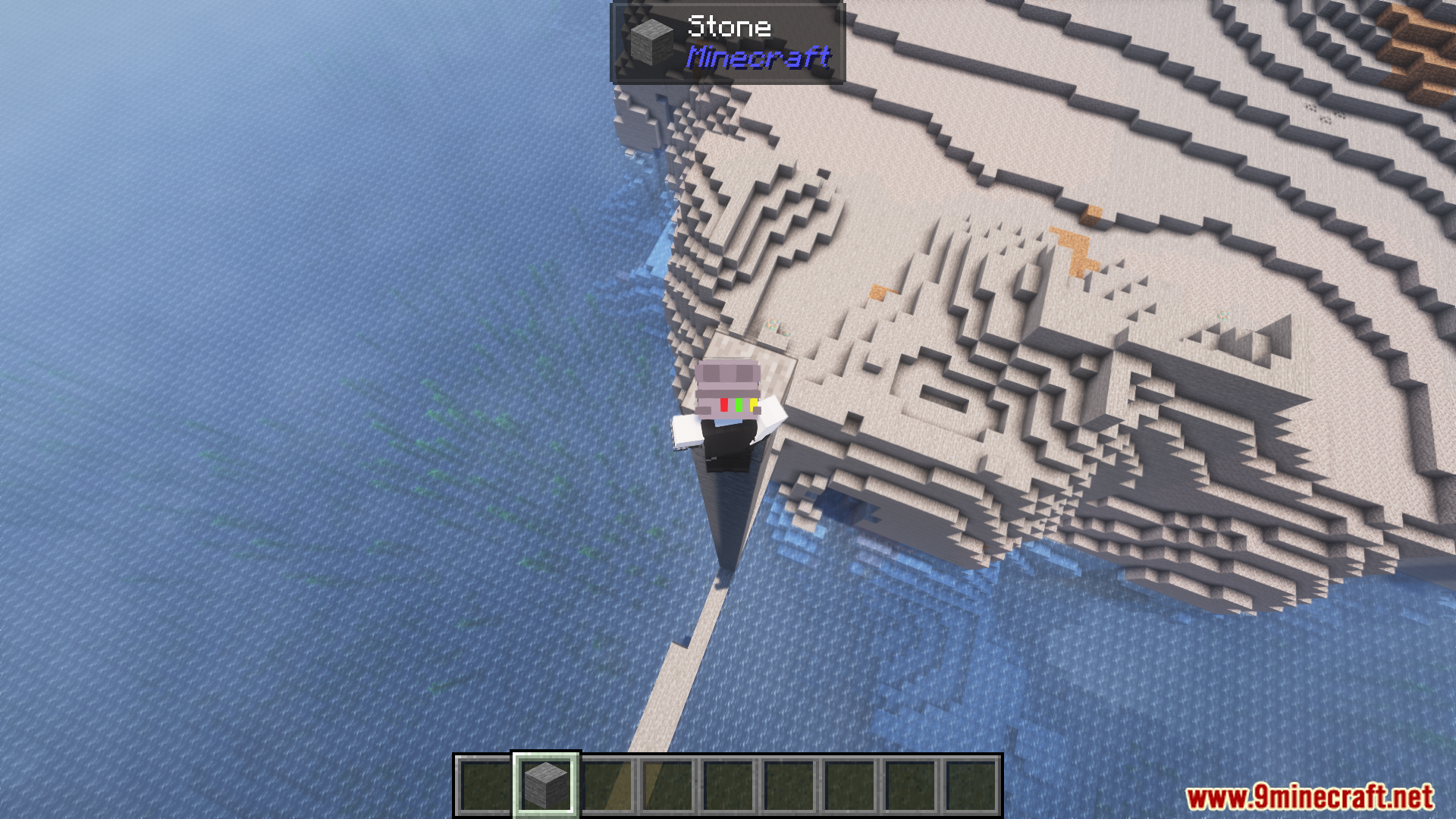
Screenshots:
Pro Placer Mod Download Links
- Edition: Minecraft Java
- File type: .jar
- Minecraft version listed: 1.20.1
- How to install: Install the matching mod loader (Forge, Fabric or NeoForge) for your Minecraft version. → Download the .jar. → Put it in the .minecraft/mods folder and launch that loader profile.
- Where to get it: Opens on the file's original source — not every file is mirrored on our own servers.
Install steps are the general flow for this file type — How to install Minecraft Java mods & modpacks walks through it step by step.
Pro Placer Mod (26.2, 1.20.1) – Removes The Default Four-tick Delay is a free Minecraft Java mod. Compatible with Minecraft 1.20.1. Download it and open it directly in the game.