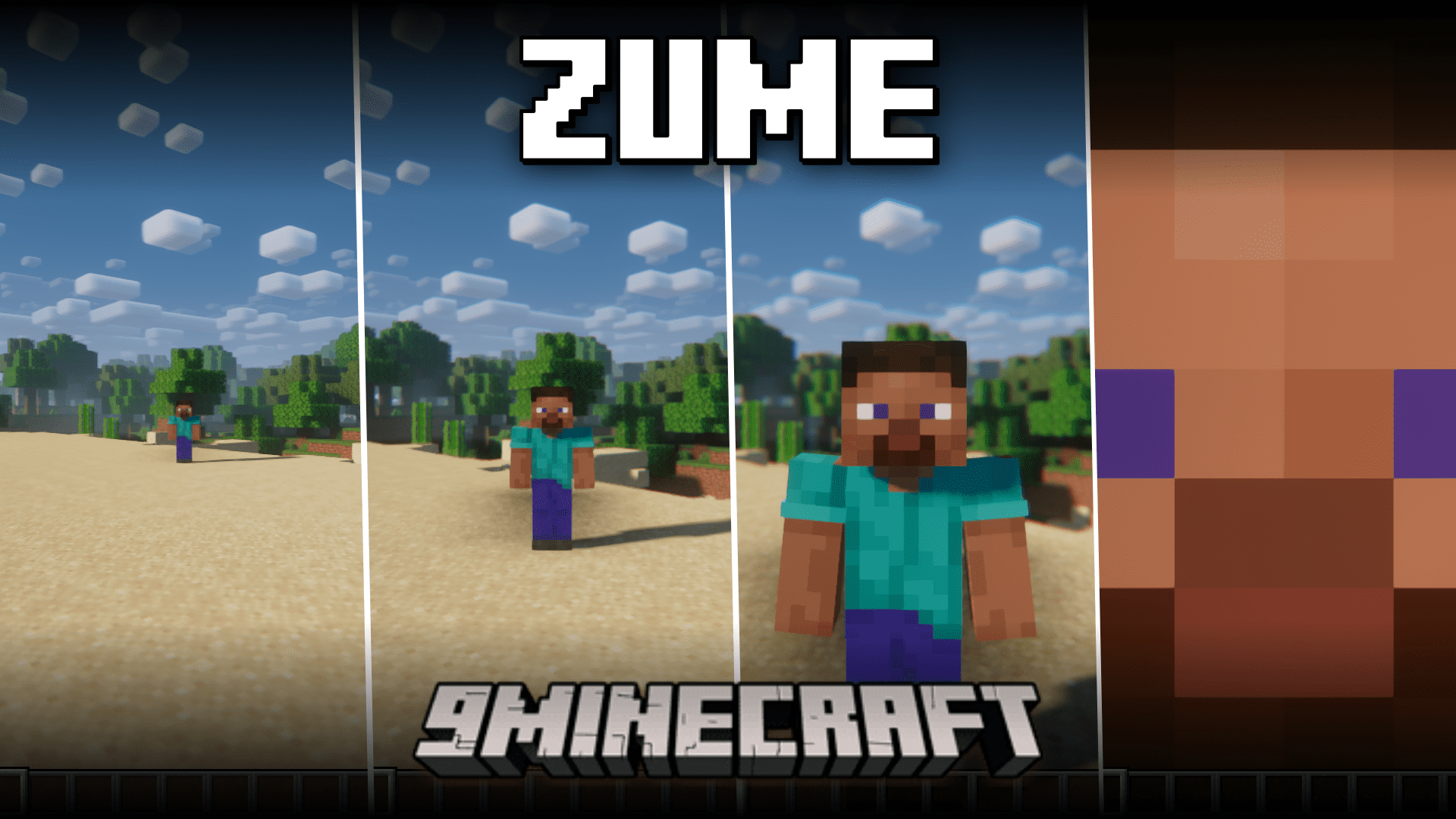
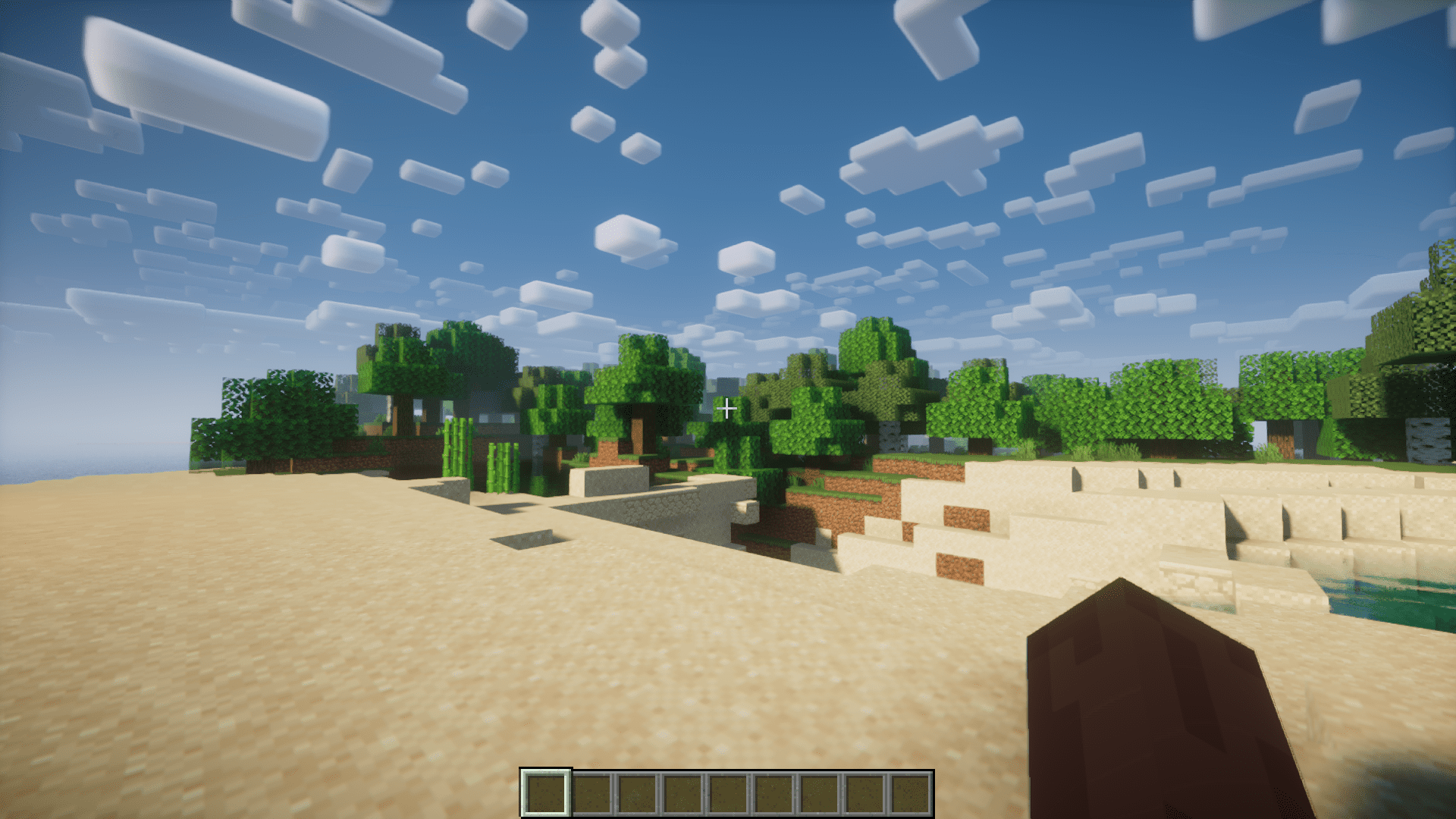
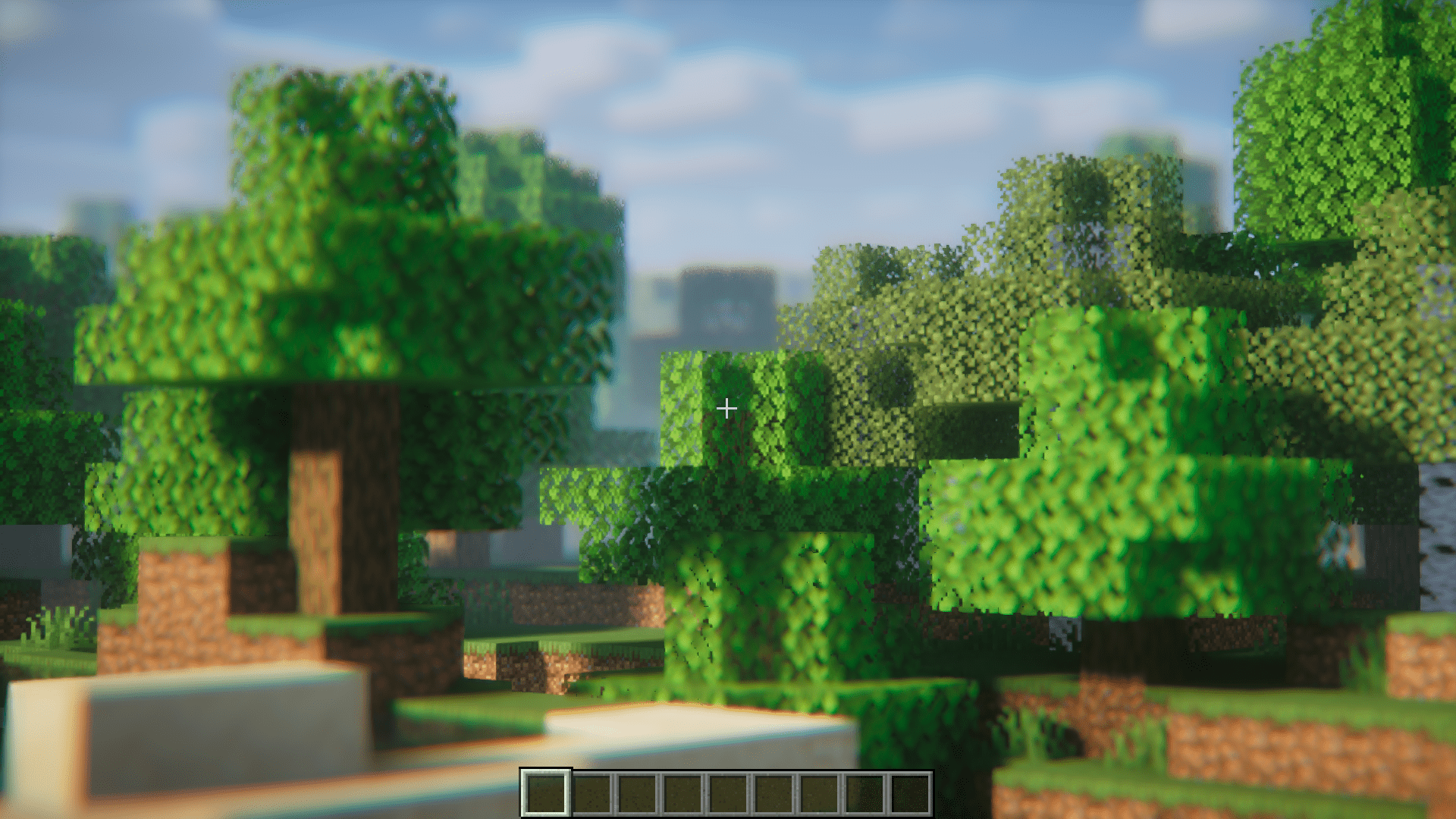
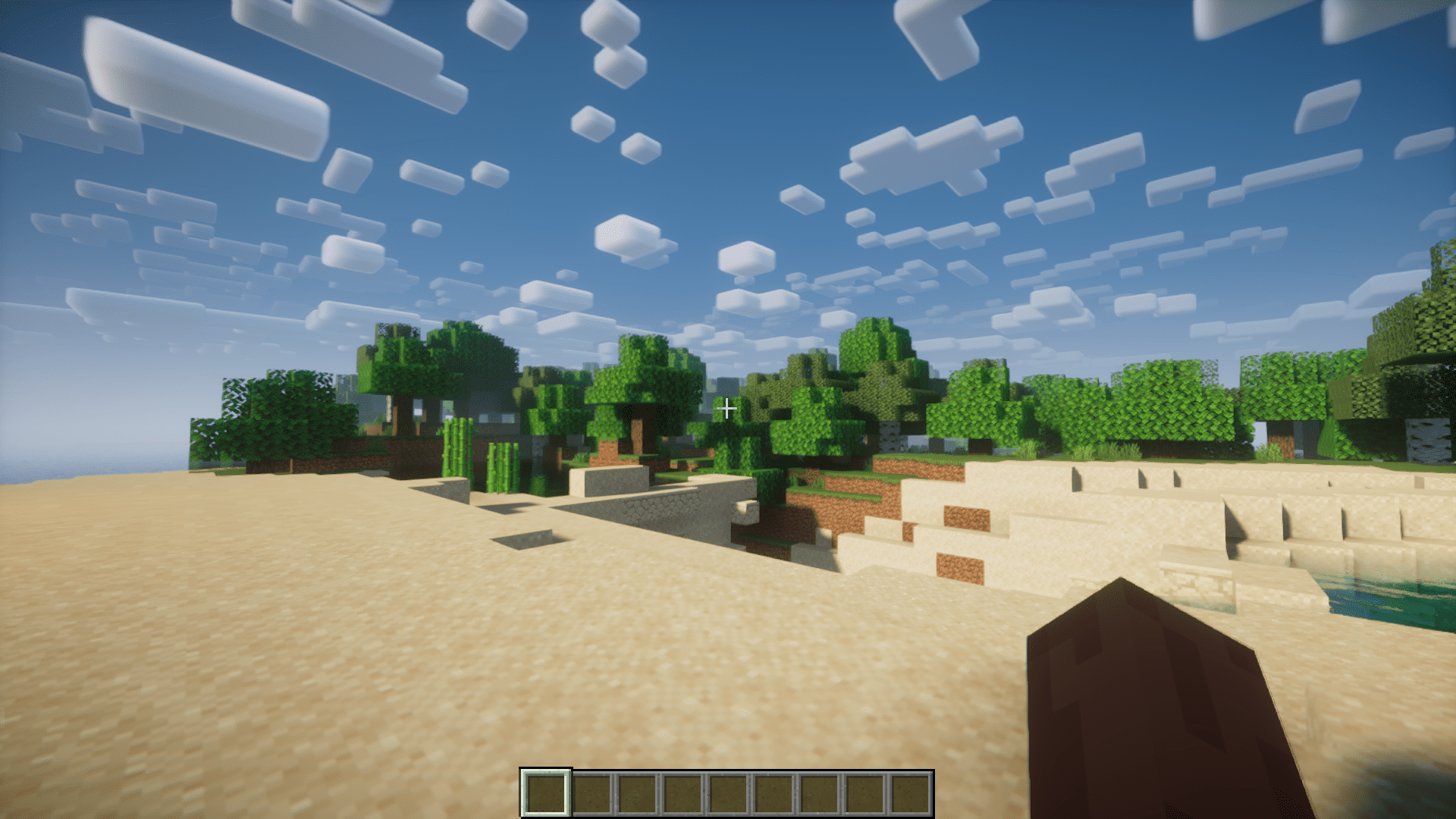
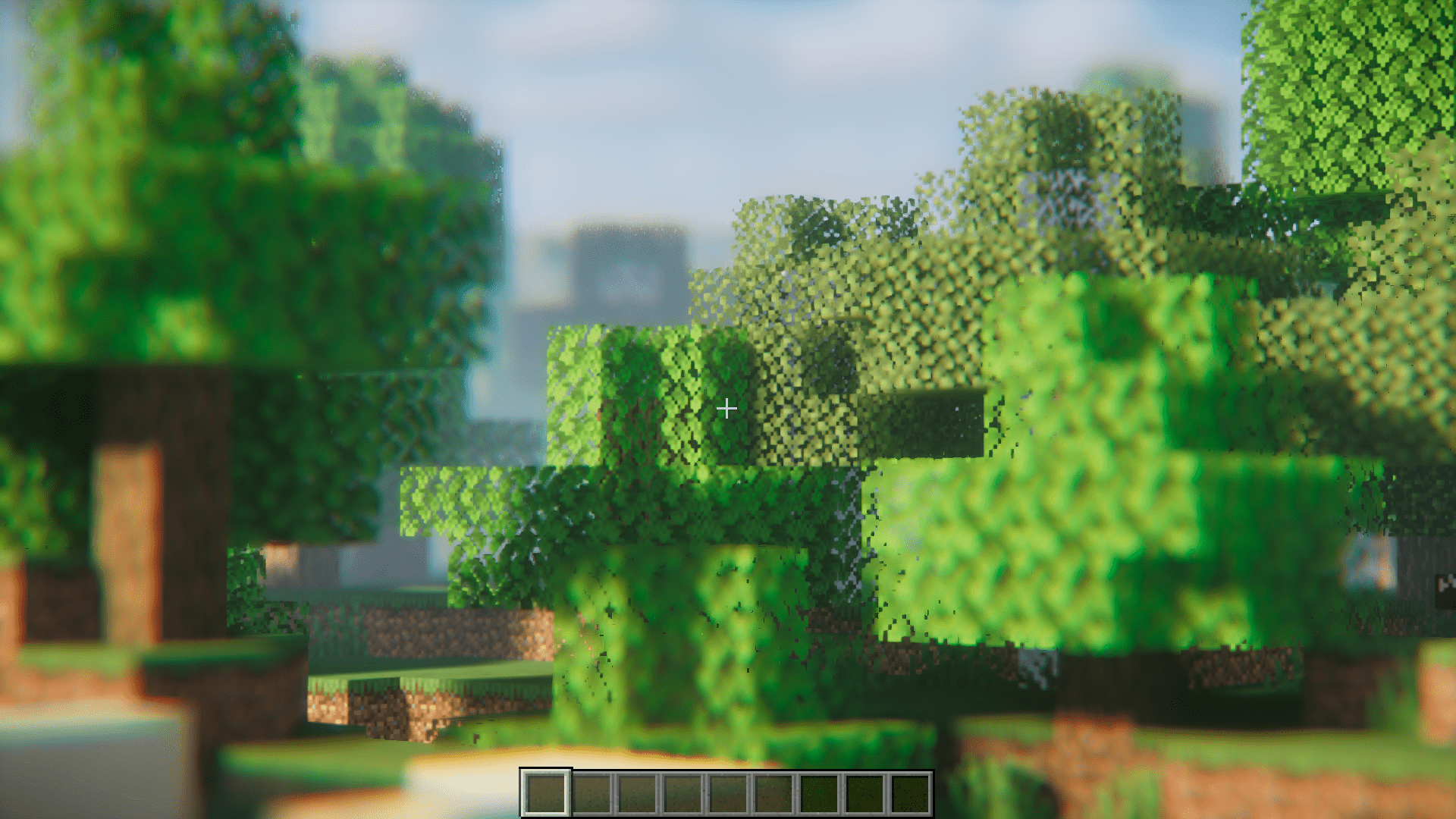
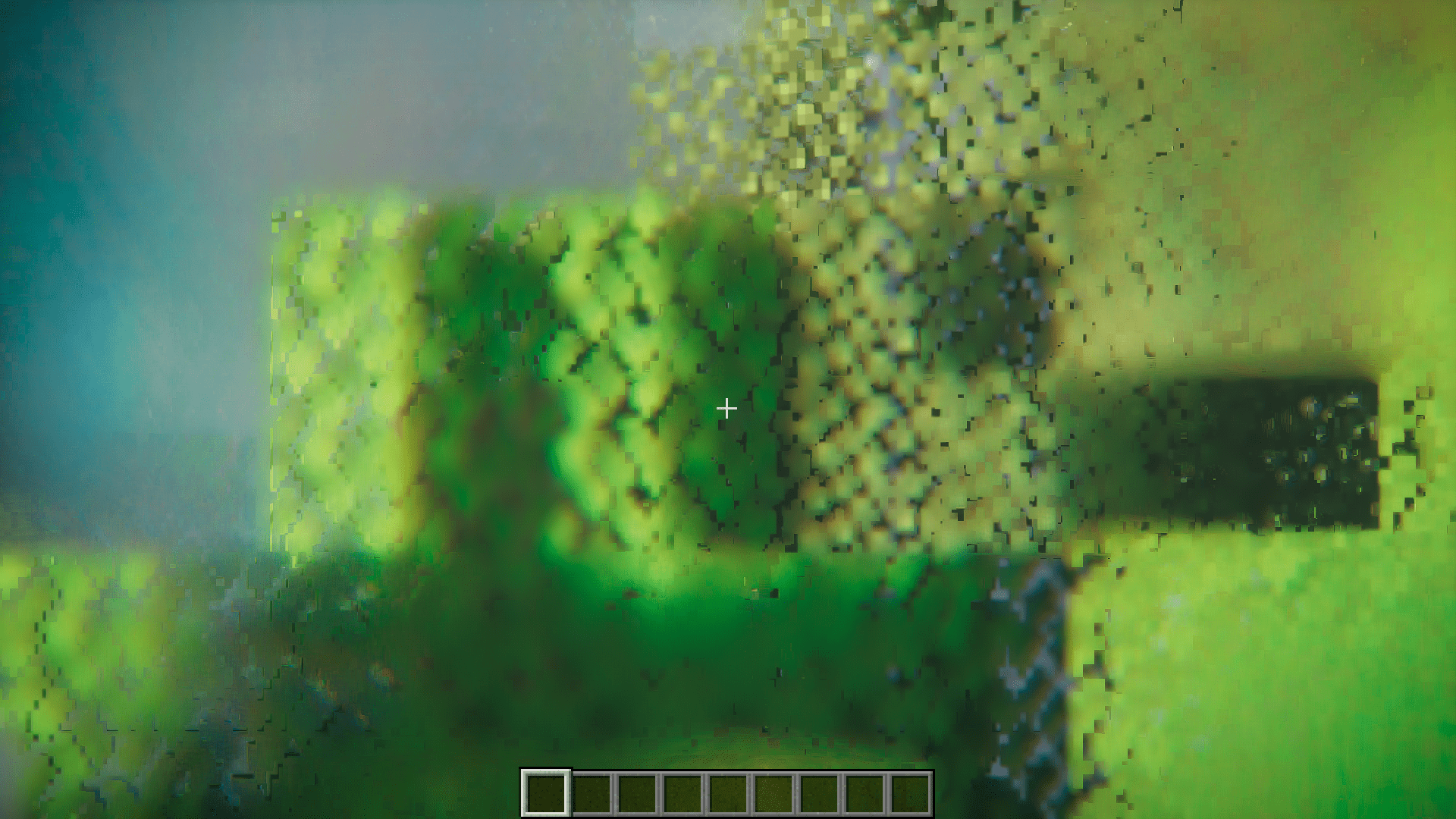
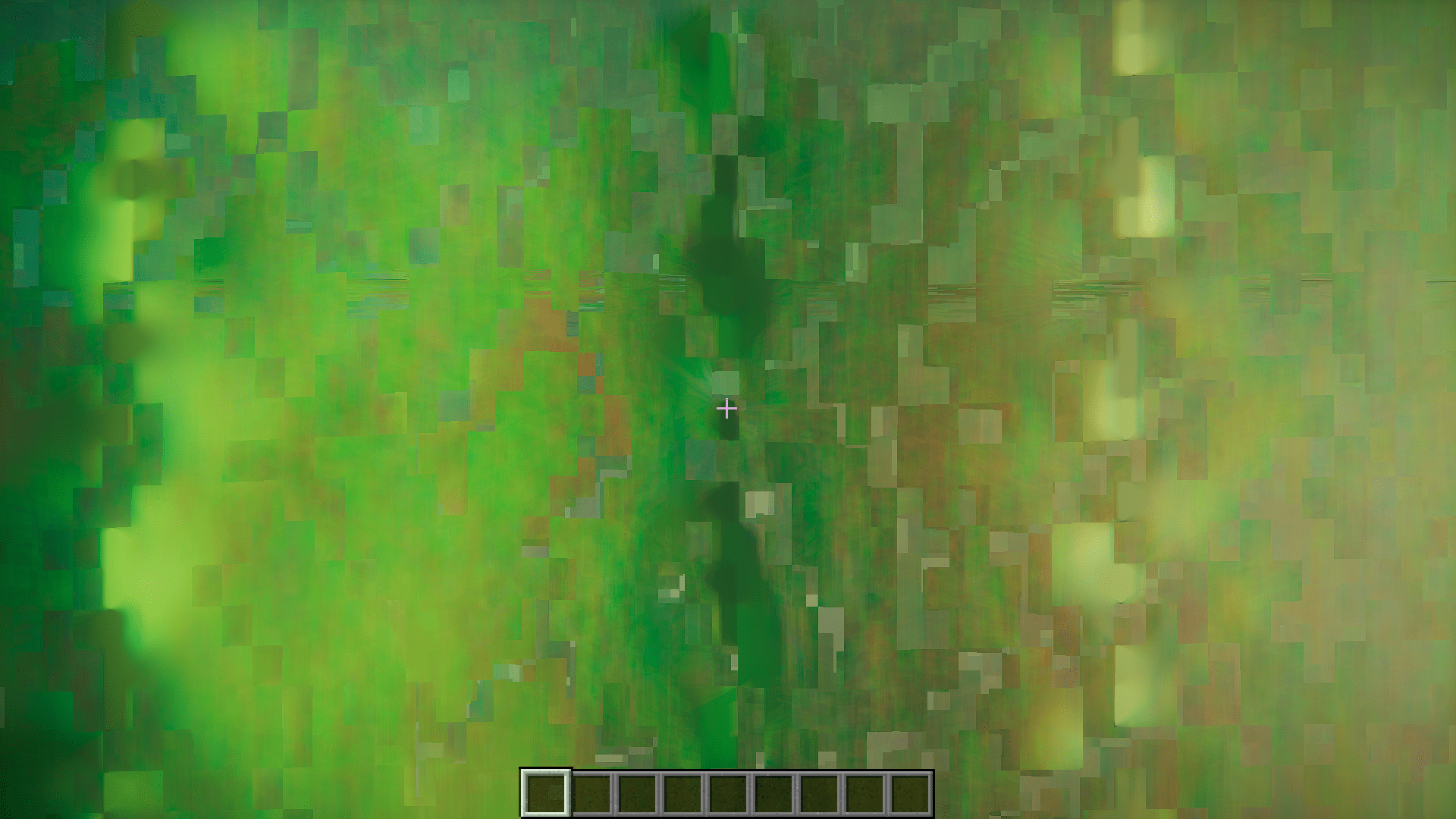
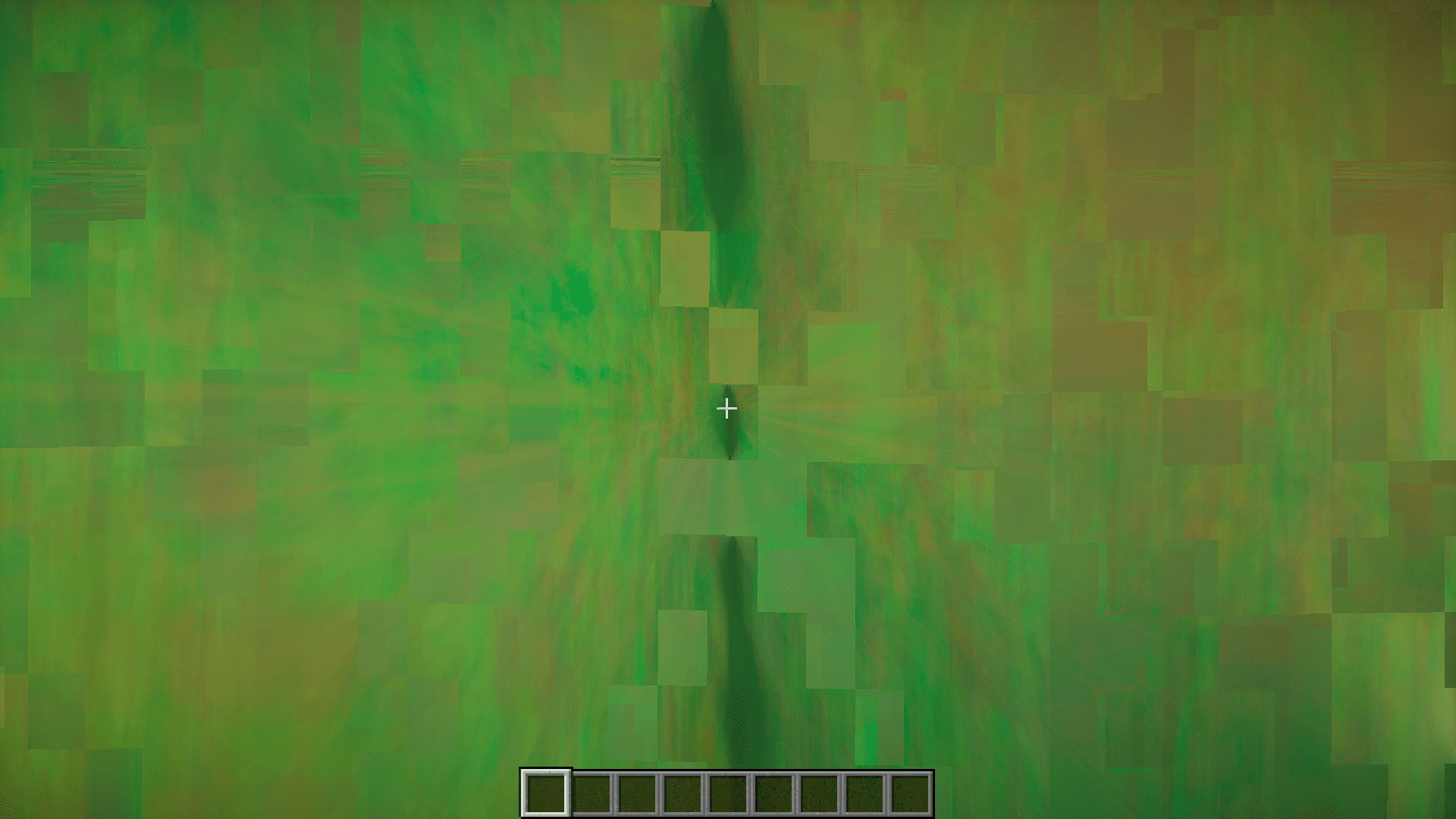
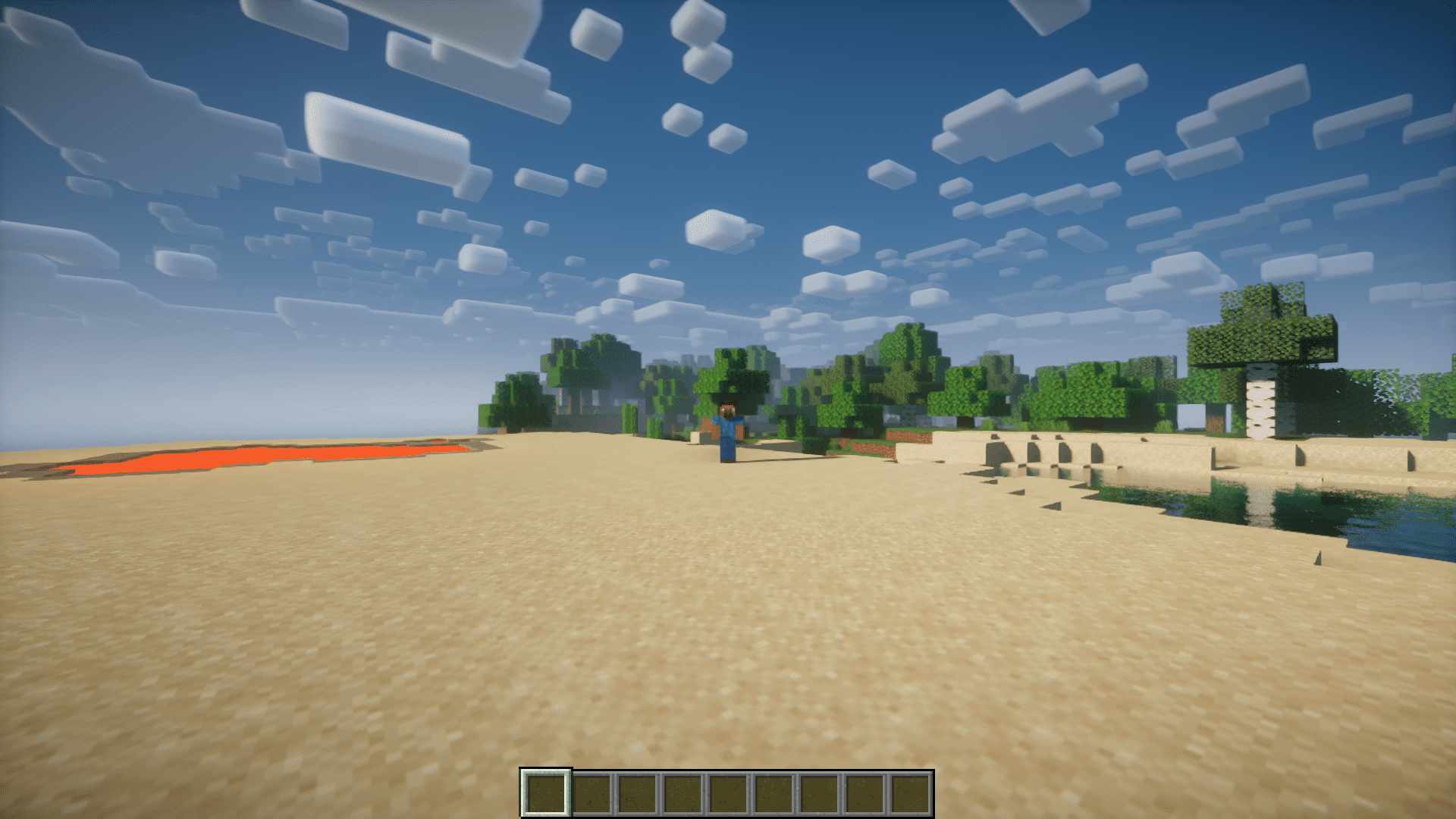
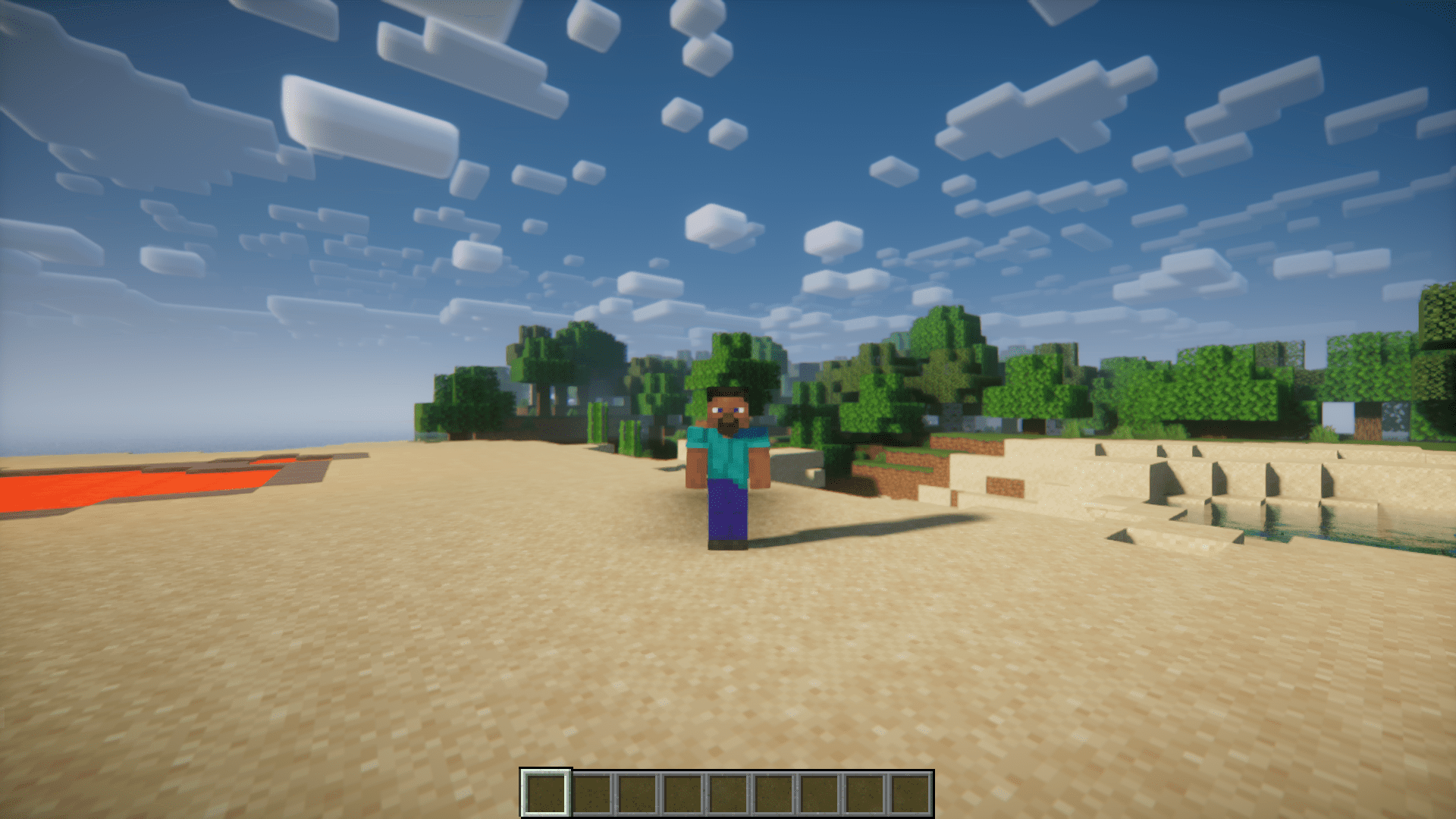
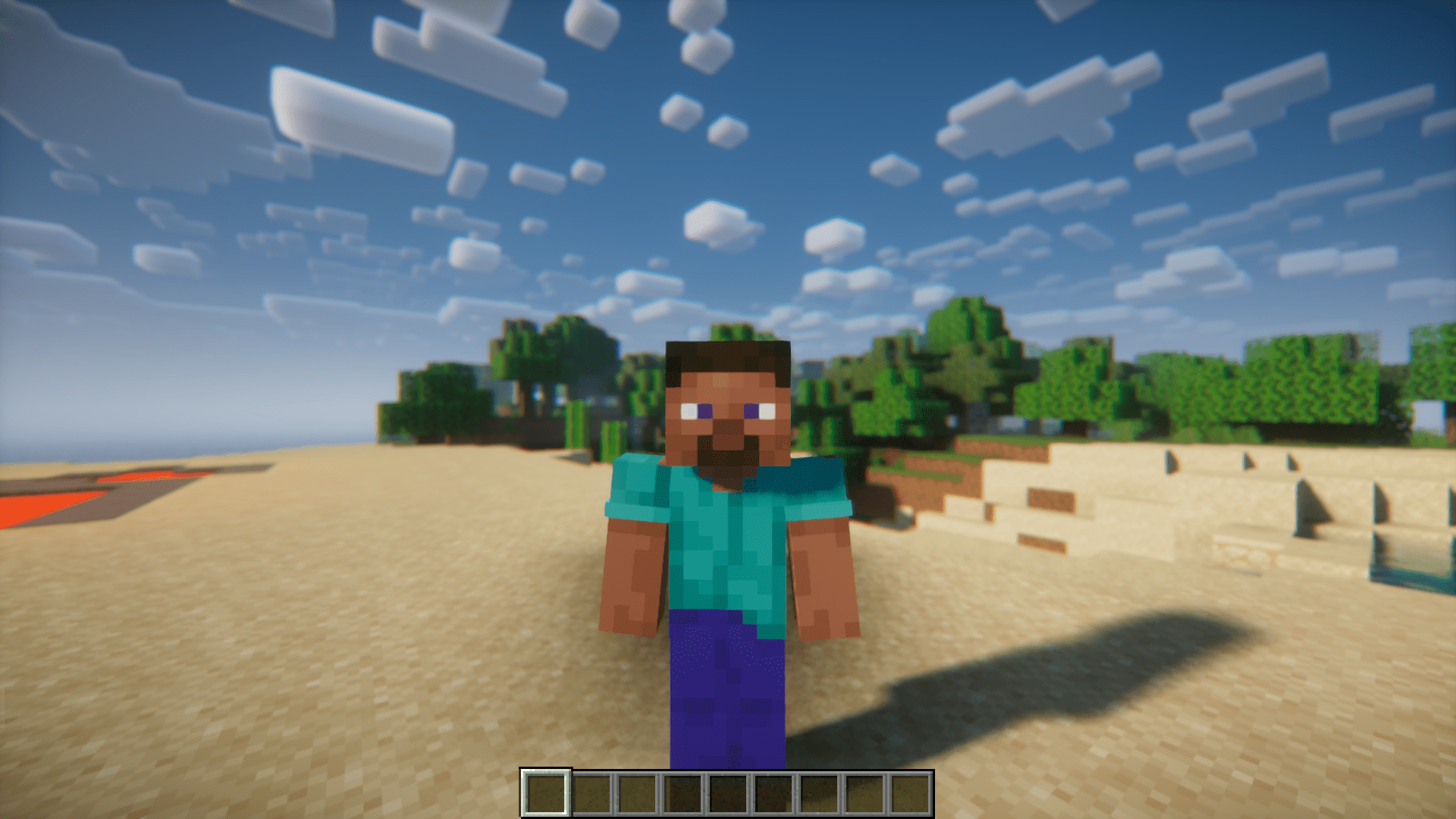
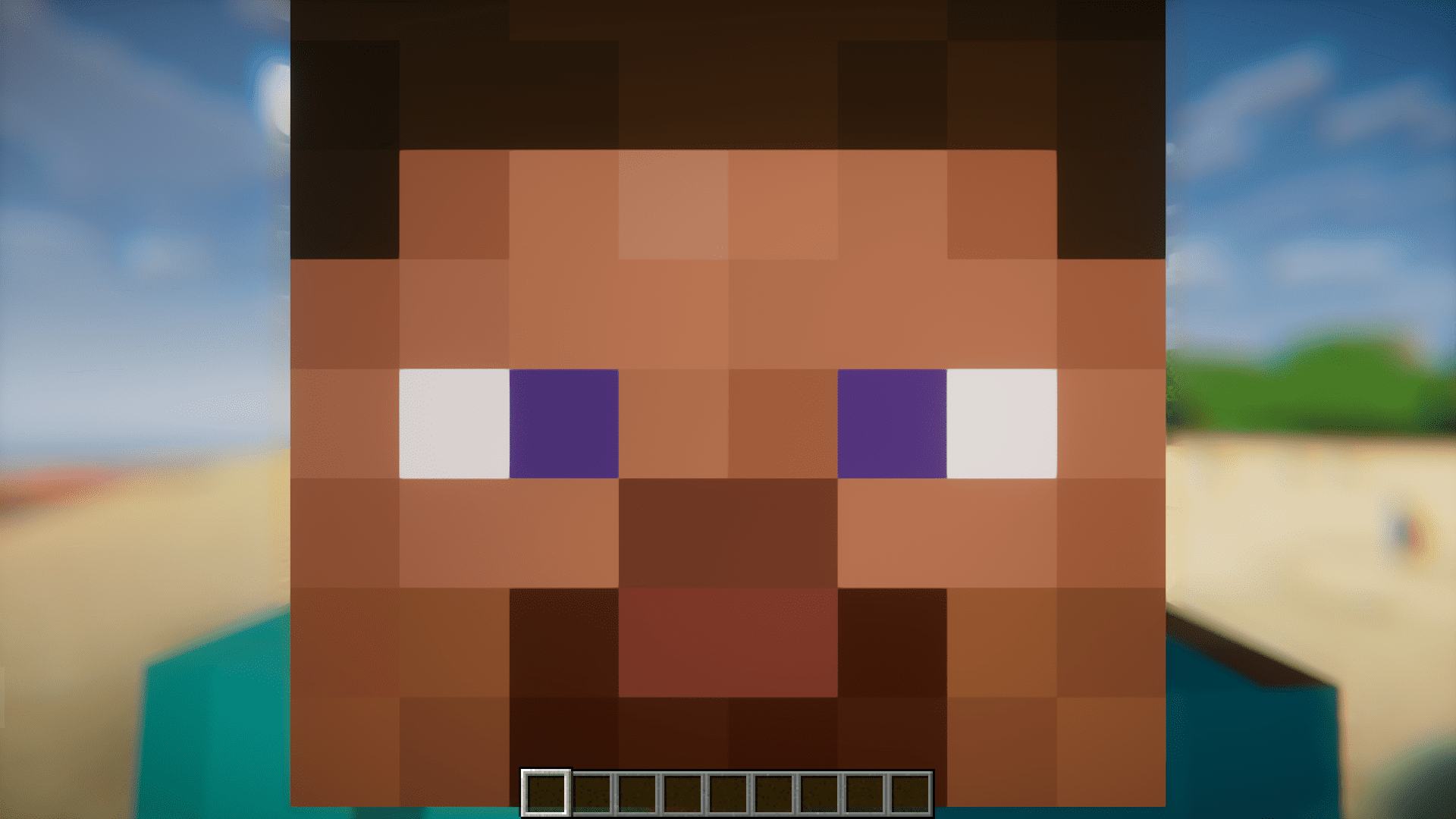
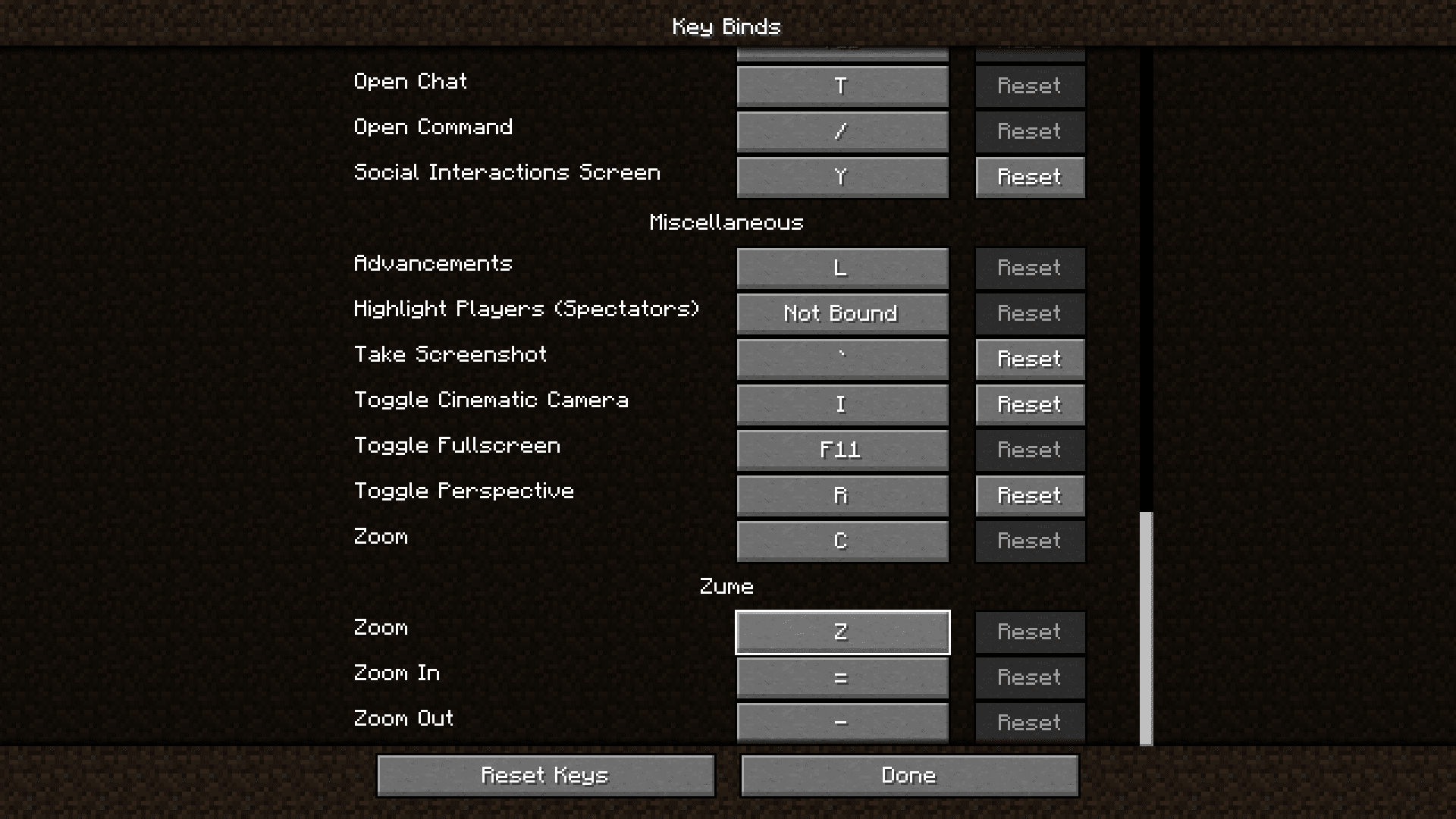
There are many different mods that will allow you to zoom in and see distant objects clearly. All that these mods do is to reduce your FOV, which in turn will give a higher screen space to objects near to the crosshair. This effect works very similar to a zoom. Zume Mod introduces an advanced zoom into your game. The zoom effect added by this mod can be opened by pressing the Z key on the keyboard. Once zoomed in, you can press the “-” key and “=” key to zoom out and zoom in respectively. The keybinds can be configured to your liking.
Features:
- Improved in-game zooming
- Dedicated keys for zoom-in and zoom-out
- Configurable keybinds
Screenshots:
Zume Mod Download Links
Quick facts
- Edition: Minecraft Java
- File type: .jar
- Minecraft version listed: 1.20.1
- How to install: Install the matching mod loader (Forge, Fabric or NeoForge) for your Minecraft version. → Download the .jar. → Put it in the .minecraft/mods folder and launch that loader profile.
- Where to get it: In MC Java Mods, or directly above on this page.
Install steps are the general flow for this file type — How to install Minecraft Java mods & modpacks walks through it step by step.
Verified by MCModsHub
- Downloads as 27052.mcaddon
- Download size: 97 KB
- Download link checked 22 Sept 2026 — working
- Mirrored on our own servers — the download does not depend on the original host
These come from our own check of the pack file, not from the source page.