
Aka Tweaks
Java mod listed for Minecraft 1.19. Downloads from the MC Java Mods app on Android.
⬇ Download on Modrinth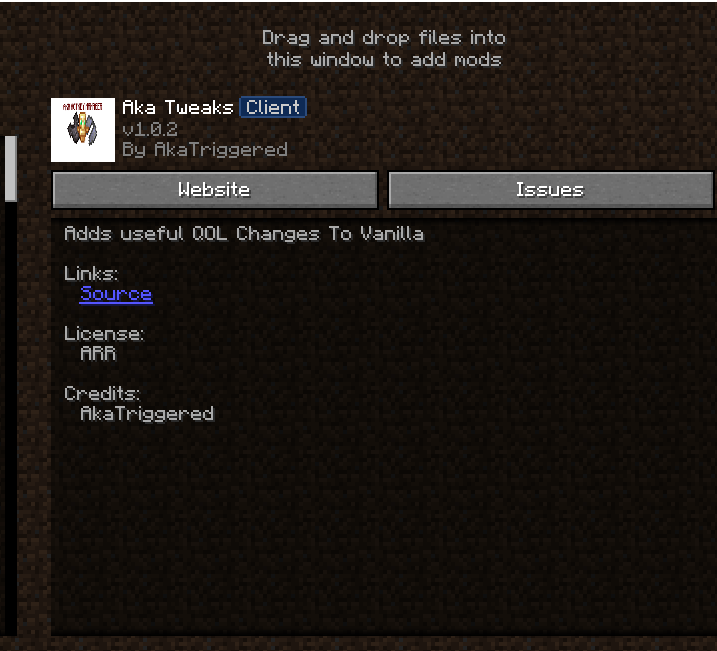

AkaTweaks




Fast manual hotkeys for Totem equipping, Elytra swapping, and Chestplate toggling in Crystal PvP.
What It Does
AkaTweaks adds dedicated keybindings for competitive Crystal PvP players to quickly equip Totems of Undying, swap between Chestplates and Elytras, and manage offhand items seamlessly without navigating inventory menus mid-fight.
- Totem Equip Hotkey — Press a custom key (default
X) to equip a Totem into your offhand instantly. - Elytra Swap Hotkey — Press a custom key (default
G) to equip or remove your Elytra. - Chestplate Swap — Quickly switch between Chestplate protection and Elytra mobility.
- Manual Input Only — 100% manual keybind execution. Contains no automation, macro scripts, or auto-totem cheating.
Previews & Keybinding Setup

How to Configure Keys:
- Open Minecraft in-game options menu (
Esc). - Go to Controls → Key Binds.
- Scroll to the Aka Hotkeys section.
- Click on Equip Totem or Equip Elytra and assign your preferred keys.
Note for Server Admins & Moderation Teams
AkaTweaks is NOT an Auto-Totem or Macro mod.
All item swaps require an explicit, physical keypress by the player. The mod does not automatically detect low health, pop totems autonomously, or automate inventory interactions. It simply maps inventory hotbar/storage item equips to dedicated keybindings.
Installation
- Install Fabric Loader for Minecraft 1.21+.
- Install Fabric API.
- Place
akatweaks-1.0.0.jarinto your.minecraft/modsdirectory. - Set your keybindings under Options → Controls → Aka Hotkeys.
Technical Details
- Minecraft: 1.21+
- Mod Loader: Fabric
- Side: Client-only
- License: MIT
Links
- Modrinth: modrinth.com/mod/akatweaks
- GitHub: github.com/AkaTriggered
- Edition: Minecraft Java
- File type: .jar
- Minecraft version listed: 1.19.2
- How to install: Install the matching mod loader (Forge, Fabric or NeoForge) for your Minecraft version. → Download the .jar. → Put it in the .minecraft/mods folder and launch that loader profile.
- Where to get it: Opens on Modrinth — not every file is mirrored on our own servers.
Install steps are the general flow for this file type — How to install Minecraft Java mods & modpacks walks through it step by step.
- Ships as Hydrogen (1).jar — drop this file into the mods folder
- Download size: 309 KB
- Download link checked 11 Oct 2026 — working
These come from our own check of the pack file, not from the source page.