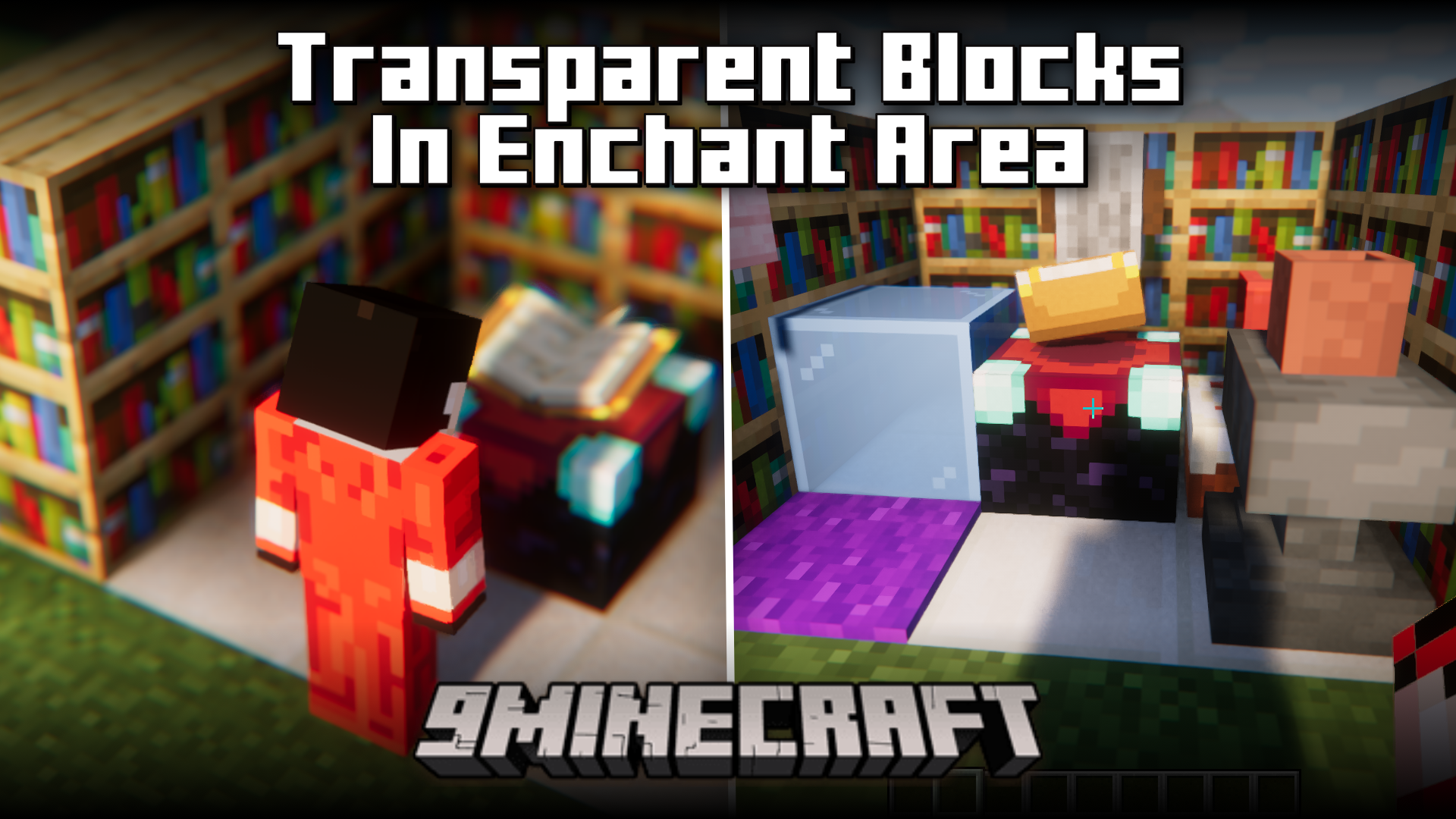
Transparent Blocks In Enchant Area Mod (26.2, 1.20.1) – Decorate Enchant Room
Java mod listed for Minecraft 1.20. Downloads from the MC Java Mods app on Android.
⬇ Download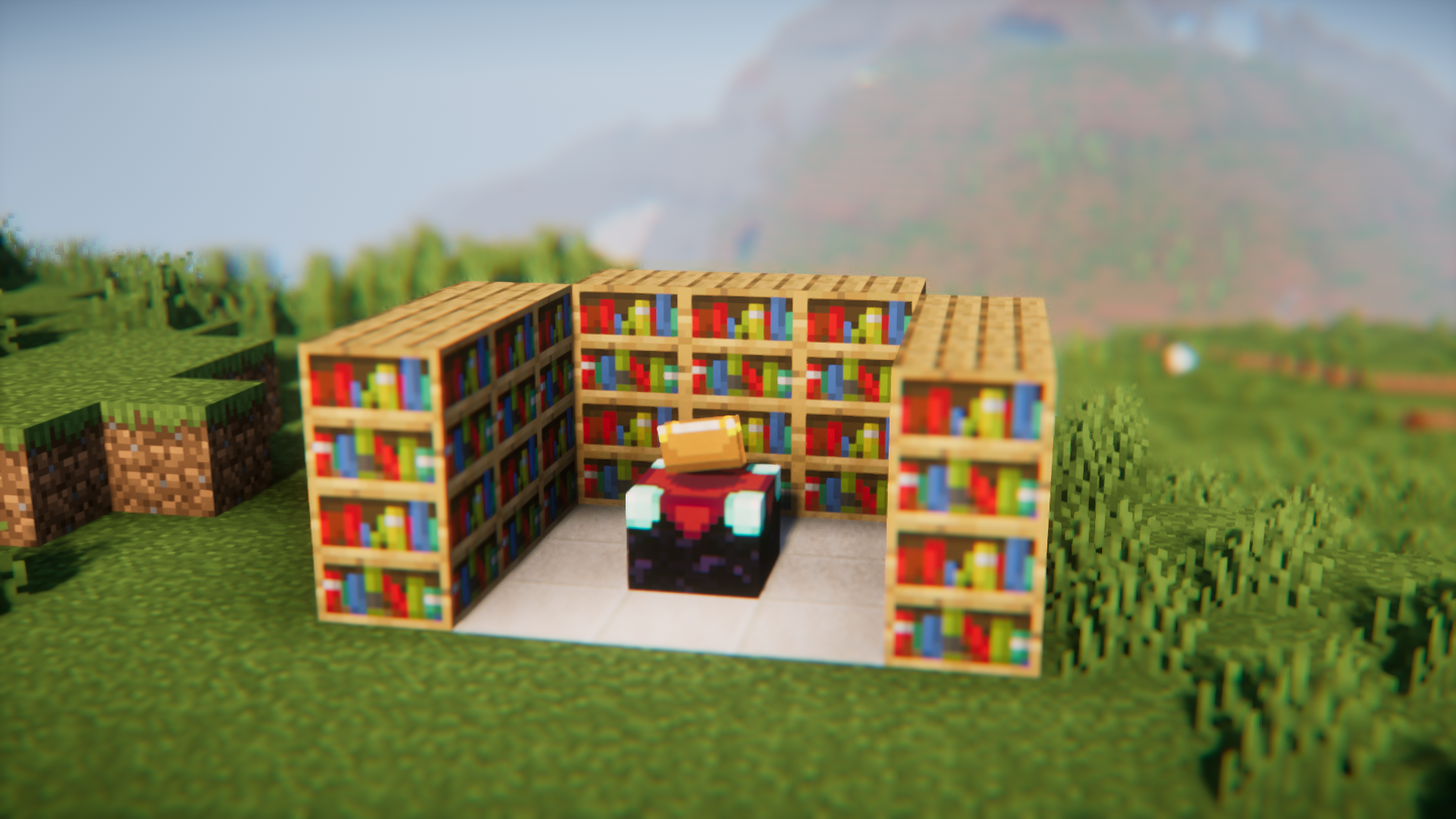
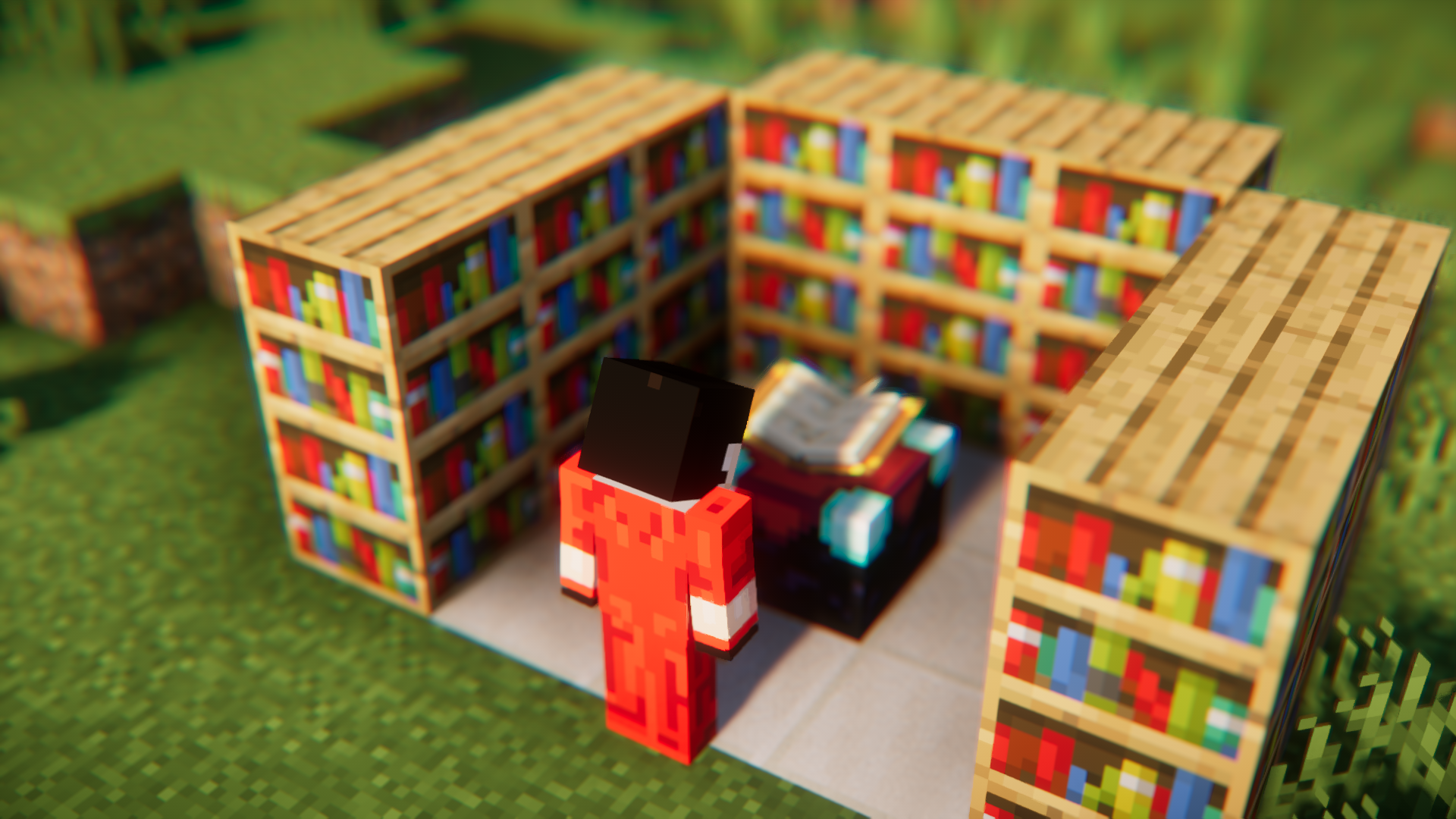
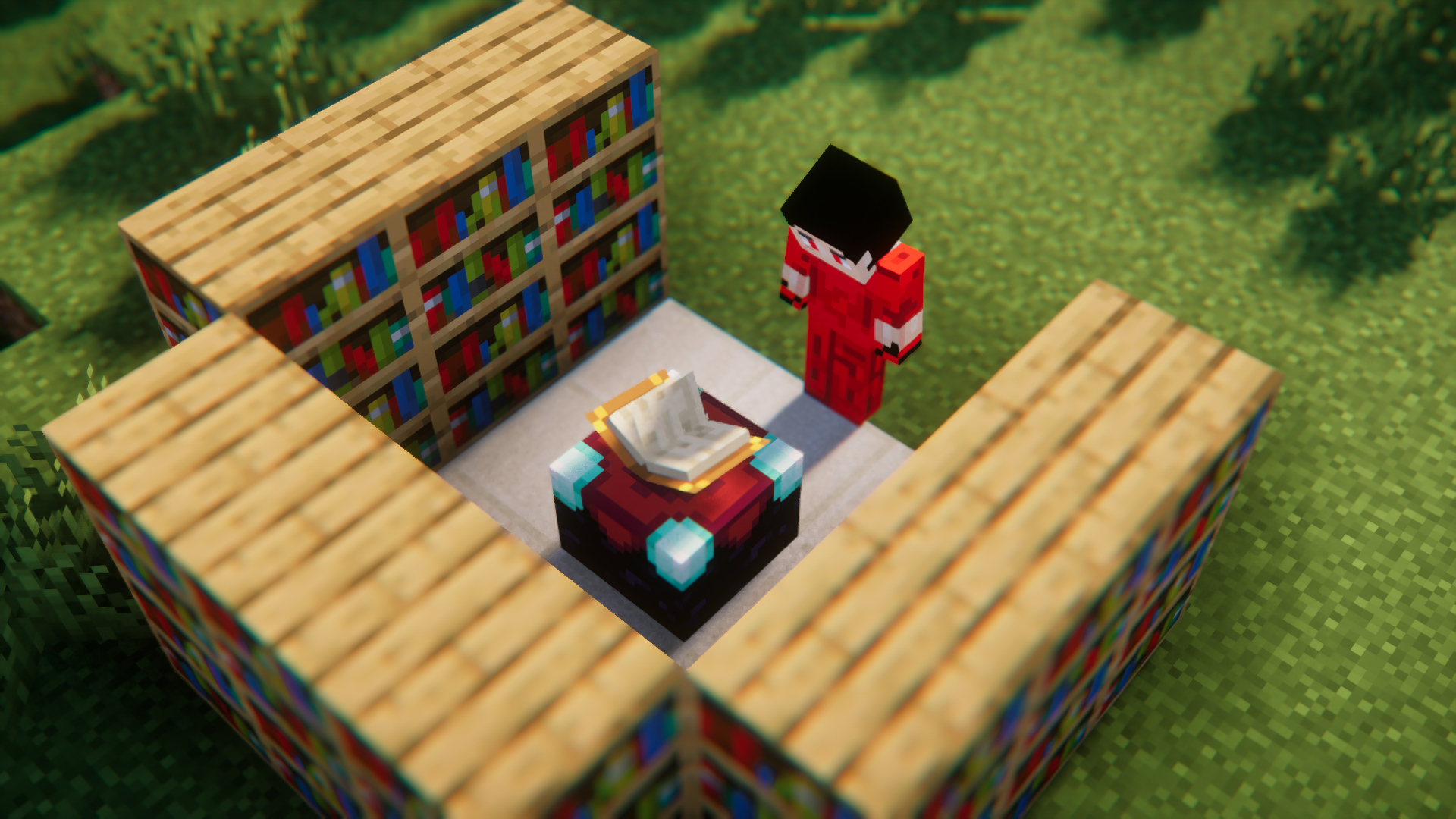
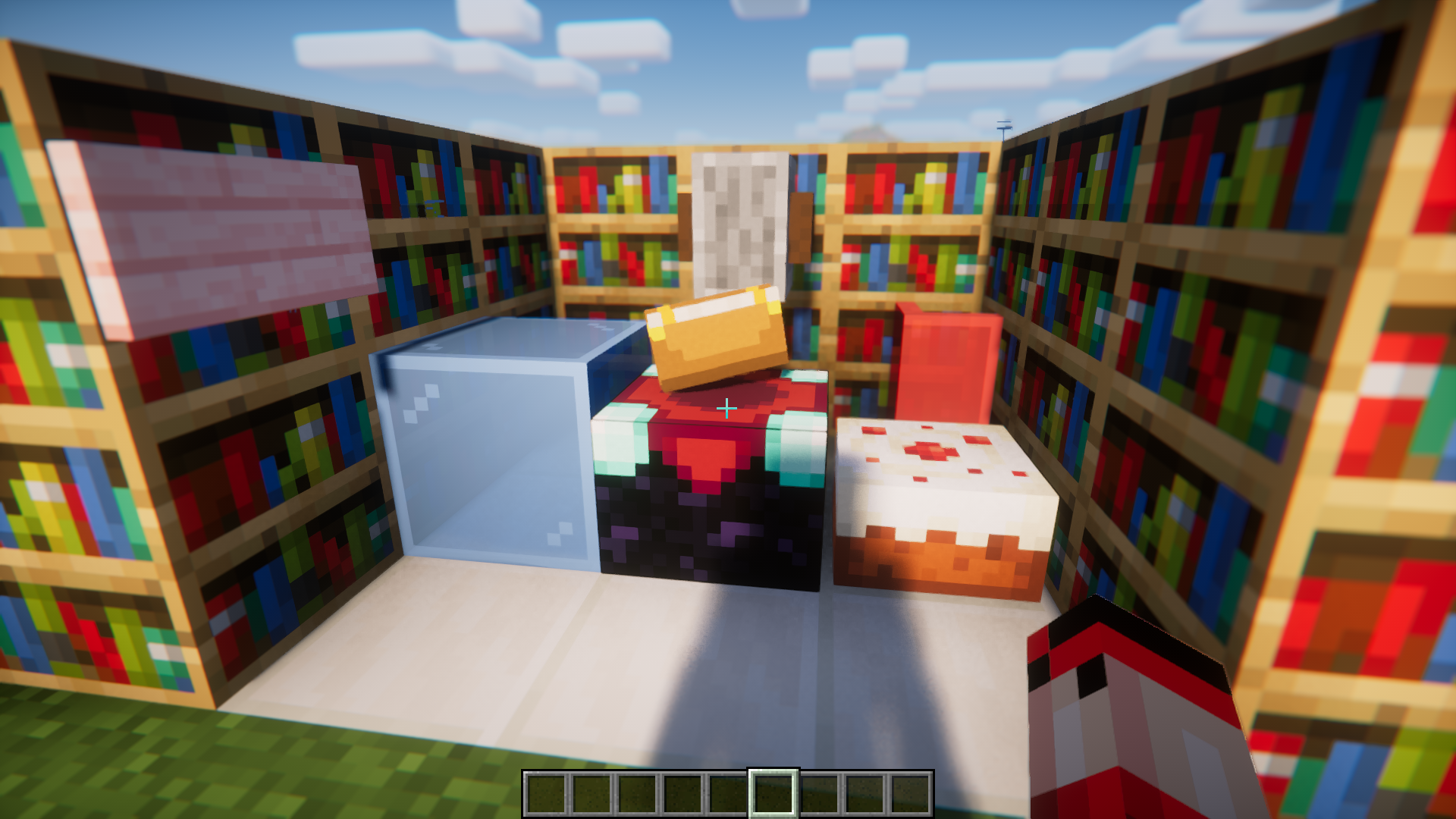
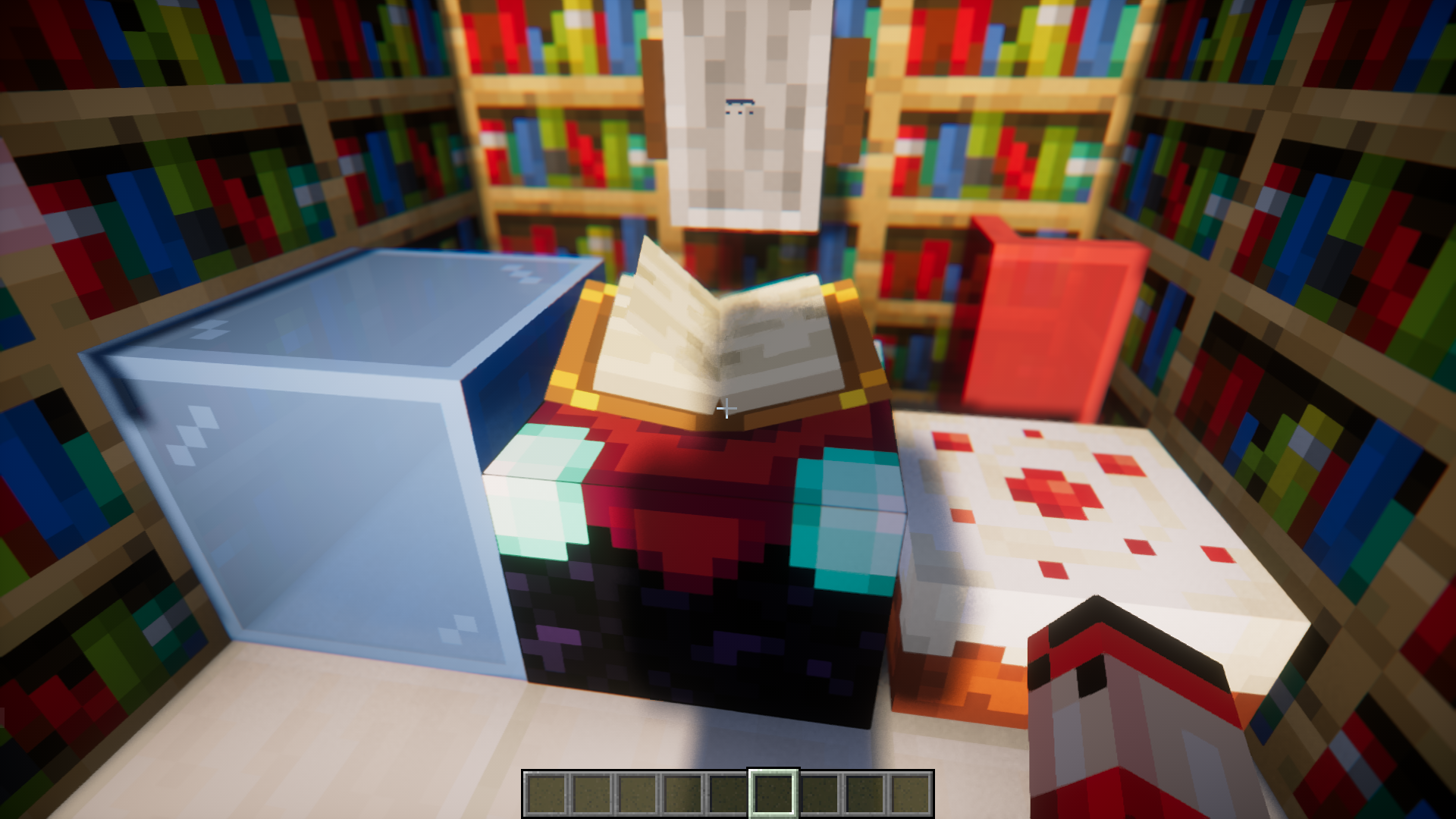
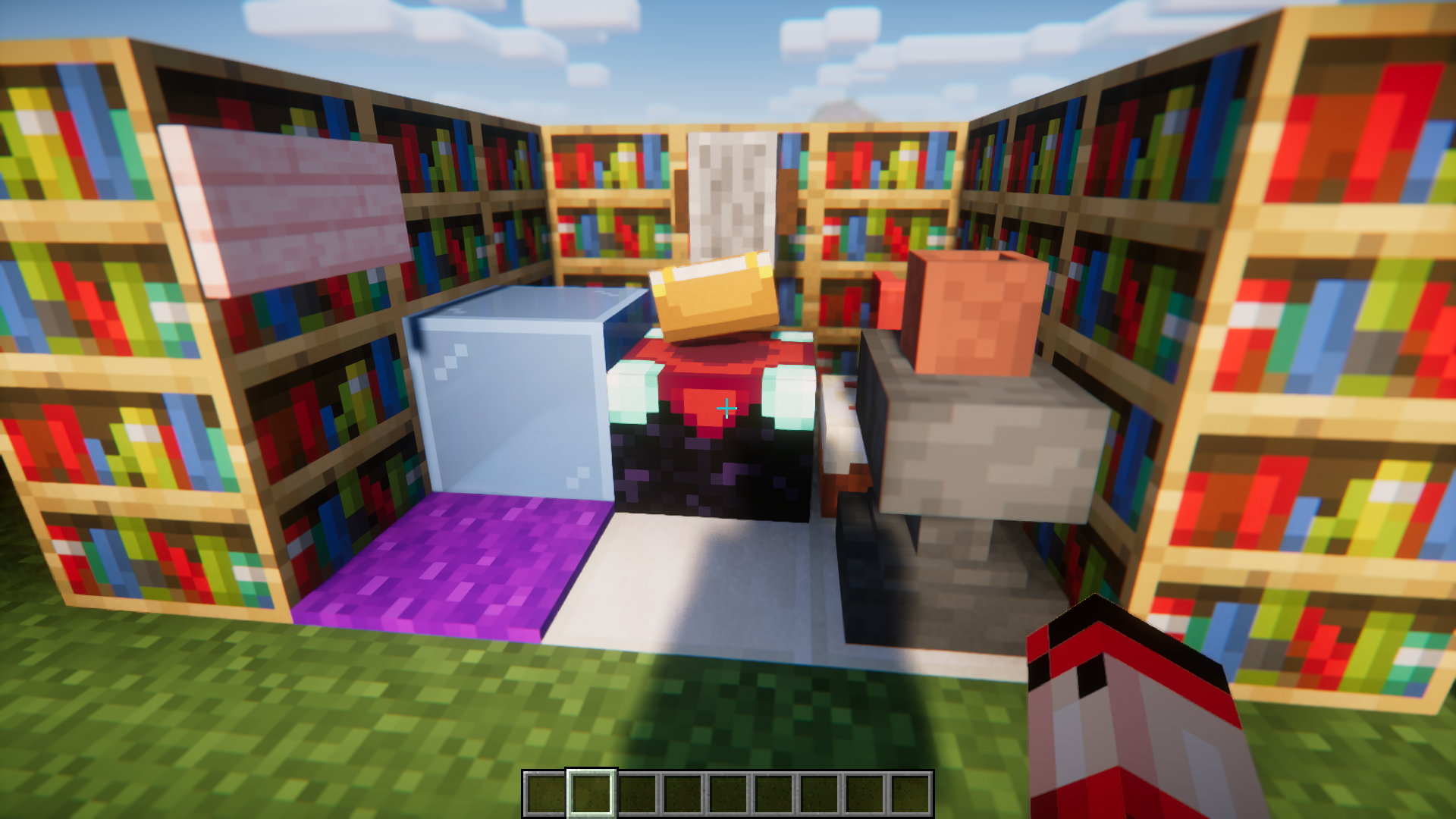
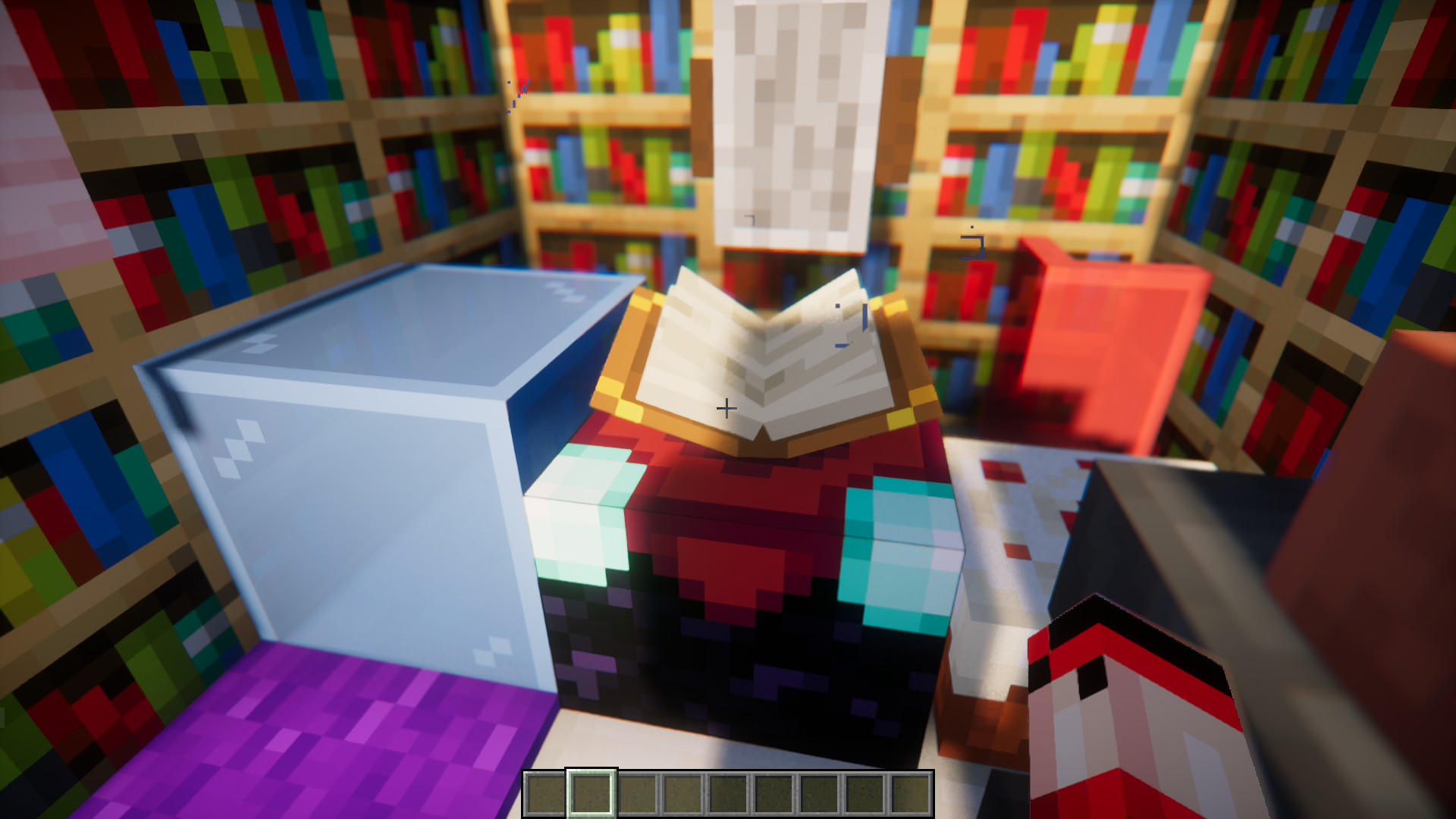
Enchanting tables are one of the most useful items in the survival game. Using it, you can apply a variety of different enchantments to your tools, weapons and armor pieces to make them a lot more efficient and powerful. For an enchanting table to work in its maximum strength, it is required to have fifteen bookshelves near the table, with the maximum of a one block air gap between them. If any other block is placed in between the table and the bookshelves, it will affect the power of the table. Transparent Blocks In Enchant Area Mod allows you to place transparent blocks in the gap between the enchanting table and the bookshelves surrounding it. With this mod installed, placing transparent blocks will no longer affect the power of the table.
Features:
List of transparent blocks that can be places in between the enchanting table and bookshelves:
- All Signs
- All Banners
- All Beds
- All Buttons
- All Campfires
- All Candles
- All Cauldrons
- All Coral Plants
- All Crops
- All Doors
- All Fence Gates
- All Fences
- All Flower Pots
- All Flowers
- All Leaves
- All Pressure Plates
- All Rails
- All Replaceable
- All Saplings
- All Slabs
- All Stairs
- All Carpets
- All Glass
- All Glass Panes
- Cake
- Grindstone
- Stonecutter
- Anvil
Screenshots:
Transparent Blocks In Enchant Area Mod Download Links
- Edition: Minecraft Java
- File type: .jar
- Minecraft version listed: 1.20.1
- How to install: Install the matching mod loader (Forge, Fabric or NeoForge) for your Minecraft version. → Download the .jar. → Put it in the .minecraft/mods folder and launch that loader profile.
- Where to get it: In MC Java Mods, or directly above on this page.
Install steps are the general flow for this file type — How to install Minecraft Java mods & modpacks walks through it step by step.
- Downloads as 27057.mcaddon
- Download size: 15 KB
- Download link checked 25 Sept 2026 — working
- Mirrored on our own servers — the download does not depend on the original host
These come from our own check of the pack file, not from the source page.