ModsJava
Block Meter Mod (26.1.2, 1.20.1) – Visual Distance Measurement
Java mod listed for Minecraft 1.20. Downloads from the MC Java Mods app on Android.
⬇ Download
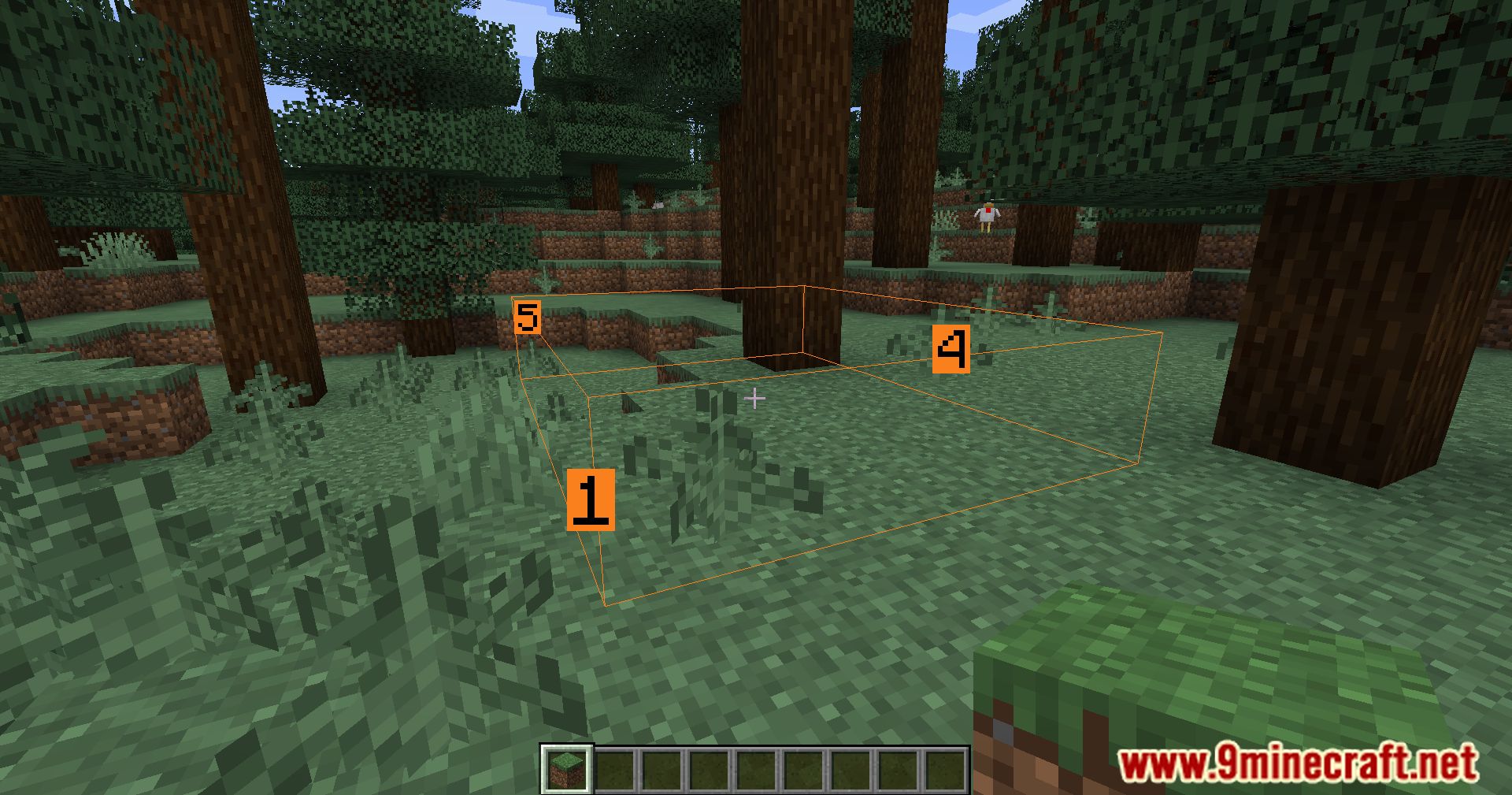
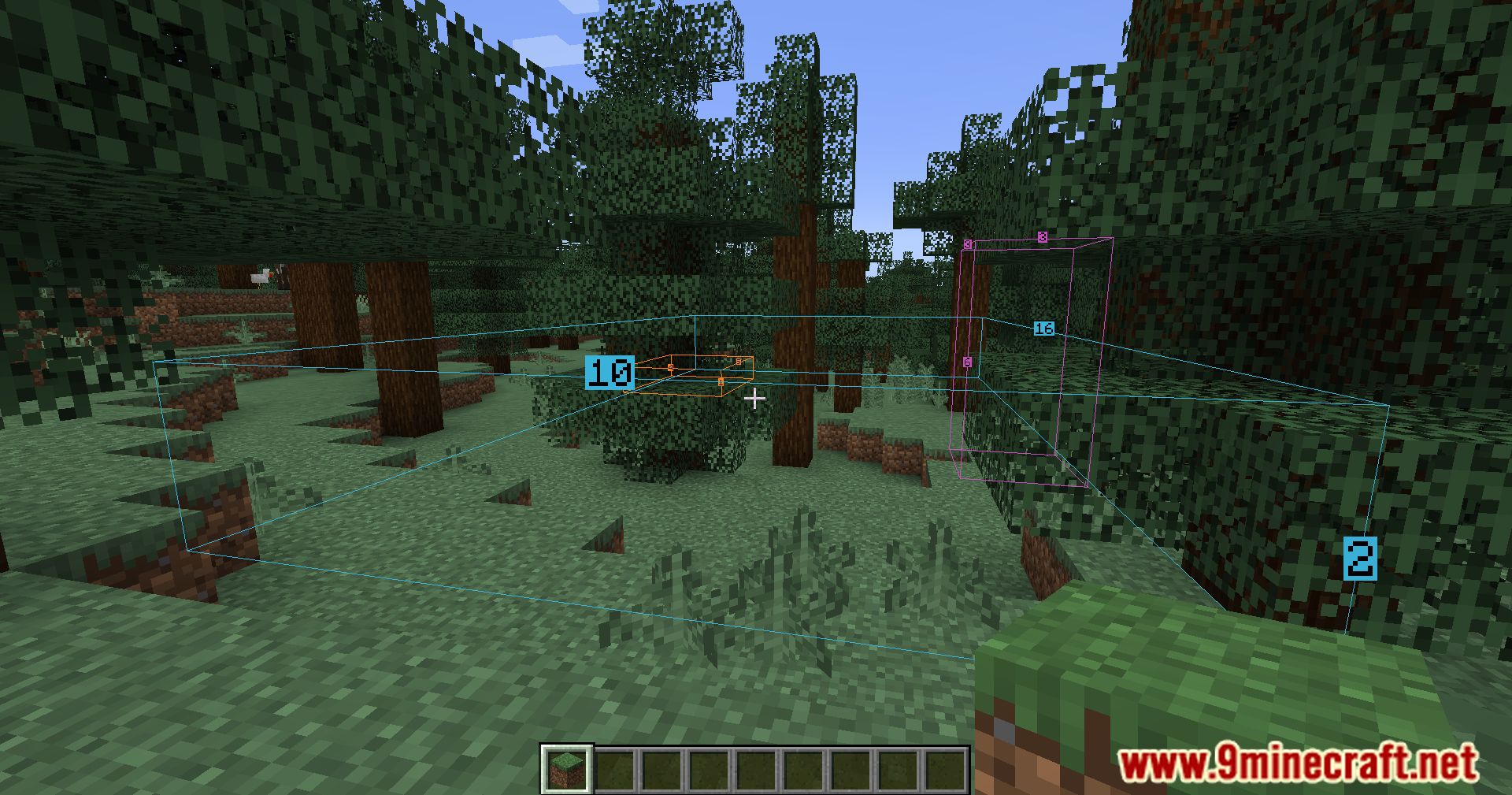
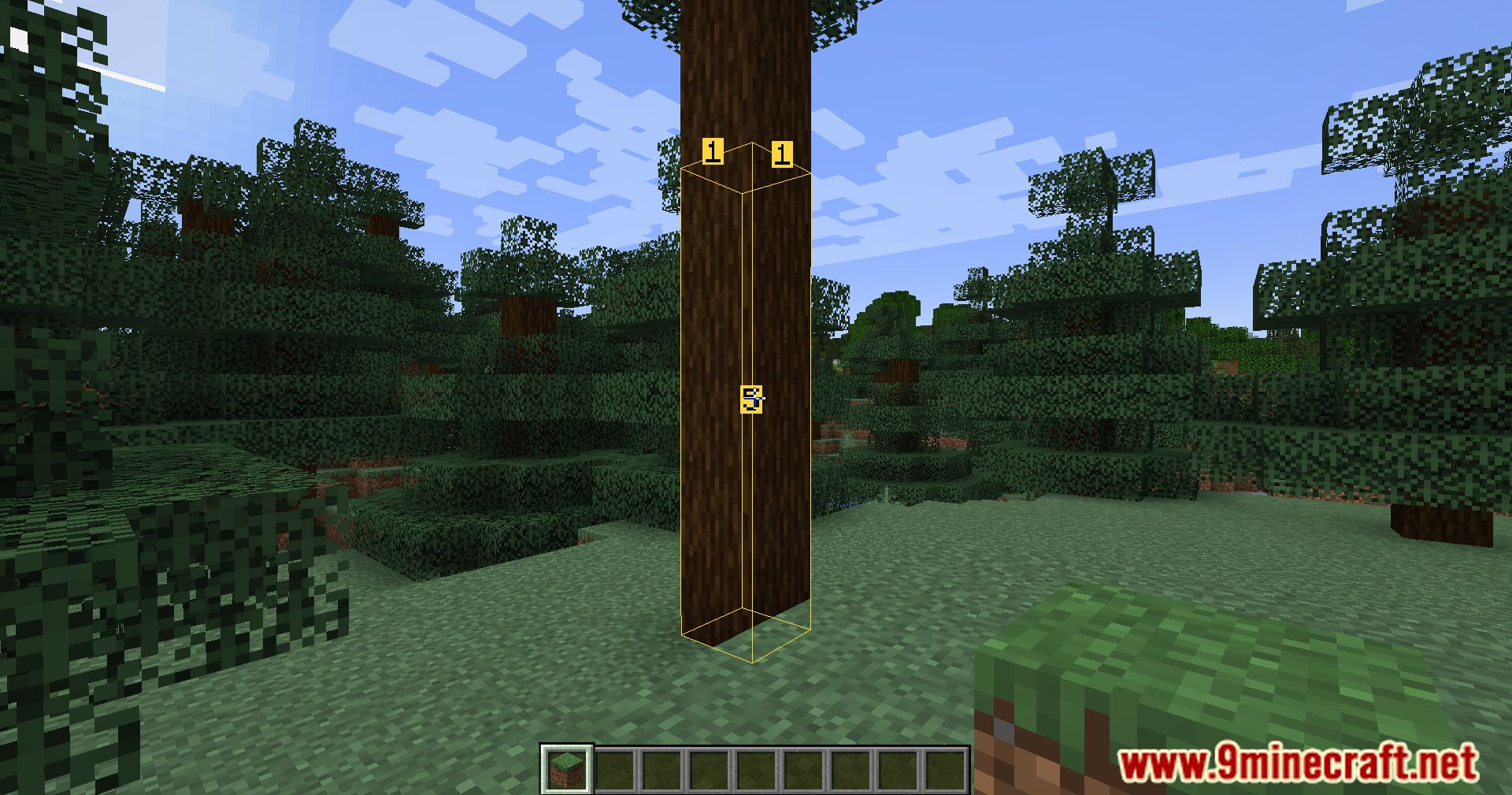
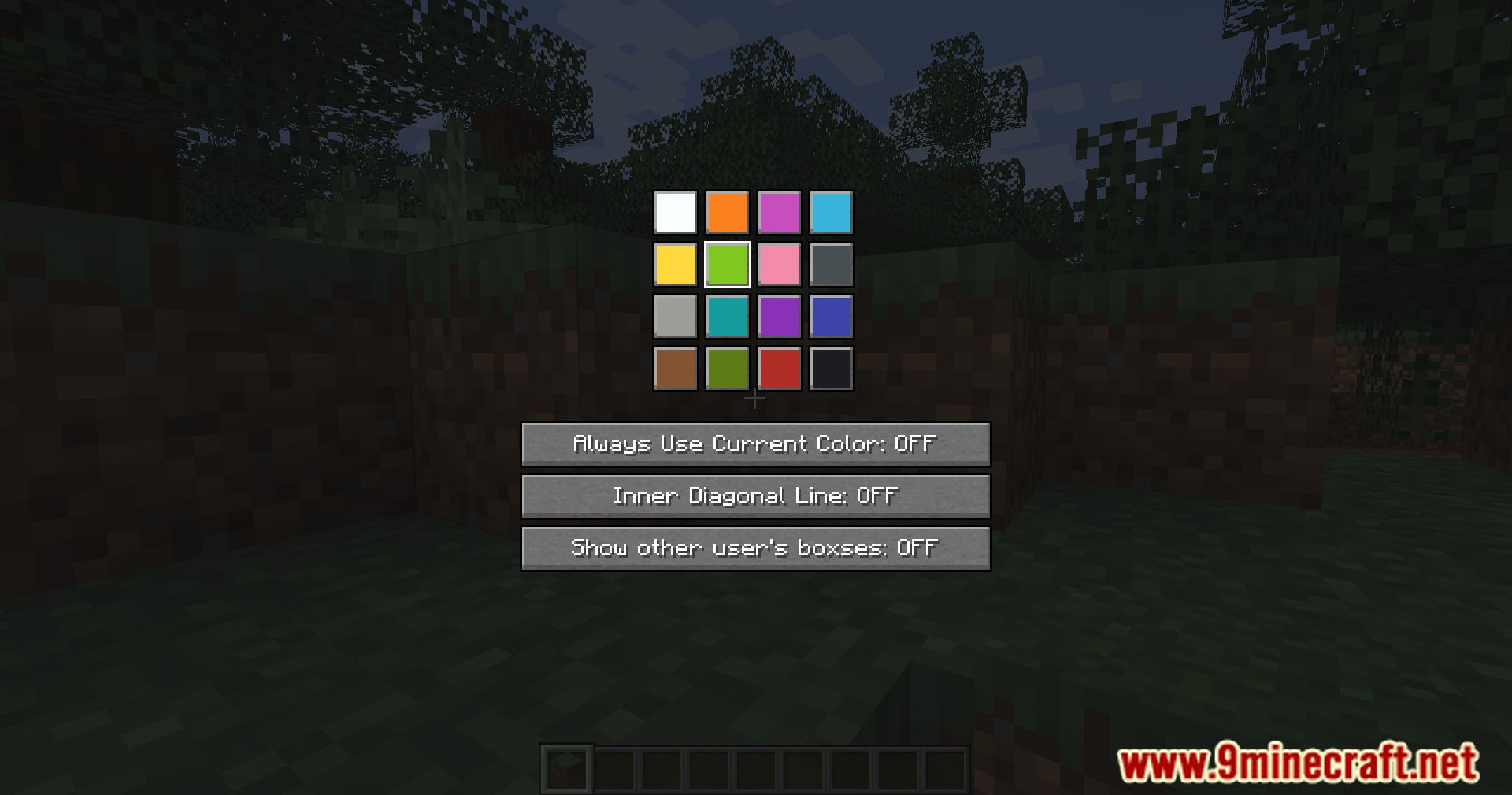
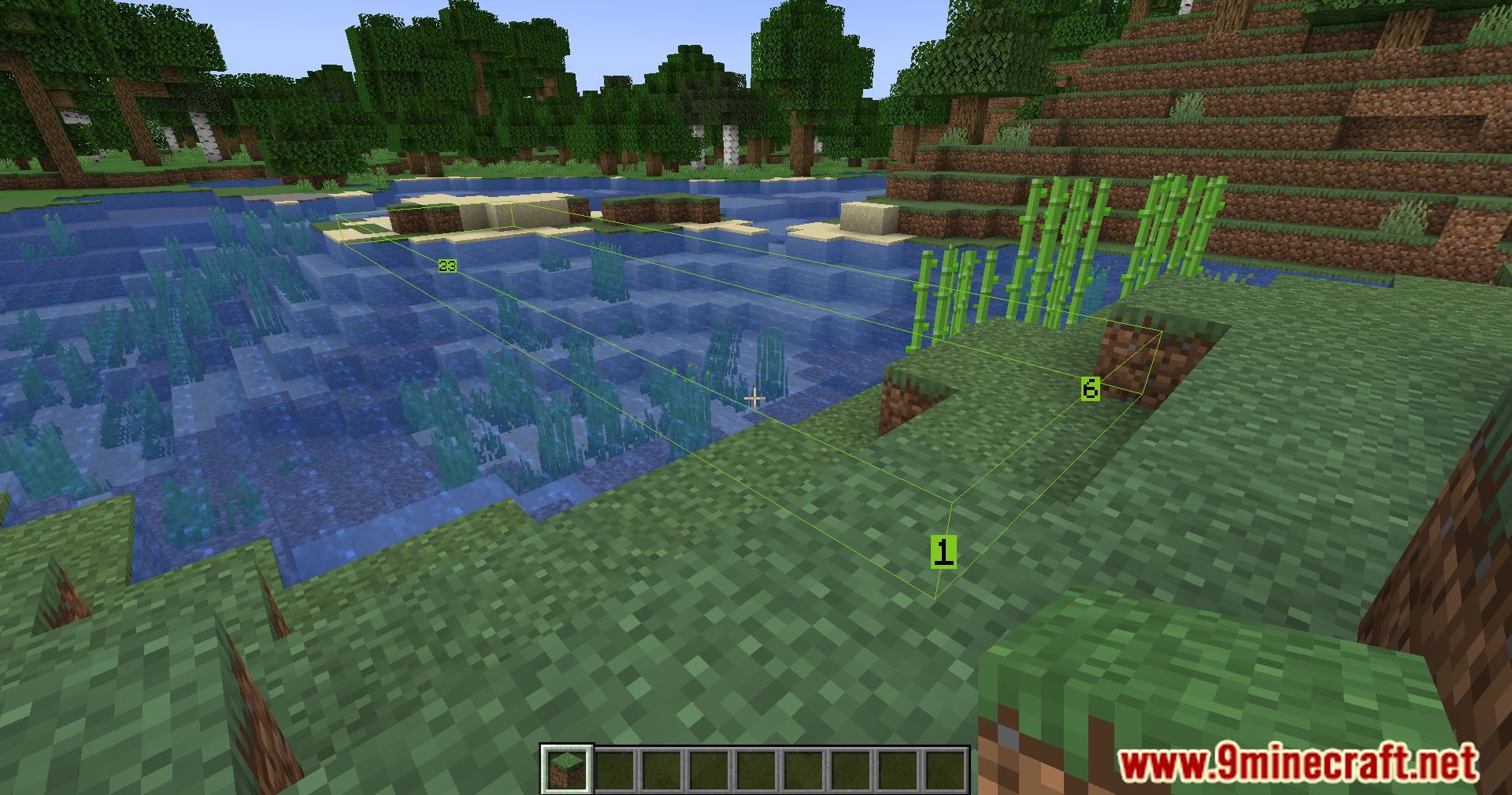
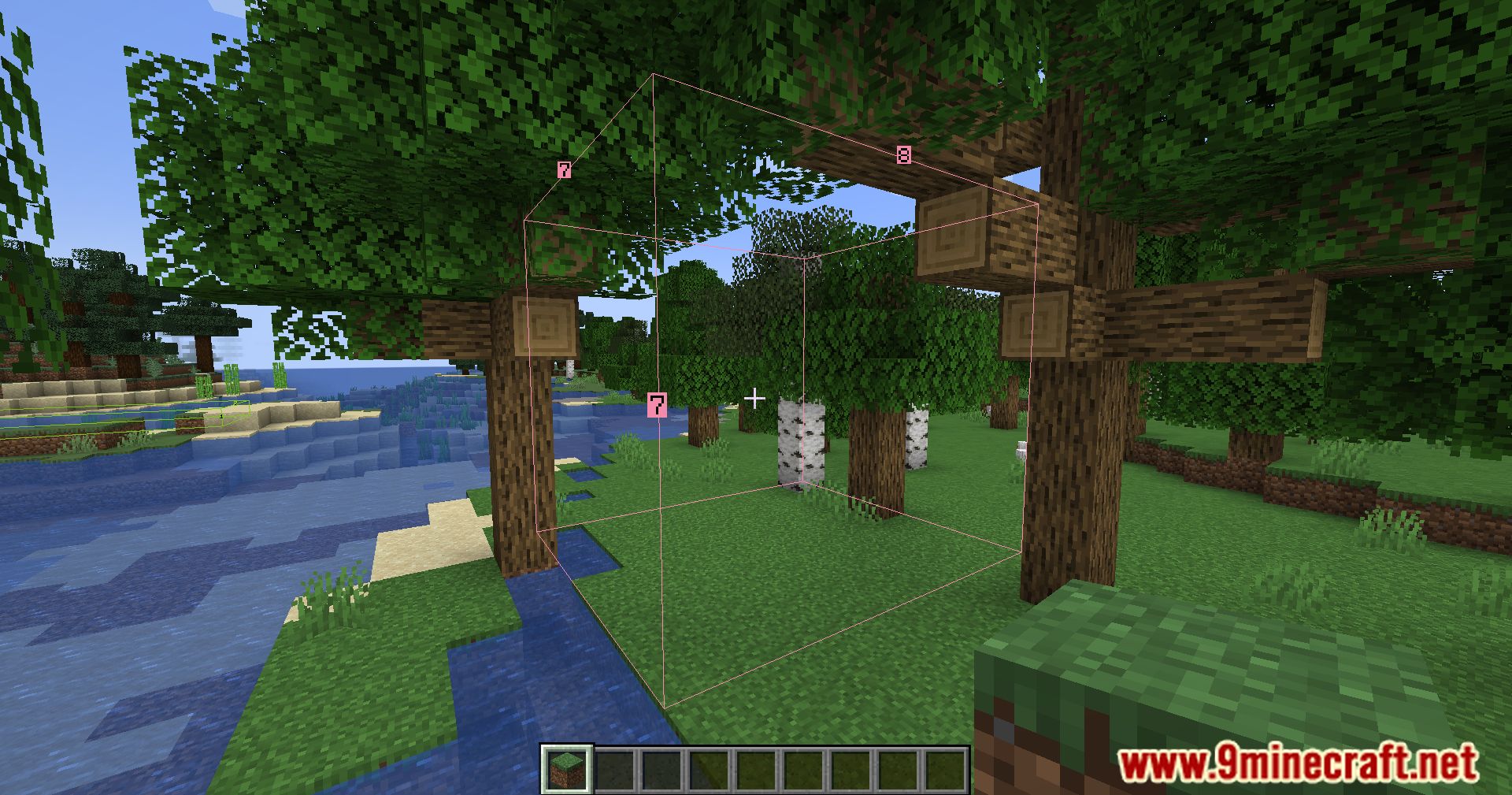
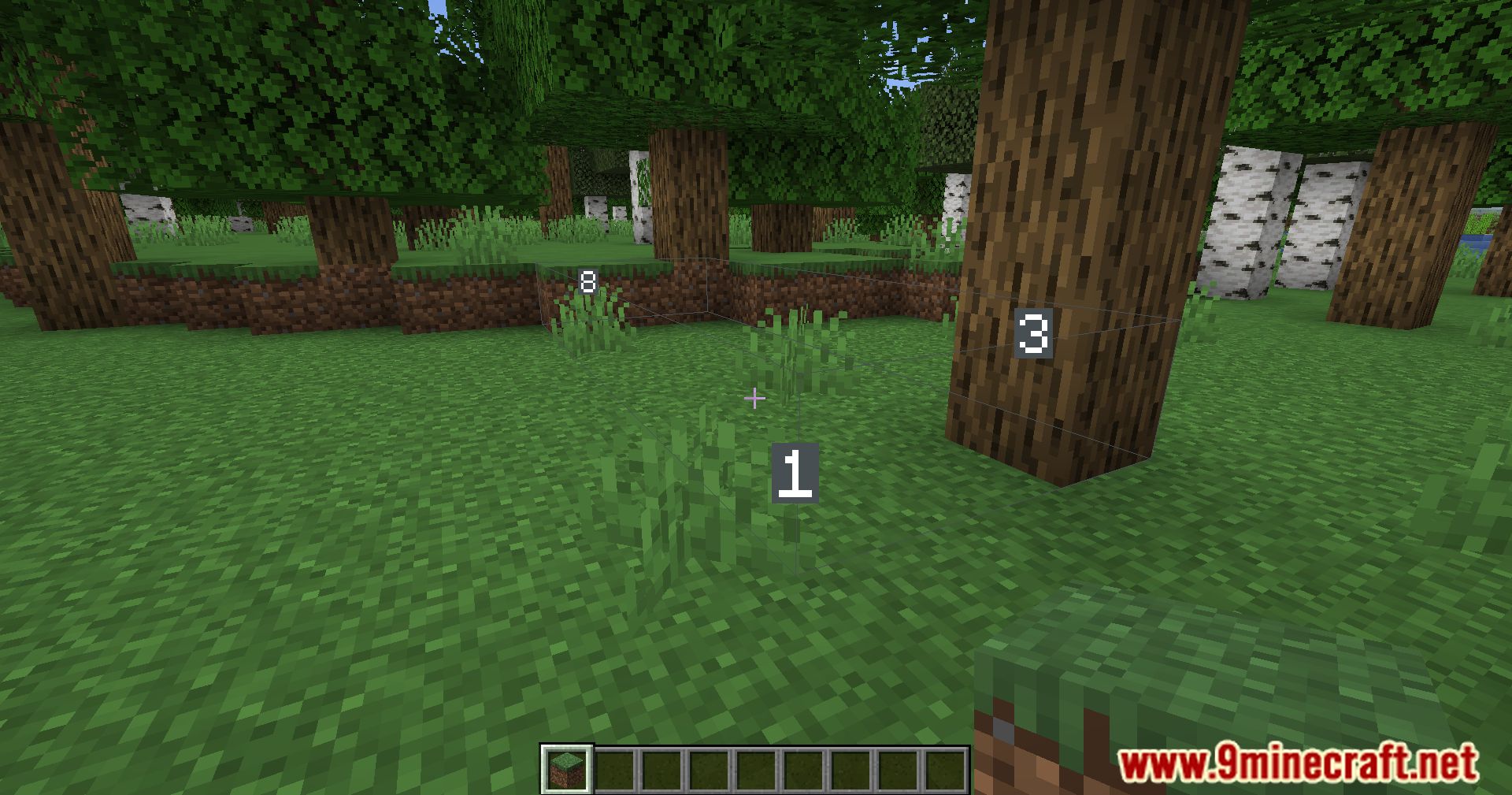
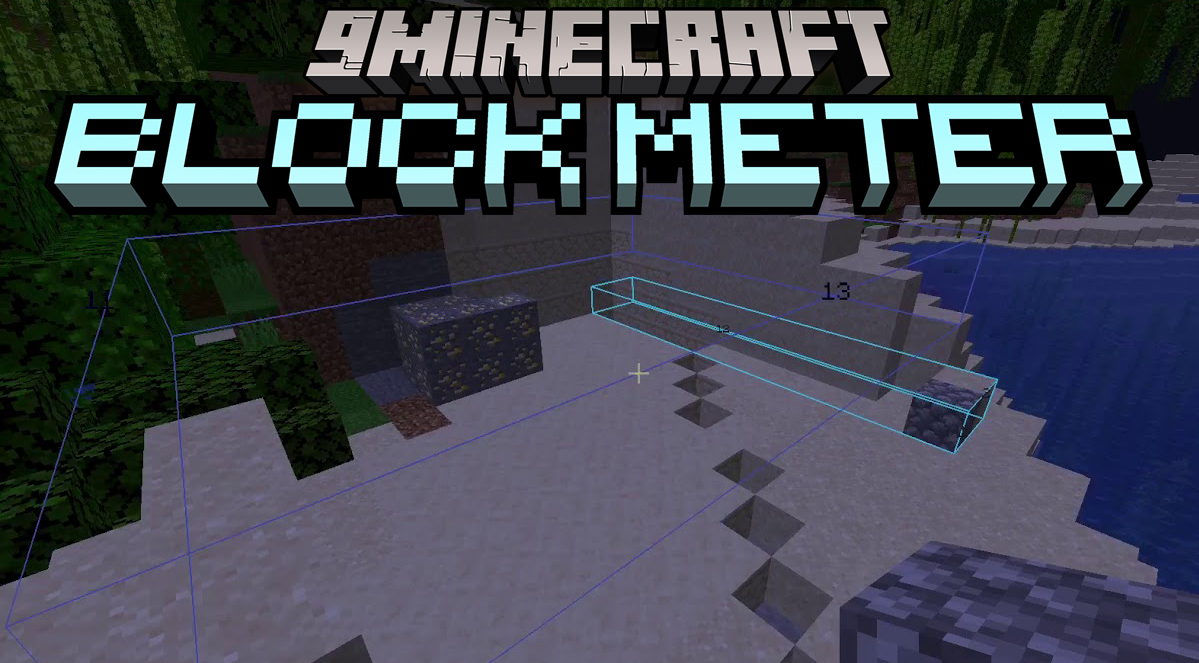
Block Meter Mod is a utility mod that allows players to measure block distances, areas, and build sizes directly in Minecraft. It helps verify alignment, plan structures, and check dimensions in both single-player and multiplayer environments.
Features:
- Measure width, height, and depth of builds
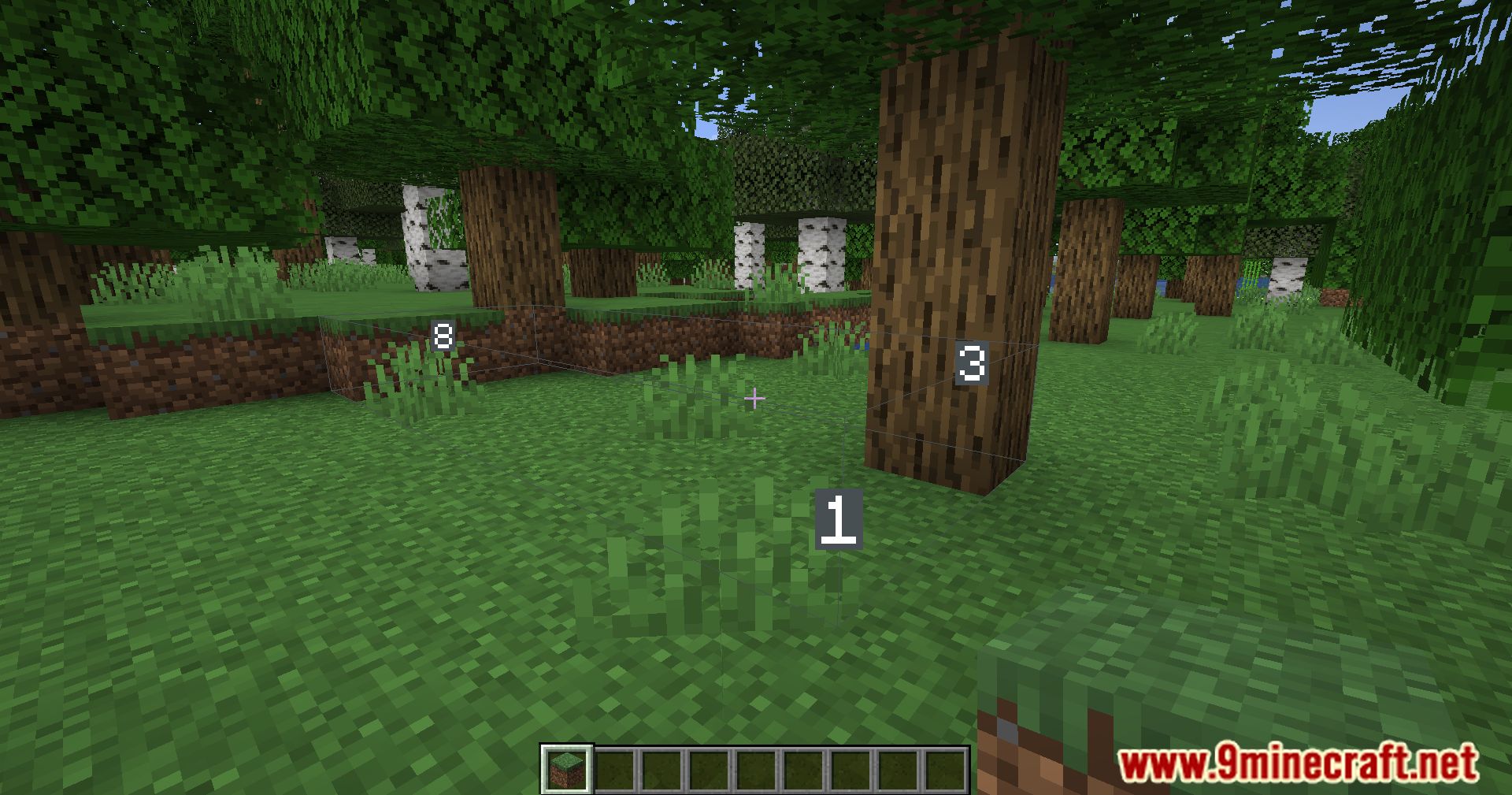
- Display 3D cuboids for visualization
- Supports multiple measurement boxes at once
- Client-side usage works on any server without installation
- Multiplayer support: see other players’ boxes if installed on server
- Shift/Ctrl controls for removing boxes
- Edit existing boxes by crouching and right-clicking
How to use:
- Hold any item in your hand and press the BlockMeter key to activate
- Right-click to set the first point
- Right-click again to set the second point and display the cuboid
- Press the key again to deactivate measurement
Shift + key: remove the last boxCtrl + key: remove all boxes- Crouch + right-click: adjust an existing box corner
- On servers with the mod:
- Press
ALTwhile holding the BlockMeter block to toggle viewing others’ boxes
- Press
Screenshots:
Block Meter Mod Download Links
Quick facts
- Edition: Minecraft Java
- File type: .jar
- Minecraft version listed: 1.20.1
- How to install: Install the matching mod loader (Forge, Fabric or NeoForge) for your Minecraft version. → Download the .jar. → Put it in the .minecraft/mods folder and launch that loader profile.
- Where to get it: In MC Java Mods, or directly above on this page.
Install steps are the general flow for this file type — How to install Minecraft Java mods & modpacks walks through it step by step.
File checked by MCModsHub
- Downloads as 27058.mcaddon
- Download size: 1.1 MB
- Download link checked 26 Sept 2026 — working
- Mirrored on our own servers — the download does not depend on the original host
These come from our own check of the pack file, not from the source page.