
ModsJava
Against Toxicity
I don't know my version or loader
Open the Minecraft launcher and look at the profile you play on — it names both, like fabric-loader-1.21.4. The version also shows in the bottom-right corner of the game's main menu.
No loader in the profile name? Then it's plain Minecraft, and these mods won't run — you need Fabric or NeoForge installed first.
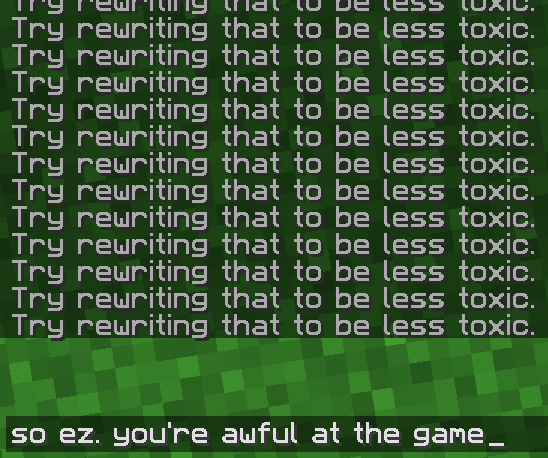
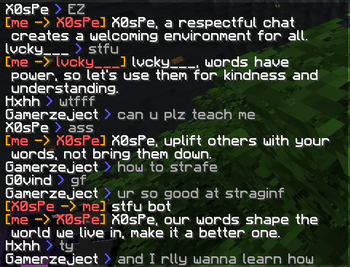
Against Toxicity is finally here!
Tired of the needless toxicity and hate that the PvP community is constantly spreading? Cope no more! Against Toxicity is a simple chat bot that will automatically remind people to be nice, whenever they're being toxic!
Features:
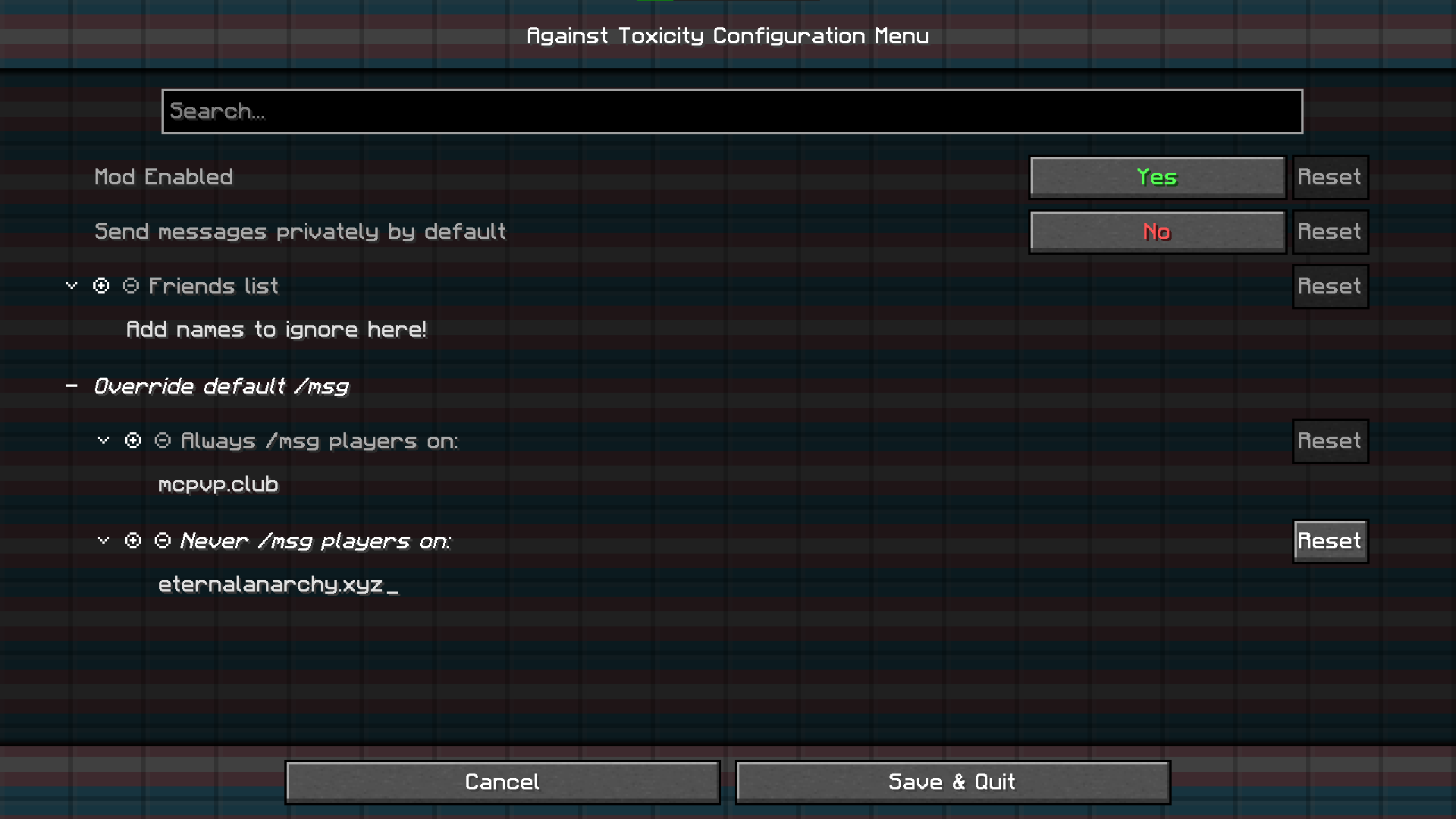
- Toggle default to private messaging (good for servers with a strict anti-spam policy)
- Configure which servers to automatically message players in private
- Friends list: ignores friends being toxic
- Self censoring, to help you become a less toxic person as well
Quick facts
- Edition: Minecraft Java
- File type: .jar
- Minecraft versions listed: 1.19.4, 1.20, 1.20.1
- How to install: Install the matching mod loader (Forge, Fabric or NeoForge) for your Minecraft version. → Download the .jar. → Put it in the .minecraft/mods folder and launch that loader profile.
- Where to get it: Opens on Modrinth — not every file is mirrored on our own servers.
Install steps are the general flow for this file type — How to install Minecraft Java mods & modpacks walks through it step by step.
Verified by MCModsHub
- Ships as AgainstToxicity-1.7.jar — drop this file into the mods folder
- Download size: 38 KB
- Download link checked 31 Aug 2026 — working
These come from our own check of the pack file, not from the source page.