
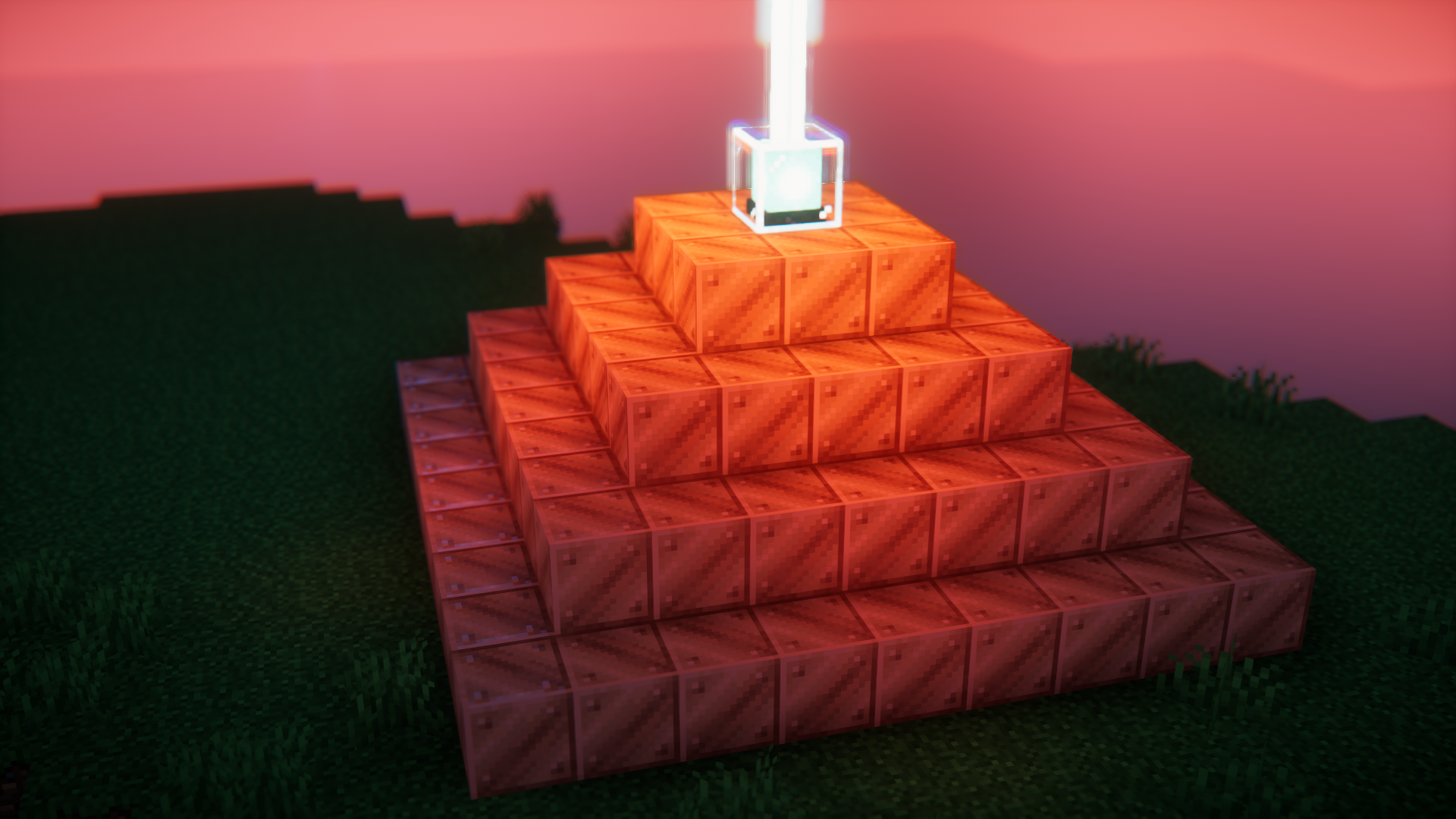
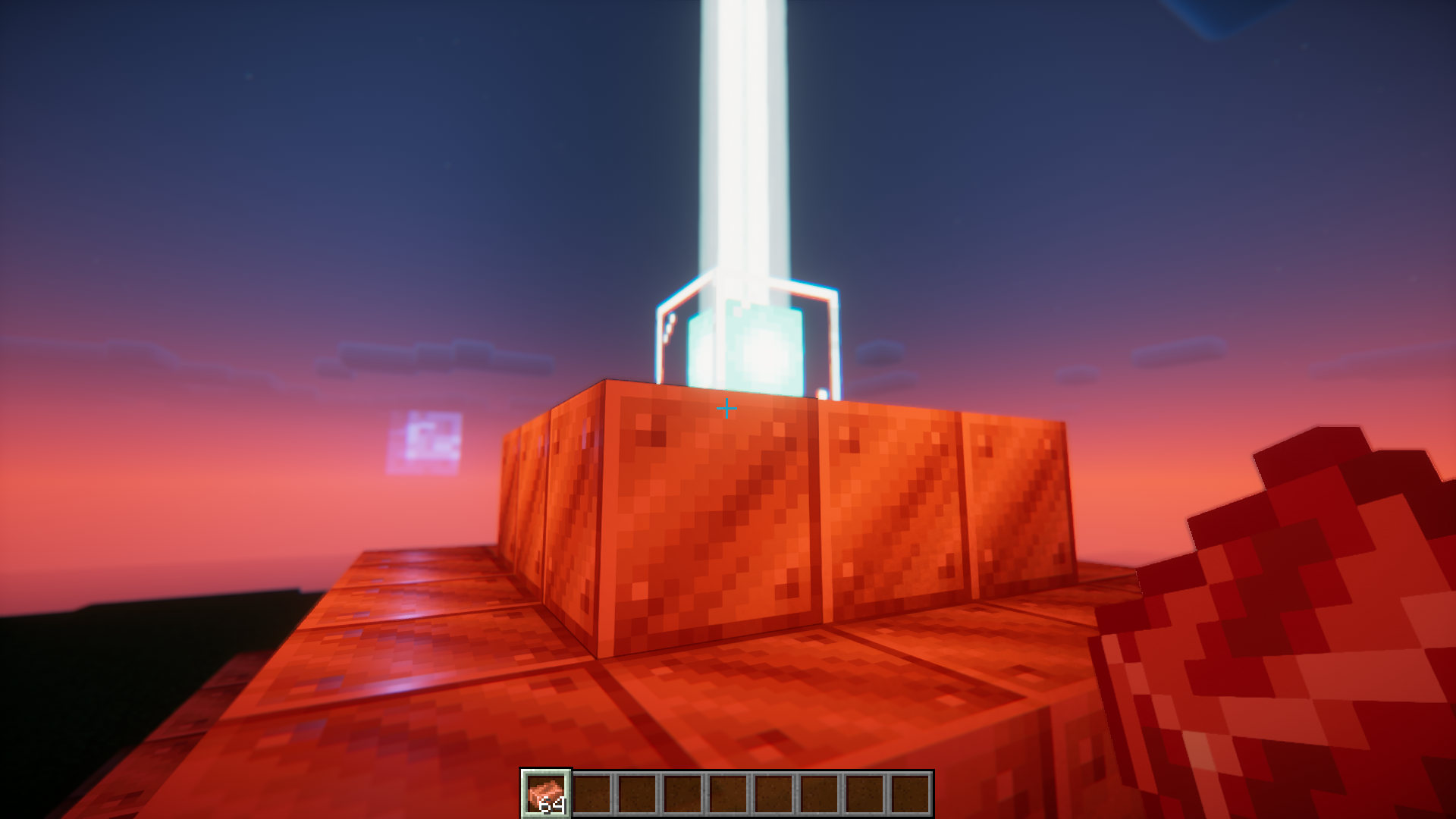
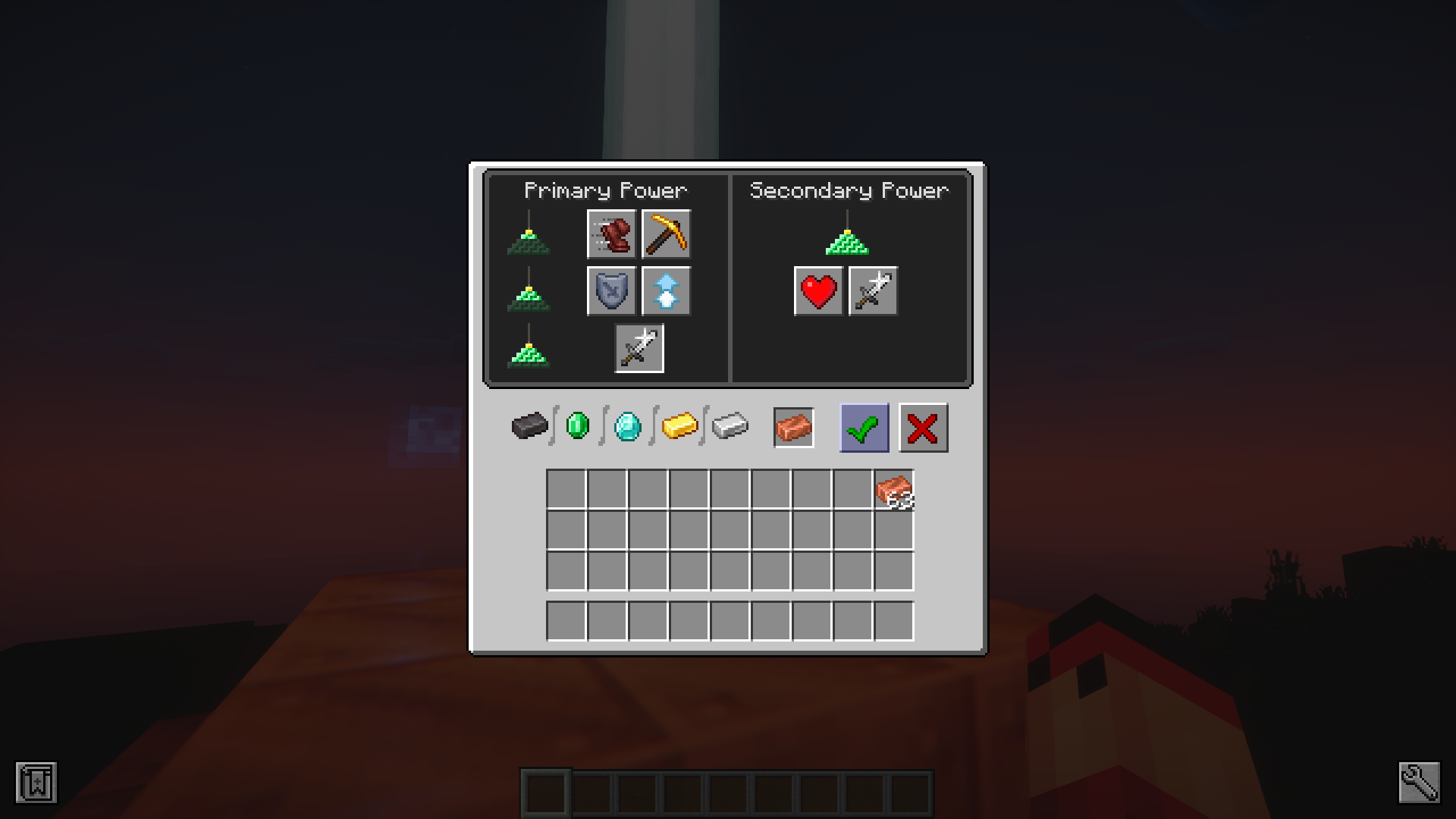
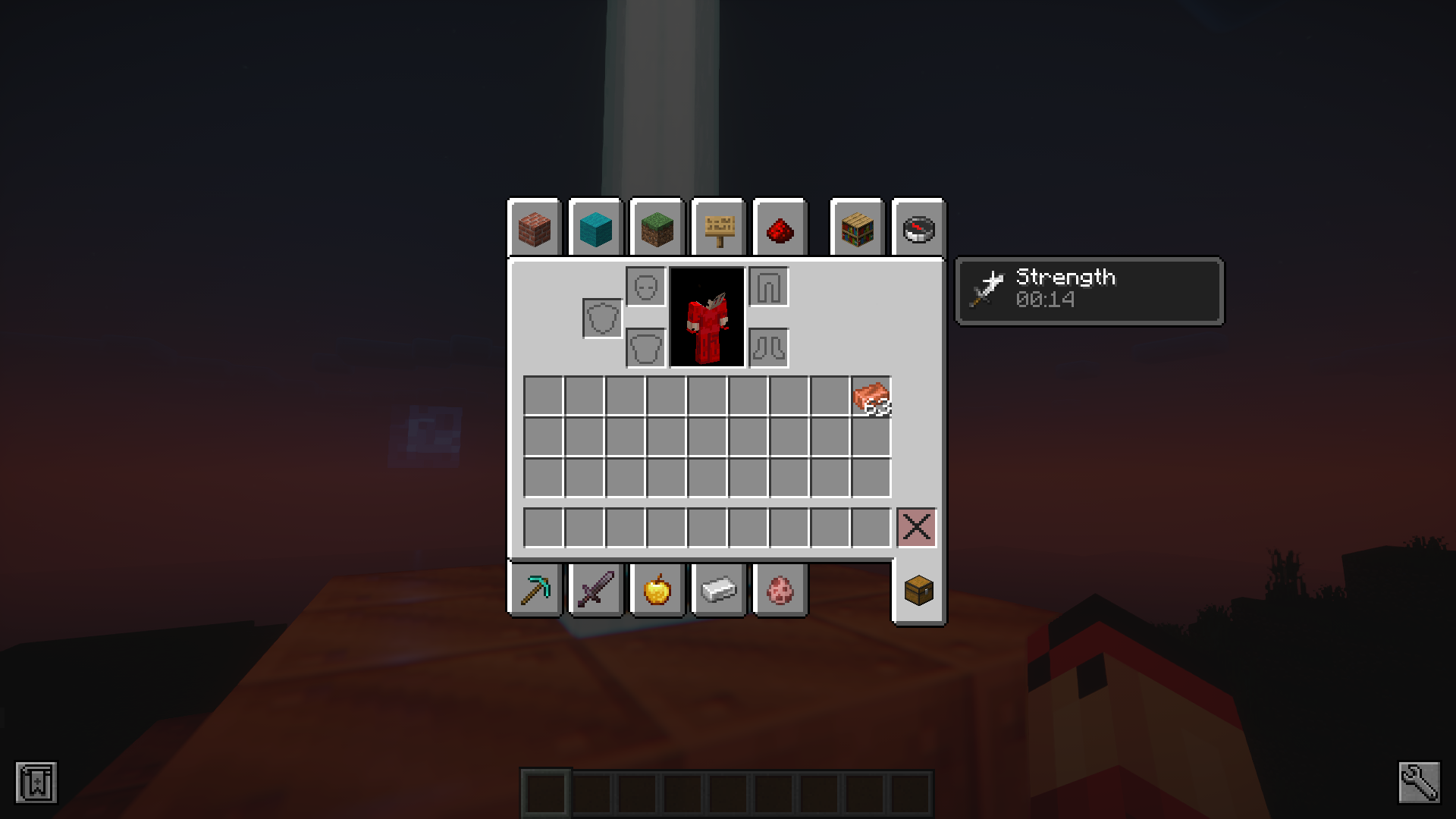
Copper Block Beacon Base Mod lets you build beacon pyramids out of copper blocks. In the base game, you can only use blocks like iron, gold, diamond, or netherite for this. This mod changes that rule so copper works too. You can place any solid copper block to make the pyramid shape. It also lets you put copper ingots into the beacon menu to turn on your player powers. Now you have a great way to spend all that extra copper you mine.
Features:
- Allows you to use copper blocks to build a beacon pyramid base.
- Beacons will accept copper ingots as payment.
- Makes copper and copper blocks a lot more useful.
Screenshots:
Copper Block Beacon Base Mod Download Links
Quick facts
- Edition: Minecraft Java
- File type: .jar
- Minecraft version listed: 1.20.1
- How to install: Install the matching mod loader (Forge, Fabric or NeoForge) for your Minecraft version. → Download the .jar. → Put it in the .minecraft/mods folder and launch that loader profile.
- Where to get it: In MC Java Mods, or directly above on this page.
Install steps are the general flow for this file type — How to install Minecraft Java mods & modpacks walks through it step by step.
Verified by MCModsHub
- Downloads as 27066.mcaddon
- Download size: 15 KB
- Download link checked 25 Sept 2026 — working
- Mirrored on our own servers — the download does not depend on the original host
These come from our own check of the pack file, not from the source page.