Home›Java›Mods›Re-Dye Glass Mod (26.2, 1.20.1) – Allows The Recoloring Of Glass Blocks & Glass Panes
ModsJava
Re-Dye Glass Mod (26.2, 1.20.1) – Allows The Recoloring Of Glass Blocks & Glass Panes
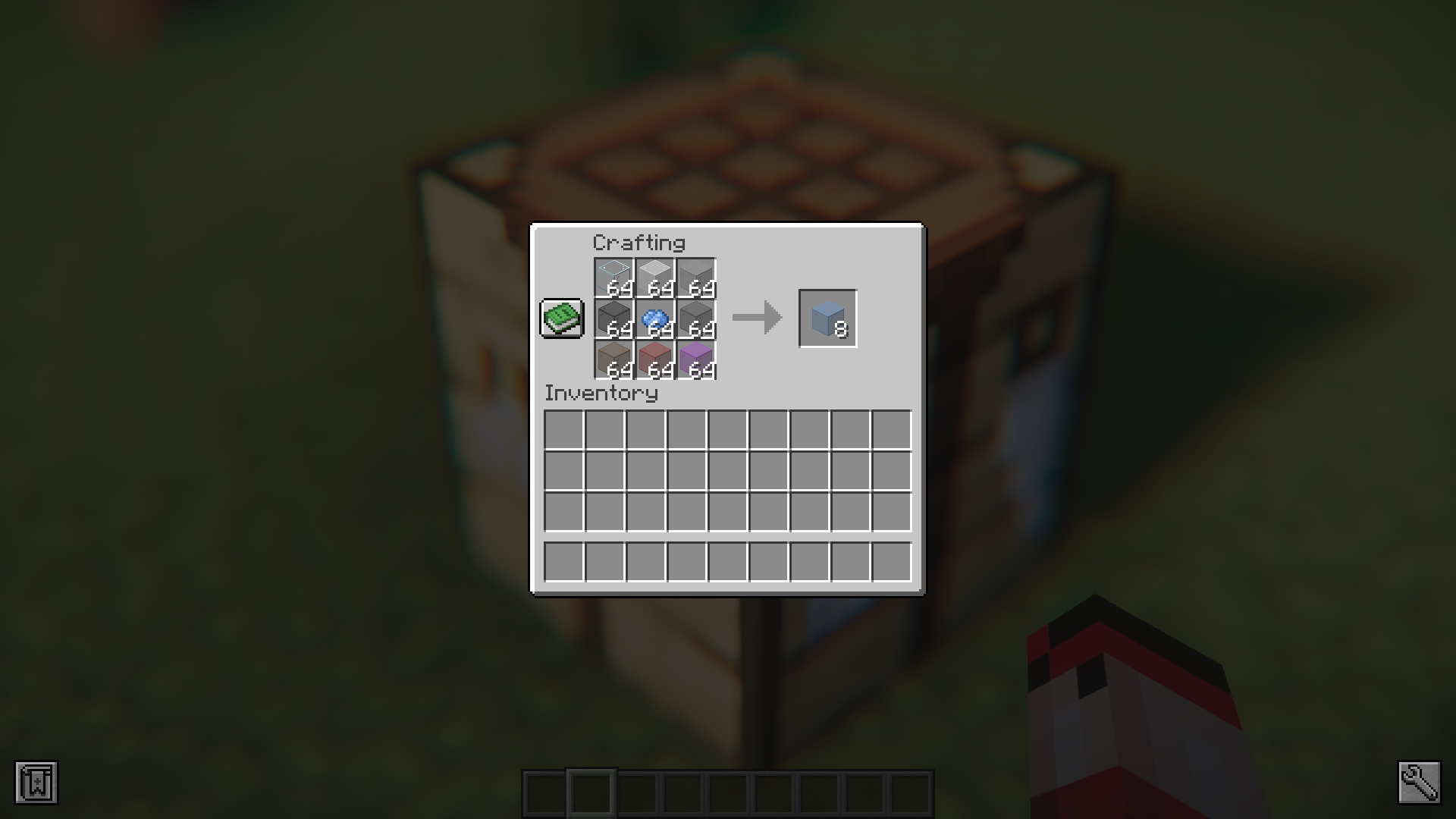
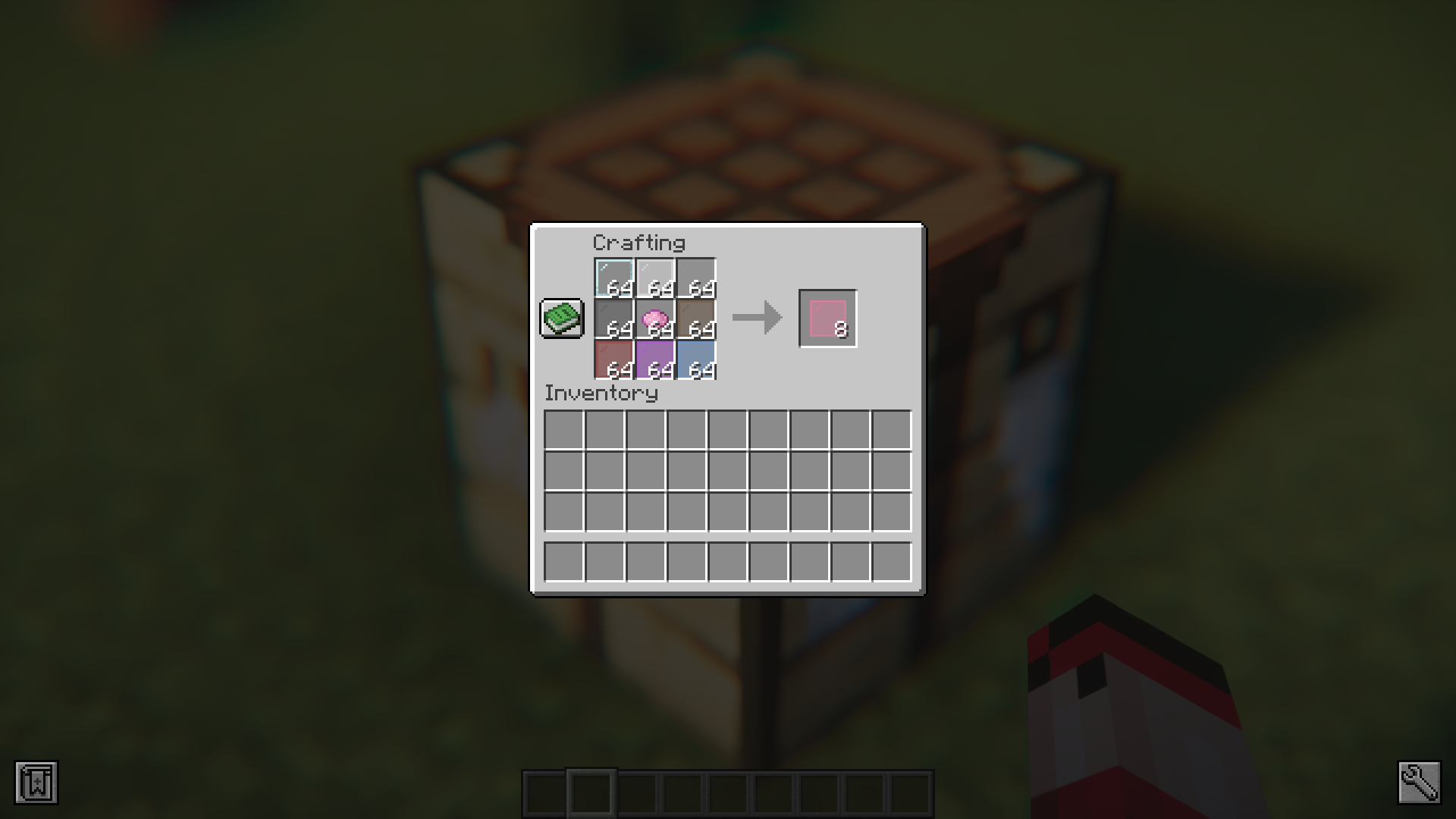
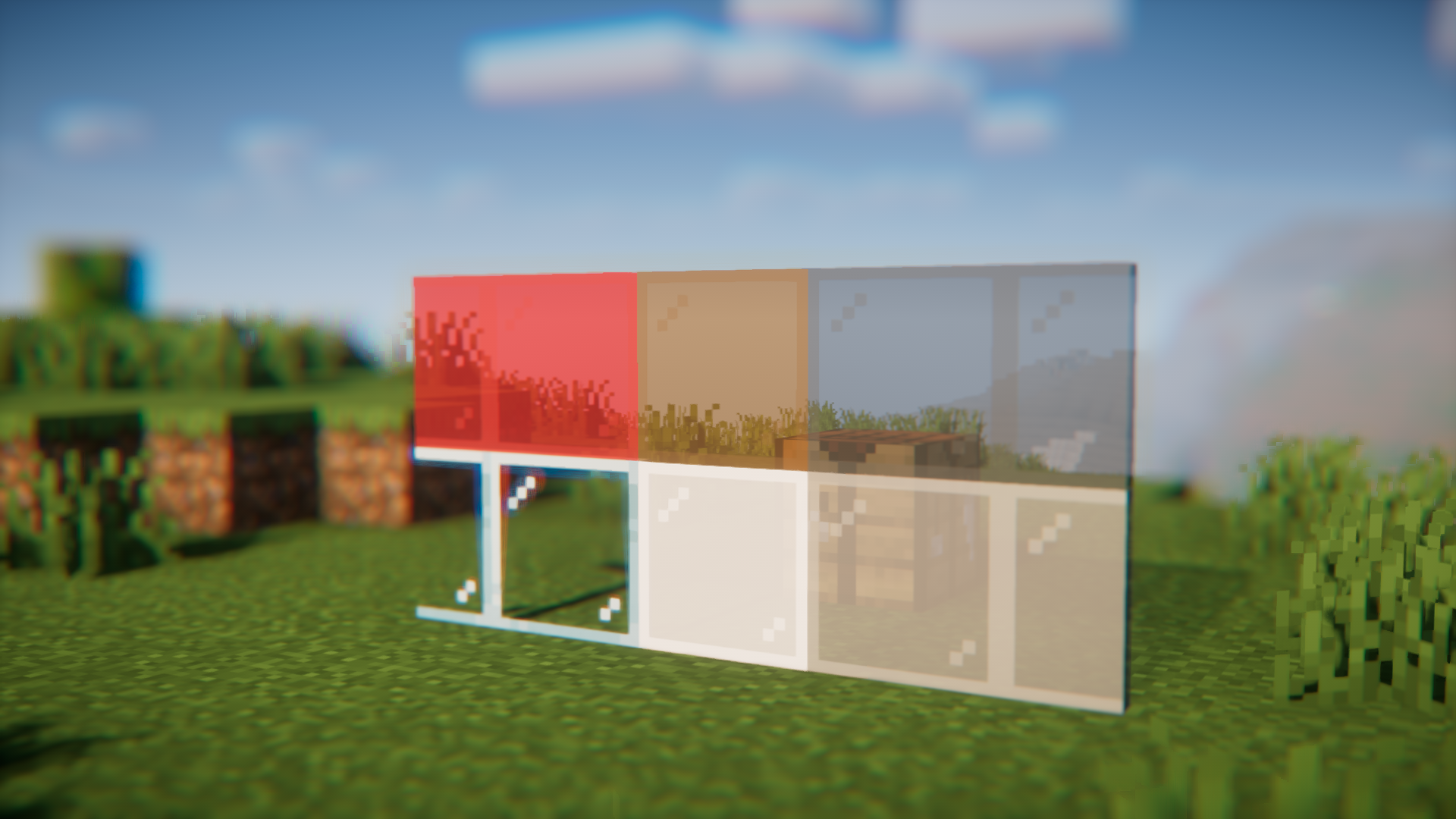
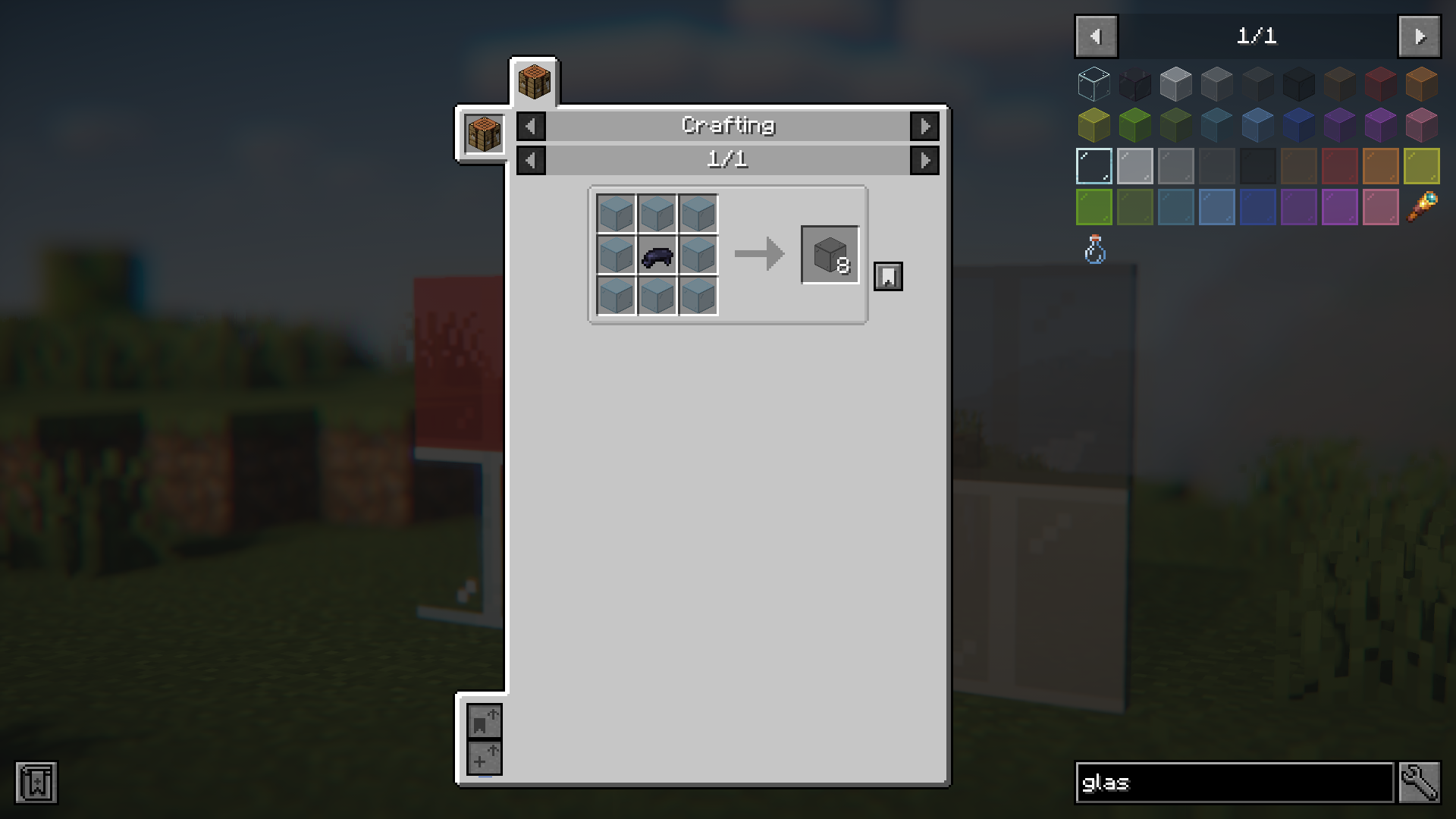
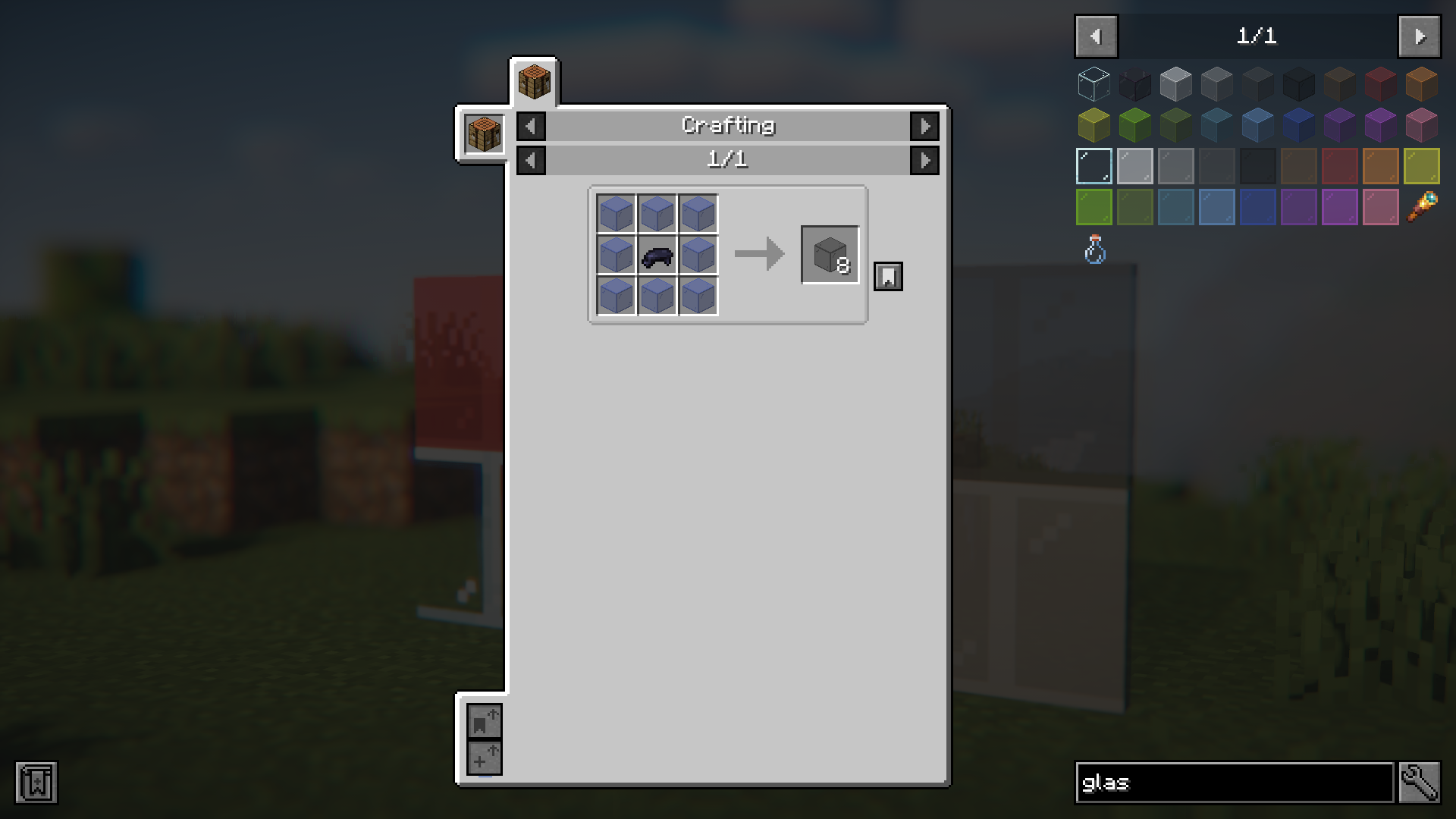
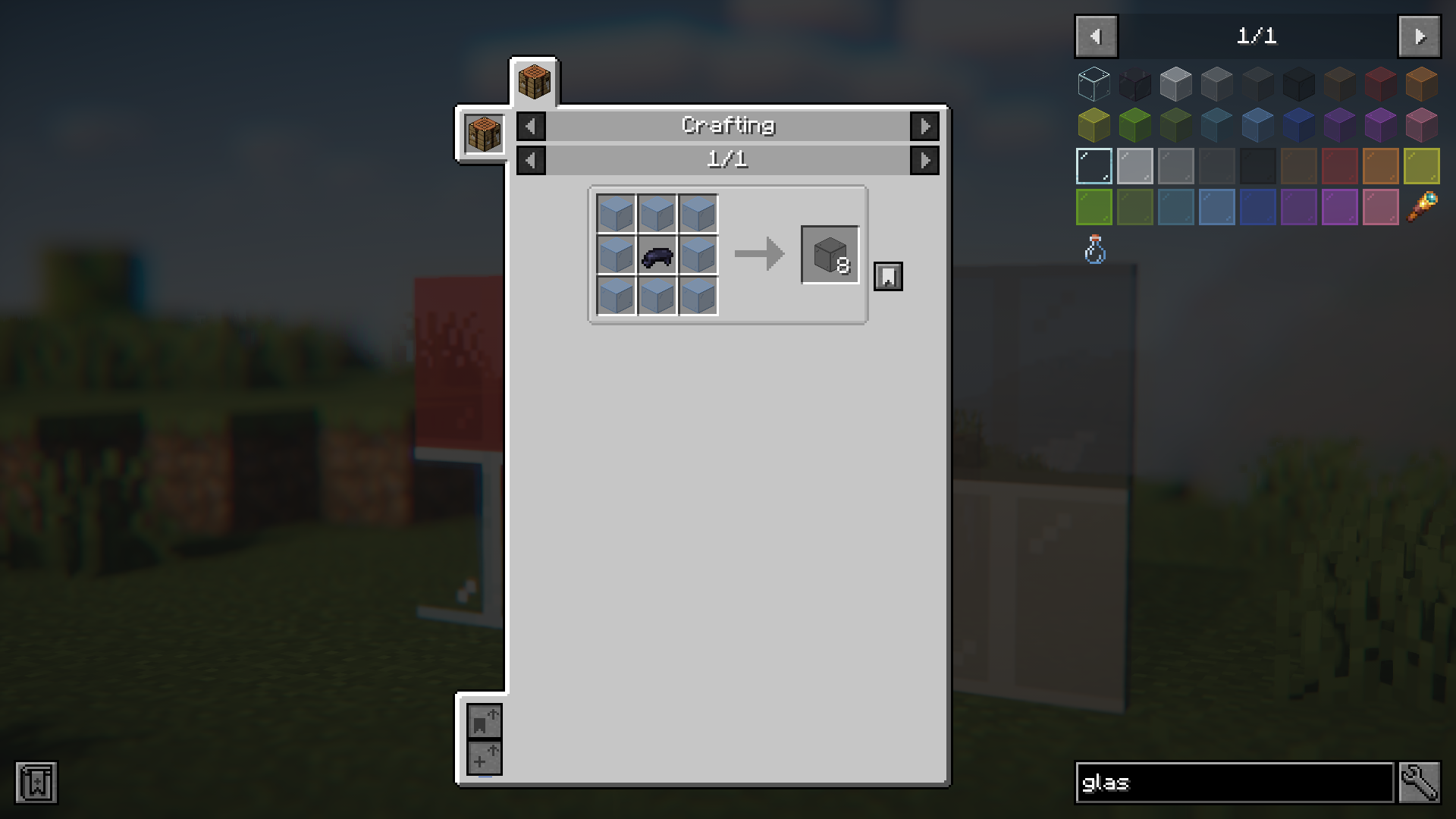
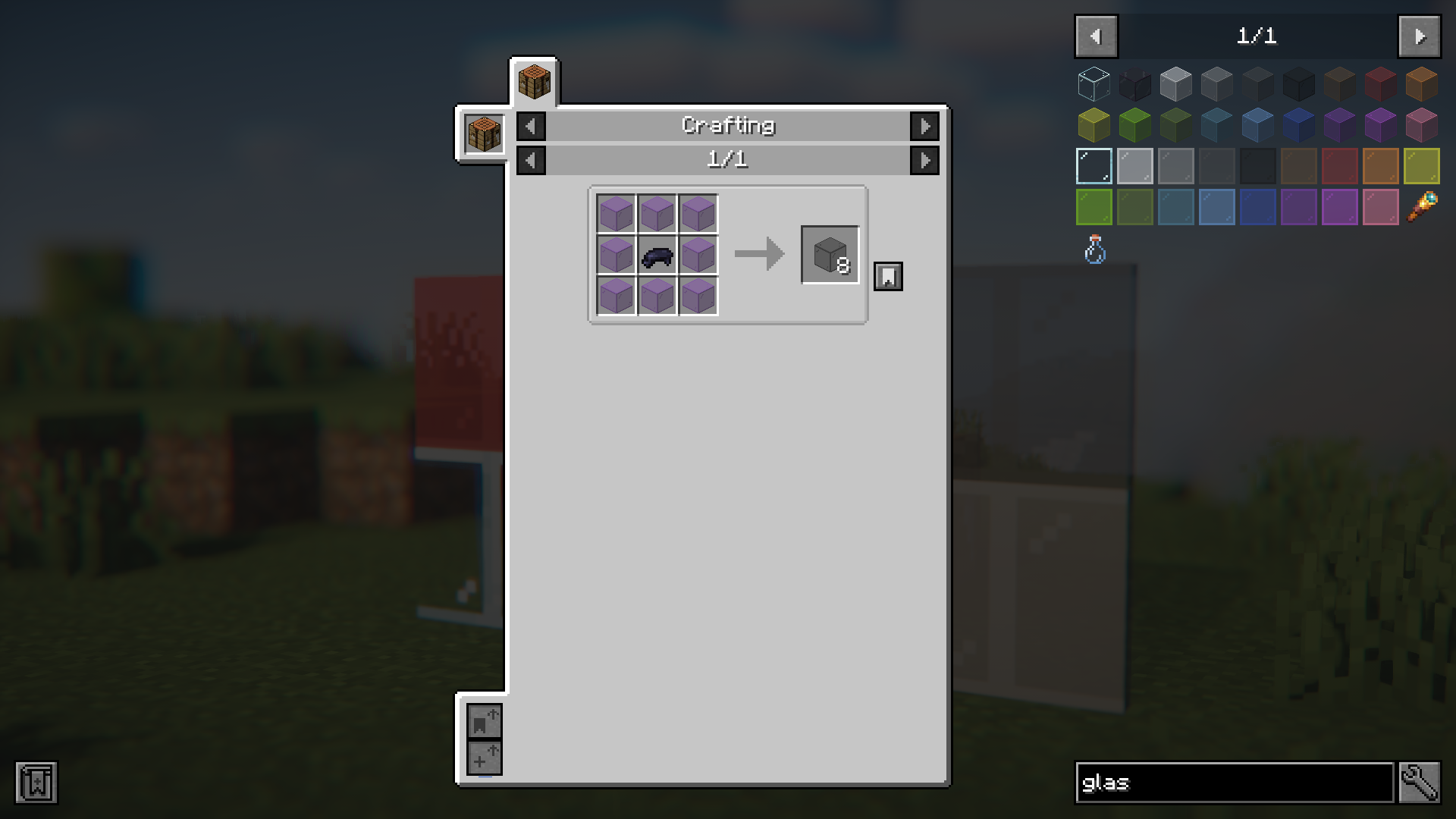
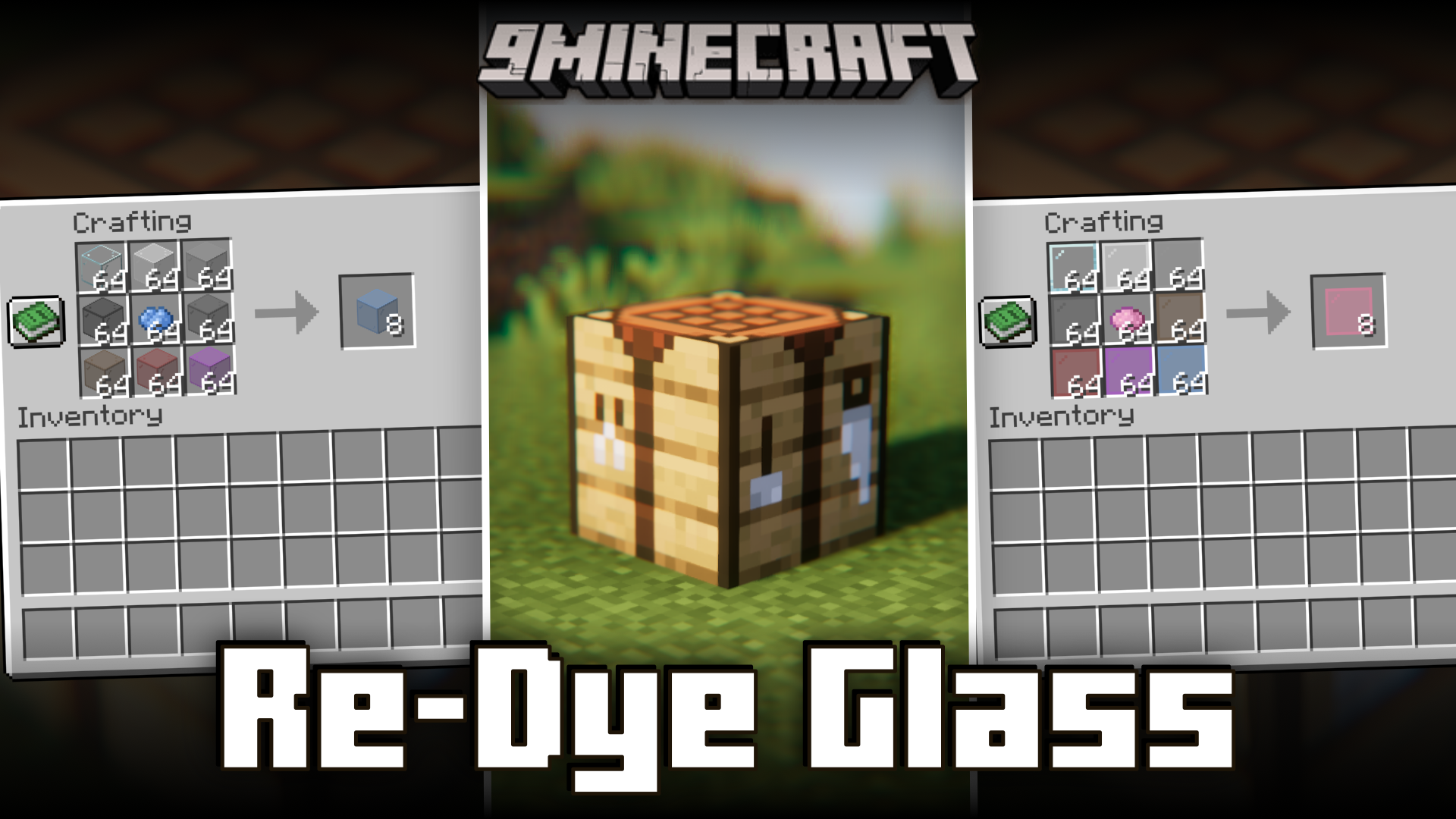
In the vanilla game, once a dye is applied to a glass block, it cannot be reversed or recolored. If you accidentally apply the wrong dye to a stack of glass blocks, the change is irreversible. The same applies to glass panes as well. But not anymore! Re-Dye Glass Mod allows you to apply new dyes onto already colored glass blocks and glass panes, allowing you to recycle them into a new color of your choice. This will help save a ton of resources when dealing with large multi-colored glass structures.
Features:
- Allows you to recolor already dyed glass blocks and glass panes.
- The crafting recipe to dye glass blocks treats all colored glass as the same.
- Helps save resources.
Screenshots:
Re-Dye Glass Mod Download Links
Quick facts
- Edition: Minecraft Java
- File type: .jar
- Minecraft version listed: 1.20.1
- How to install: Install the matching mod loader (Forge, Fabric or NeoForge) for your Minecraft version. → Download the .jar. → Put it in the .minecraft/mods folder and launch that loader profile.
- Where to get it: In MC Java Mods, or directly above on this page.
Install steps are the general flow for this file type — How to install Minecraft Java mods & modpacks walks through it step by step.
Verified by MCModsHub
- Downloads as 27067.mcaddon
- Download size: 26 KB
- Download link checked 23 Sept 2026 — working
- Mirrored on our own servers — the download does not depend on the original host
These come from our own check of the pack file, not from the source page.