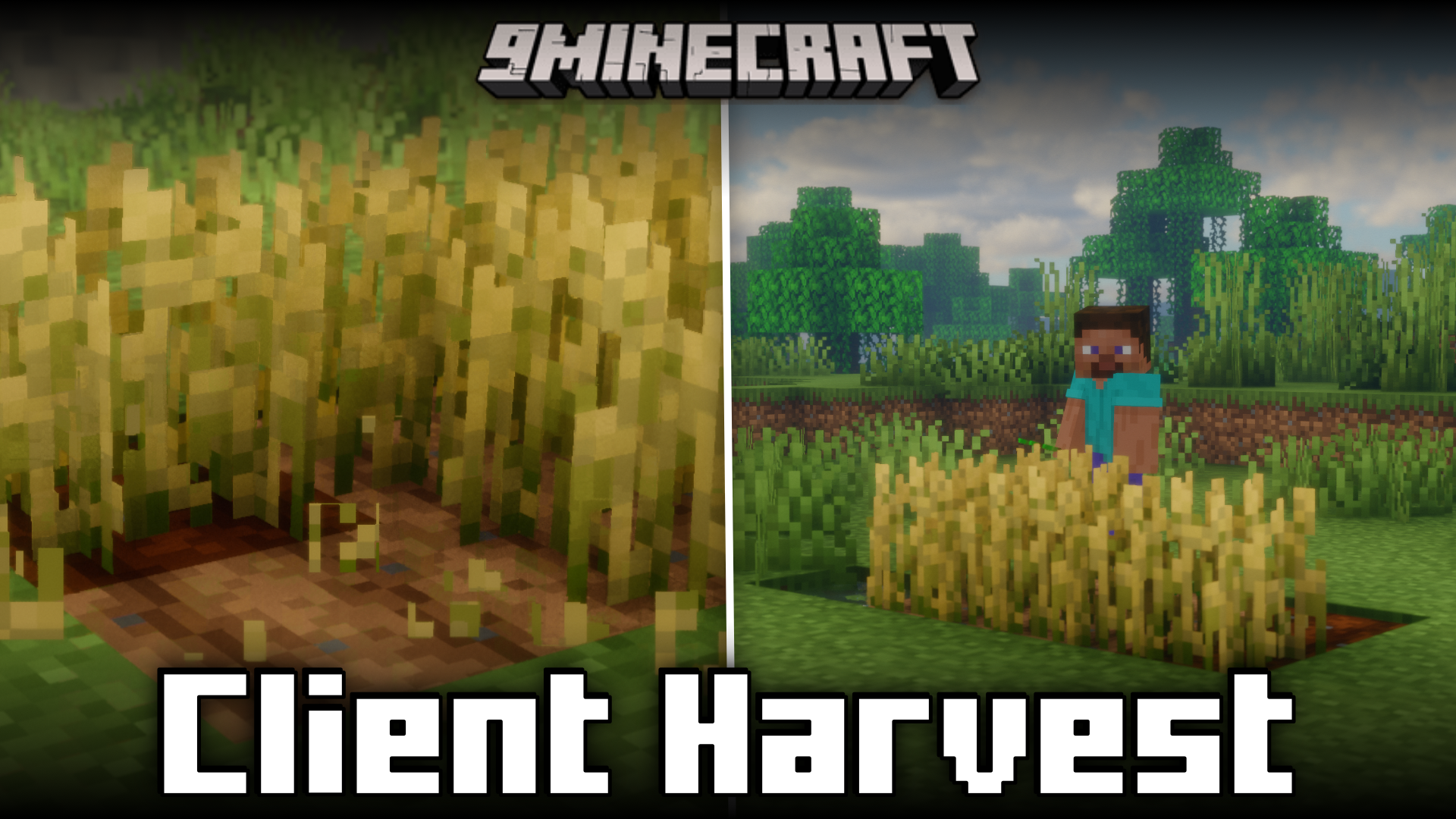
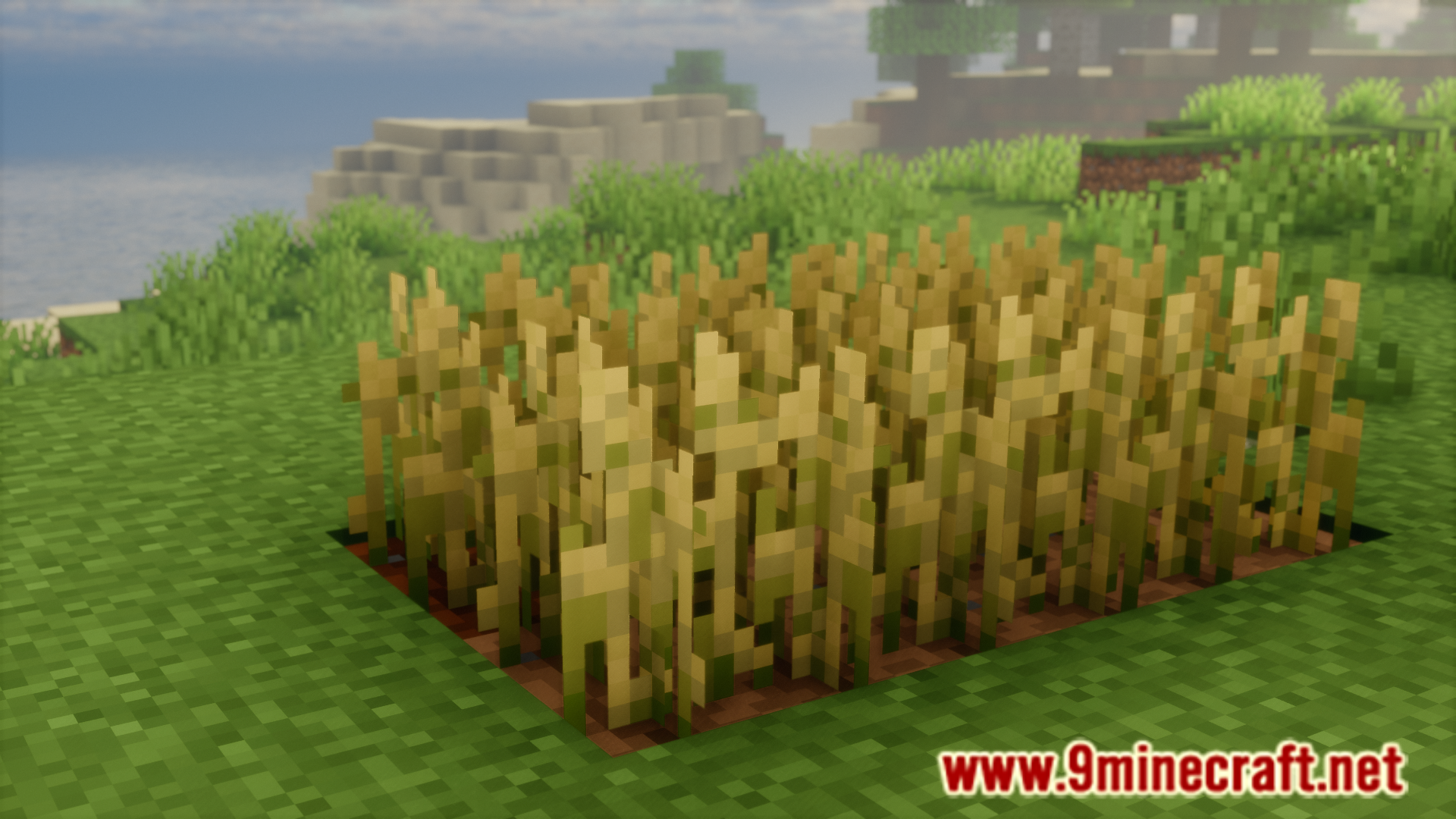
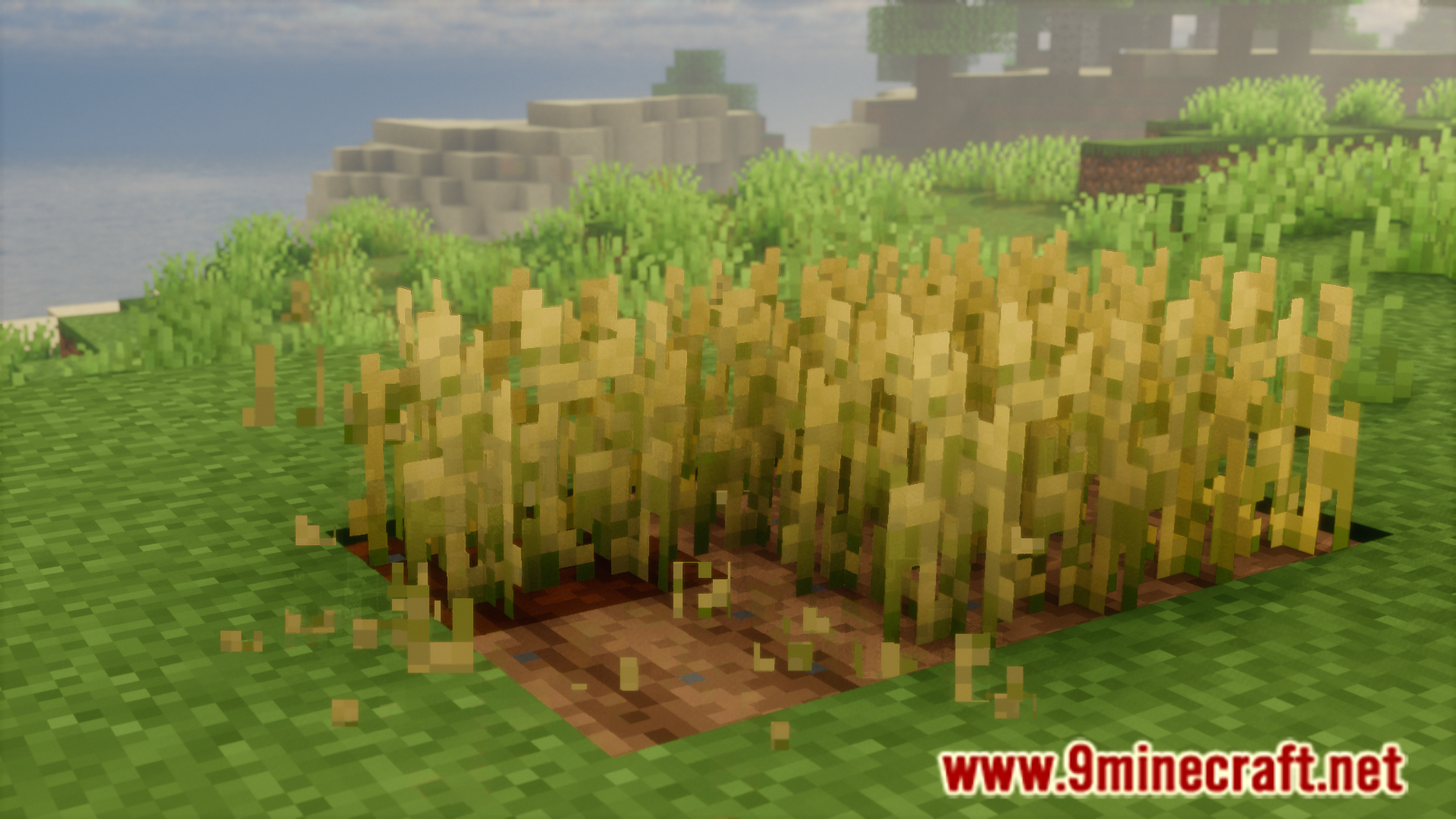
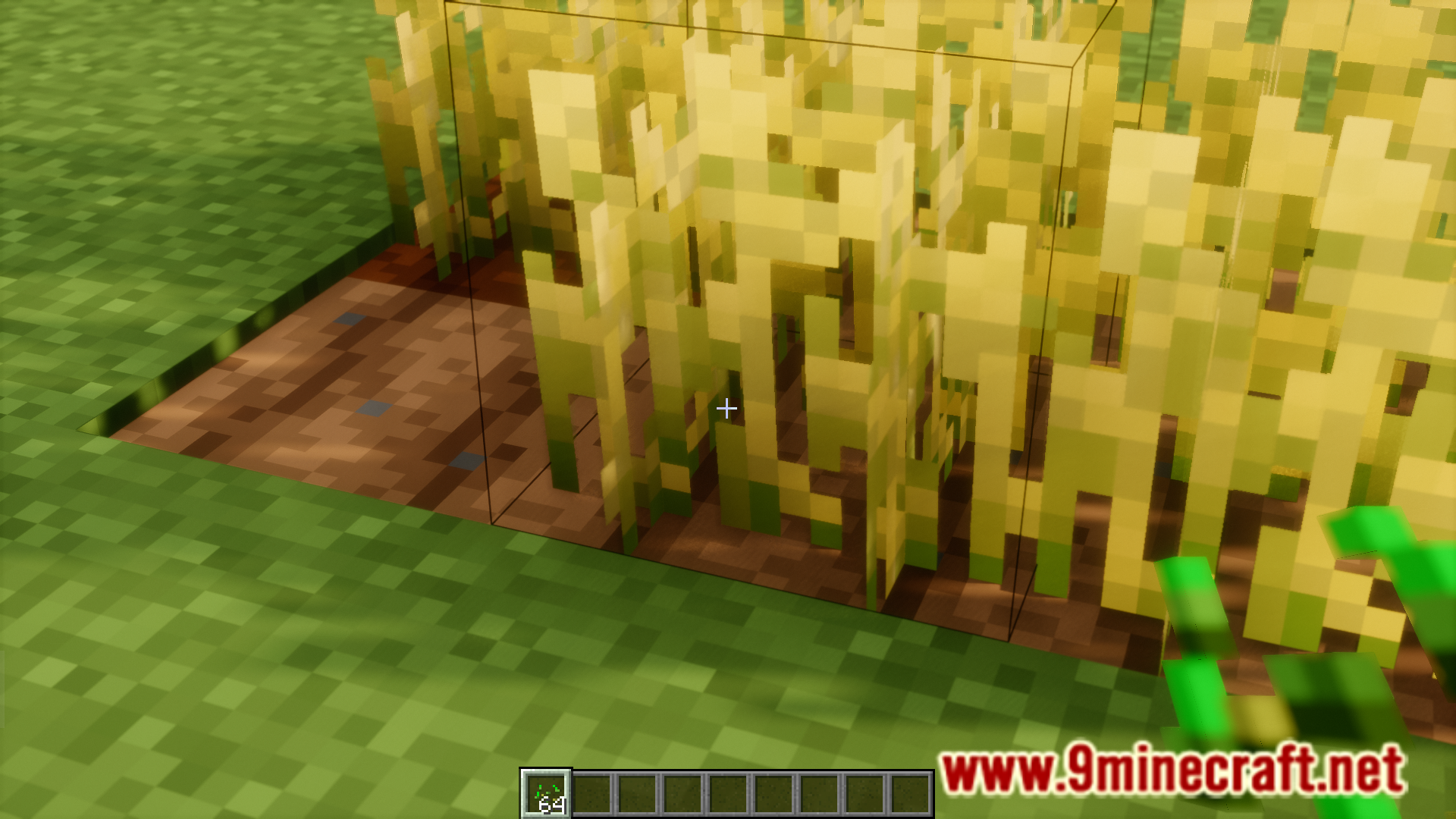
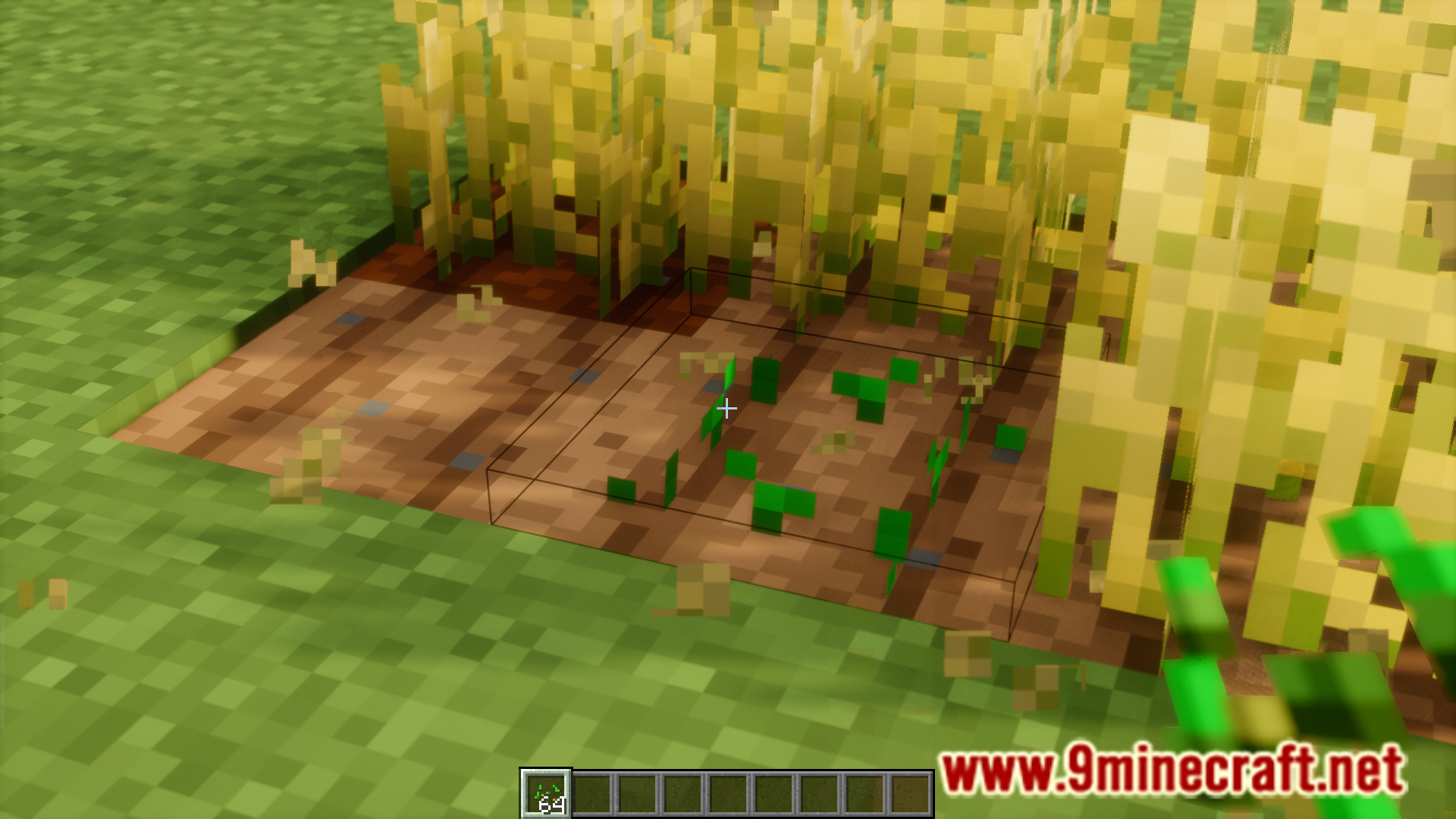
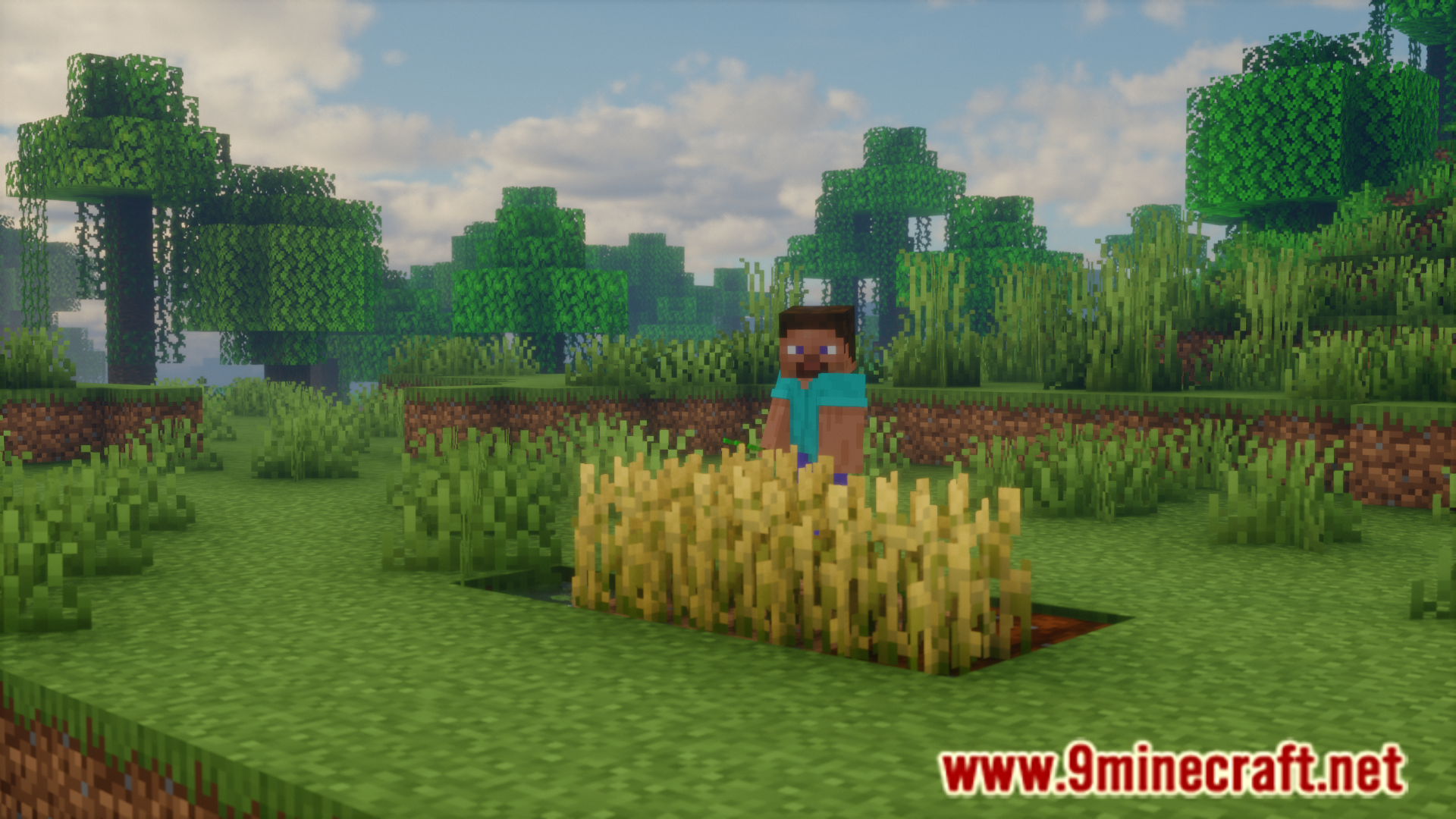
To break a fully grown crop in Minecraft, you have to left click on it. Now to plant a new seed in the new location, you have to click left. This difference in hotkeys makes it so that you have given individual attention to all areas in a crop field. Client Harvest Mod is here to make things a lot easier. With this mod installed, you can use right click to break a crop and press right once again to plant a new seed. This allows you to double click on a grown crop to quickly break and place a new one.
Features:
- Makes reaping and sowing new crops a lot more convenient.
- Breaking crops and planting new seeds both now use right mouse click.
Screenshots:
Client Harvest Mod Download Links
Quick facts
- Edition: Minecraft Java
- File type: .jar
- Minecraft version listed: 1.20.1
- How to install: Install the matching mod loader (Forge, Fabric or NeoForge) for your Minecraft version. → Download the .jar. → Put it in the .minecraft/mods folder and launch that loader profile.
- Where to get it: In MC Java Mods, or directly above on this page.
Install steps are the general flow for this file type — How to install Minecraft Java mods & modpacks walks through it step by step.
Verified by MCModsHub
- Downloads as 27072.mcaddon
- Download size: 23 KB
- Download link checked 23 Sept 2026 — working
- Mirrored on our own servers — the download does not depend on the original host
These come from our own check of the pack file, not from the source page.