
ModsJava
CompassHUD
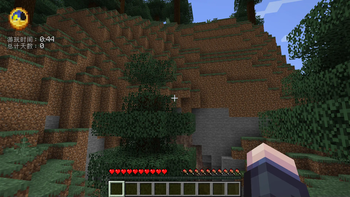
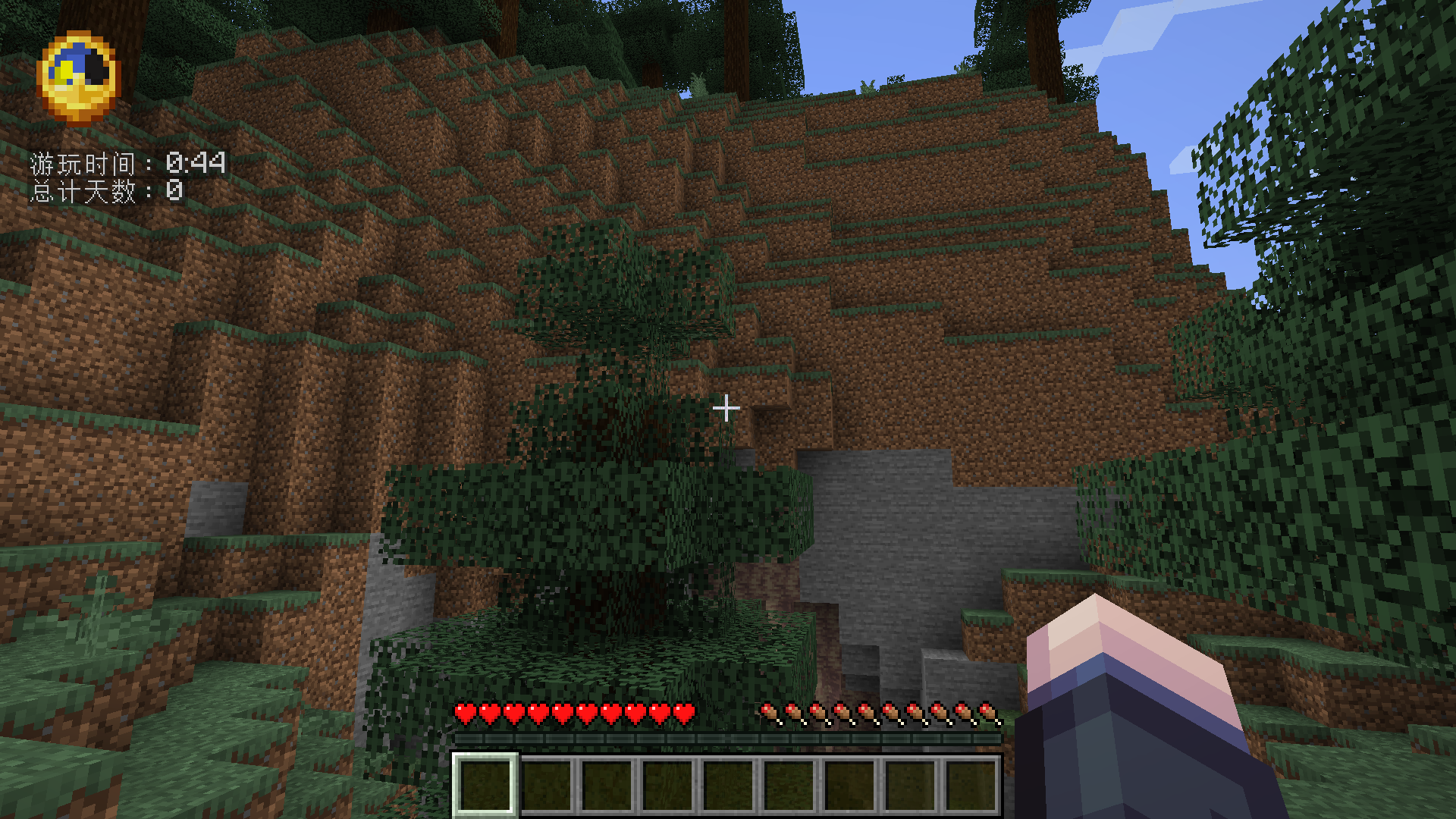
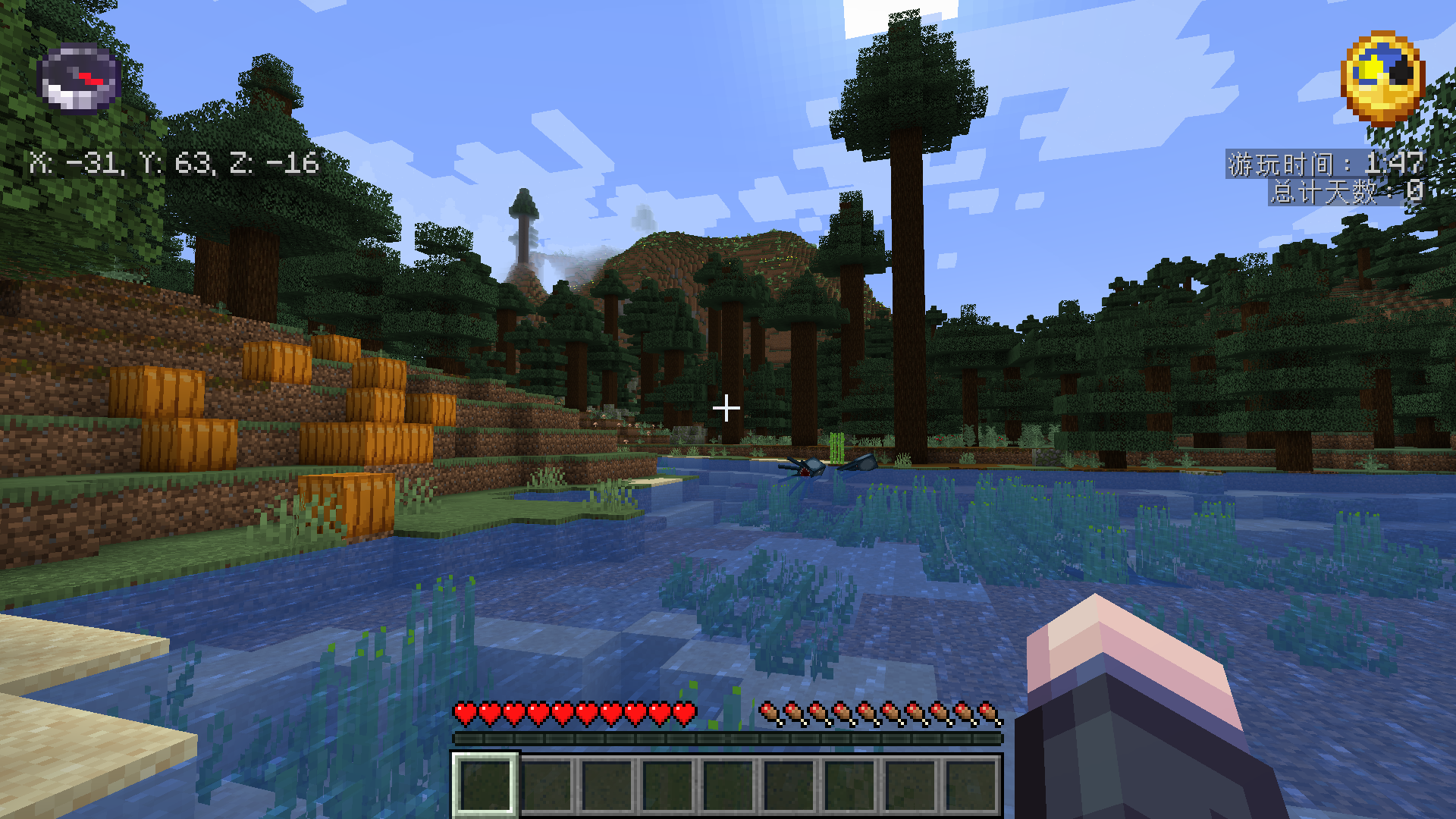
Compass & Clock HUD Enhance your Minecraft experience with a dynamic HUD that provides real-time information about your world. Key Features: Compass…
⬇ Download on Modrinth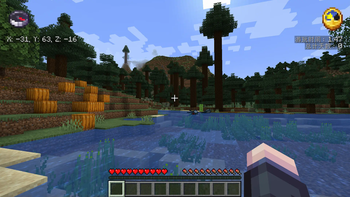
Compass & Clock HUD
Enhance your Minecraft experience with a dynamic HUD that provides real-time information about your world.
Key Features:
Compass Display:
- Shows a compass on the screen to help you navigate.
- Automatically sets the compass target based on your current dimension.
Coordinate Display:
- Displays your current X, Y, and Z coordinates for easy reference.
Clock Display:
- Shows an in-game clock to keep track of time.
- Displays both the current time and the number of days passed in your world.
Customizable Settings:
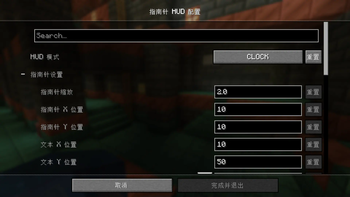
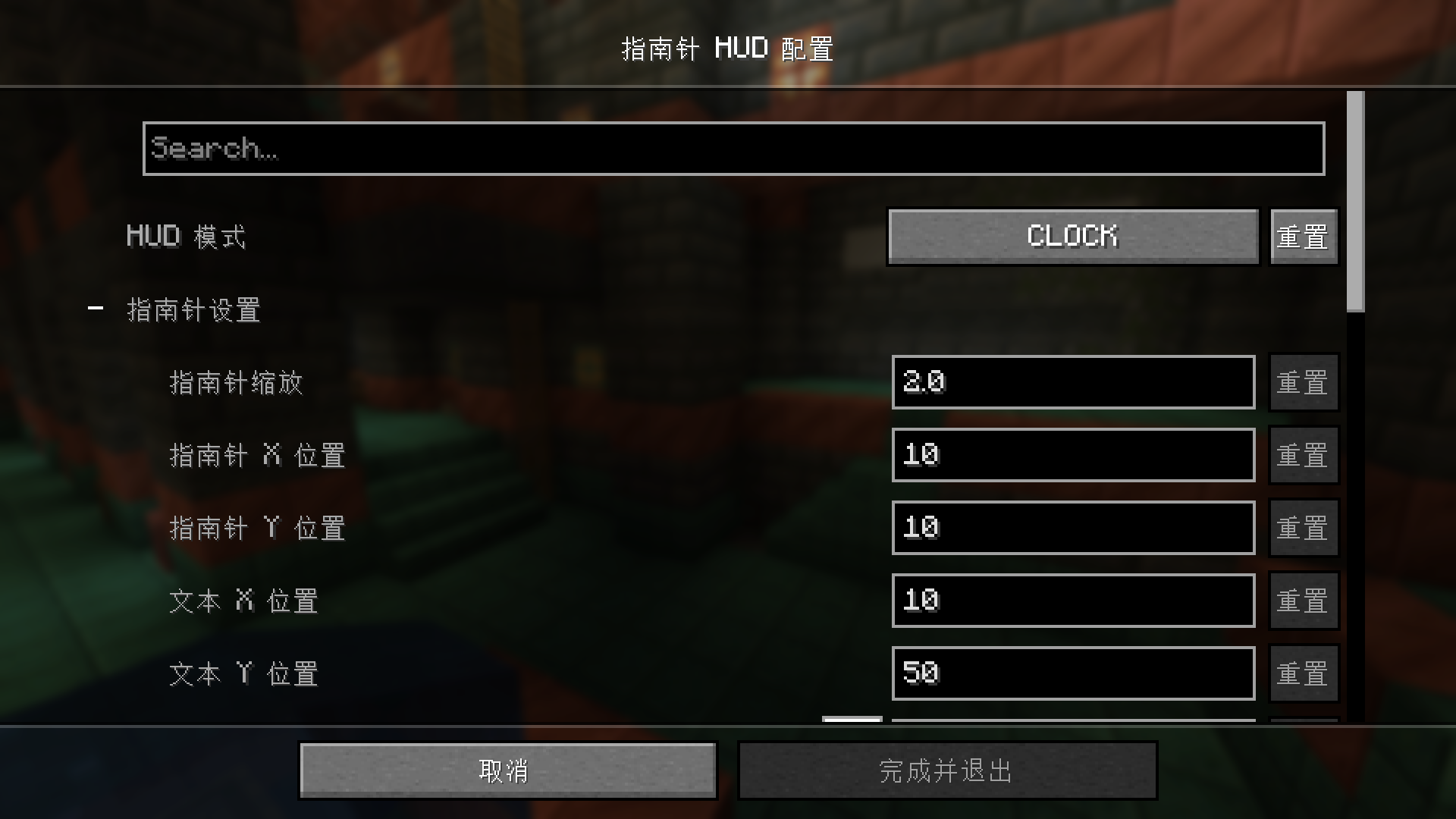
- Easily configure the position, scale, and color of the compass, coordinates, and clock through the mod's configuration settings.
- Toggle between displaying only the compass, only the clock, or both.
This mod is perfect for players who want to stay oriented and keep track of time while exploring the vast Minecraft world. Configure your HUD to match your preferences and enhance your gameplay experience!
Quick facts
- Edition: Minecraft Java
- File type: .jar
- Minecraft version listed: 1.20.1
- How to install: Install the matching mod loader (Forge, Fabric or NeoForge) for your Minecraft version. → Download the .jar. → Put it in the .minecraft/mods folder and launch that loader profile.
- Where to get it: Opens on Modrinth — not every file is mirrored on our own servers.
Install steps are the general flow for this file type — How to install Minecraft Java mods & modpacks walks through it step by step.
Verified by MCModsHub
- Ships as compasshud-forge-1.20.1-1.0.0.jar — drop this file into the mods folder
- Download size: 11 KB
- Download link checked 31 Aug 2026 — working
These come from our own check of the pack file, not from the source page.