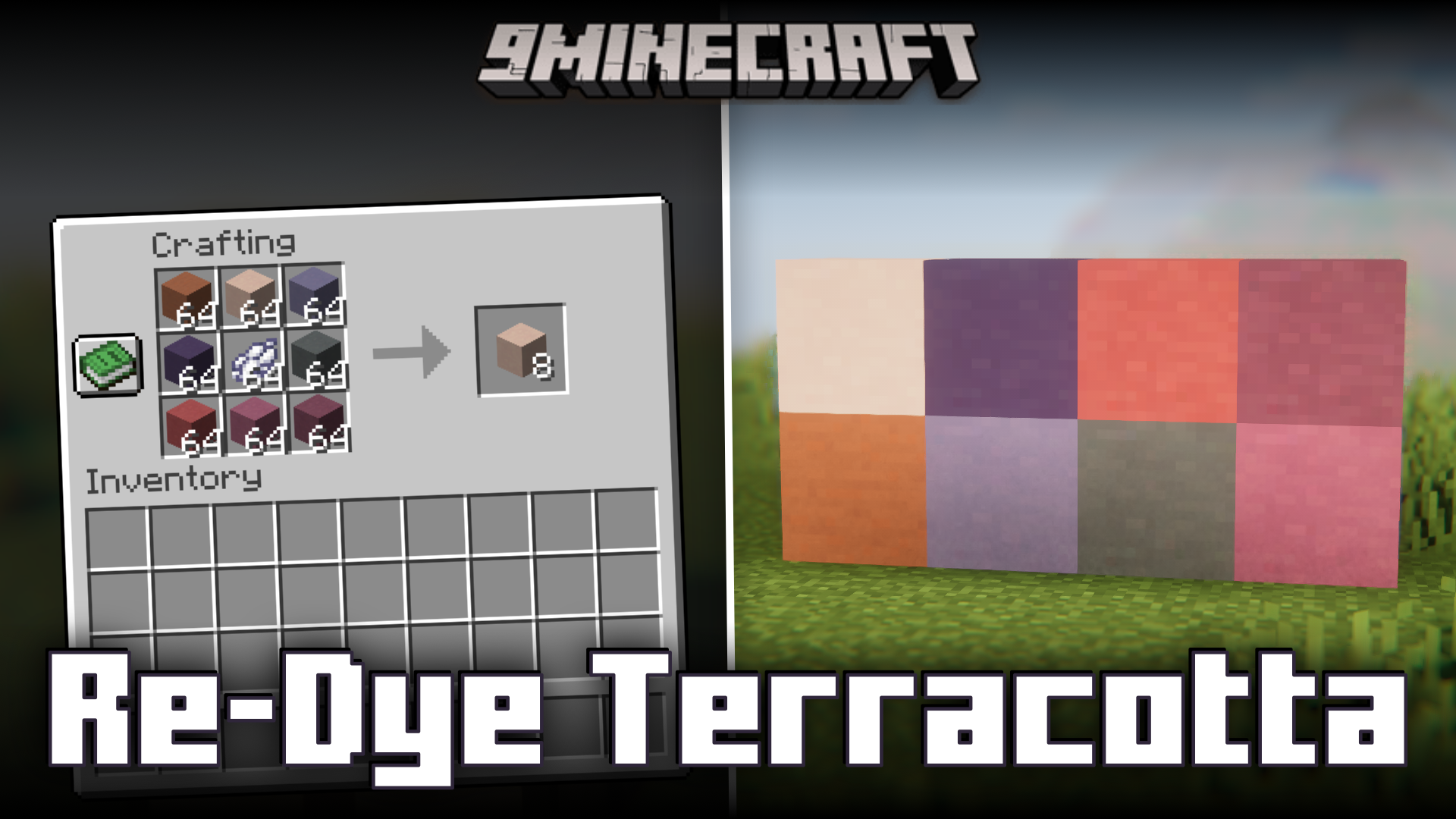
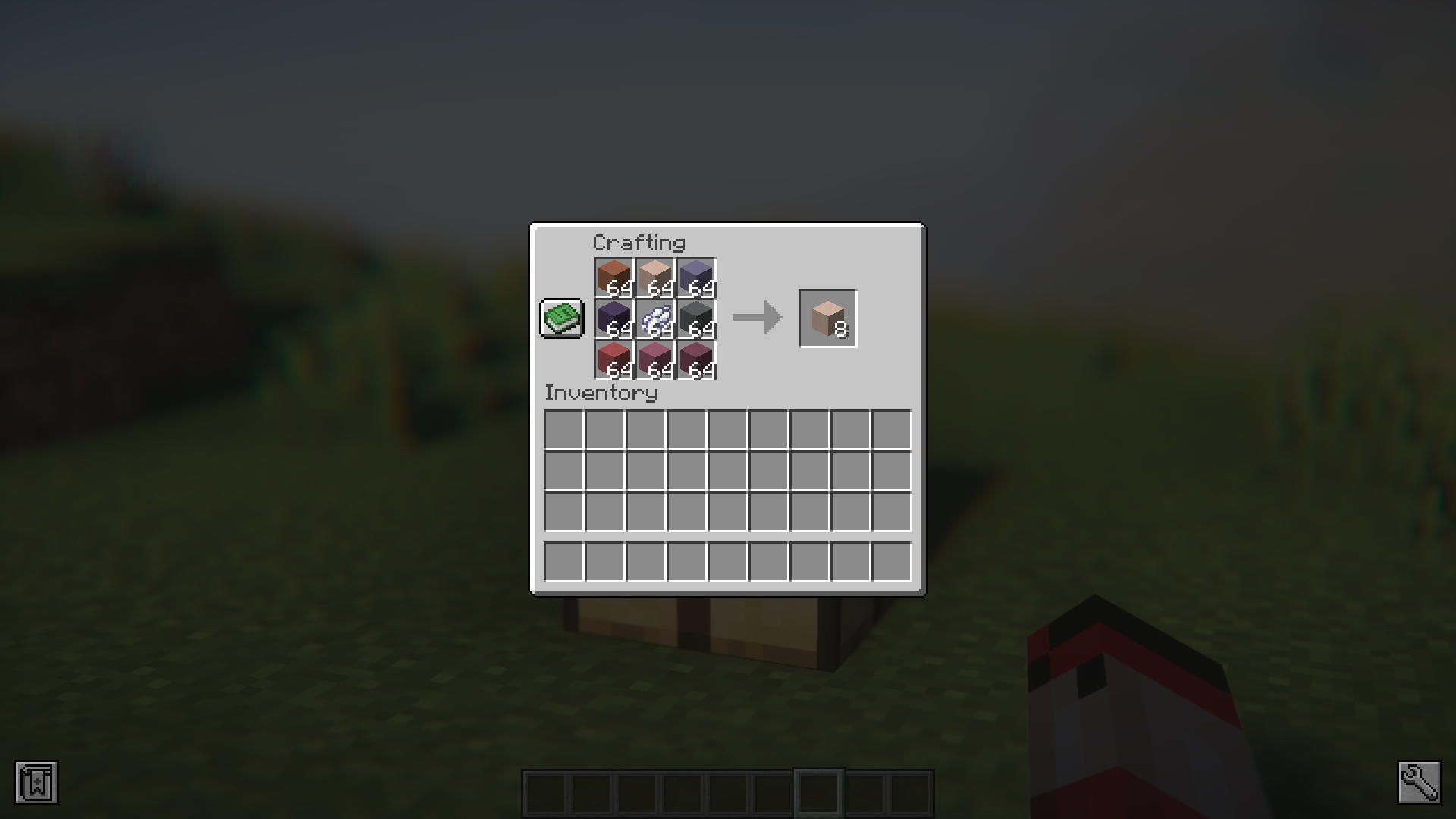
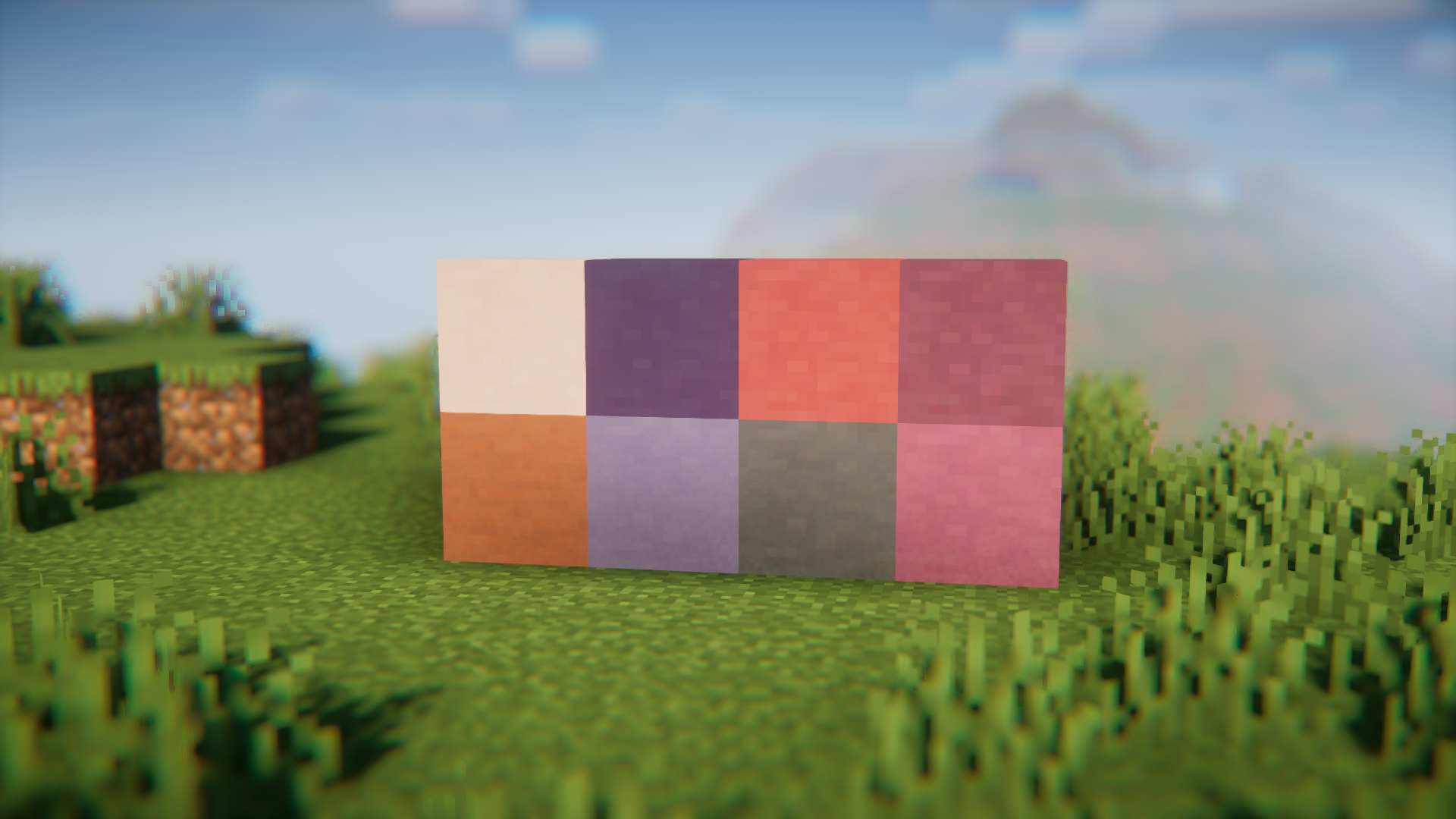
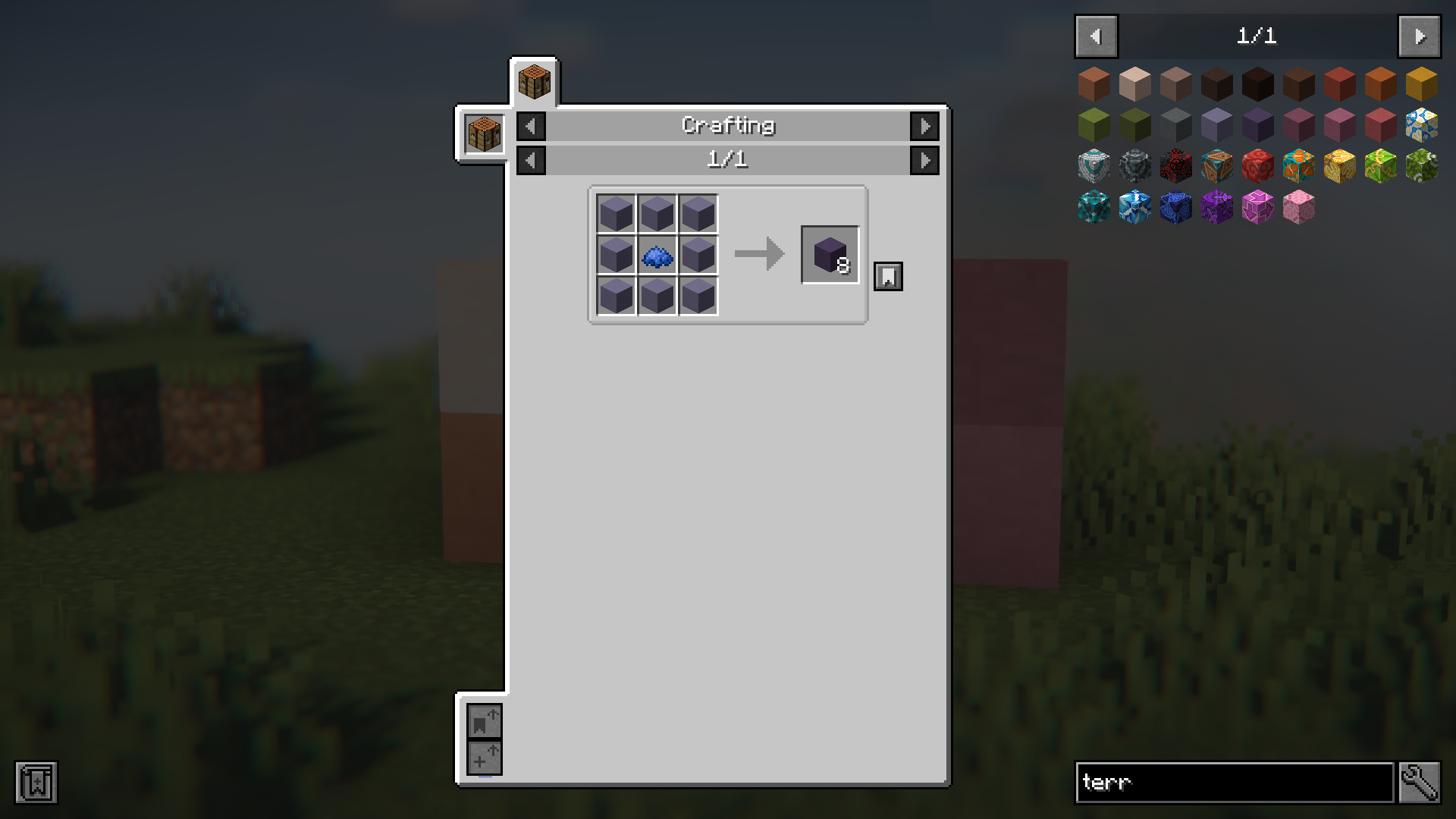
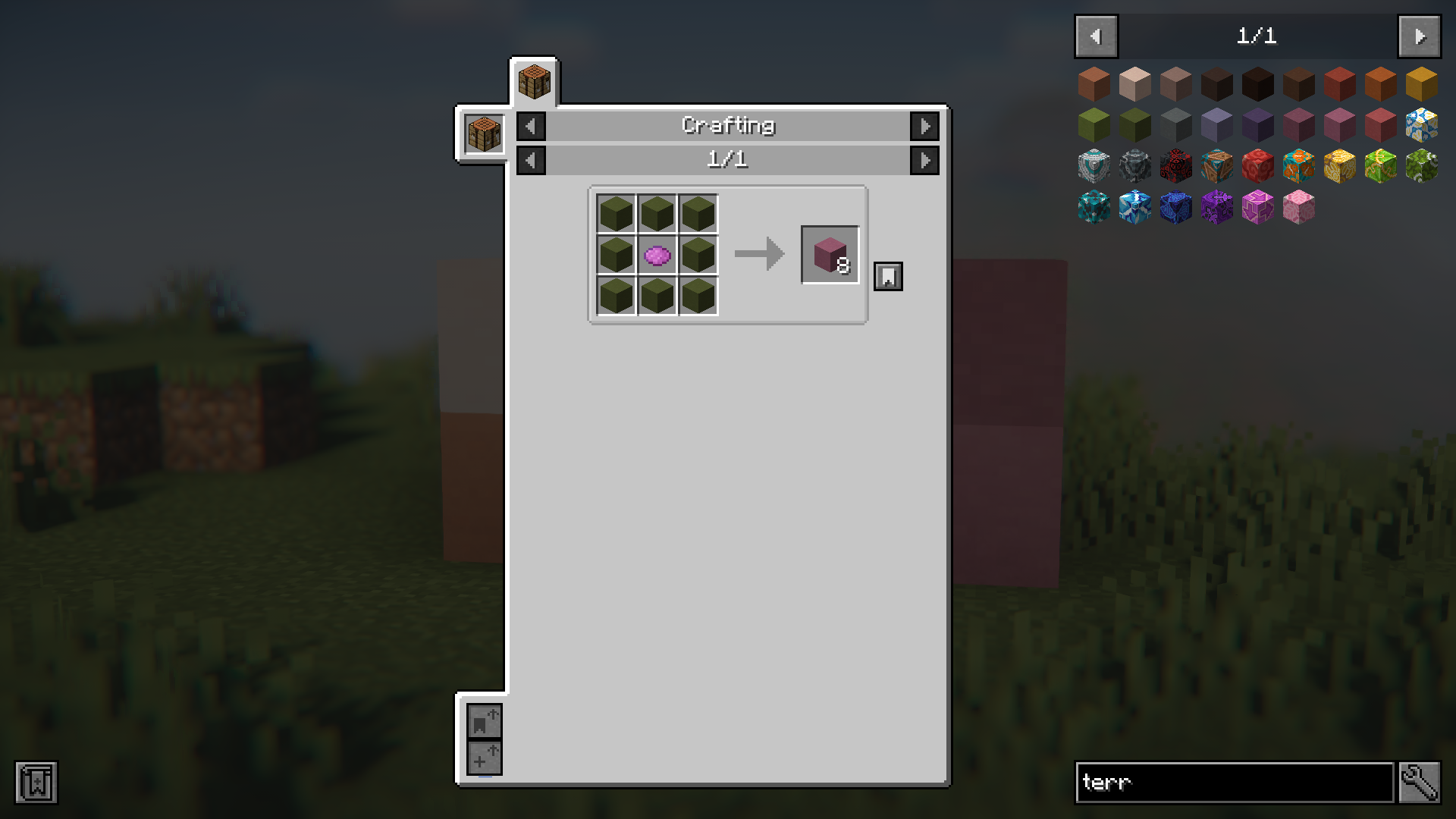
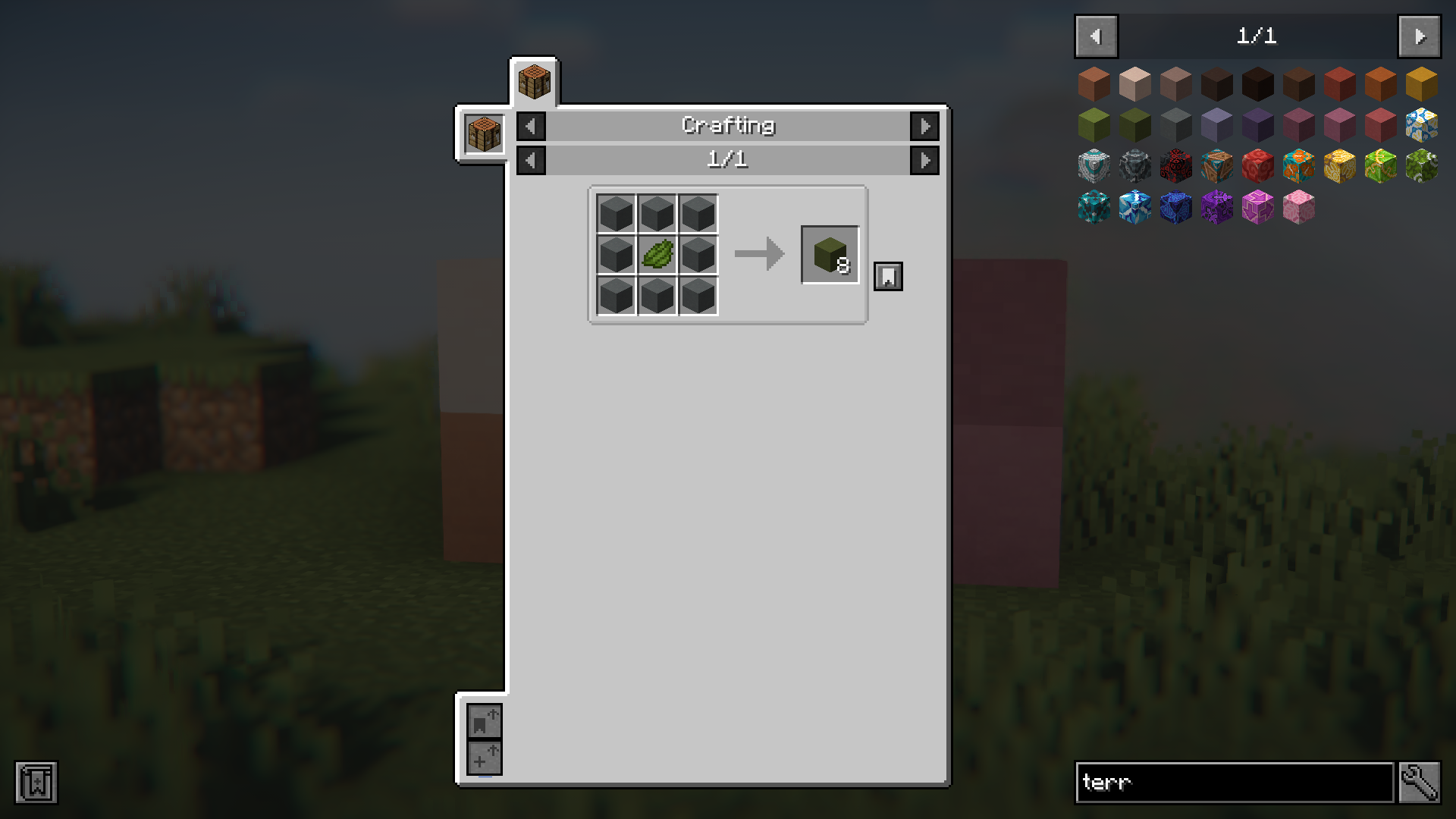
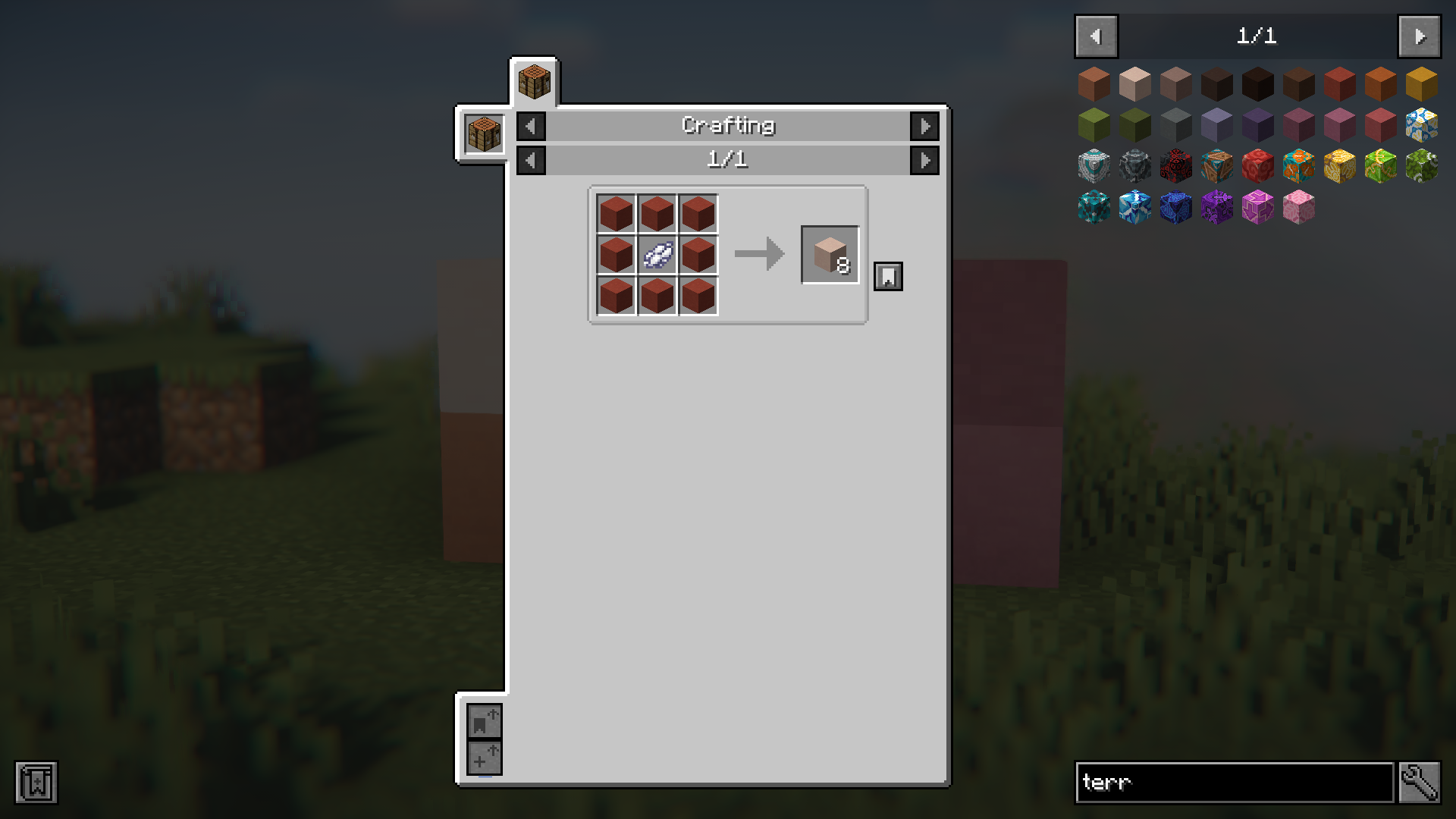
In the vanilla game, you can use dyes to color terracotta into one of sixteen colors available. But once you apply a dye and color a terracotta block, it is then permanent and cannot be reversed or recolored. Imagine you are building a large structure using different colored terracotta blocks. You run out of green terracotta blocks, but you have plenty of blue terracotta blocks lying around with no use. In this case, you will have to collect terracotta blocks and dye them green again to fulfill your purpose. But not anymore! Re-Dye Terracotta Mod allows you to dye a terracotta block regardless of whether an existing dye is applied onto it. This means you will be able to combine blue terracotta blocks with a green dye to obtain green terracotta with ease.
Features:
- Allows you to recolor terracotta blocks with ease.
- Terracotta blocks can be converted from one color to another.
- Removes the vanilla restriction of colored terracotta not being able to be re-dyed.
- Helps save time and resources.
Screenshots:
Re-Dye Terracotta Mod Download Links
- Edition: Minecraft Java
- File type: .jar
- Minecraft version listed: 1.20.1
- How to install: Install the matching mod loader (Forge, Fabric or NeoForge) for your Minecraft version. → Download the .jar. → Put it in the .minecraft/mods folder and launch that loader profile.
- Where to get it: In MC Java Mods, or directly above on this page.
Install steps are the general flow for this file type — How to install Minecraft Java mods & modpacks walks through it step by step.
- Downloads as 27079.mcaddon
- Download size: 20 KB
- Download link checked 23 Sept 2026 — working
- Mirrored on our own servers — the download does not depend on the original host
These come from our own check of the pack file, not from the source page.