Home›Java›Mods›Chest Colorizer Mod (26.2, 1.20.1) – Distinguish Between Different Types of Stored Items
ModsJava
Chest Colorizer Mod (26.2, 1.20.1) – Distinguish Between Different Types of Stored Items
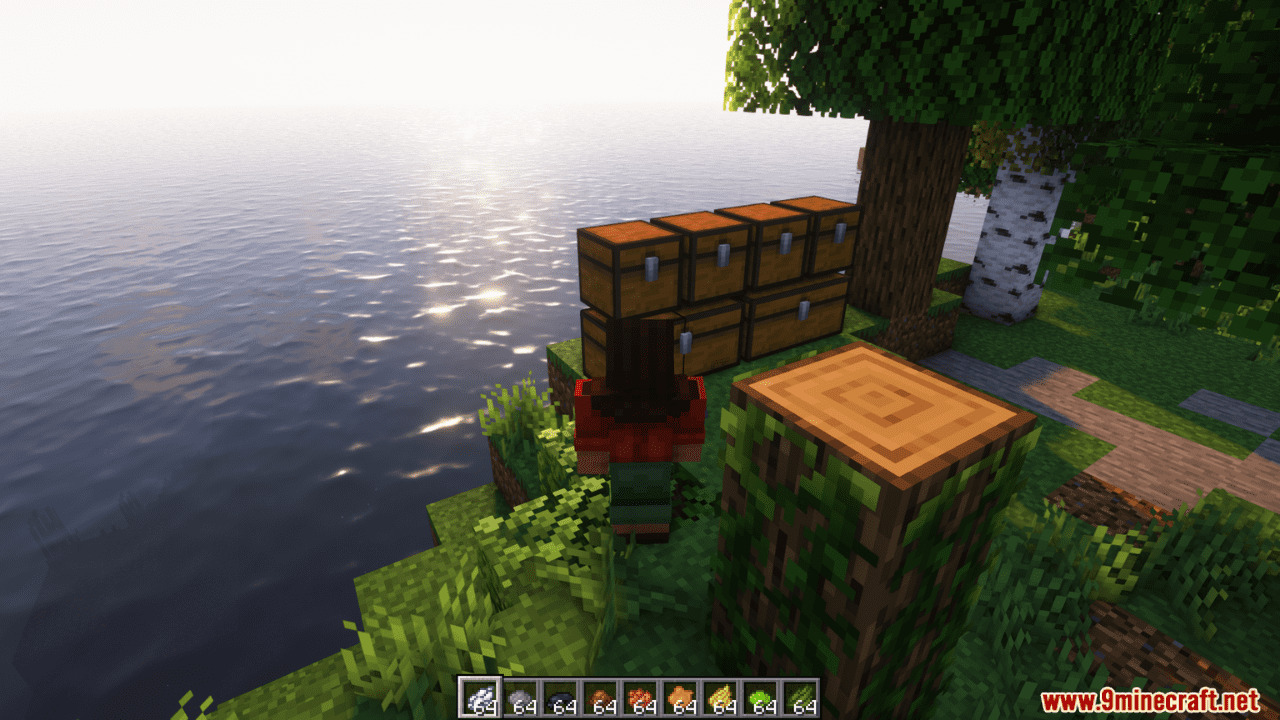
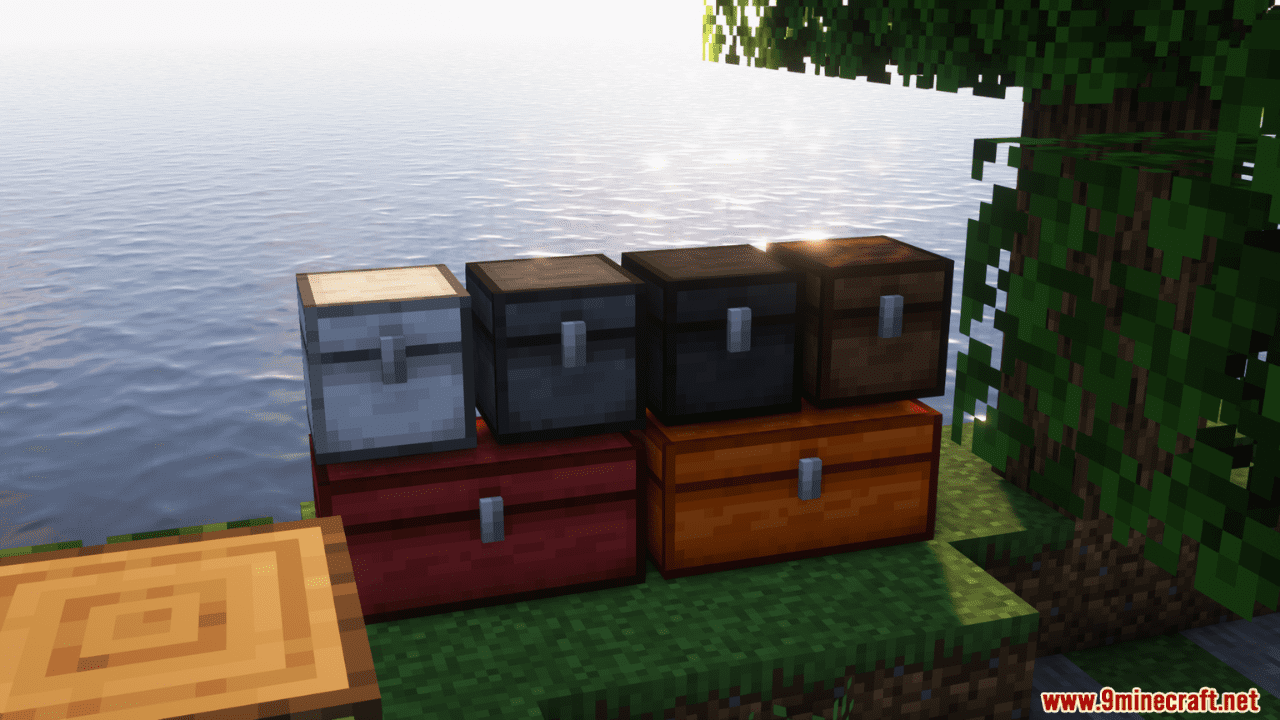
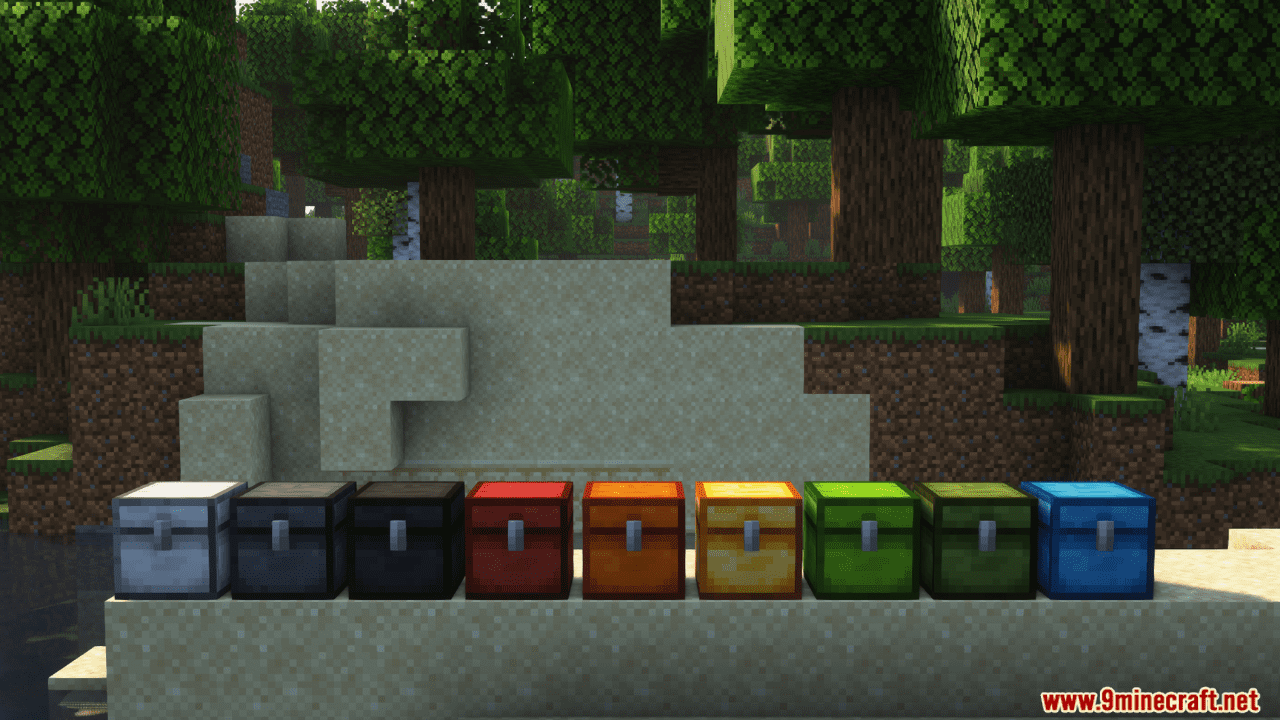
Chest Colorizer Mod allows efficient organization of stored items by enabling color-coded chests and barrels. A variety of dyes can be used to assign specific colors to storage units, enhancing accessibility and categorization.
Features:
- Color-code chests to easily distinguish between different types of stored items.
- Use a variety of dyes to assign specific colors to chests.
- Effortlessly identify chest contents with just a quick glance.
- Works on all servers.
- Clear or change chest colors with a simple right-click action.
Screenshots:
Chest Colorizer Mod Download Links
Quick facts
- Edition: Minecraft Java
- File type: .jar
- Minecraft version listed: 1.20.1
- How to install: Install the matching mod loader (Forge, Fabric or NeoForge) for your Minecraft version. → Download the .jar. → Put it in the .minecraft/mods folder and launch that loader profile.
- Where to get it: In MC Java Mods, or directly above on this page.
Install steps are the general flow for this file type — How to install Minecraft Java mods & modpacks walks through it step by step.
Verified by MCModsHub
- Downloads as 27081.mcaddon
- Download size: 142 KB
- Download link checked 25 Sept 2026 — working
- Mirrored on our own servers — the download does not depend on the original host
These come from our own check of the pack file, not from the source page.