ModsJava
Luminance Mod (1.21.11, 1.21.1) – Library Mod
Java mod listed for Minecraft 1.21. Downloads from the MC Java Mods app on Android.
⬇ Download


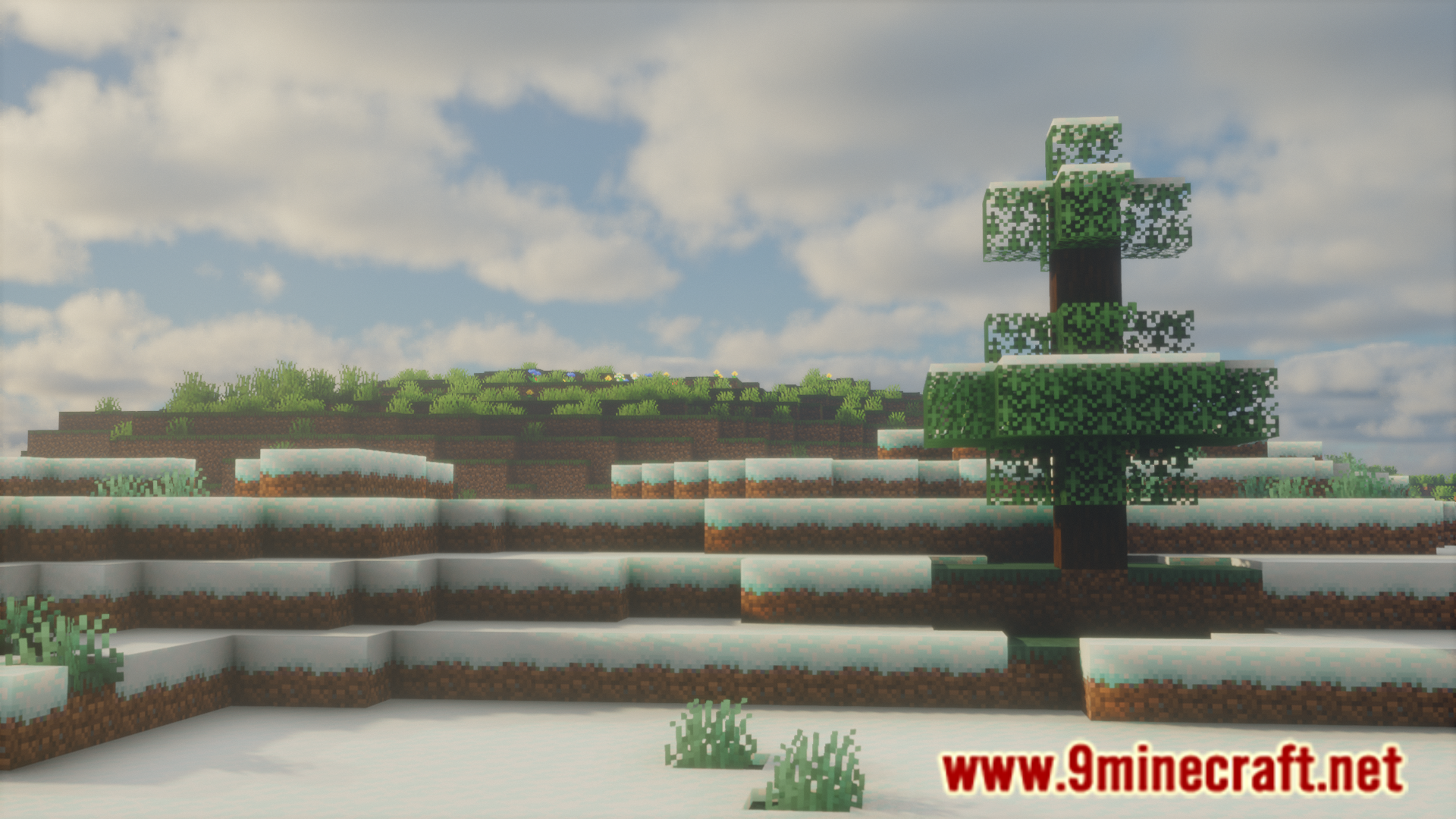
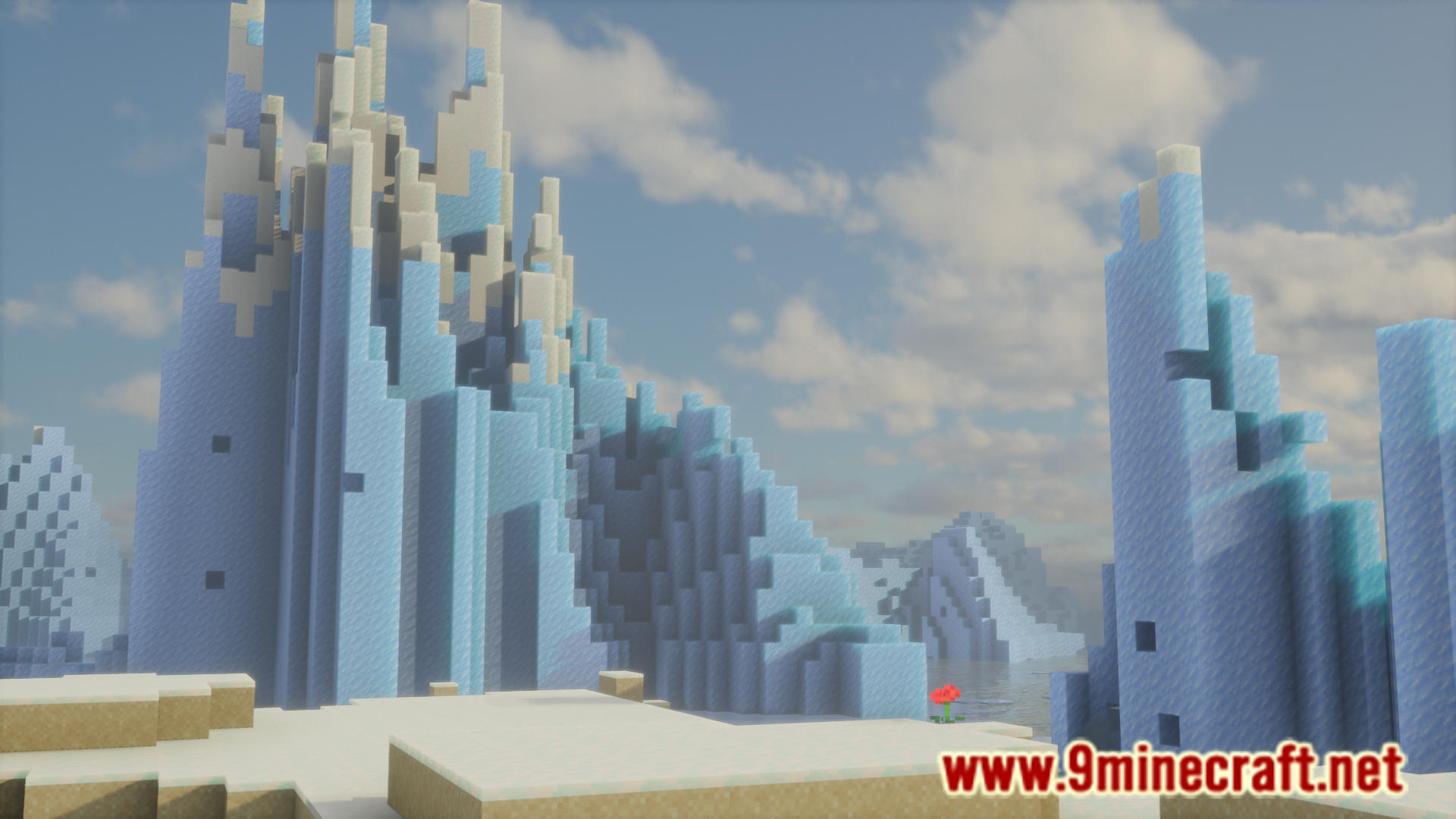

Luminance Mod is a library mod that can be utilized by developers to configure how the contents of their mod work with shaders. As a library mod, the mod by itself does not add anything new into the game, but it may be required to install this mod if any other mod needs it as a required dependency.
Features:
Adds Dynamic Shader Uniforms
- These let post-processing shaders have more information about what’s happening in-game.
- Luminance comes with a bunch of these by default, but you can add your own too!
Adds shaders that have been used in previous minecraft versions.
- Requires Perspective or Souper Secret Settings.
Fixes Shader Namespace Bugs.
- Minecraft doesn’t use namespaces for shaders and shader textures, Luminance fixes that.
Compatibility
- Luminance takes care of rendering shaders, so you don’t have to!
- You can check if Iris Shaders are enabled using Luminance.
- This means you don’t have to have Iris added to your development environment!
- You can replace your ModMenu icon using Luminance!
- Make your mod icon change depending on the time of year, or via a config option, anything’s possible!
Screenshots:
Luminance Mod Download Links
Quick facts
- Edition: Minecraft Java
- File type: .jar
- Minecraft versions listed: 1.21.11, 1.21.1
- How to install: Install the matching mod loader (Forge, Fabric or NeoForge) for your Minecraft version. → Download the .jar. → Put it in the .minecraft/mods folder and launch that loader profile.
- Where to get it: In MC Java Mods, or directly above on this page.
Install steps are the general flow for this file type — How to install Minecraft Java mods & modpacks walks through it step by step.
File checked by MCModsHub
- Downloads as 2709.mcaddon
- Download size: 825 KB
- Download link checked 26 Sept 2026 — working
- Mirrored on our own servers — the download does not depend on the original host
These come from our own check of the pack file, not from the source page.