ModsJava
Fancy Frames Mod (1.21.1, 1.20.1) – Frame Your Best Loot
Java mod listed for Minecraft 1.20–1.21. Downloads from the MC Java Mods app on Android.
⬇ Download
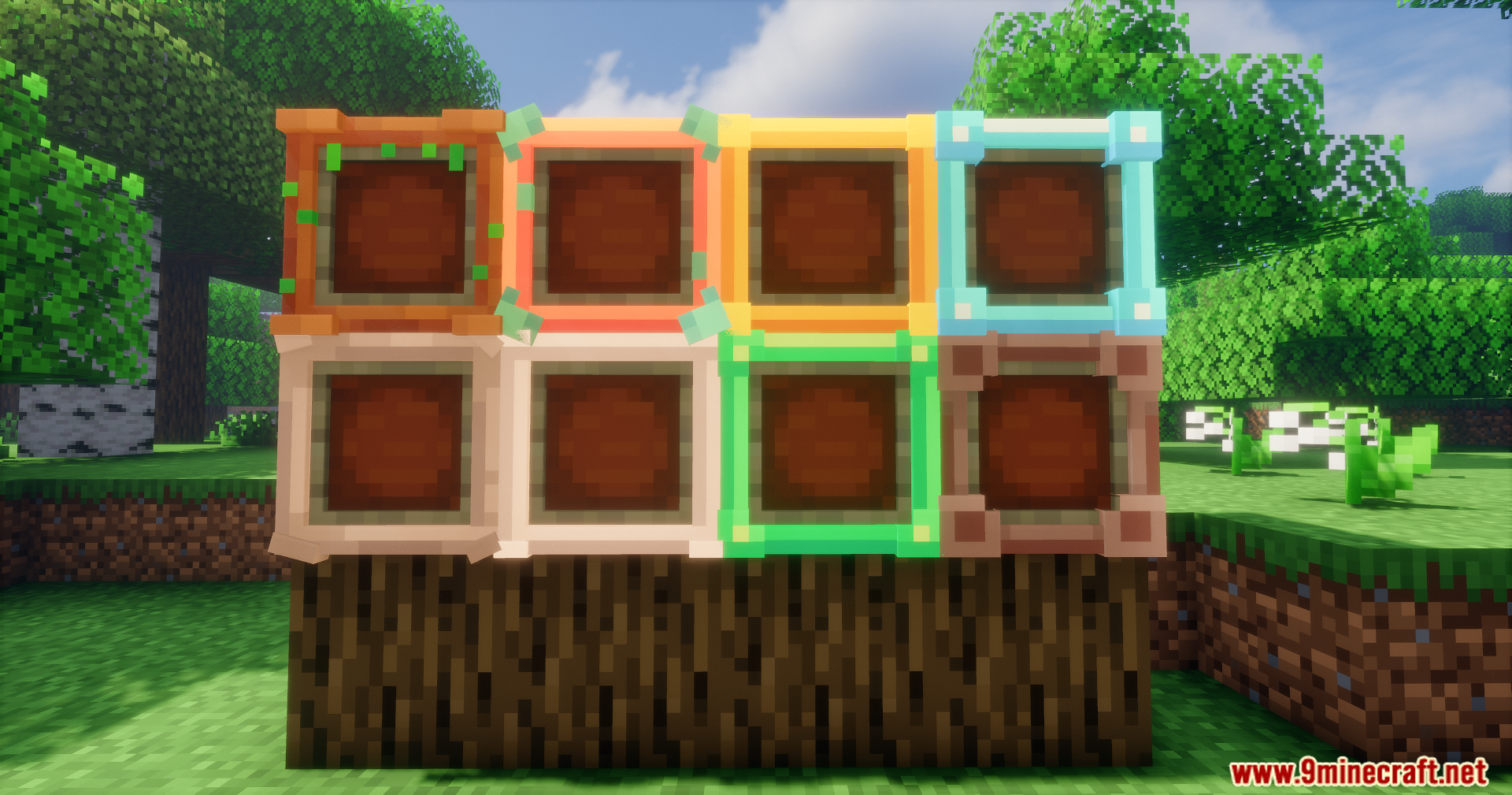
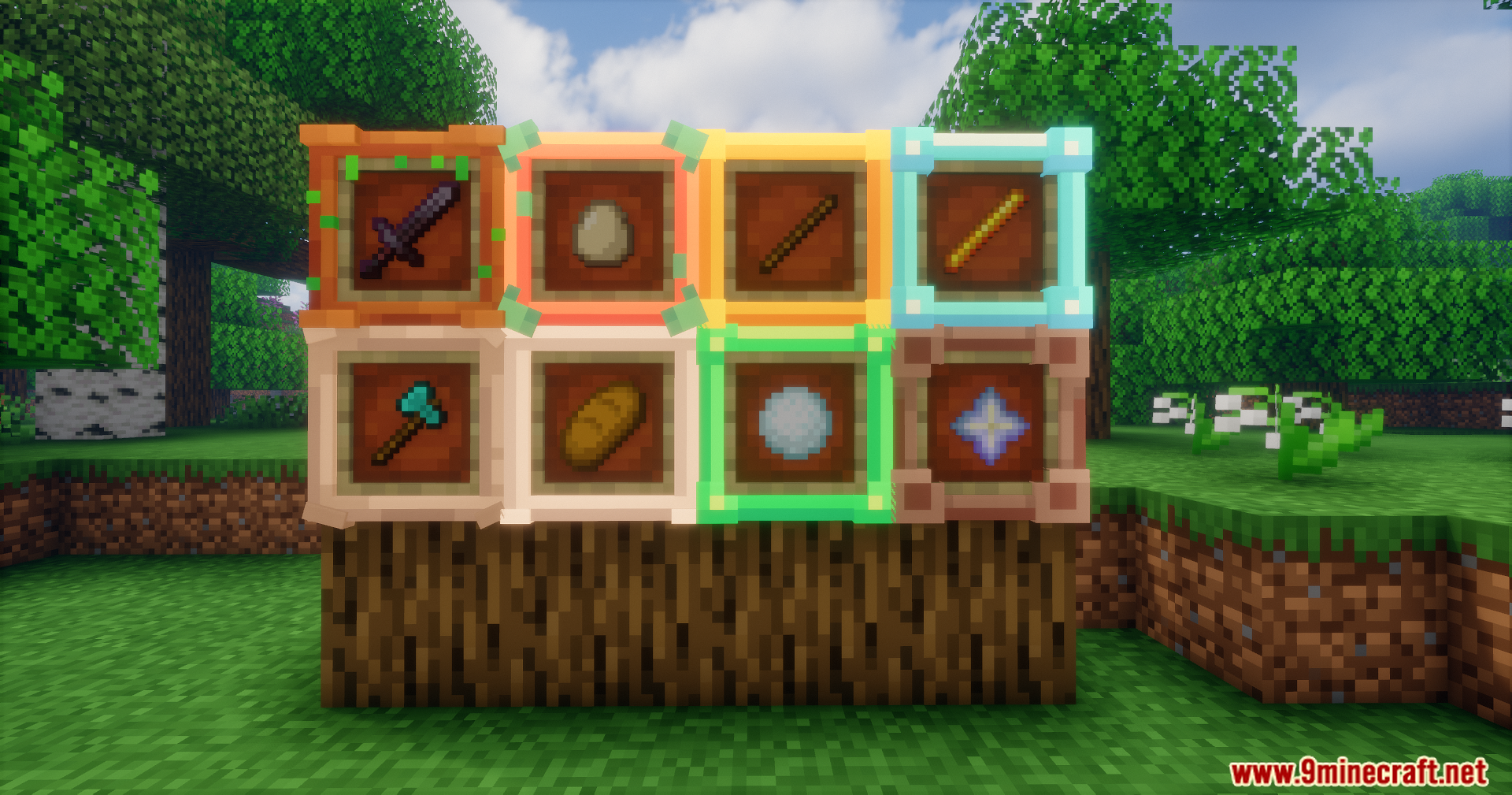
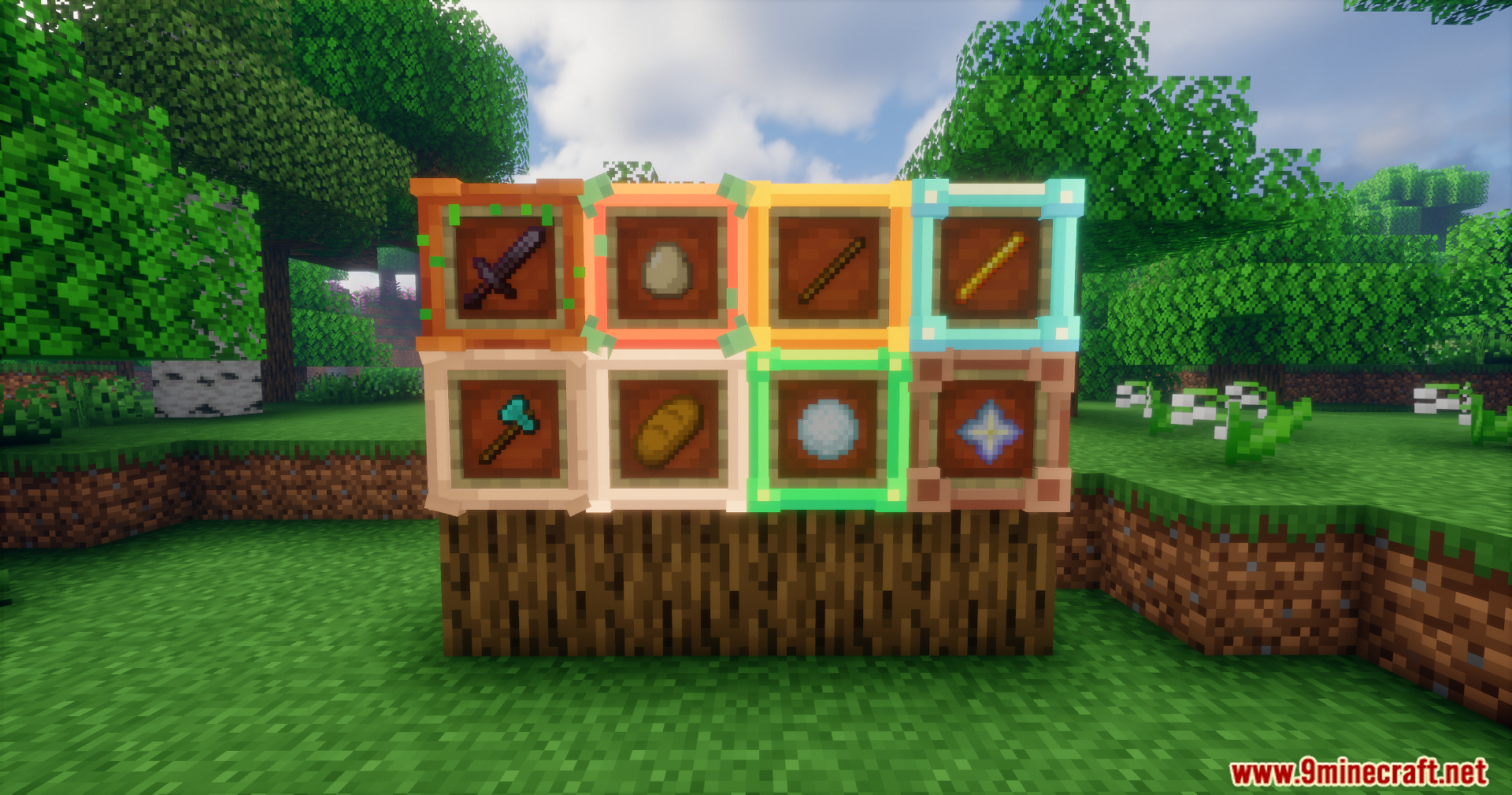
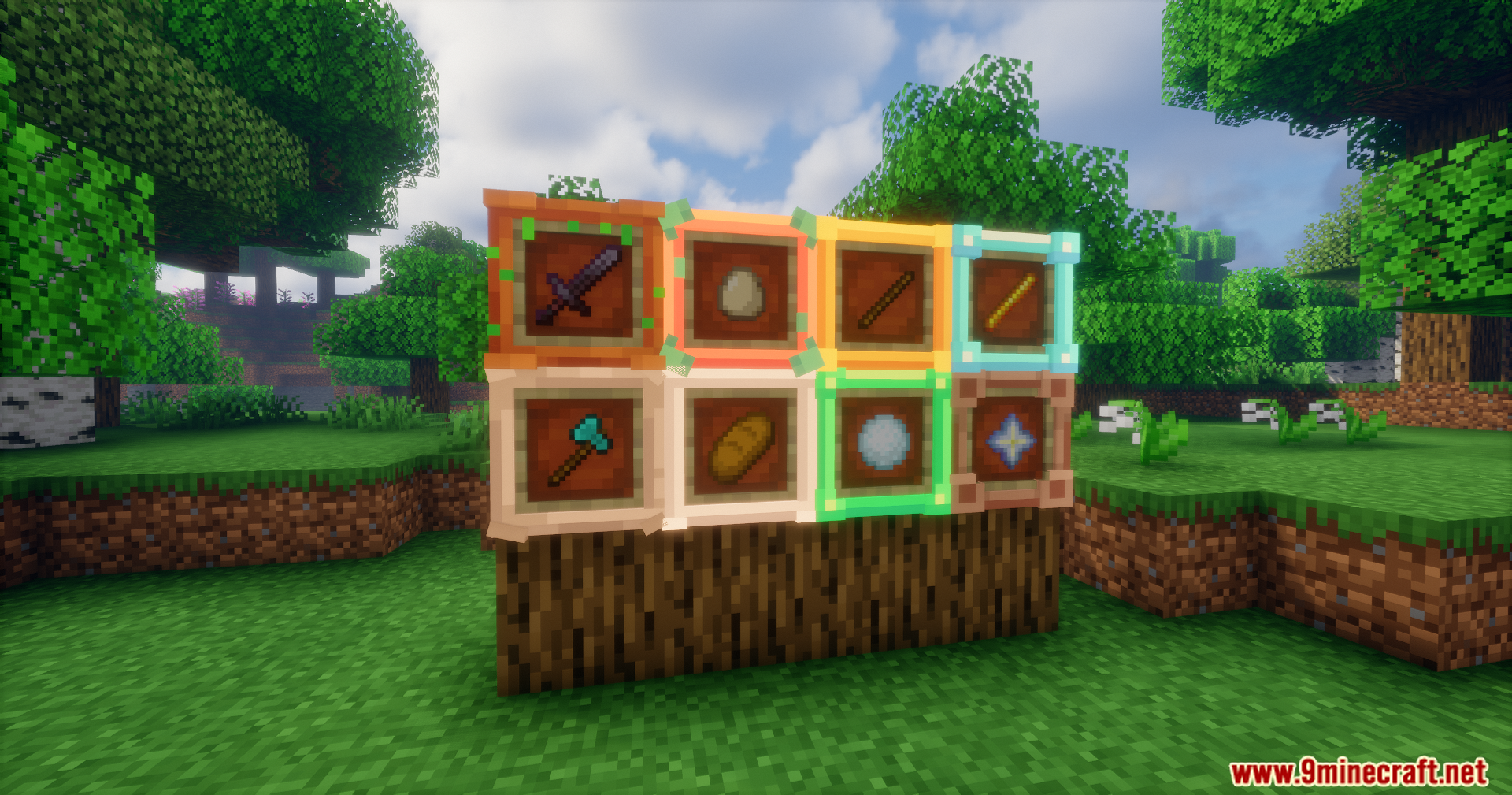
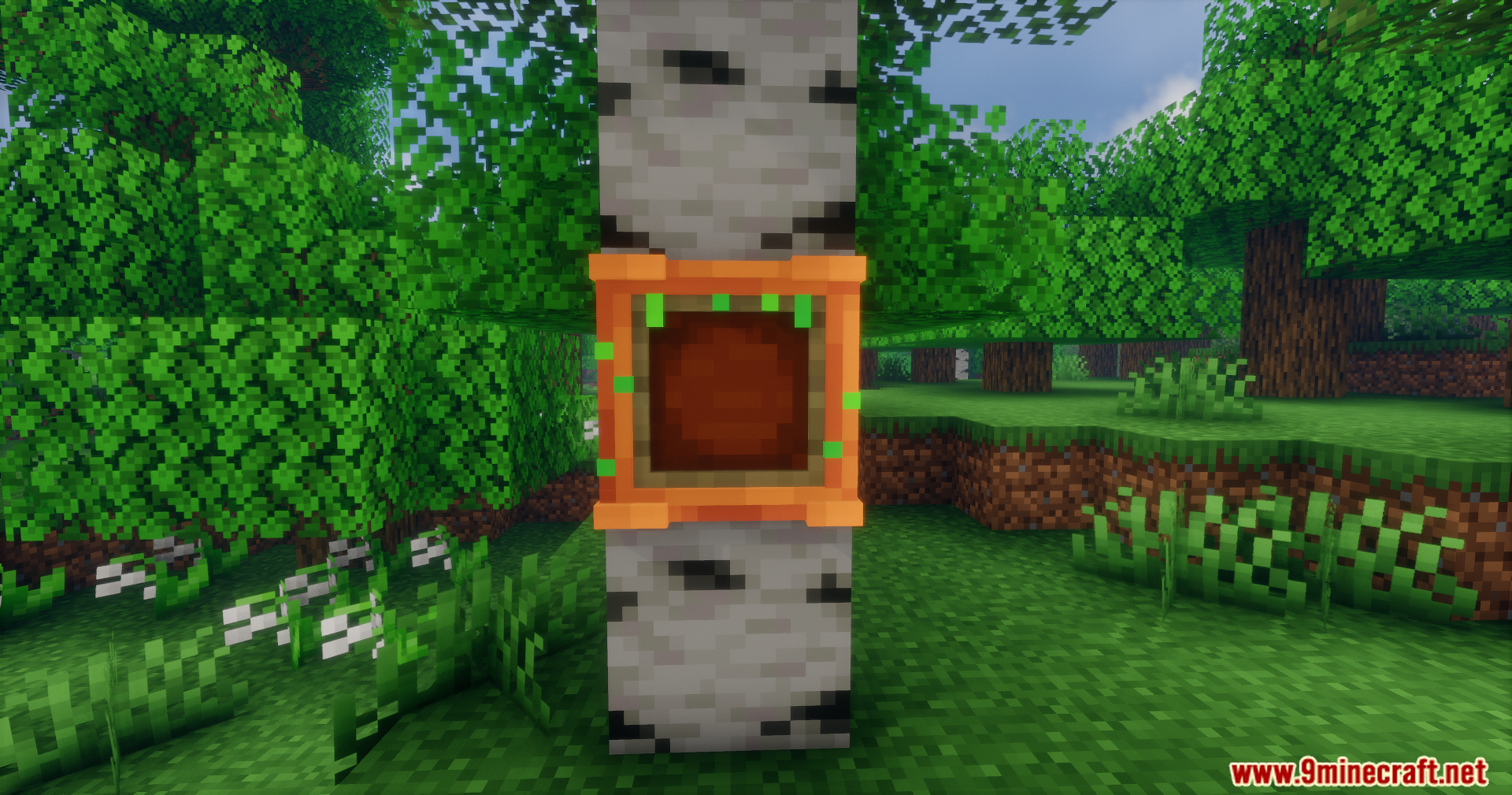
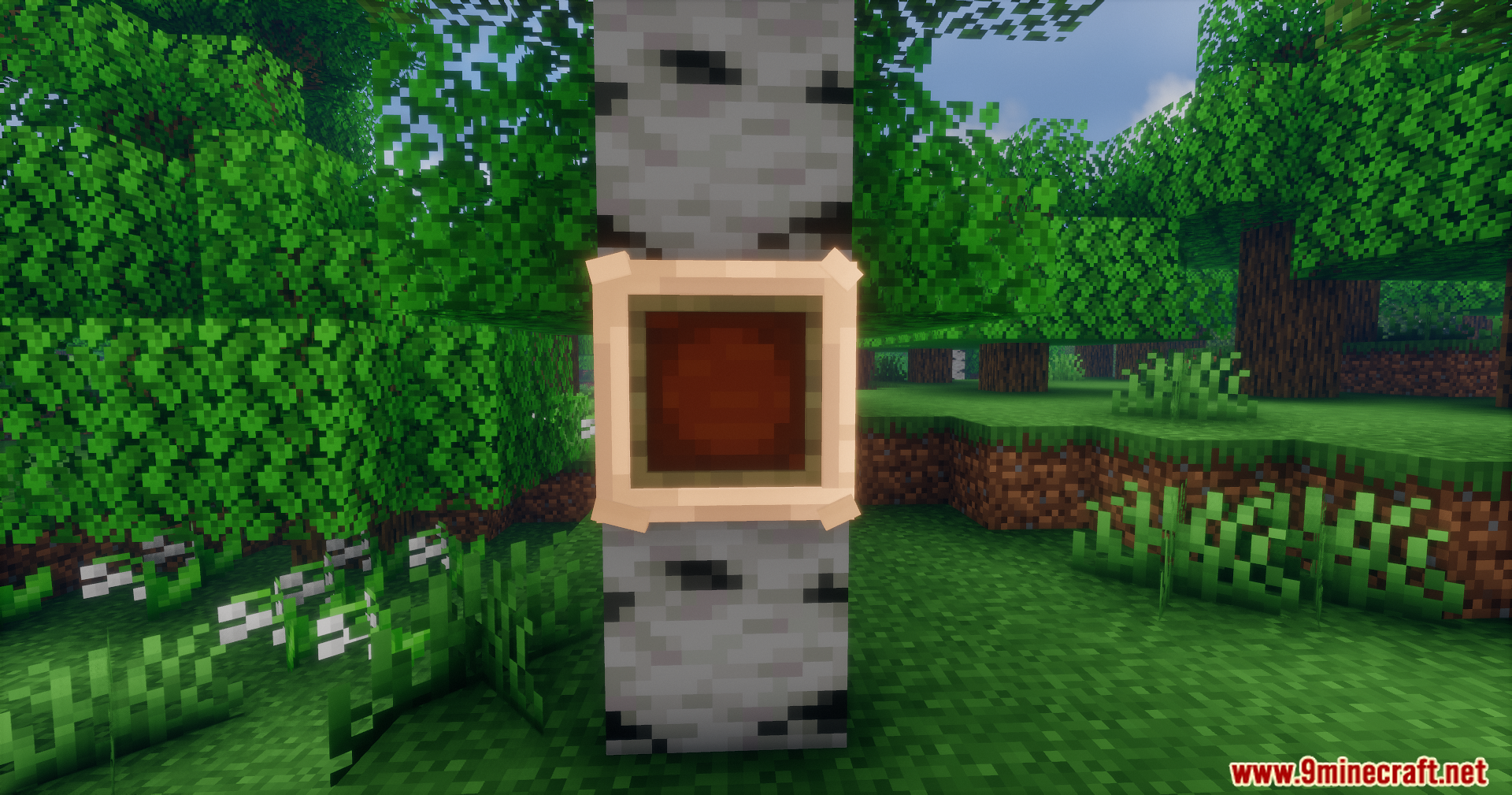
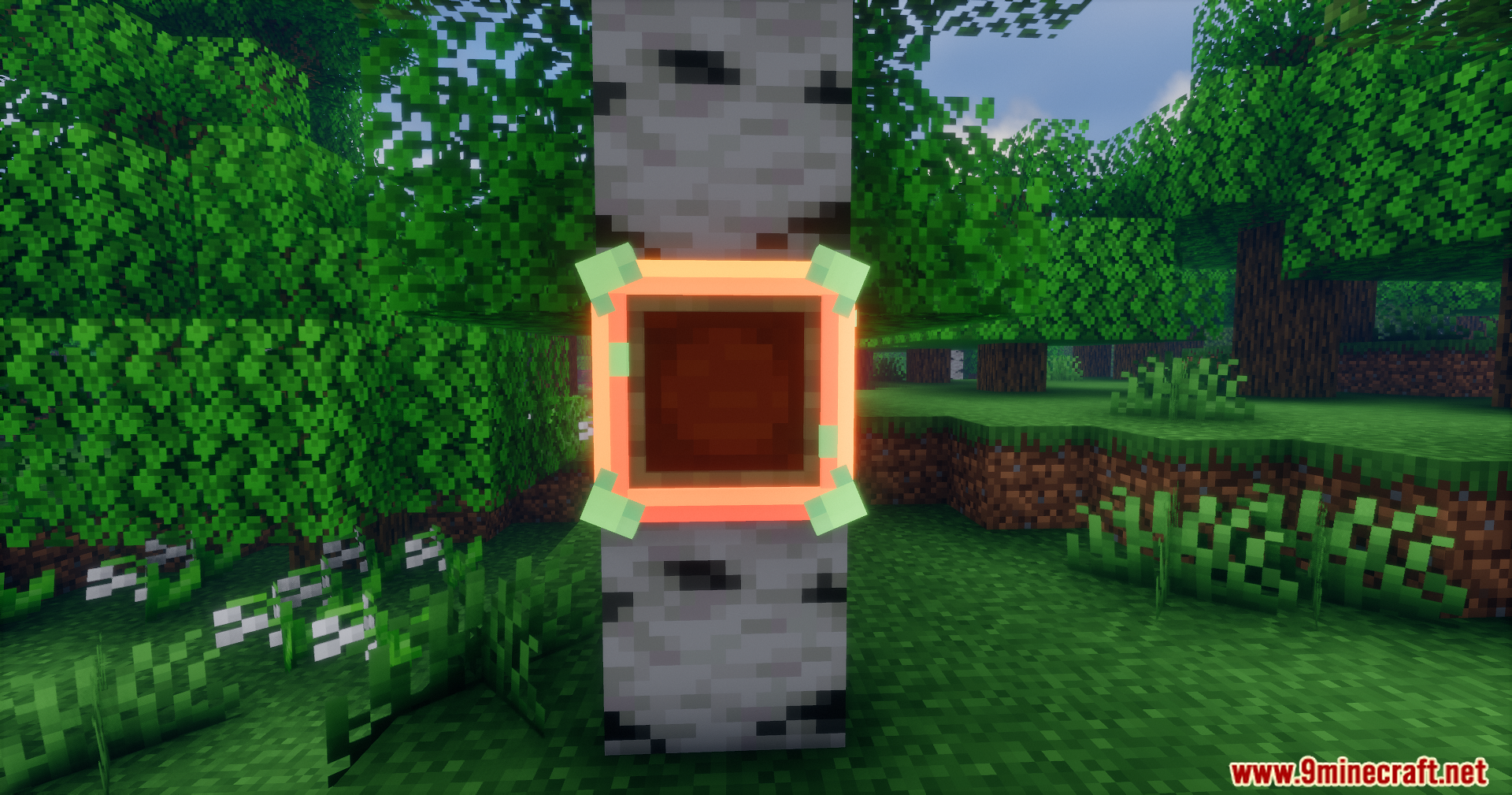
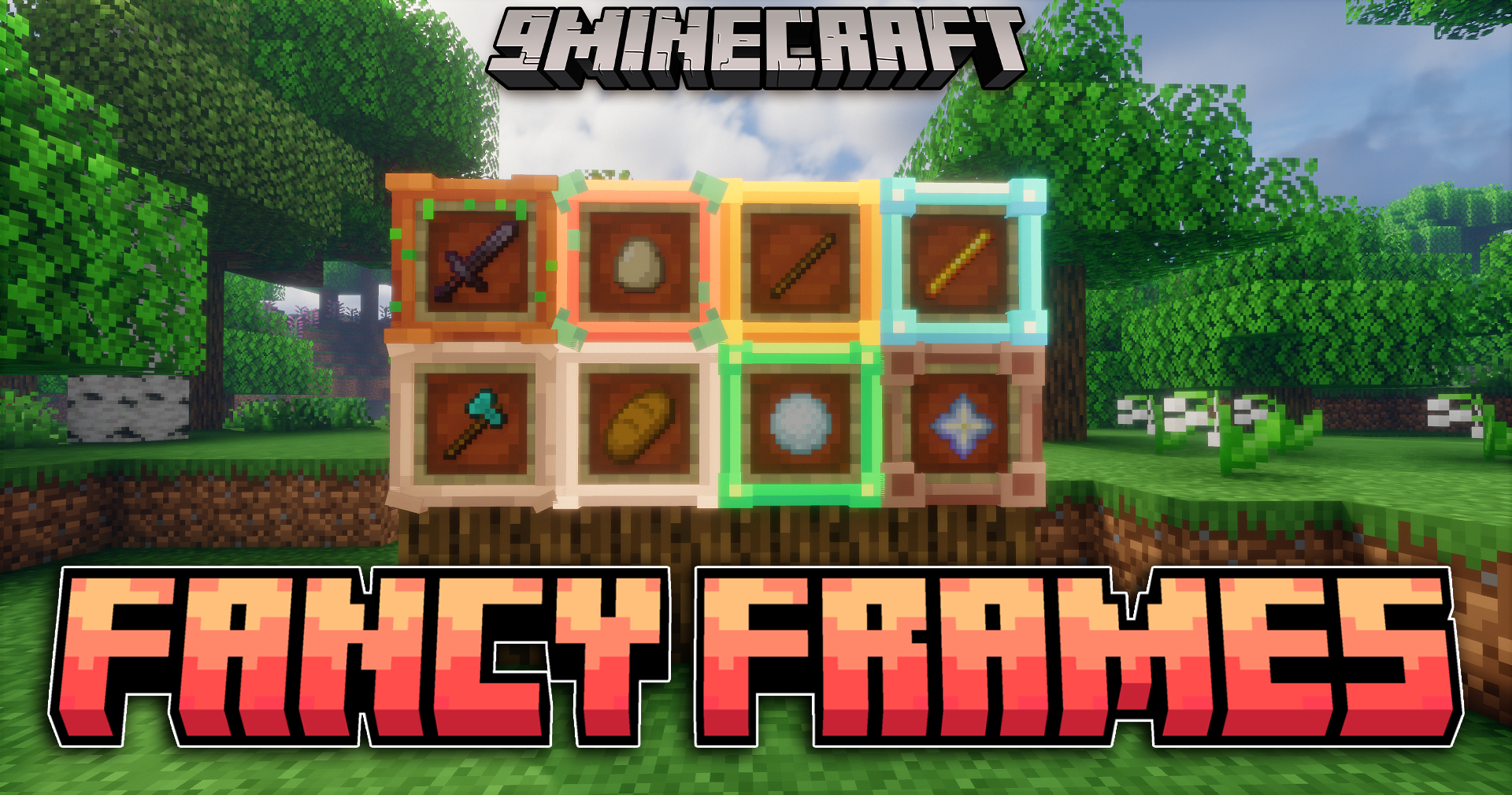
Fancy Frames adds new painting and item frame variants to your game. This mod lets you decorate your rooms, bases and display areas with custom frames that look great with existing blocks. It brings a fresh look to your walls while staying true to the original game style.
Features:
- Eight different frame materials: Wood, Stone, Copper, Iron, Gold, Diamond, Emerald, and Netherite.
- Customizable display options for both paintings and item frames.
- Simple crafting recipes using standard materials.
- Clean visuals that fit into your existing world.
How to Use:
- Craft the frame by placing four of your chosen material around a vanilla item frame in the crafting grid.
- Place your item or painting on a wall as you normally would.
- Use
shift + right clickon the placed item or painting to add the frame.
Screenshots:
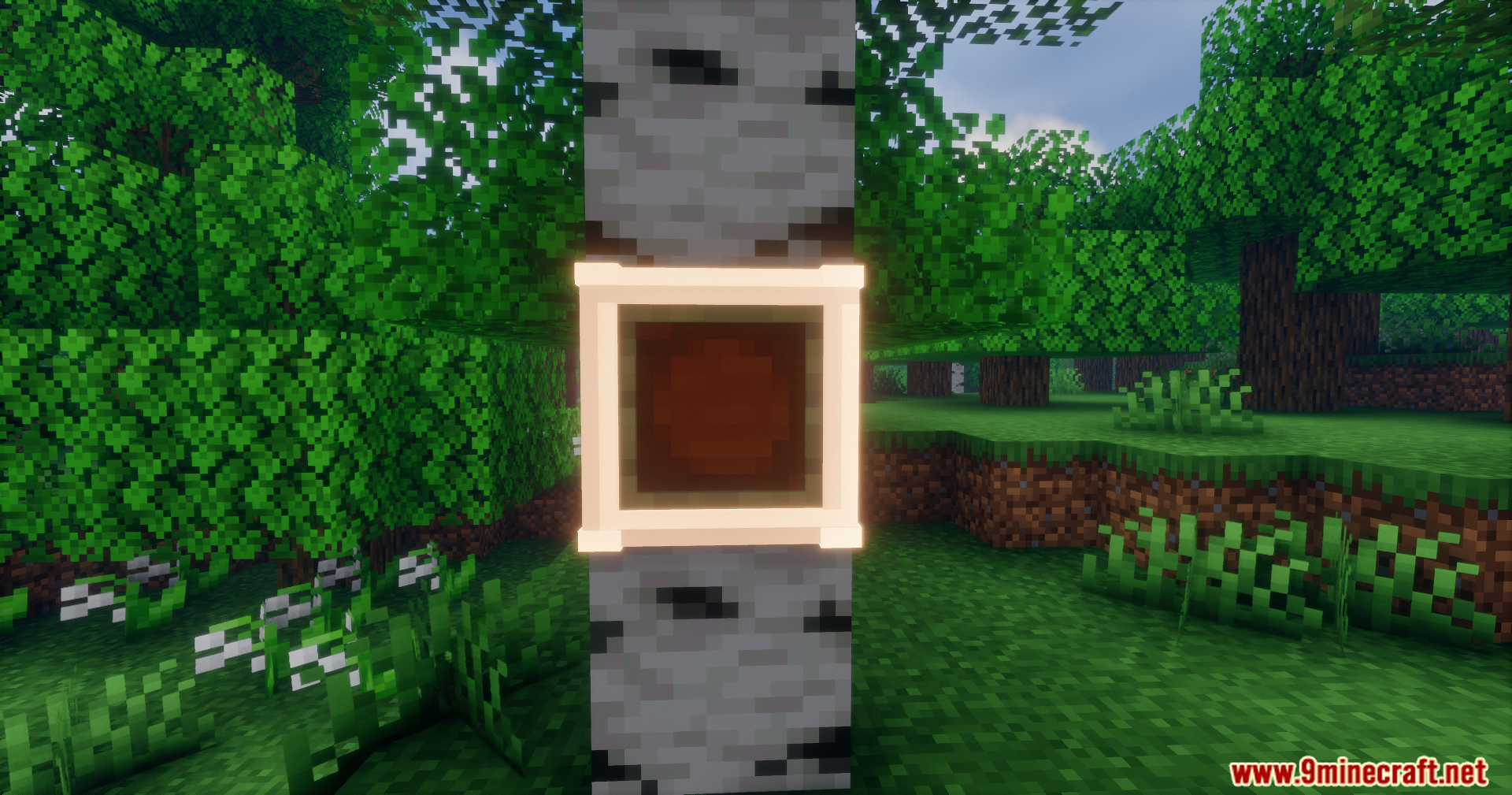
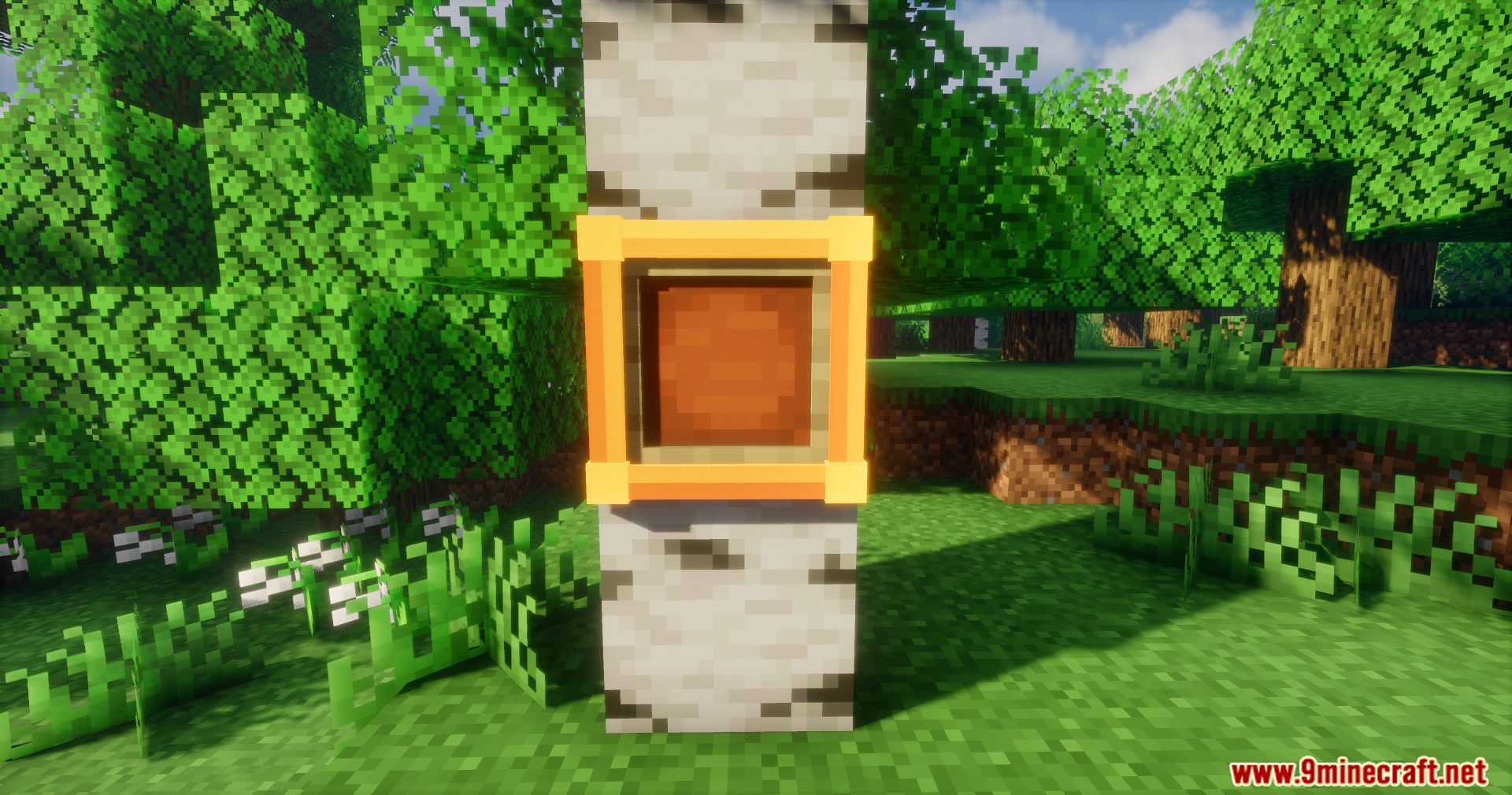
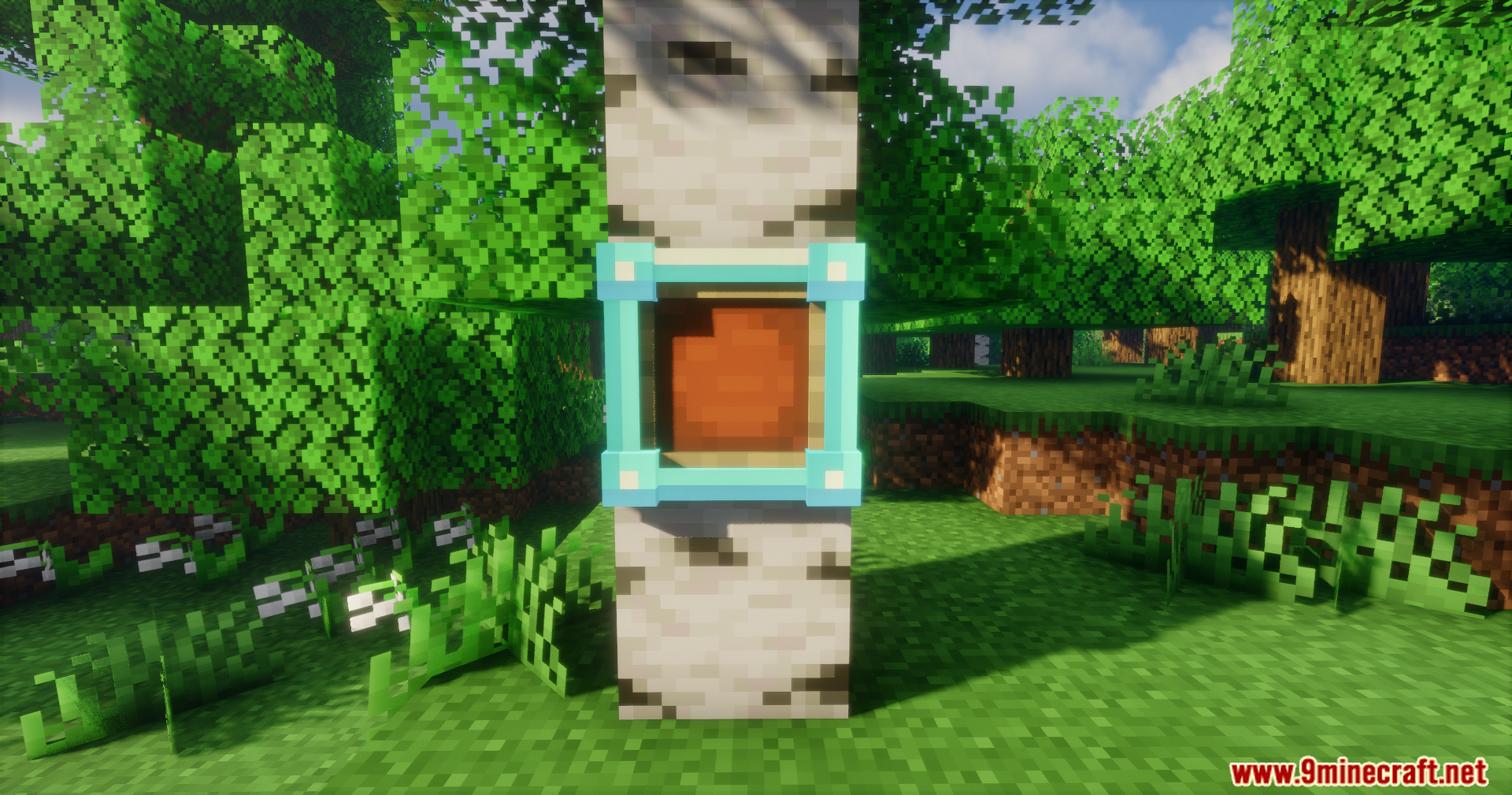
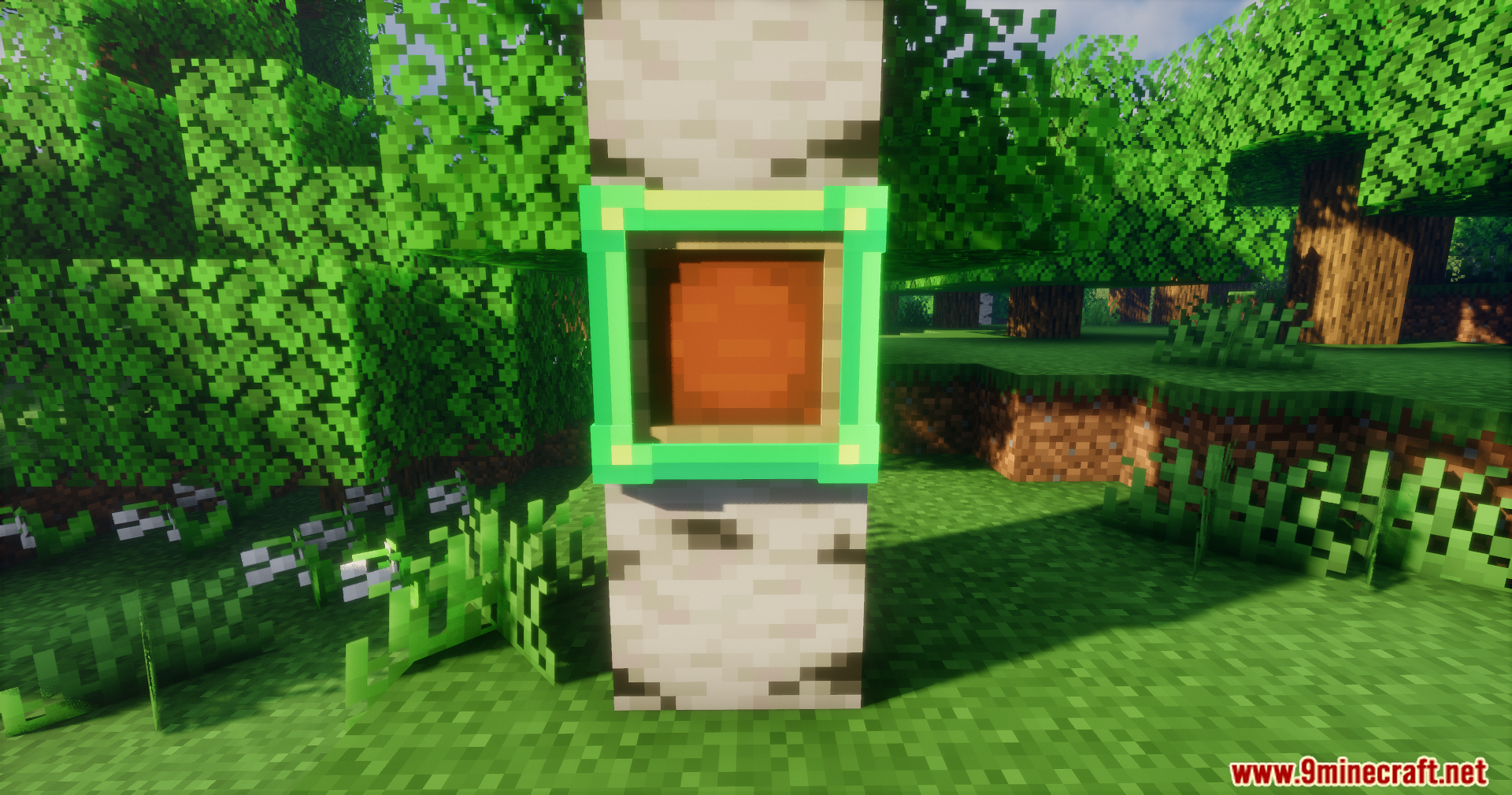
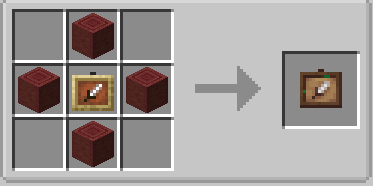
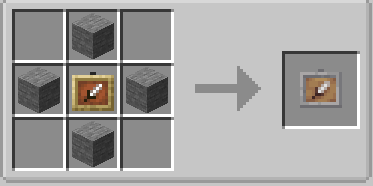
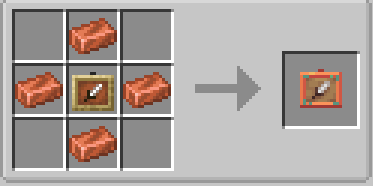
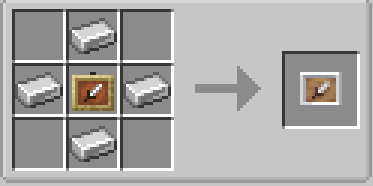
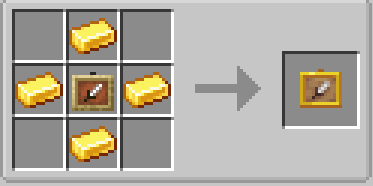
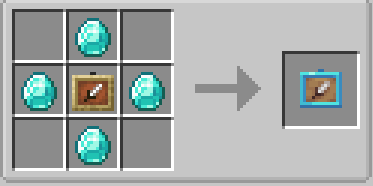
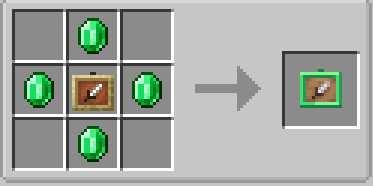
Fancy Frames Mod Download Links
Quick facts
- Edition: Minecraft Java
- File type: .jar
- Minecraft versions listed: 1.21.1, 1.20.1
- How to install: Install the matching mod loader (Forge, Fabric or NeoForge) for your Minecraft version. → Download the .jar. → Put it in the .minecraft/mods folder and launch that loader profile.
- Where to get it: In MC Java Mods, or directly above on this page.
Install steps are the general flow for this file type — How to install Minecraft Java mods & modpacks walks through it step by step.
File checked by MCModsHub
- Downloads as 27108.mcaddon
- Download size: 294 KB
- Download link checked 24 Sept 2026 — working
- Mirrored on our own servers — the download does not depend on the original host
These come from our own check of the pack file, not from the source page.