
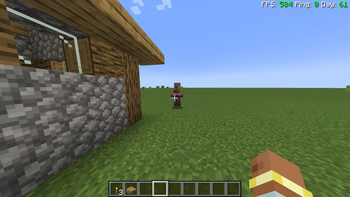
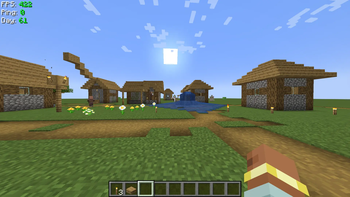
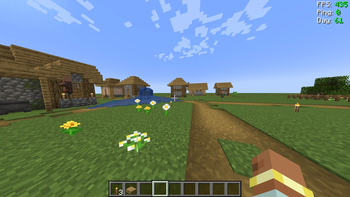
A simple HUD that displays FPS, Ping, and Day with dynamic color coding.
Features
Customizable Postion and Style:


FPS Display:
- 0-30 → 🔴 Red
- 31-60 → 🟡 Yellow
- 61+ → 🟢 Green
Ping Display:
- 0-100ms → 🟢 Green
- 101-300ms → 🟡 Yellow
- 300+ms → 🔴 Red
Day Display:
- Always Green.
Other:
- Automatically hides when F3 debug screen is enabled.
- Highly Customizable.
New Option:
- You can customize on which days it will appear in red, using the 1+1n method. (Designed for zombie modpacks)
- You can change the color of FPS, Ping and Day now !
Modpack Usage
✅ There is no limits to be in any modpack!
Quick facts
- Edition: Minecraft Java
- File type: .jar
- Minecraft version listed: 1.20.1
- How to install: Install the matching mod loader (Forge, Fabric or NeoForge) for your Minecraft version. → Download the .jar. → Put it in the .minecraft/mods folder and launch that loader profile.
- Where to get it: Opens on Modrinth — not every file is mirrored on our own servers.
Install steps are the general flow for this file type — How to install Minecraft Java mods & modpacks walks through it step by step.
Verified by MCModsHub
- Ships as easyhud-1.4.jar — drop this file into the mods folder
- Download size: 12 KB
- Download link checked 31 Aug 2026 — working
These come from our own check of the pack file, not from the source page.