
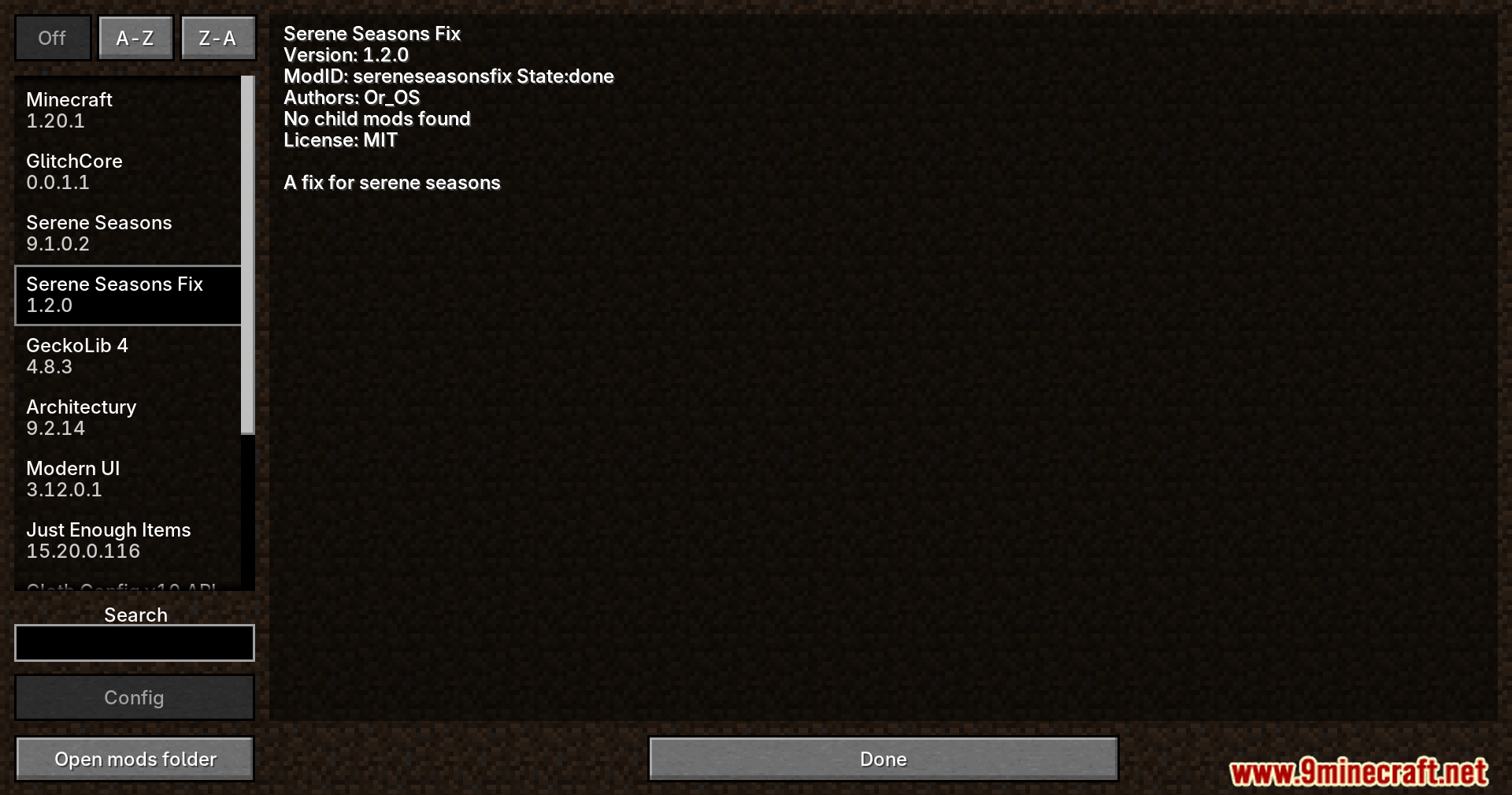
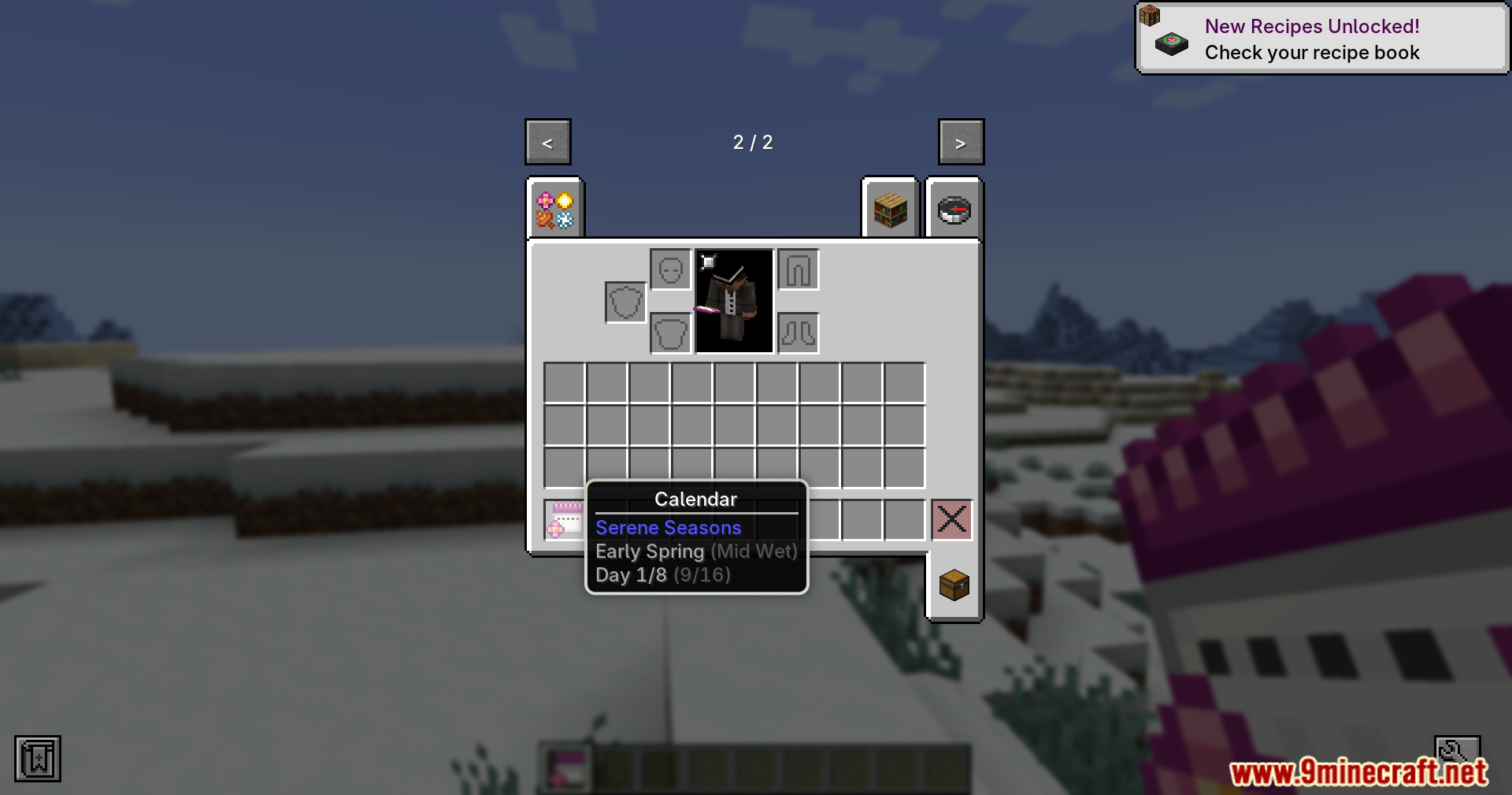
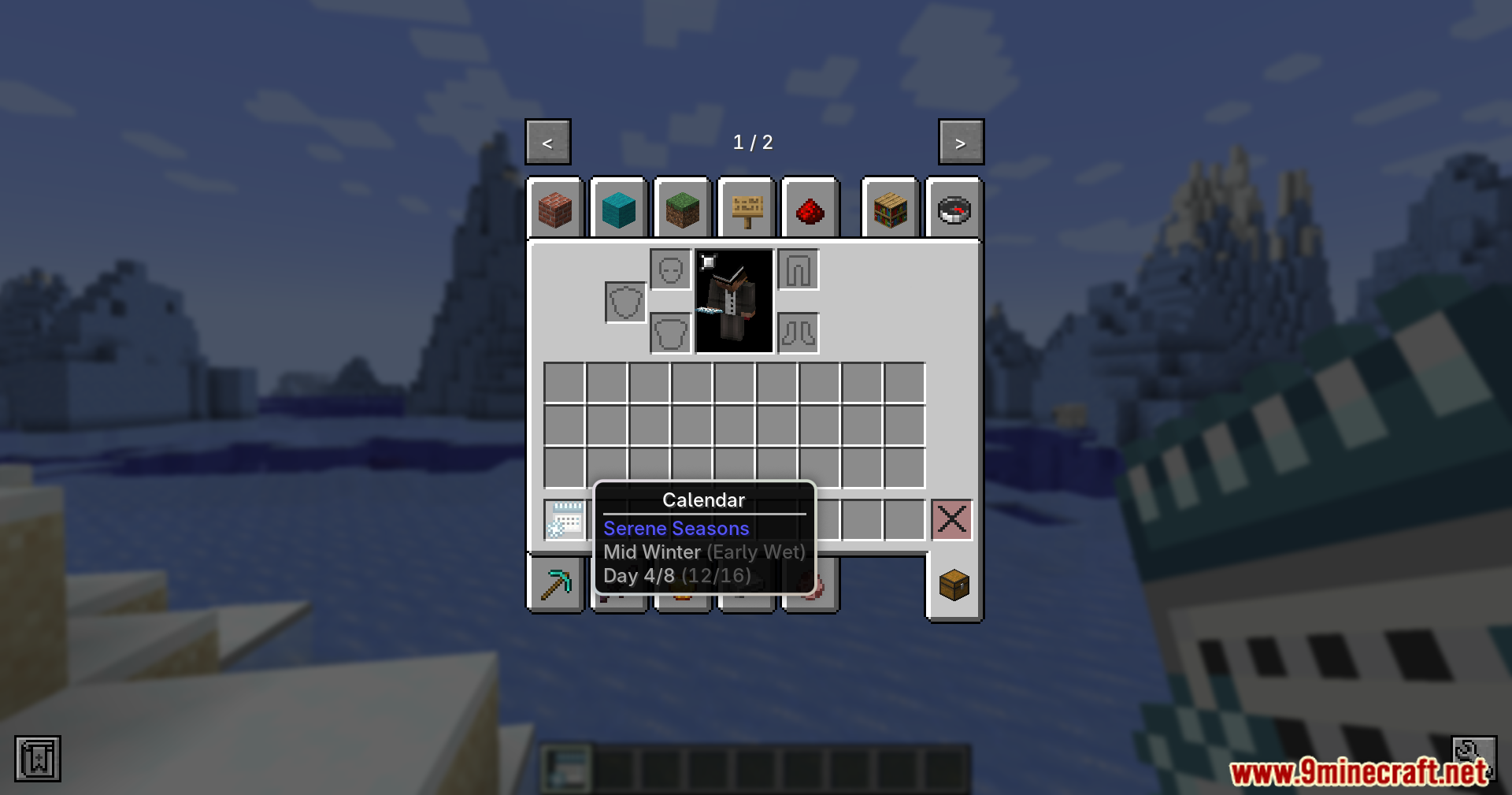
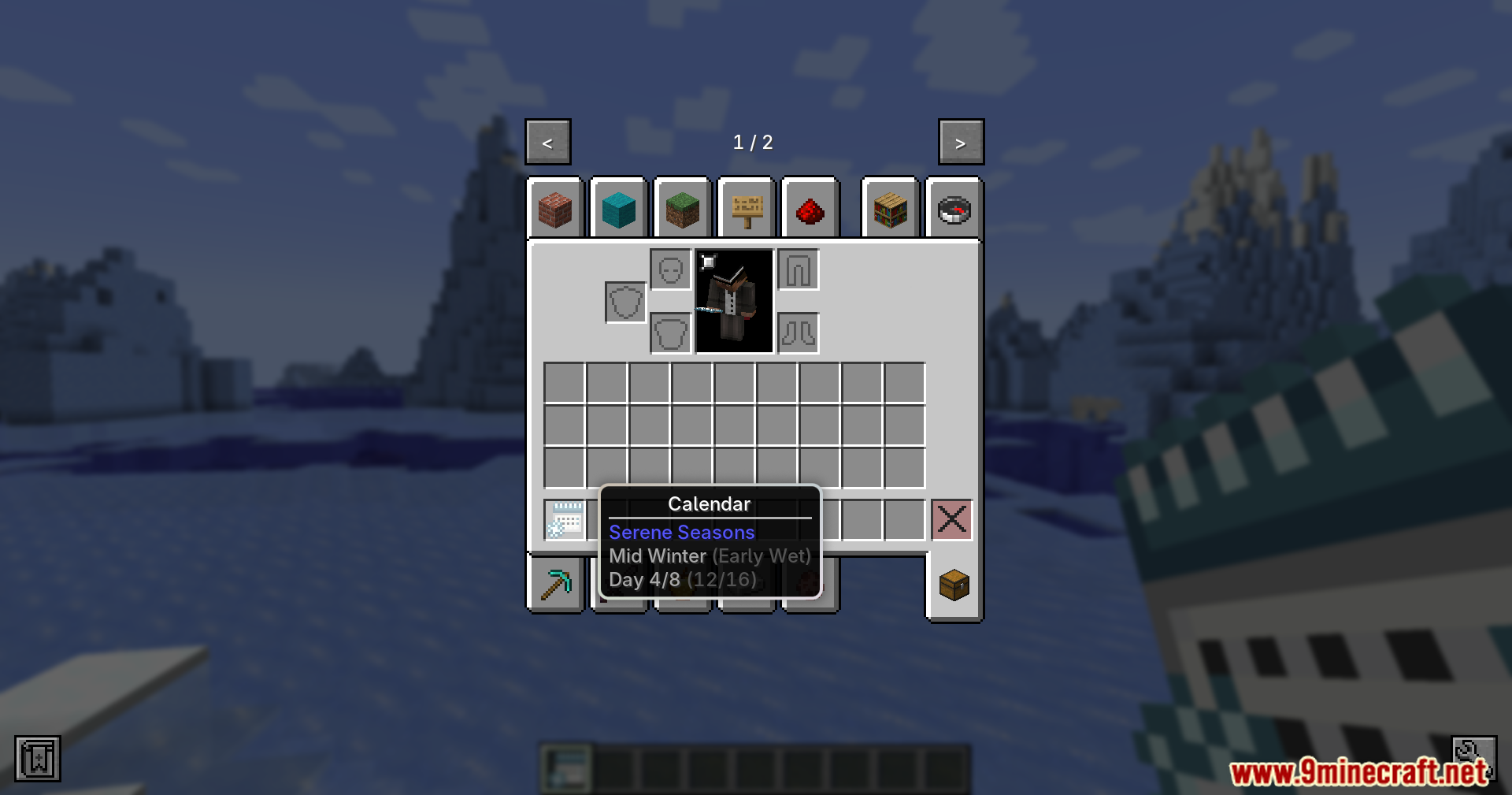

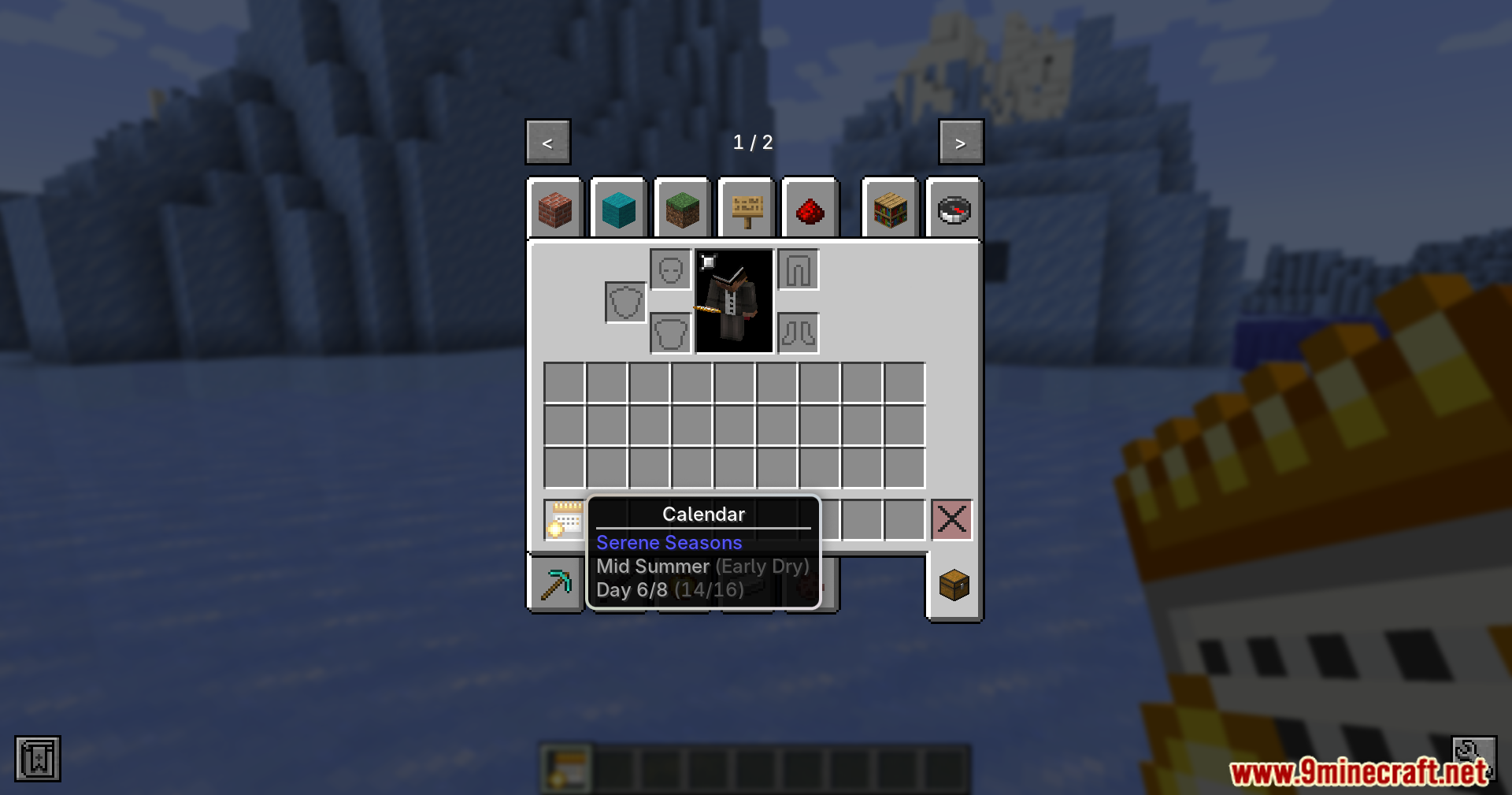
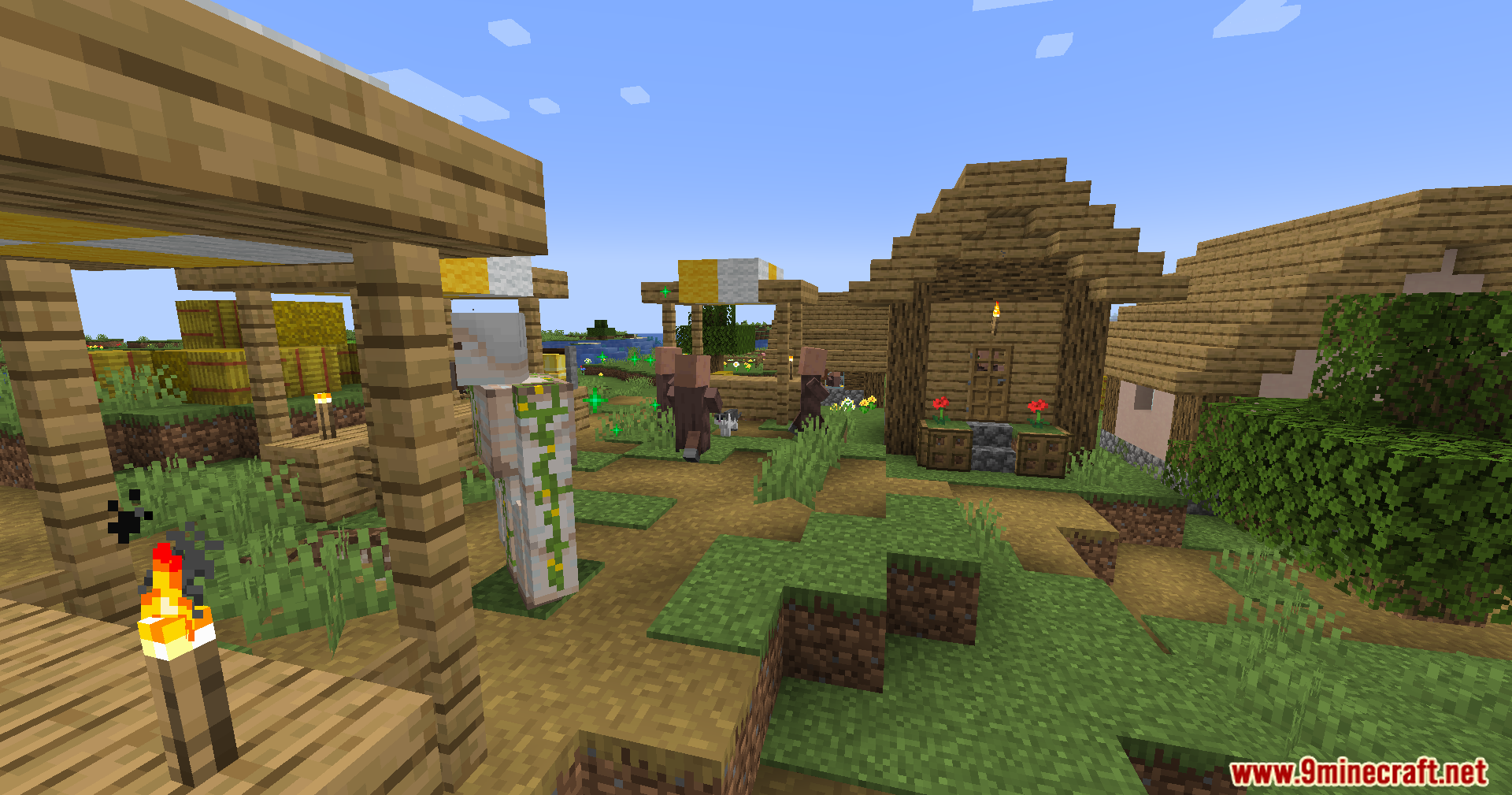
Serene Seasons Fix Revived Mod brings a better way for the game to handle seasonal time changes. It helps stop bugs that happen when the world time changes, like when you sleep or switch between worlds without closing the game. This mod makes sure that seasons move forward at the right speed, even if the length of your days changes.
Features:
- Fixes season time skips when you sleep or change the world time.
- Prevents time errors when switching between different single player worlds.
- Syncs season progress with world time, so it stays correct if days are faster or slower.
- Stops the ticking mechanism in dimensions where it is not needed to save on performance.
- Shows clear messages when using season commands in dimensions that do not support them.
Commands:
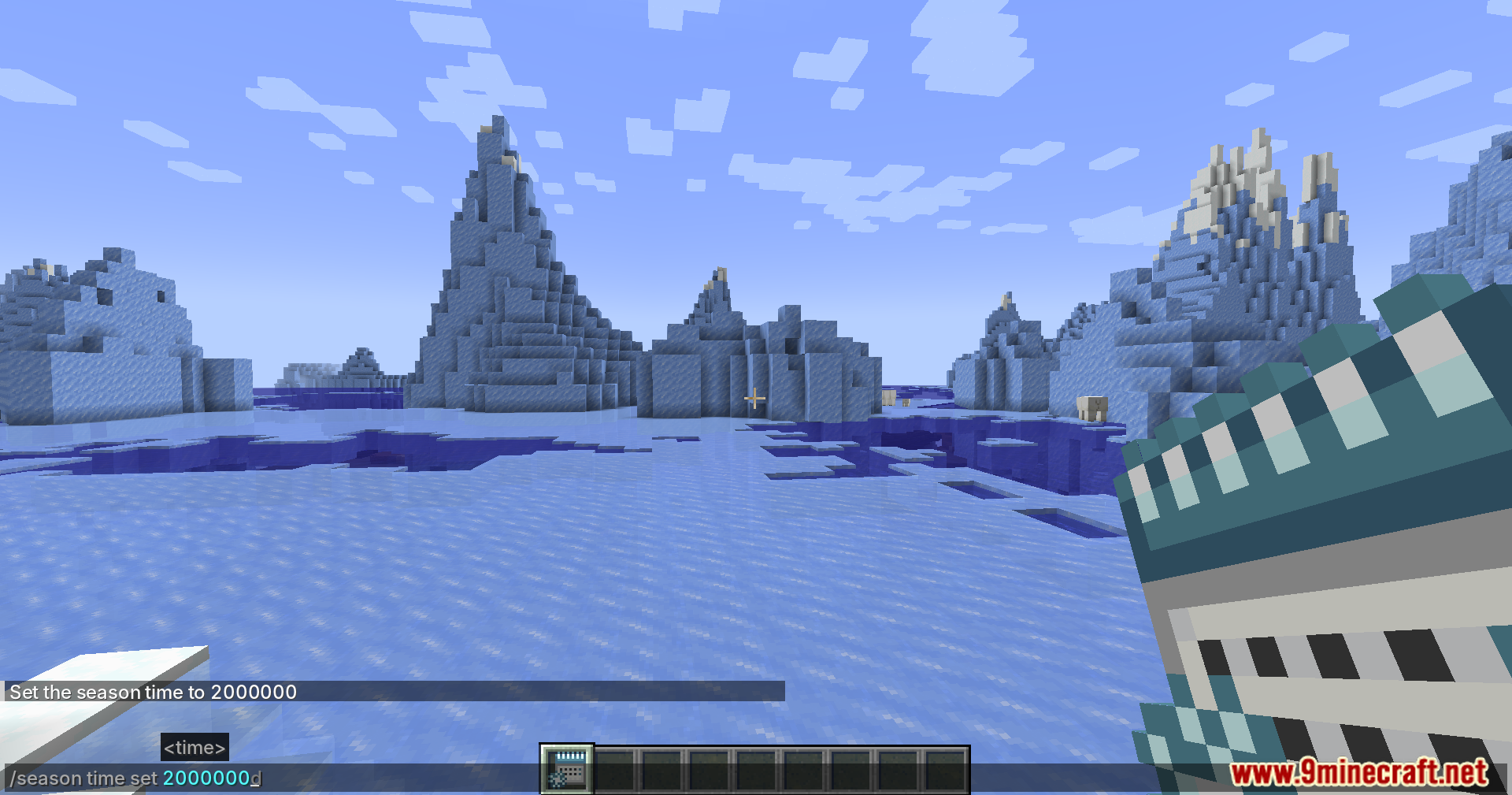
You can use these /season time commands to manage your world:
set/add: Changes the season time just like the normal game time commands.info: Shows the current world time and season time to help check for errors.sync: Forces the season time to match up with the world time again.
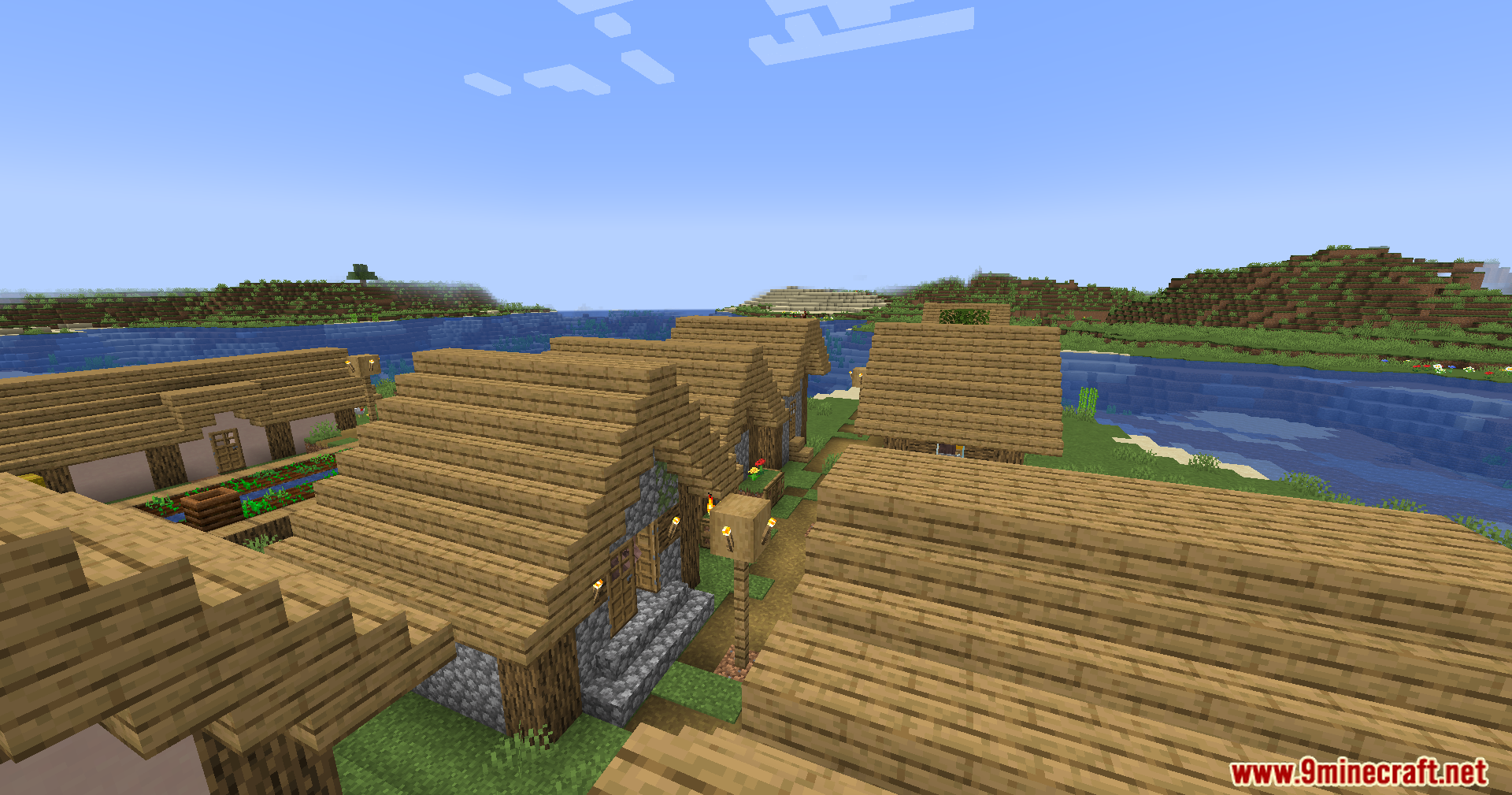
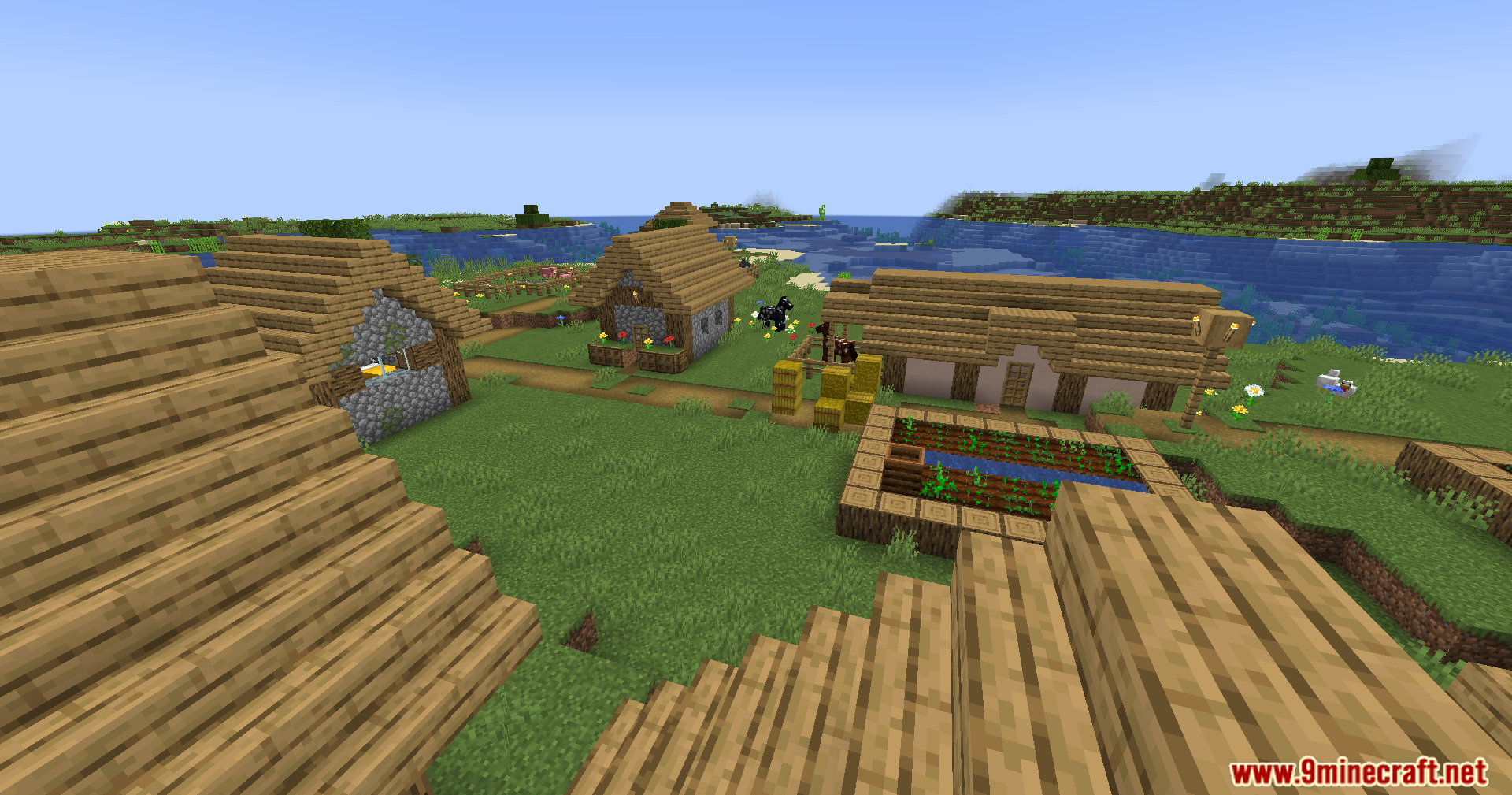
Screenshots:
Serene Seasons Fix Revived Mod Download Links
Quick facts
- Edition: Minecraft Java
- File type: .jar
- Minecraft version listed: 1.20.1
- How to install: Install the matching mod loader (Forge, Fabric or NeoForge) for your Minecraft version. → Download the .jar. → Put it in the .minecraft/mods folder and launch that loader profile.
- Where to get it: In MC Java Mods, or directly above on this page.
Install steps are the general flow for this file type — How to install Minecraft Java mods & modpacks walks through it step by step.
Verified by MCModsHub
- Downloads as 27110.mcaddon
- Download size: 19 KB
- Download link checked 25 Sept 2026 — working
- Mirrored on our own servers — the download does not depend on the original host
These come from our own check of the pack file, not from the source page.