ModsJava
Smart Block Placement Mod (26.2, 1.21.1) – Quick And Efficient Building
Java mod listed for Minecraft 1.21. Downloads from the MC Java Mods app on Android.
⬇ Download
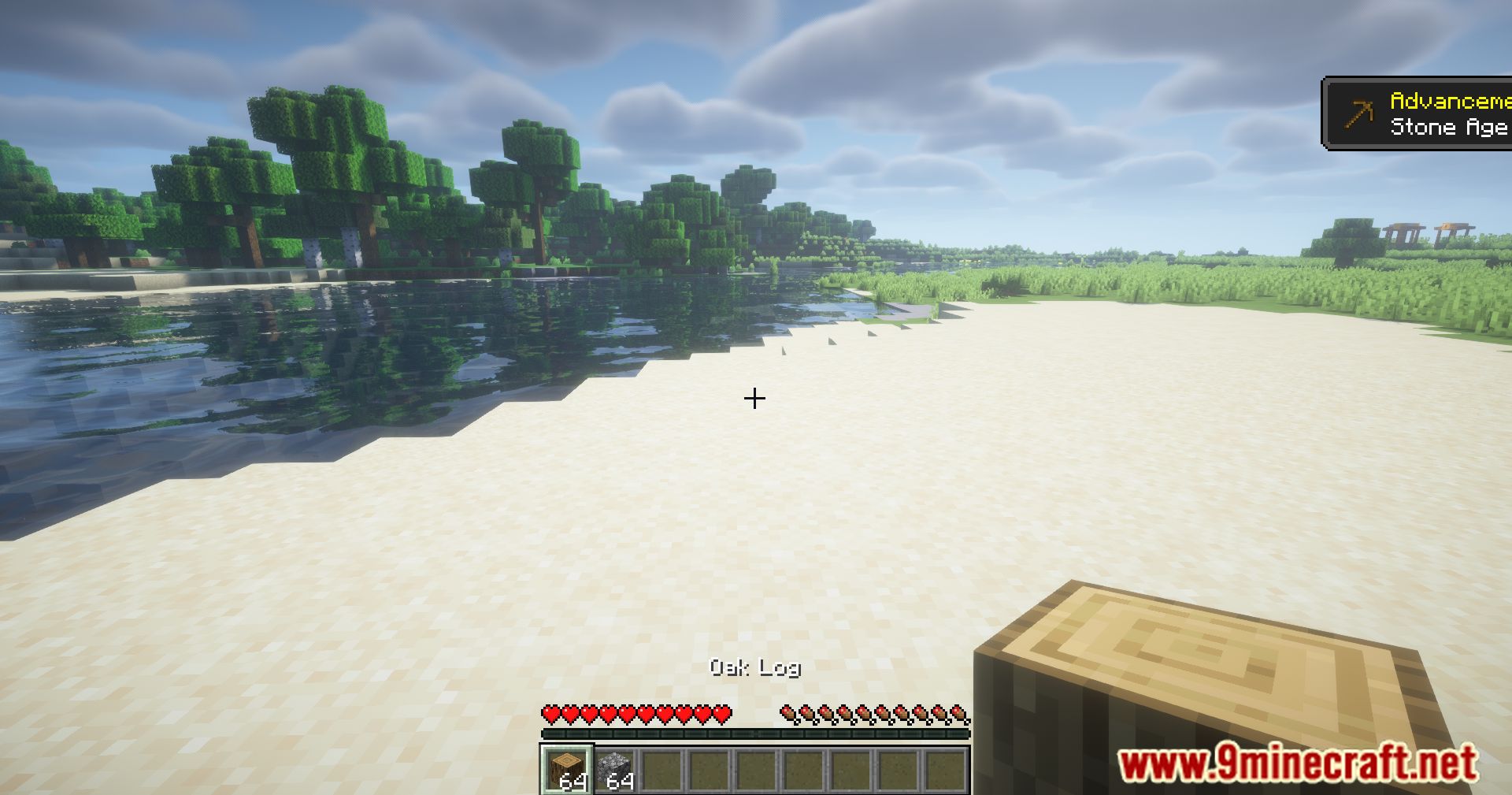
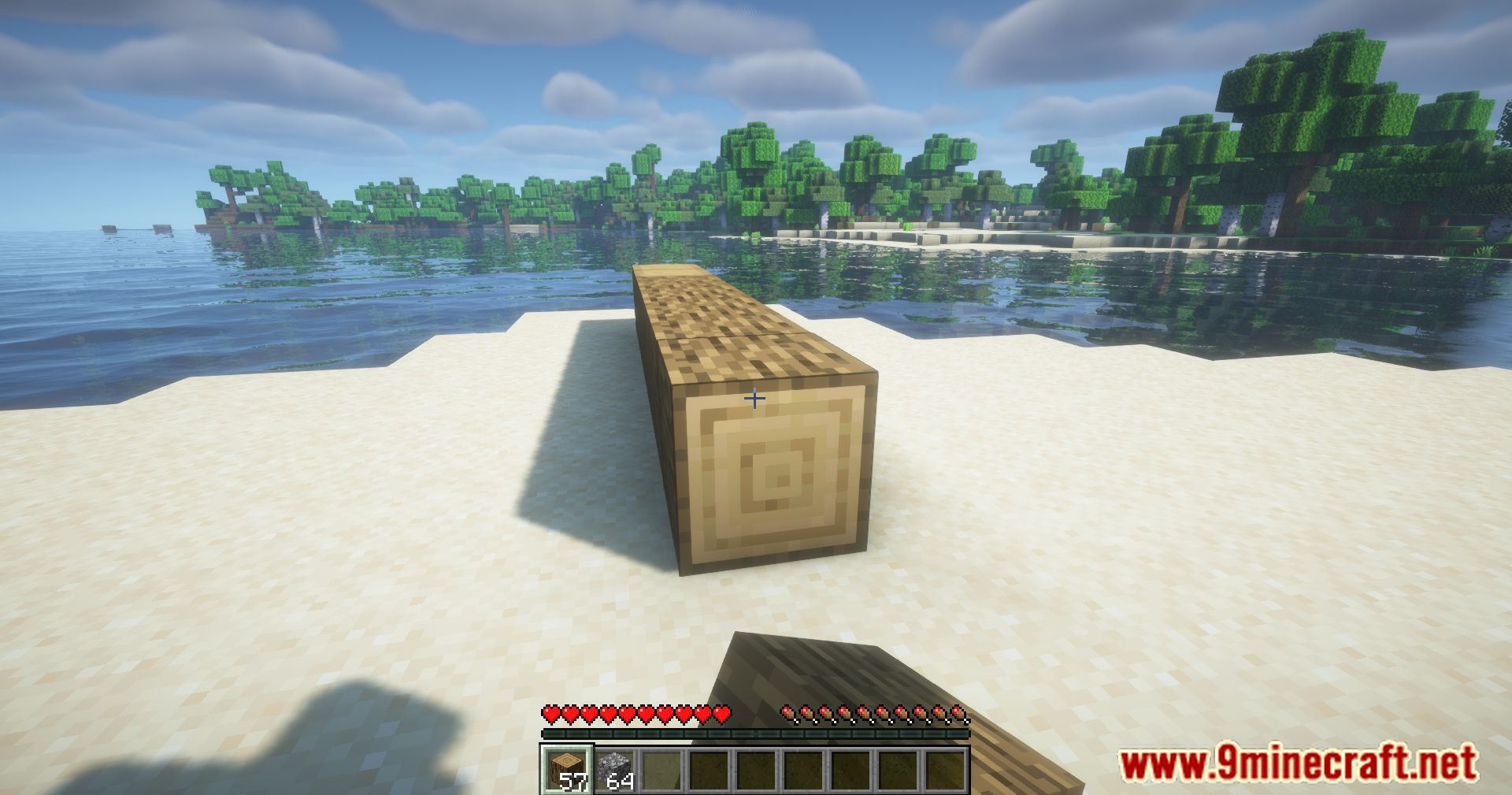
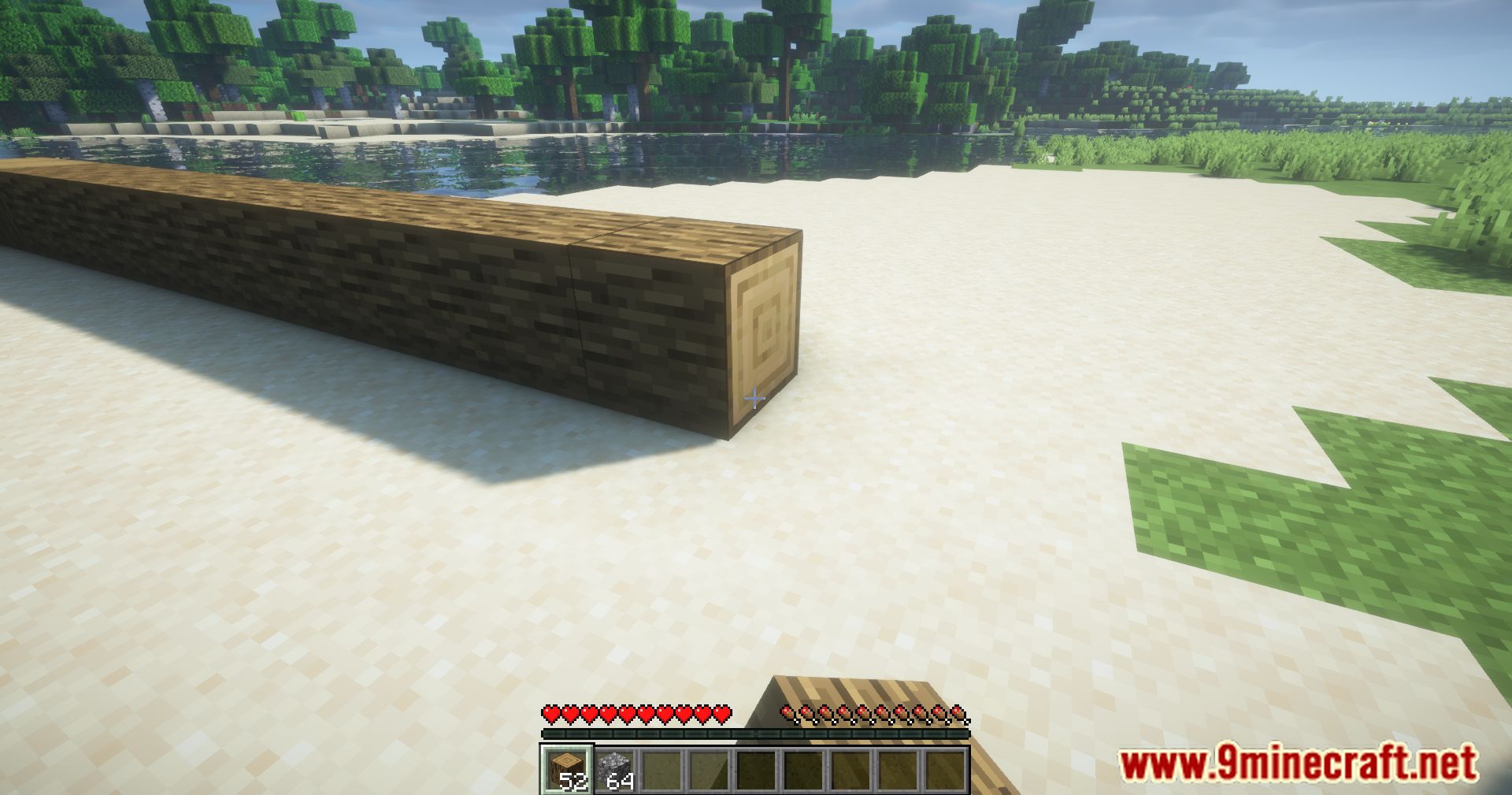
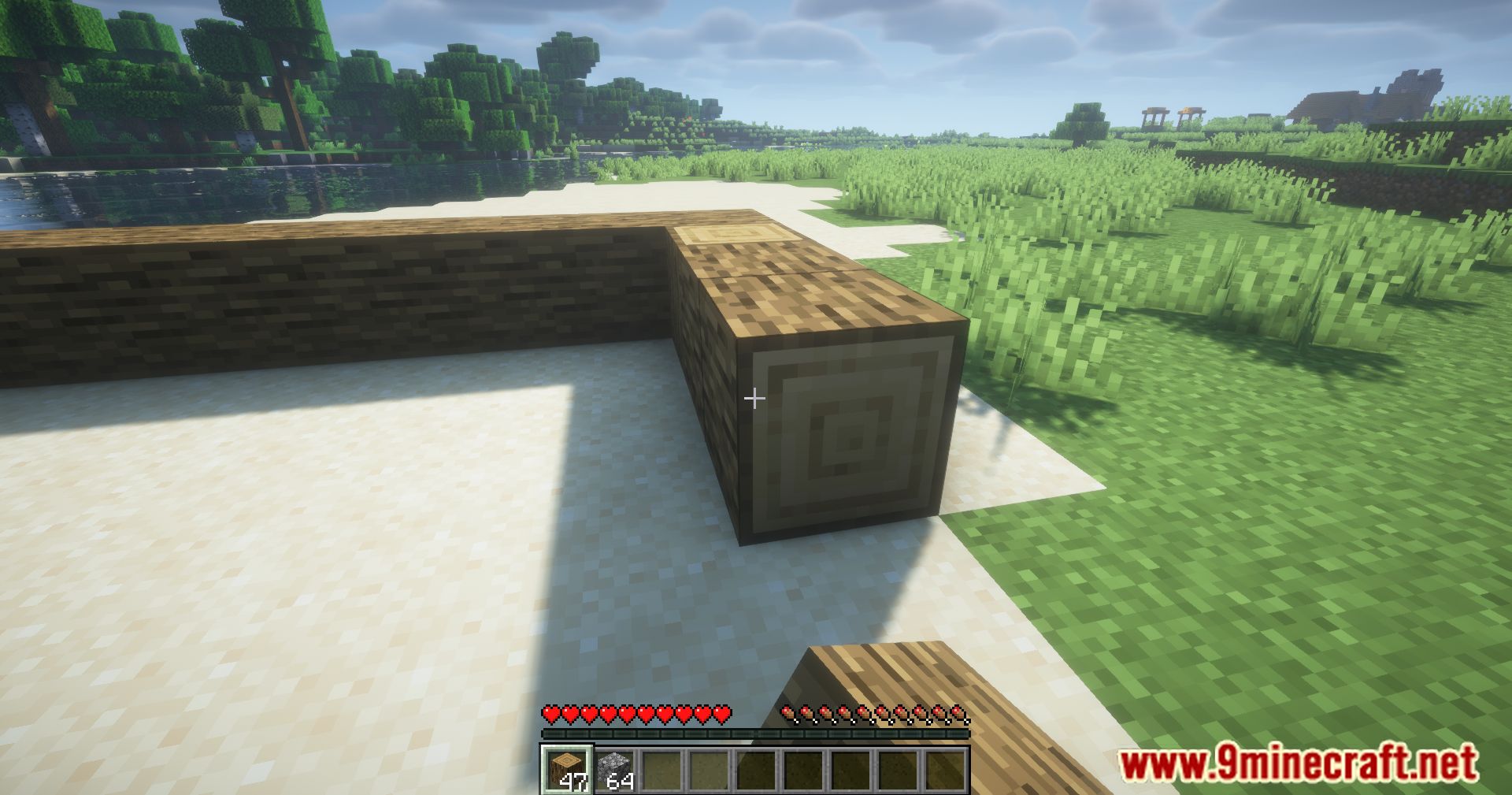
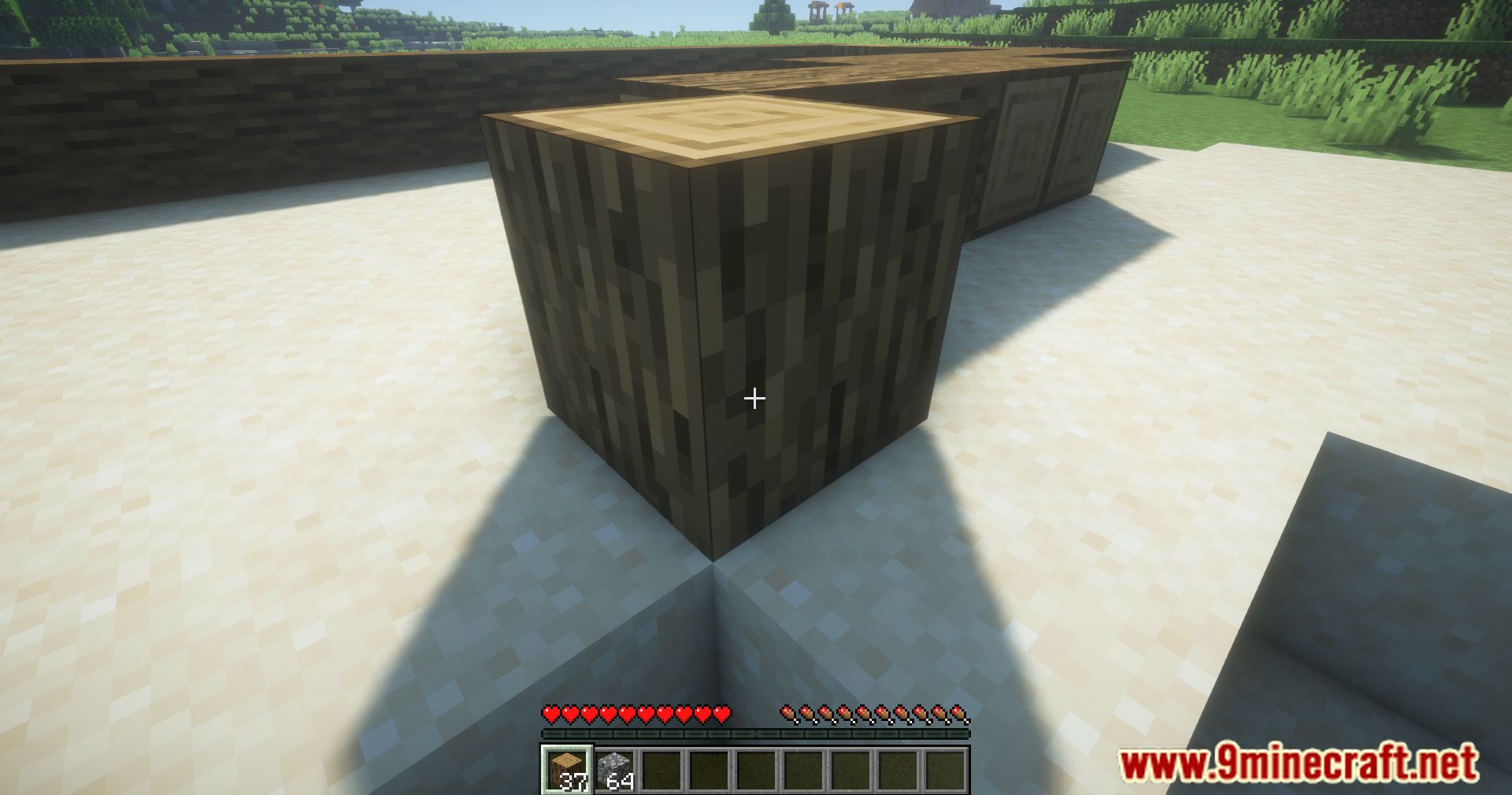
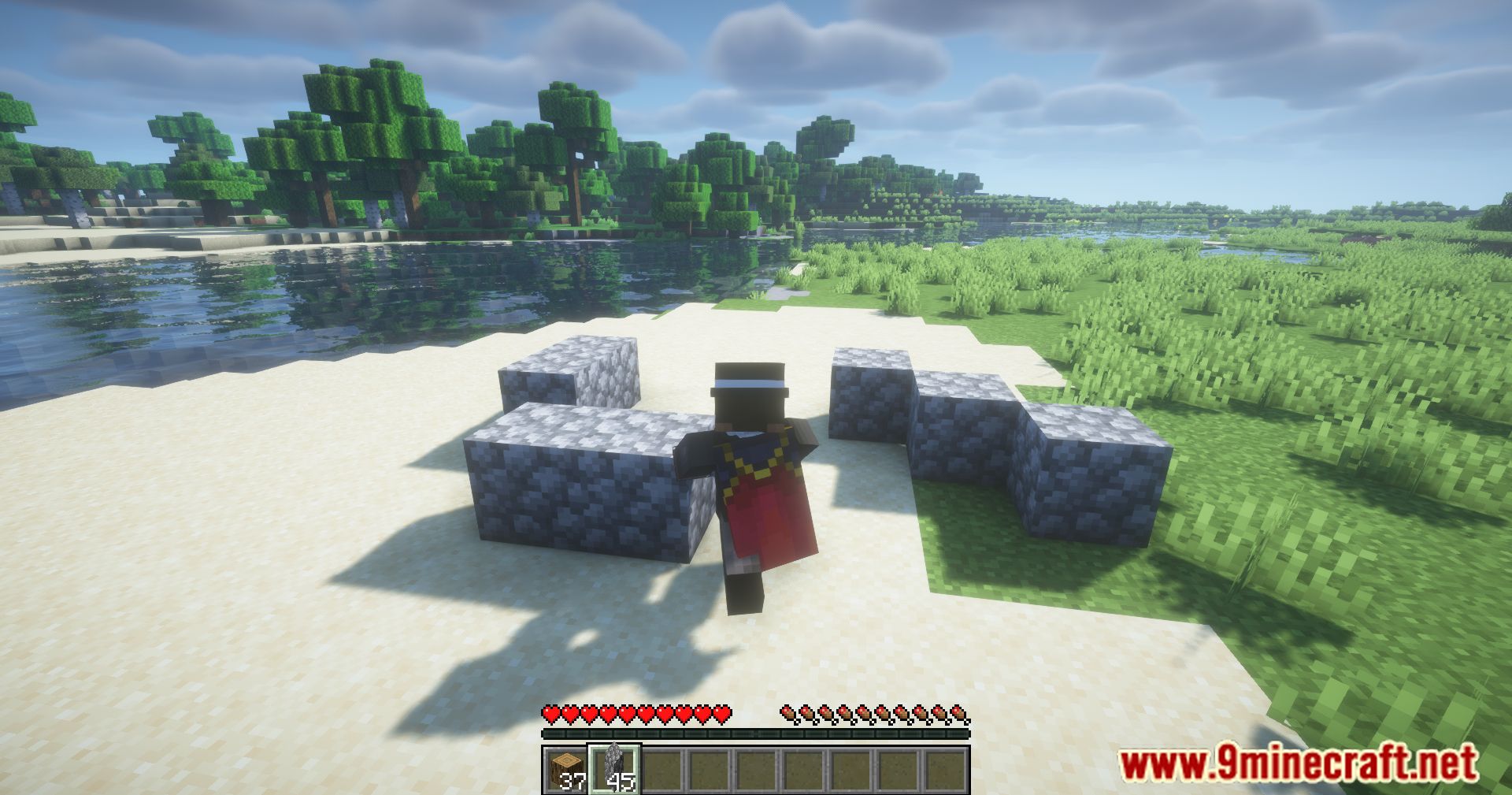
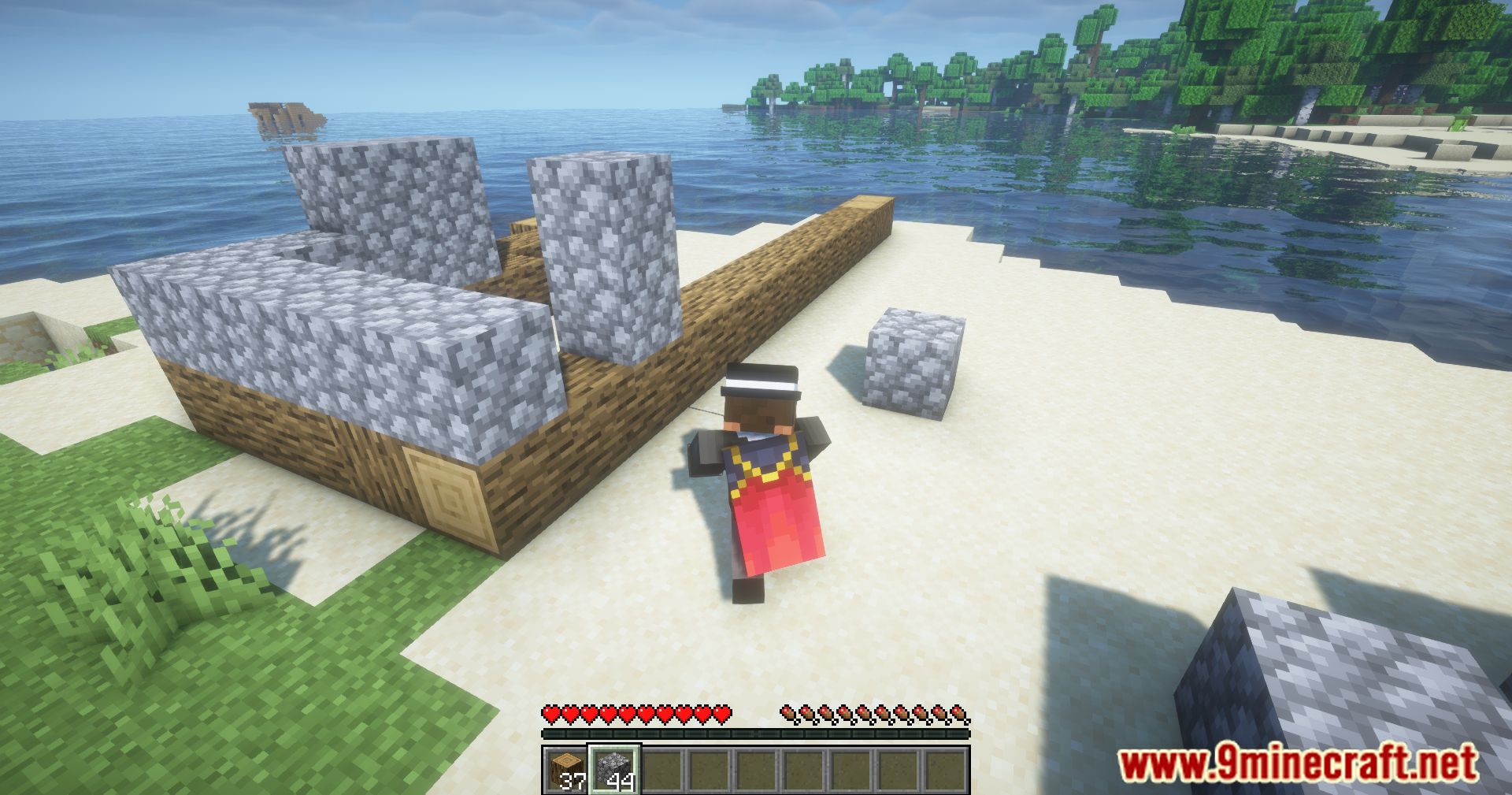
Smart Block Placement Mod improves block placement mechanics in Minecraft. By addressing the slow and often inefficient block placement of vanilla gameplay, this mod allows for quicker builds and more precise actions.
Features:
- Fixes the issue of slow block placement when holding the right mouse button in vanilla Minecraft.
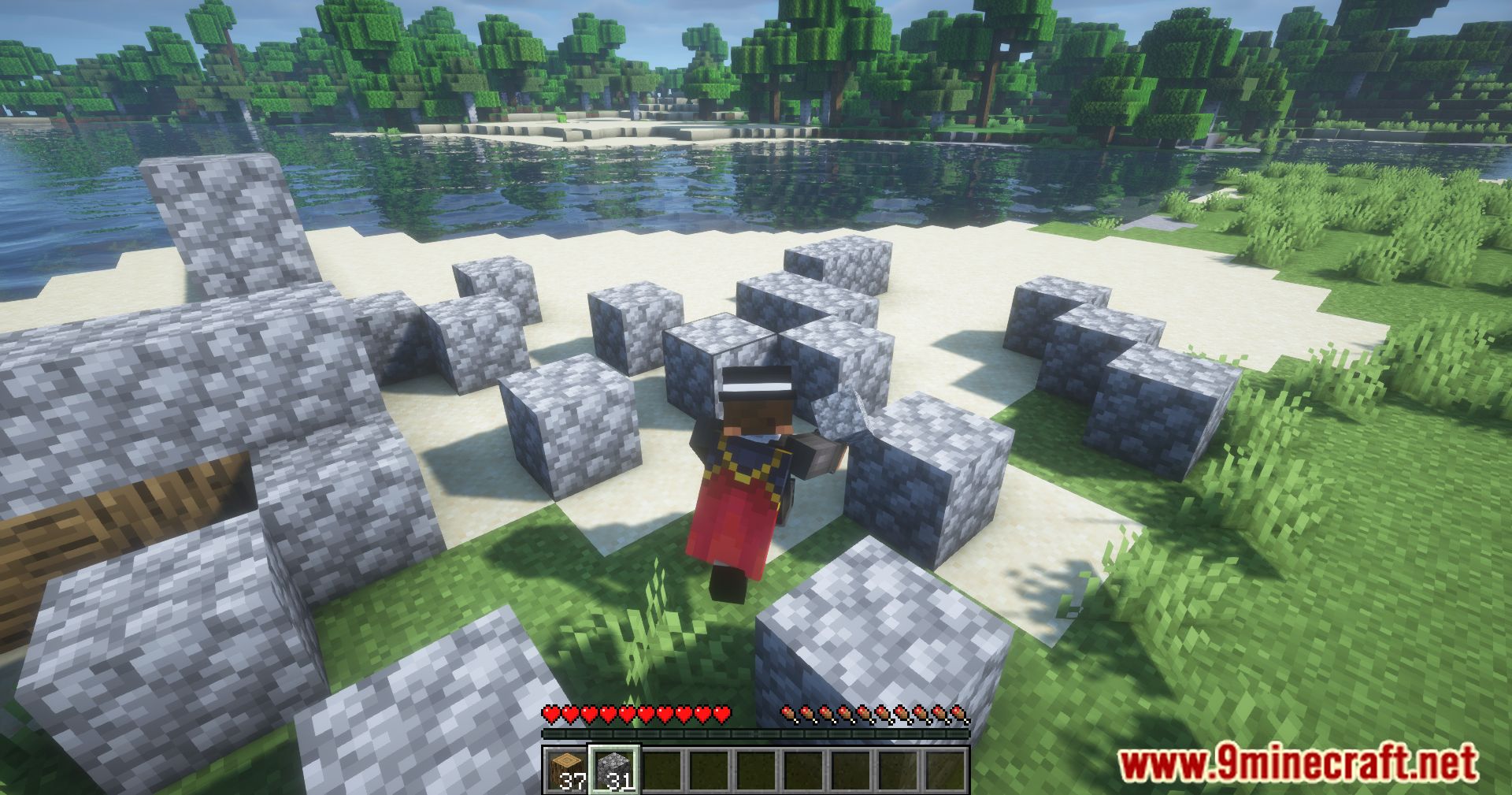
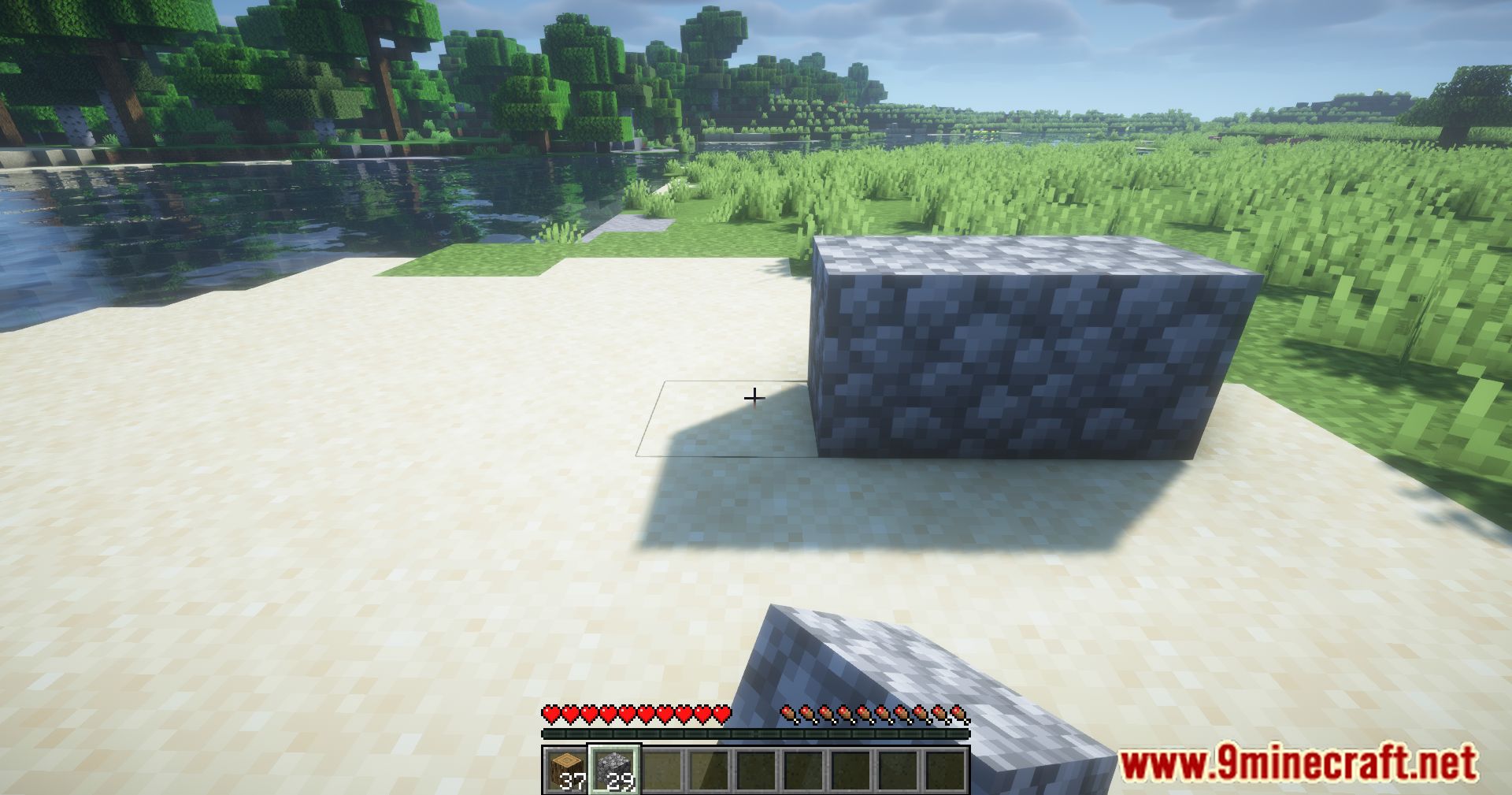
- Enables rapid placement of blocks without unnecessary interruptions.
Screenshots:
Smart Block Placement Mod Download Links
Quick facts
- Edition: Minecraft Java
- File type: .jar
- Minecraft version listed: 1.21.1
- How to install: Install the matching mod loader (Forge, Fabric or NeoForge) for your Minecraft version. → Download the .jar. → Put it in the .minecraft/mods folder and launch that loader profile.
- Where to get it: In MC Java Mods, or directly above on this page.
Install steps are the general flow for this file type — How to install Minecraft Java mods & modpacks walks through it step by step.
File checked by MCModsHub
- Downloads as 27113.mcaddon
- Download size: 47 KB
- Download link checked 25 Sept 2026 — working
- Mirrored on our own servers — the download does not depend on the original host
These come from our own check of the pack file, not from the source page.