
MyConnectionMyChoice
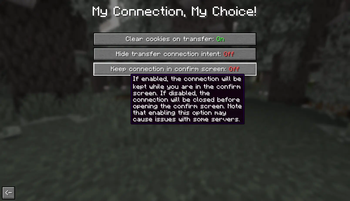
Client-side Fabric mod that lets control incoming server transfers.
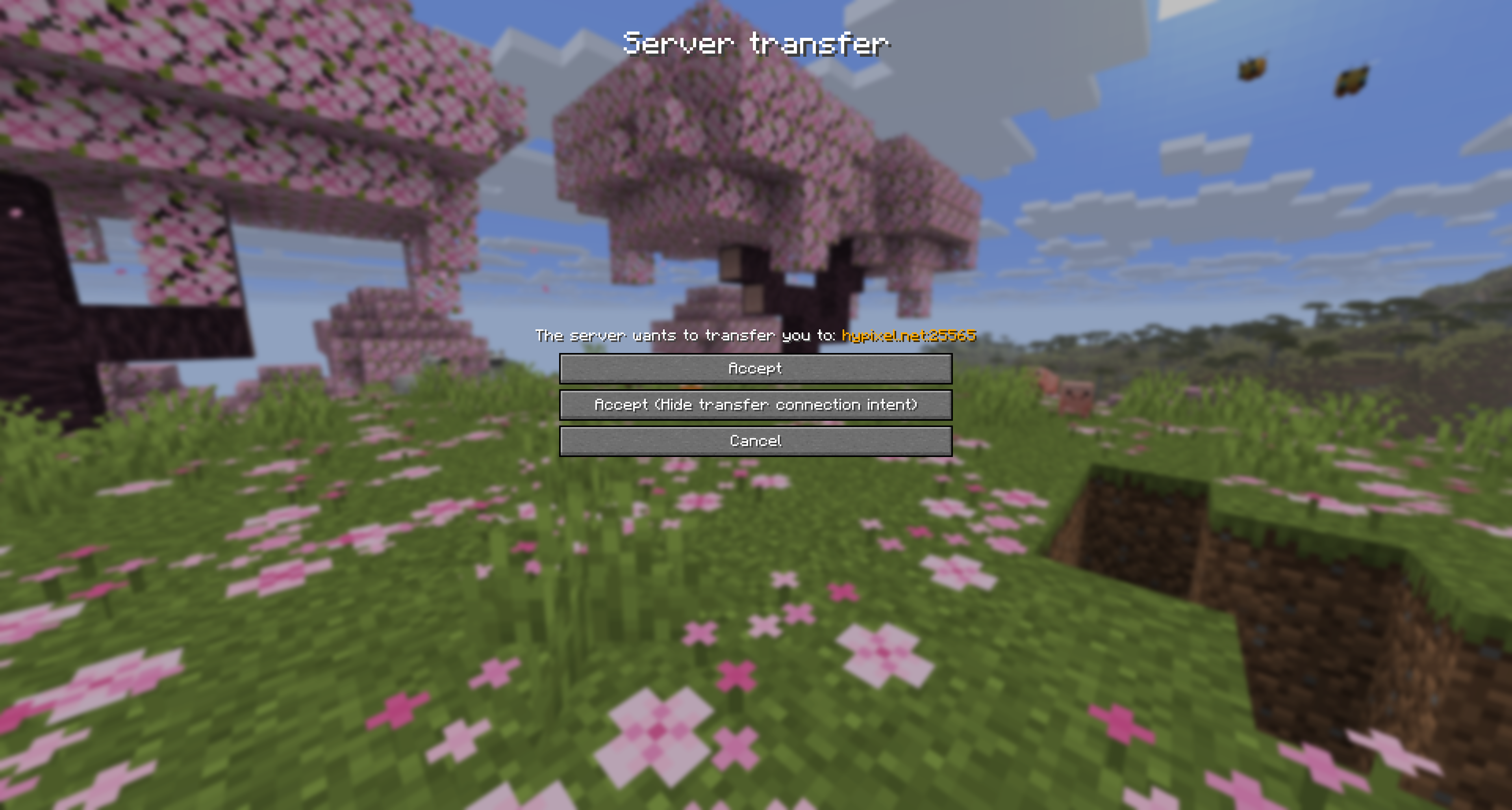
When a server requests a transfer, you can deny it, accept it normally, or accept it while hiding transfer connection intent.
Screenshots
In-game Preview
Usage
- Join a server that supports transfer packets.
- Wait for the transfer confirmation screen to appear.
- Choose
Acceptfor a normal transfer. - Choose
Accept (Hide transfer connection intent)to connect as direct login intent. - Choose
Cancelto deny the transfer.
Links
- Modrinth: https://modrinth.com/mod/myconnectionmychoice
- CurseForge: https://curseforge.com/minecraft/mc-mods/myconnectionmychoice
- Dev builds: https://build.florianreuth.de/job/MyConnectionMyChoice
- Crowdin: https://crowdin.com/project/myconnectionmychoice
Contact
Quick facts
- Edition: Minecraft Java
- File type: .jar
- Minecraft version listed: 26.2
- How to install: Install the matching mod loader (Forge, Fabric or NeoForge) for your Minecraft version. → Download the .jar. → Put it in the .minecraft/mods folder and launch that loader profile.
- Where to get it: Opens on Modrinth — not every file is mirrored on our own servers.
Install steps are the general flow for this file type — How to install Minecraft Java mods & modpacks walks through it step by step.
Verified by MCModsHub
- Ships as MyConnectionMyChoice-1.6.1.jar — drop this file into the mods folder
- Download size: 340 KB
- Download link checked 31 Aug 2026 — working
These come from our own check of the pack file, not from the source page.