
ColorBricks16
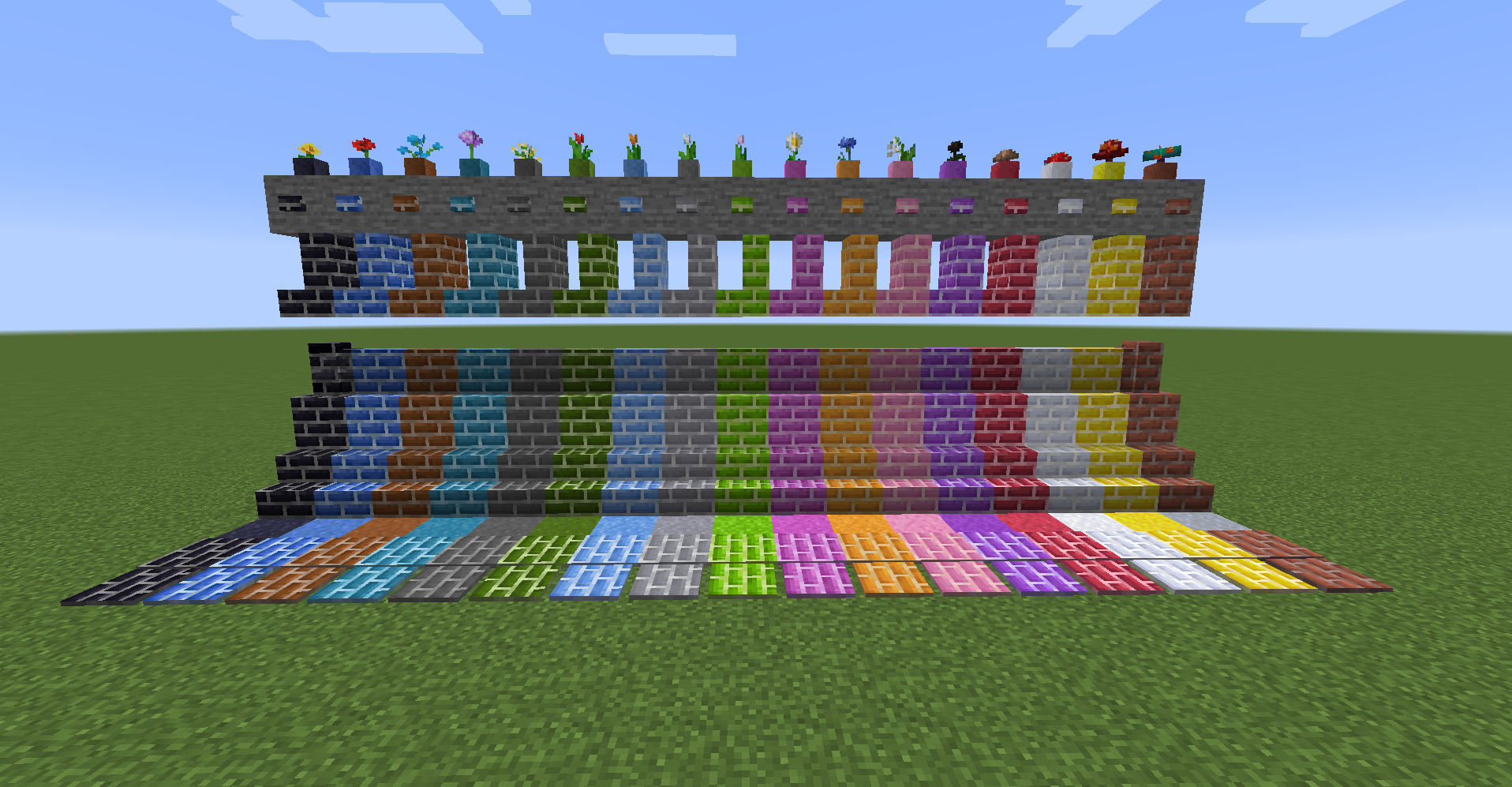
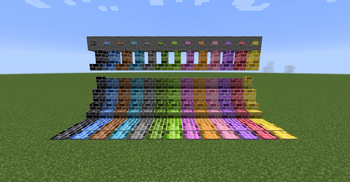
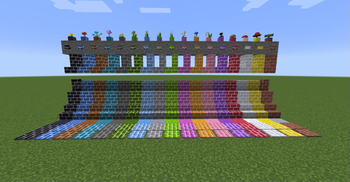
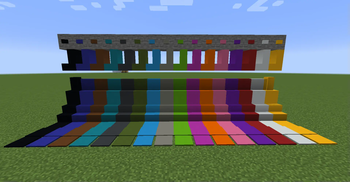
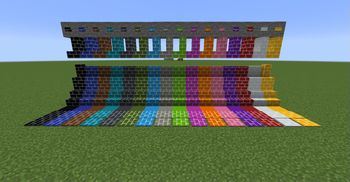
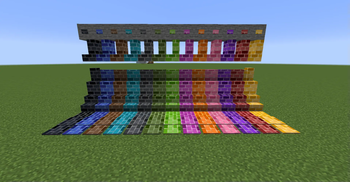
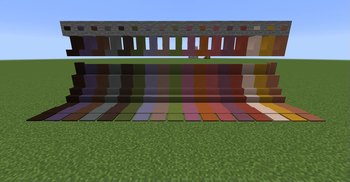
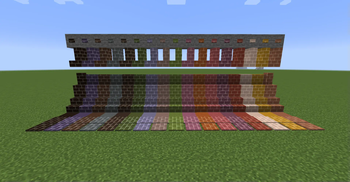
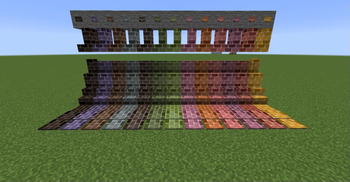
The mod allows you to create clay, brick blocks, concrete brick blocks, terracotta brick blocks, and glass brick blocks for the default 16 dyes. You can also create slabs, vertical slabs, flowerpots, stairs, walls, buttons, pressure plates, and tiles. (Flowerpots are only available for brick blocks.) The design is the same as the default one.
Manufacturable Blocks
gradation color bricks
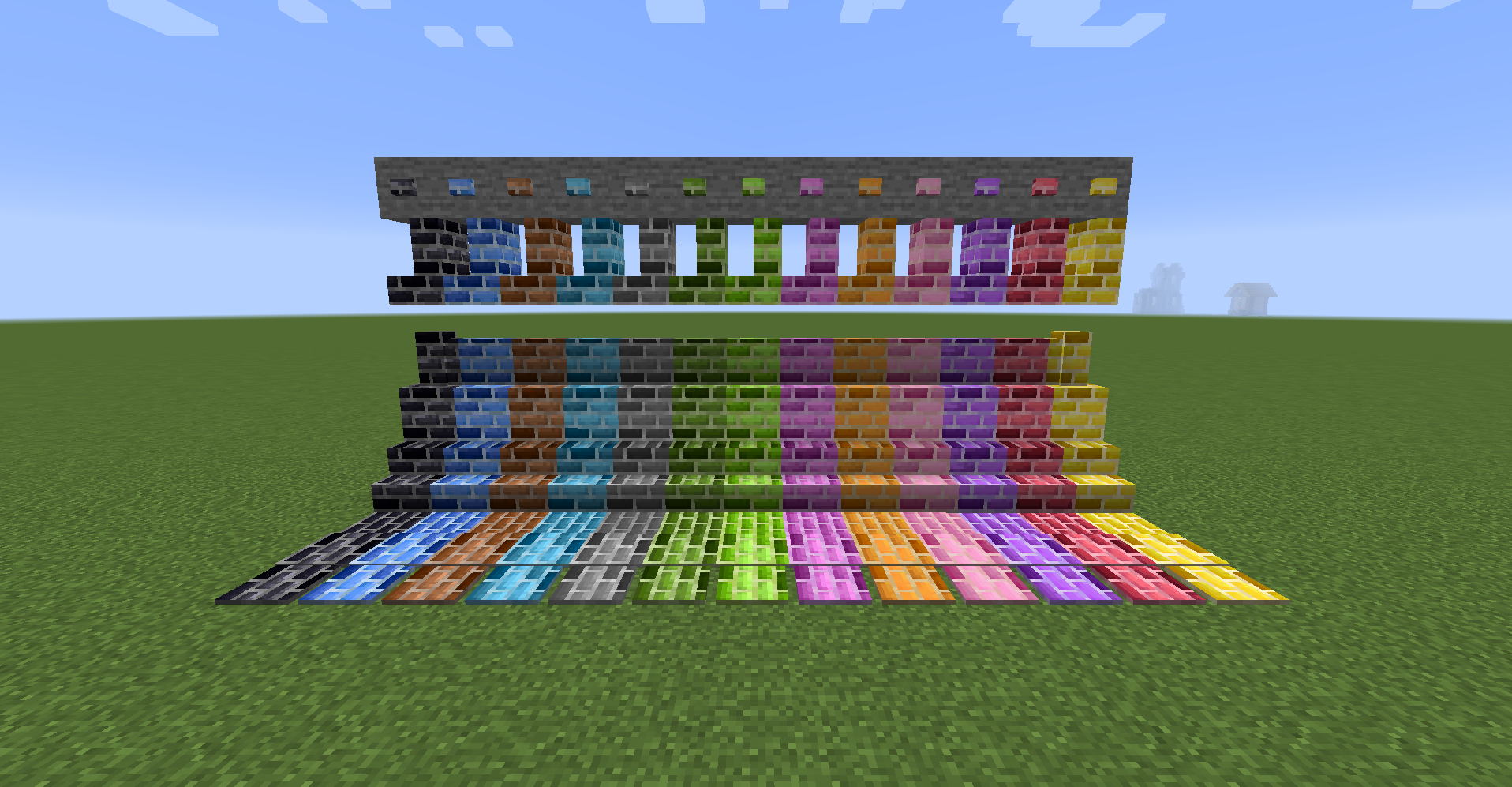
color concrete blocks
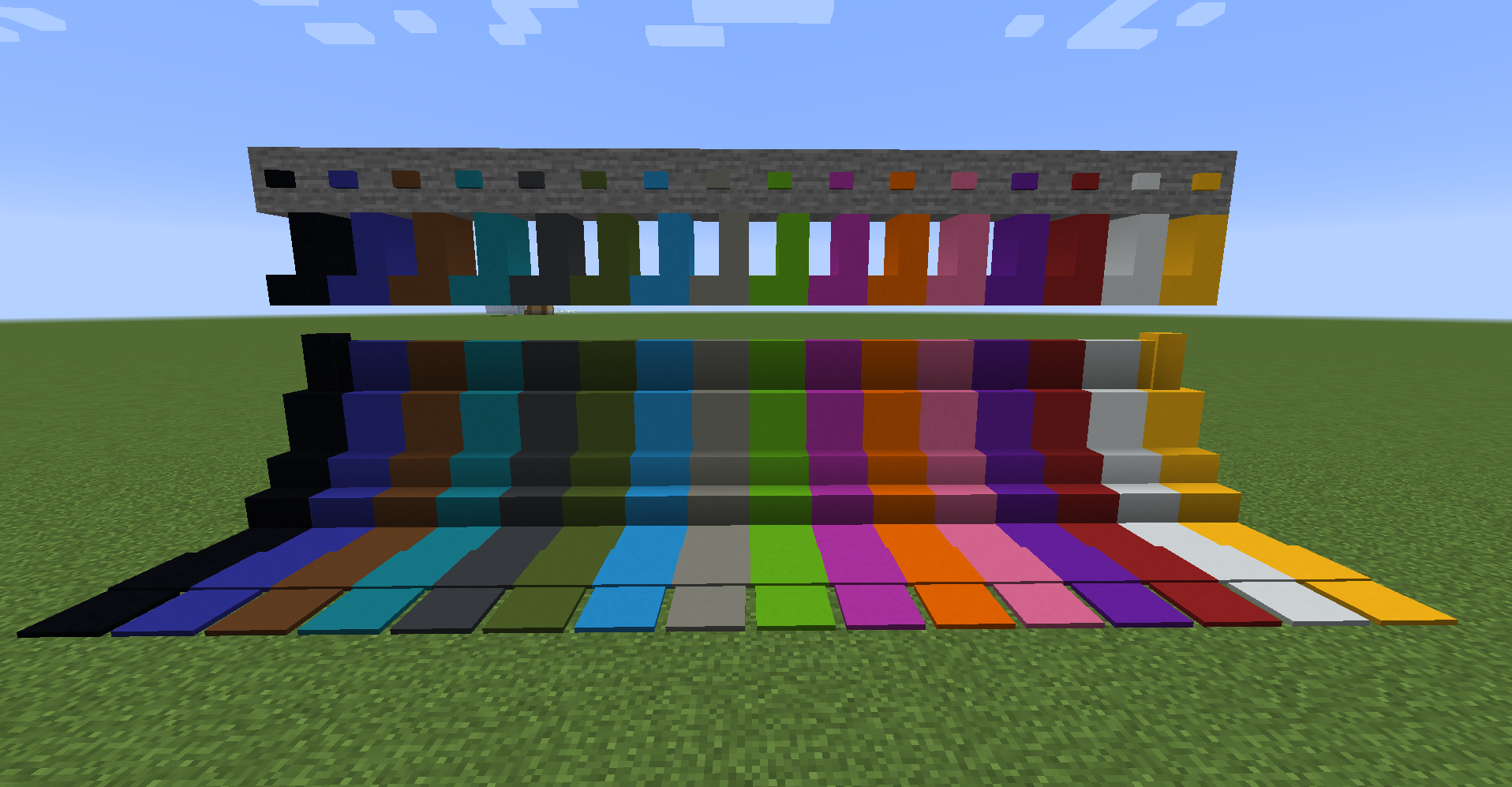
color concrete brick blocks
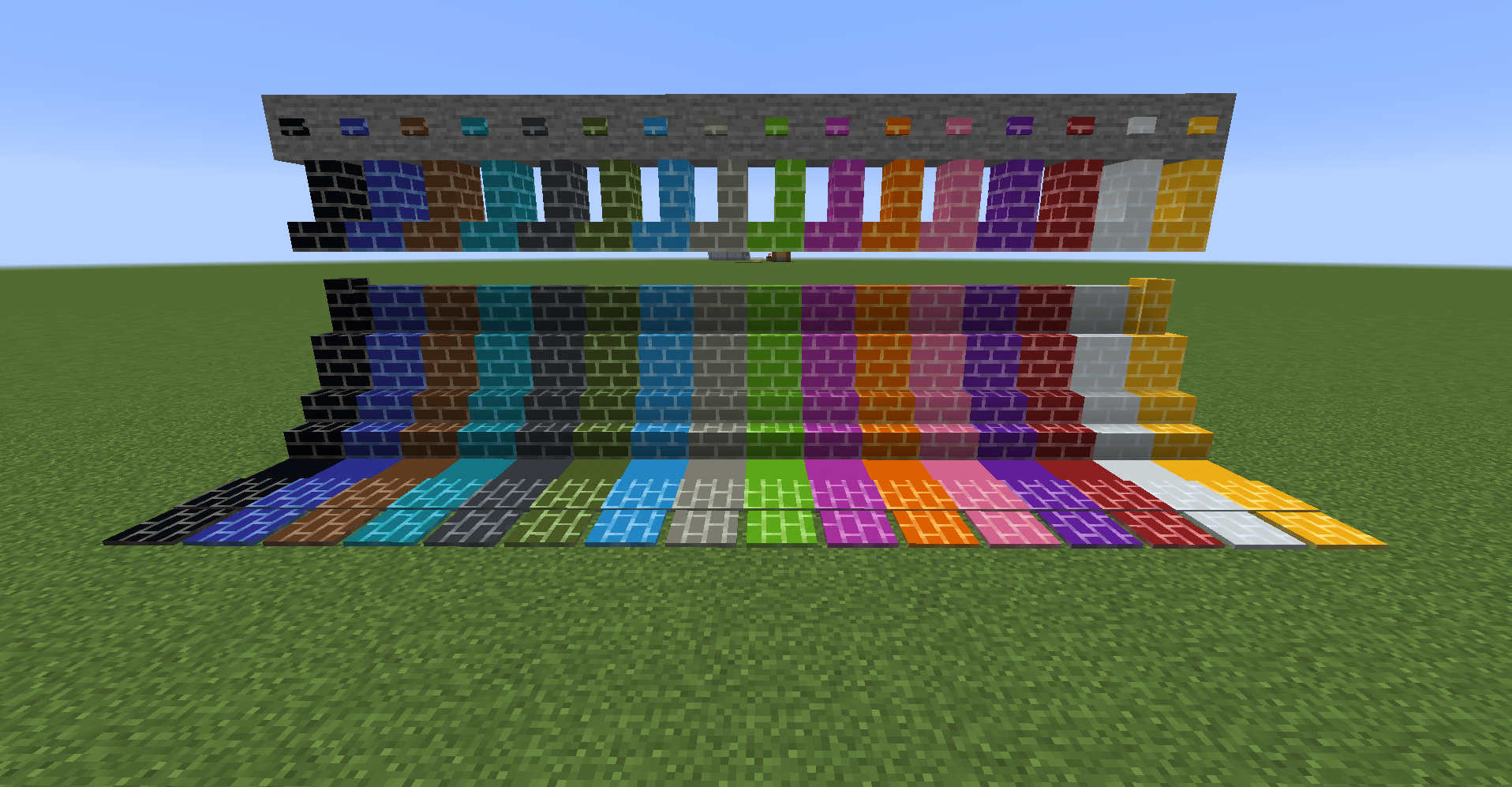
gradation concrete bricks
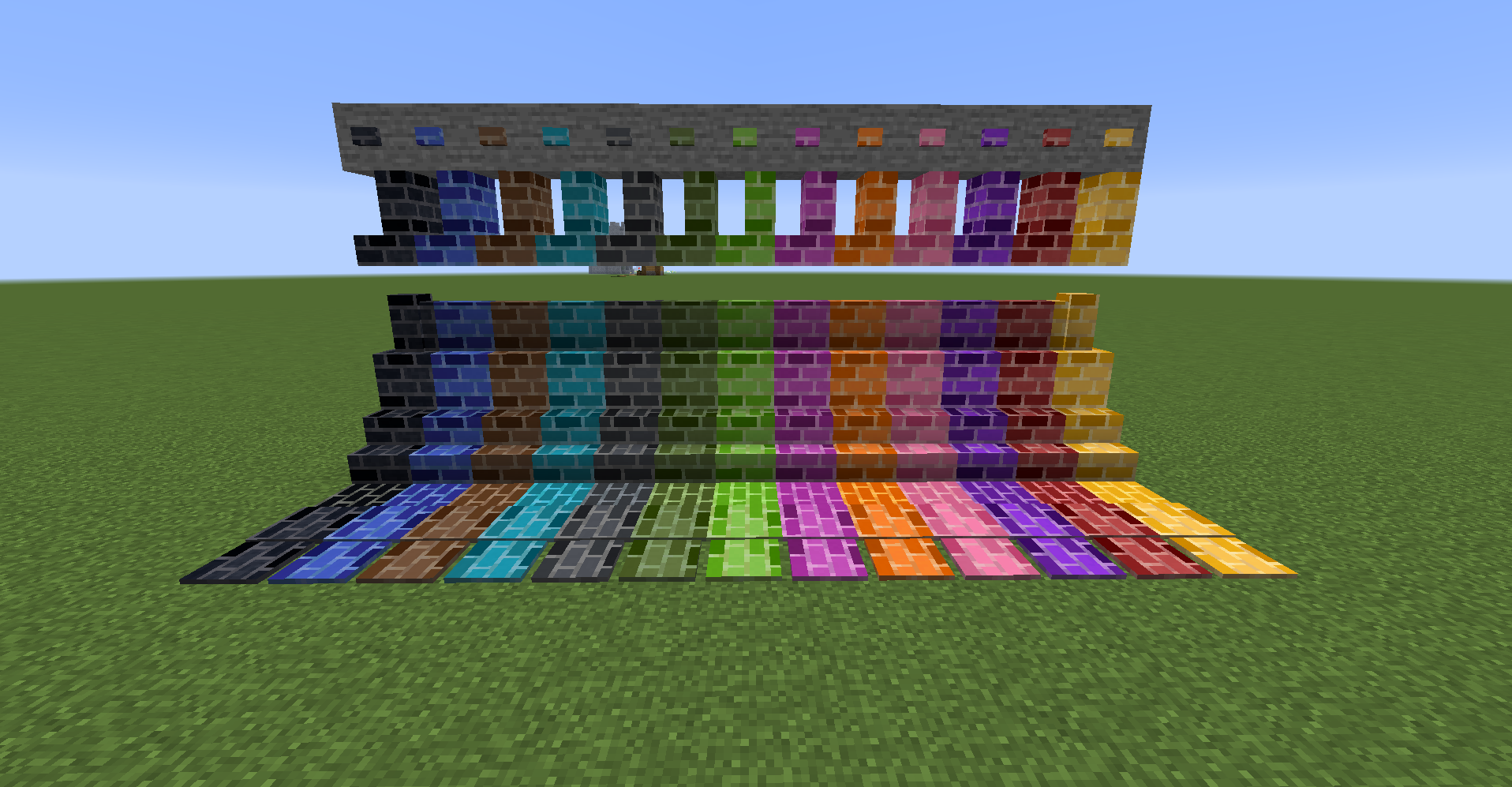
color terracotta blocks
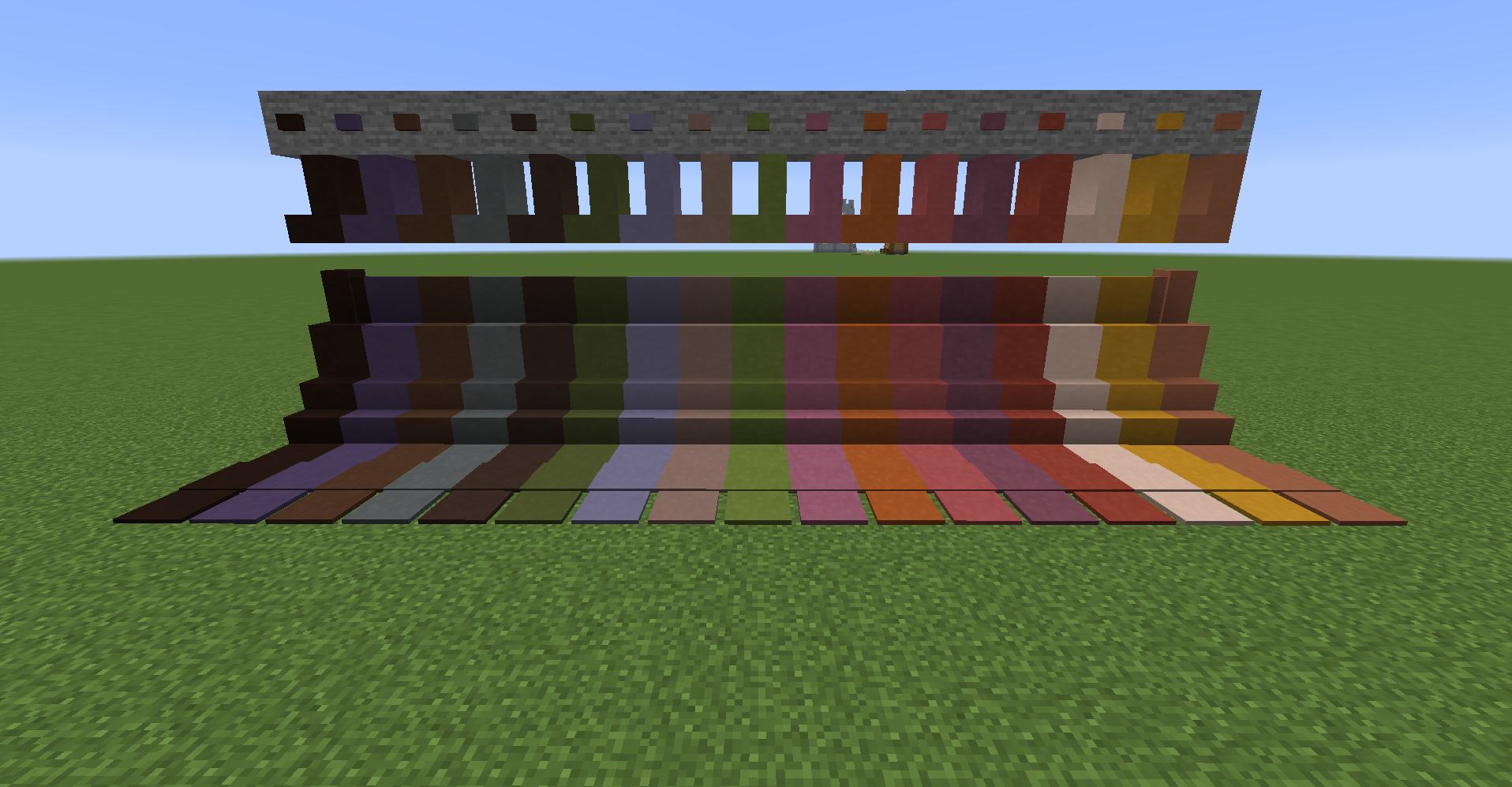
color terracotta brick blocks
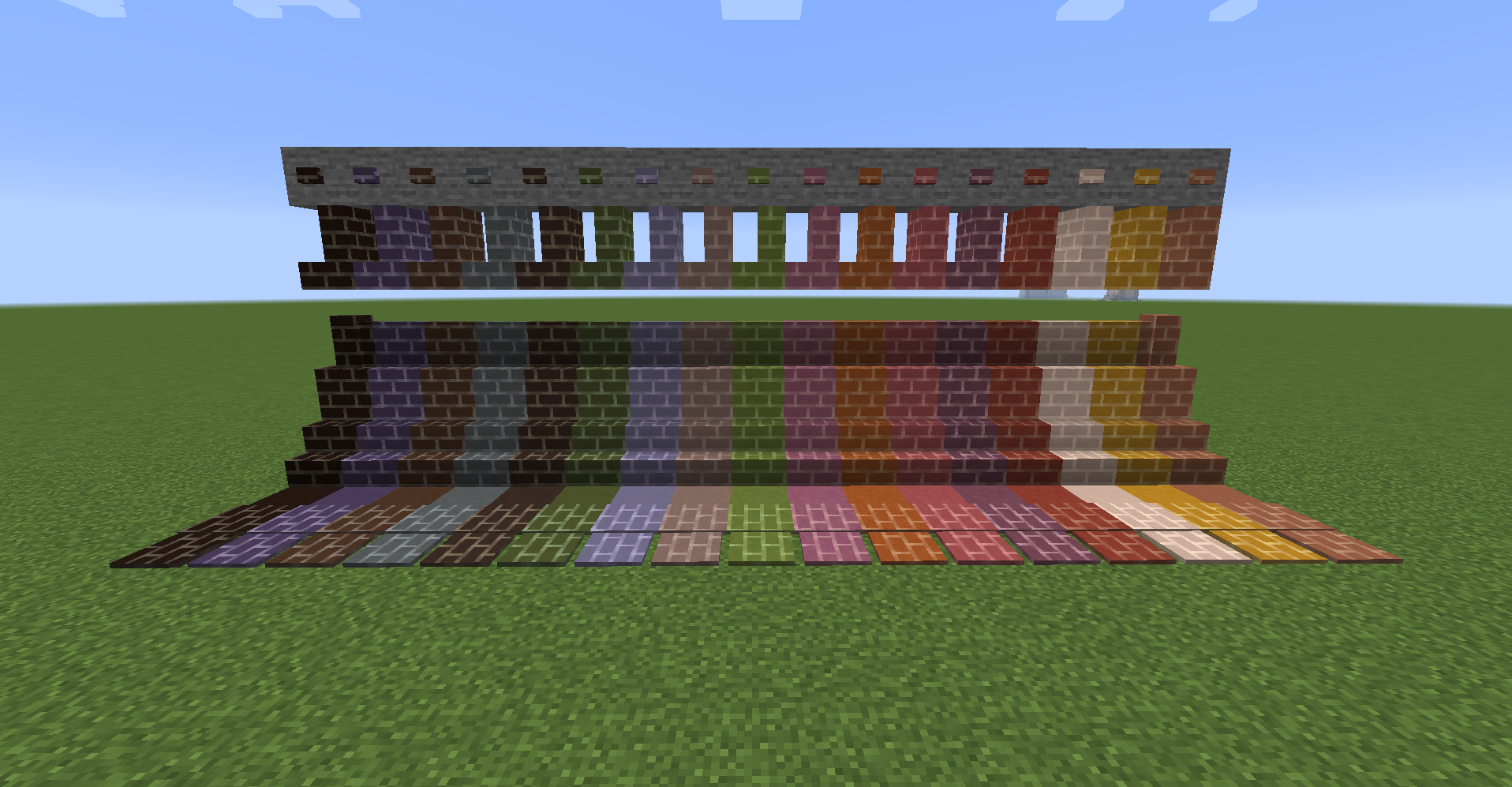
gradation terracotta bricks
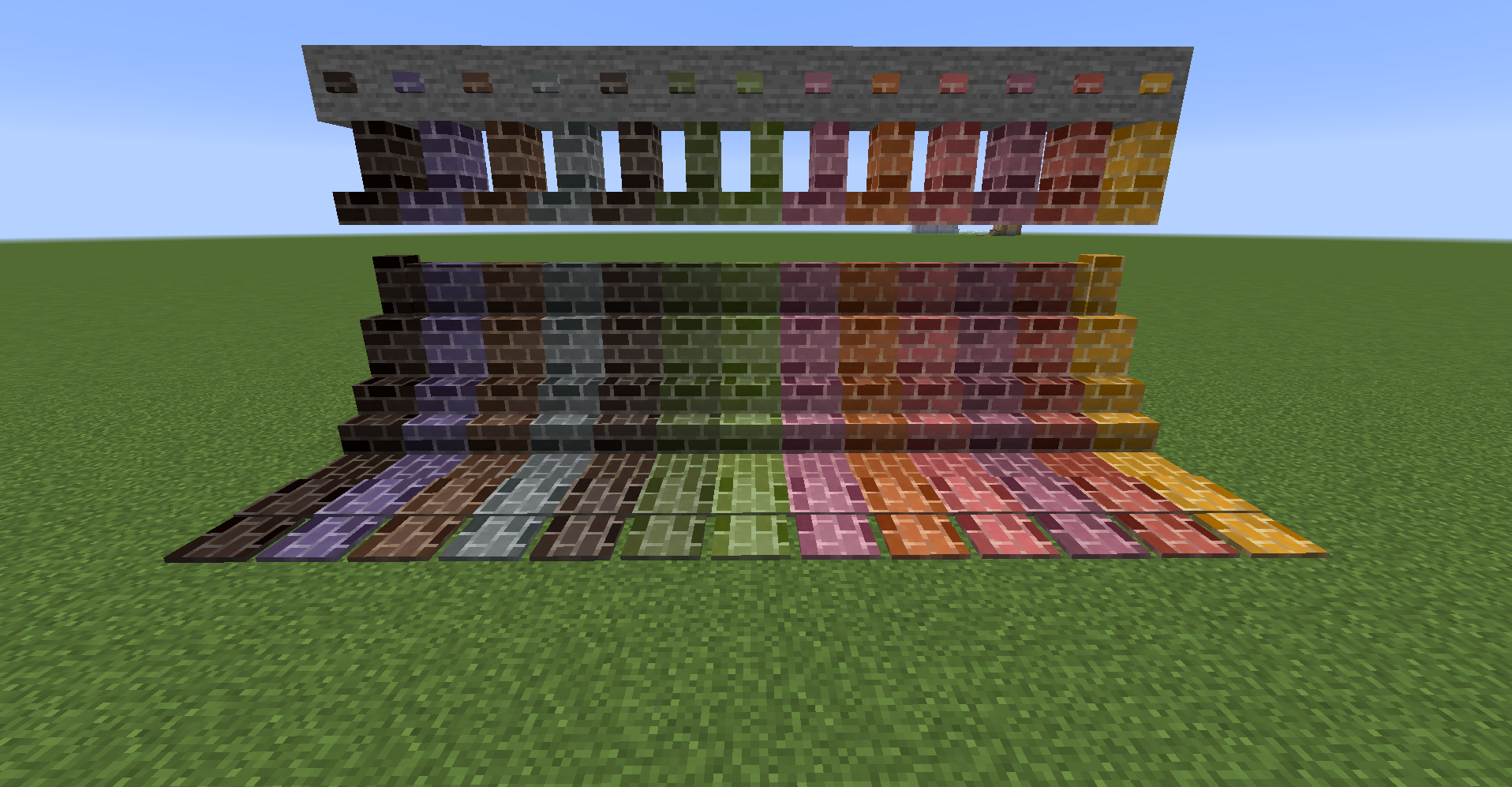
color glass blocks
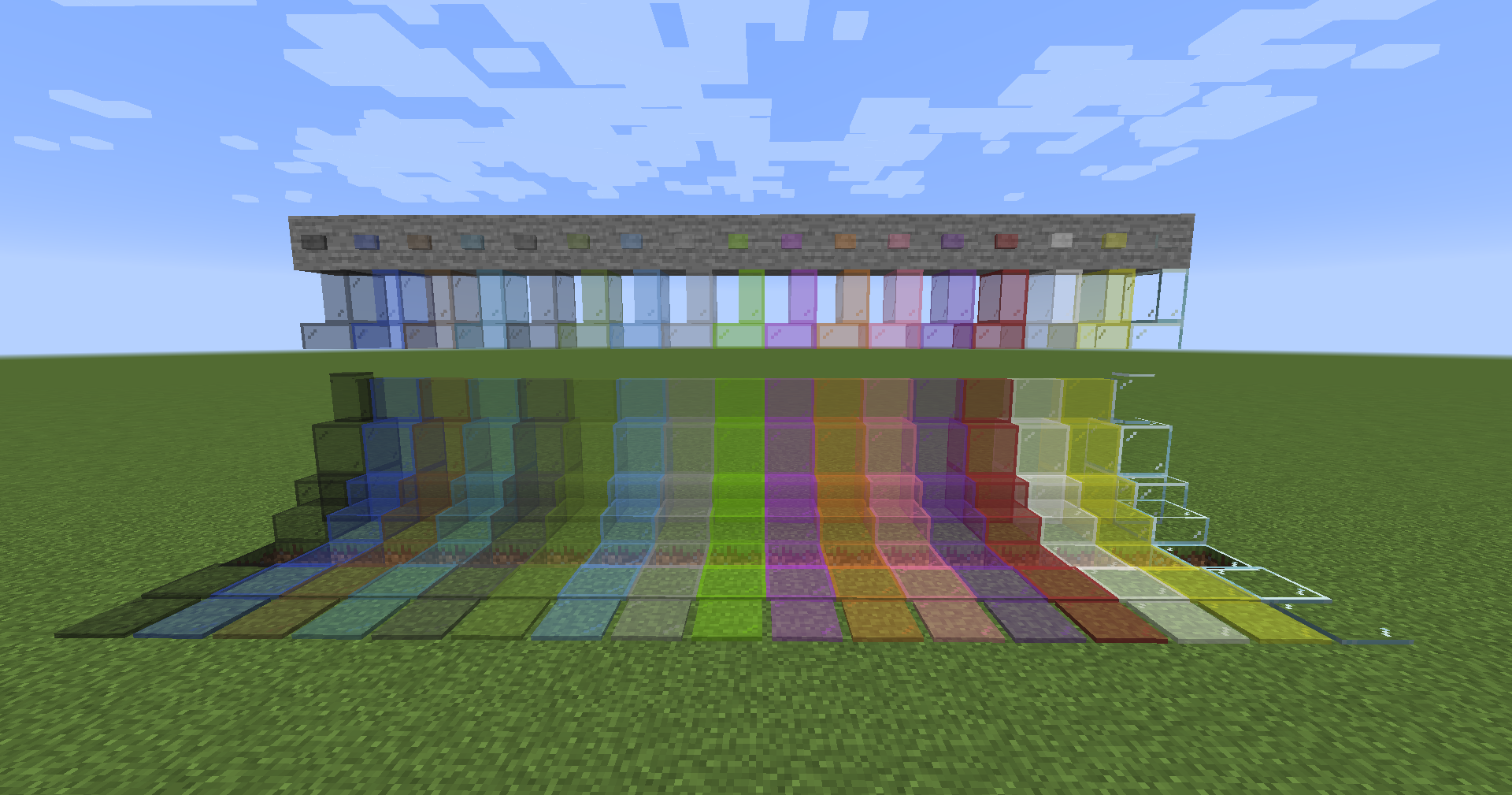
color glass bricks
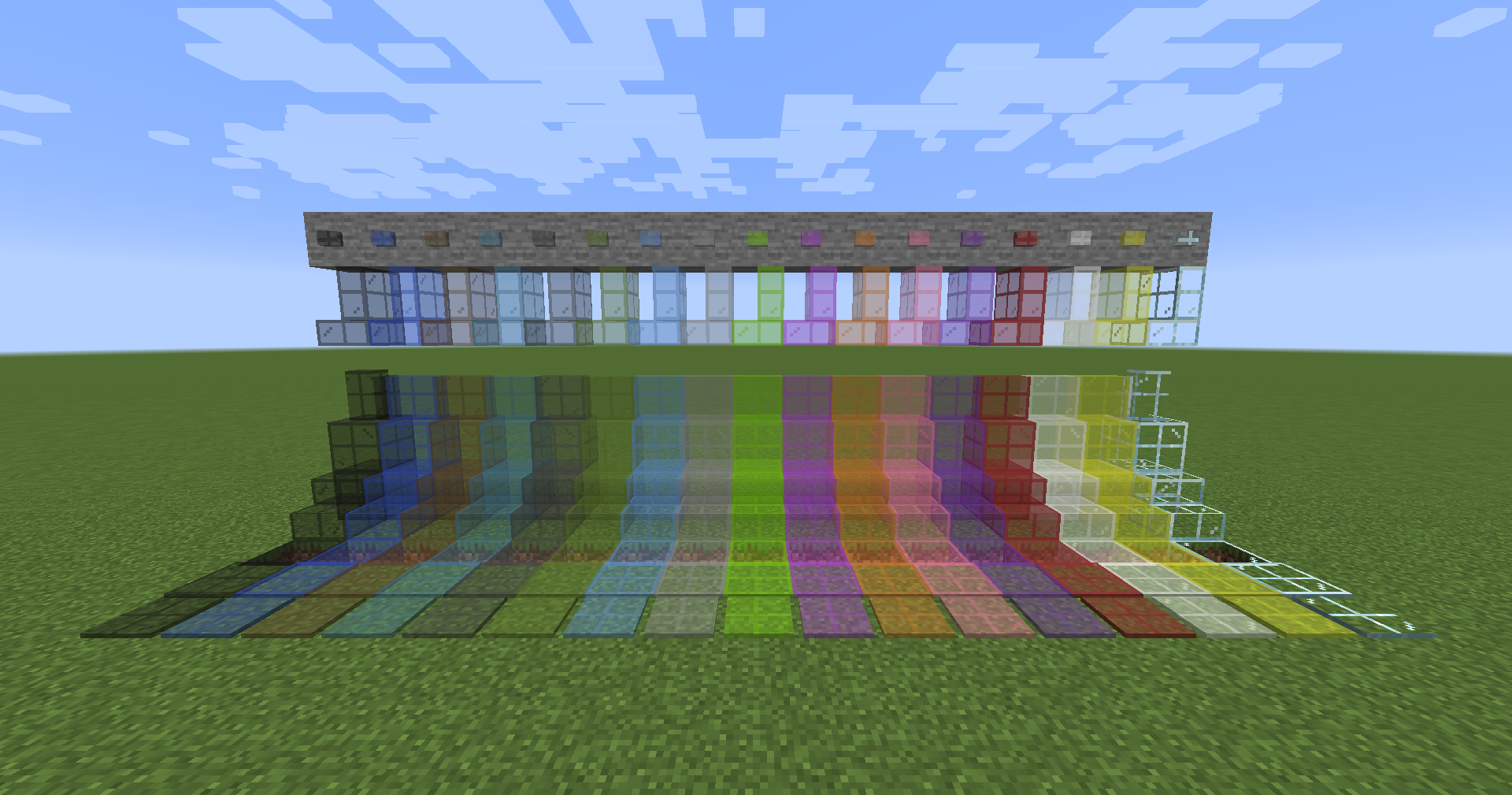
Comparison of brick blocks
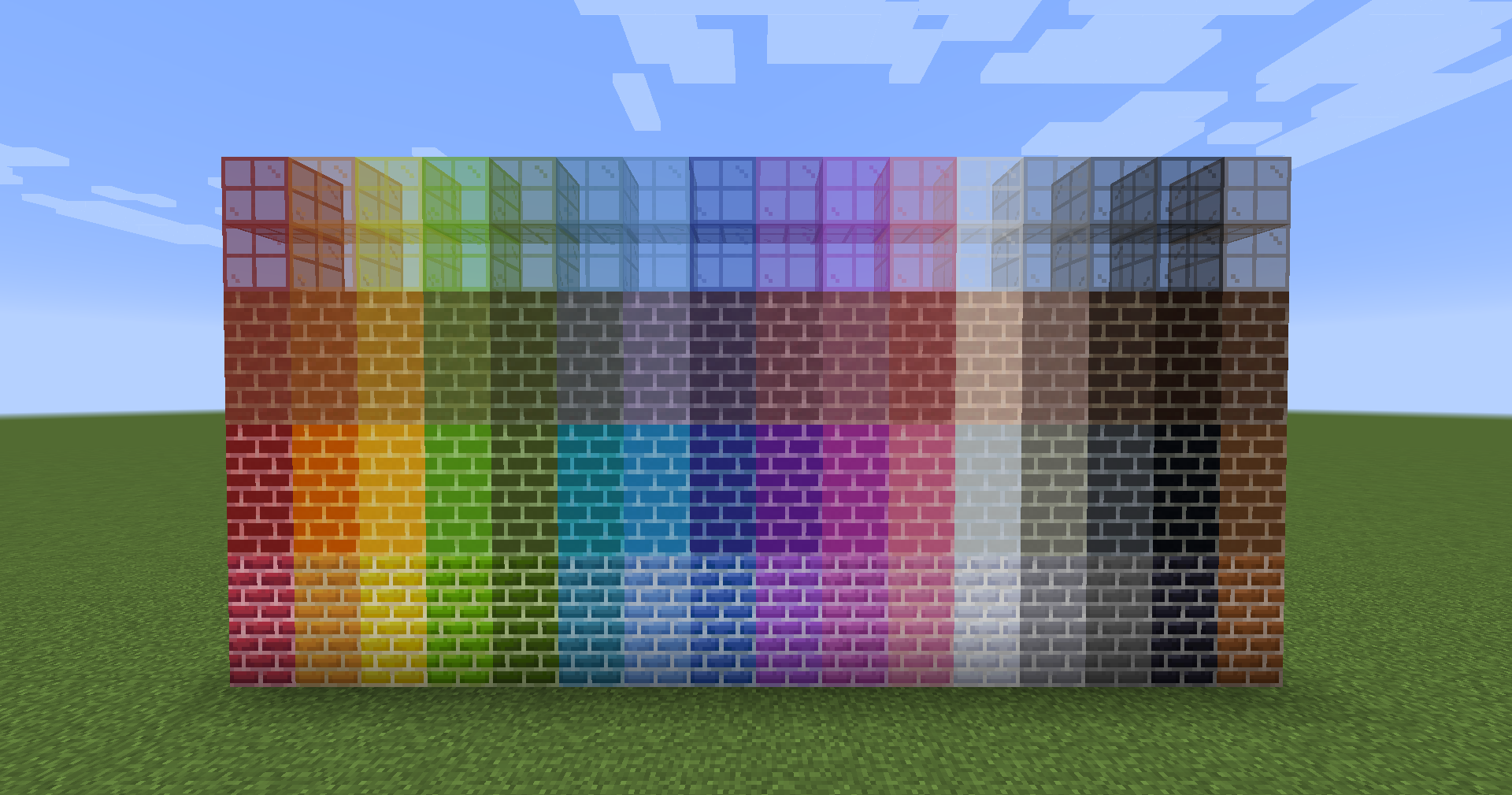 From bottom to top: color bricks, color concrete bricks, color terracotta bricks, color glass bricks
Comparison of tile and pressure plates.
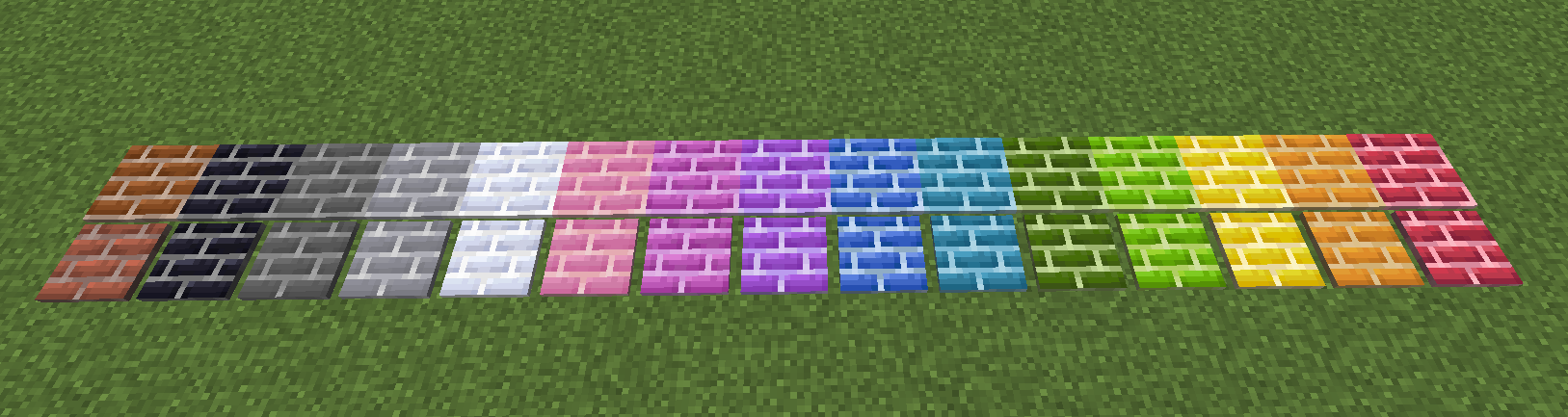 The tiles have similar properties to snow, and they cannot be retrieved with bare hands and require a pickaxe.
Stacked tiles.
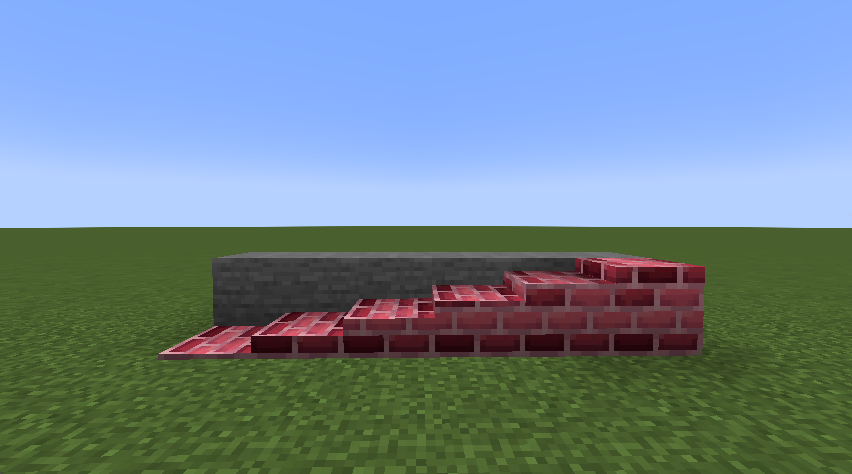 Tiles can now be freely stacked 16 high. It can be stacked vertically as well as horizontally.
 - Right-click to place it on the clicked surface.
- Shift+right-click on a horizontal plane to place it vertically.
- Shift+right-click on a vertical plane to place it horizontally.
- Shift+Ctrl+right-click on a vertical plane to place it in the opposite direction.
Recipe Example
example1: color clay
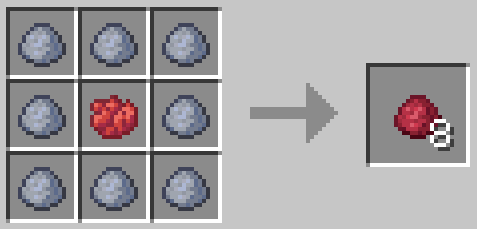
example2: color brick
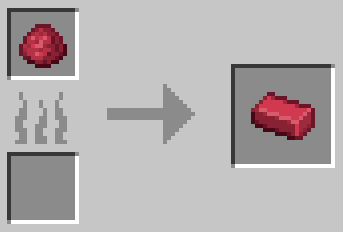
example3: color brick block
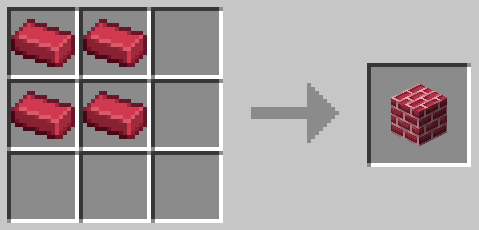
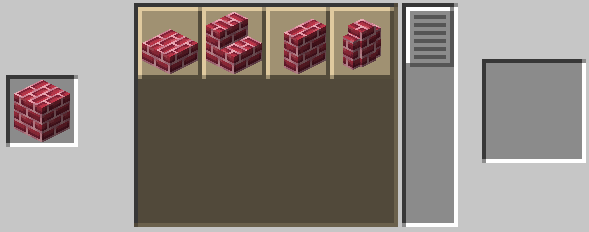
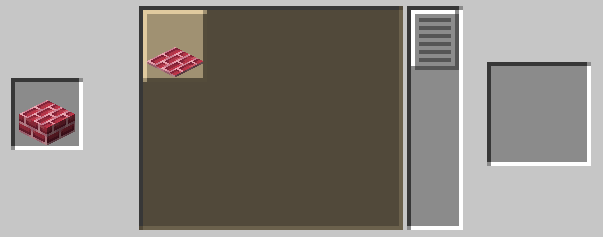
example4: Stone cutting recipe that can be created with color brick blocks
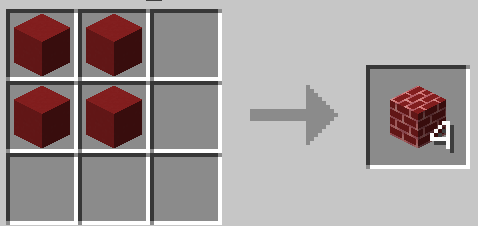
example5: color concrete brick block
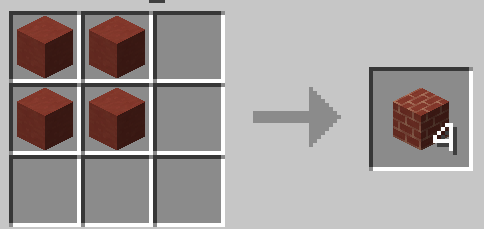
example6: color terracotta brick block
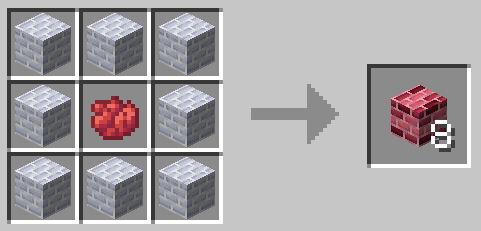
example7: gradation brick block
example8: tile
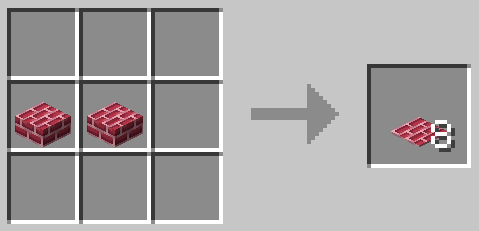
example9: vertical slab
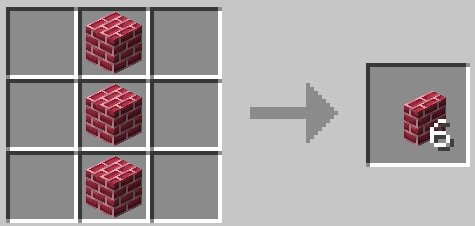
Future implementation plans
- Implemented textures for default stone bricks, cracked bricks, mossy bricks, and chests.
- color brick block
- color concrete brick block
- color terracotta brick block
- Implement sooty texture.
- color brick block
- color concrete brick block
- color terracotta brick block
- Implement textures with different shades in parts. (Implemented in 1.2.0)
- color brick block
- color concrete brick block
- color terracotta brick block

- Edition: Minecraft Java
- File type: .jar
- Minecraft version listed: 1.20.1
- How to install: Install the matching mod loader (Forge, Fabric or NeoForge) for your Minecraft version. → Download the .jar. → Put it in the .minecraft/mods folder and launch that loader profile.
- Where to get it: Opens on Modrinth — not every file is mirrored on our own servers.
Install steps are the general flow for this file type — How to install Minecraft Java mods & modpacks walks through it step by step.
- Ships as ColorBricks16-fabric-mc1.20.1-4.0.2.jar — drop this file into the mods folder
- Download size: 6.8 MB
- Download link checked 31 Aug 2026 — working
These come from our own check of the pack file, not from the source page.