
Coordinated Command Blocks
I don't know my version or loader
Coordinated Command Blocks
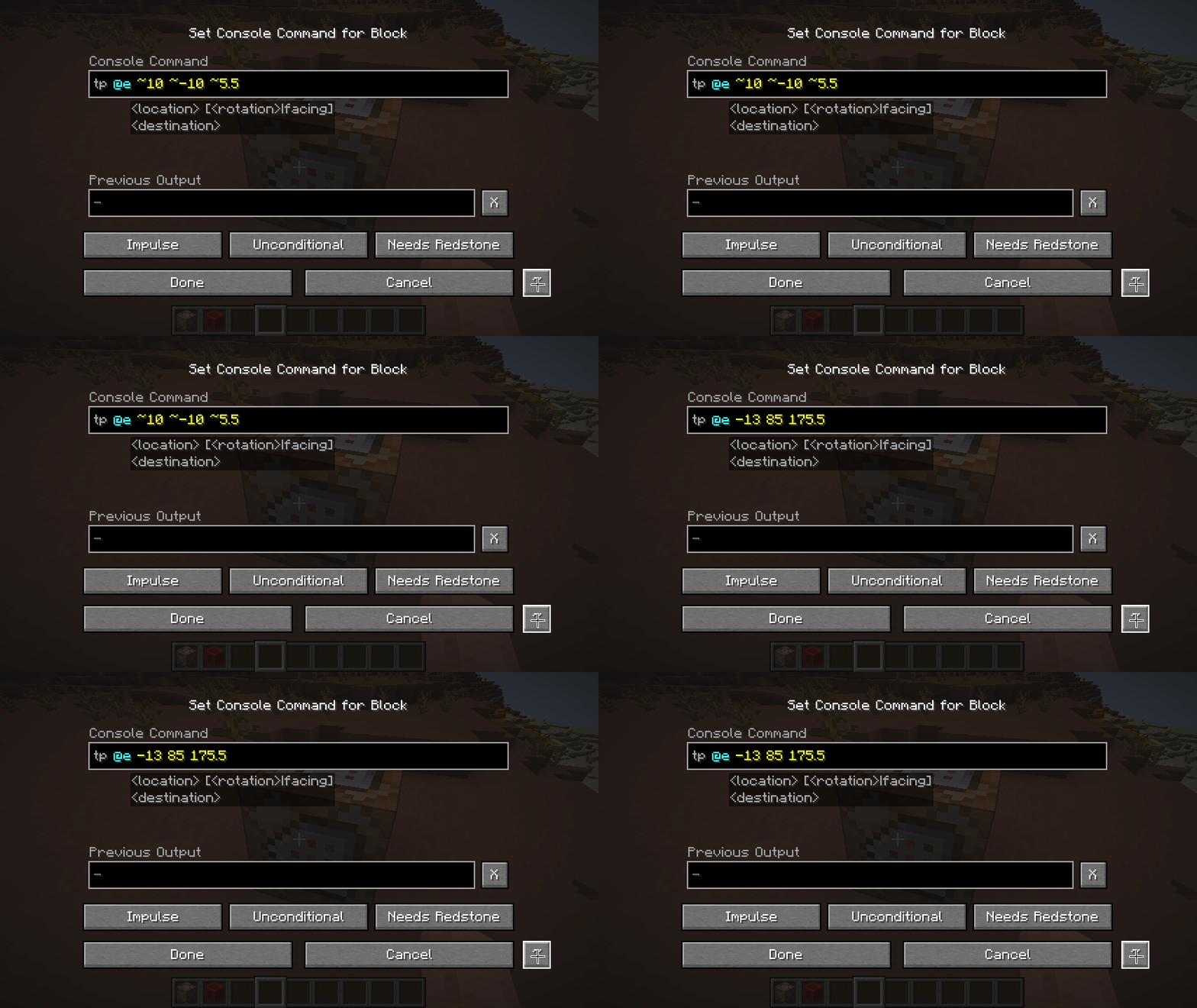
Adds a button to convert between Relative and Absolute coordinates in Command Blocks
for instance a command block at 10, 10, 10 with setblock ~1 ~2 ~3 stone would convert into setblock 11 12 13 stone, then clicking it again would turn the coords back into ~1 ~2 ~3
coordinate conversions are always relative to the position of the command block, so it may have unintended consequences when doing execute positioned or execute at, likewise parameters for the particle command might be interpreted as coordinates (as well as anything else "coordinatey" like text in nbt data might be)
- Edition: Minecraft Java
- File type: .jar
- Minecraft versions listed: 26.1, 26.1.1, 26.1.2
- How to install: Install the matching mod loader (Forge, Fabric or NeoForge) for your Minecraft version. → Download the .jar. → Put it in the .minecraft/mods folder and launch that loader profile.
- Where to get it: Opens on Modrinth — not every file is mirrored on our own servers.
Install steps are the general flow for this file type — How to install Minecraft Java mods & modpacks walks through it step by step.
- Ships as coordinated_commands-1.0.1+26.1.jar — drop this file into the mods folder
- Download size: 10 KB
- Download link checked 31 Aug 2026 — working
These come from our own check of the pack file, not from the source page.