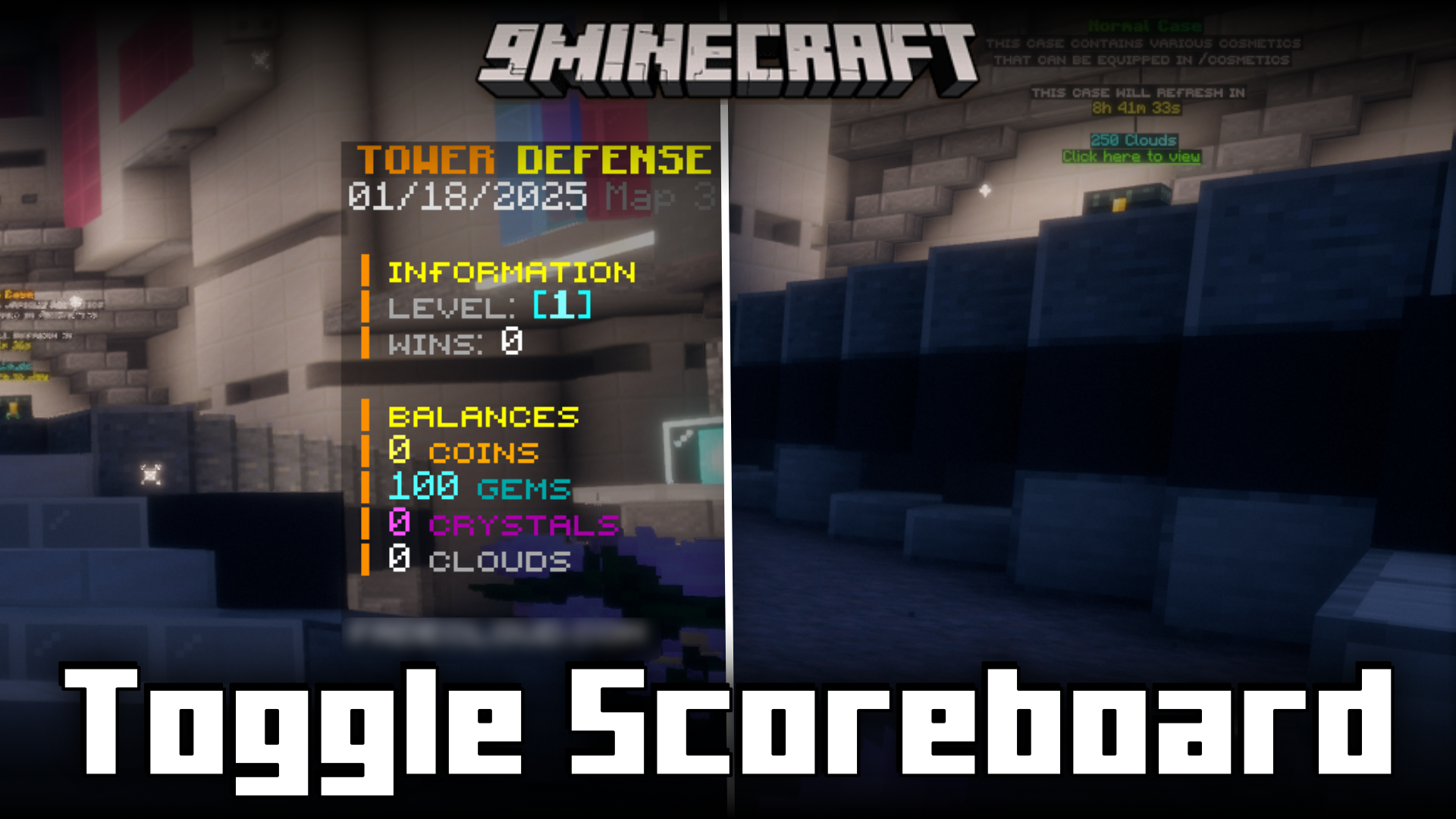
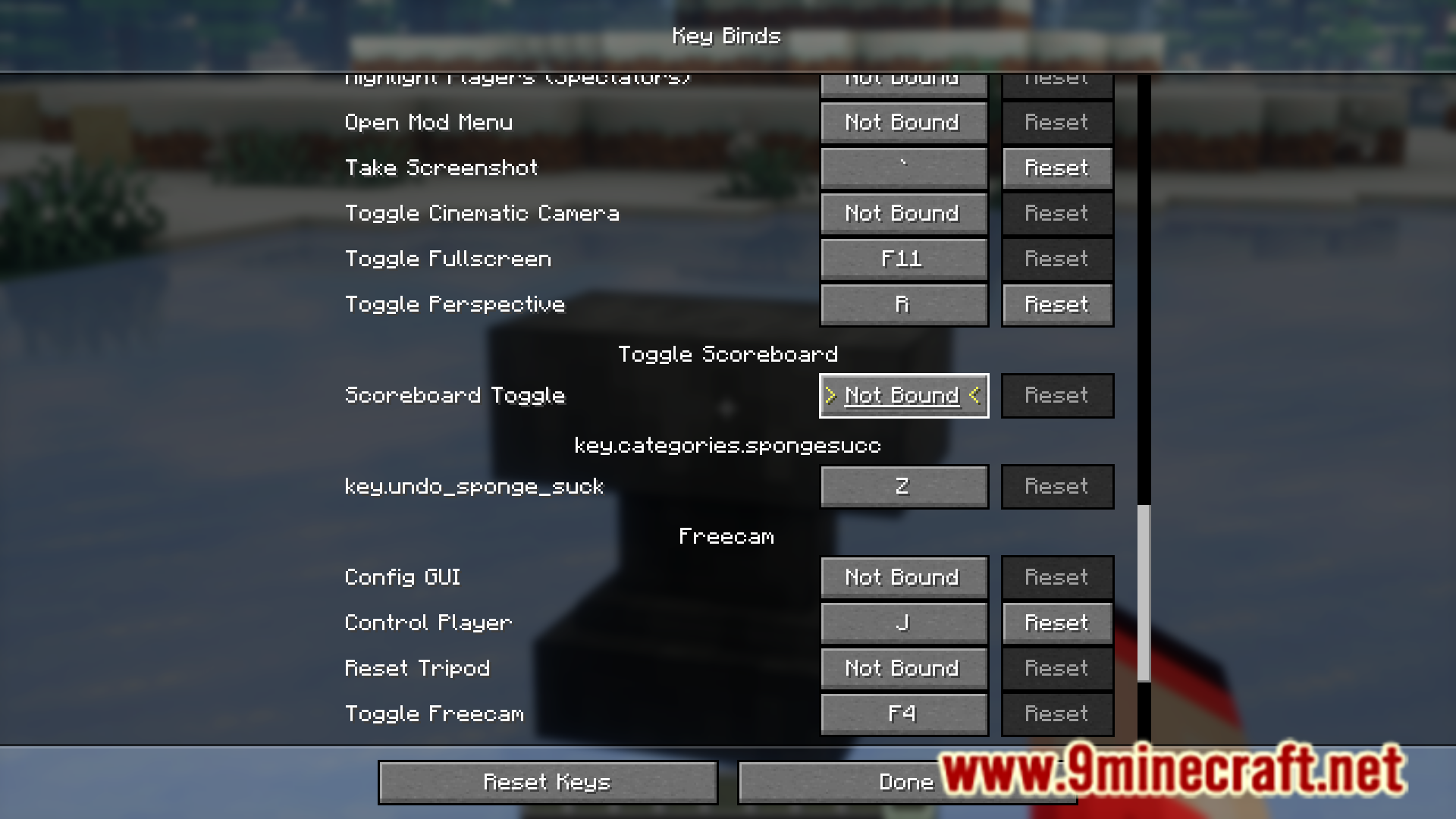
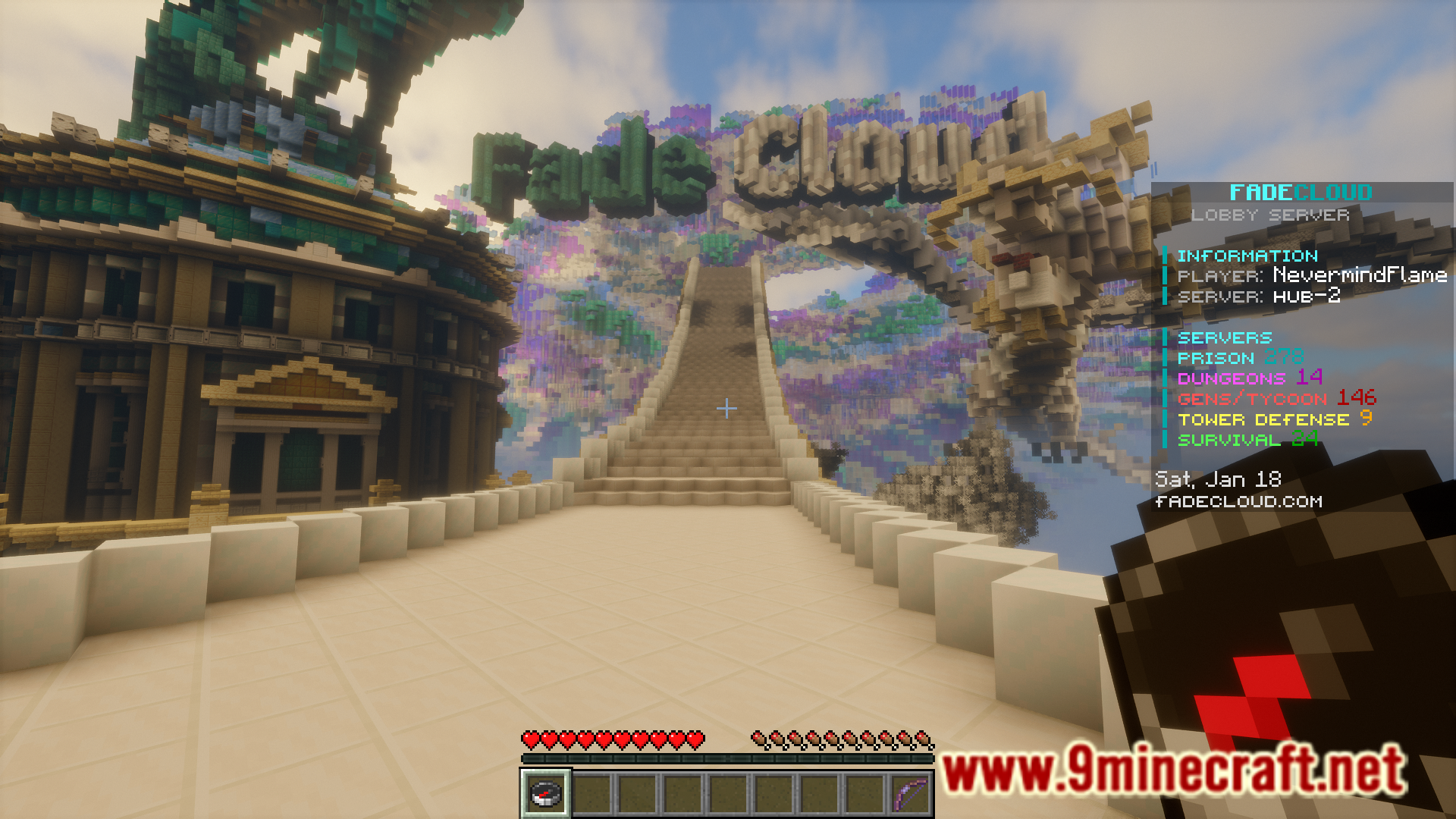

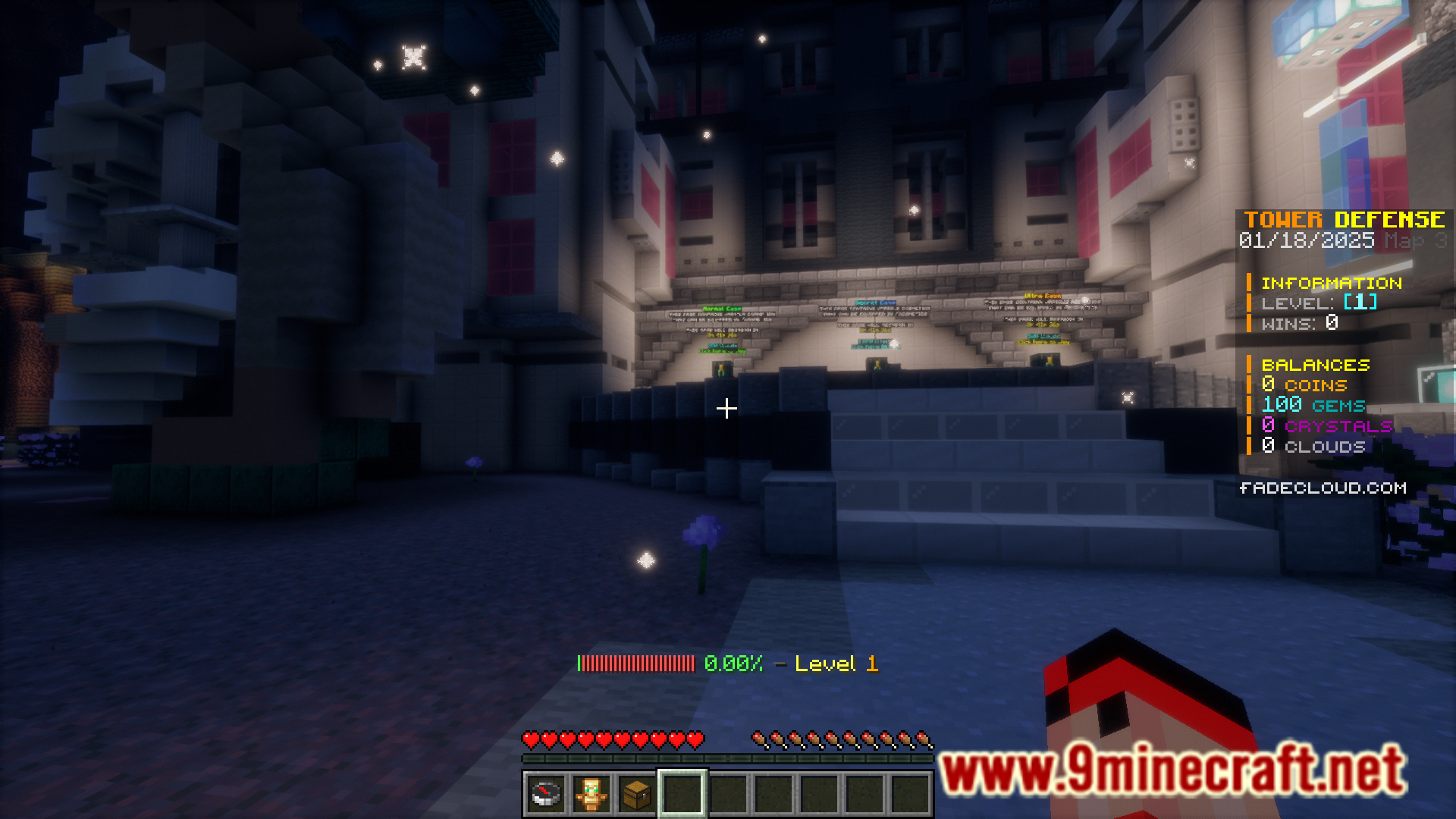
When you play PvP games on a multiplayer server, you will notice a scoreboard that appears on the right-hand side of the screen. This scoreboard tracks the accumulated points of players and their rankings, alongside other useful information. But this scoreboard often takes up a good part of the screen. Having an easy and convenient way to hide this scoreboard during PvP scenarios will get you more screen space and hence increase your visible field. That is what Toggle Scoreboard Mod will help you with. With this mod installed, you will be able to toggle the visibility of the scoreboard at the press of a keybind. The keybind is not set by default, but you can assign one using the keybind settings.
Features:
- Allows you to toggle the visibility of the scoreboard using a keybind.
- The keybind is not set by default. You can assign one using the keybind settings.
- Increases your in-game visibility.
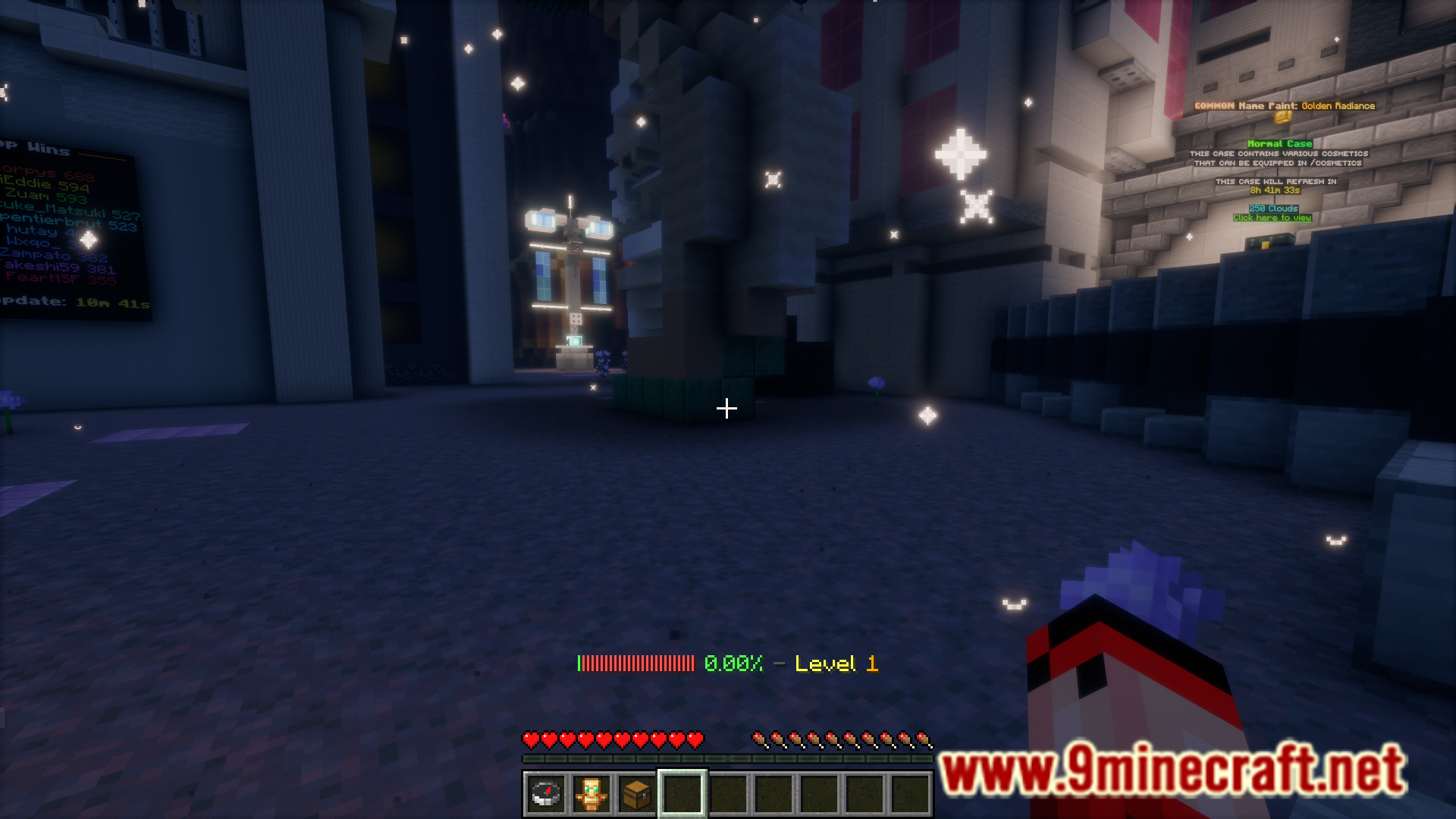
Screenshots:
Toggle Scoreboard Mod Download Links
- Edition: Minecraft Java
- File type: .jar
- Minecraft version listed: 1.20.1
- How to install: Install the matching mod loader (Forge, Fabric or NeoForge) for your Minecraft version. → Download the .jar. → Put it in the .minecraft/mods folder and launch that loader profile.
- Where to get it: In MC Java Mods, or directly above on this page.
Install steps are the general flow for this file type — How to install Minecraft Java mods & modpacks walks through it step by step.
- Downloads as 2714.mcaddon
- Download size: 96 KB
- Download link checked 22 Sept 2026 — working
- Mirrored on our own servers — the download does not depend on the original host
These come from our own check of the pack file, not from the source page.