Ensign
Banner things
Features
Banner Rendering
If you have Mod Menu installed, Ensign allows you to customise how banners are rendered, turning animations off or making them larger. All rendering options are completely client-side.

Banner Shapes
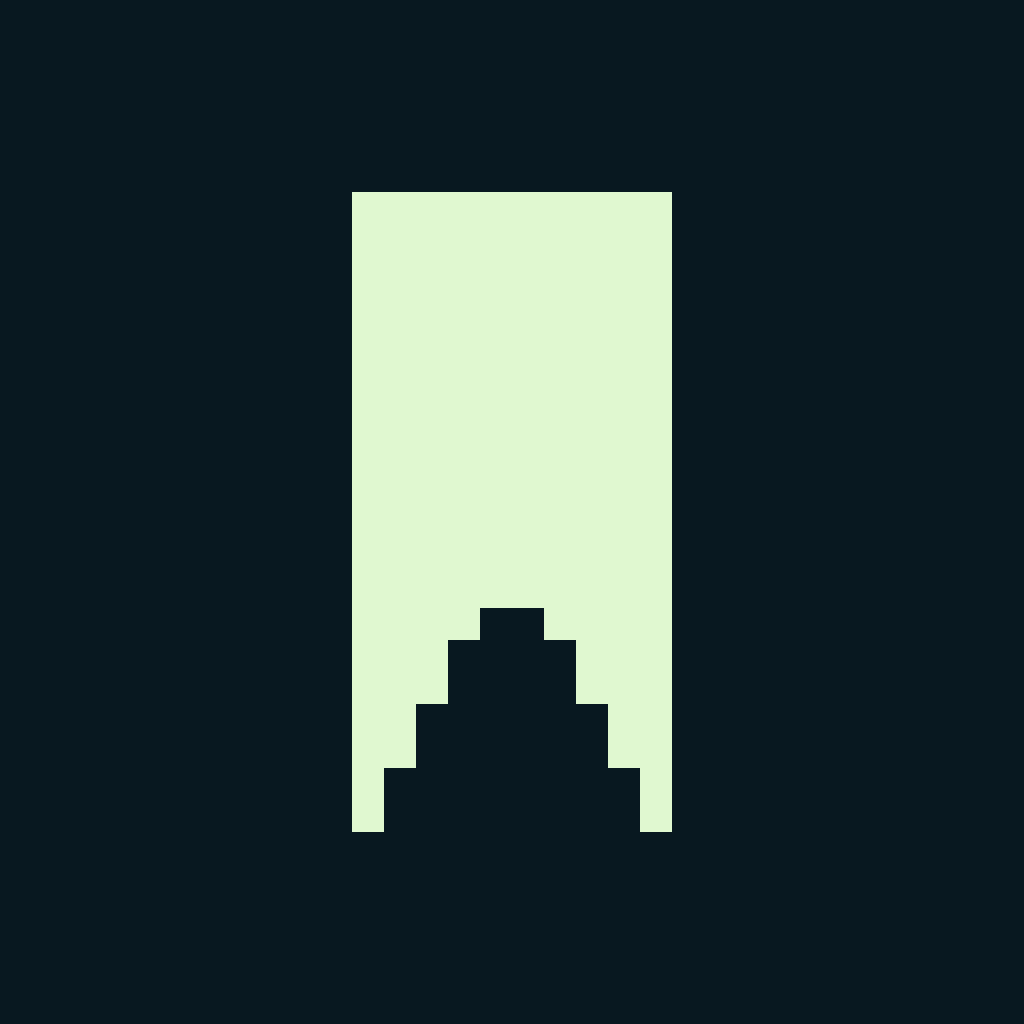
Ensign provides several new banner shapes:
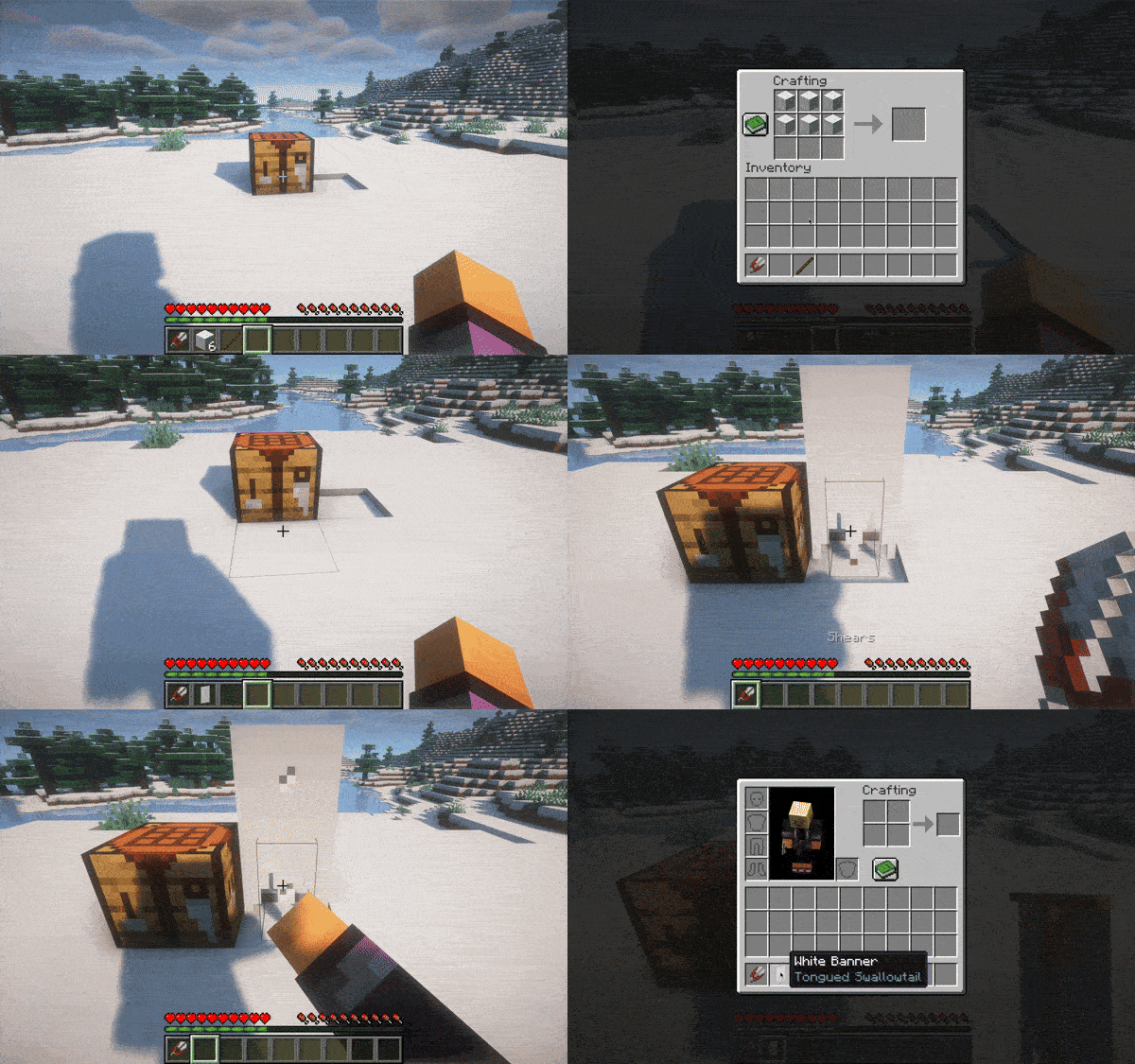
To change the shape of a banner, craft/dye it as you normally would, and place it and right click on it with a pair of shears. These banners behave exactly like vanilla banners and can be dyed in a loom. They retain their shape upon breaking.
 From left
to right: regular, swallowtail, tongued swallowtail, rounded
From left
to right: regular, swallowtail, tongued swallowtail, rounded
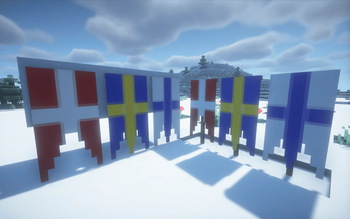
 From left
to right: the Danish, Swedish, and Finnish naval ensigns
From left
to right: the Danish, Swedish, and Finnish naval ensigns

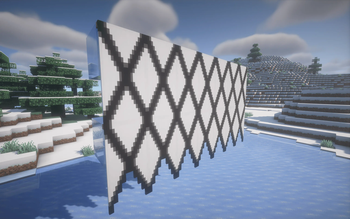
Custom Banner Shapes
Visit the wiki page
- Edition: Minecraft Java
- File type: .jar
- Minecraft versions listed: 1.21, 1.21.1
- How to install: Install the matching mod loader (Forge, Fabric or NeoForge) for your Minecraft version. → Download the .jar. → Put it in the .minecraft/mods folder and launch that loader profile.
- Where to get it: Opens on Modrinth — not every file is mirrored on our own servers.
Install steps are the general flow for this file type — How to install Minecraft Java mods & modpacks walks through it step by step.
- Ships as ensign-1.2.2.jar — drop this file into the mods folder
- Download size: 48 KB
- Download link checked 31 Aug 2026 — working
These come from our own check of the pack file, not from the source page.