ModsJava
Simply No Shading Mod (26.2, 1.20.1) – Uniform Brightness Across All Blocks
Java mod listed for Minecraft 1.20. Downloads from the MC Java Mods app on Android.
⬇ Download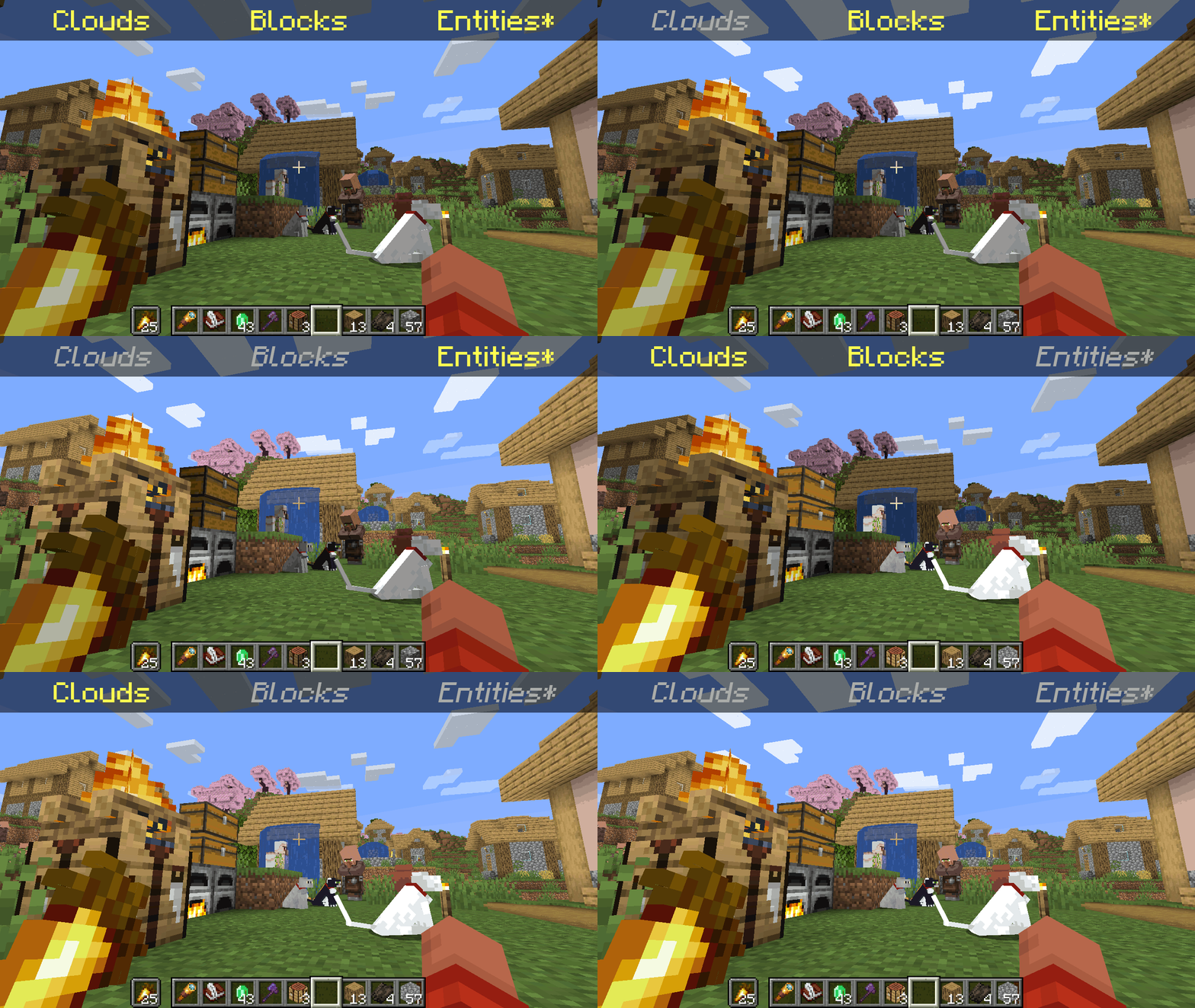
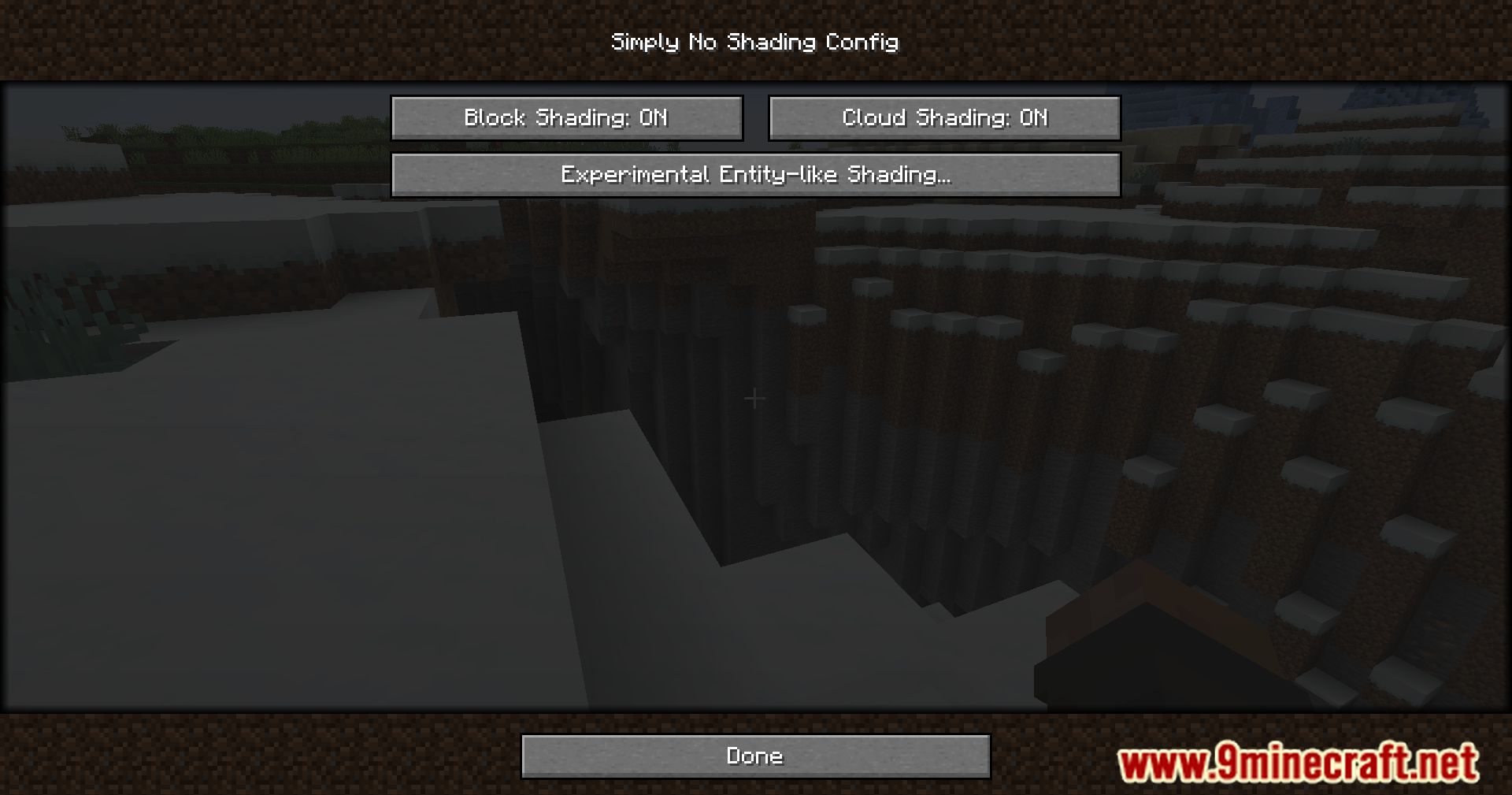
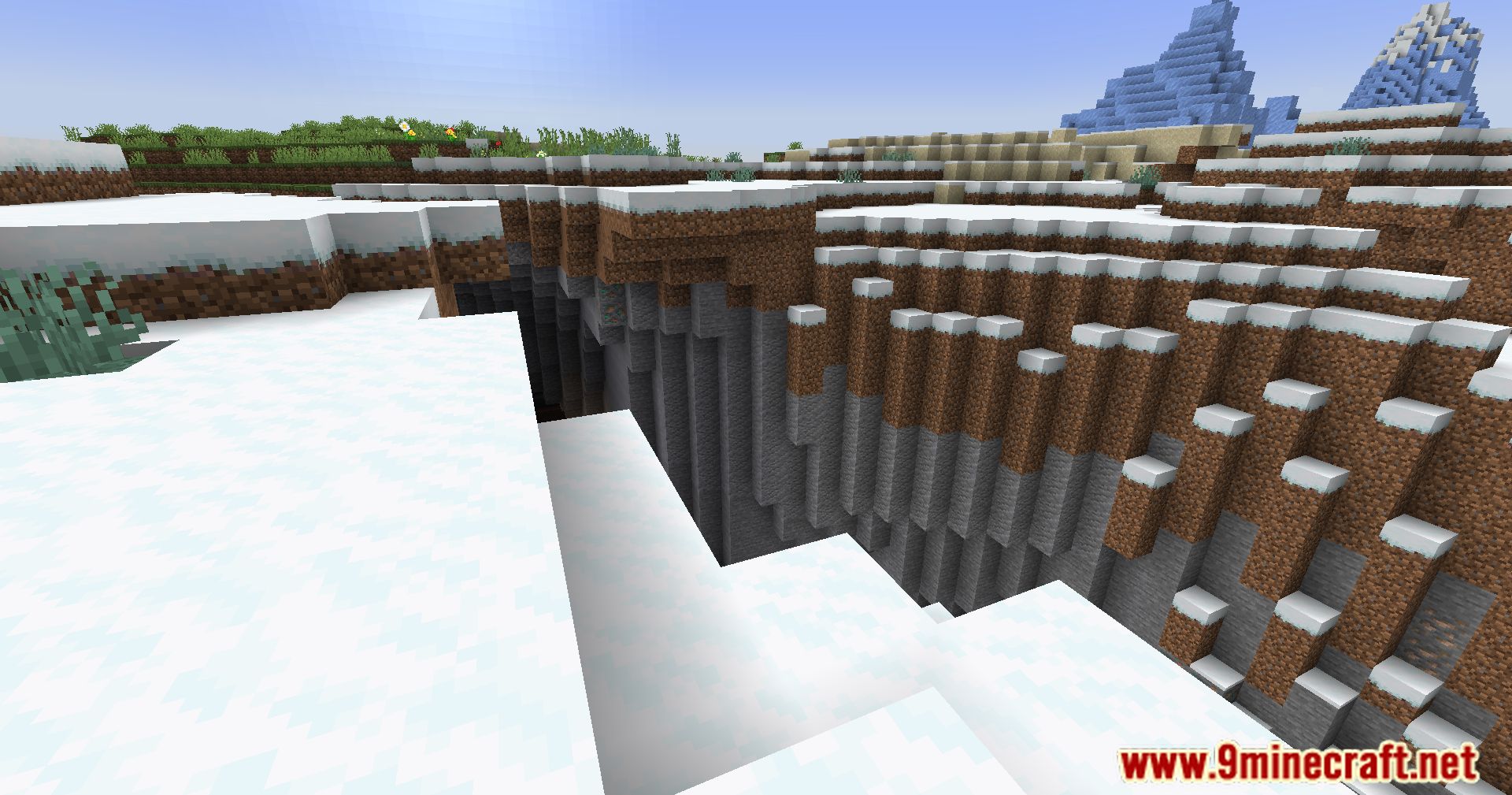
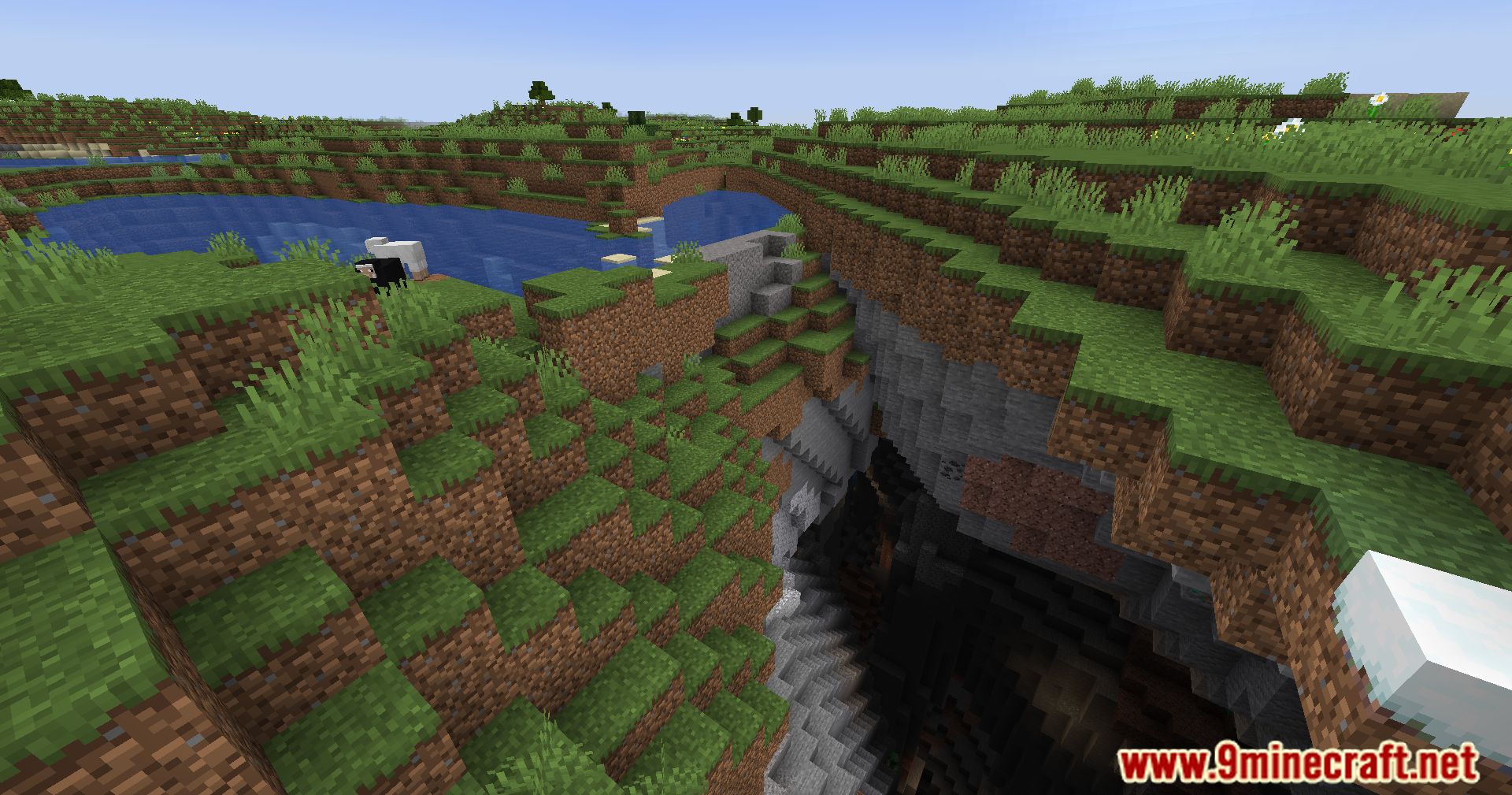
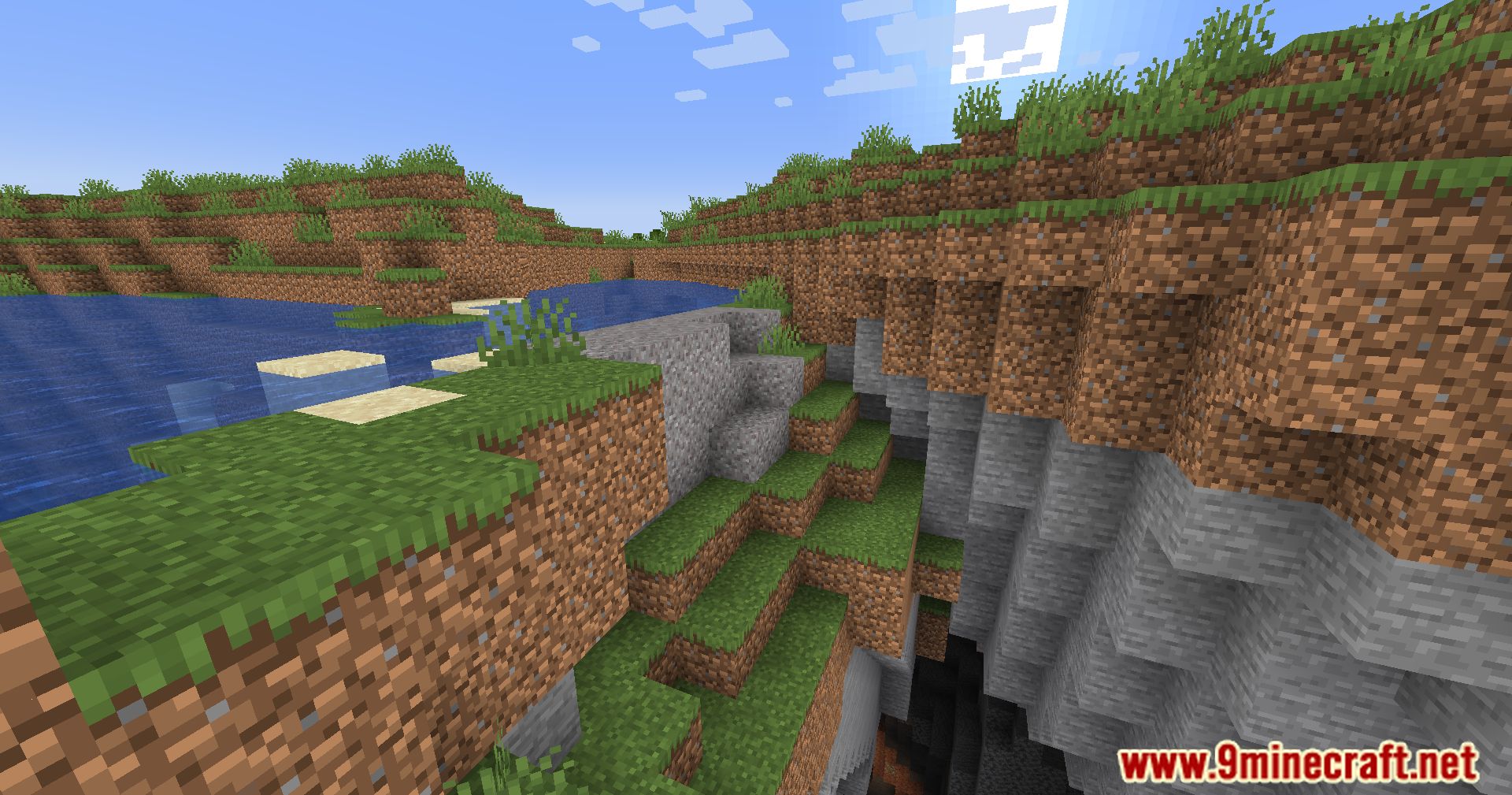
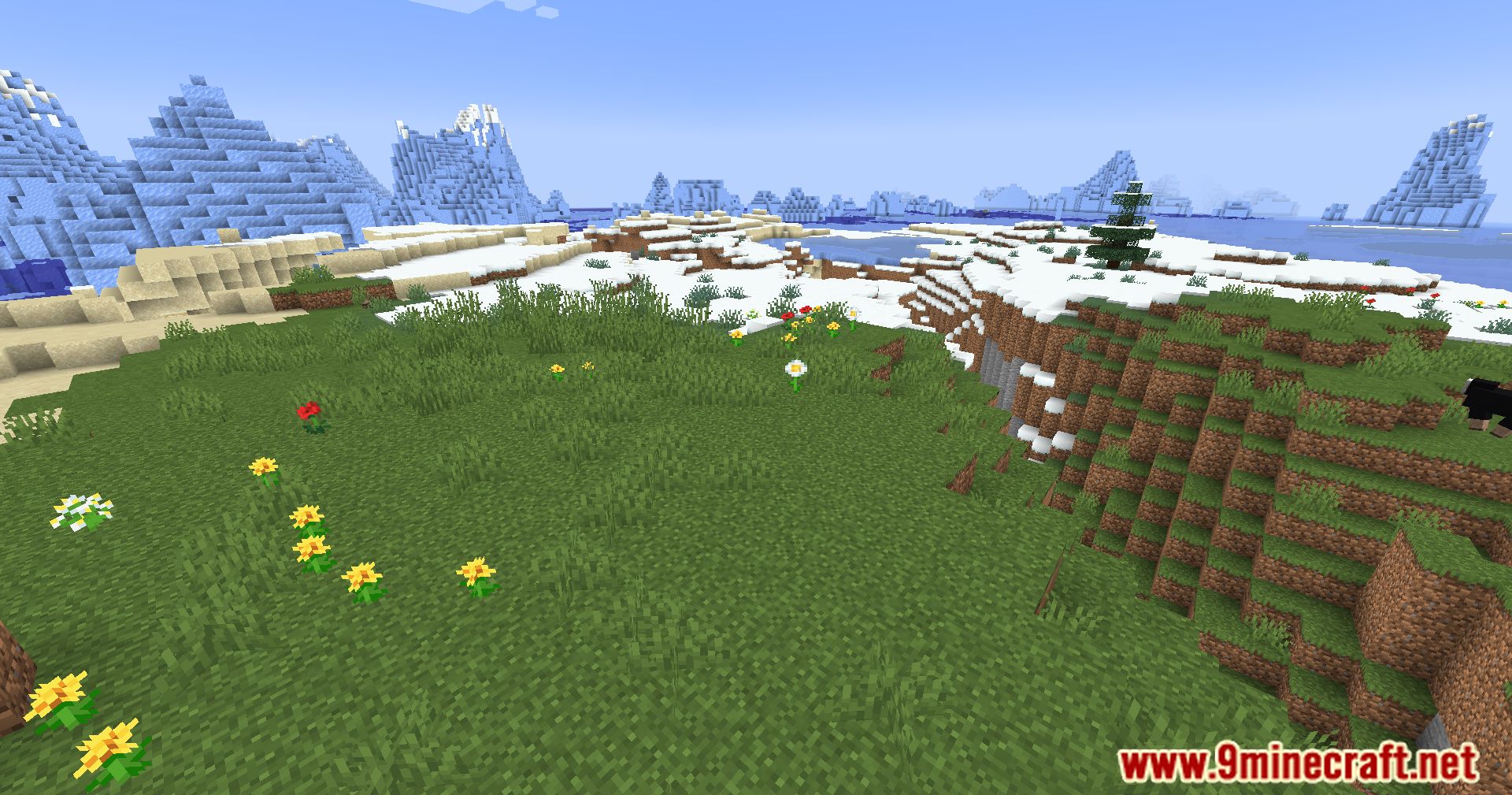
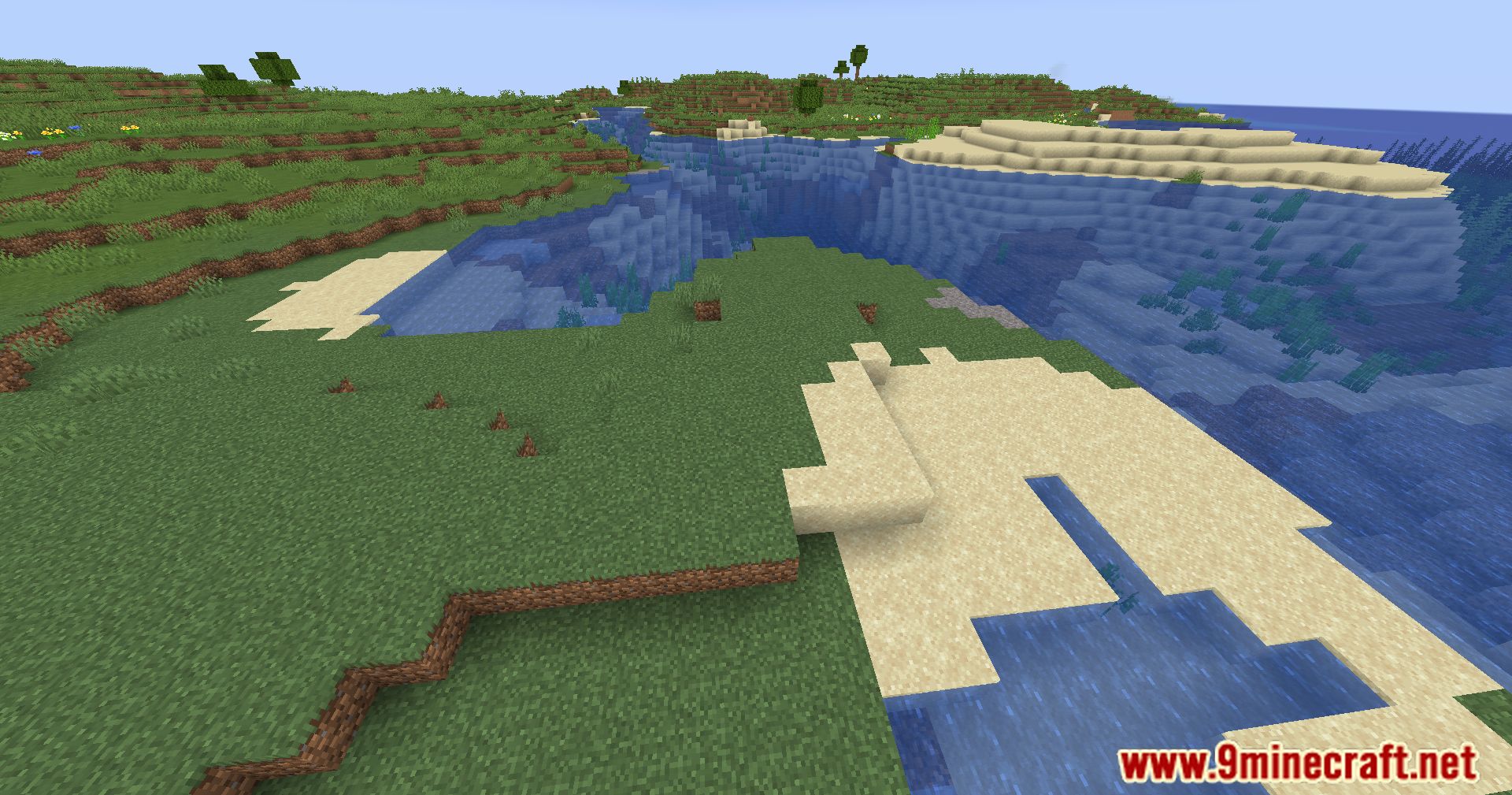
Simply No Shading Mod designed to remove the shading on sides or faces of in-game objects, including blocks, clouds, and block entities. Inspired by the old lighting system in OptiFine internal shaders, this mod aims to provide a cleaner and more uniform visual experience.
Features:
Simply No Shading – Shading Categories
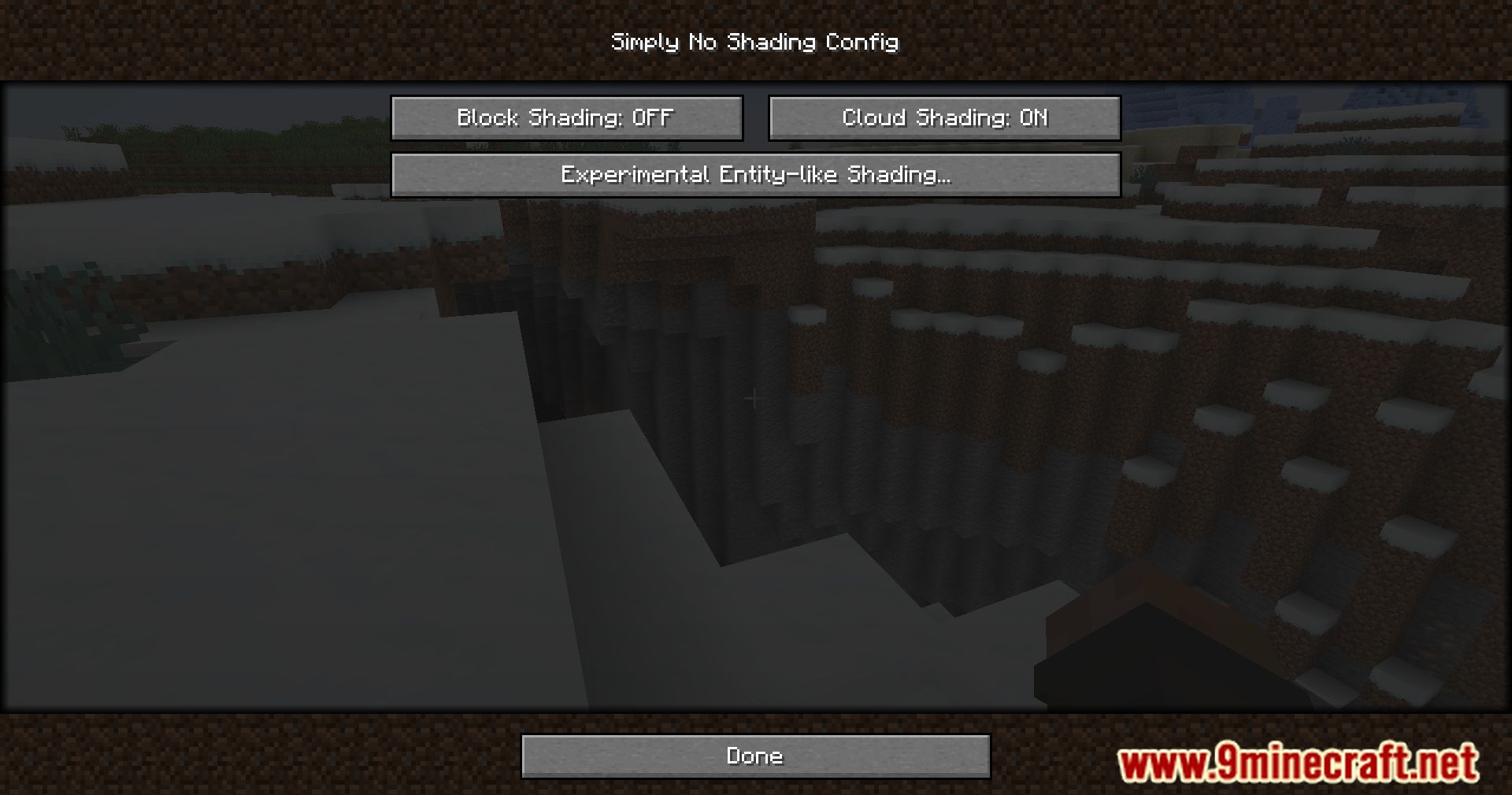
- Blocks: includes blocks, liquids, and EBE block entities.
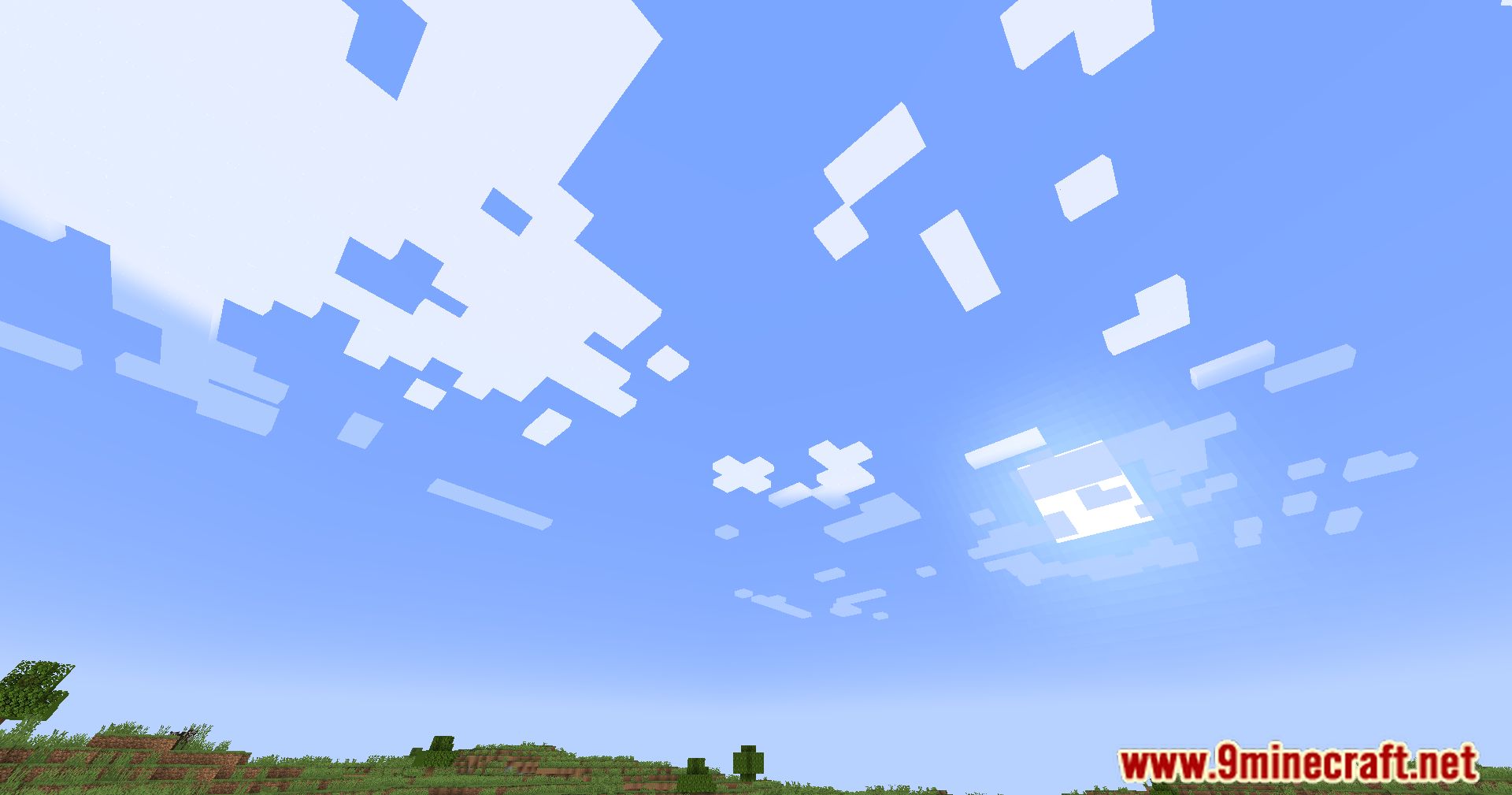
- Clouds: includes all clouds.
- Entities: includes regular entities and block entities in the world.
- Deprecated Experimental Entities Pack: includes block entities, entities, and items shown in toasts (pop-ups) and inventories/GUI screens.
Configuration Access
- Key mapping: bind a key at: Options > Controls > Keys > Simply No Shading > Open Config Screen.
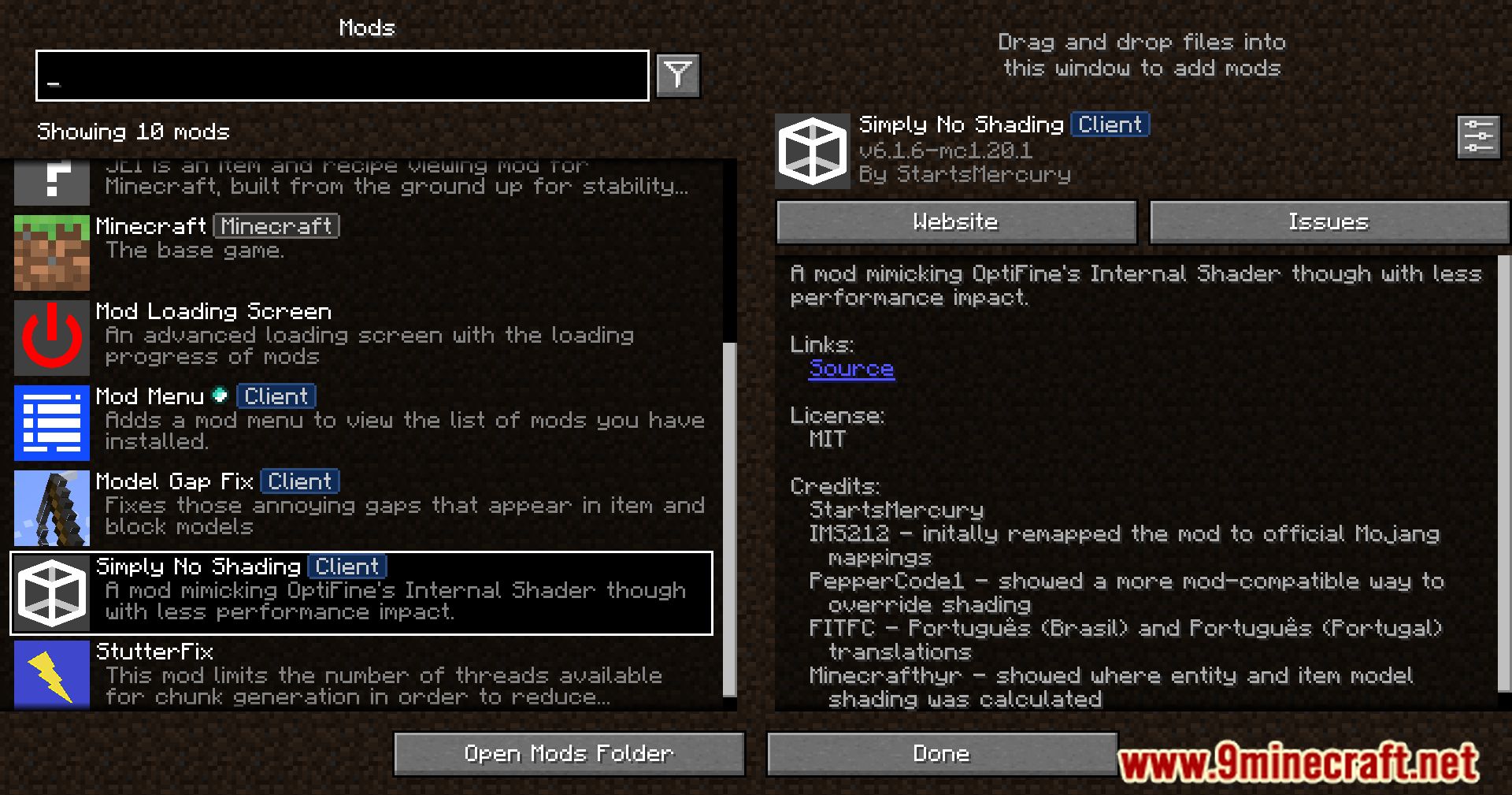
- Mod Menu: open: Mods > Simply No Shading > Configure…
Config File Location
- Path:
<your minecraft folder>/config/simply-no-shading.json
Screenshots:

Simply No Shading Mod Download Links
Quick facts
- Edition: Minecraft Java
- File type: .jar
- Minecraft version listed: 1.20.1
- How to install: Install the matching mod loader (Forge, Fabric or NeoForge) for your Minecraft version. → Download the .jar. → Put it in the .minecraft/mods folder and launch that loader profile.
- Where to get it: In MC Java Mods, or directly above on this page.
Install steps are the general flow for this file type — How to install Minecraft Java mods & modpacks walks through it step by step.
File checked by MCModsHub
- Downloads as 27200.mcaddon
- Download size: 76 KB
- Download link checked 25 Sept 2026 — working
- Mirrored on our own servers — the download does not depend on the original host
These come from our own check of the pack file, not from the source page.