ModsJava
Borderless Mining Updated Mod (26.1.2, 1.21.11) – Fixes Input Lag
Java mod listed for Minecraft 1.21. Downloads from the MC Java Mods app on Android.
⬇ Download
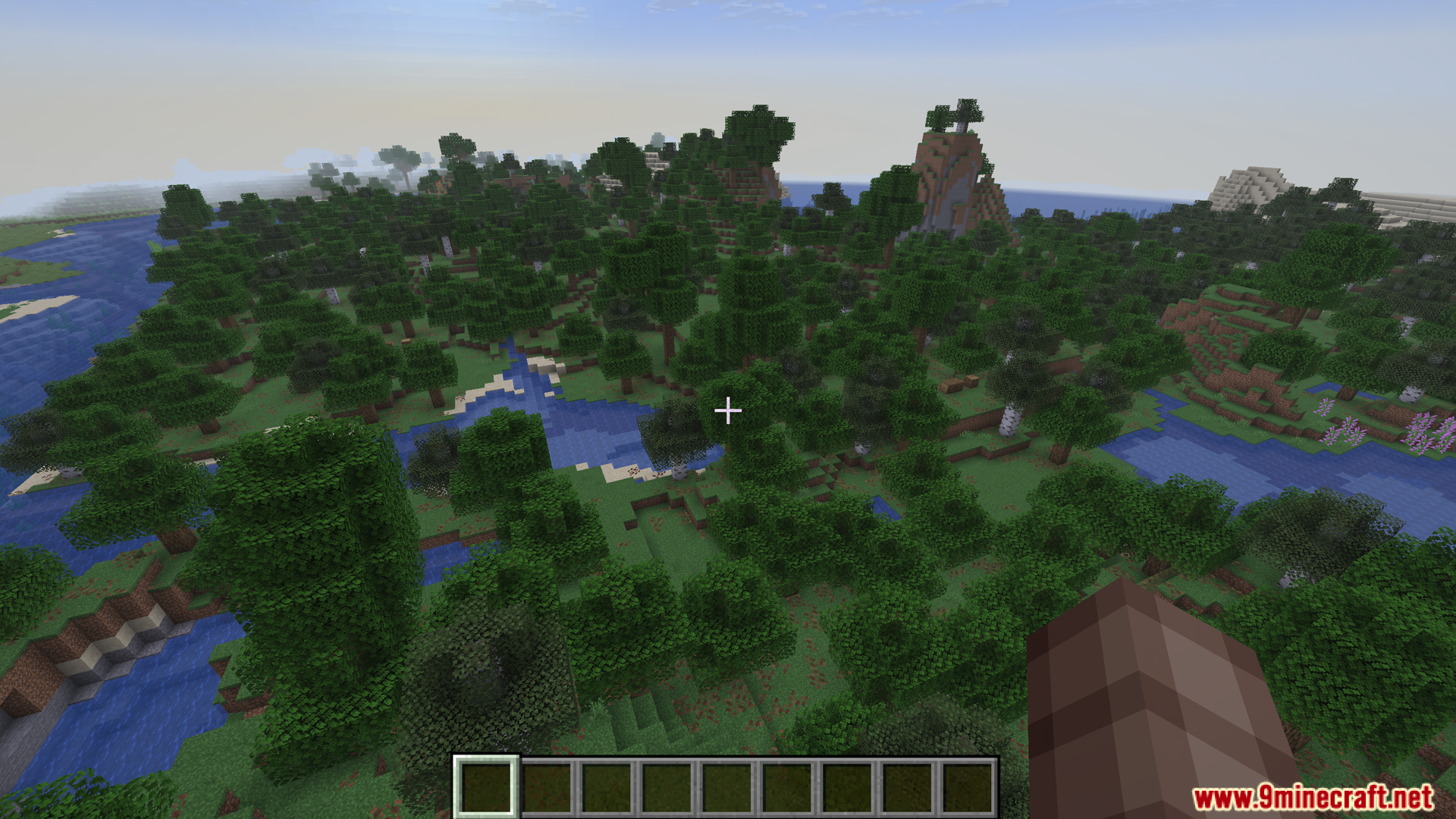
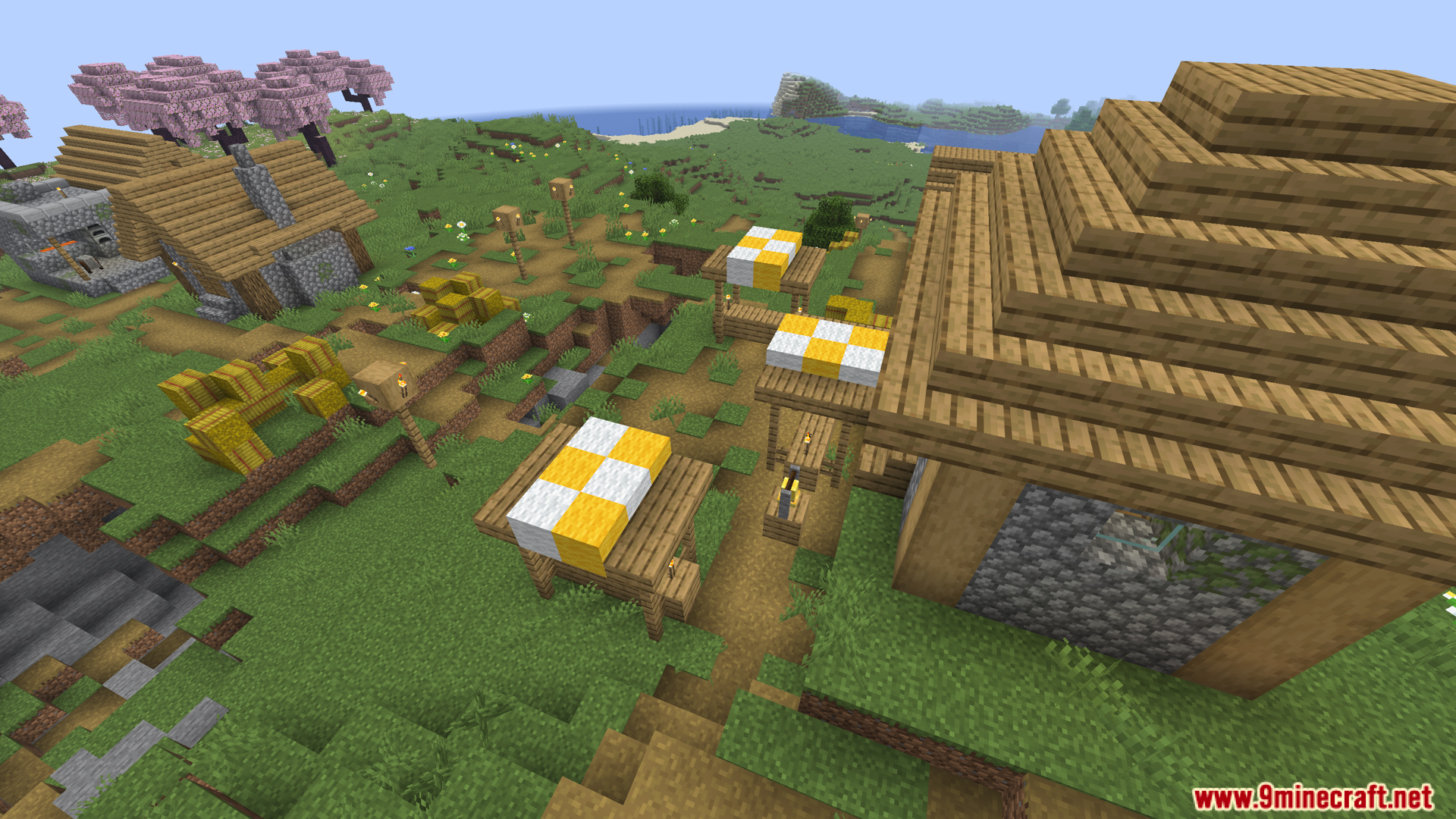
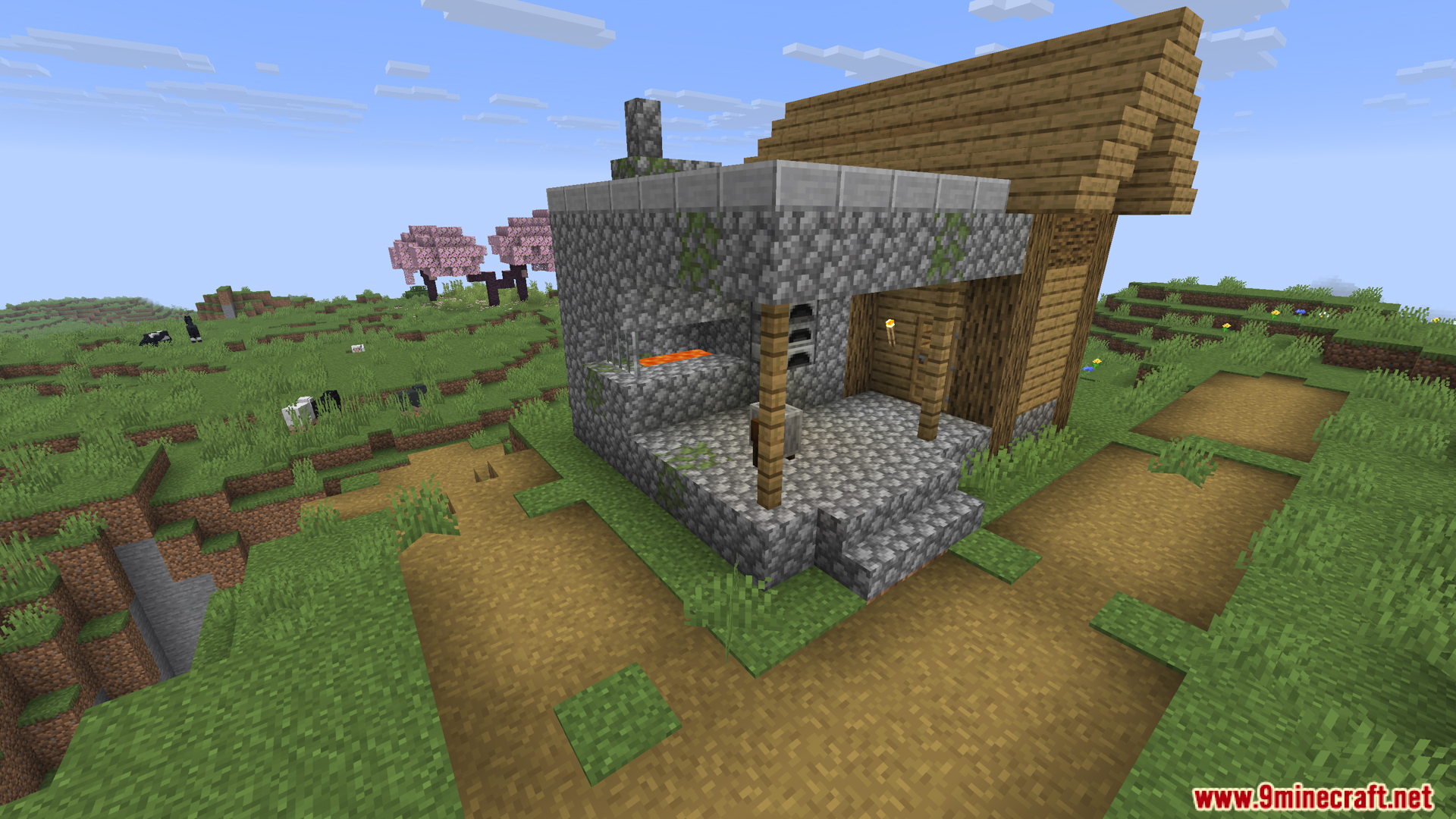
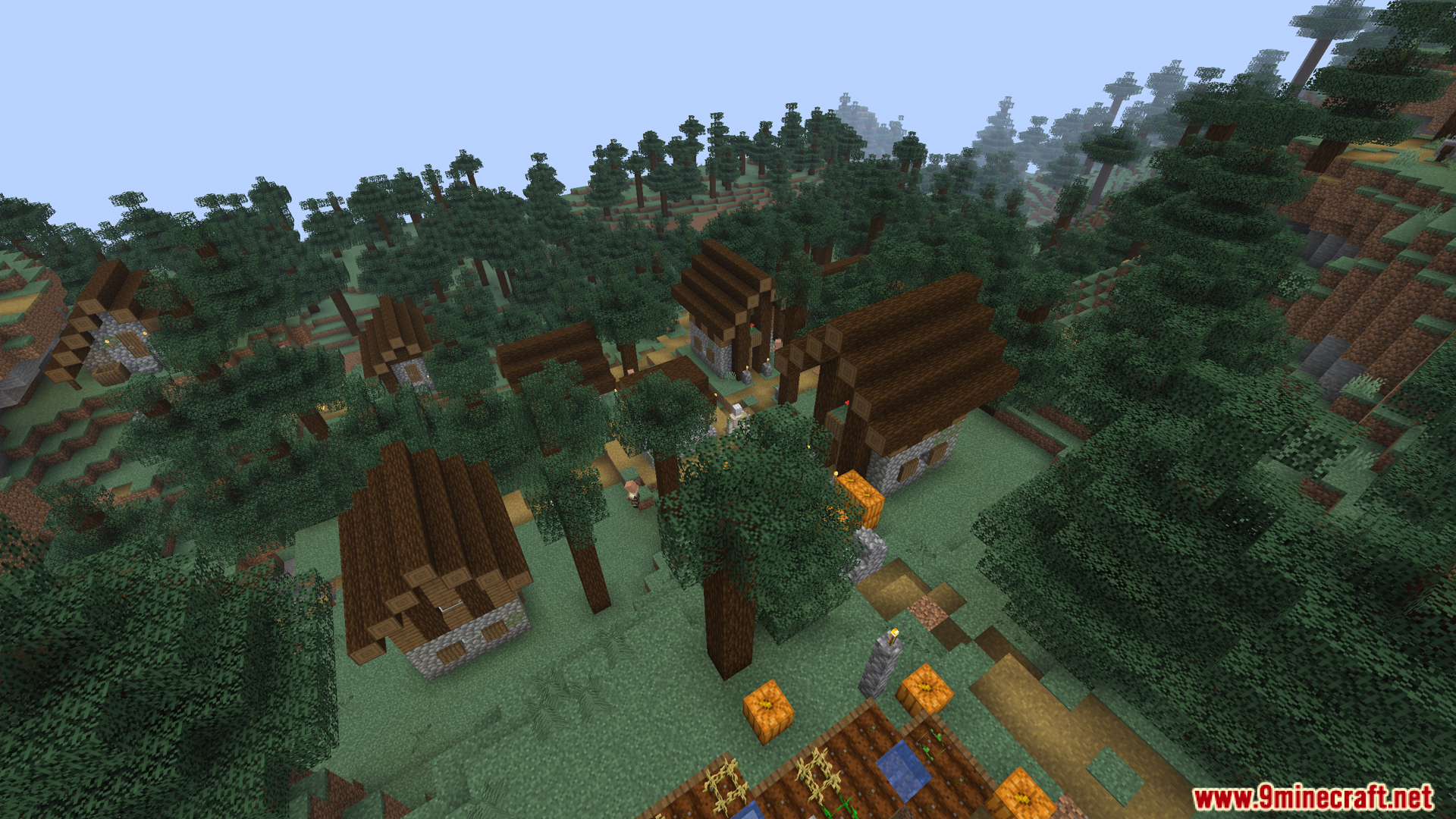
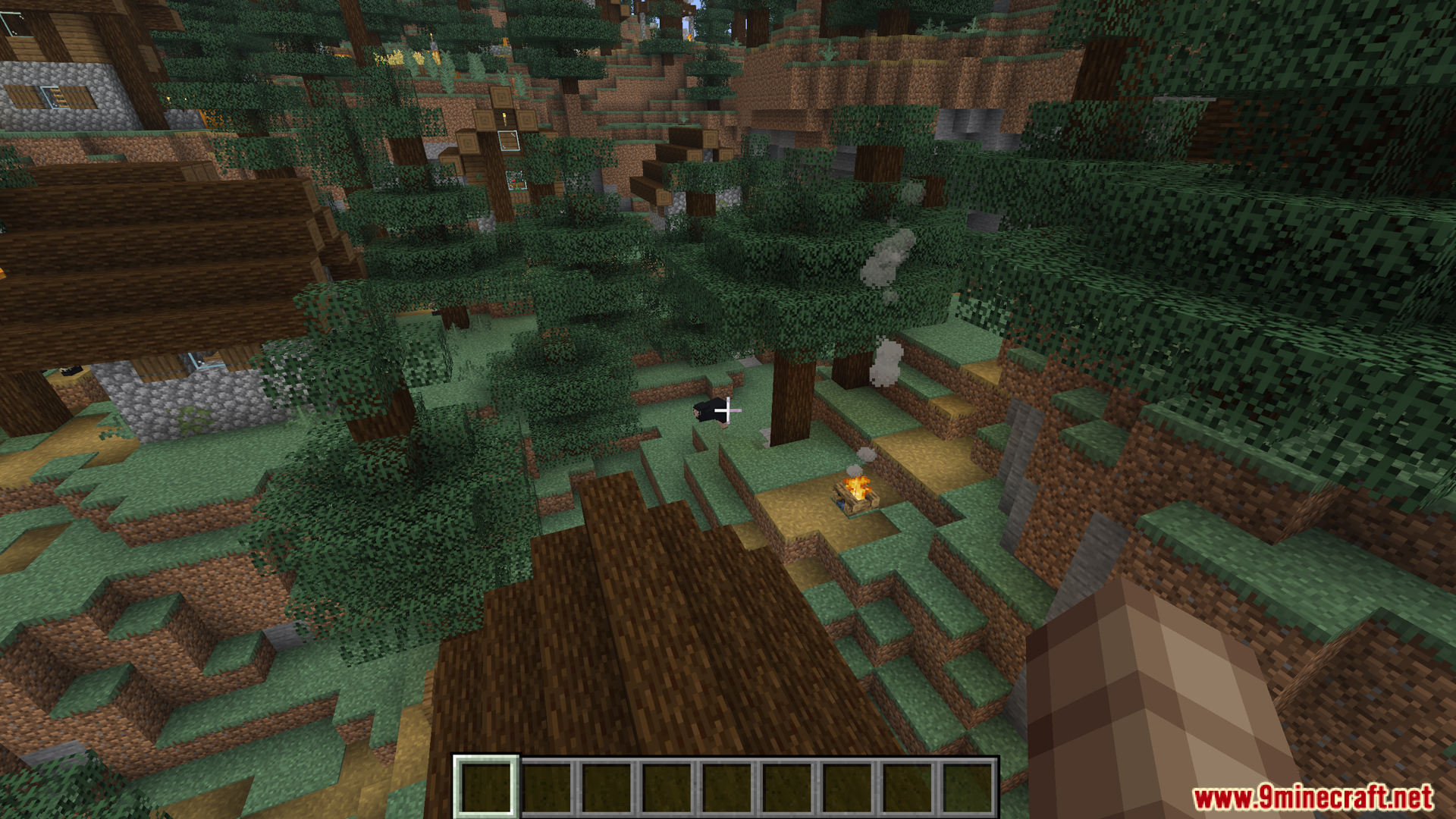
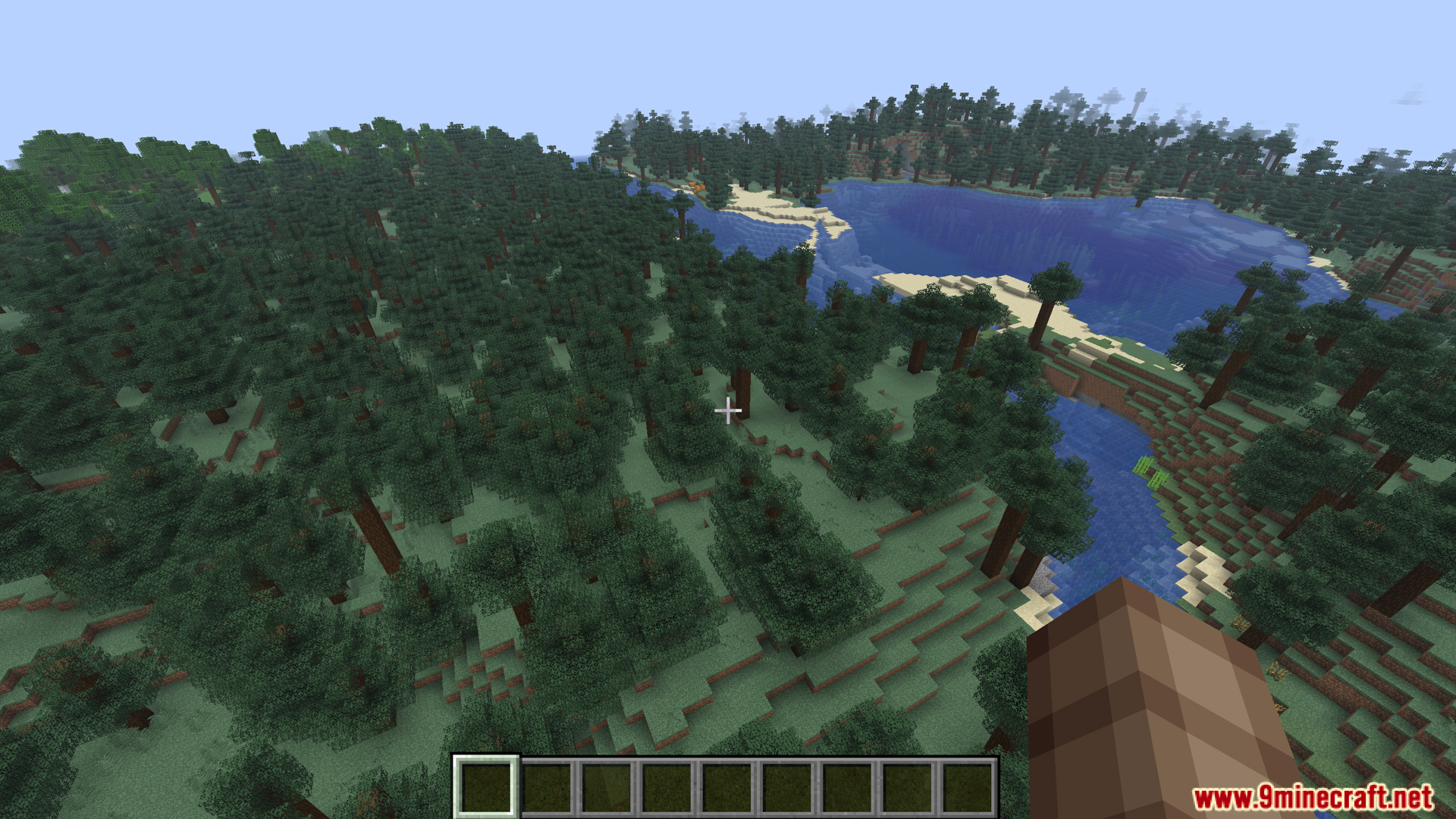
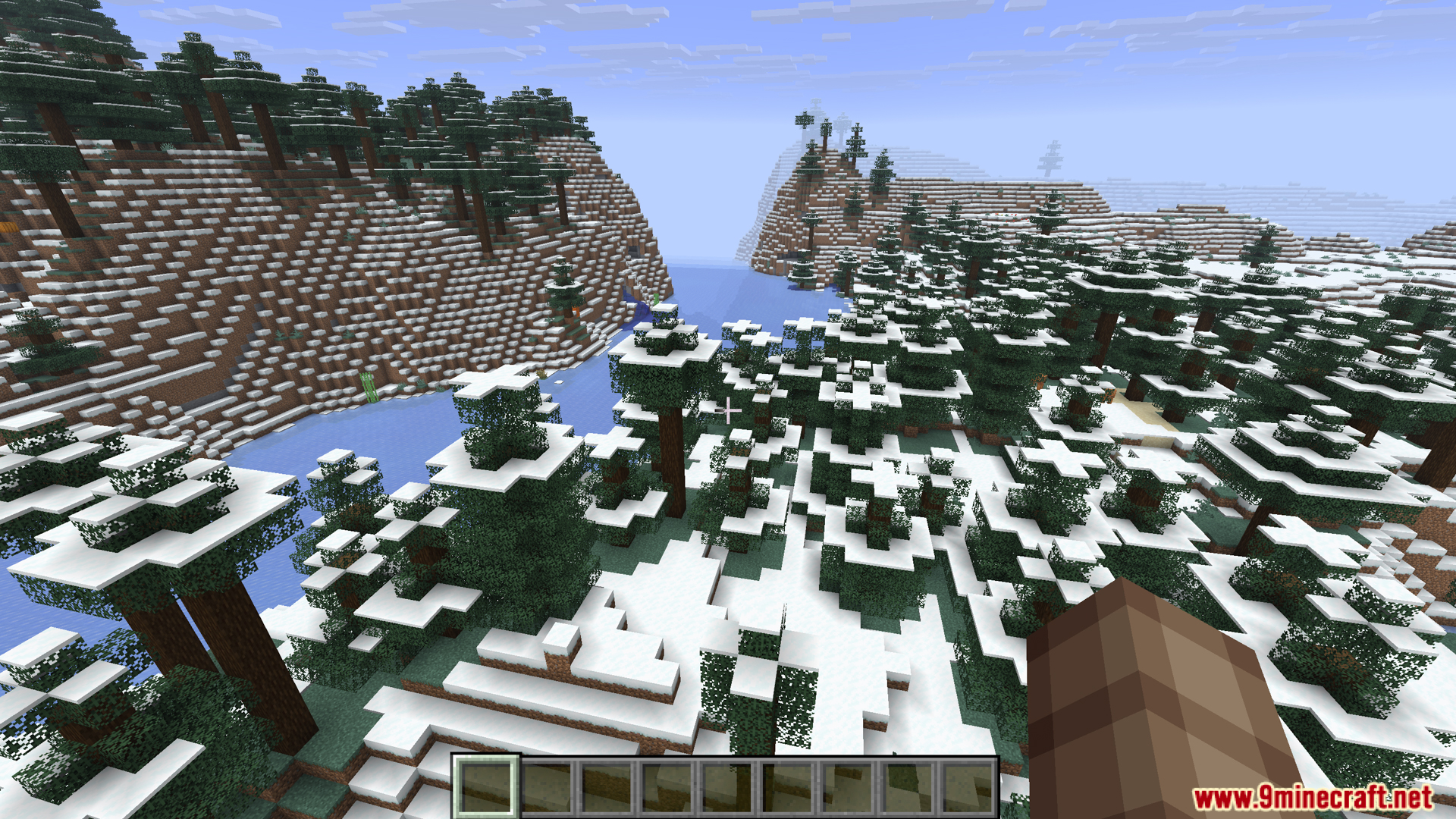
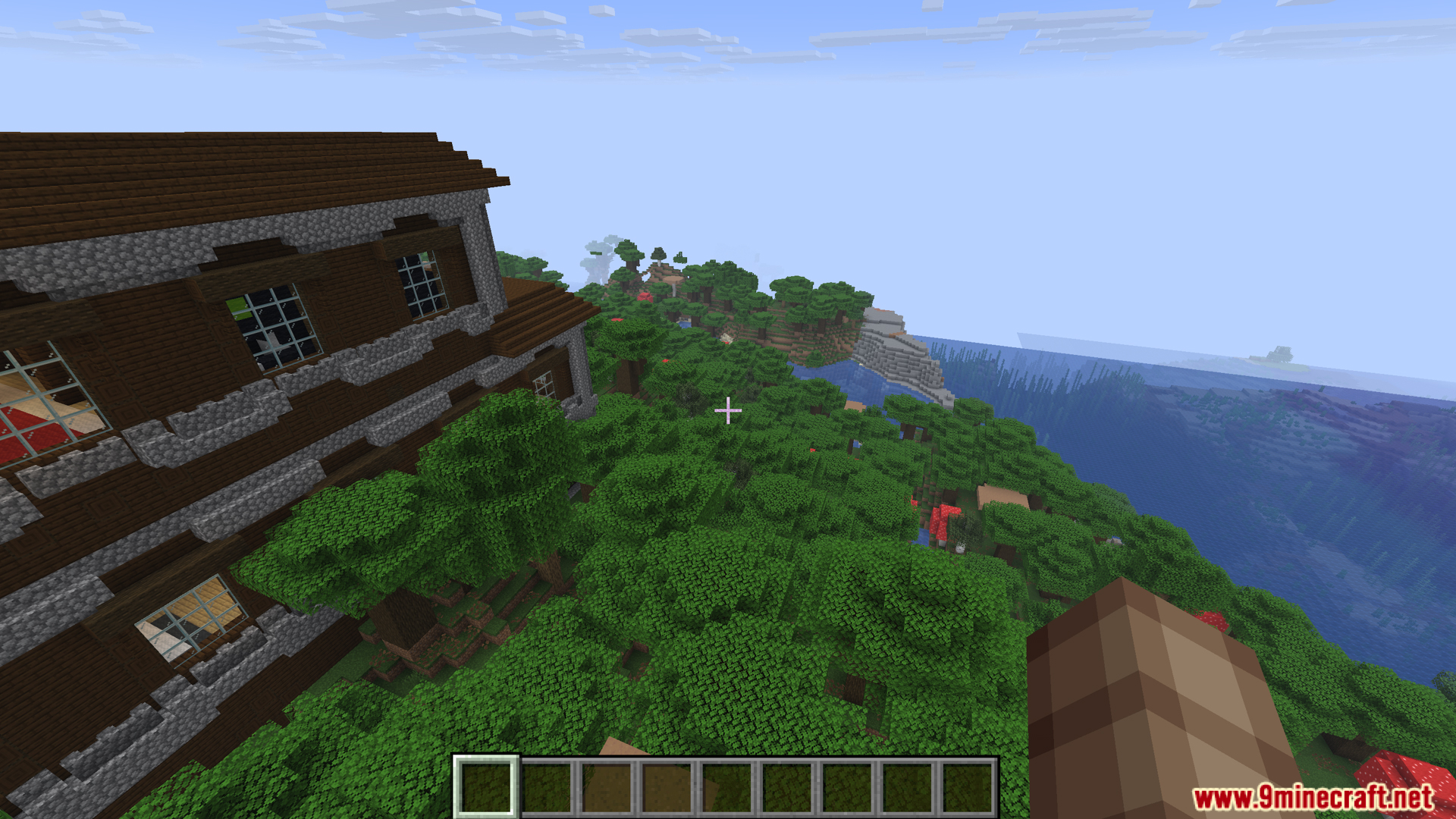
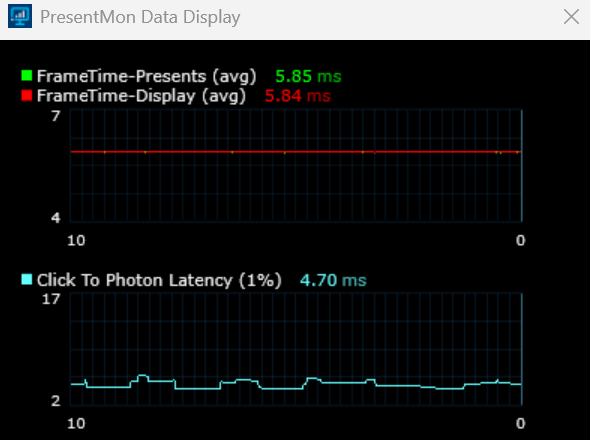
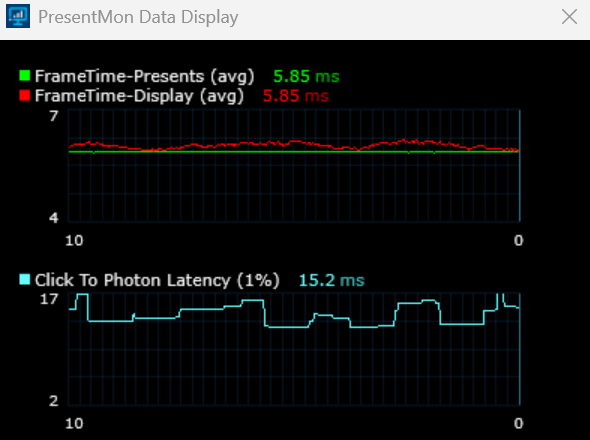
Borderless Mining Updated Mod brings a true borderless window mode to your game. It stops the stuttering and input delays caused by similar mods. You can change your default fullscreen options and use a new button to switch monitors. These menu changes also apply to your Sodium video settings. The mod keeps your game running fast without extra latency.
Features:
- True Borderless Window: The Borderless Mining Updated Mod changes the default fullscreen options so you get a real borderless mode without input lag.
- Stops Microstutters: Fixes the frame drops and delays that happen with other borderless mods.
- Monitor Switching: Adds a simple button in the video settings to move your game to another screen.
- Works with Sodium: All menu changes apply directly inside the Sodium video settings.
- Clean Menus: Removes extra window size options to keep everything simple to read.
How to Use:
- Open your game and go to the video settings menu.
- Find the Fullscreen option.
- Change the setting to “Borderless” to remove window borders.
- Click the new monitor button to put the game on another screen.
Screenshots:
Borderless Mining Updated Mod Download Links
Quick facts
- Edition: Minecraft Java
- File type: .jar
- Minecraft version listed: 1.21.11
- How to install: Install the matching mod loader (Forge, Fabric or NeoForge) for your Minecraft version. → Download the .jar. → Put it in the .minecraft/mods folder and launch that loader profile.
- Where to get it: In MC Java Mods, or directly above on this page.
Install steps are the general flow for this file type — How to install Minecraft Java mods & modpacks walks through it step by step.
File checked by MCModsHub
- Downloads as 27202.mcaddon
- Download size: 41 KB
- Download link checked 22 Sept 2026 — working
- Mirrored on our own servers — the download does not depend on the original host
These come from our own check of the pack file, not from the source page.