
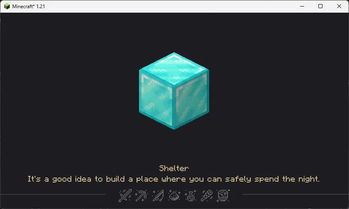
HoYoI (Aka. HoYo UI, HoUI)
Introduction
This mod simply adds miHoYo/HoYoVerse games UI for Minecraft (like Genshin Impact, Honkai: Star Rial) with vanilla-like style.
Now HoYoI only implemented Genshin Style, Star Rail Style is still working in progress.
Genshin style loading screen has two theme: light and dark. In reallife time 19:00 ~ 7:00 next day the ui will be dark theme.
Screenshots
Genshin Style
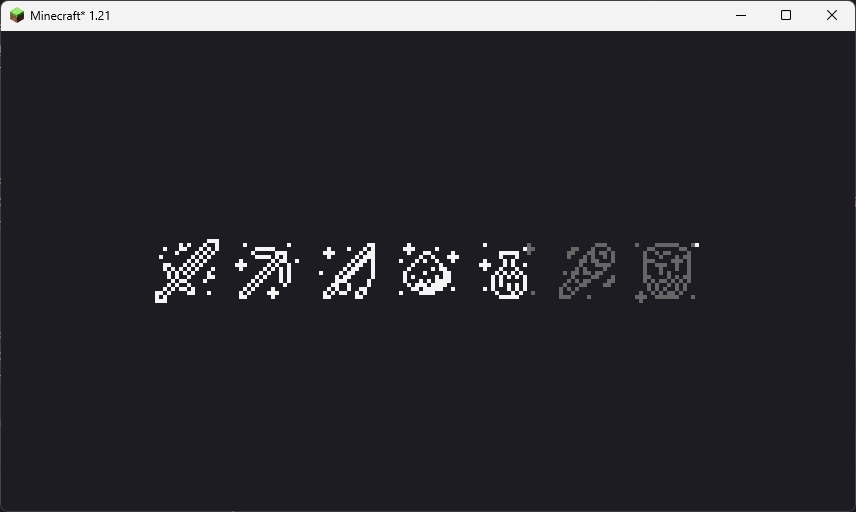 This loading screen will only show once when the game starting. Because NeoForge has an early display, so this feature is broken on NeoForge platform.
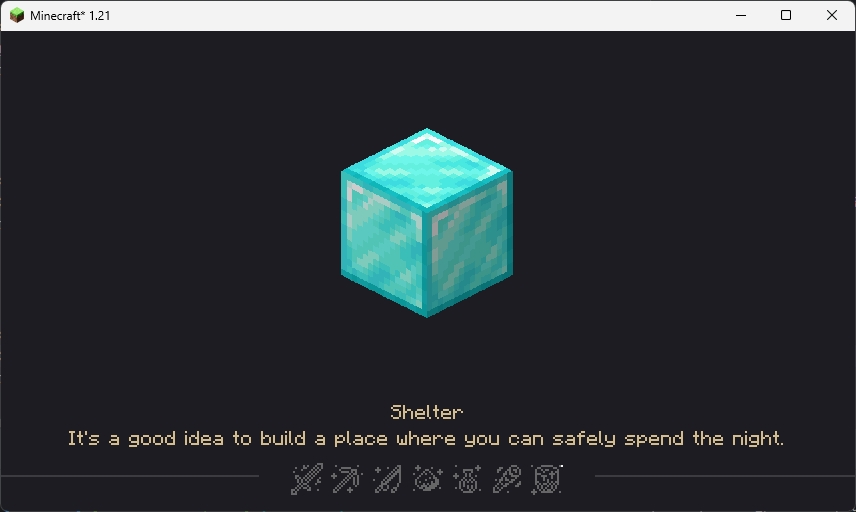 This loading screen will be normally seen in the game, the picture in the center and the tips at the bottom are all random, customizable and localized (I'll talk about how to customize below).
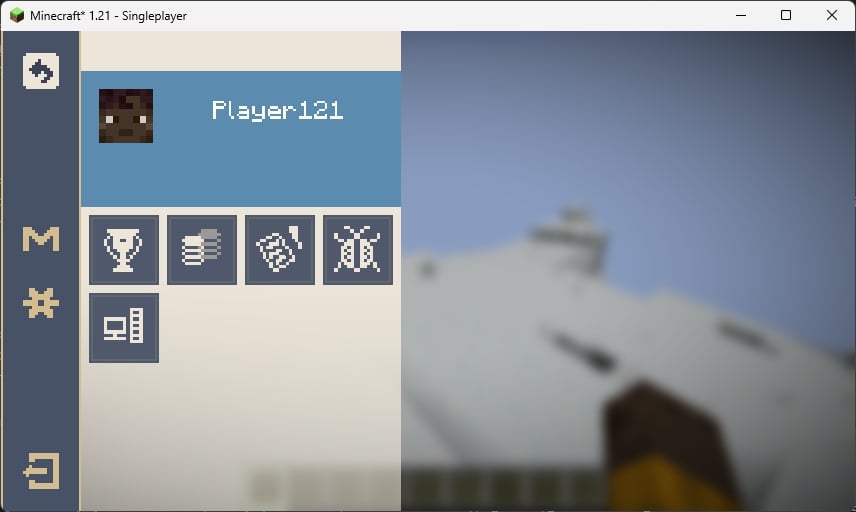 The ESC pause screen in the game, the "M" button in the sidebar is Mod List button, for Fabric, you need install Mod Menu to open the Mod List screen.
Star Rail Style
WIP
Customization
You can customize the center picture and bottom tips in loading screen.
FIRST: Create a resource pack (Check Minecraft Wiki)
Tips
SECOND: Create a file in assets/{yourpack}/tips folder with name {languageCode}.json like "en_us.json"
THIRD: Edit the file like the example shown below
[
  {
    "title": "Example Tip 1",
    "desc": [
      "Line 1",
      "Line 2"
    ]
  },
  {
    "title": "Example Tip 2",
    "desc": [
      "Line 1",
      "Line 2",
      "Line 3",
      "Line 4" // I don't suggest over 4 lines
    ]
  },
  ...
]
FOURTH: Load your resource pack
Center picture
SECOND: Put pictures with png format in assets/{yourpack}/textures/ui/regions folder with any filename you like
THIRD: Load your resource pack
Credits
- 7777777_4547, loading screen ui textures.
- DeeChael, programming and pause screen ui textures. Some tips.
- Edition: Minecraft Java
- File type: .jar
- Minecraft version listed: 1.21
- How to install: Install the matching mod loader (Forge, Fabric or NeoForge) for your Minecraft version. → Download the .jar. → Put it in the .minecraft/mods folder and launch that loader profile.
- Where to get it: Opens on Modrinth — not every file is mirrored on our own servers.
Install steps are the general flow for this file type — How to install Minecraft Java mods & modpacks walks through it step by step.
- Ships as hoyoi-neoforge-1.21-0.0.3-beta.jar — drop this file into the mods folder
- Download size: 475 KB
- Download link checked 31 Aug 2026 — working
These come from our own check of the pack file, not from the source page.