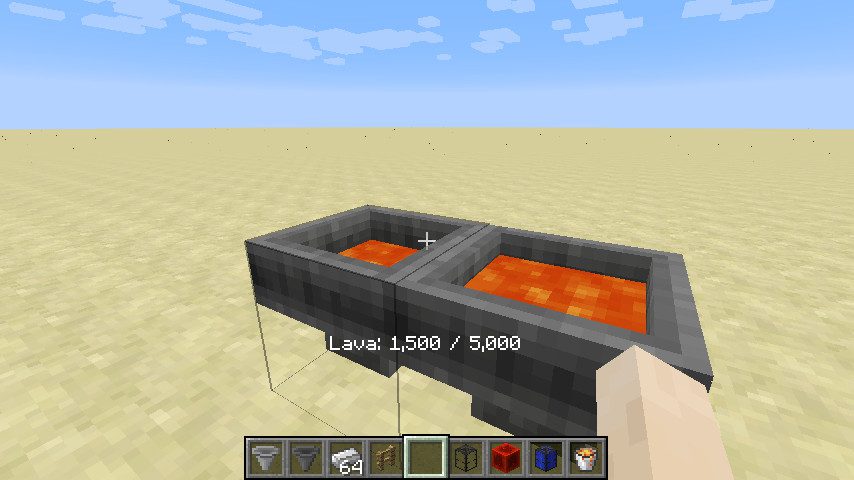
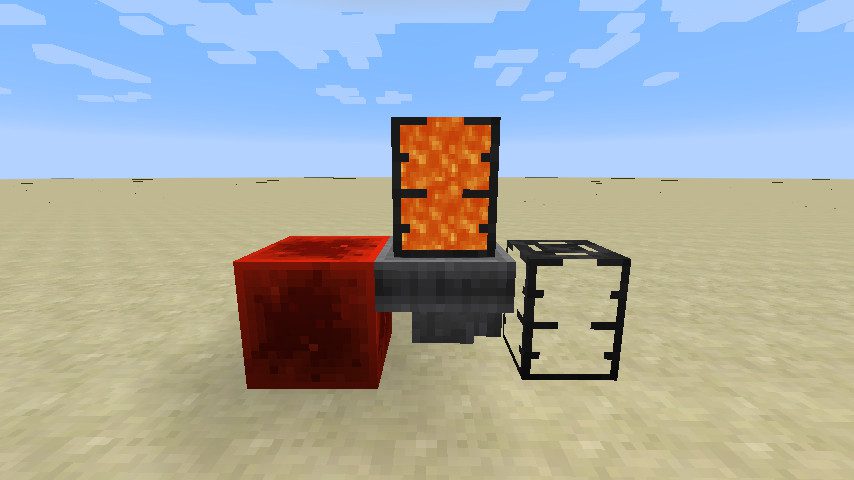
Flopper Mod adds Fluid Hopper to Minecraft. This is an early-game block to move around fluids, just like the Hopper does for items. It is able to take in fluids from the top (either from a tank, or from the world), and push it to the target side (either to a tank, or to the world). Tanks will always have a preference over world-interaction. Tanks are not included in this mod, those are Dark Tanks from EvilCraft mod. Everything ranging from the input fluid rate to the cooldown duration for world-interaction can be configured in this mod.
Features:
- Transfers fluids from tanks or the world into other tanks or back into the world.
- Operates without an interface-right-clicking displays its contents.
- Fluids inside the Flopper are visually represented (can be disabled).
- Can be disabled using a redstone signal.
- Players can adjust fluid transfer rates, cooldowns, and world interactions.
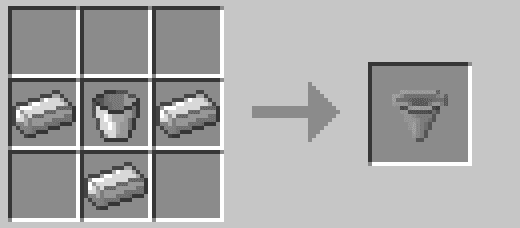
Crafting Recipes:
A simple, early-game recipe.
How to use:
This block has no GUI, because who needs GUIs anyways? Instead, you can Right Click on the block to display contents. The contained fluid will also be rendered dynamically (can be disabled).
You can also right-click to insert fluids from any fluid tank item, or extract by Shift+Right-Clicking.
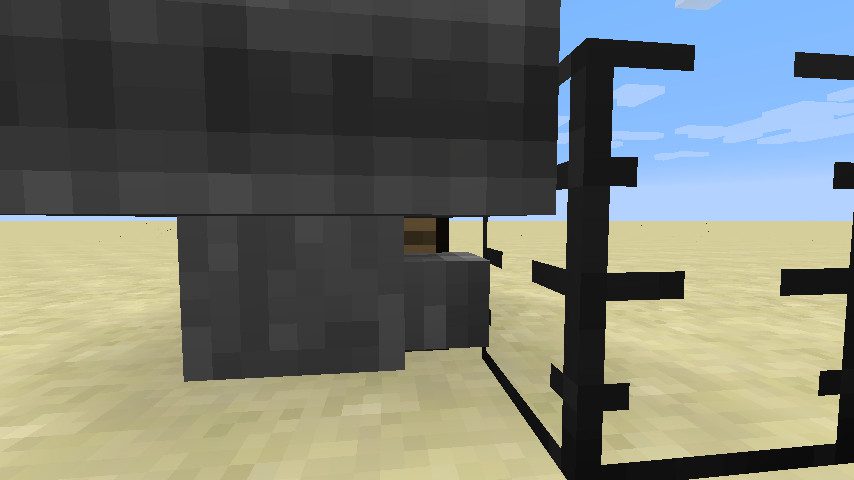
And yes, the Flopper has proper bounding boxes that allow you to click on blocks behind it.
Just like the regular Hopper, you can disable it using a redstone signal.
Flopper Mod Download Links
- Edition: Minecraft Java
- File type: .jar
- Minecraft version listed: 1.20.1
- How to install: Install the matching mod loader (Forge, Fabric or NeoForge) for your Minecraft version. → Download the .jar. → Put it in the .minecraft/mods folder and launch that loader profile.
- Where to get it: In MC Java Mods, or directly above on this page.
Install steps are the general flow for this file type — How to install Minecraft Java mods & modpacks walks through it step by step.
- Downloads as 27217.mcaddon
- Download size: 59 KB
- Download link checked 22 Sept 2026 — working
- Mirrored on our own servers — the download does not depend on the original host
These come from our own check of the pack file, not from the source page.