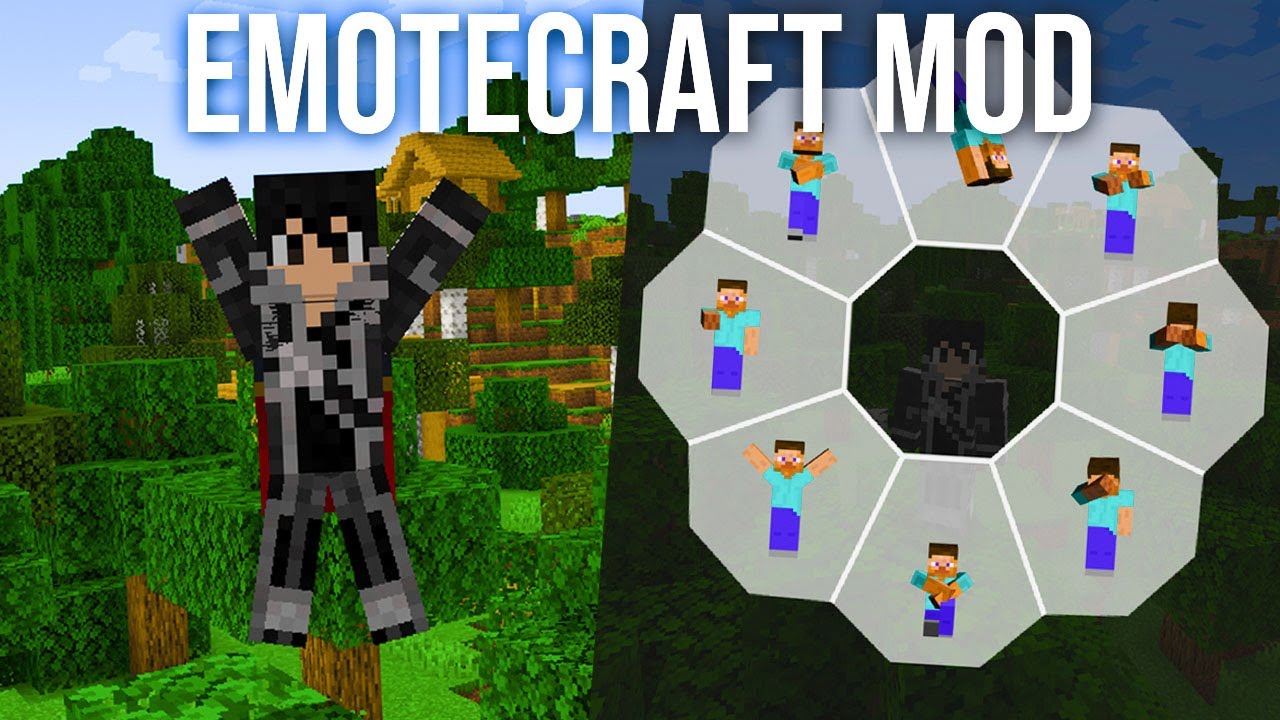
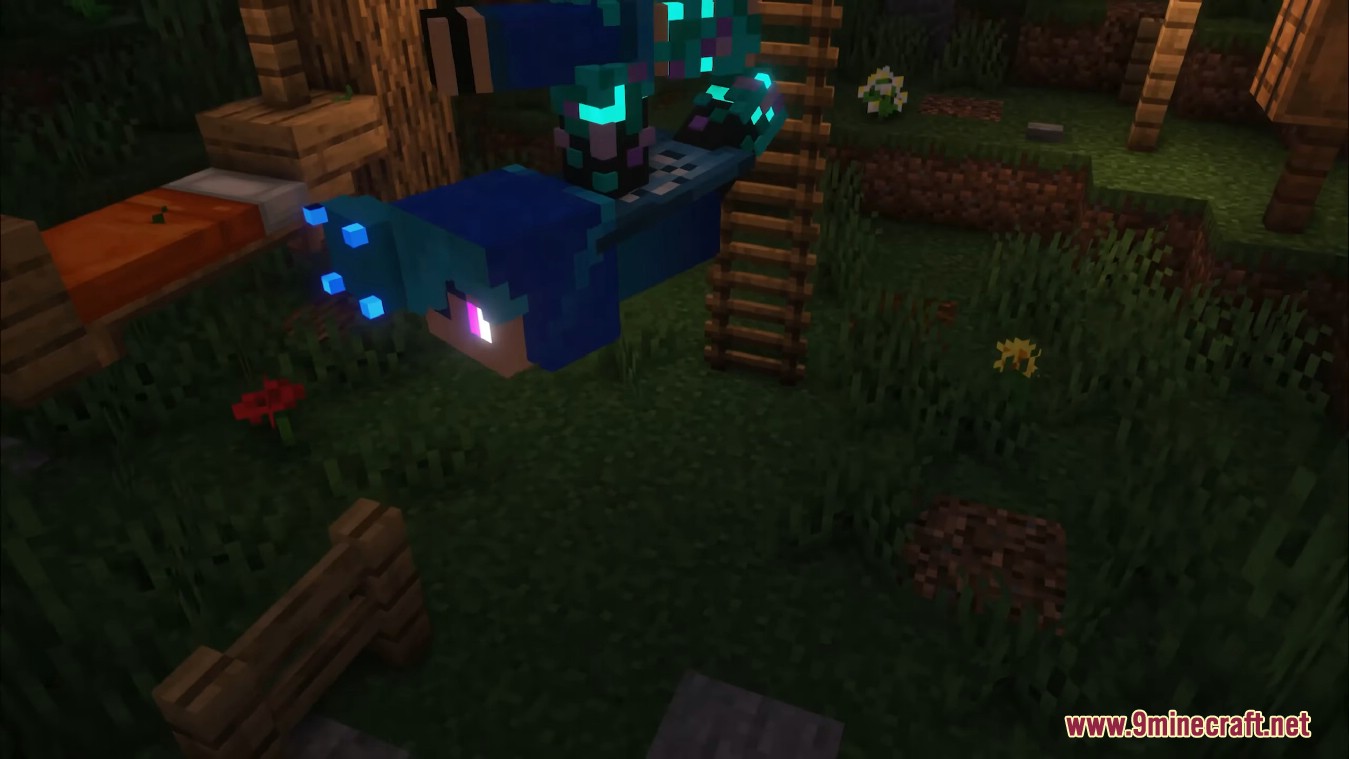
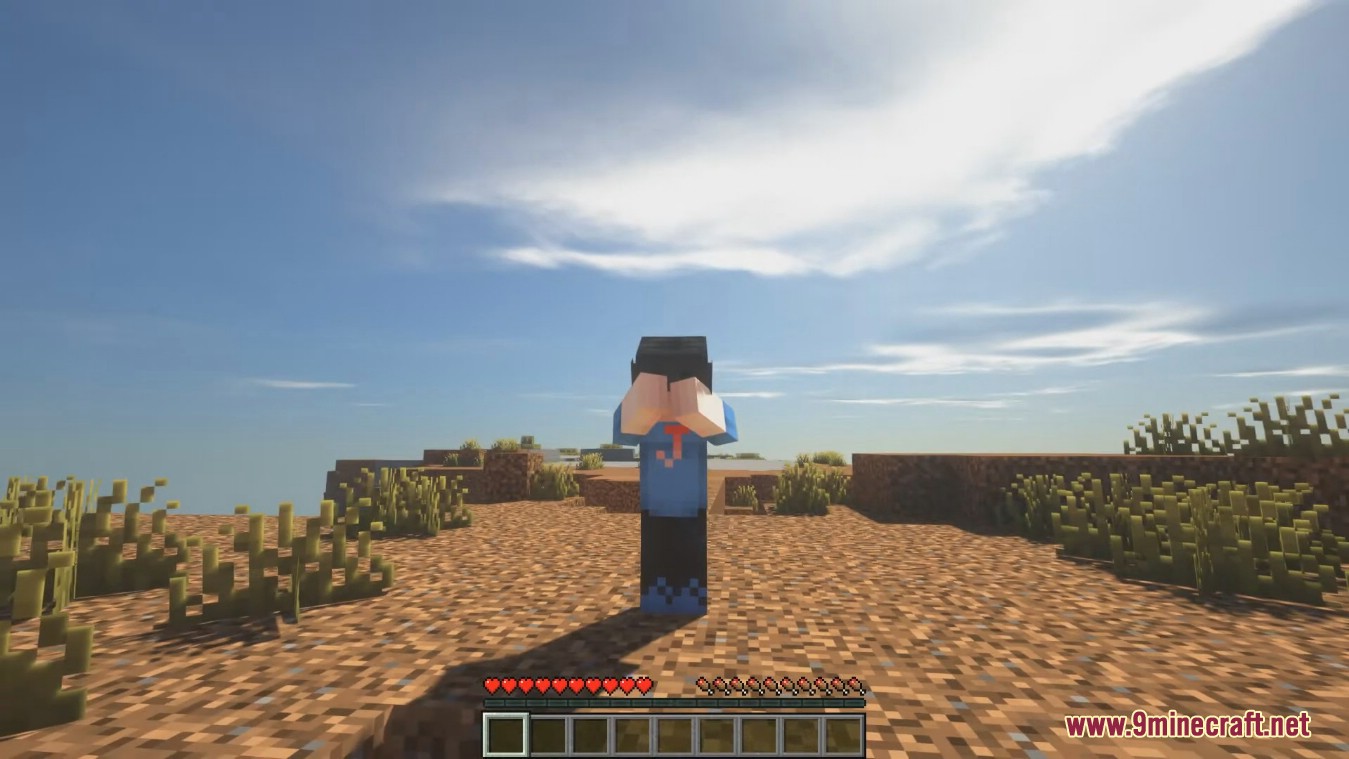
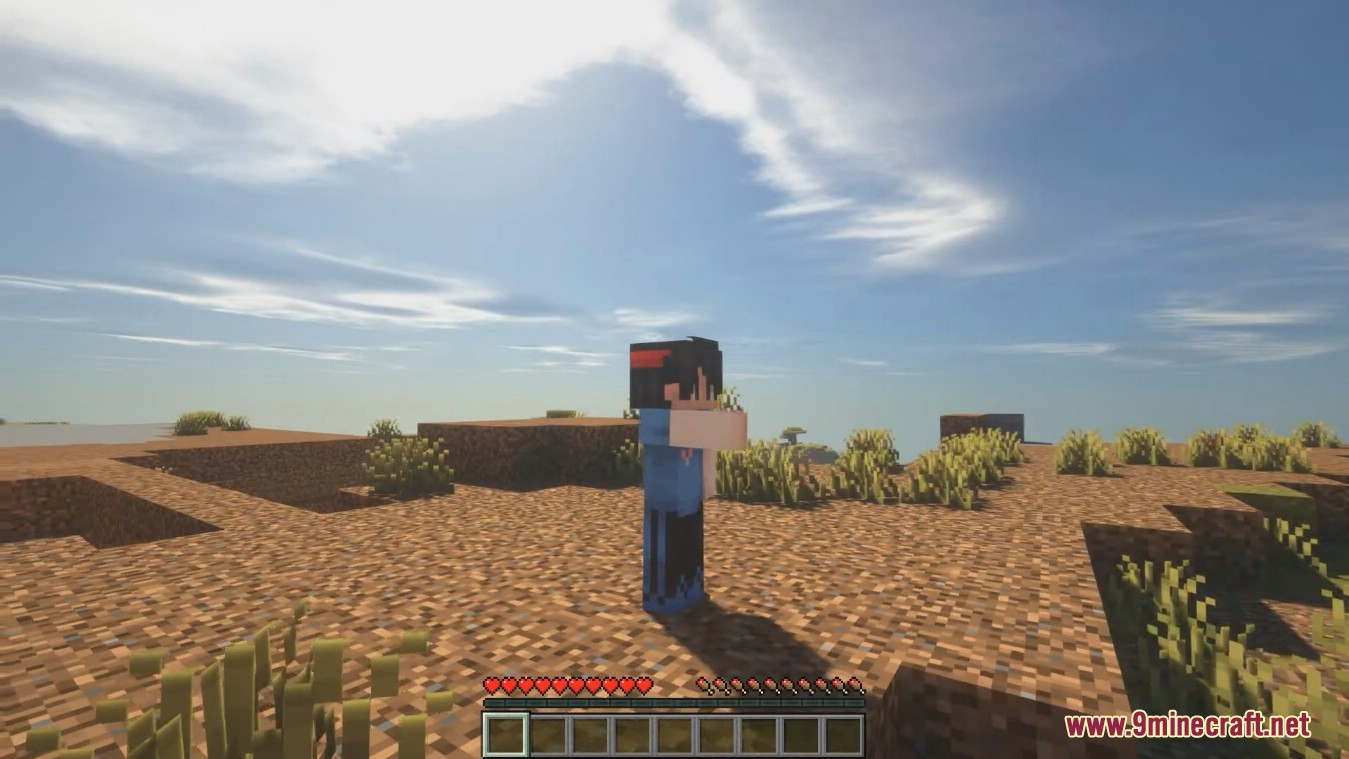
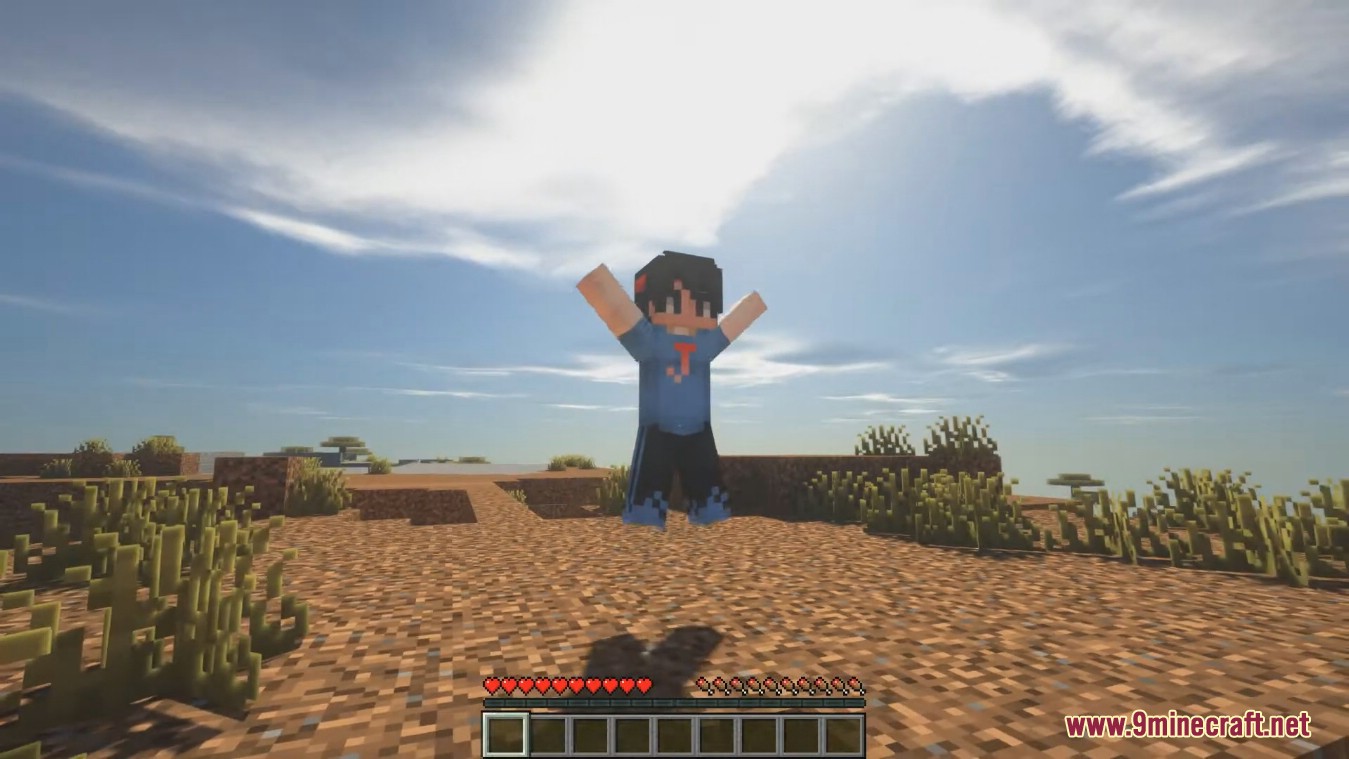
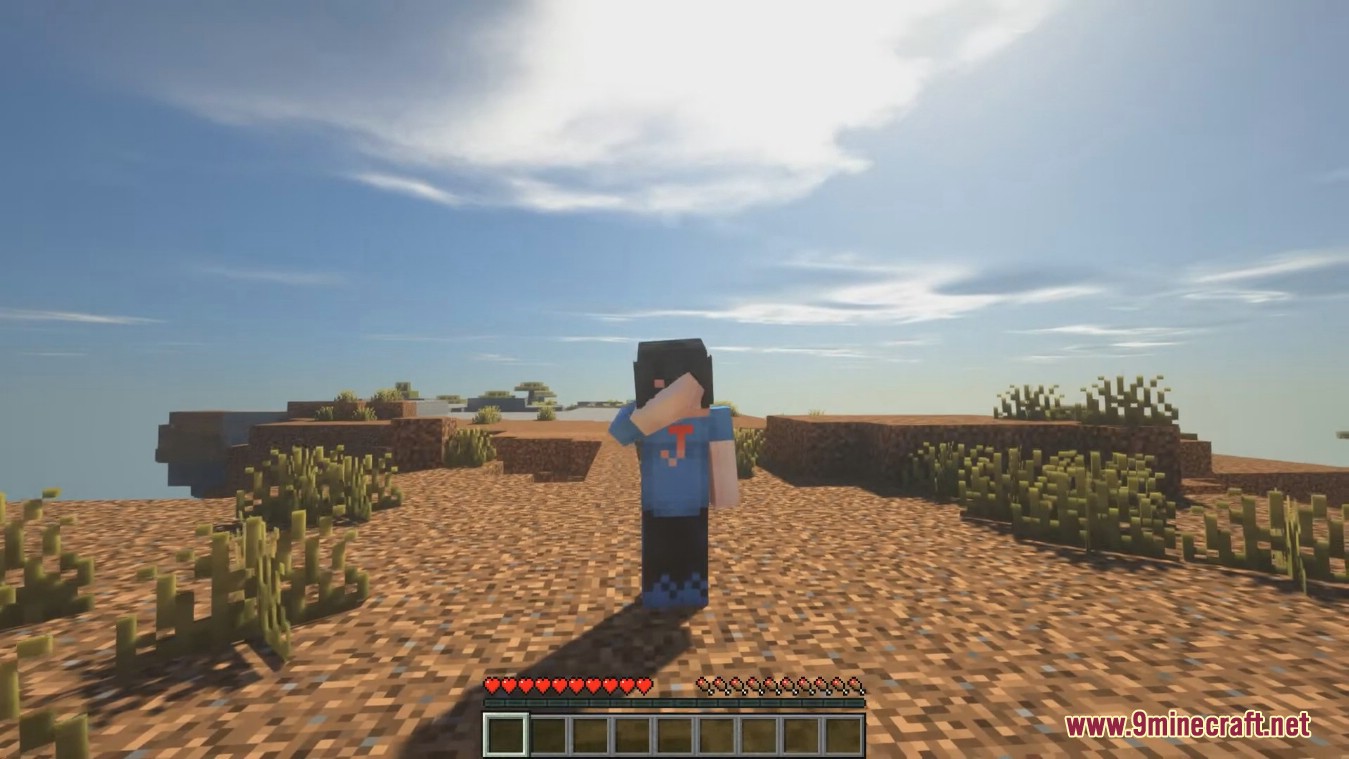
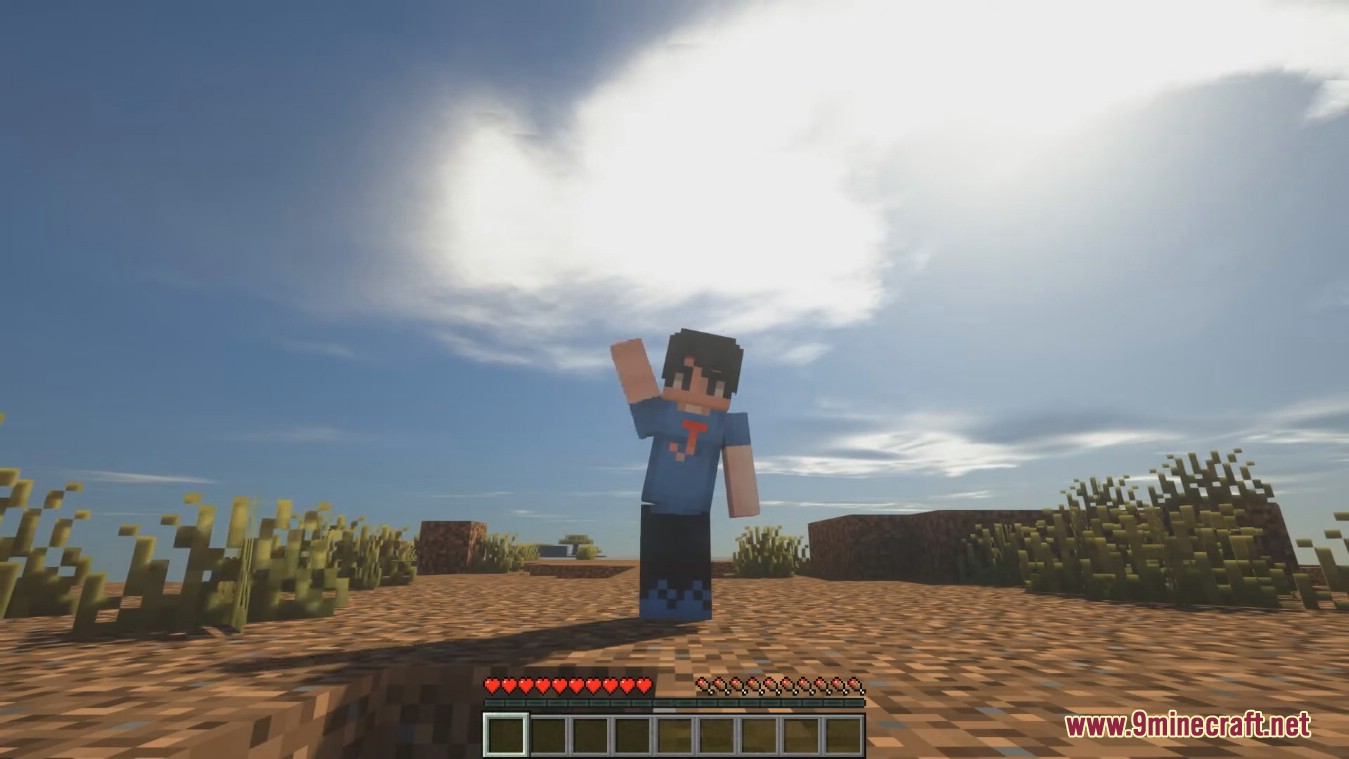
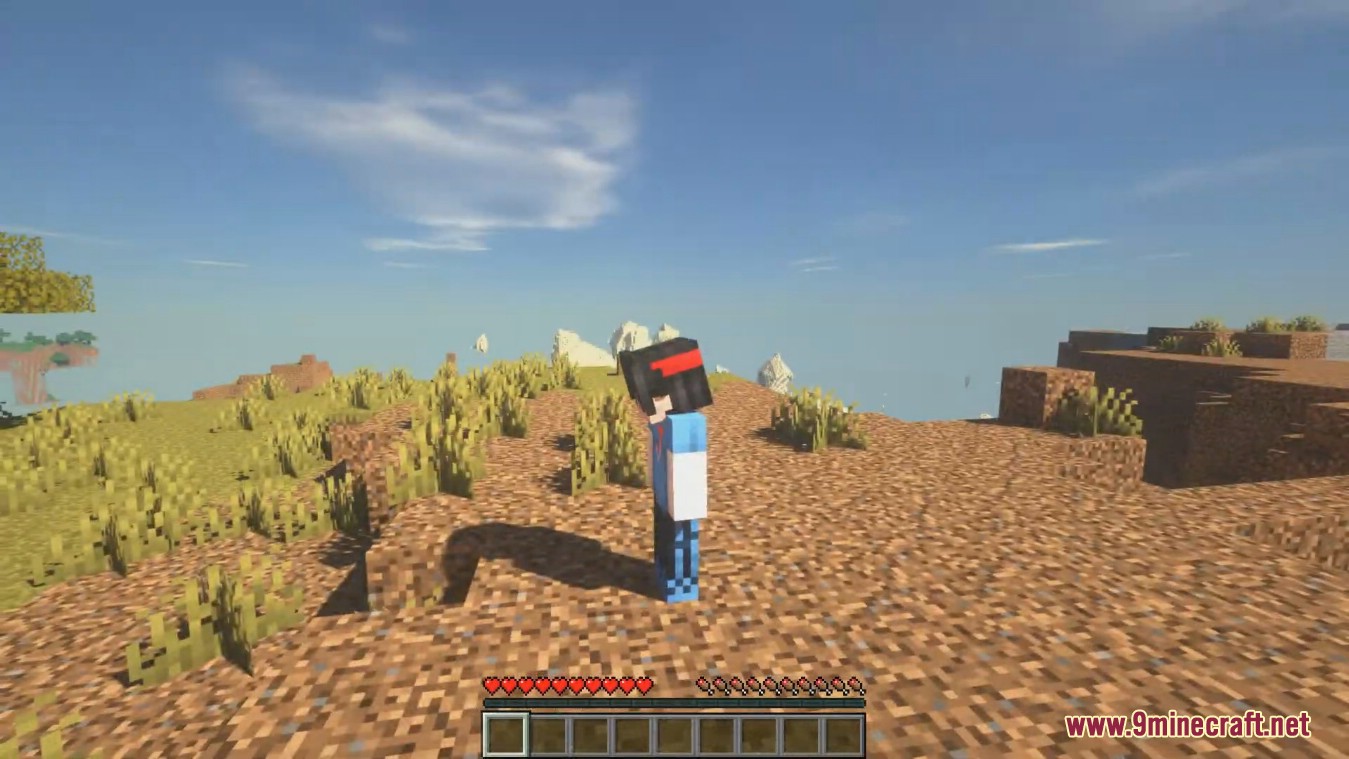
Emotecraft Mod will add the ability to display emotions on servers for Fabric. There are quite a few emotions, including both positive and negative ones. Now you can greet a guest outside your house and wave to them as a sign of welcome. It looks pretty cute in the game and expands communicative possibilities. You can assign emotions to specific keys to use them quickly without diving into the emotion selection menu. The emotions mimic those seen in the Bedrock version of Minecraft. To see emotions on the server, you need to install the mod on both the server and the client.
Features:
- Emote play and synchronization.
- Fast emote choosing from a list.
- Custom Emote support.
- Quark emote support.
Screenshots:
How to use:
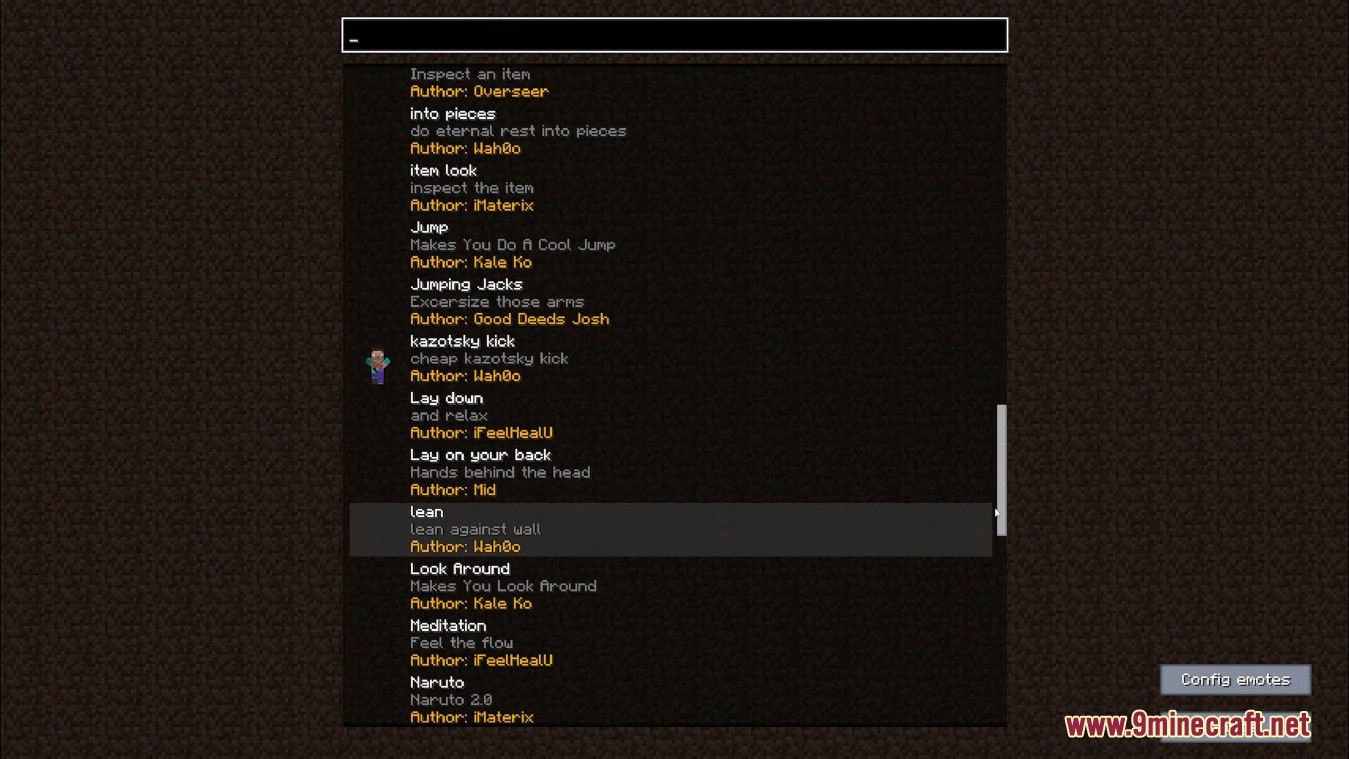
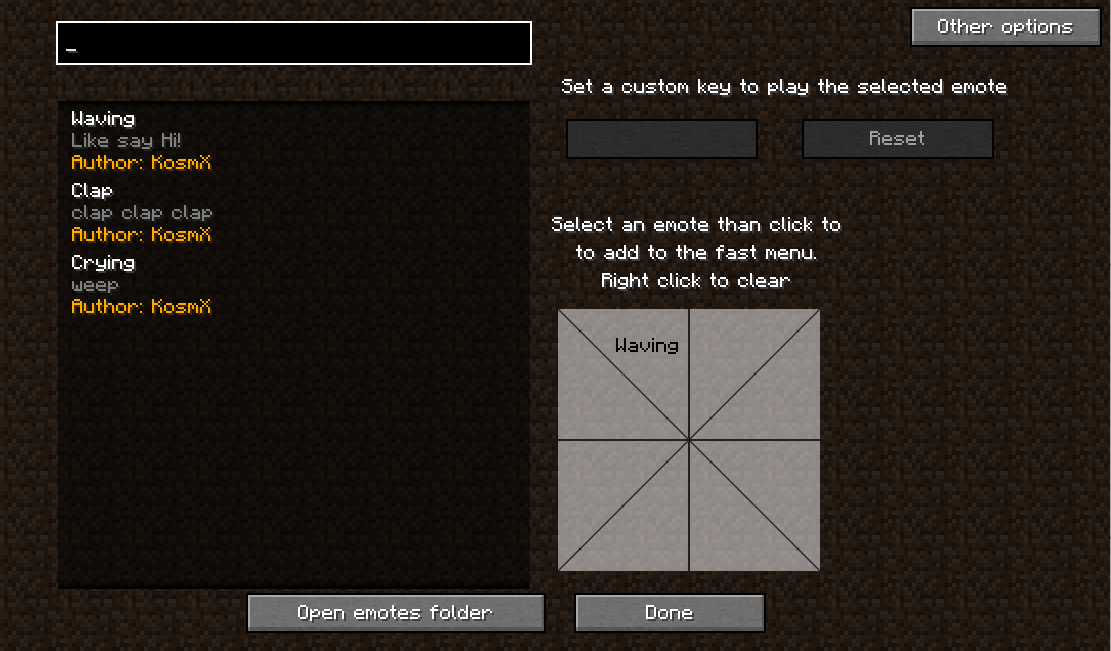
The menu:
By clicking top-right on the Other options you can open some may useful options.
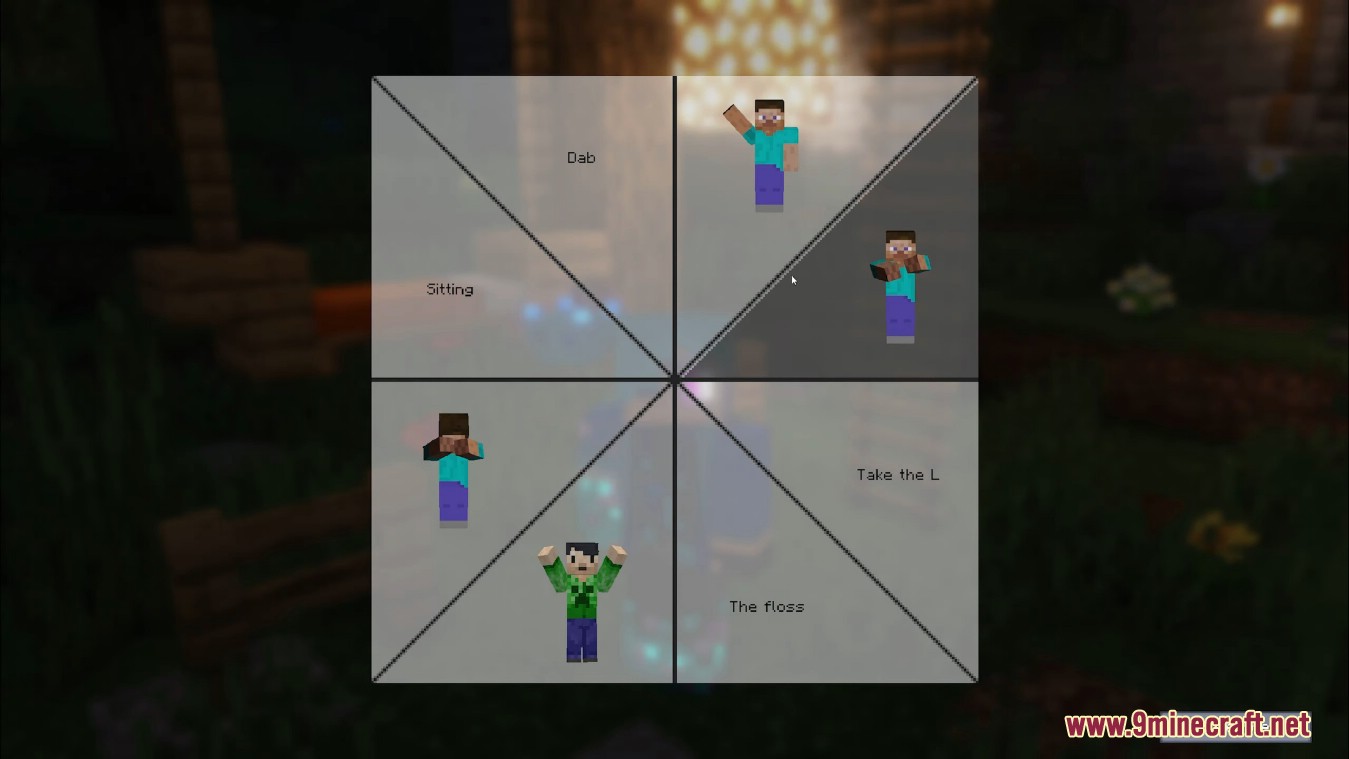
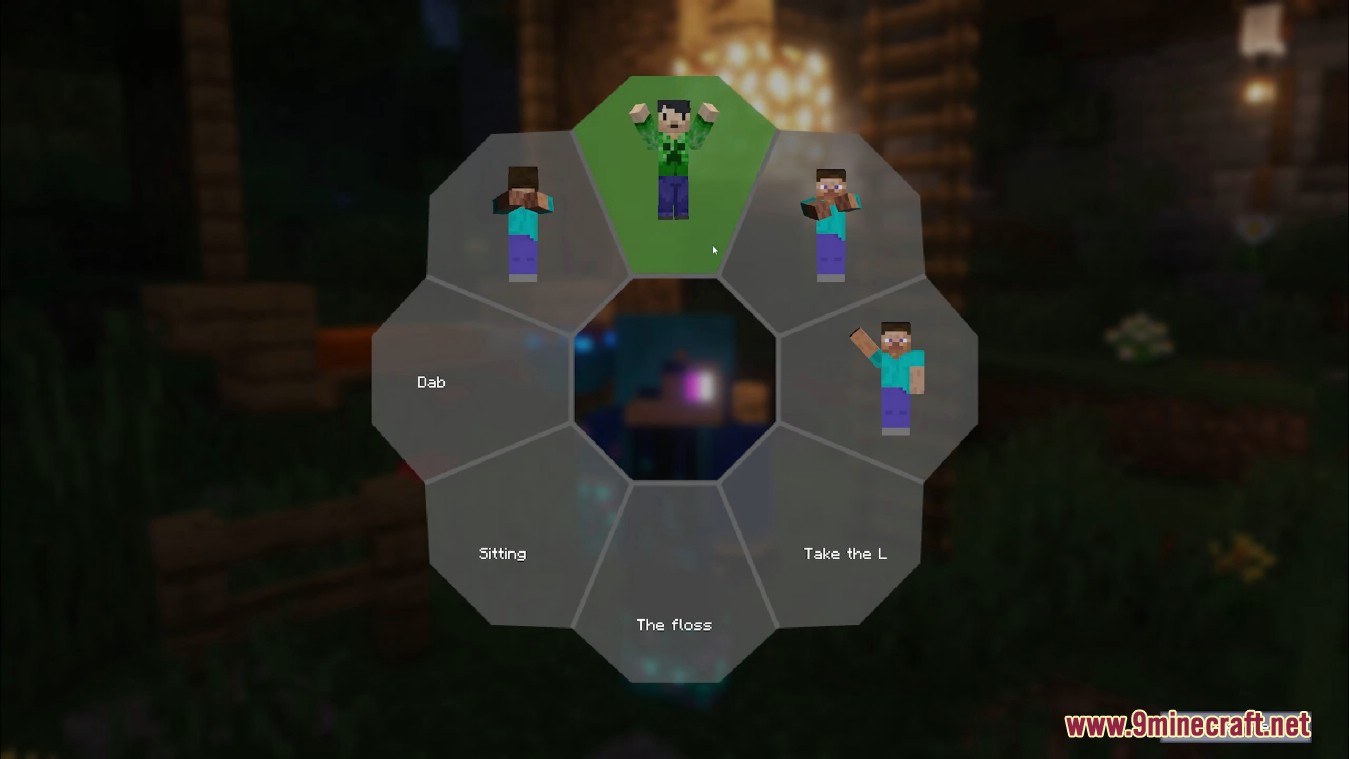
Fast menu:
- Top-left there is the search box. You can search for names and descriptions. In the case you write the full, correct name of the author, you can search for authors.
- Next, select an emote. Now you can click to the fast access menu, bo bind the selected emote to this place. you can right-click to the fast-menu to remove emote from this place.
Custom keybinding:
- You can set custom key binding to every emote. First select the emote, then click to the empty box.
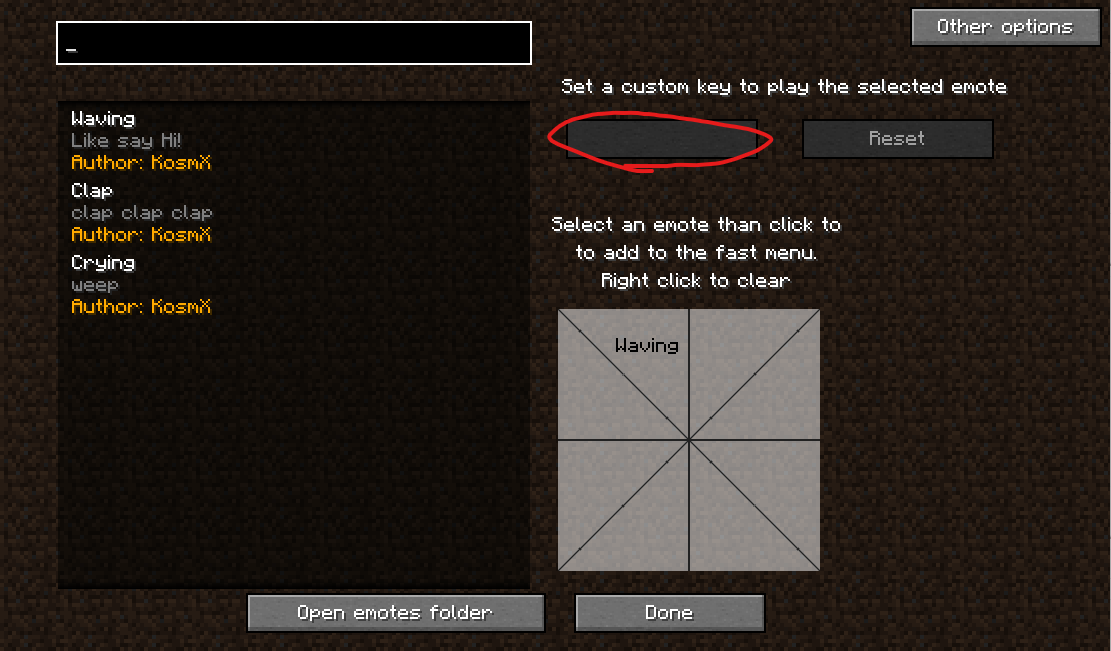
Now press the key, what you want to trigger this emote. Just like in the Minecraft’s control options menu. Select the box and press ESC to remove the keybinding, or click to the reset button.
You can set keybinding to every emote, but you can set one key to only one emote. If you try to set an already existing keybinding to an emote, a confirmation screen will appear.
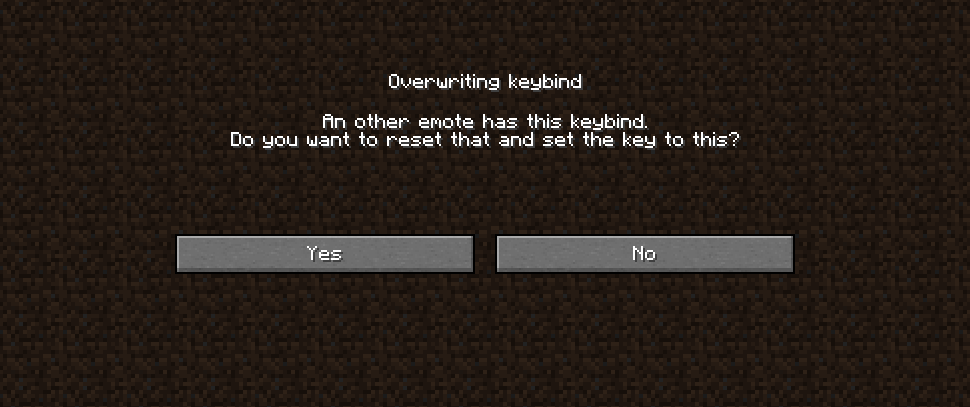
If you click YES, you remove the old keybinding and set the key to this emote. If you click to NO, you won’t clear the old keybinding, but you won’t set the new.
In-game menu:
By pressing button B (by default) you can open the fast menu
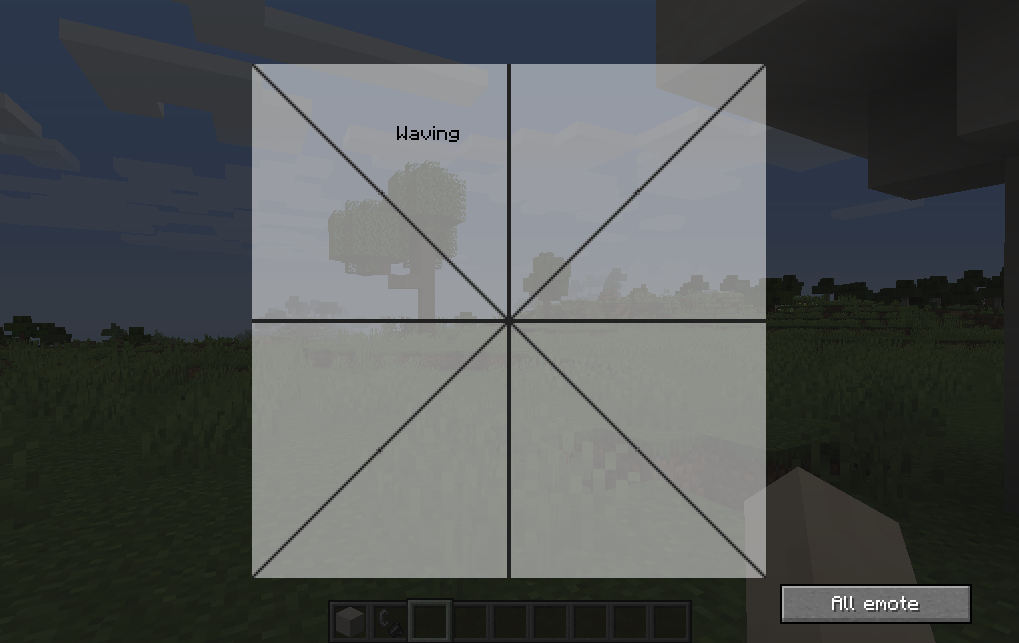
By clicking on an emote with the cursor, this menu will be closed and your character plays the selected emote. You can play any emote by clicking on the all emotes, and select one from the list. the search has the same rules as in the menu.
Emotecraft Mod Download Links
- Edition: Minecraft Java
- File type: .jar
- Minecraft version listed: 1.20.1
- How to install: Install the matching mod loader (Forge, Fabric or NeoForge) for your Minecraft version. → Download the .jar. → Put it in the .minecraft/mods folder and launch that loader profile.
- Where to get it: In MC Java Mods, or directly above on this page.
Install steps are the general flow for this file type — How to install Minecraft Java mods & modpacks walks through it step by step.
- Downloads as 27223.mcaddon
- Download size: 1.2 MB
- Download link checked 25 Sept 2026 — working
- Mirrored on our own servers — the download does not depend on the original host
These come from our own check of the pack file, not from the source page.