
Simple Chat Bubbles
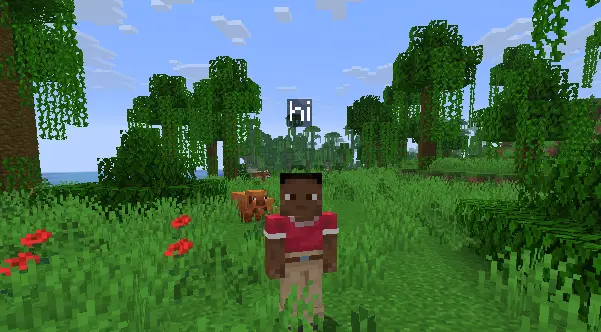
Simple Chat Bubbles adds lightweight, clean chat bubbles above players’ heads so you can see who said what in-world, without constantly checking the chat…
⬇ Download on Modrinth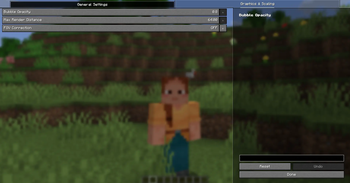
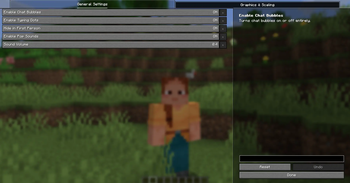




Overview
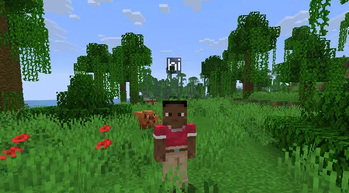
Tired of missing messages because you're focused on the game instead of the tiny chat box? This mod adds clean chat bubbles right over players' heads. Perfect for SMPs or just hanging out with friends.
Features
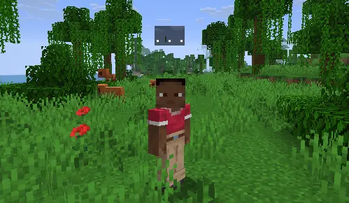
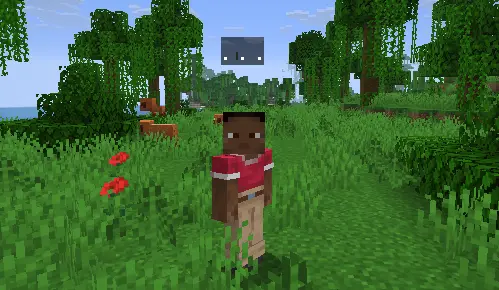
- Typing Indicator: Shows a ". . ." bubble over your head while you type so people know you aren't just AFK.
- Vanilla Look: Simple, clean text bubbles designed to match the native Minecraft UI style.
- No FOV Distortion: Bubbles won't stretch out or warp, even if you play on Quake Pro.
- 100% Client-Side: Works on any server without needing the mod installed on the backend. It reads your local chat HUD automatically.
- Smart First-Person Hiding: Bubbles stay invisible in first-person so they don't block your view, but show up perfectly when you switch to F5.
Previews
Typing Indicator
In-Game Chat Bubbles
Dependencies ⚠️
- Requires Fabric API.
Unlike other bloated chat bubble mods that tank your performance, this mod is highly optimized, lightweight, and won't affect your FPS.

- Edition: Minecraft Java
- File type: .jar
- Minecraft versions listed: 1.21, 1.21.1, 1.21.2
- How to install: Install the matching mod loader (Forge, Fabric or NeoForge) for your Minecraft version. → Download the .jar. → Put it in the .minecraft/mods folder and launch that loader profile.
- Where to get it: Opens on Modrinth — not every file is mirrored on our own servers.
Install steps are the general flow for this file type — How to install Minecraft Java mods & modpacks walks through it step by step.
- Ships as simple_chat_bubbles-1.5.jar — drop this file into the mods folder
- Download size: 116 KB
- Download link checked 31 Aug 2026 — working
These come from our own check of the pack file, not from the source page.