ModsJava
Fabrishot Mod (26.1.2, 1.20.1) – High-Resolution Screenshots
Java mod listed for Minecraft 1.20. Downloads from the MC Java Mods app on Android.
⬇ Download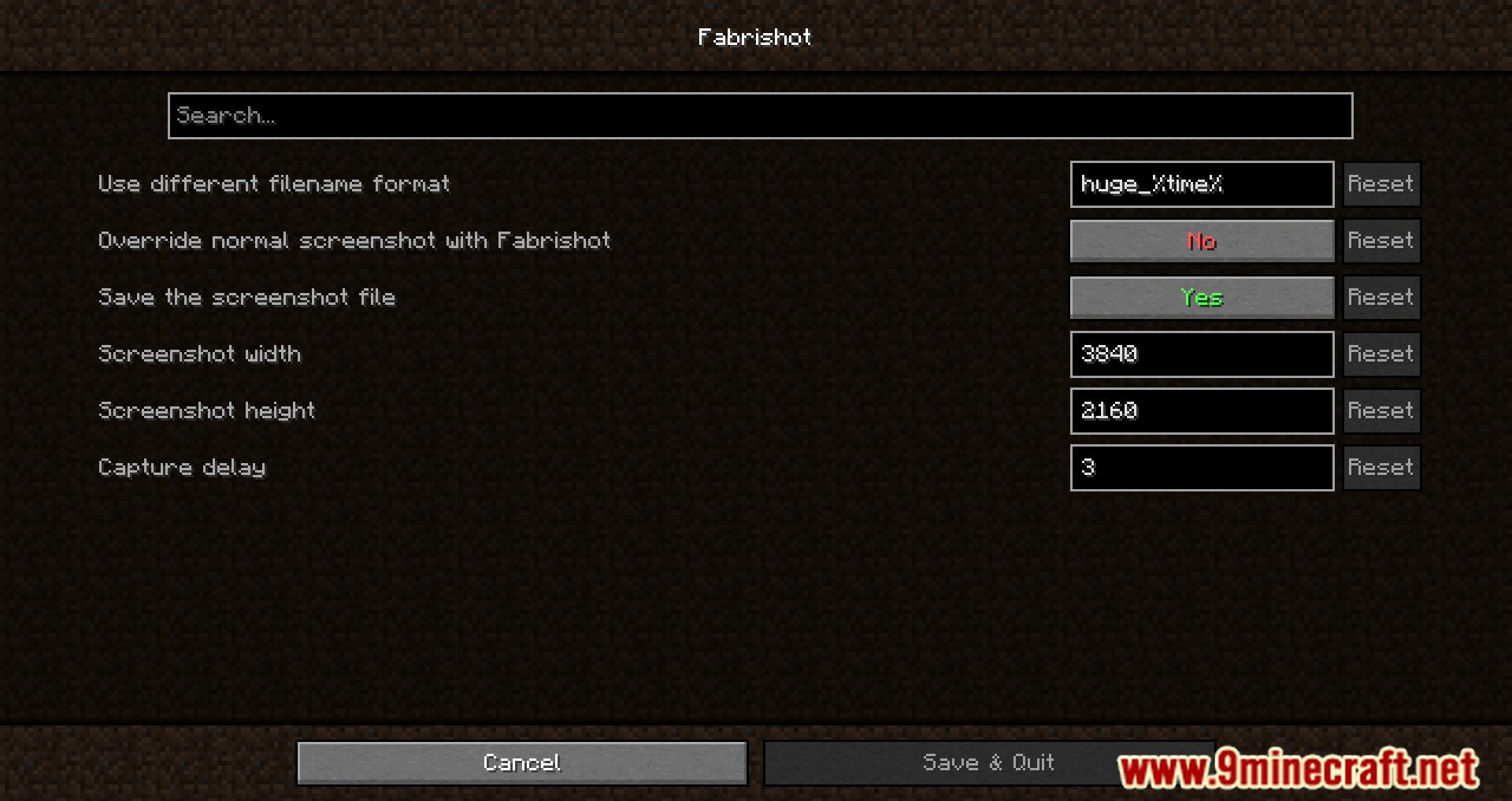
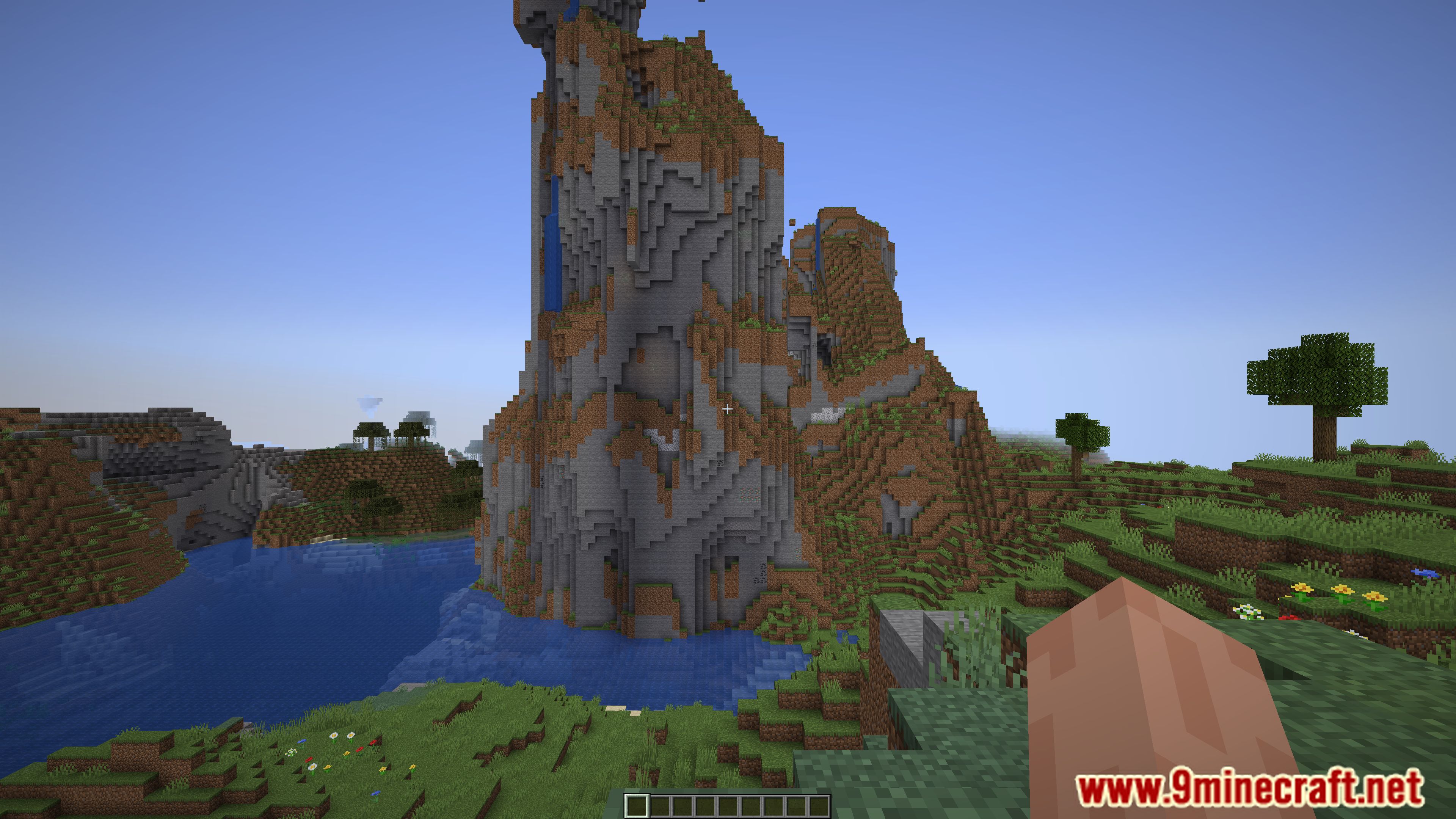
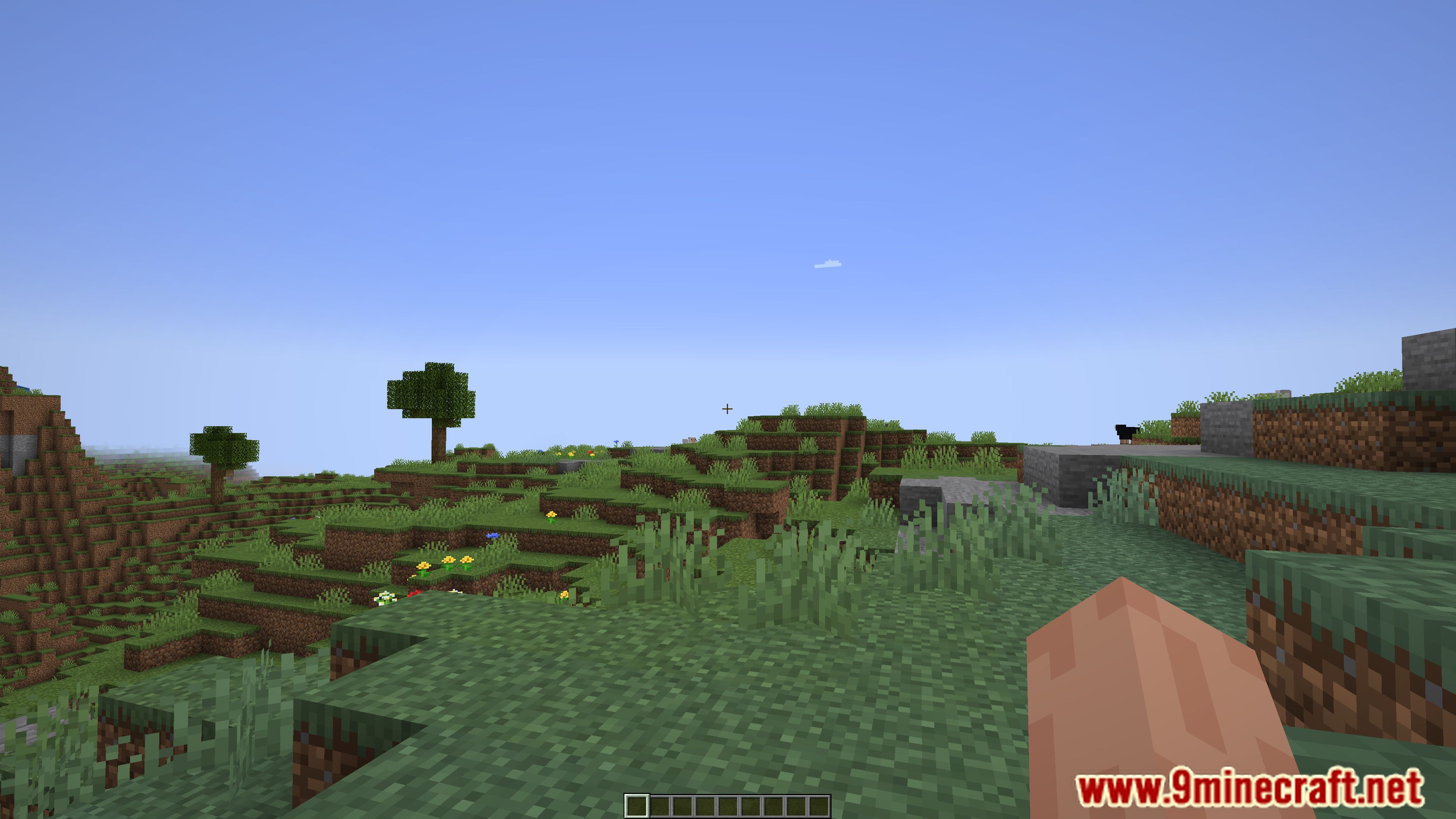
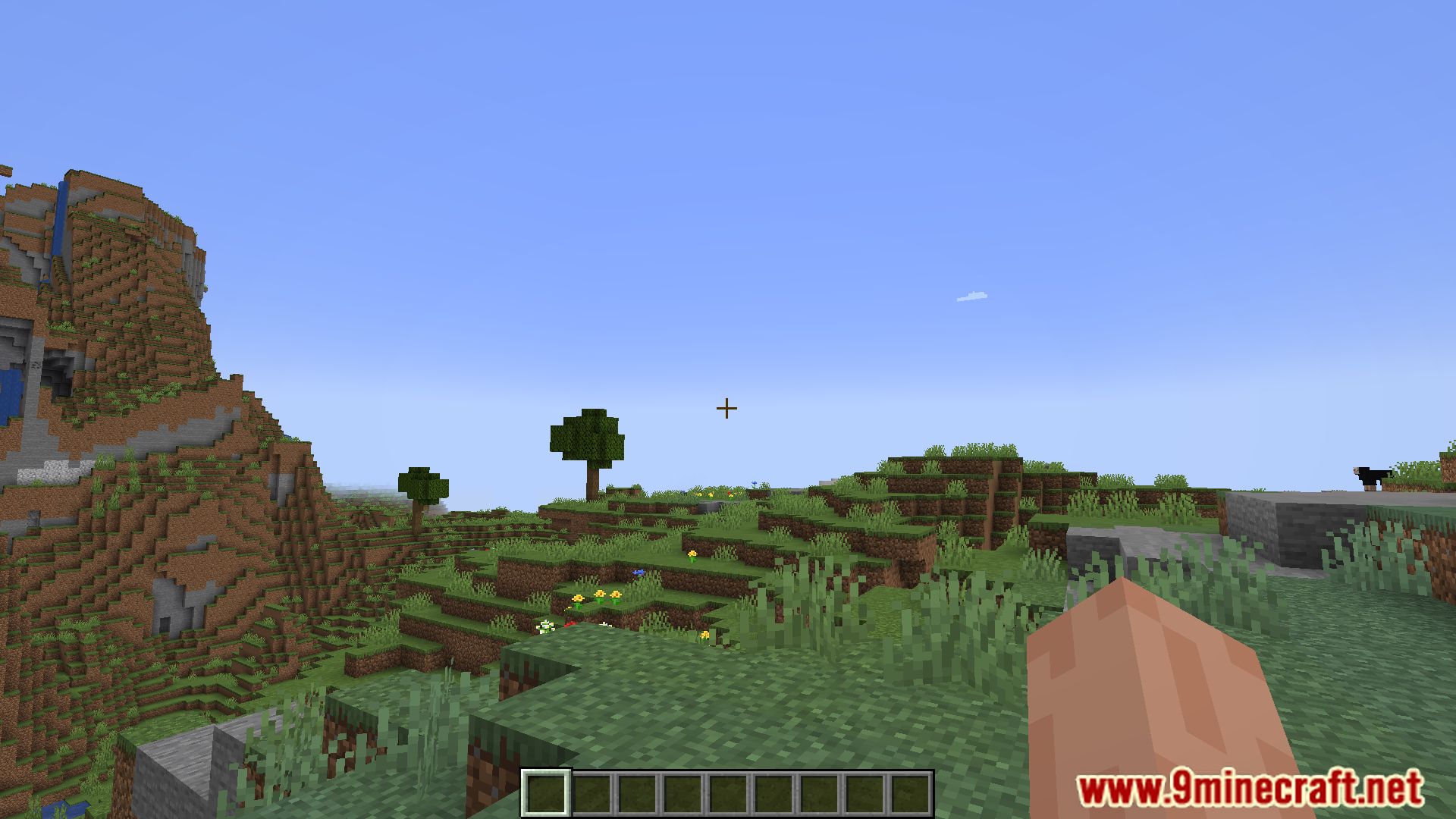
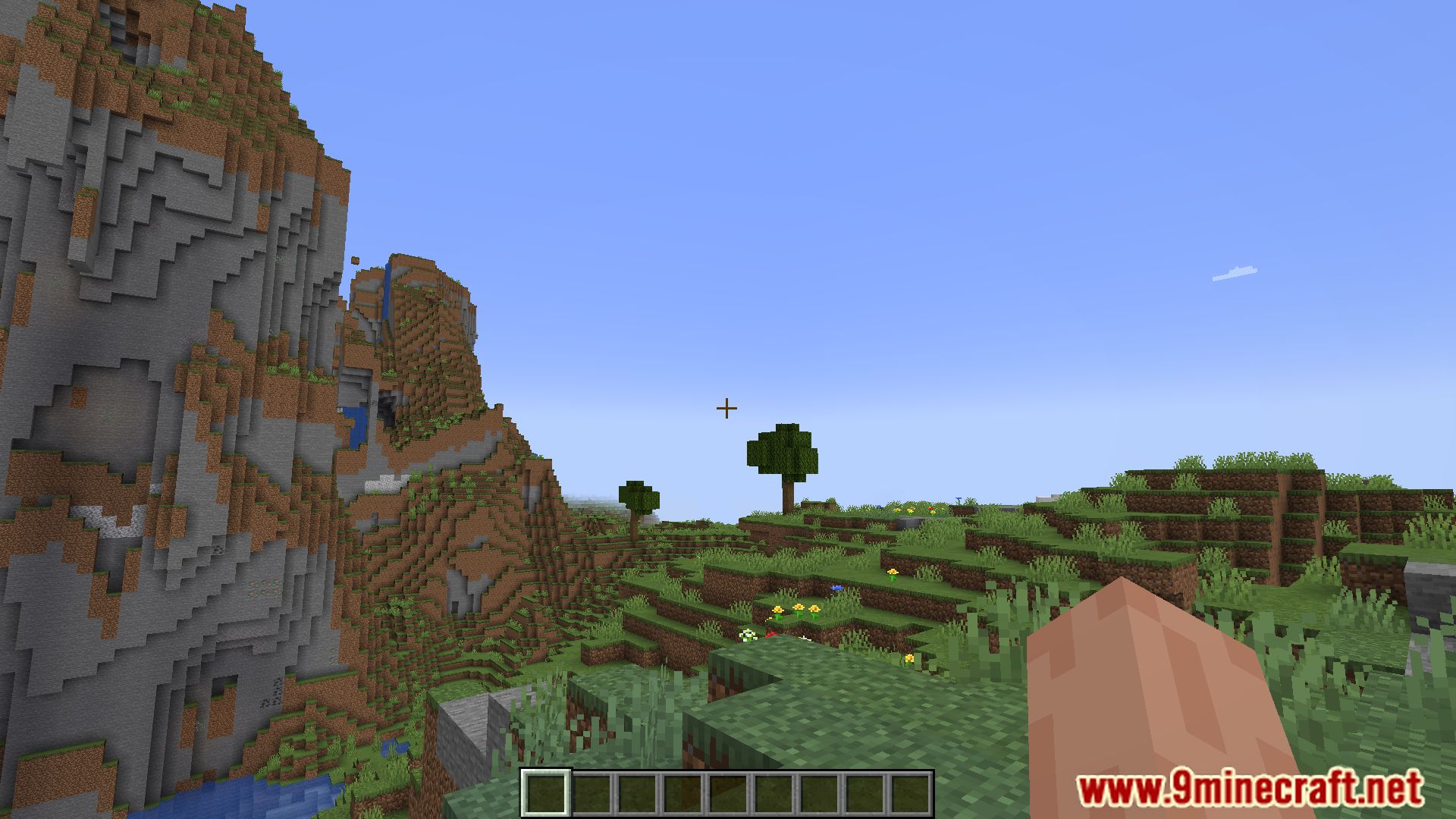
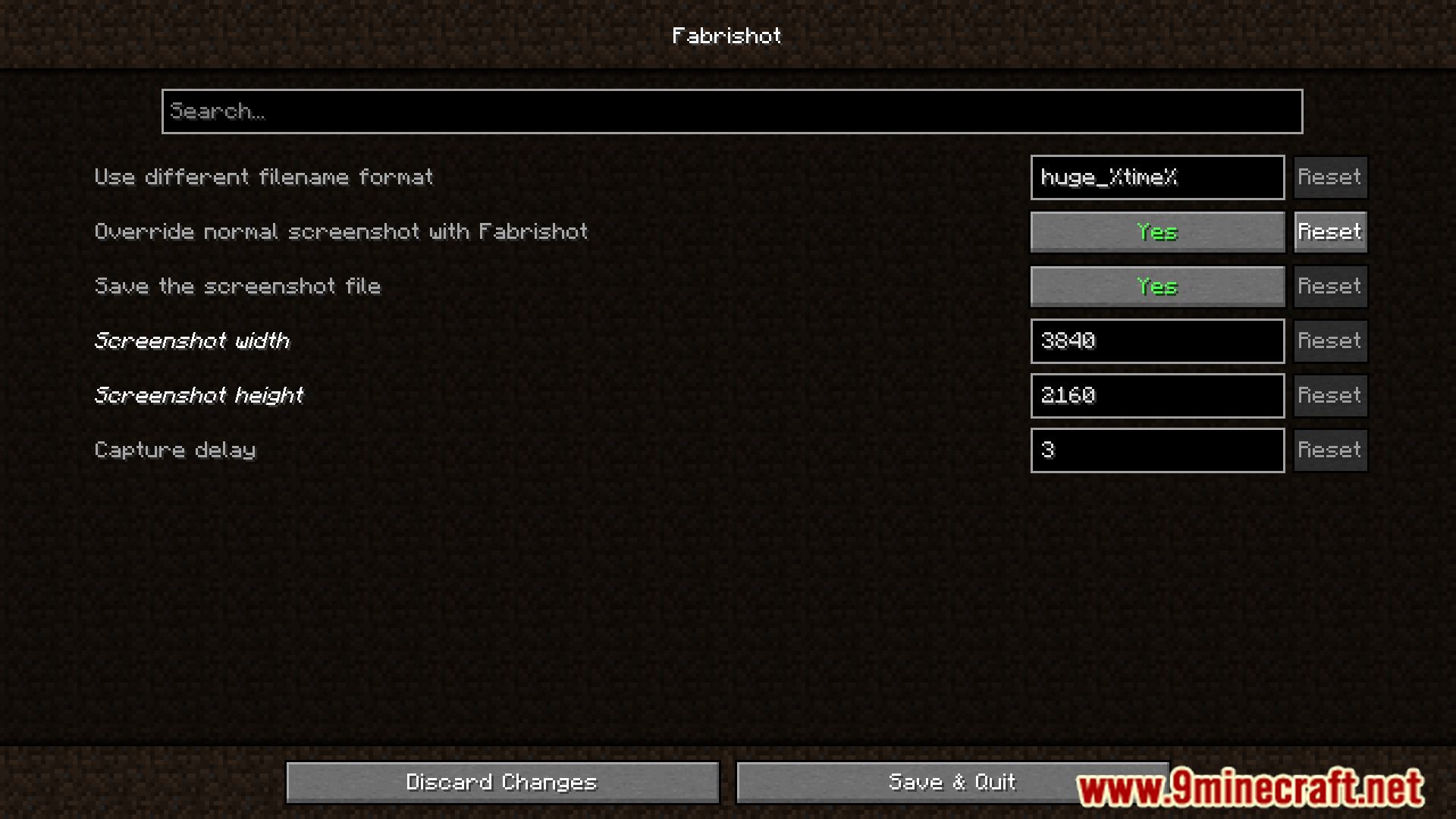
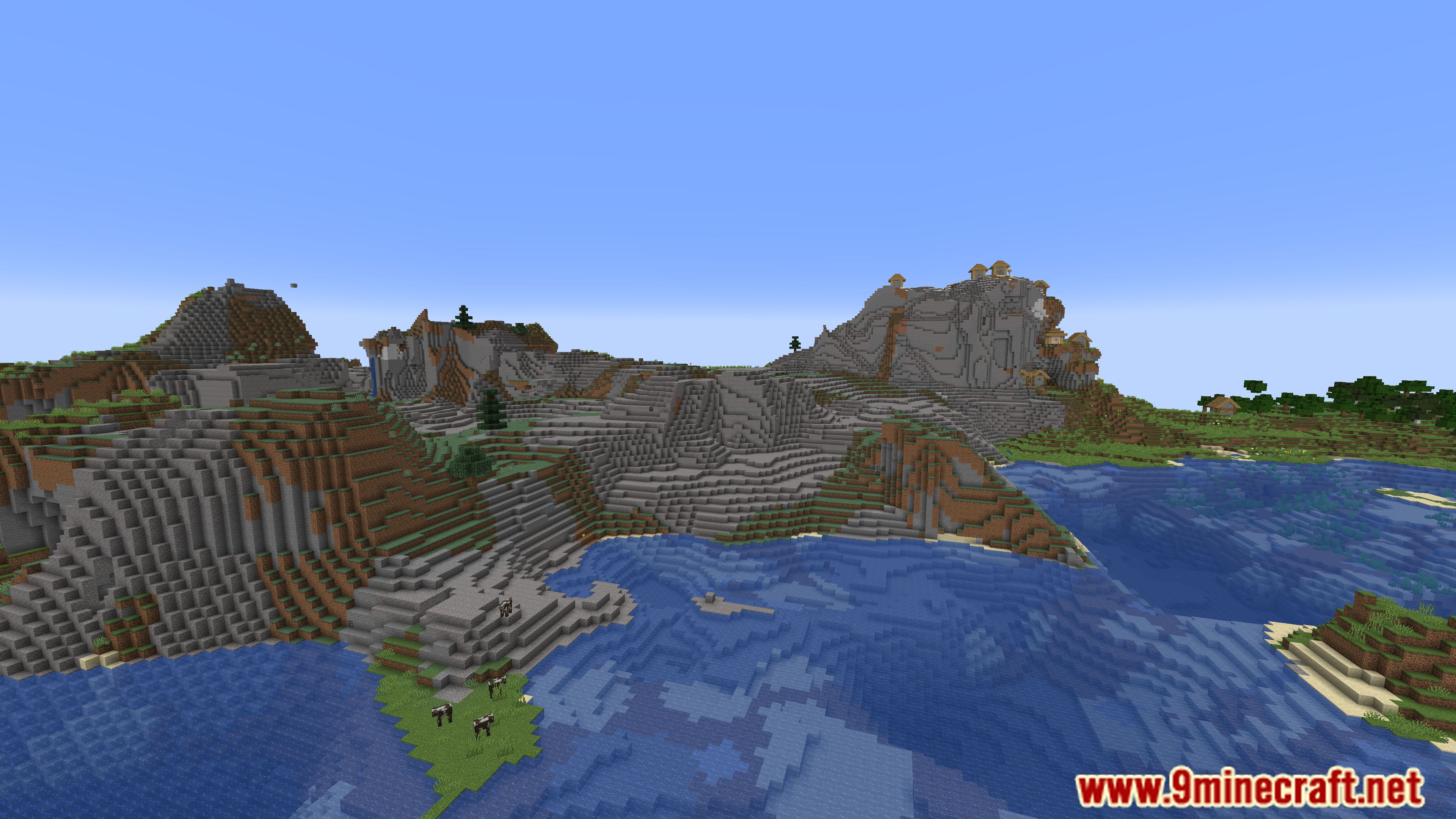
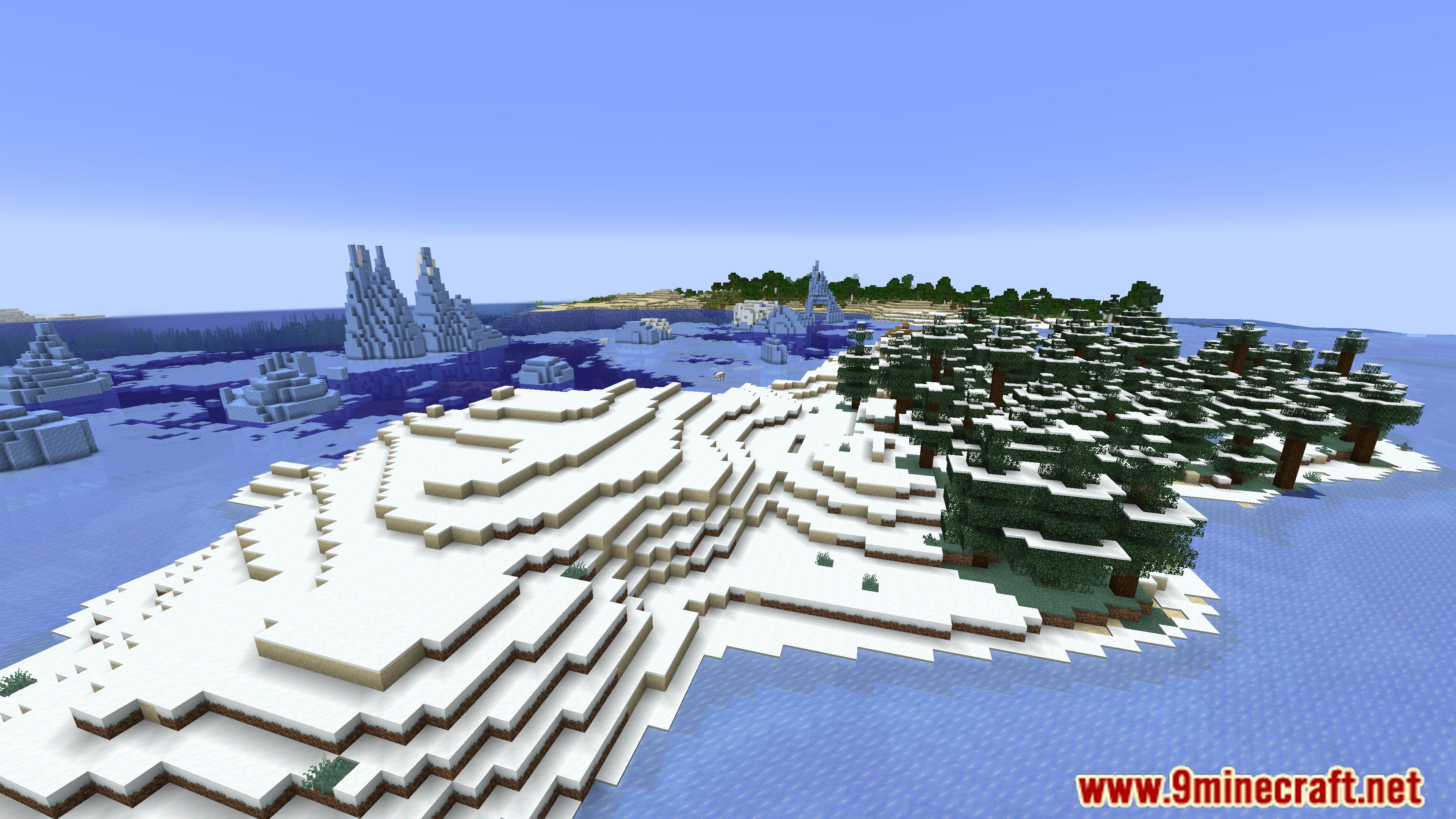
With Fabrishot Mod, you will be able to take screenshots in 4K resolution. To do this, simply press the F9 key.
Features:
- Capture images at resolutions far beyond the default settings.
- Adjust resolution using Mod Menu and Cloth Config.
- Press F9 to take large screenshots instantly.
- Designed to minimize lag while capturing high-quality images.
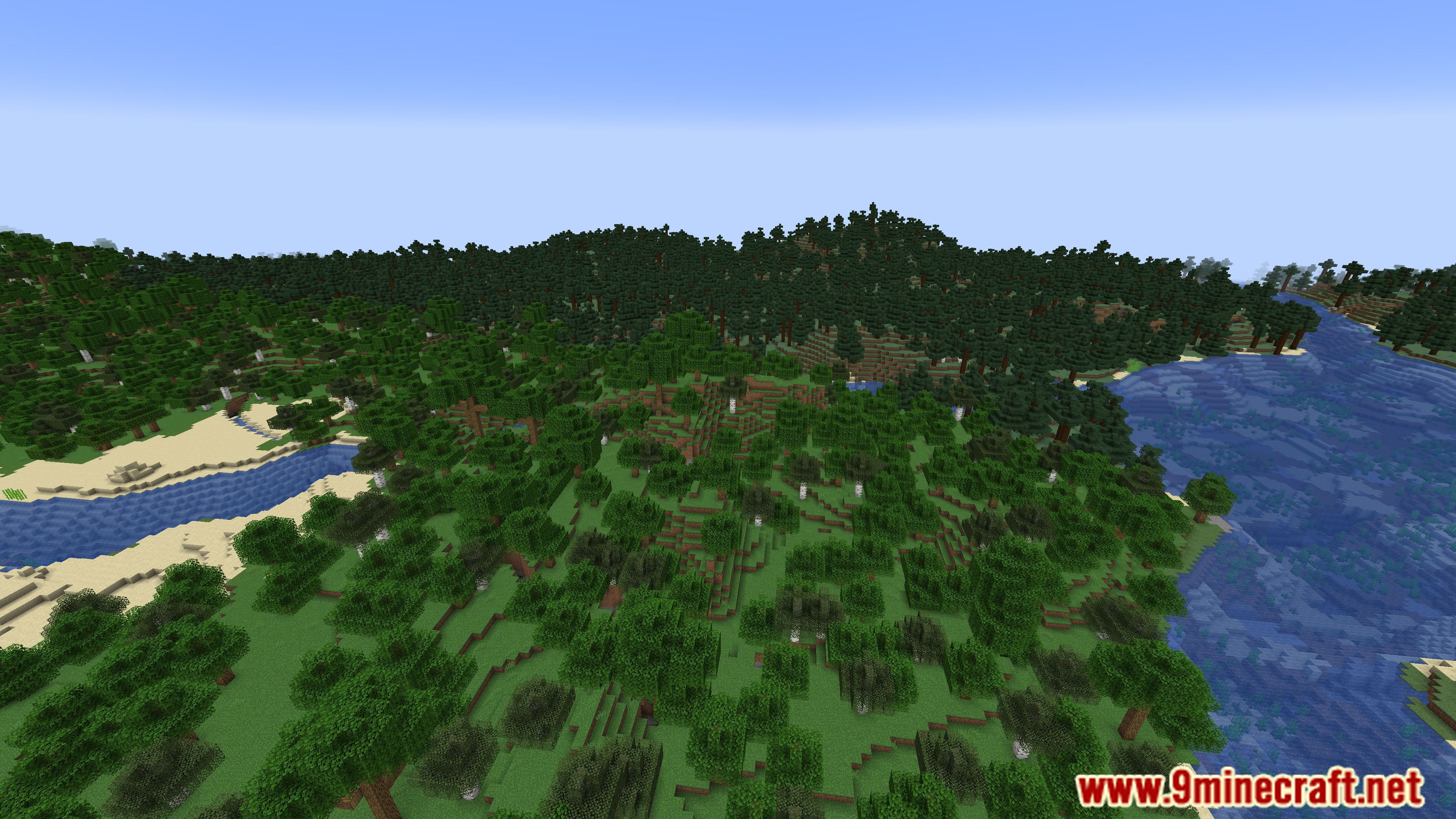
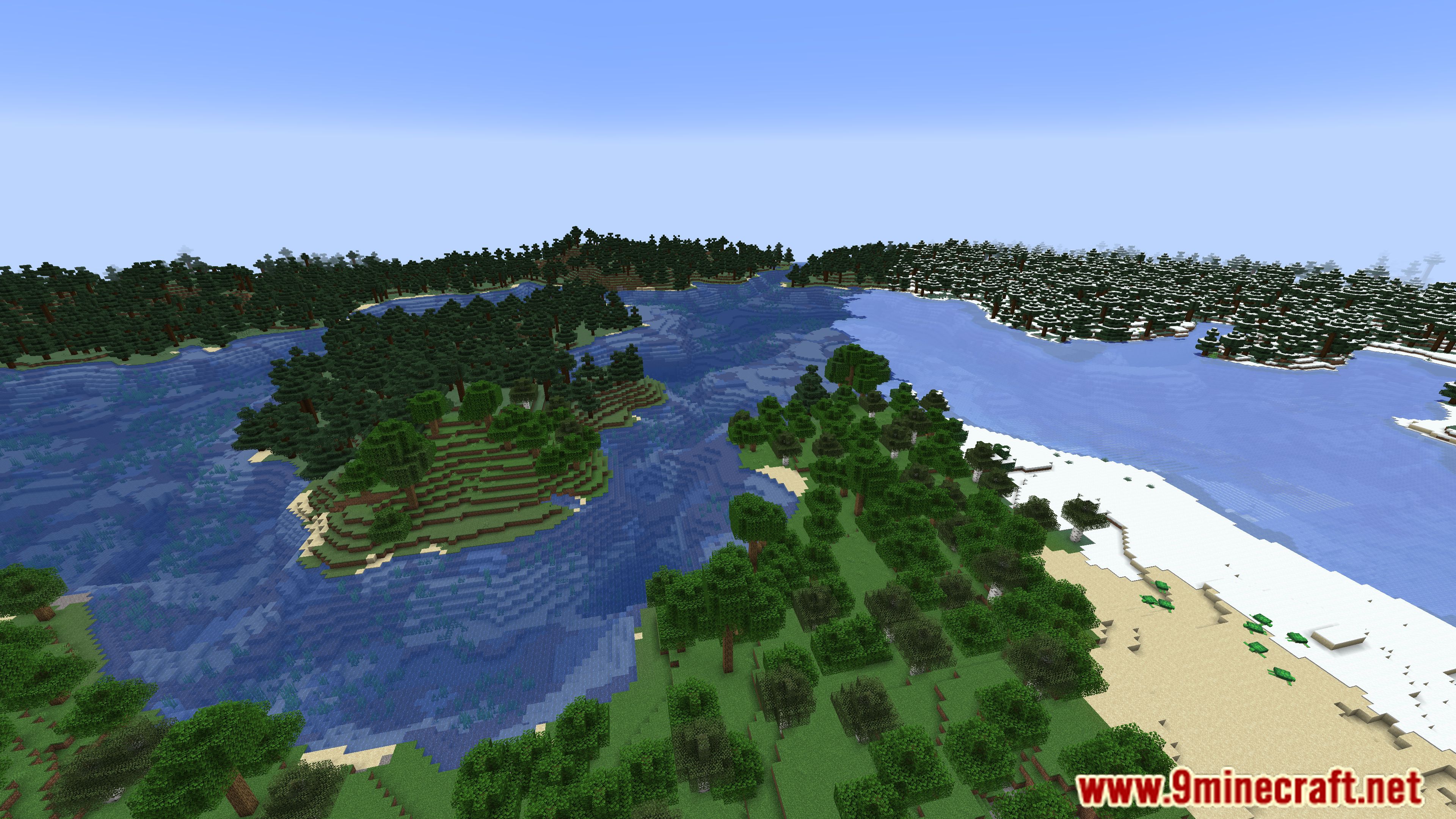
Screenshots:
Fabrishot Mod Download Links
Quick facts
- Edition: Minecraft Java
- File type: .jar
- Minecraft version listed: 1.20.1
- How to install: Install the matching mod loader (Forge, Fabric or NeoForge) for your Minecraft version. → Download the .jar. → Put it in the .minecraft/mods folder and launch that loader profile.
- Where to get it: In MC Java Mods, or directly above on this page.
Install steps are the general flow for this file type — How to install Minecraft Java mods & modpacks walks through it step by step.
File checked by MCModsHub
- Downloads as 27228.mcaddon
- Download size: 50 KB
- Download link checked 25 Sept 2026 — working
- Mirrored on our own servers — the download does not depend on the original host
These come from our own check of the pack file, not from the source page.