
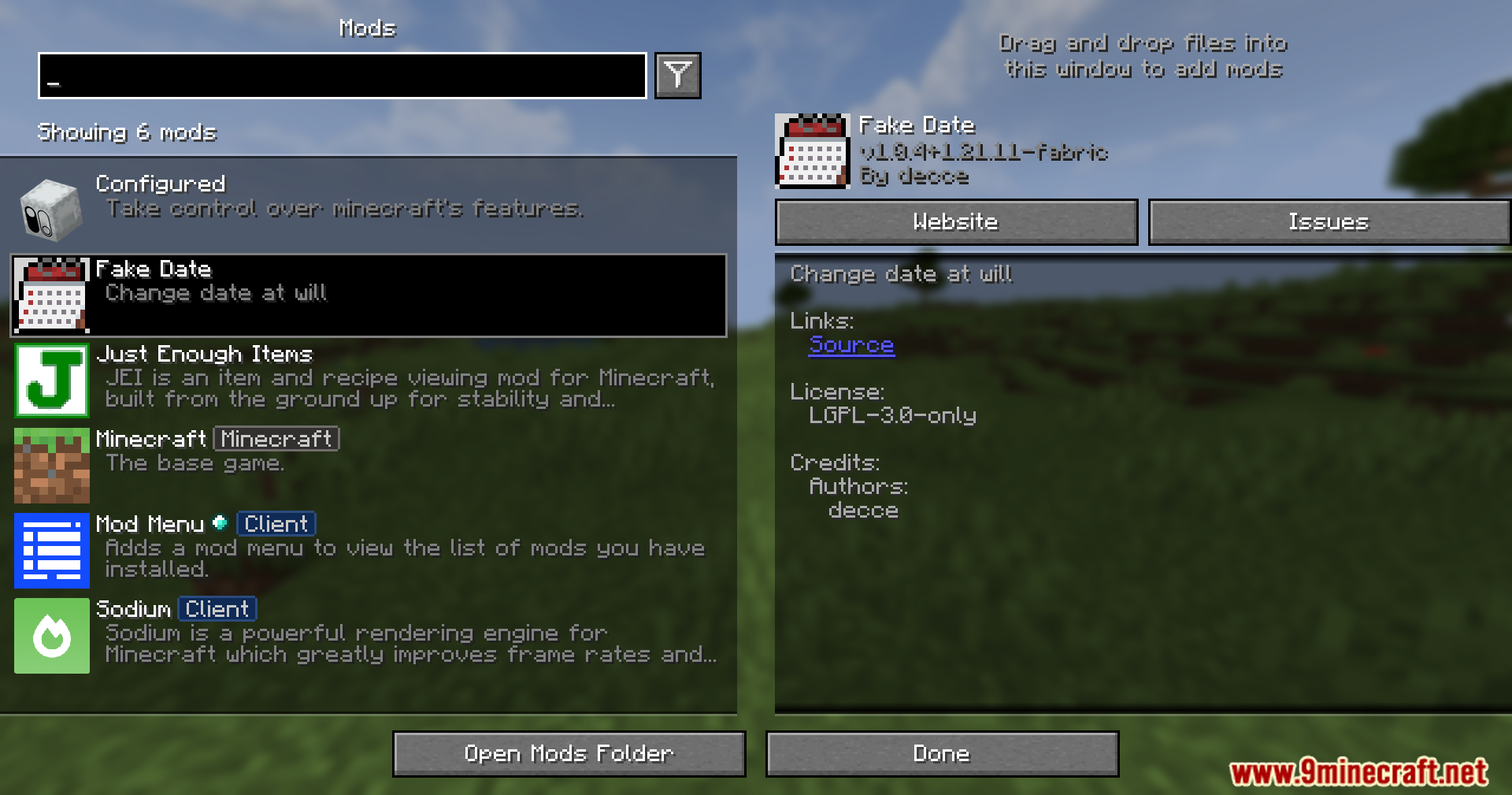


Fake Date Mod lets you change the date inside the game without changing your real computer time. You can use it to play special holiday events on any day you want. It also helps you turn off holiday events from other mods by setting a normal date. You can put this mod on just your game or just a server.
Features:
- Change the game date: You can set a fake year, month, and day in the game.
- Play holiday events: You can see special festival items and changes anytime.
- Turn off holiday events: You can hide festival changes by setting a normal day.
- Works on one side: You can use it alone on your computer without needing it on a server.
Configuration:
- Change the settings in the
config/fakedate.tomlfile. - Set the fake year, month, and day. Use 0 to turn it off.
- Choose which mods see the fake date using a filter.
- Turn on debug messages to see when the date is fake or real.
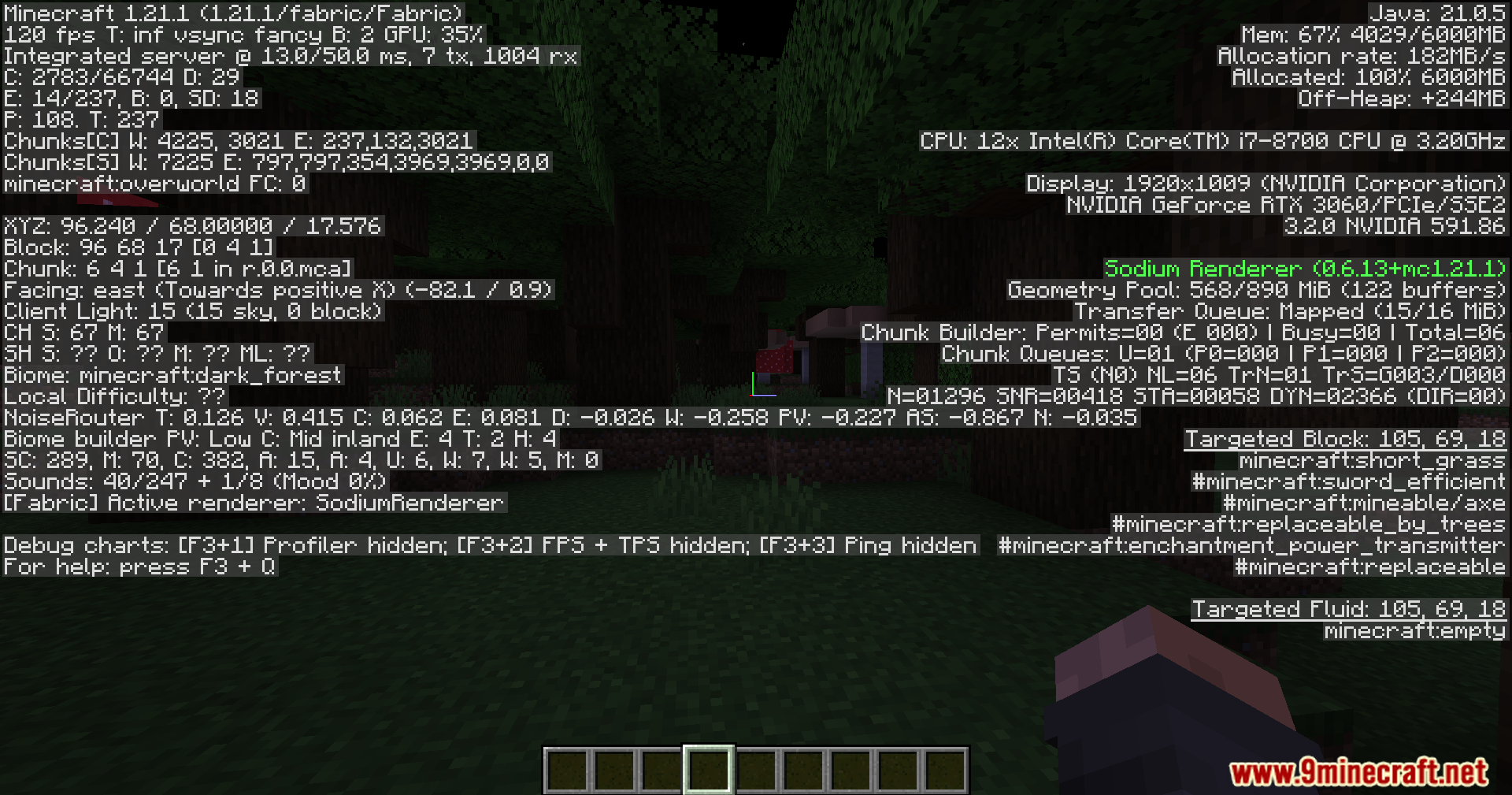
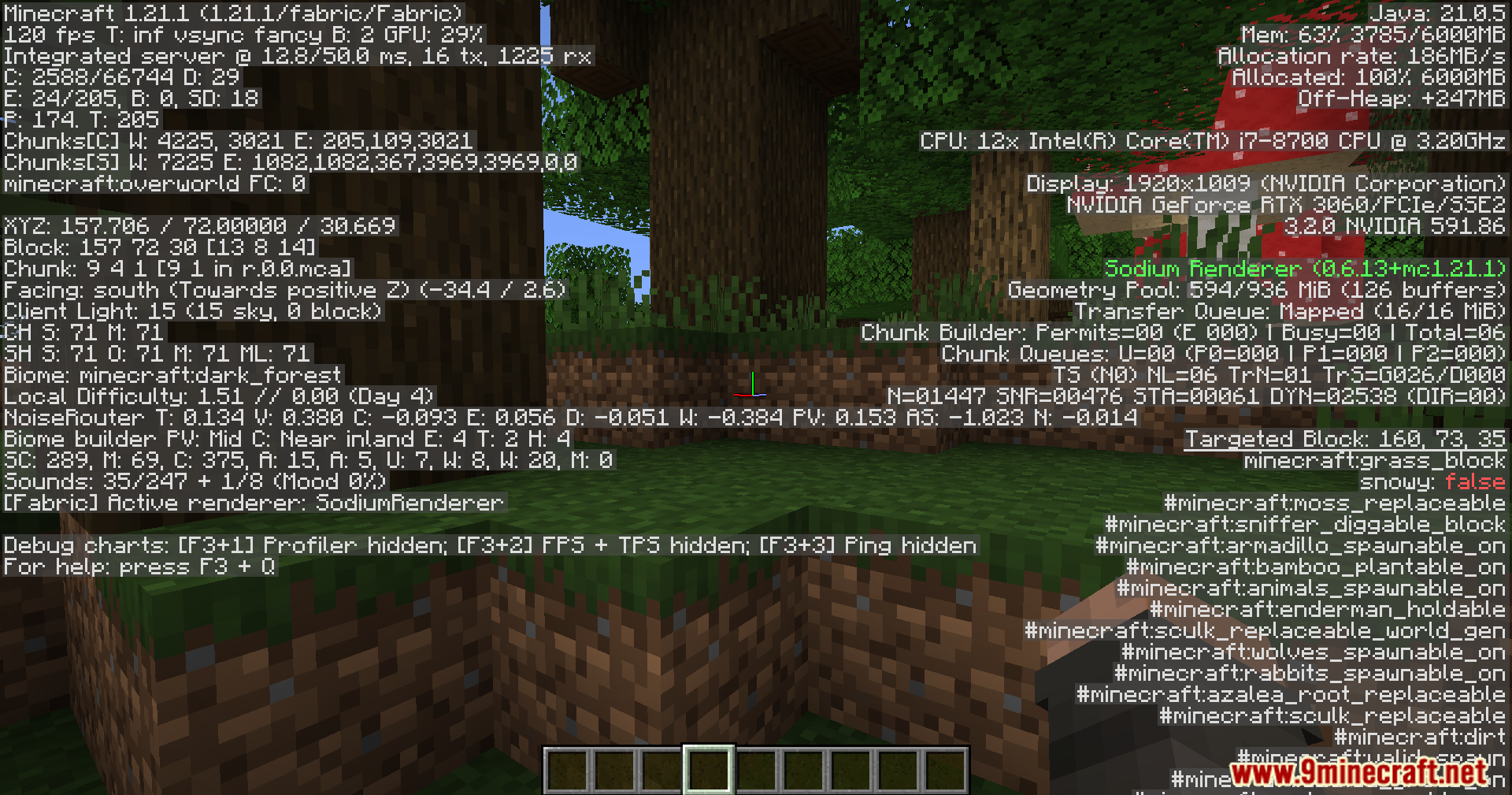
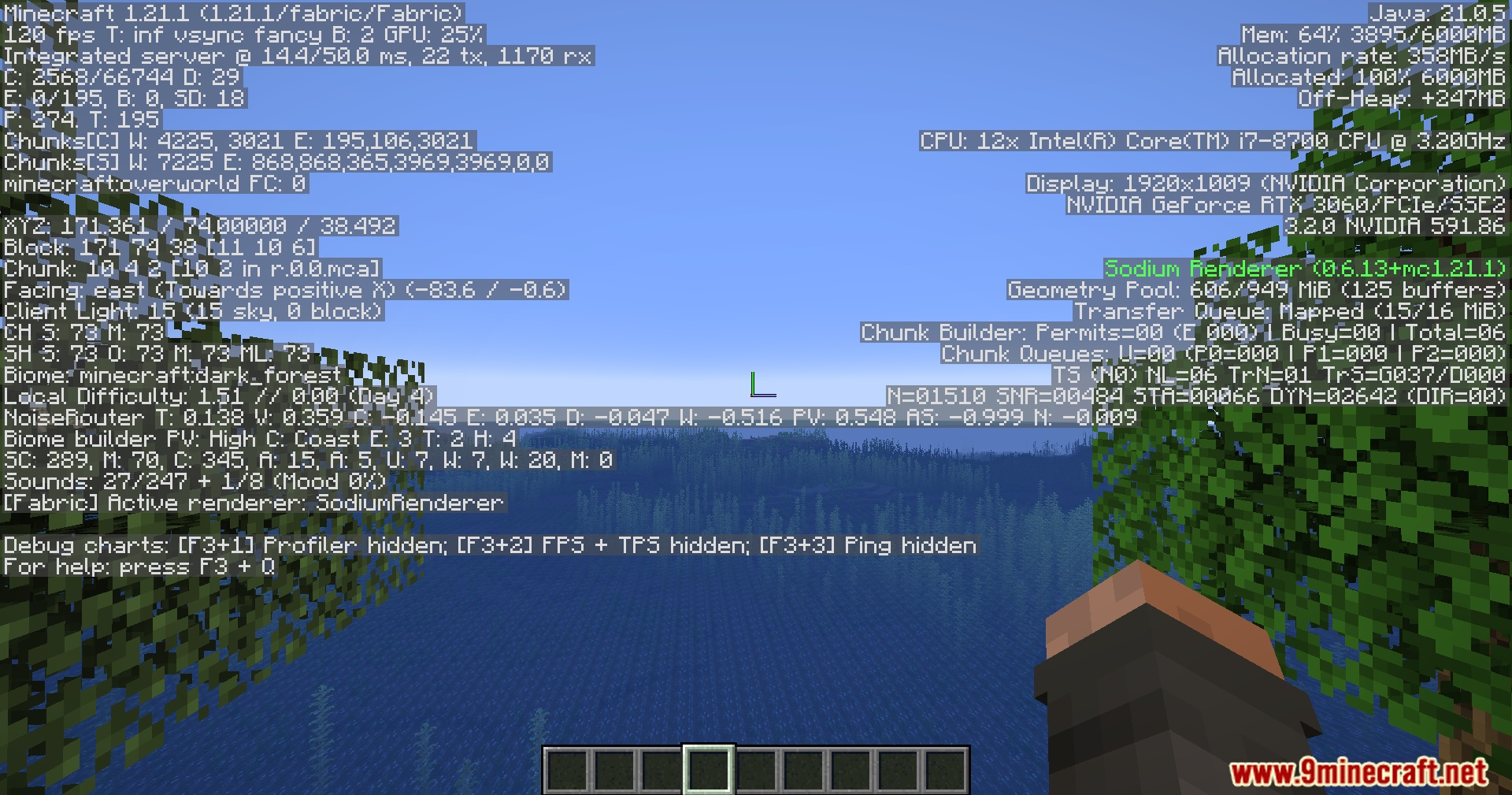
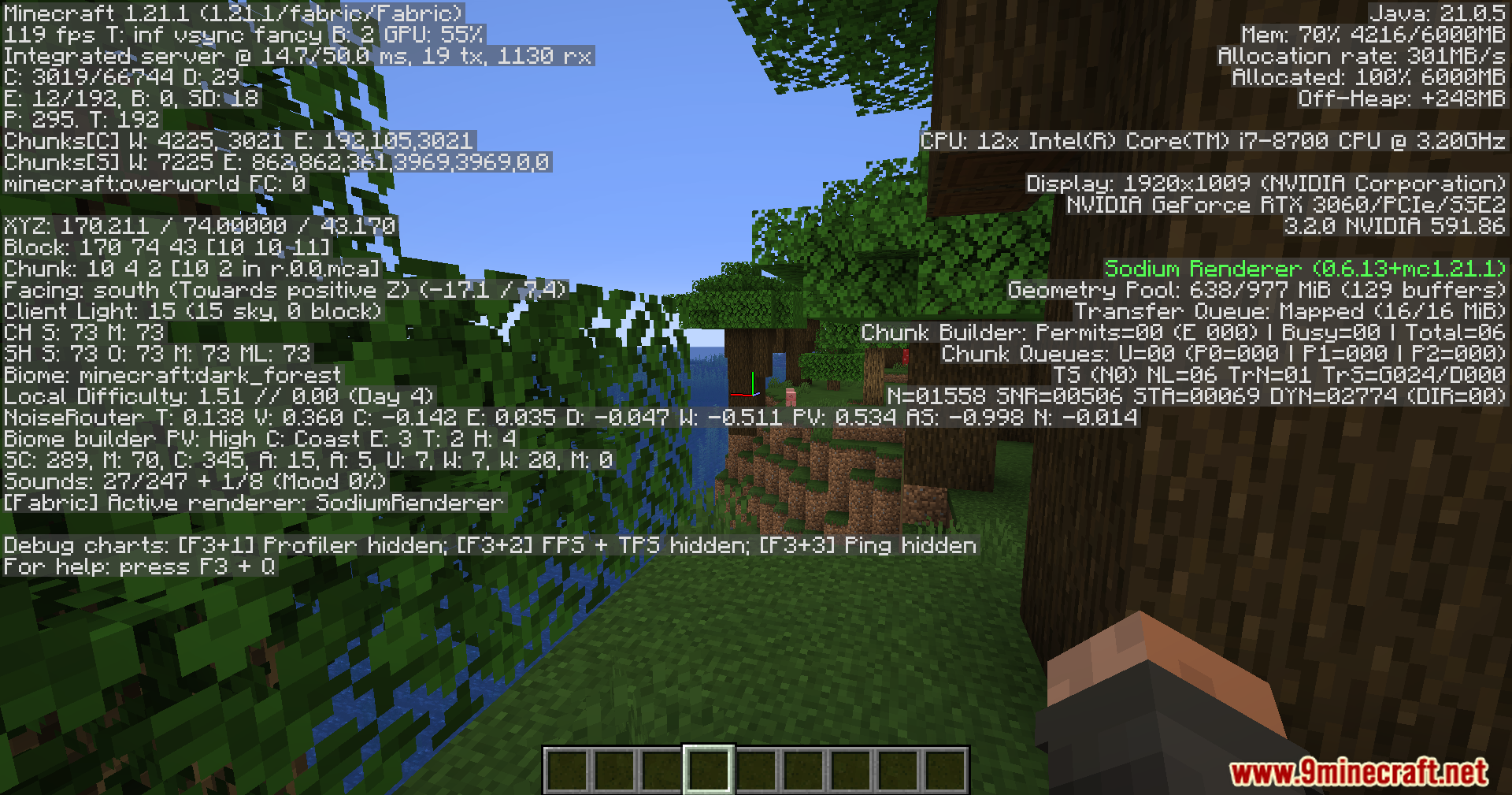
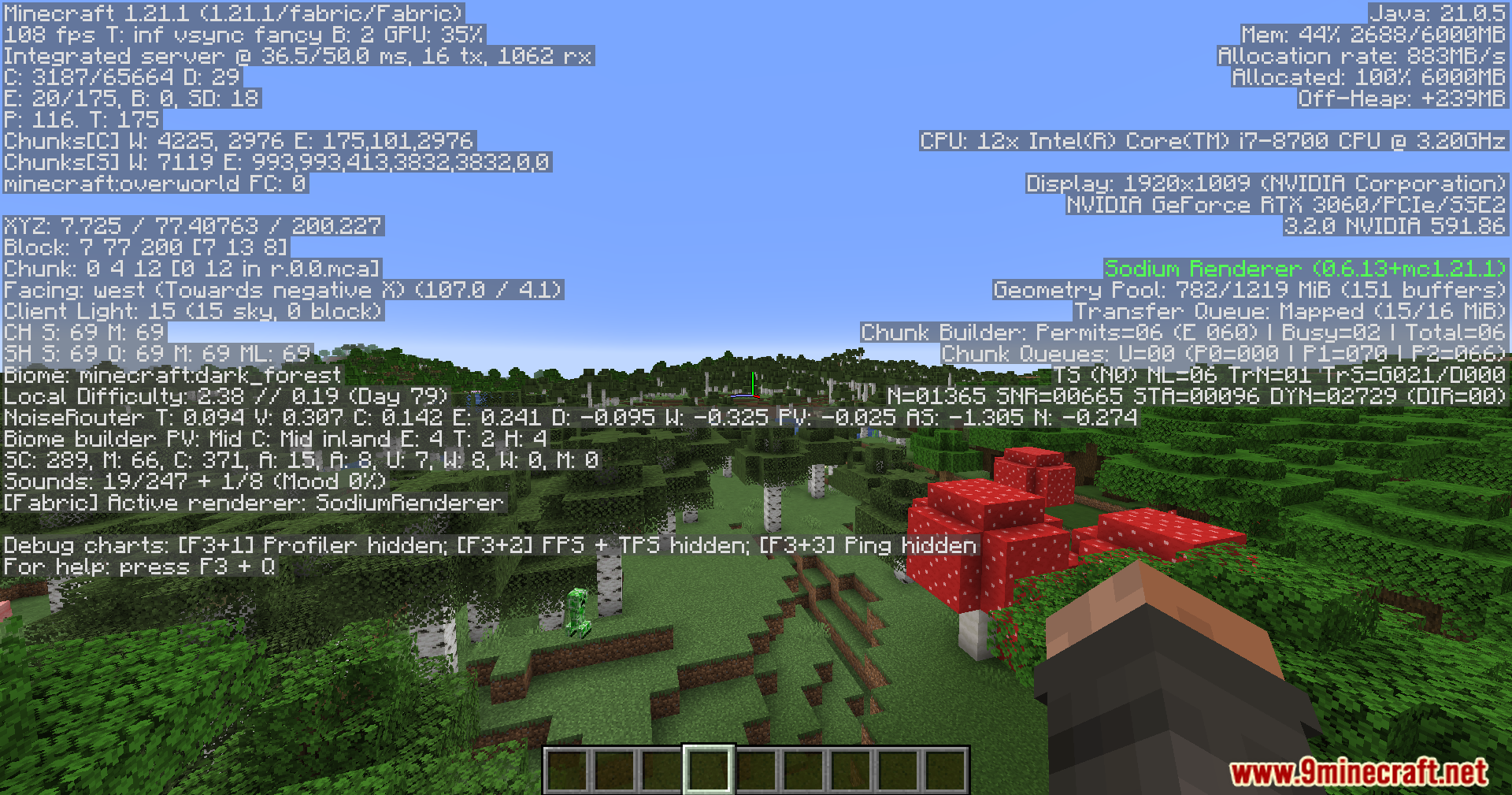
Screenshots:


Fake Date Mod Download Links
Quick facts
- Edition: Minecraft Java
- File type: .jar
- Minecraft version listed: 1.20.1
- How to install: Install the matching mod loader (Forge, Fabric or NeoForge) for your Minecraft version. → Download the .jar. → Put it in the .minecraft/mods folder and launch that loader profile.
- Where to get it: In MC Java Mods, or directly above on this page.
Install steps are the general flow for this file type — How to install Minecraft Java mods & modpacks walks through it step by step.
Verified by MCModsHub
- Downloads as 27246.mcaddon
- Download size: 1.0 MB
- Download link checked 23 Sept 2026 — working
- Mirrored on our own servers — the download does not depend on the original host
These come from our own check of the pack file, not from the source page.